12 Best Notion Project Management Templates for 2026 (Teams, Agencies and Solo)
Notion is one of the most flexible project management tools around, but a blank workspace is where most teams give up. A good project template already has tasks linked to projects, projects linked to people, and views for the board, the timeline and “what’s due this week”. These are the 12 Notion project management templates we’d pick in 2026, from a full PM toolkit to studio-specific project hubs, plus four free ones at the end.
Skip the setup: Project Team & Resource Management Notion Template gives you this workflow ready to duplicate, with a step-by-step guide. Also popular with readers: Social Media Management for Agencies.
Quick picks
- Best overall: Project Manager Toolkit (7 templates)
- Best for formal projects: Project Management with AI
- Best simple option: Project Management Simplified
- Best for launches: Product Launch OS
General project management
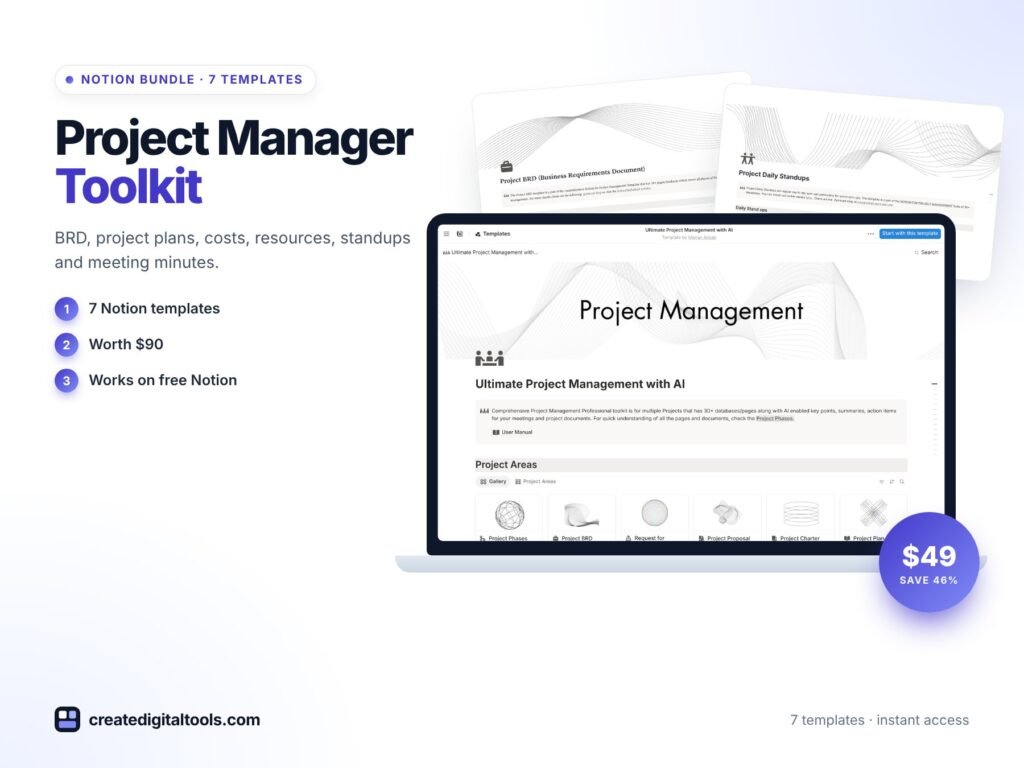
1. Project Manager Toolkit · $49
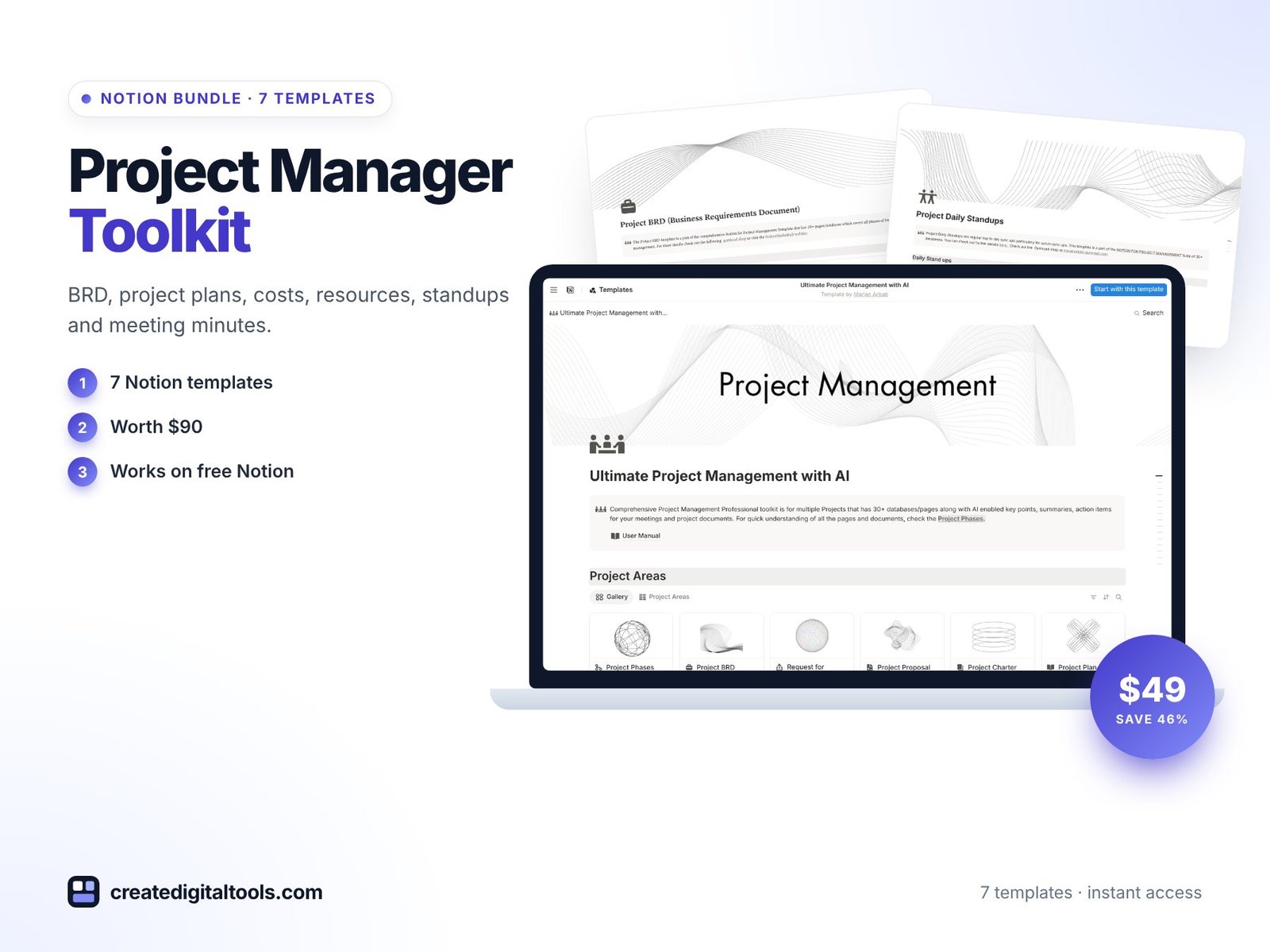
Best for: project managers and team leads who want the whole set.
Seven templates in one kit (a $90 value): BRD, project plans, project costs, resources, standups and meeting minutes, so every stage from scoping to the weekly check-in is covered.
2. Project Management with AI · $49
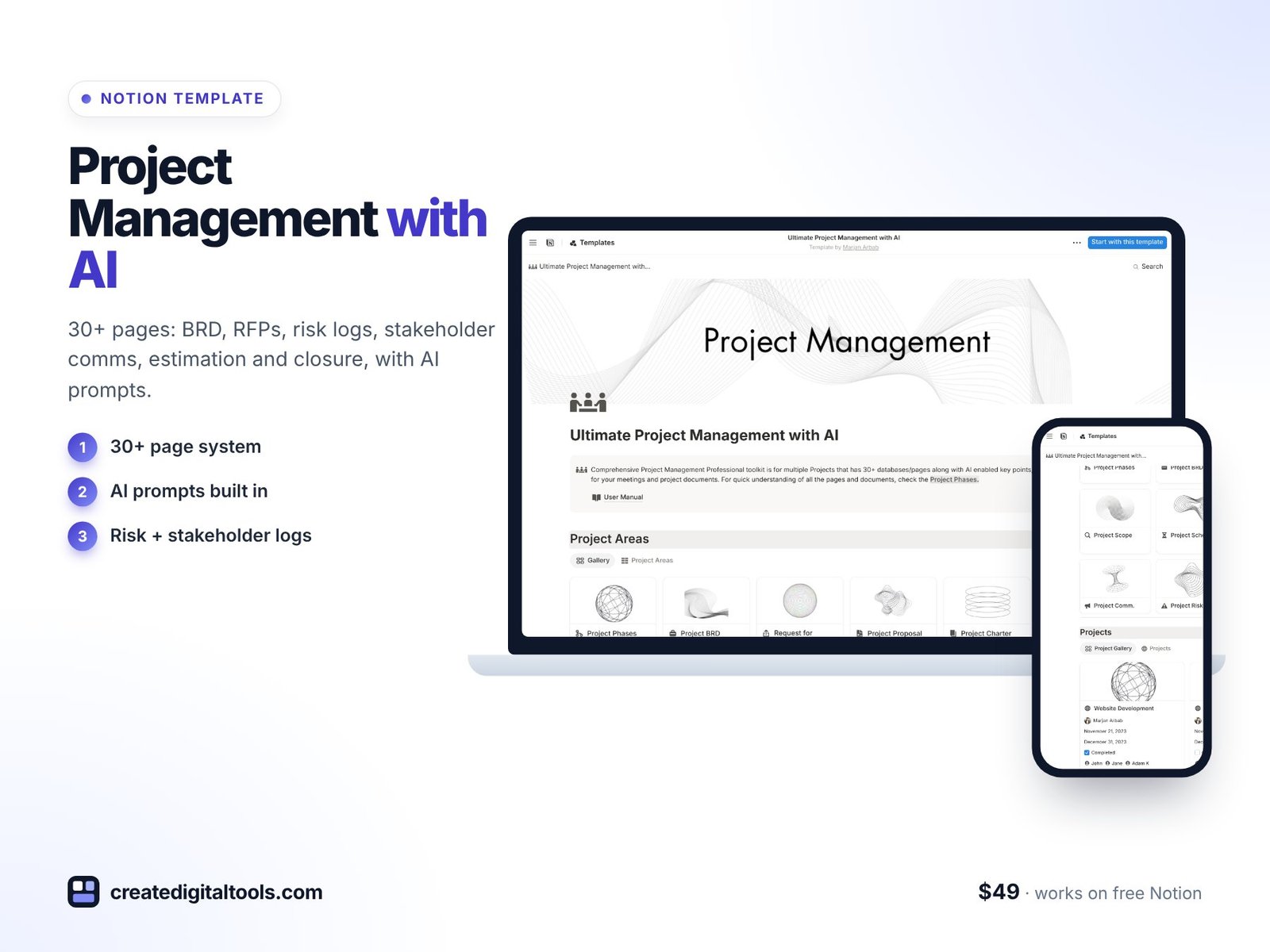
Best for: PMs running formal projects with stakeholders and sign-offs.
A 30+ page system covering every phase: BRD, RFPs, risk logs, stakeholder communications, resource estimation and project closure, with AI prompts built in to draft documents faster.
3. Project Management Simplified · $29
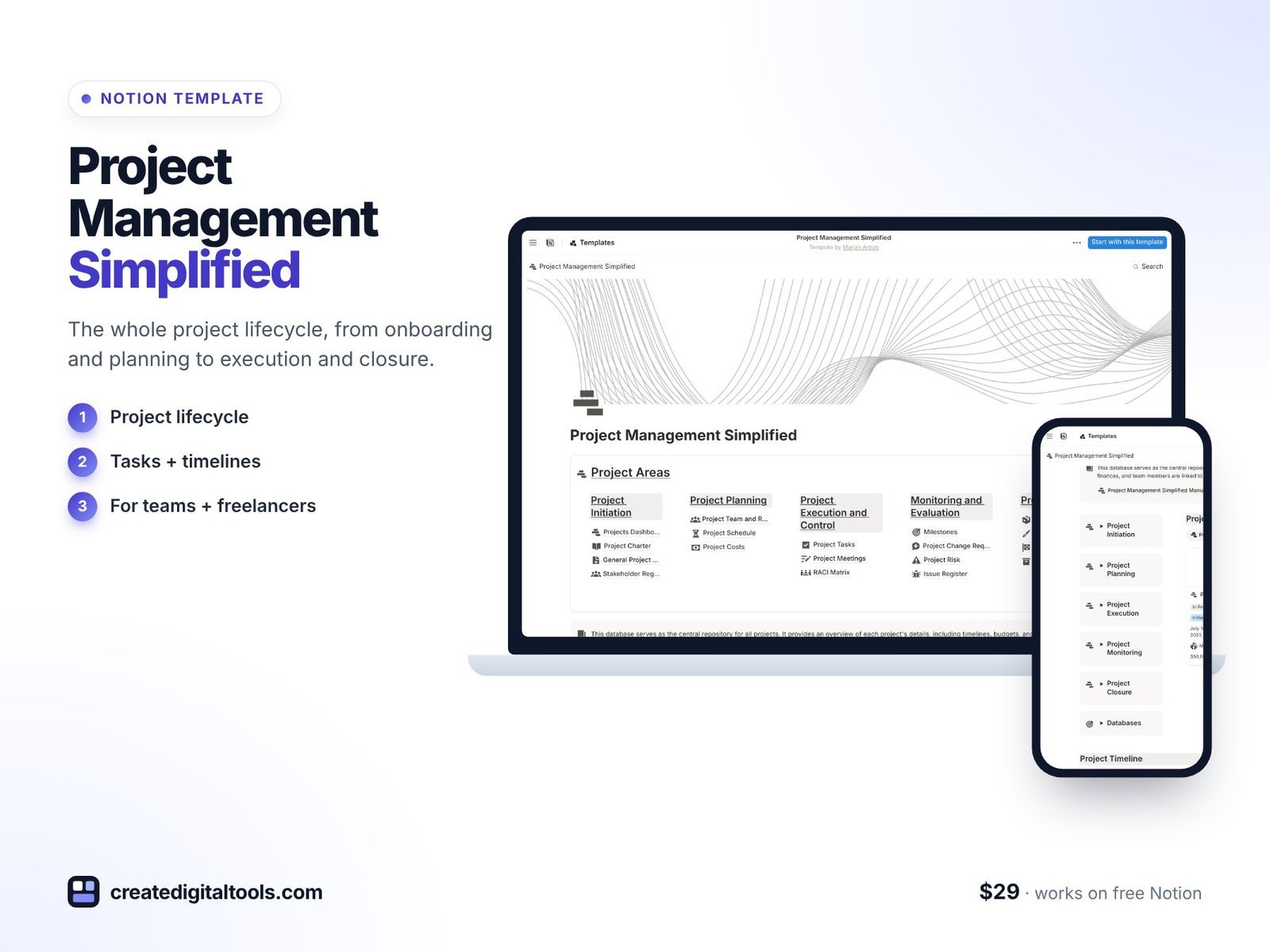
Best for: small teams, freelancers and consultants who want structure without the paperwork.
The whole project lifecycle from onboarding and planning to execution and closure, with boards and timelines ready to go.
4. Product Launch OS · $29
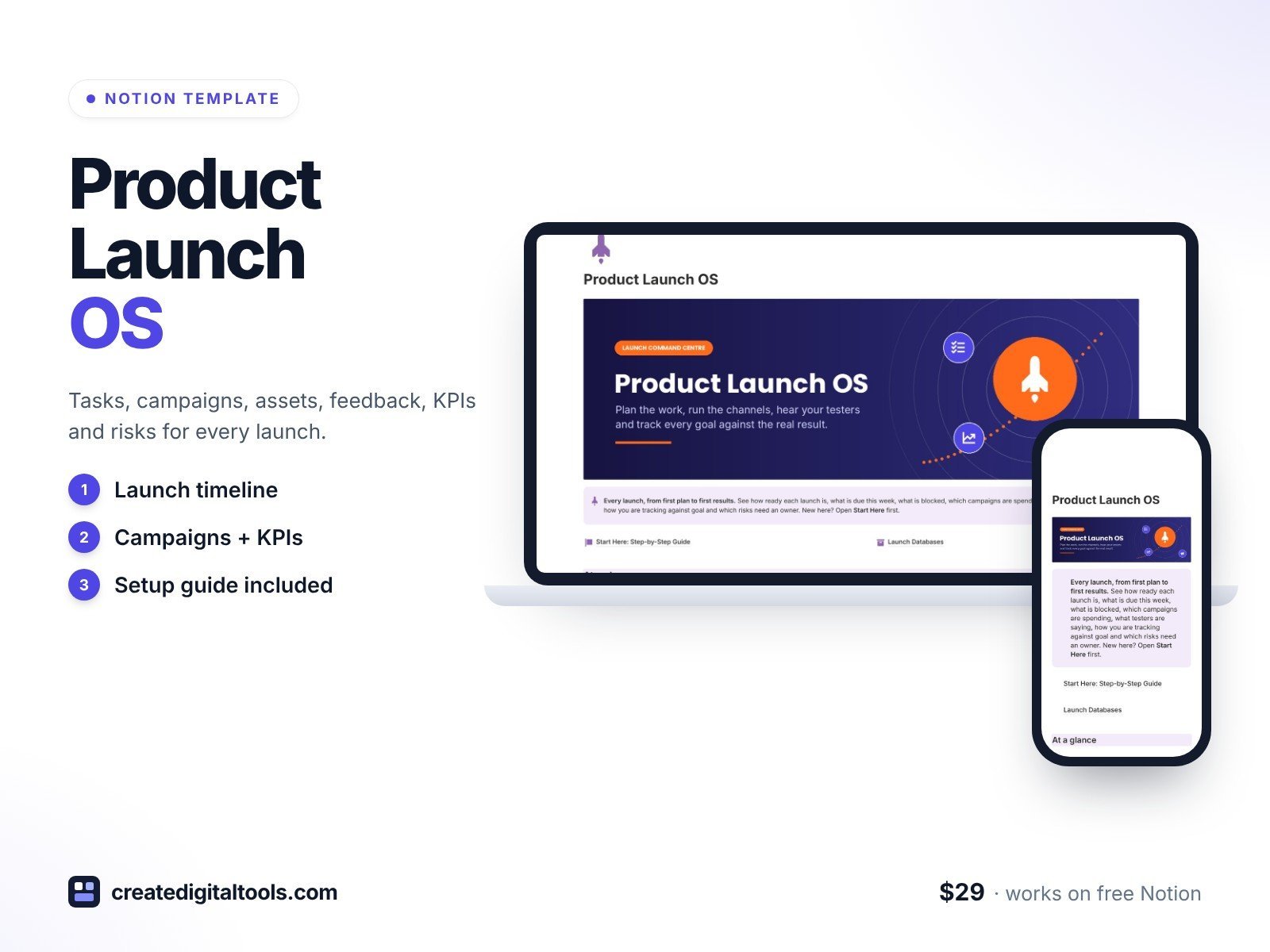
Best for: product and marketing teams shipping launches.
Tasks, campaigns, assets, beta feedback, KPIs and risks linked to each launch, with a readiness percentage and goal vs actual results.
5. Budget Command Center · $29
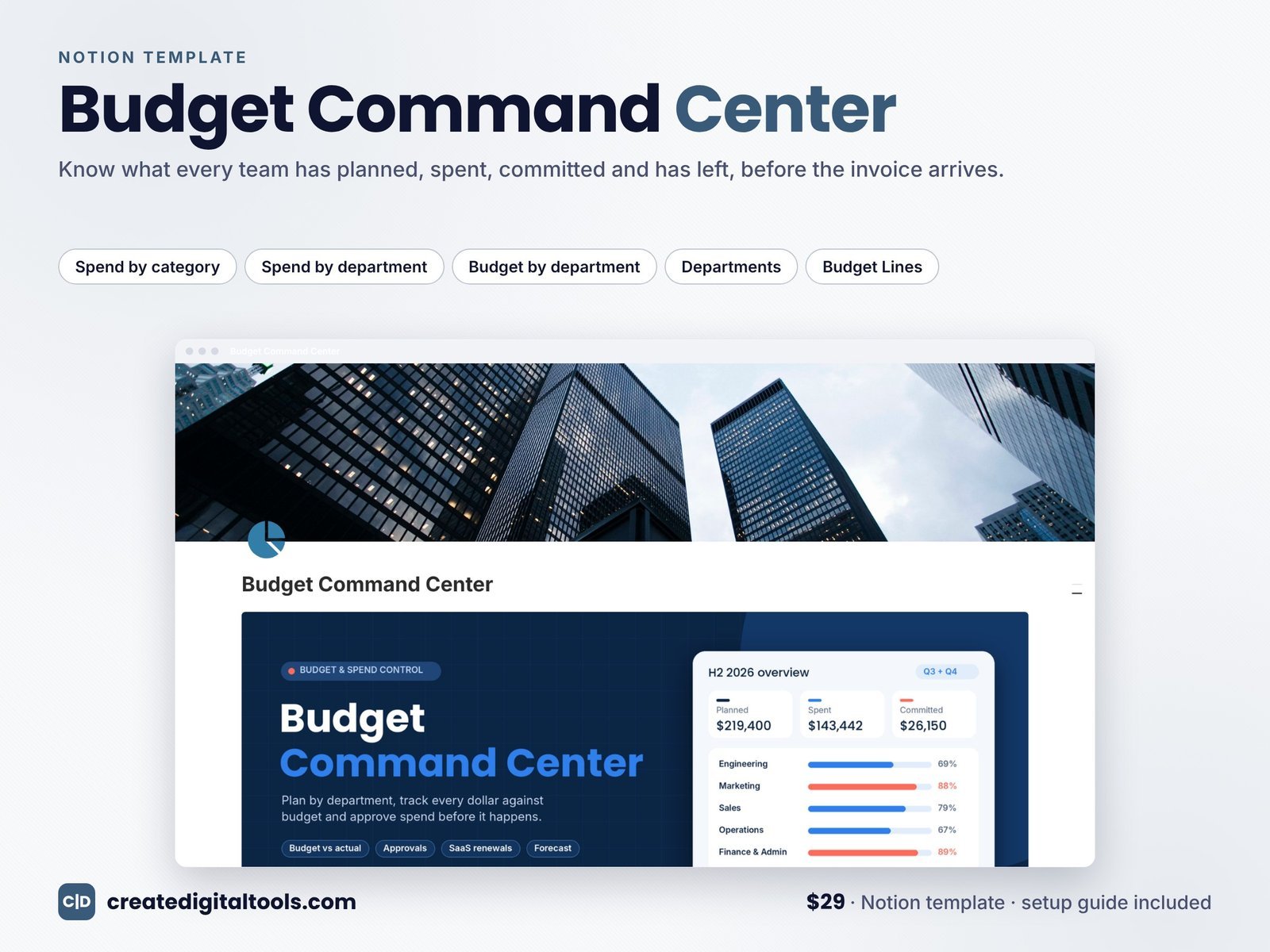
Best for: PMOs and team leads who own a budget.
See what every team has planned, spent, committed and has left, before the invoice arrives.
Client and agency projects
6. Freelance Projects and Client Onboarding · $39
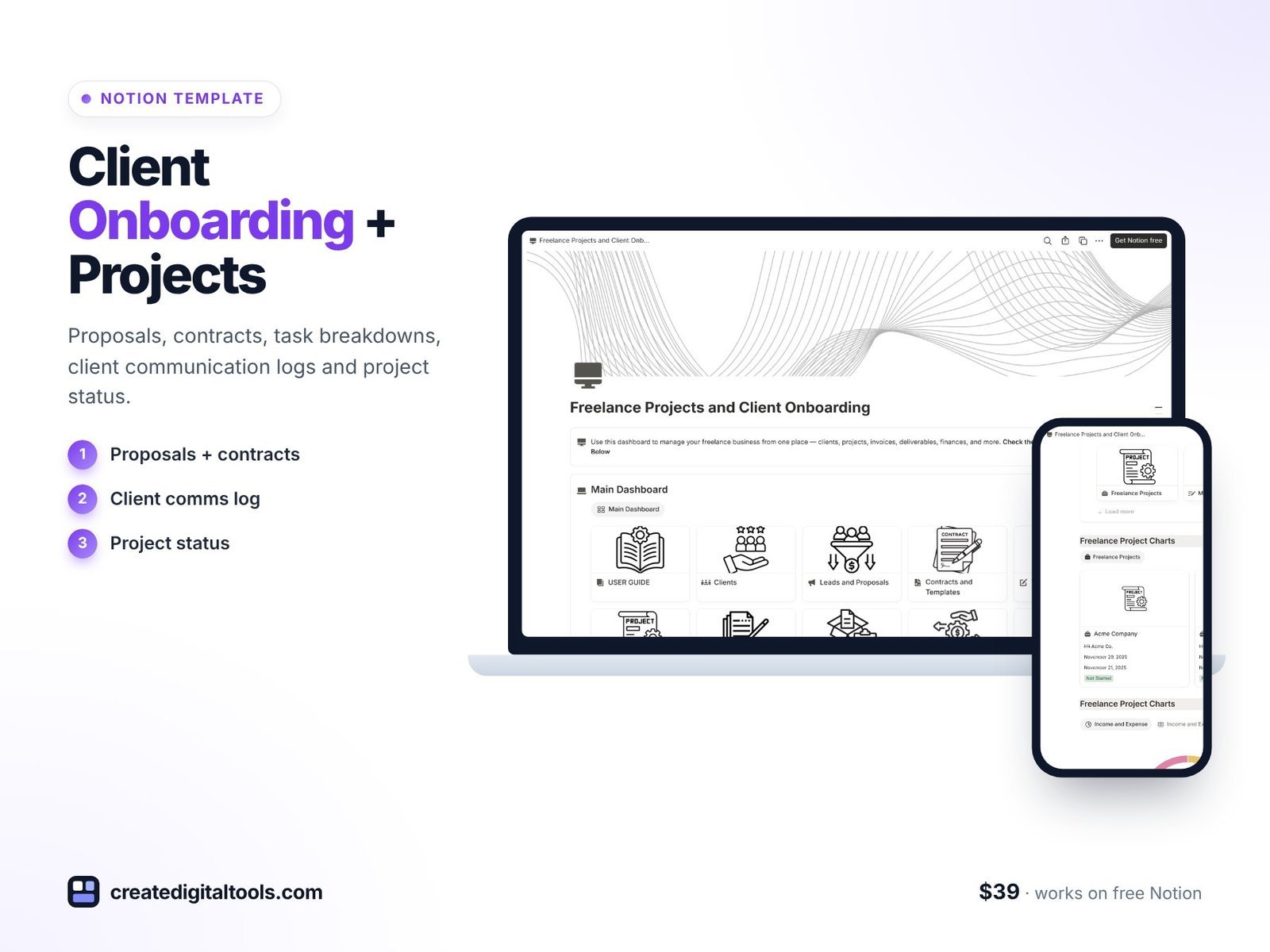
Best for: freelancers delivering client projects.
Proposals, contracts, task breakdowns, client communication logs and project status in one place.
7. Creative Agency Project OS · $29
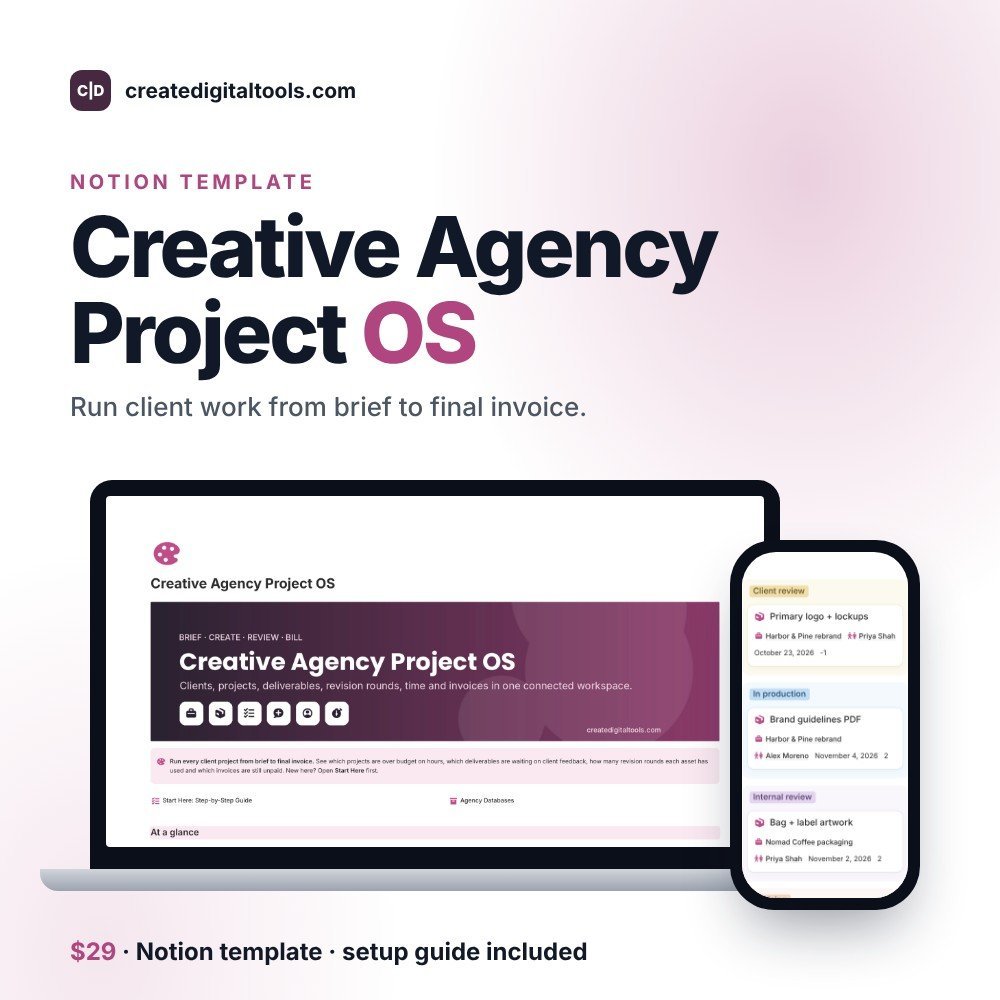
Best for: design and creative agencies.
Clients, projects, deliverables, revision rounds, time log and invoices: 8 linked databases with automations and sample data.
8. Video Production Project HQ · $19
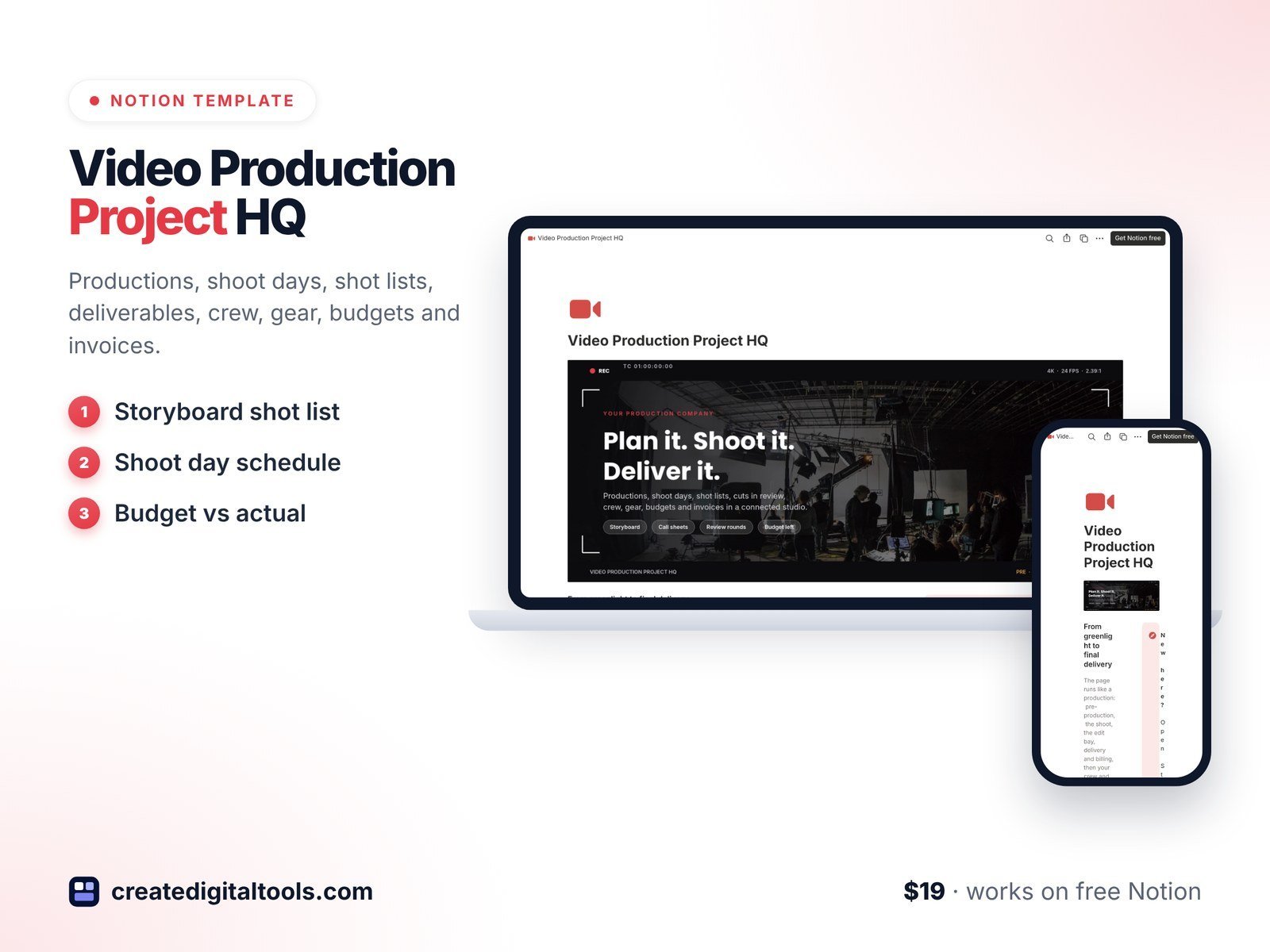
Best for: videographers and small production companies.
Productions, shoot days, shot lists, deliverables, crew, gear, budgets and invoices.
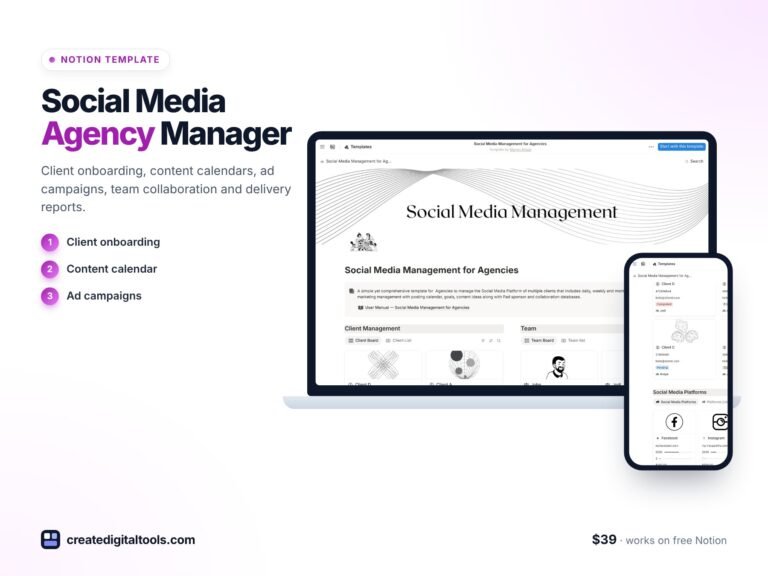 Social Media Management for Agencies Notion template$39.00 →
Design and construction projects
9. Construction Project Manager · $79
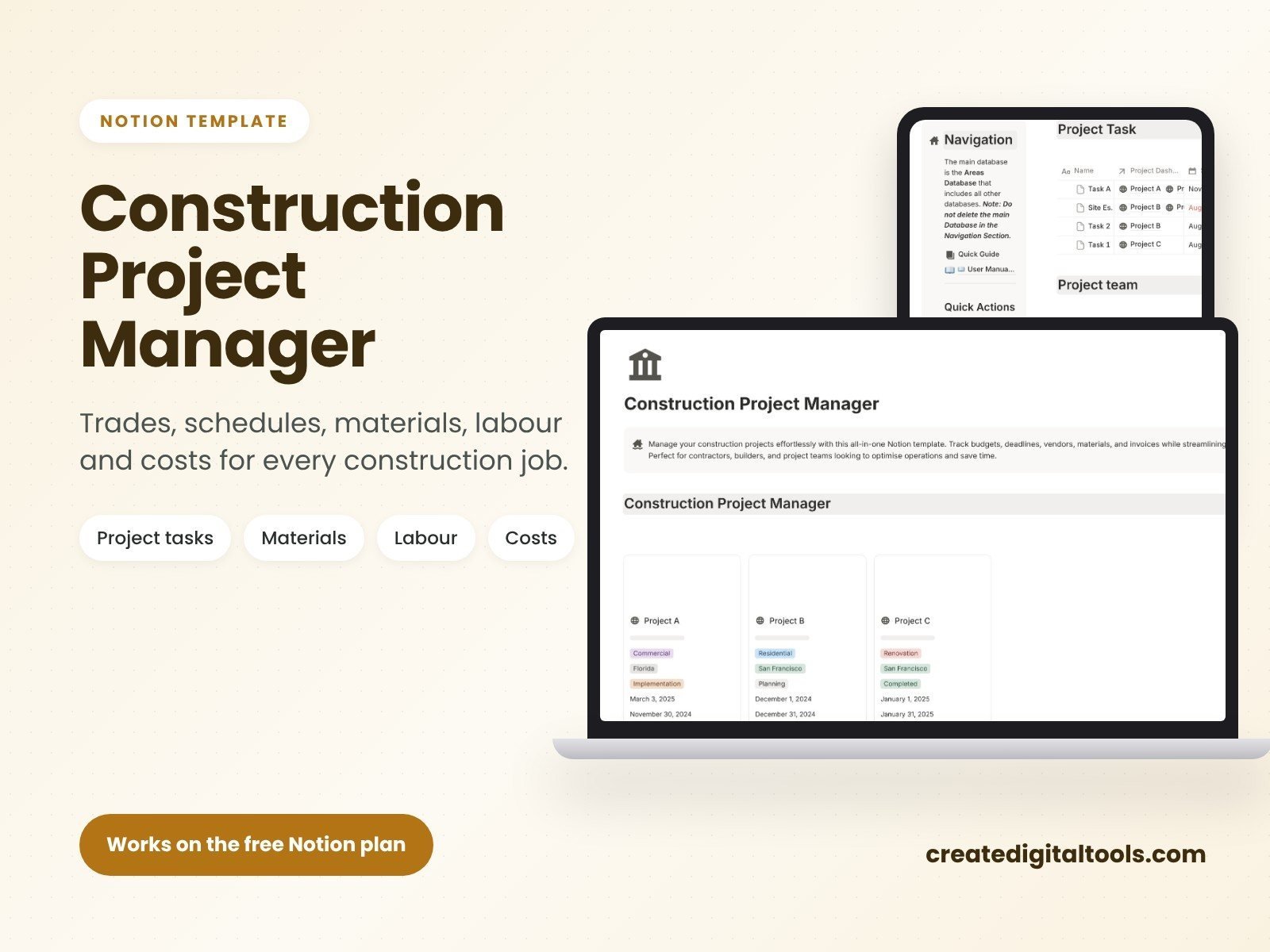
Best for: contractors running several jobs at once.
Trades, schedules, materials, labour and costs for every construction job, all connected.
10. Architecture Project HQ · $19
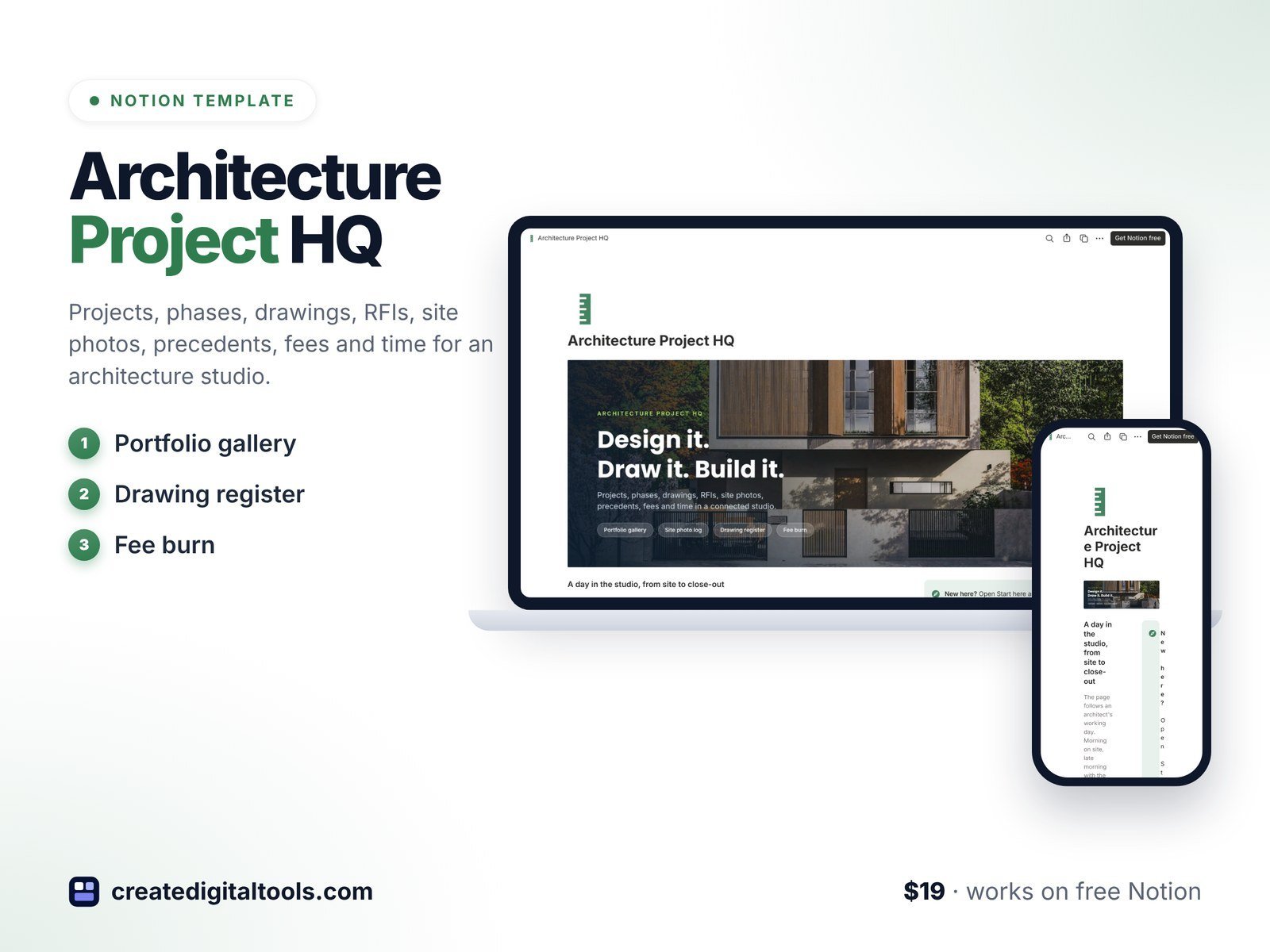
Best for: small architecture studios.
Projects, phases, drawings, RFIs, site photos, precedents, fees and time.
11. Interior Design Project HQ · $19
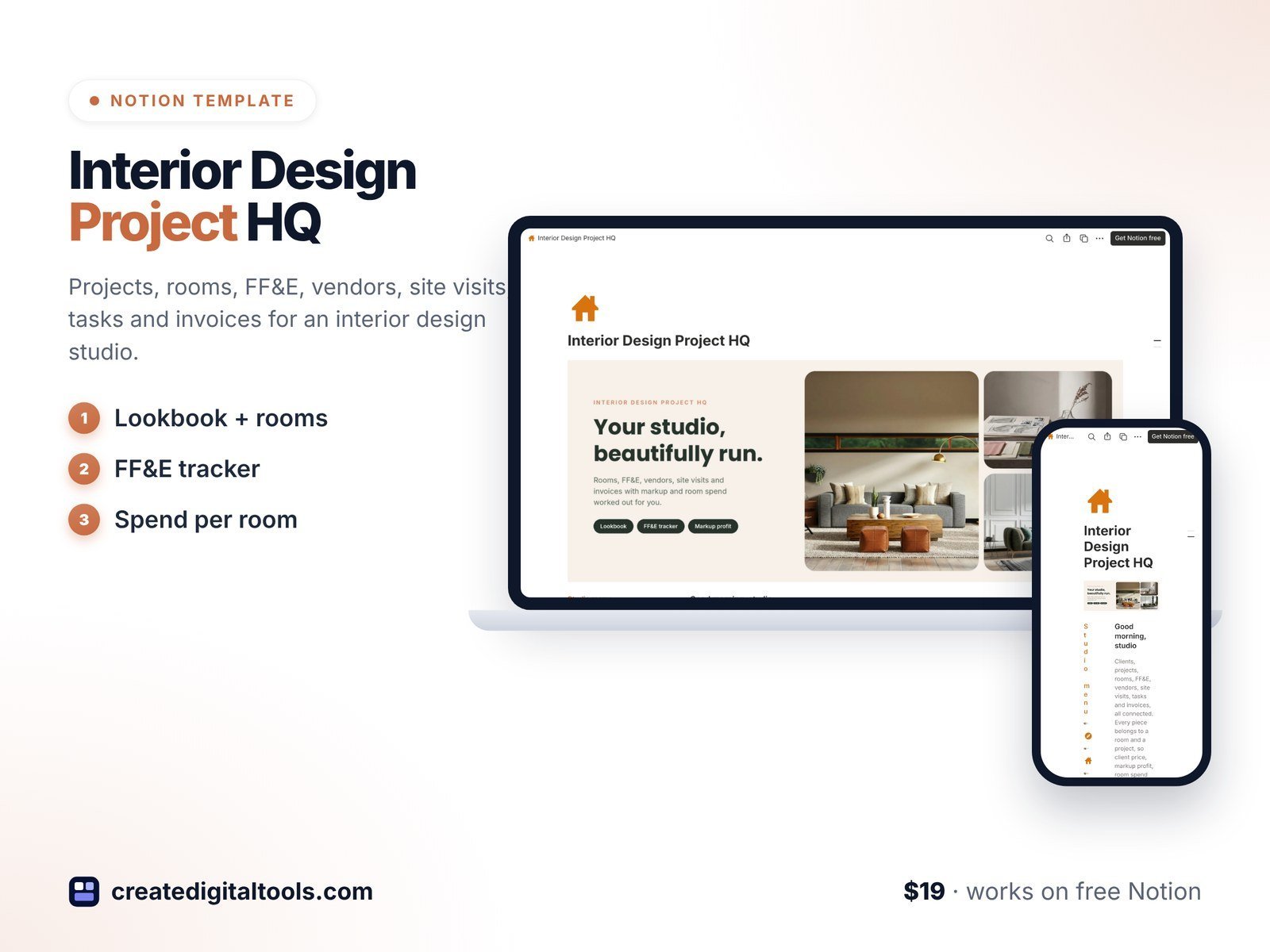
Best for: interior designers.
Projects, rooms, FF&E schedules, vendors, site visits, tasks and invoices.
12. Strategic Planning System · $49
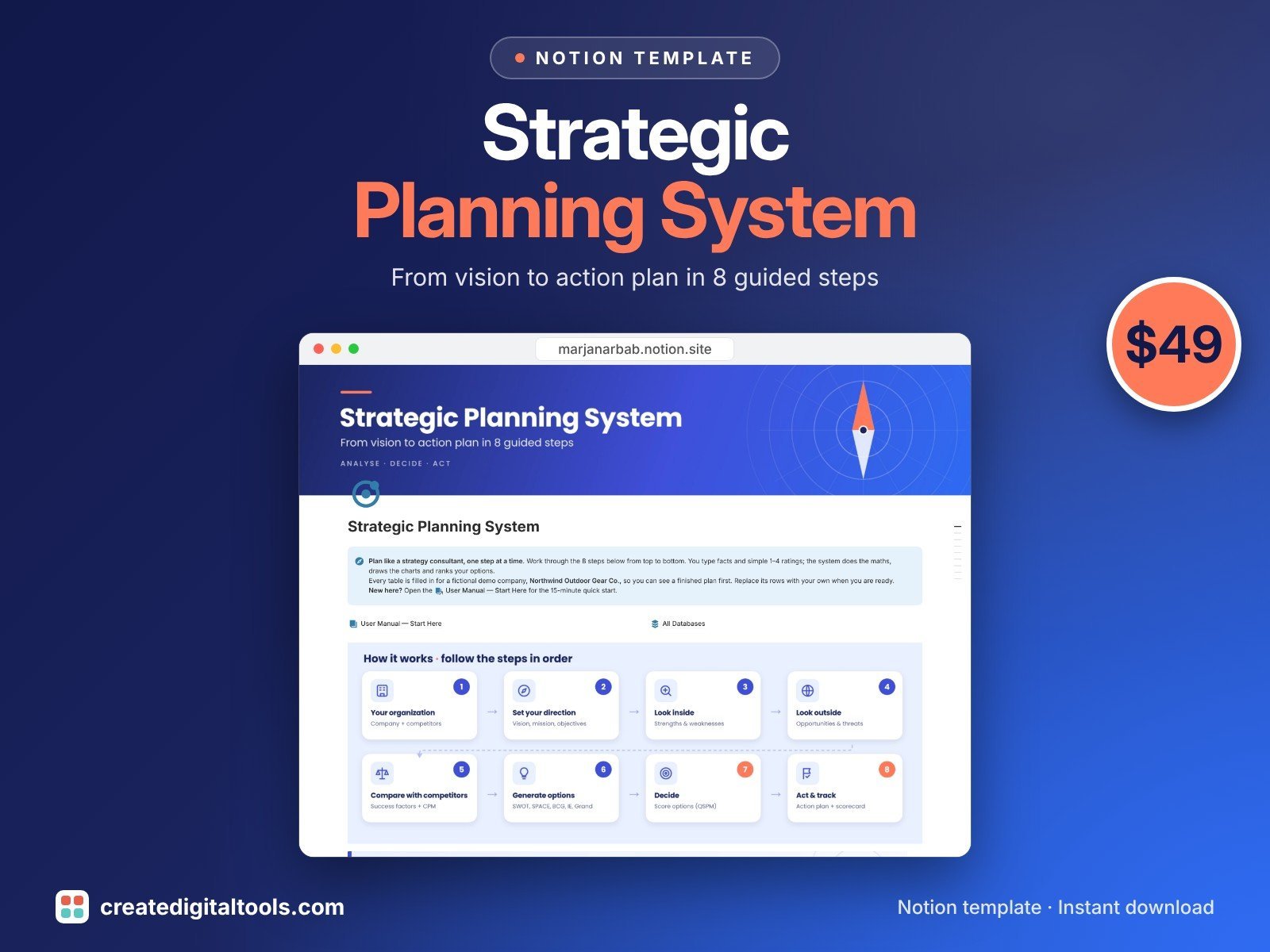
Best for: deciding which projects to run next year.
Eight guided steps from vision to a ranked action plan, with SWOT, IFE, EFE, QSPM and other strategy matrices scored for you. The action plan board turns the winning strategy into projects.
Free Notion project management templates
- Daily Standup for Project Teams (free): yesterday, today and blockers for each person.
- Project Cost Template (free): budget vs actual by project.
- Project Team & Resource Management (free): skills matrix, allocation and costing.
- Business Requirements Document ($2): scope a project properly before it starts.
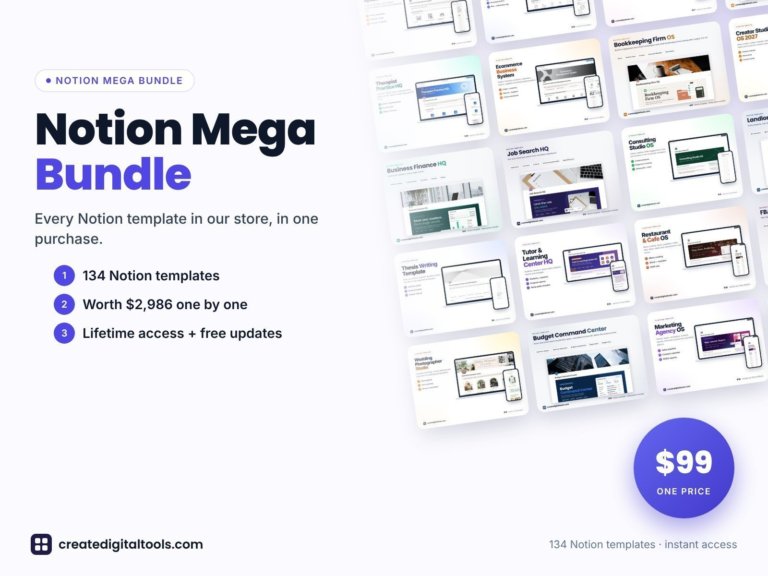 Best value: Notion Mega Bundle$99.00 →
Notion vs a spreadsheet for project management
A spreadsheet is fine for a single Gantt chart. Notion wins when you need tasks, documents, meeting notes and people linked together, and different views of the same work (board for the team, timeline for the sponsor, list for you). If your team lives in Excel or Google Sheets, see our project management spreadsheets instead.
Black Friday (24 Nov – 1 Dec): every Notion template and kit is 30% off with code BF30, and the 113-template Notion Mega Bundle is $59. Sale details.
Need a Notion account for your team? Start with Notion for free (affiliate link).
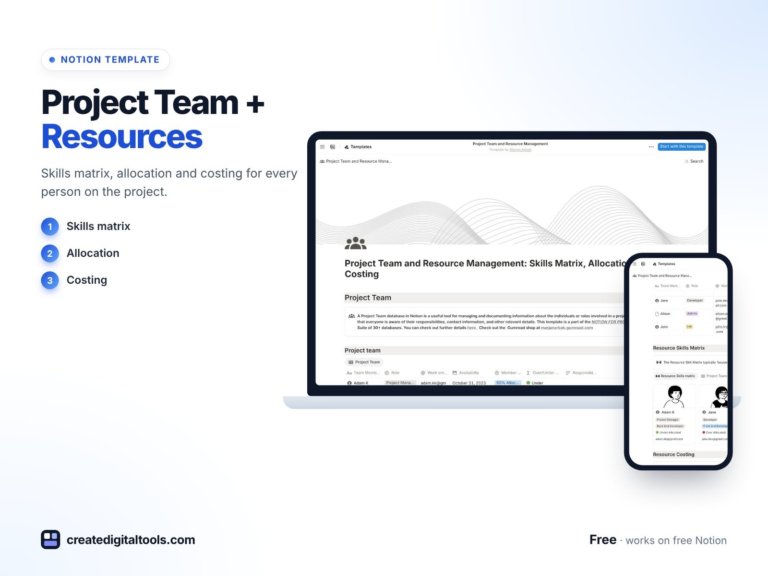
Project Team & Resource Management Notion Template: Skills Matrix, Allocation, Costing
Optimize Project Resource Management with Our All-in-One Template Are you ready to take your project resource…
Frequently asked questions
What is the best Notion template for project management?
For most teams, the Project Manager Toolkit, because it covers scoping, planning, costs, resources and meetings. If you want a single lighter template, pick Project Management Simplified.
Can a whole team use these templates?
Yes. Duplicate the template into a shared teamspace and invite your team. Assign tasks to people and each person can filter to their own work.
Do they include Gantt or timeline views?
Yes, the general project templates include timeline views alongside boards and lists.
Notion systems, spreadsheets and planners with a setup guide. Instant download.