Description
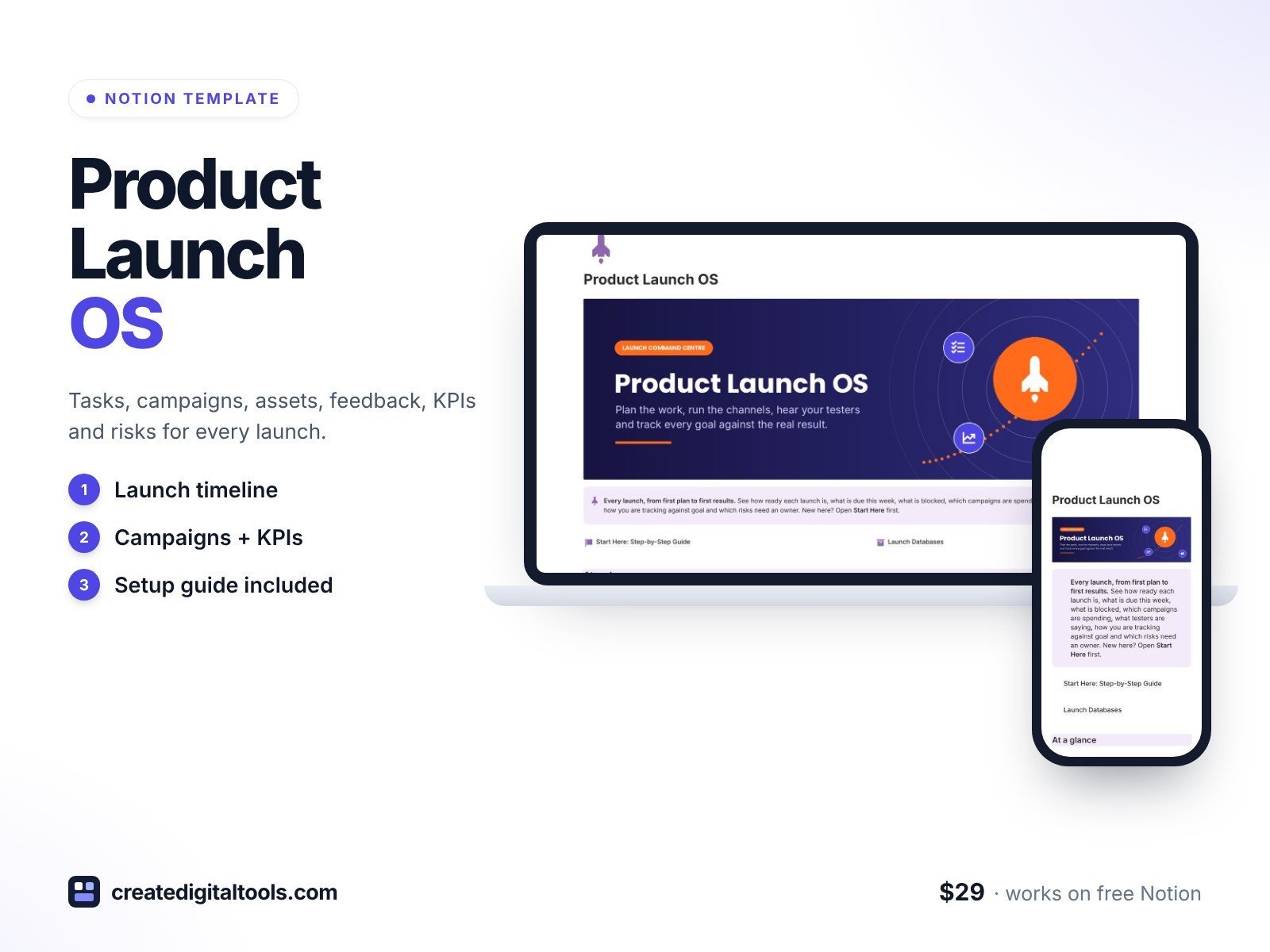
Plan, ship and measure every launch in a Notion workspace your whole team can use. Every task, campaign, asset, piece of tester feedback, KPI and risk links back to the launch it belongs to, so you can see how ready you are and how you are tracking against goal.
What’s inside
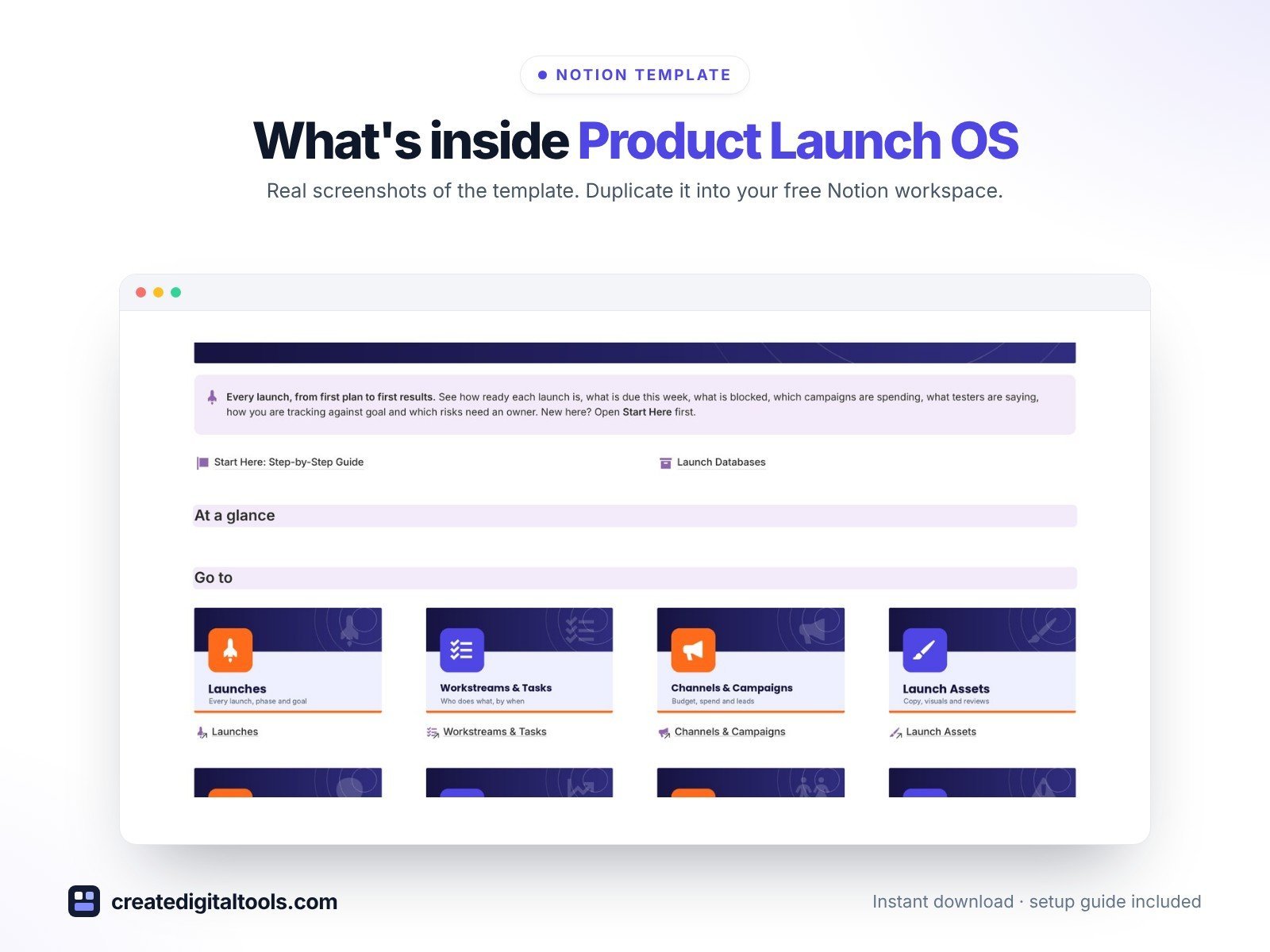
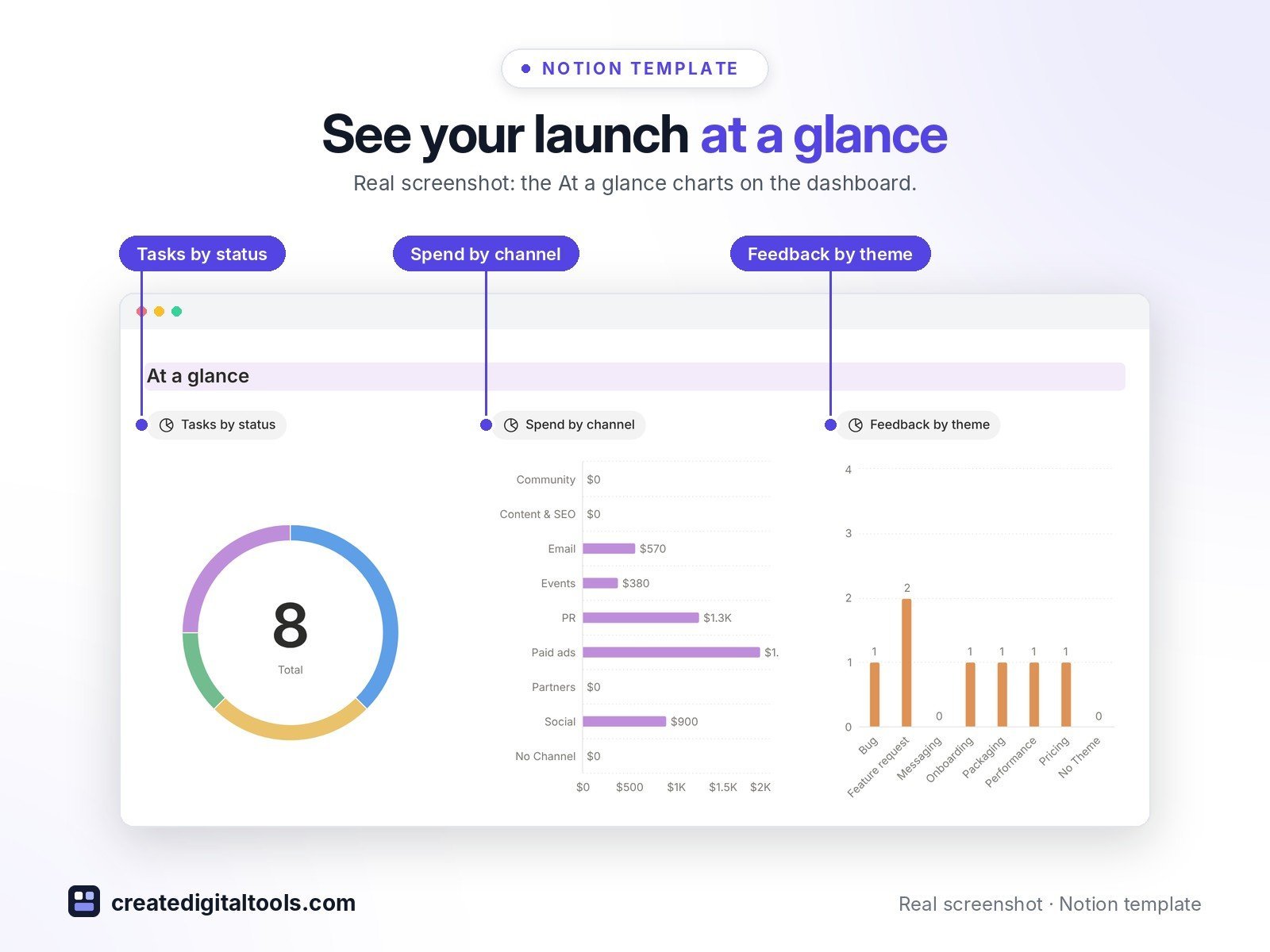
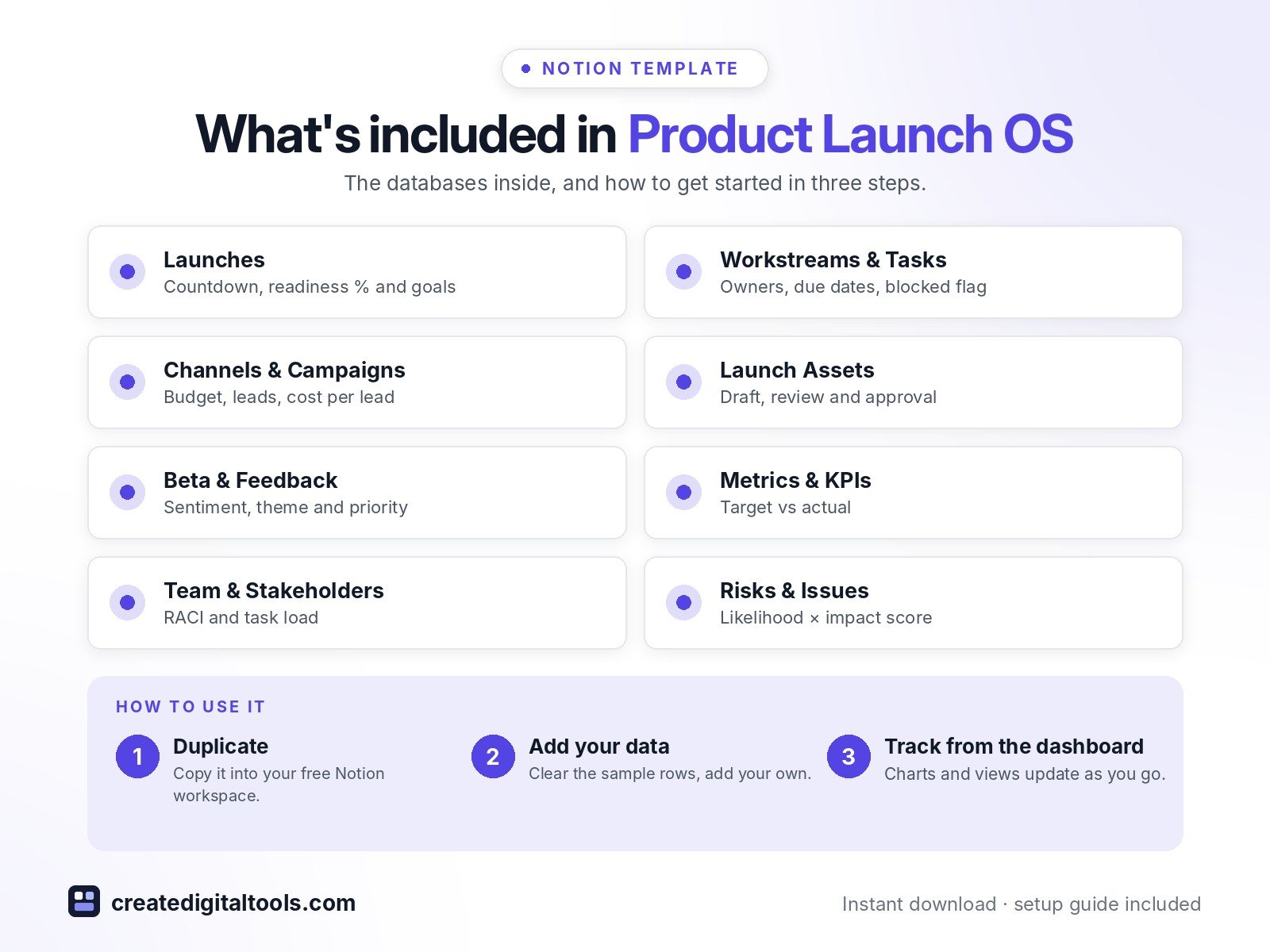
- Launch dashboard with three live charts (tasks by status, spend by channel, feedback by theme), image navigation and five focused sections
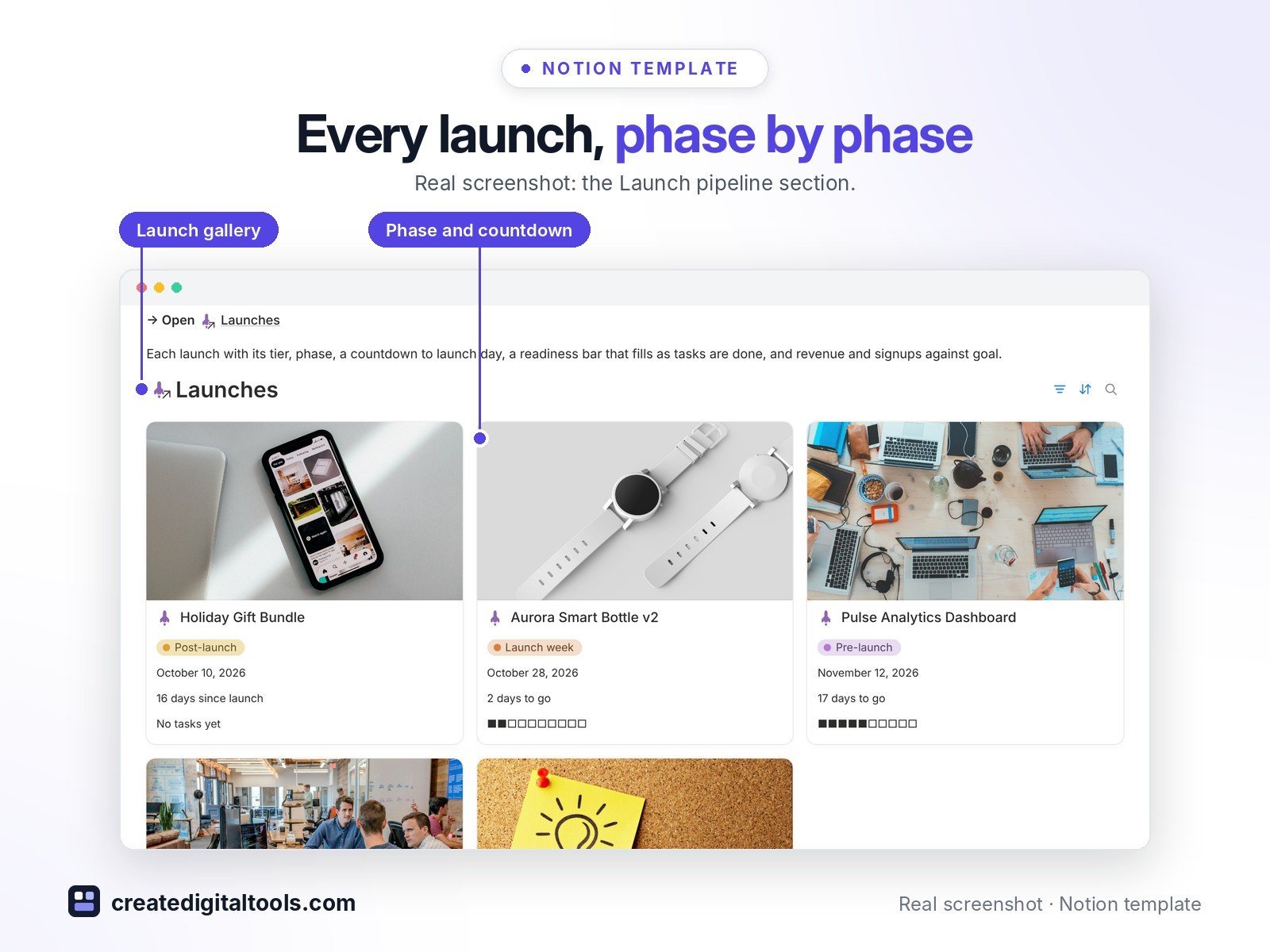
- Launches: type, tier, phase, launch-day countdown, readiness % and readiness bar from linked tasks, revenue and signups goal vs actual
- Workstreams & Tasks: workstream, phase, owner, due date, blocked flag with note, due-this-week and overdue flags
- Channels & Campaigns: budget, spend, budget left, leads, conversion rate, cost per lead and ROAS
- Launch Assets: copy, images, video, landing pages and press kits moving through draft, review and approval
- Beta & Feedback: tester, sentiment, theme, priority and a link to the follow-up task
- Metrics & KPIs: target vs actual with variance, % of target and a hit / close / behind result
- Team & Stakeholders (RACI, task load) and Risks & Issues (likelihood × impact score, owner, review date)
- 3 built-in automations: Task Done, Asset Approved and Risk Closed stamp their dates
- 8 linked databases with relations, rollups, formulas, sample data and a ready-made page template in each, plus a Start Here guide
Database automations run on Notion’s paid plans (Plus and up). On the Free plan they pause, and you can make the same changes by hand.
Who it’s for
- Founders and product managers
- Marketing leads, e-commerce brands and SaaS teams
- Creators who launch more than once and want a repeatable process
What you get
- Template link (PDF) to duplicate into your Notion workspace
- Start Here: Step-by-Step Guide inside the template
- Video walkthrough (being added to the Start Here page)
How delivery works
You get a PDF with the Duplicate link. Click Duplicate to copy it into your free Notion workspace.
- Buy and download the PDF with your template link.
- Open the link and click Duplicate (log in to Notion first; the free plan works).
- Open the Start Here page and follow the setup steps.
Good to know
- Digital product: nothing physical is shipped.
- You need a Notion account (the free plan works).
- Sample launches, people and figures are fictional.
- Notion is a trademark of Notion Labs, Inc.; this is an independent template.
New to Notion? Create a free account (affiliate link: I may earn a commission at no extra cost to you).
Want your own store like this one? createdigitaltools.com runs on Hostinger WordPress hosting. Start your own shop with Hostinger, or try the no-code Hostinger Website Builder.
Affiliate links: I may earn a commission at no extra cost to you.