17 Best Notion Templates for Freelancers in 2026 (by Type of Work)
Freelancing means being the salesperson, the project manager, the accountant and the person doing the actual work. A good Notion template takes care of the admin side: leads, proposals, projects, time, invoices and tax money set aside, all linked so nothing gets typed twice. Below are 17 Notion templates for freelancers, starting with general freelance systems and then studio templates built for specific kinds of freelance work.
Skip the setup: Property Maintenance Work Order & Preventive Maintenance Tracker (Excel + Google Sheets) gives you this workflow ready to duplicate, with a step-by-step guide. Also popular with readers: Gantt Chart Project Timeline Spreadsheet.
Quick picks
- Best overall: Freelancer Business OS 2027
- Best value: Freelancer Business Kit (5 templates)
- Best for tax season: Freelancer & 1099 Tax Organizer 2027
- Best for planning next year: 2027 Business Planner for Solopreneurs
All-in-one freelance systems
1. Freelancer Business OS 2027 · $25
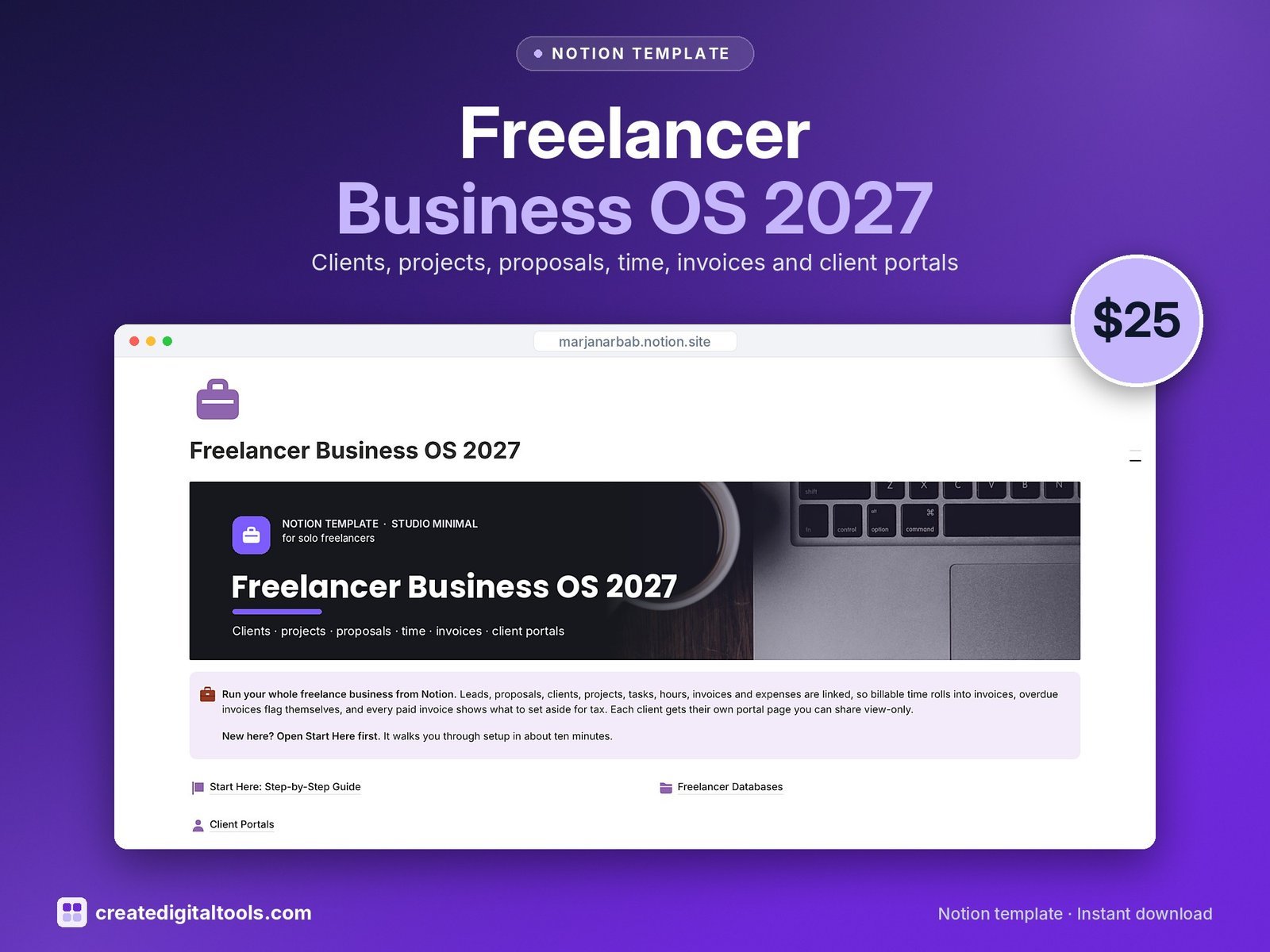
Leads, proposals, clients with their own portal pages, projects, tasks, a time log, invoices with aging, expenses and tax set-aside. Our most complete single freelance template.
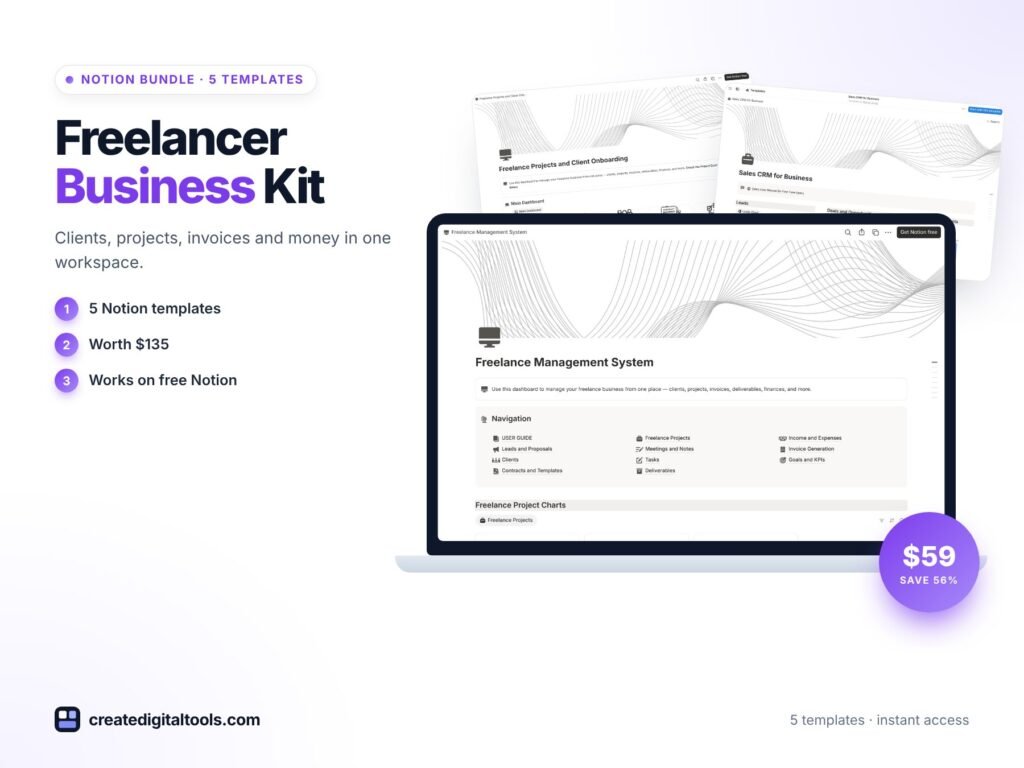
2. Freelancer Business Kit · $59
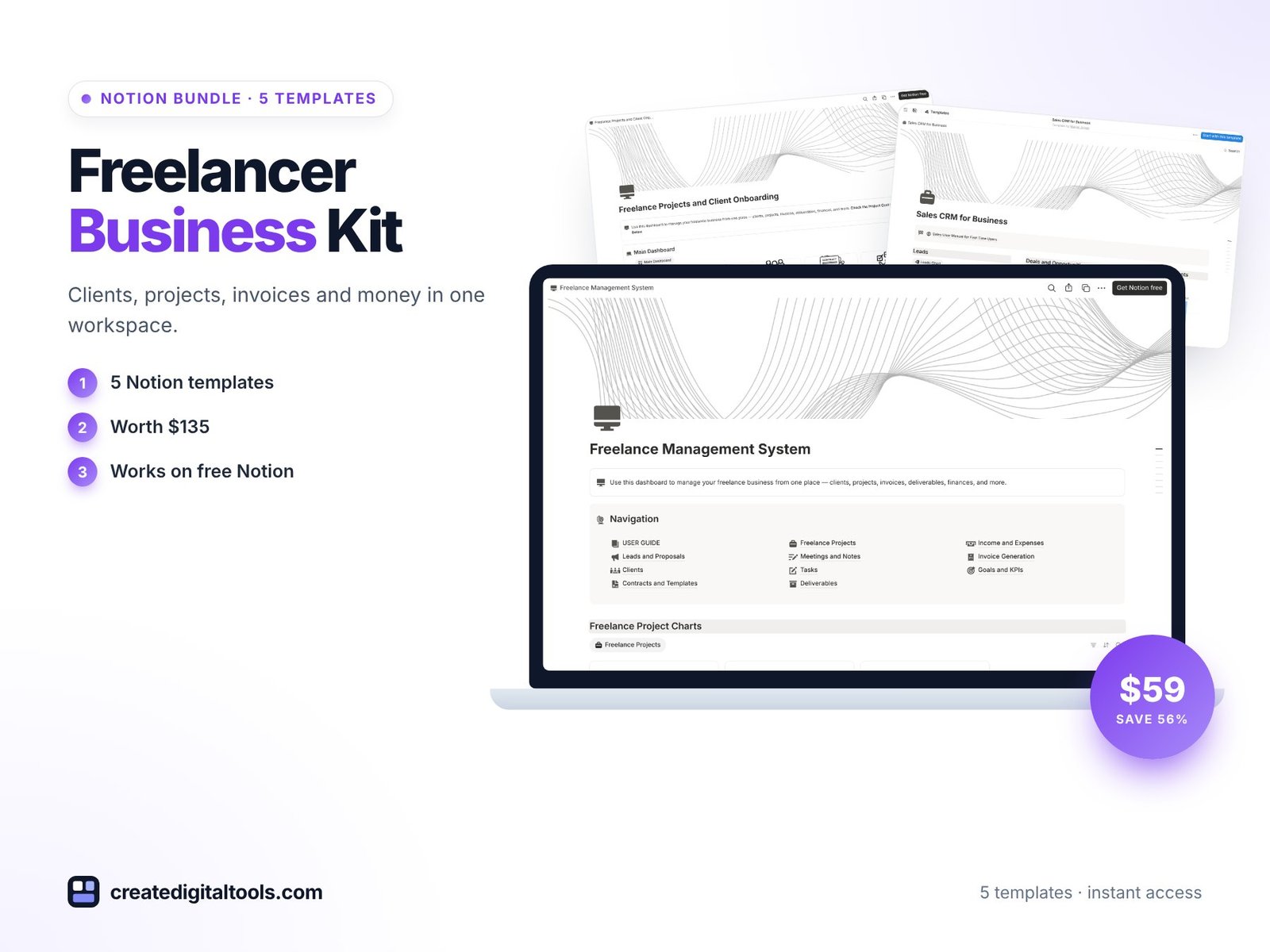
Five templates for clients, projects, invoices and money, a $135 value. Good if you want separate, focused tools rather than one big workspace.
3. Freelance Management System · $39
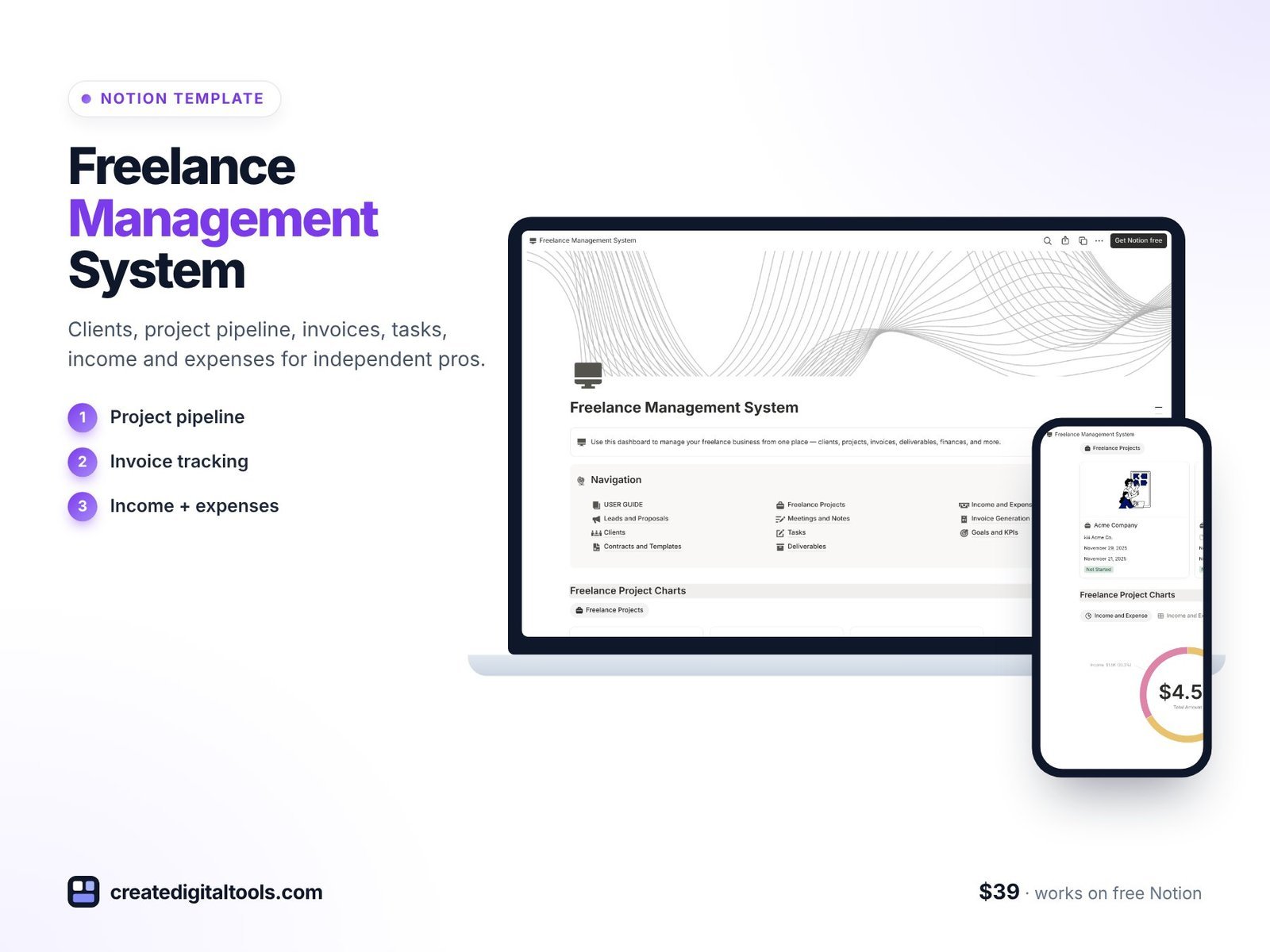
A client database, project pipeline, invoice tracking, tasks, income reports and expense tracking for independent professionals.
4. Freelancer & 1099 Tax Organizer 2027 · $19
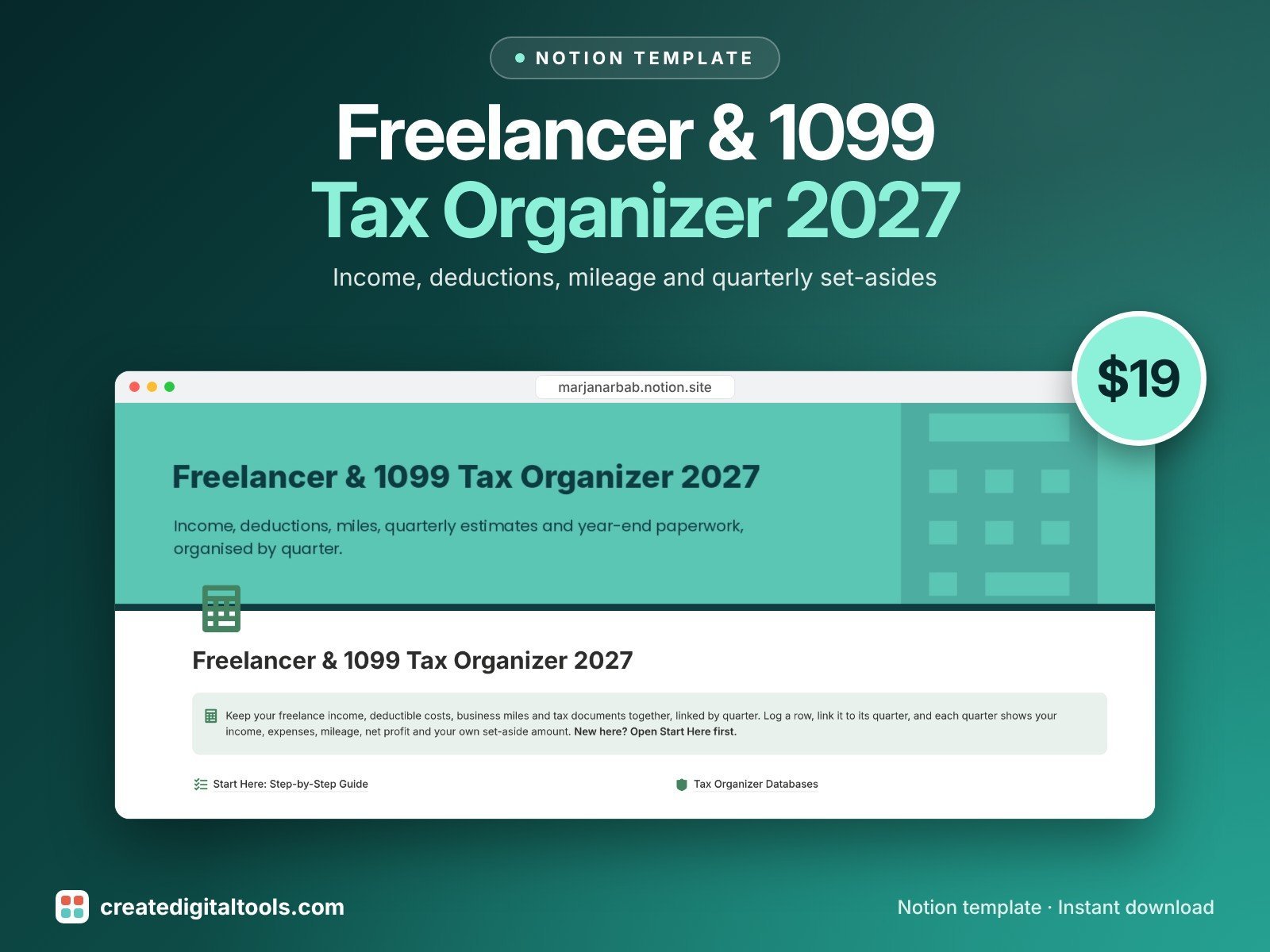
Income, deductible expenses, mileage, quarterly set-asides, 1099s and tax deadlines, linked by quarter, so tax time is a handover instead of a scramble.
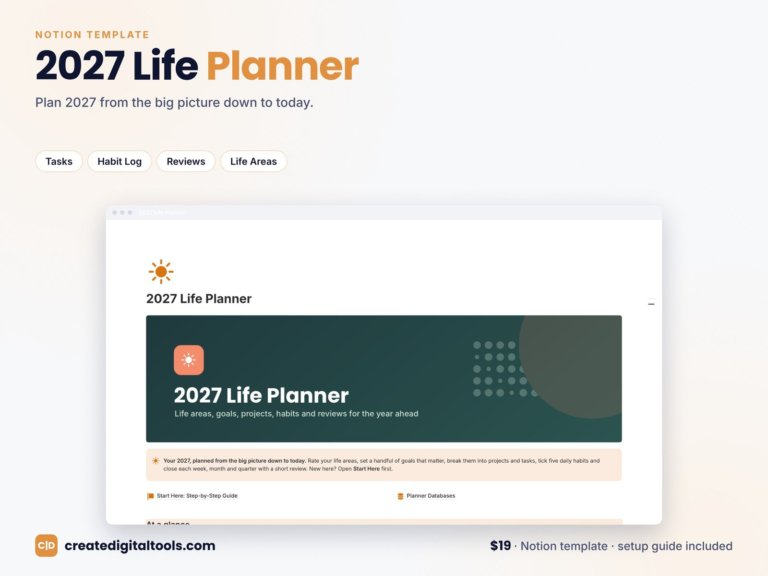
5. 2027 Business Planner for Solopreneurs · $19
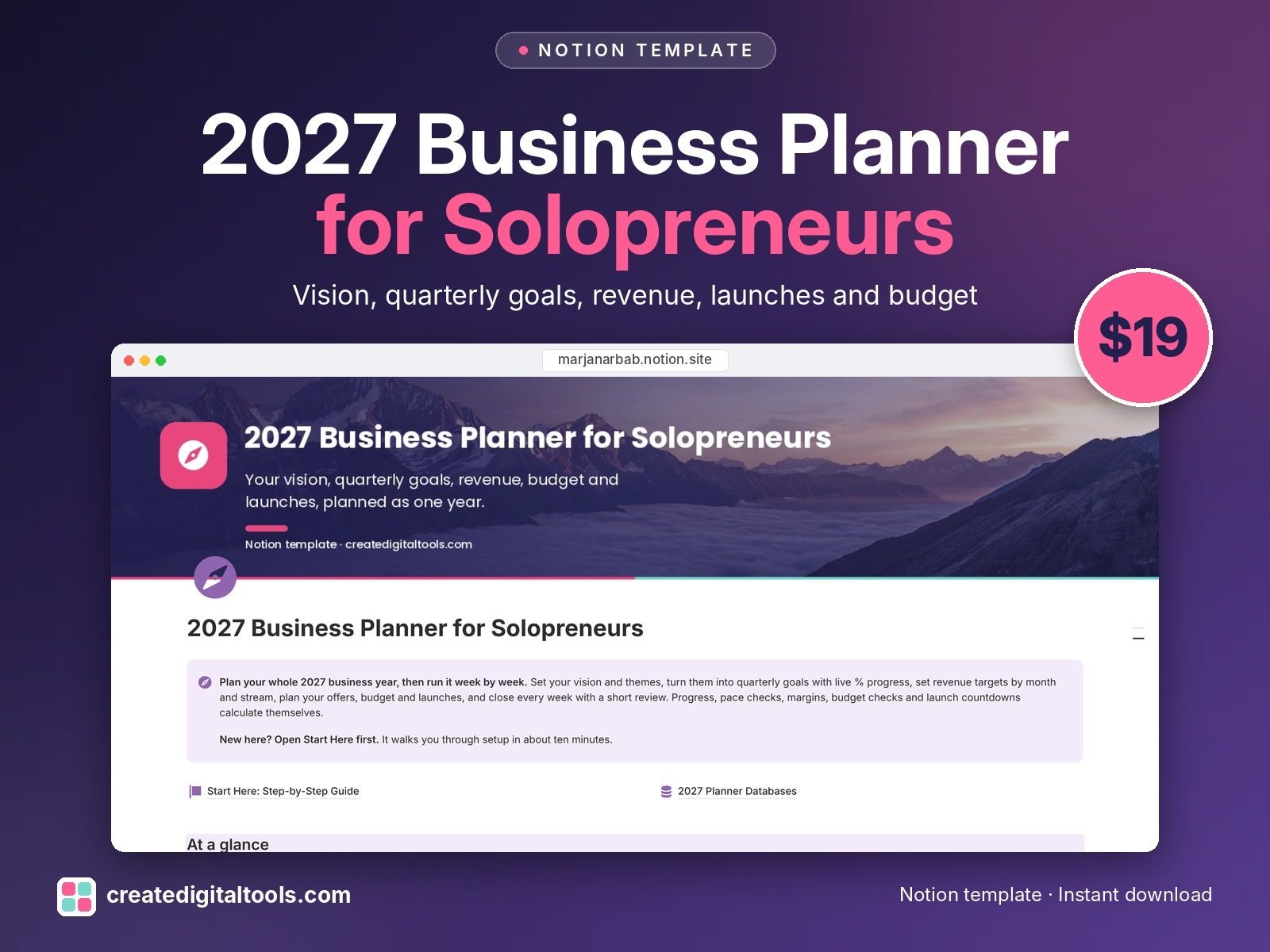
Vision and themes, quarterly goals with live progress, revenue targets, offers, budget, a launch calendar, weekly reviews and key metrics for 2027.
Consultants, coaches and assistants
6. Consulting Studio OS · $19
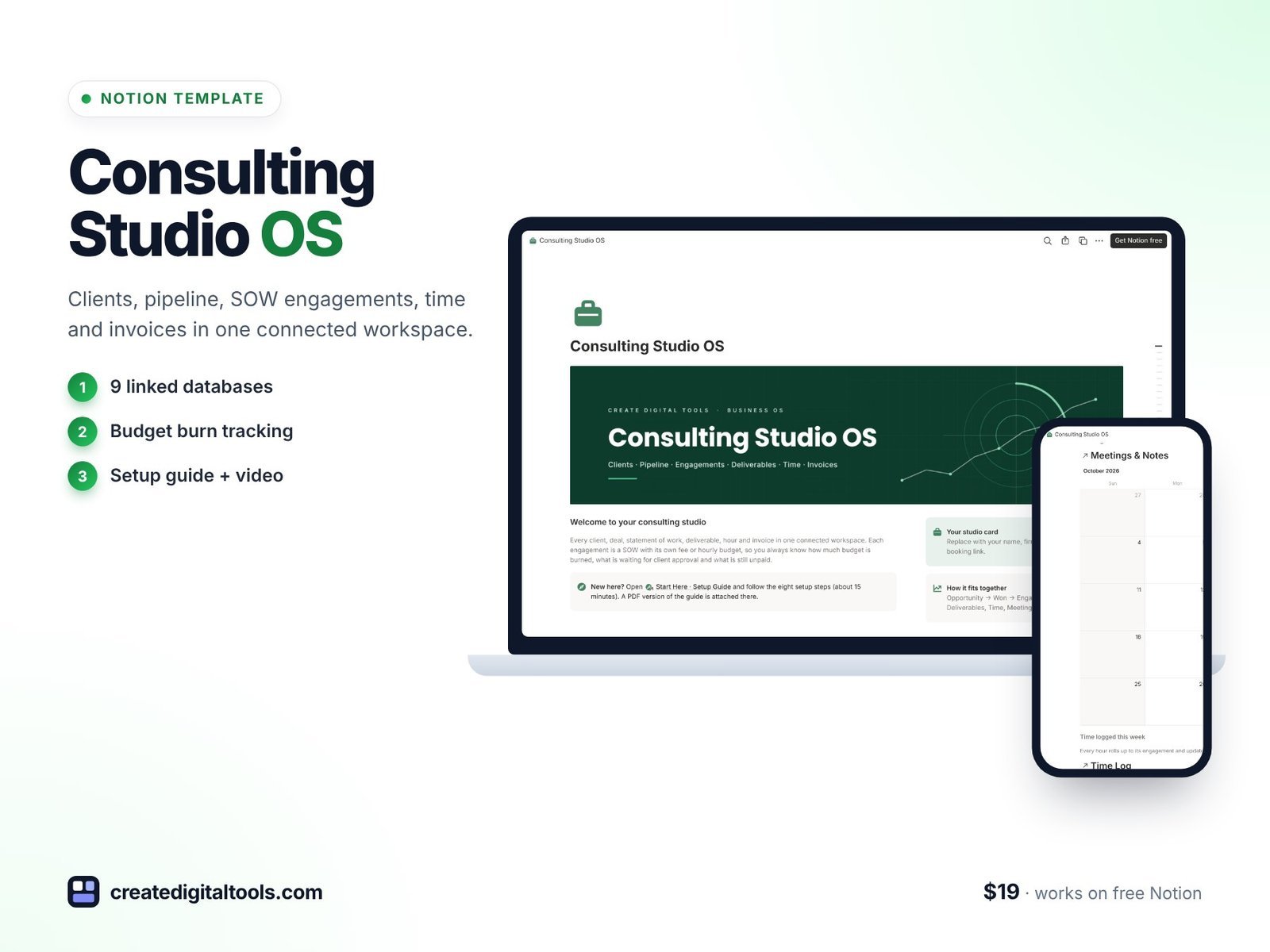
Built around the statement of work: pipeline, engagements, budget burn, deliverables, time and invoices.
7. Coaching Studio OS · $19
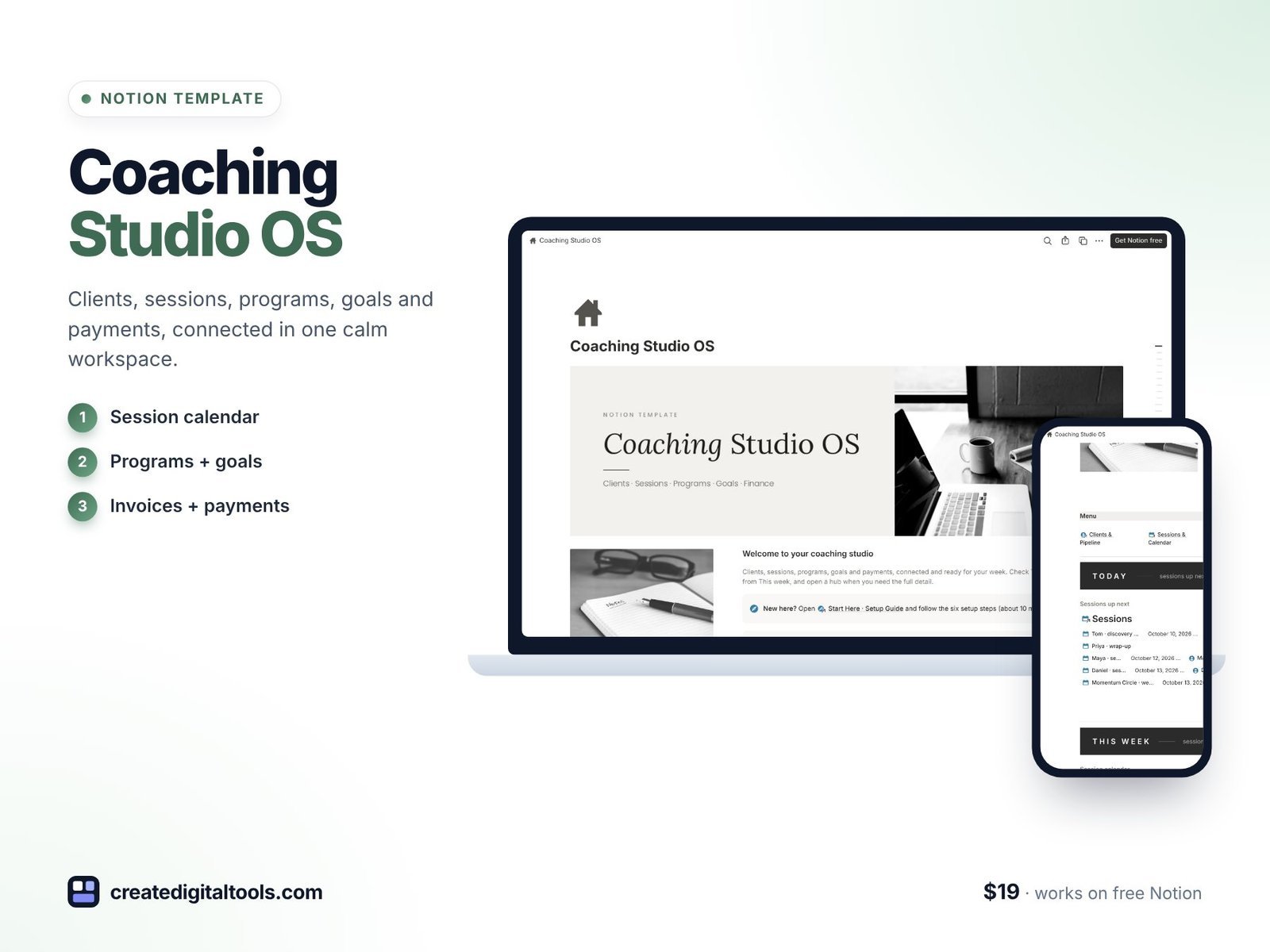
Clients, sessions, programs, goals and payments connected in a calm workspace for coaches.
8. Virtual Assistant OS 2.0 · $19
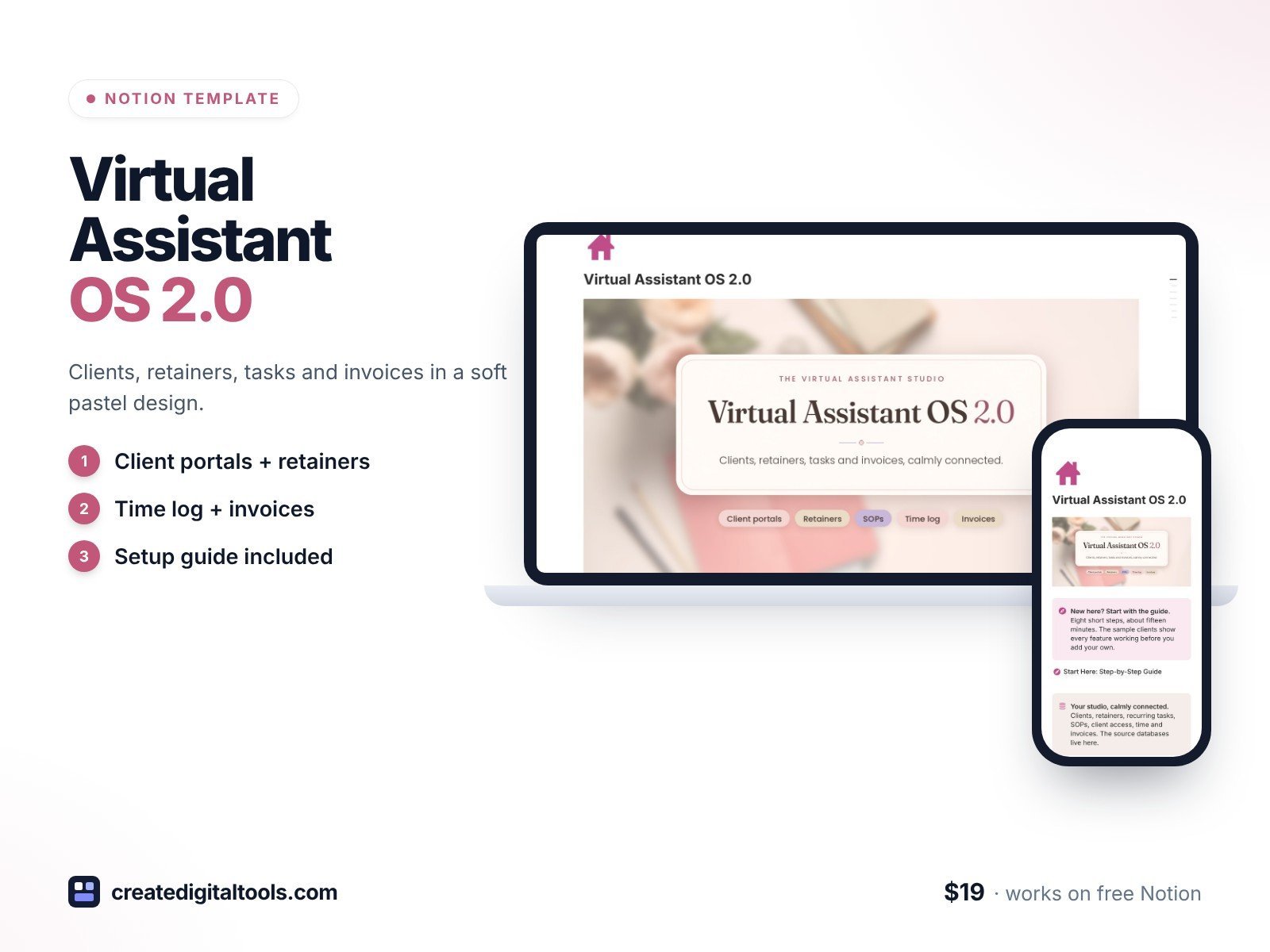
Client portals, retainers, recurring tasks, SOPs, a time log and invoices for VAs and online business managers.
9. Personal Trainer OS · $25
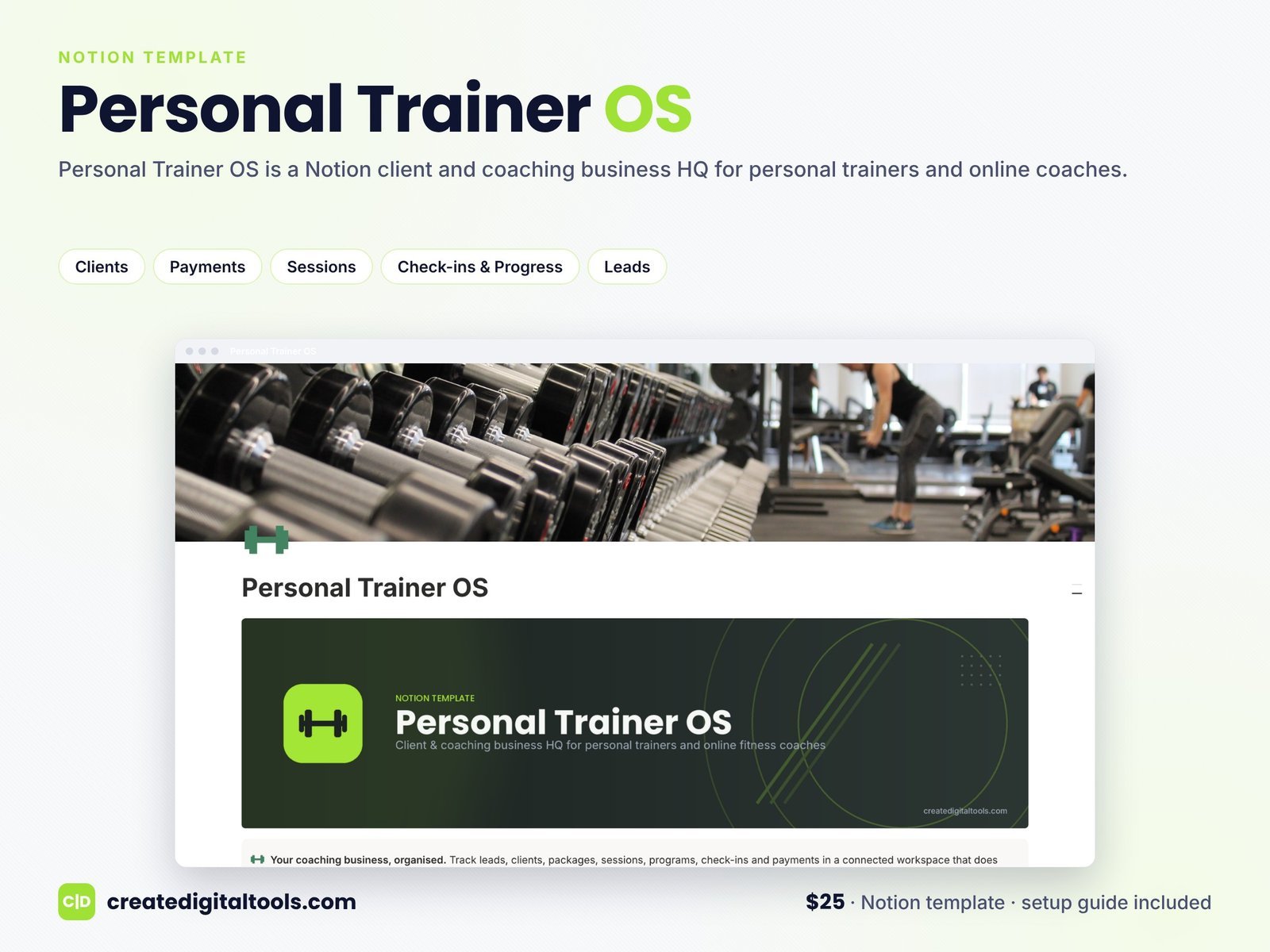
A client and coaching business hub for personal trainers and online fitness coaches.
10. Tutor & Learning Center HQ · $25
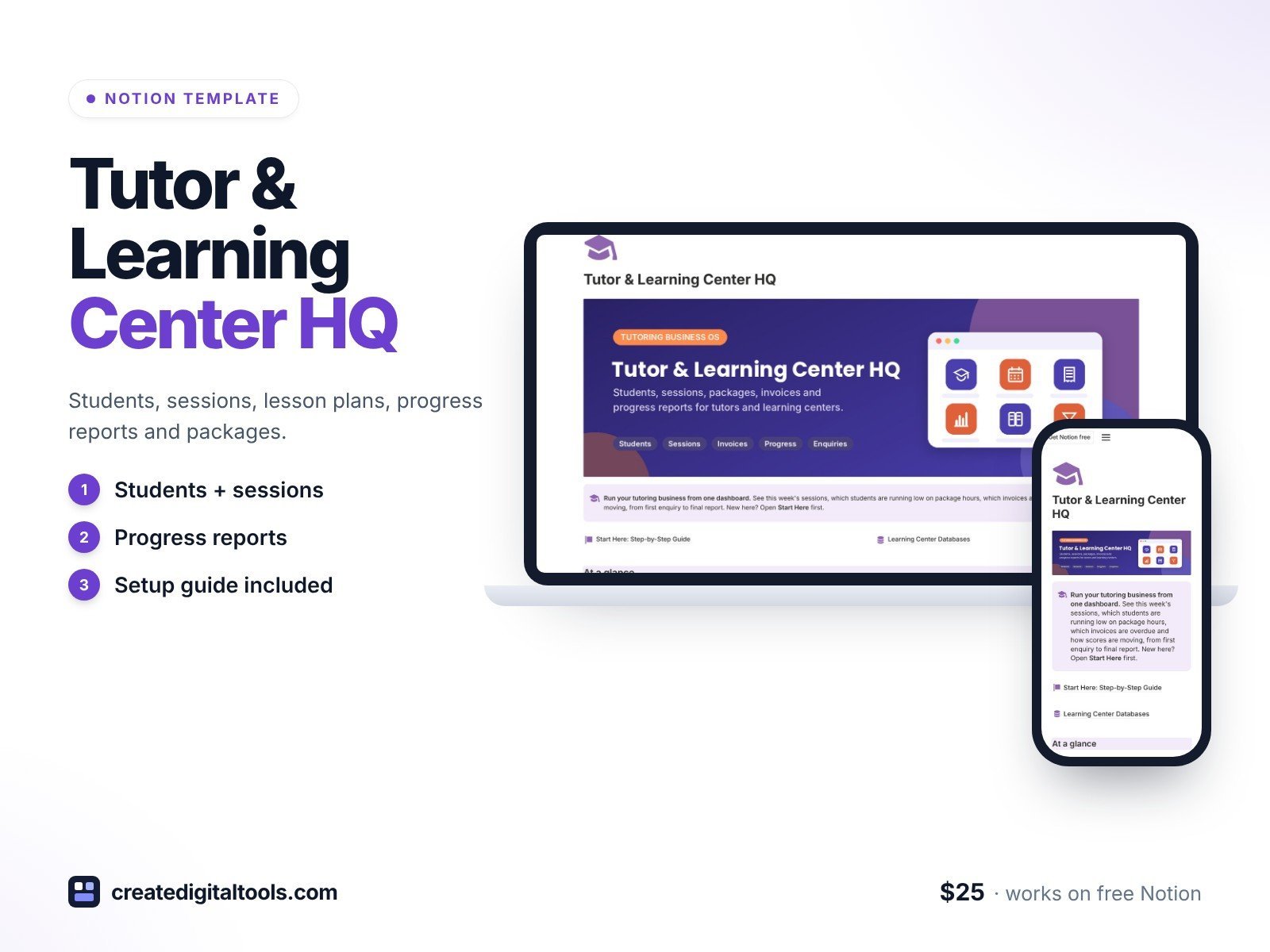
Students, sessions, tutors, packages, lesson plans, progress reports, enquiries and trials, and invoices.
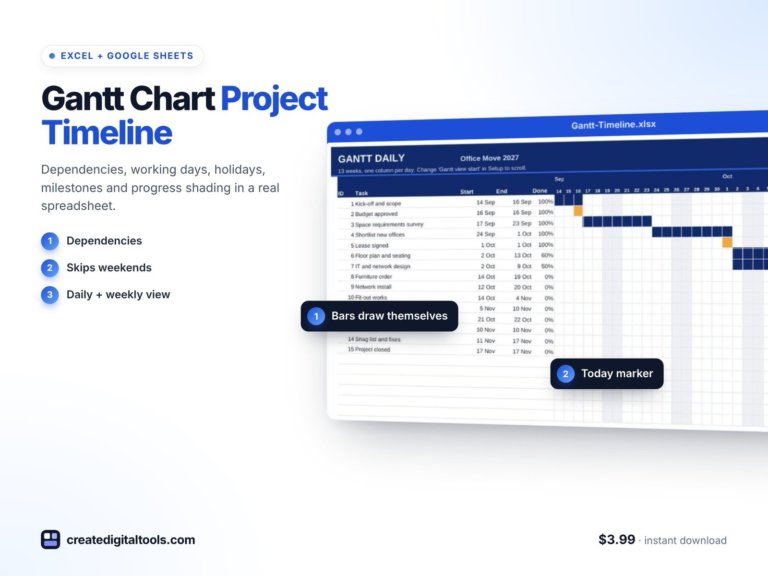 Gantt Chart Project Timeline Spreadsheet Excel + Google Sheets$3.99 →
Writers, designers and creatives
11. Copywriter Studio OS 2.0 · $25
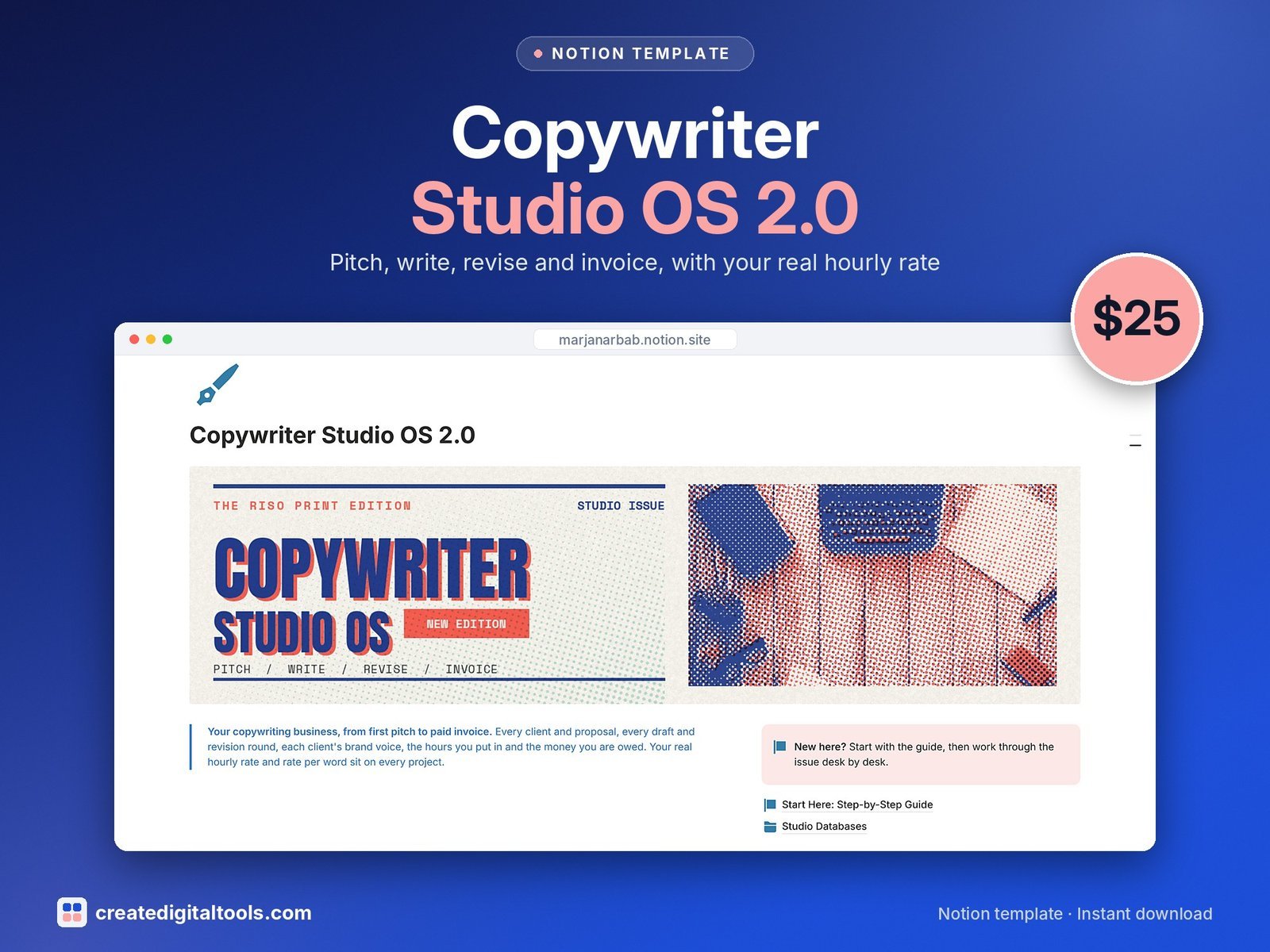
Pitches, clients, projects, revision rounds, brand voice guides, invoices and hours, in a riso print design.
12. Web Design Studio Client Portal & OS · $24
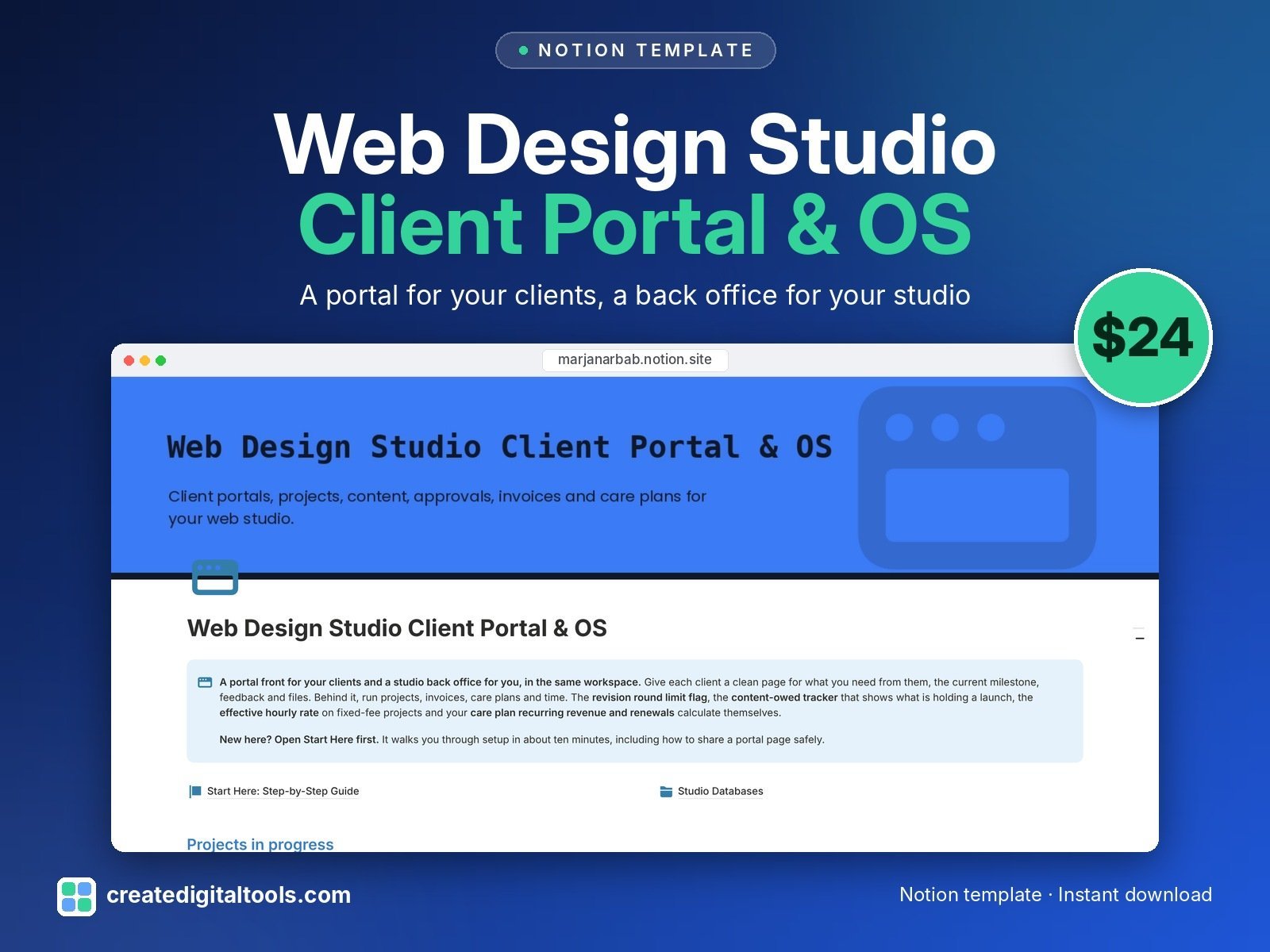
A client portal on the front and a studio back office behind it: projects, milestones, revision rounds, content owed, invoices, care plans and time.
13. Translation & Localization Agency OS · $19
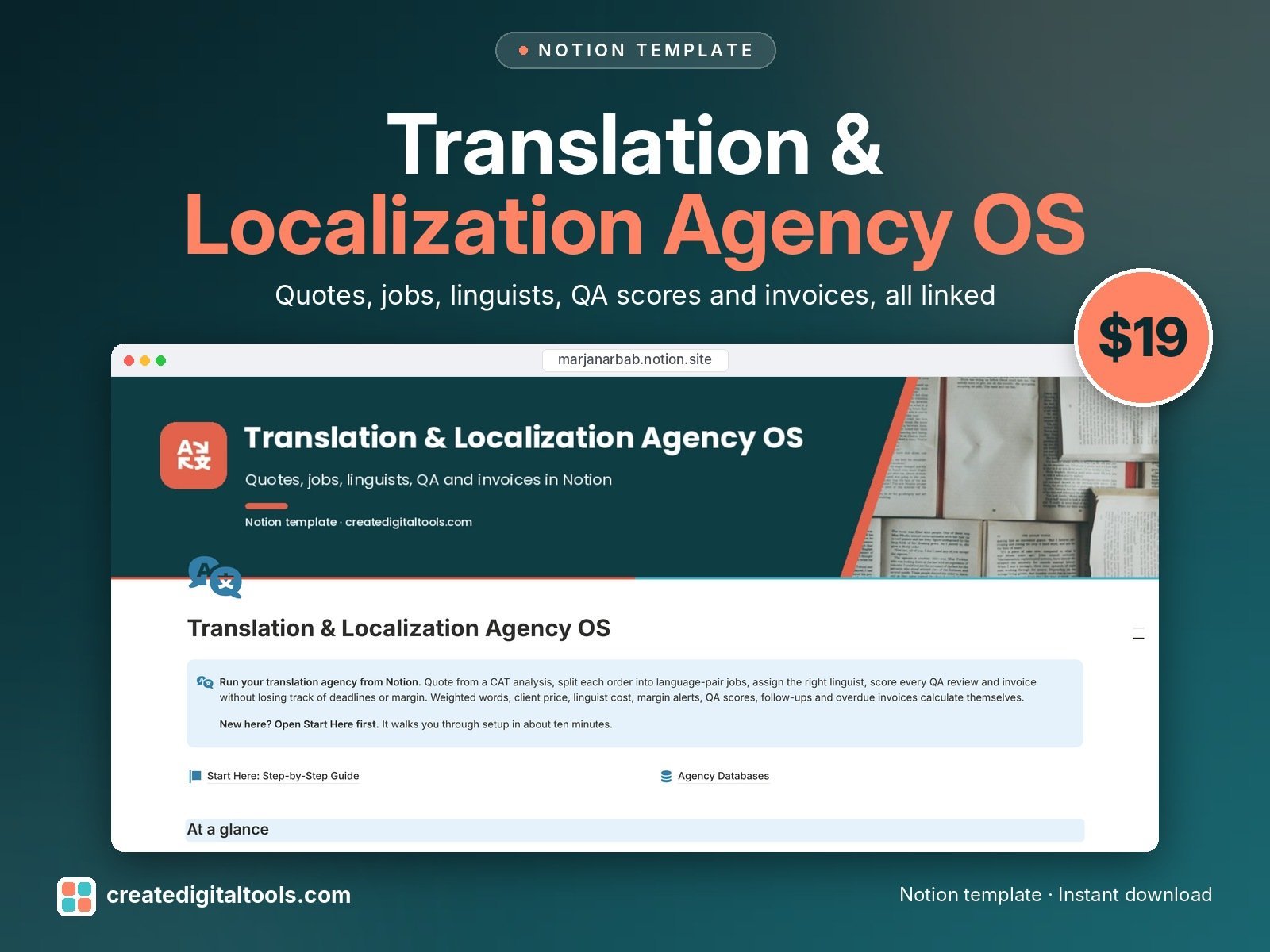
Clients, projects, jobs per language pair with weighted words and margin, linguists, quotes, invoices, glossaries and QA scores.
14. Wedding Photographer Studio · $19
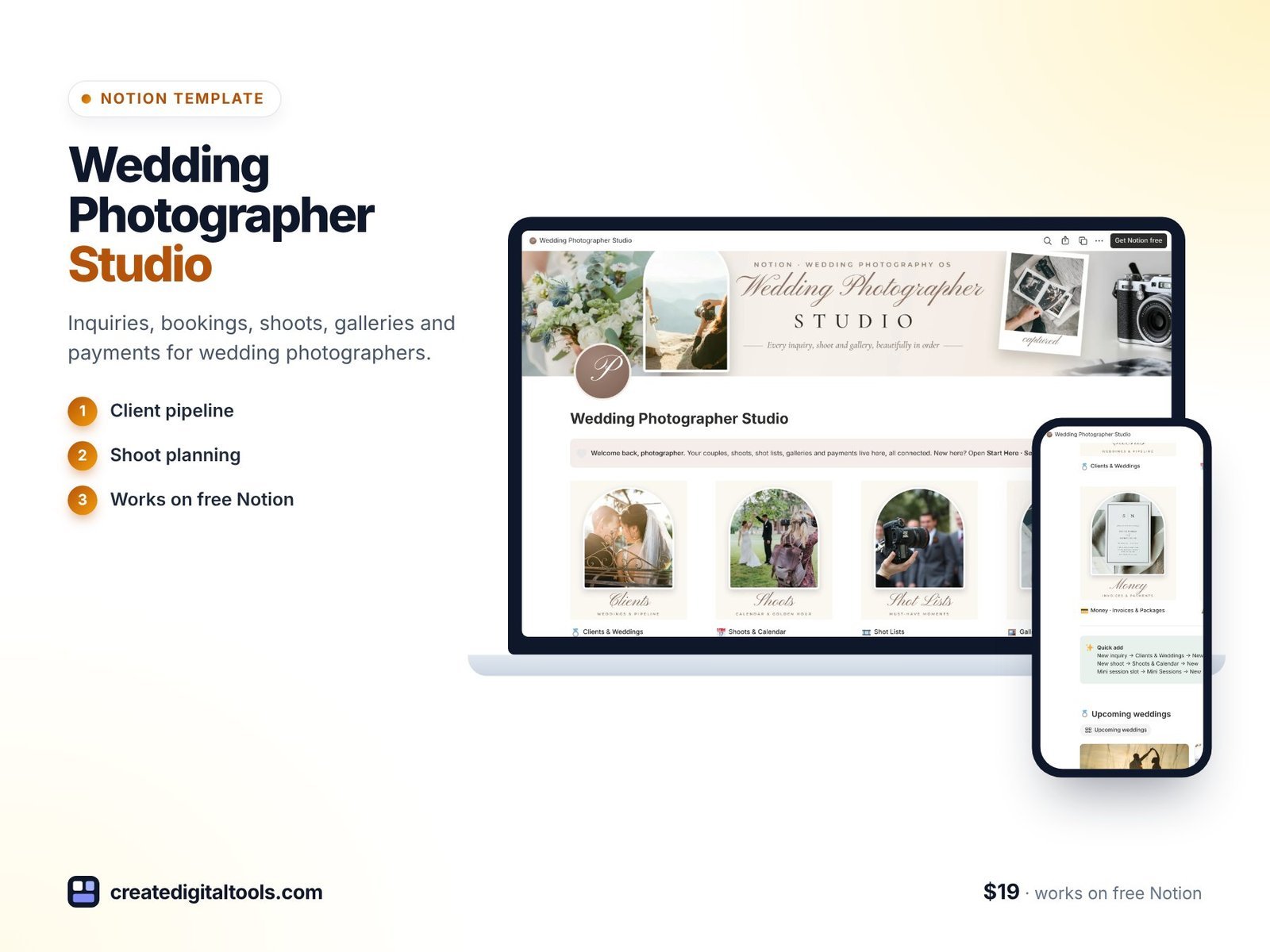
Client CRM, workflow, shot lists, gallery delivery and mini sessions for wedding photographers.
15. Self-Published Author Business OS · $19
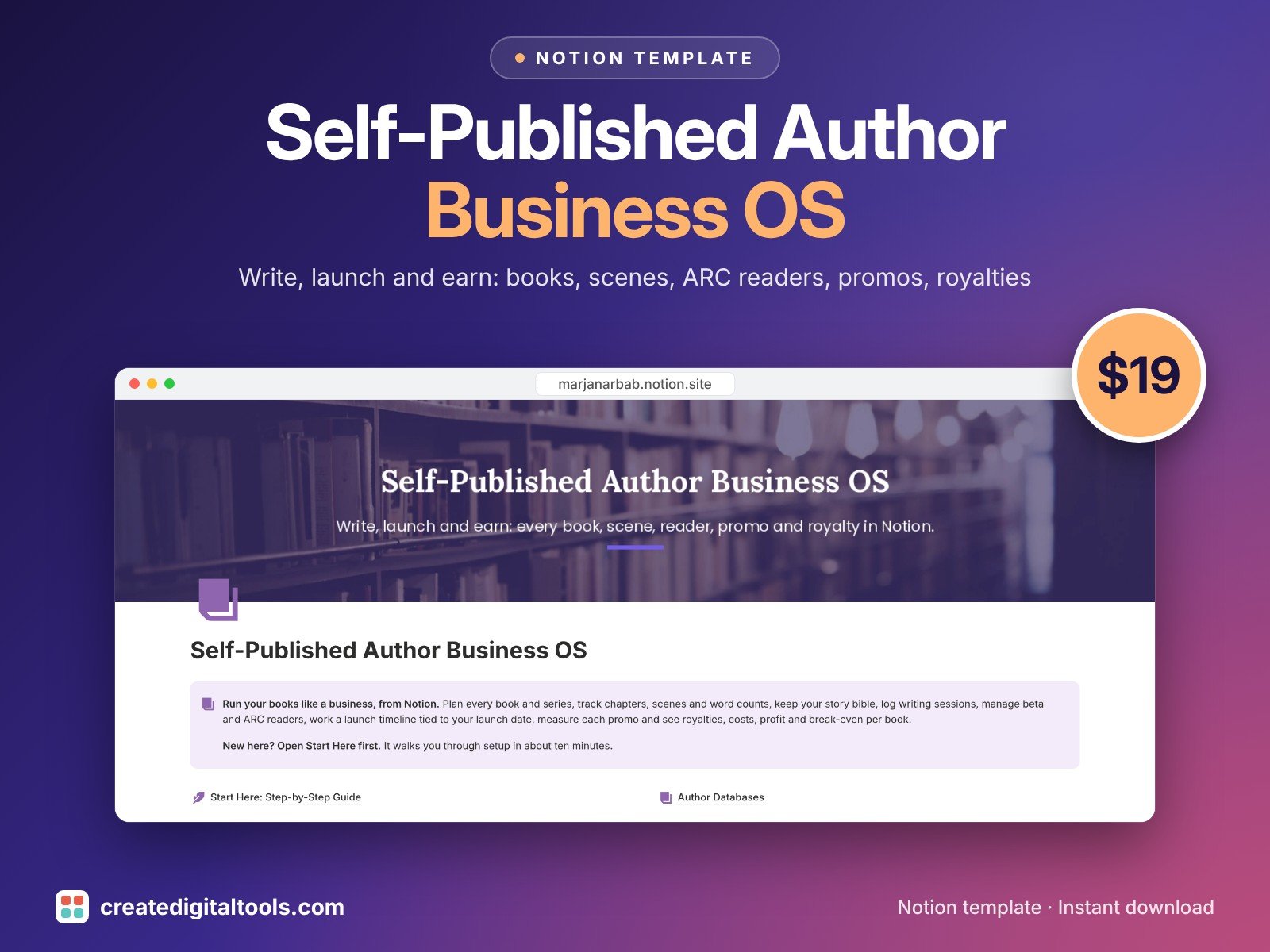
Books, scenes, a story bible, writing sprints, ARC readers, launch tasks, promos, royalties and costs.
16. Music Business Management OS · $25
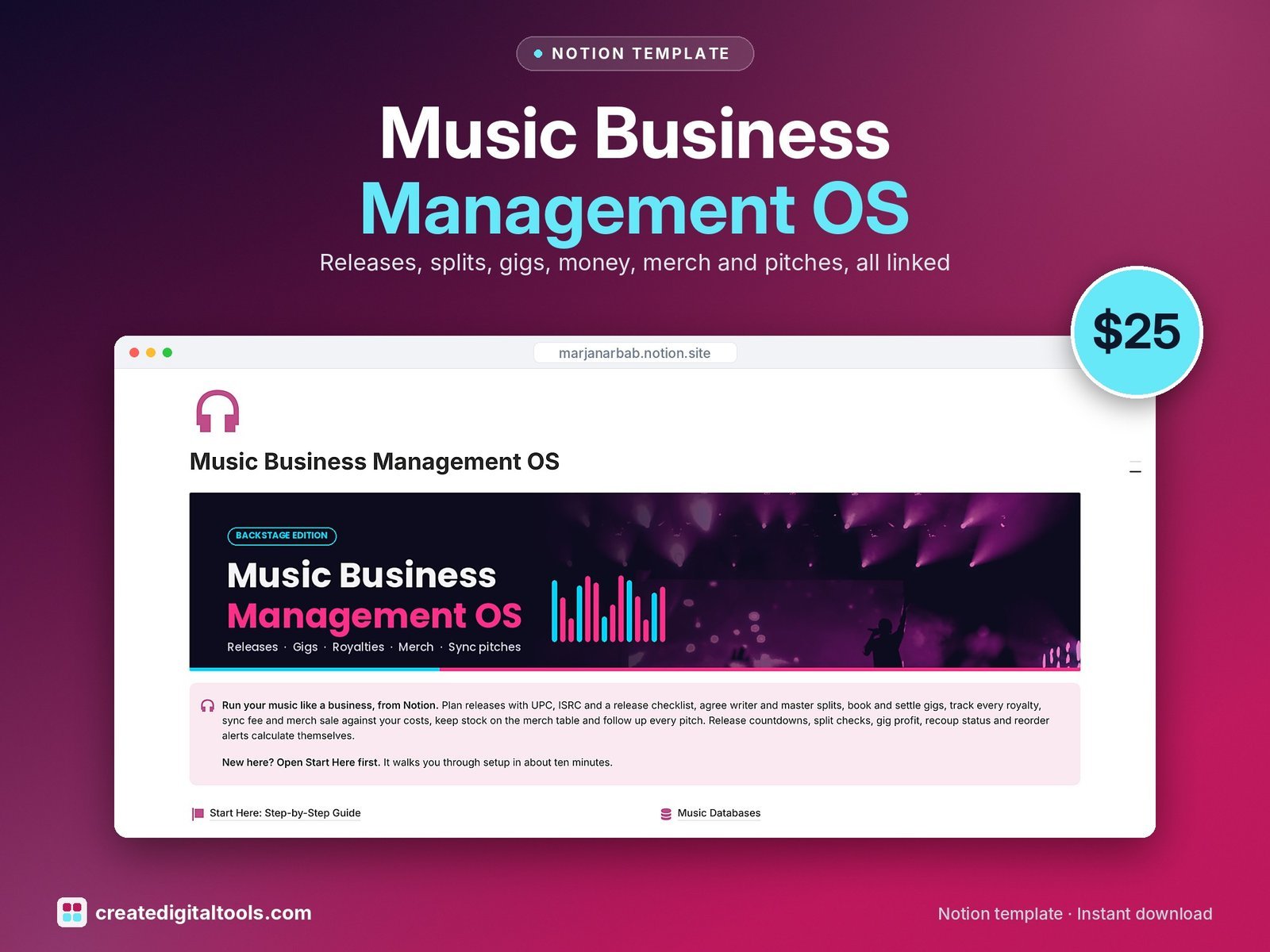
Releases, tracks, splits, gigs, contacts, income and expenses, merch stock and sync pitches for indie musicians and bands.
17. Event Planning Studio OS · $19
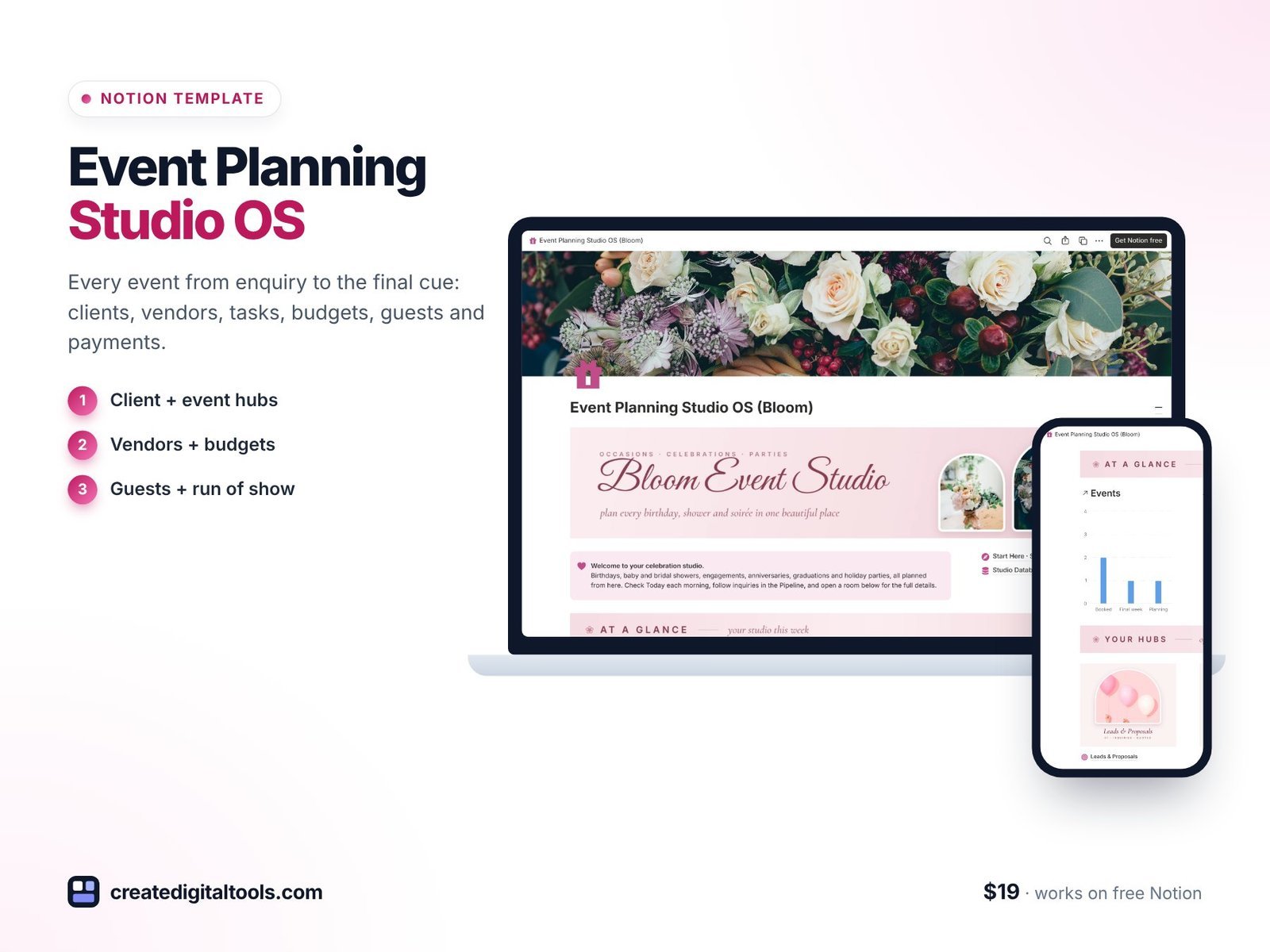
Every event from enquiry to the final cue: clients, vendors, tasks, budgets, guests and payments.
Which freelance template should you choose?
- If your work fits one of the studio templates above, start there. The fields match your job (revision rounds for copywriters, language pairs for translators, shot lists for photographers).
- If you do general client work, choose Freelancer Business OS 2027.
- Add the Tax Organizer if you’re self-employed in the US and pay quarterly estimates.
Black Friday starts 24 November: 30% off every Notion template and kit with code BF30 until 1 December, or all 113 templates in the Notion Mega Bundle for $59. Sale details.
Also worth reading: the best CRM for freelancers. New to Notion? Create a free Notion account (affiliate link).
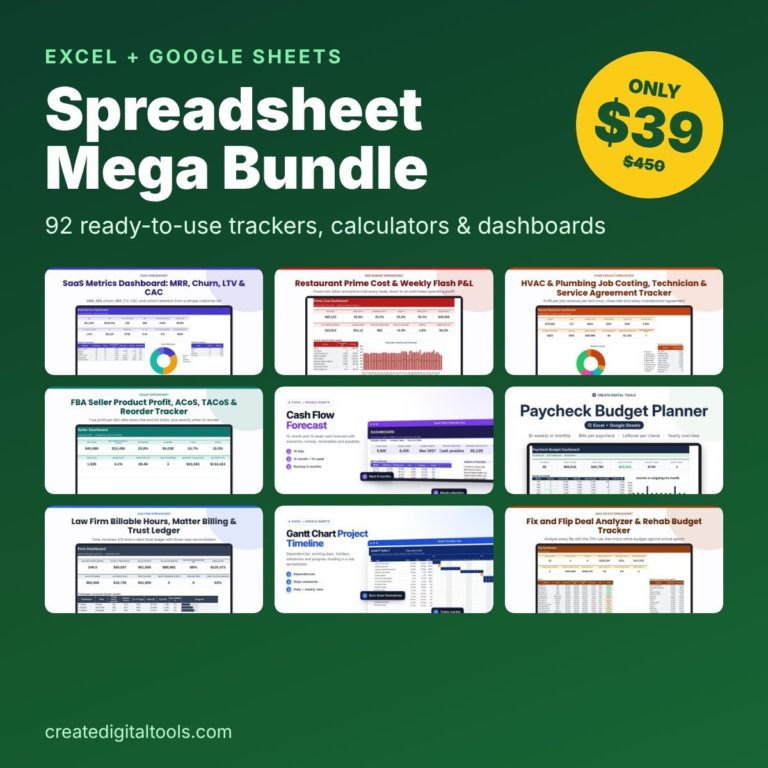 Best value: Spreadsheet Mega Bundle$39.00 →
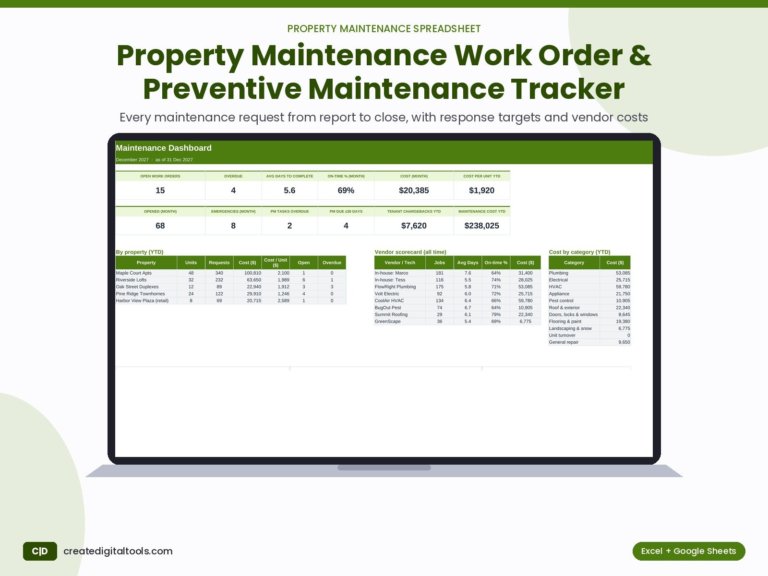
Property Maintenance Work Order & Preventive Maintenance Tracker (Excel + Google Sheets)
Log work orders and recurring tasks. See open and overdue jobs, on-time %, cost per unit, vendor scorecards…
Frequently asked questions
Can I send invoices from a Notion template?
The templates track invoices, amounts, due dates and payment status, and you can share an invoice page with a client. For card payments you’d still use your payment provider.
Can clients see their project in Notion?
Yes. Templates with client portals (Freelancer Business OS, Virtual Assistant OS 2.0, Web Design Studio) let you share one page per client without exposing the rest of your workspace.
Do I need a paid Notion plan?
No. All of these work on Notion’s free plan for solo use.
Notion systems, spreadsheets and planners with a setup guide. Instant download.