

Description
Setup Guide & Full Tour
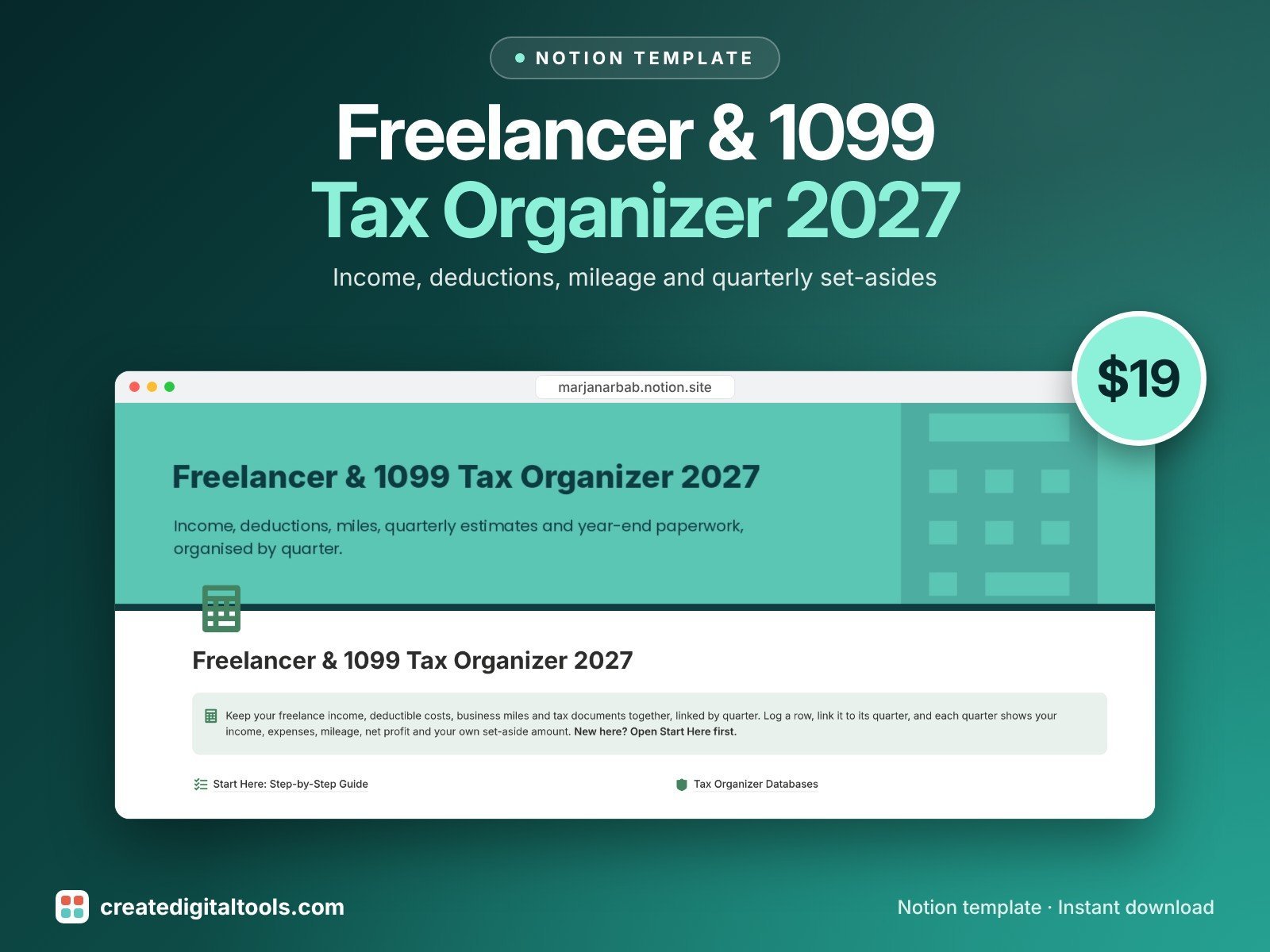
Paying your own taxes as a freelancer, creator or gig worker? This Notion template keeps your income, deductible costs, business miles and tax documents together, linked by quarter.
Log an invoice, an expense or a trip, link it to its quarter, and that quarter shows your income, expenses, mileage and net profit. Then apply your own set-aside percentage to see how much you want to put aside.
Who it’s for
- US freelancers, consultants and independent contractors
- Creators and gig workers paid on 1099-NEC or 1099-K
- Anyone who makes quarterly estimated payments
What’s inside
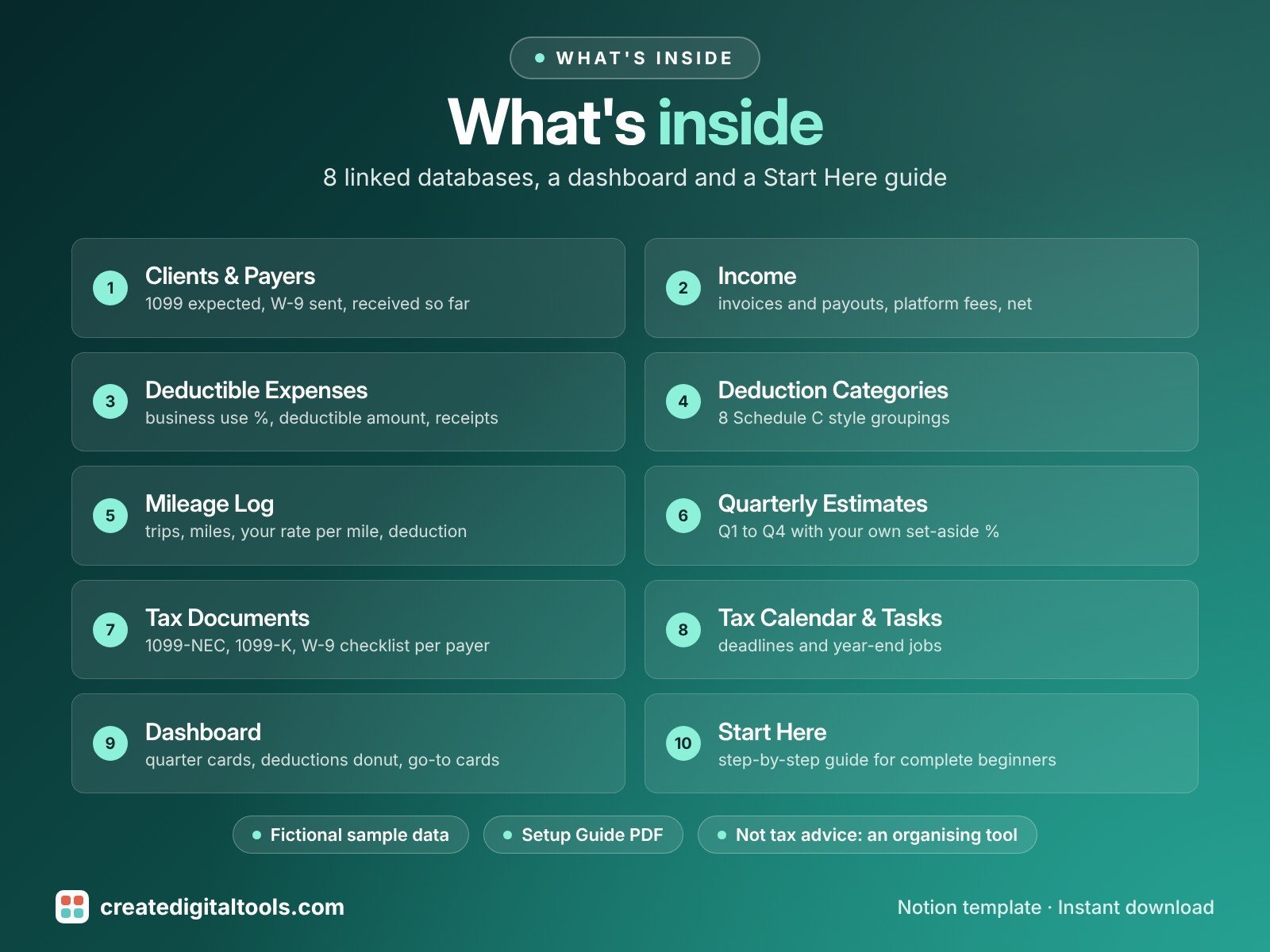
- Clients & Payers: who pays you, 1099 expected, W-9 sent, invoiced and received so far, 1099 status
- Income: invoices and payouts, platform fees, net, unpaid invoices view
- Deductible Expenses: business use %, deductible amount, receipt file, receipts missing view
- Deduction Categories: 8 common Schedule C style groupings, a note on what usually counts, and a Check with your preparer flag for limited categories such as meals
- Mileage Log: trips, miles, your rate per mile and deduction (enter the current IRS rate from irs.gov)
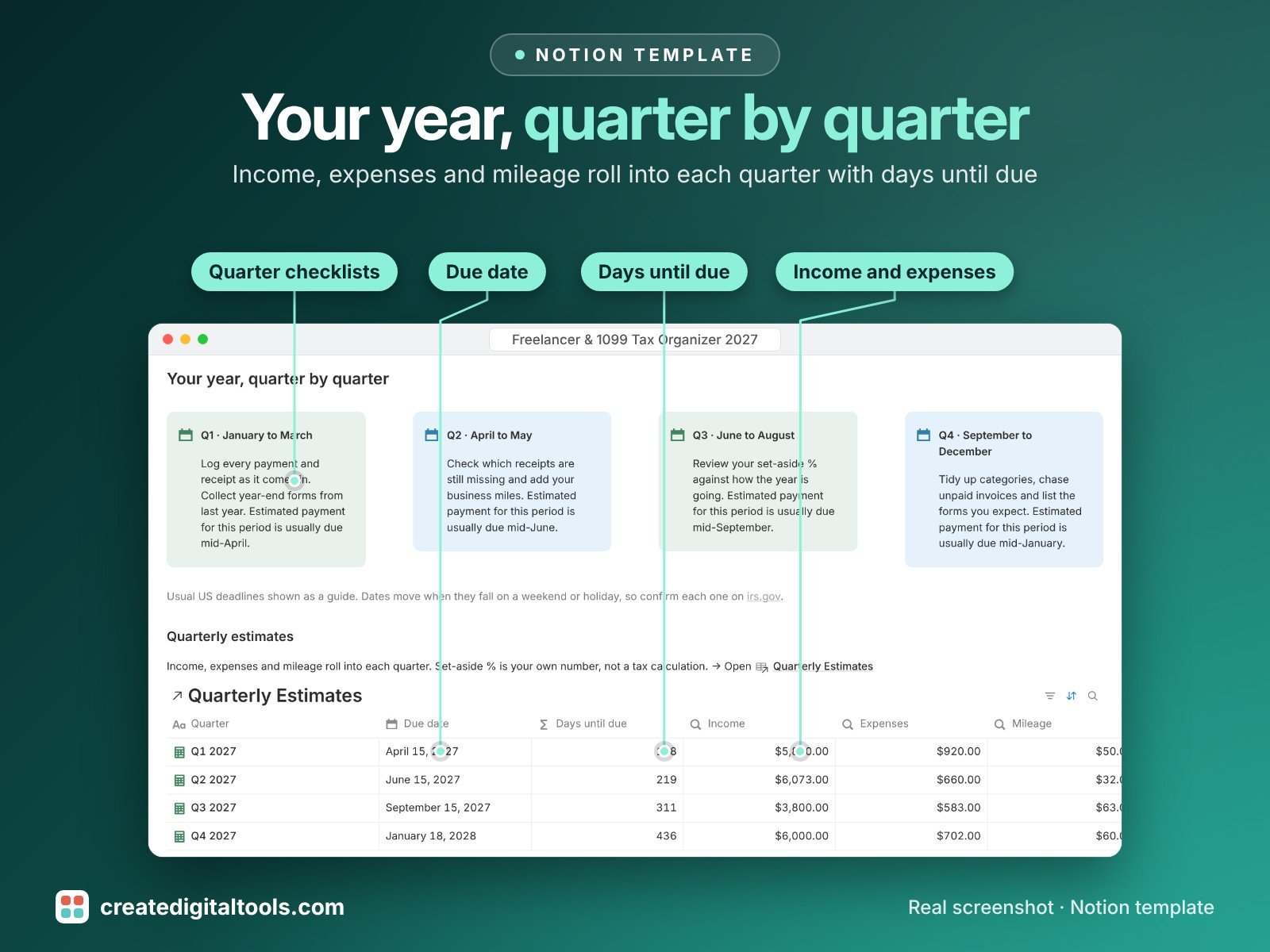
- Quarterly Estimates: Q1 to Q4 2027 with due dates, income, expenses, mileage, net profit, your own set-aside %, paid, remaining and days until due
- Tax Documents: 1099-NEC, 1099-K, W-9, receipts and bank statements checklist, tied to each payer
- Tax Calendar & Tasks: deadlines and year-end jobs, in calendar and to-do views
- Dashboard: quarter-by-quarter cards, quarterly estimates, deductions by category, documents and deadlines, and go-to cards for every database
- Start Here: Step-by-Step Guide inside the template, written for complete beginners
- Fictional sample data so you can see how everything connects, easy to clear
How it works
Log each payment, expense and trip and link it to its quarter. Each quarter rolls up income, expenses, mileage and net profit, applies the set-aside percentage you choose and counts down to its due date. The organizer does not calculate tax owed.
Built-in automations
Five date stamps run for you: invoice Paid stamps Received on, Receipt saved stamps Saved on, estimate Paid stamps Paid on, document Received stamps Received on, and task Done stamps Completed on.
Set up in 3 steps
- Open the template link in your PDF and click Duplicate to copy it into your own Notion workspace.
- Open Start Here and follow the setup: add your own details and clear the sample data when you're ready.
- Work from the dashboard and use the checklists in Start Here to keep everything up to date.
What you get
- The Notion template (instant download: a PDF with your duplicate link)
- Setup Guide PDF with a step-by-step walkthrough and FAQ
- Start Here guide inside the template
- Video walkthrough
Free plan
Works on the Free Notion plan. The built-in automations are Notion database automations, which run on paid plans (Plus and up). On the Free plan they pause and you fill those dates in by hand; every database, formula and view still works. Desktop, web and the Notion mobile app.
Please note
This template is an organising tool, not tax, legal or financial advice. Tax rules change and vary by situation. Confirm figures, mileage rates and deadlines with a qualified tax professional or irs.gov. Due dates in the template are samples for 2027 to confirm.
Digital product: nothing physical is shipped. Sample data is fictional.
Notion is a trademark of Notion Labs, Inc.; this is an independent template by Create Digital Tools (createdigitaltools.com).
New to Notion? Try it free here (affiliate link: we may earn a commission at no extra cost to you).
Want your own store like this one? createdigitaltools.com runs on Hostinger WordPress hosting. Start your own shop with Hostinger, or try the no-code Hostinger Website Builder.
Affiliate links: I may earn a commission at no extra cost to you.