Description
Setup Guide & Full Tour
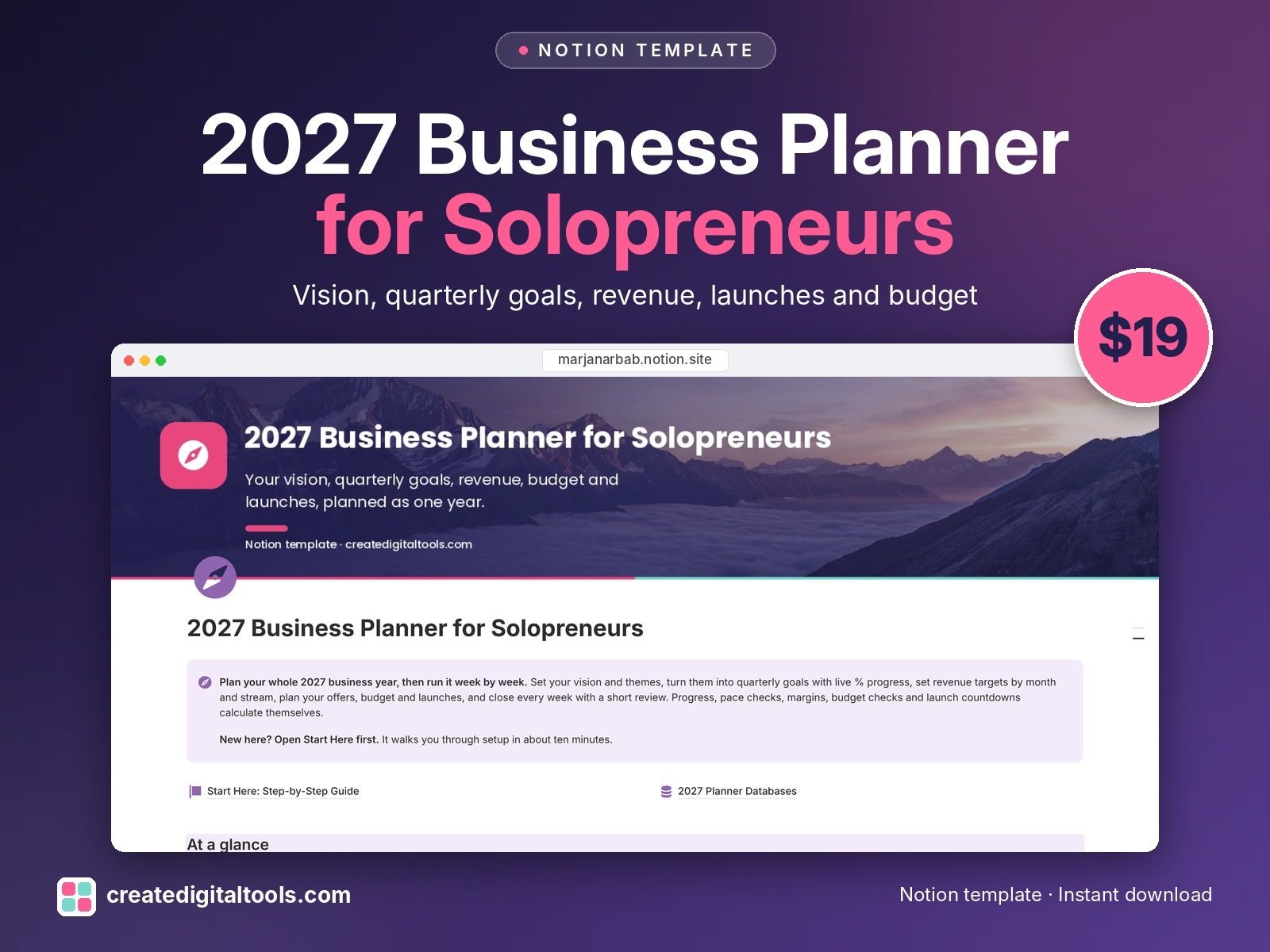
Plan your whole 2027 business year, then run it week by week.
This Notion template is an annual planner for solopreneurs, creators and one-person service businesses. It is built for planning the year, not for managing clients: there is no CRM and no life or wellness tracker to work around. You set the direction, and the numbers show you whether you are on pace.
Who it’s for
- Solopreneurs and one-person service businesses
- Creators selling digital products, courses or memberships
- Freelancers who want a business plan they actually use every week
What’s inside
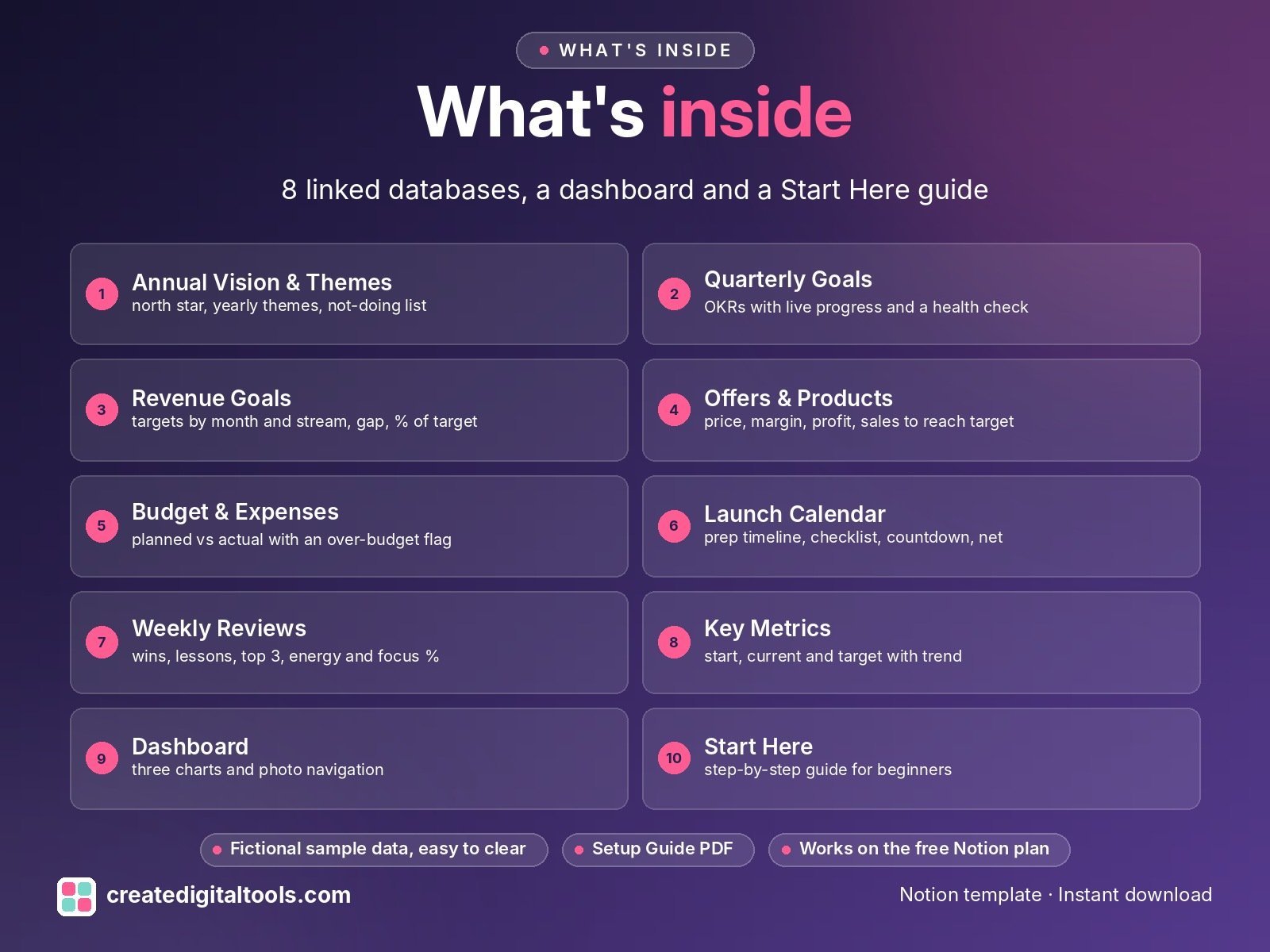
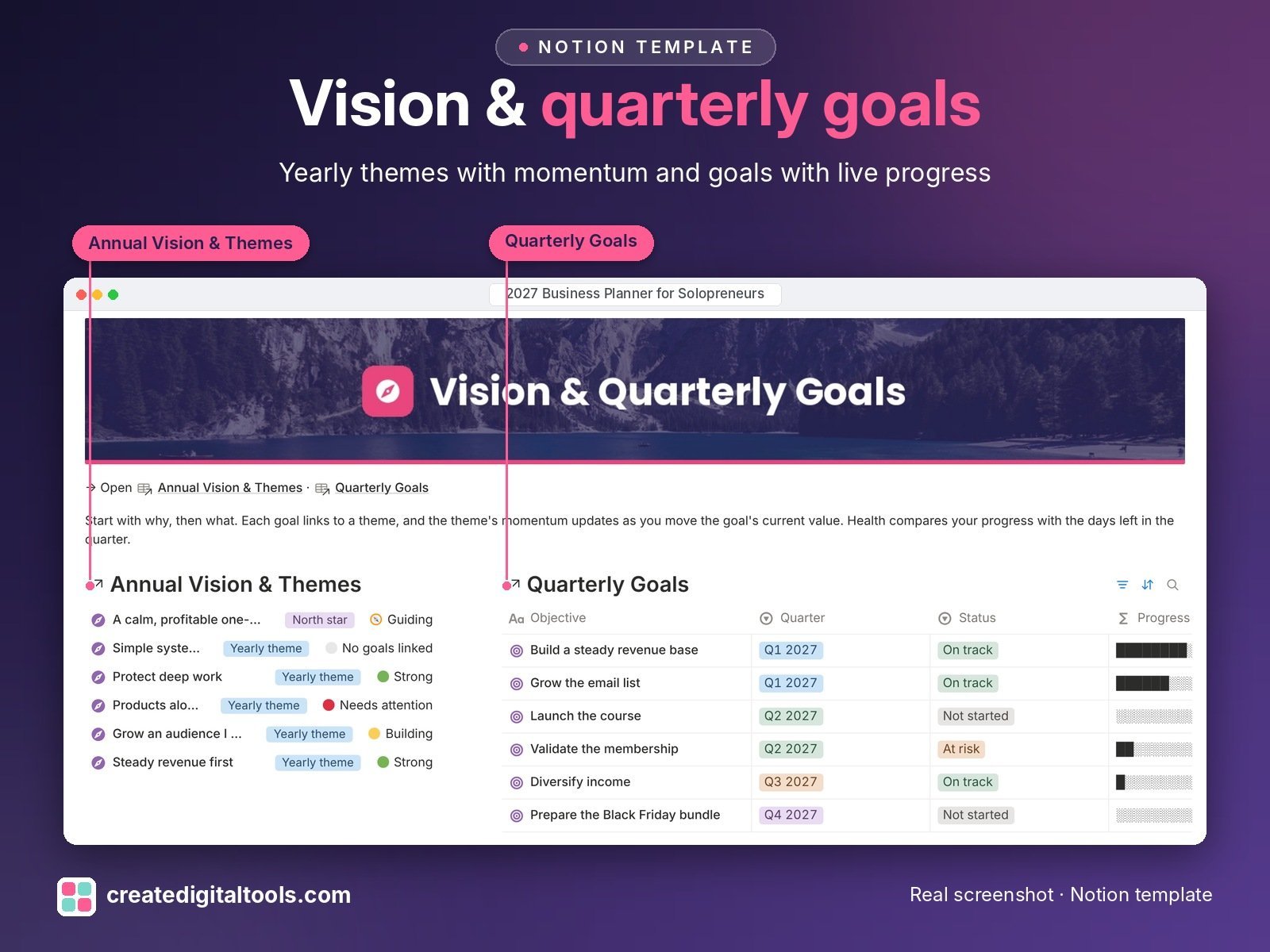
- Annual Vision & Themes: your north star, yearly themes and a not-doing-this-year list, with momentum showing which themes have goals moving
- Quarterly Goals: OKR-style objectives and key results with live Progress %, a progress bar and a Health check that compares your progress with the days left
- Revenue Goals: targets by month and by income stream, with Gap, % of target and Result
- Offers & Products: price, cost, margin, profit so far and Sales to reach target for each offer
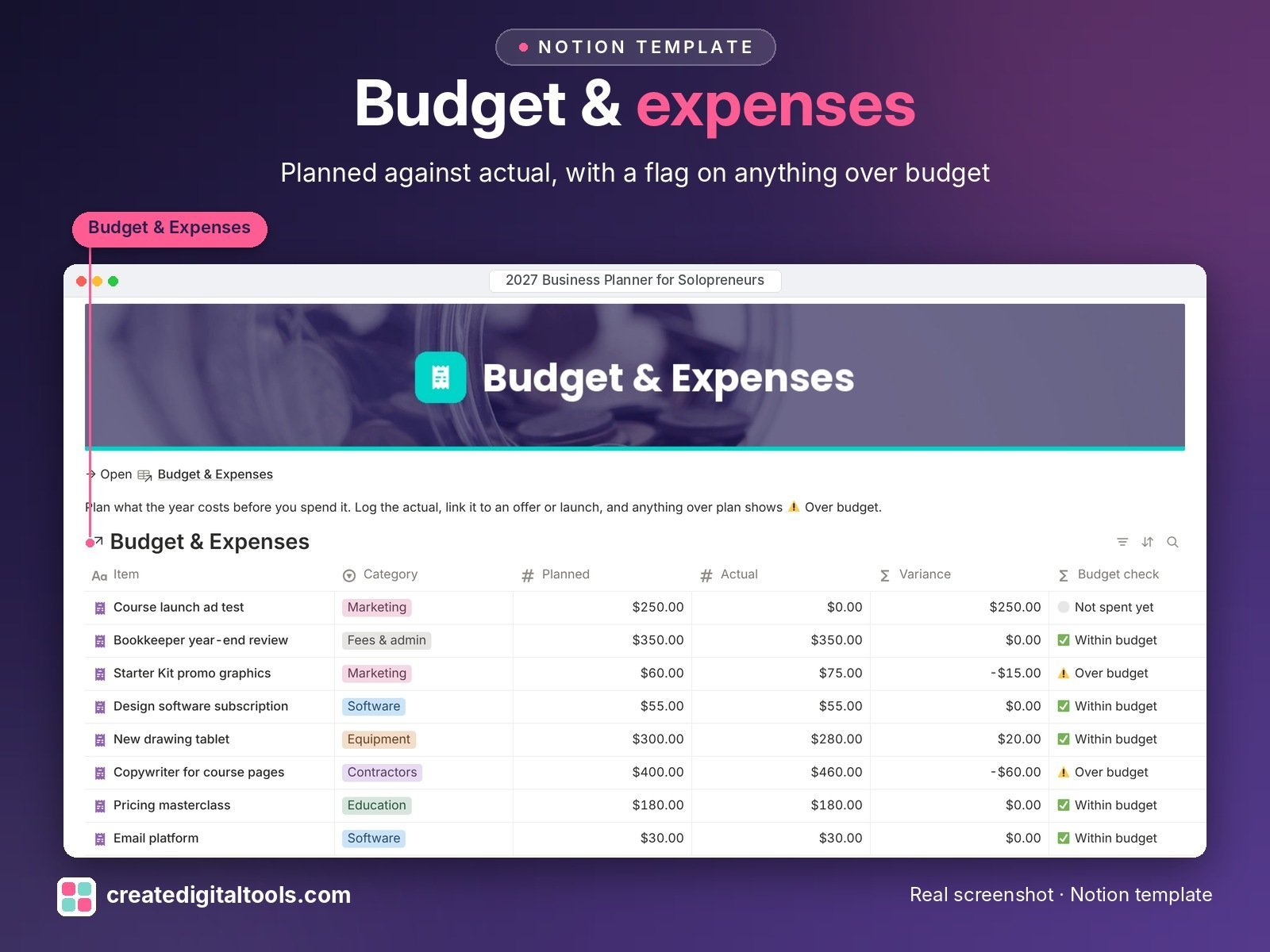
- Budget & Expenses: planned against actual, an over-budget flag and the yearly cost of repeating expenses
- Launch Calendar: a year timeline with prep time, a five-step checklist, countdown, prep warning, launch costs and net
- Weekly Reviews: wins, lessons, top 3 for next week, energy, focus % and the goals you moved
- Key Metrics: start, current and target for the numbers you choose to watch, with trend and progress
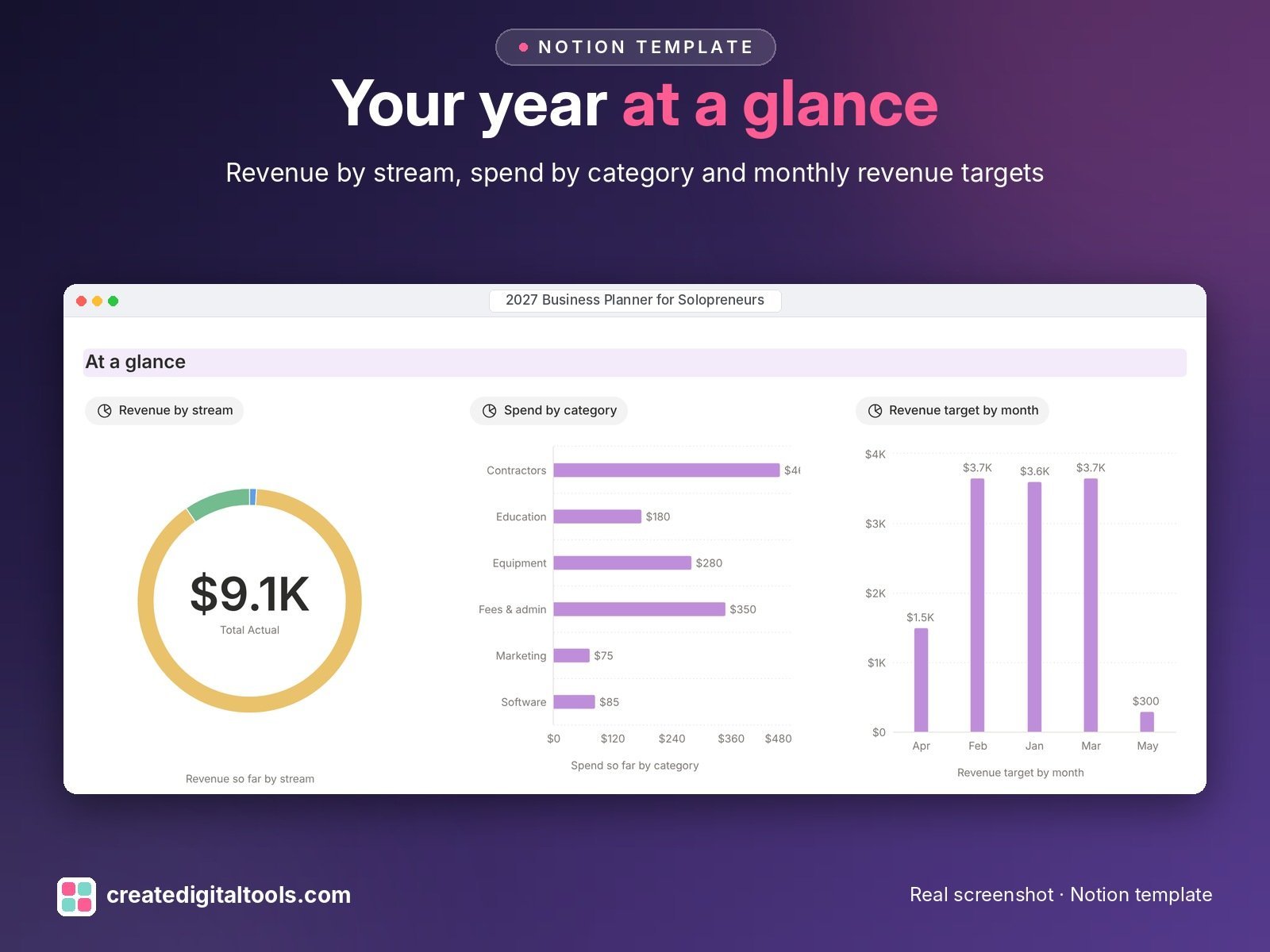
- Dashboard: three charts, navigation cards and the views you use most
- Start Here: Step-by-Step Guide inside the template, with fictional sample data dated 2027
Built-in automations
Five date-stamp automations: goal done, offer live, expense paid, launch live and weekly review done each record the date for you. Database automations run on Notion’s paid plans (Plus and up). On the Free plan they pause and you can make the same changes by hand; every database, formula and view still works.
Set up in 3 steps
- Open the template link in your PDF and click Duplicate to copy it into your own Notion workspace.
- Open Start Here and follow the setup: add your own details and clear the sample data when you're ready.
- Work from the dashboard every day and use the views you need most.
What you get
- The Notion template (duplicate link delivered as a PDF)
- Setup Guide PDF with a step-by-step walkthrough and FAQ
- Start Here guide inside the template, with fictional sample data so you can see how everything connects
- Video walkthrough: setup guide and full tour (at the top of this page)
Free plan
Works on the Free Notion plan. Desktop, web and the Notion mobile app.
Please note
- Sample data only shows how the template works. It is not a target, a benchmark or a promise of results.
- This is a planning tool, not financial, tax or legal advice; check money decisions with a qualified professional.
- Digital product: nothing physical is shipped.
- Sample data is fictional.
Notion is a trademark of Notion Labs, Inc.; this is an independent template by Create Digital Tools (createdigitaltools.com).
New to Notion? Try it free here (affiliate link: we may earn a commission at no extra cost to you).
Want your own store like this one? createdigitaltools.com runs on Hostinger WordPress hosting. Start your own shop with Hostinger, or try the no-code Hostinger Website Builder.
Affiliate links: I may earn a commission at no extra cost to you.