Description
Setup Guide & Full Tour
Most writing templates stop when the manuscript is done. This one keeps going.
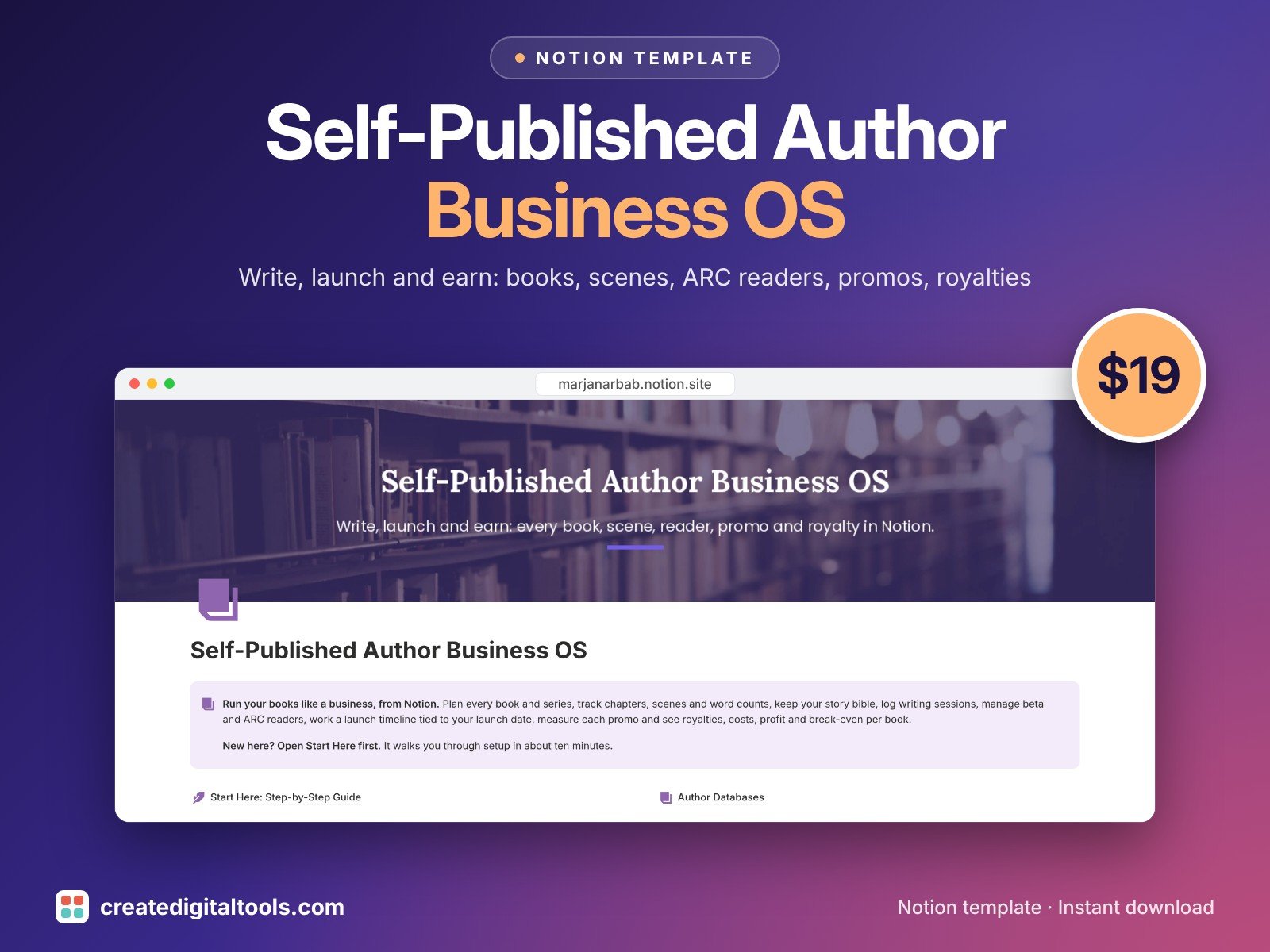
Self-Published Author Business OS is a Notion template for novelists and self-published authors who run their books as a business: write the book, build your review team, work the launch, measure each promo and see whether the book has paid for itself.
Who it’s for
- Indie and self-published novelists
- Authors writing a series who need a story bible
- Authors who run ARC teams, newsletter swaps and price promos
What’s inside
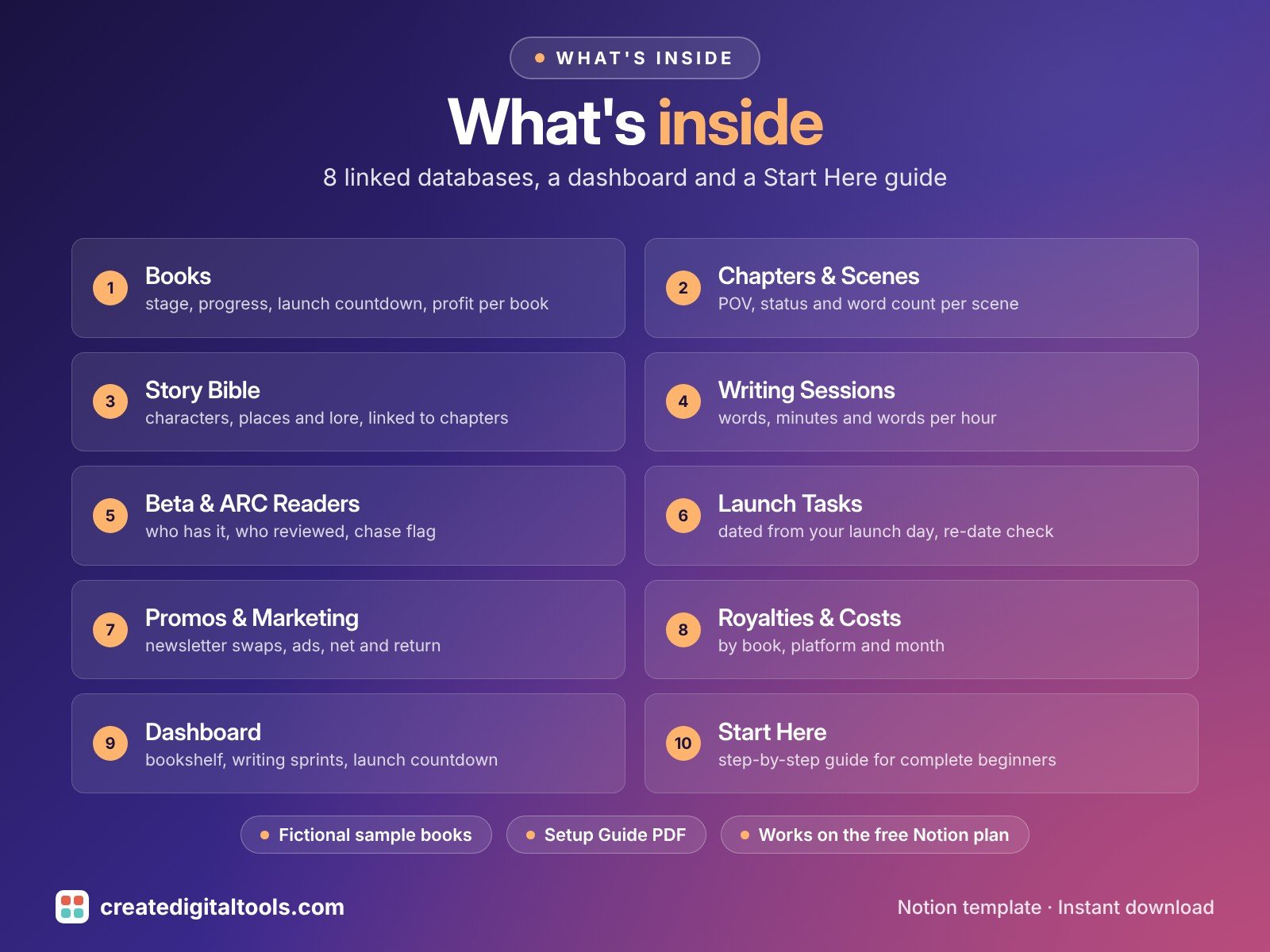
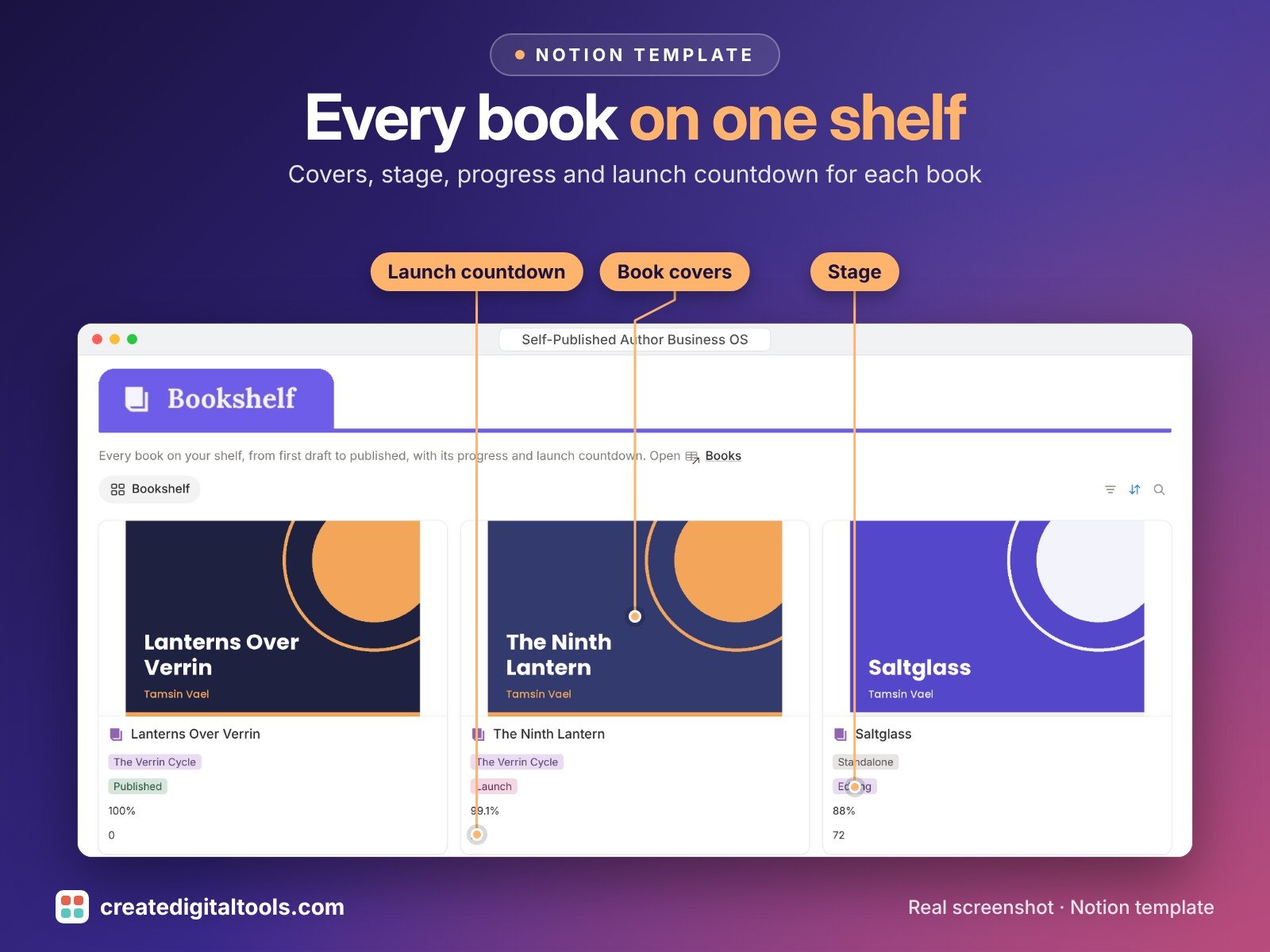
- Books: stage, series, target words, progress, launch countdown, ISBN and formats, open launch tasks, royalties, costs, profit and break-even units per book
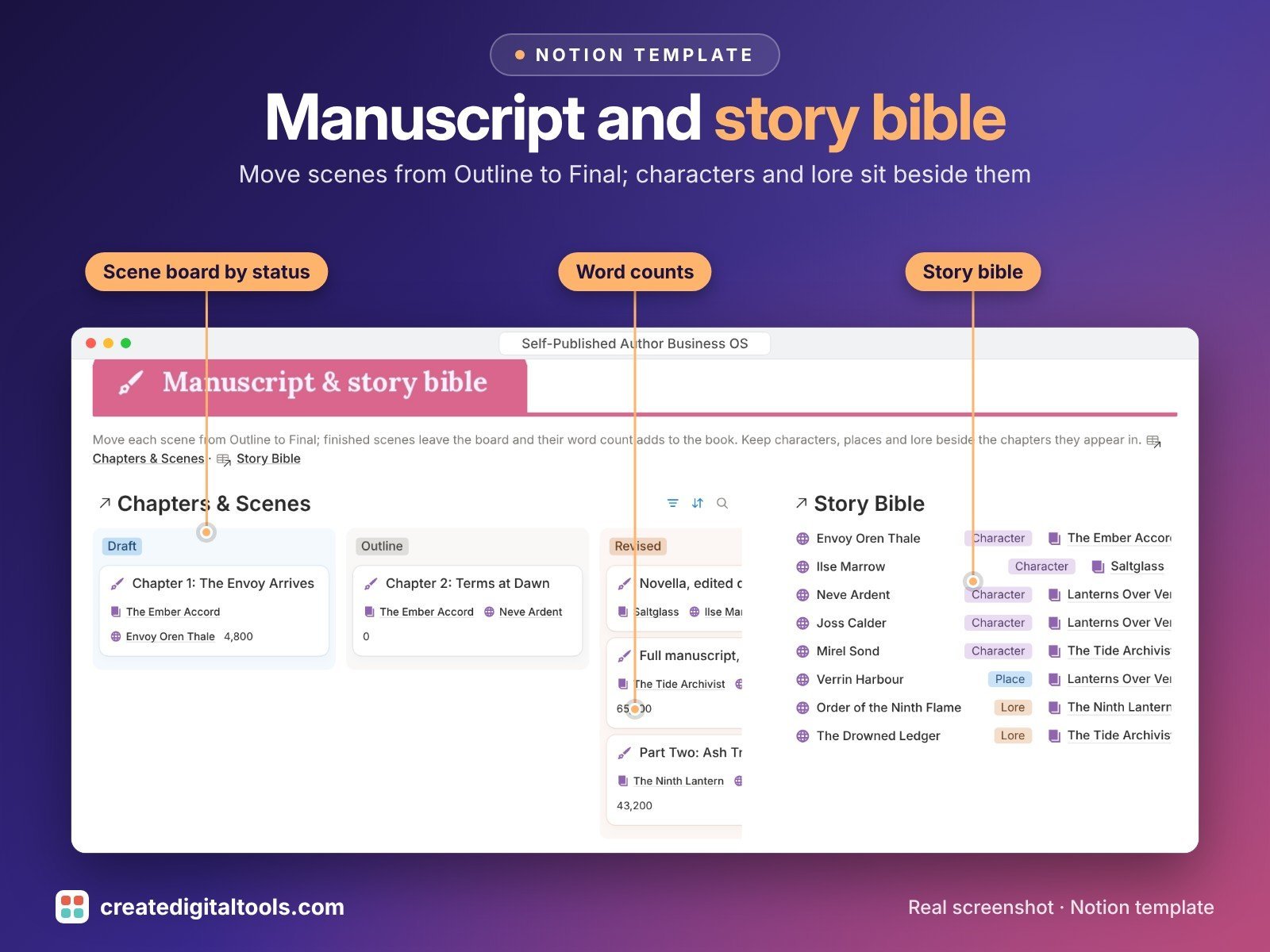
- Chapters & Scenes: order, POV character, status, word count and draft goal, at scene, chapter or part level
- Story Bible: characters, places and lore, linked to the books and chapters they appear in
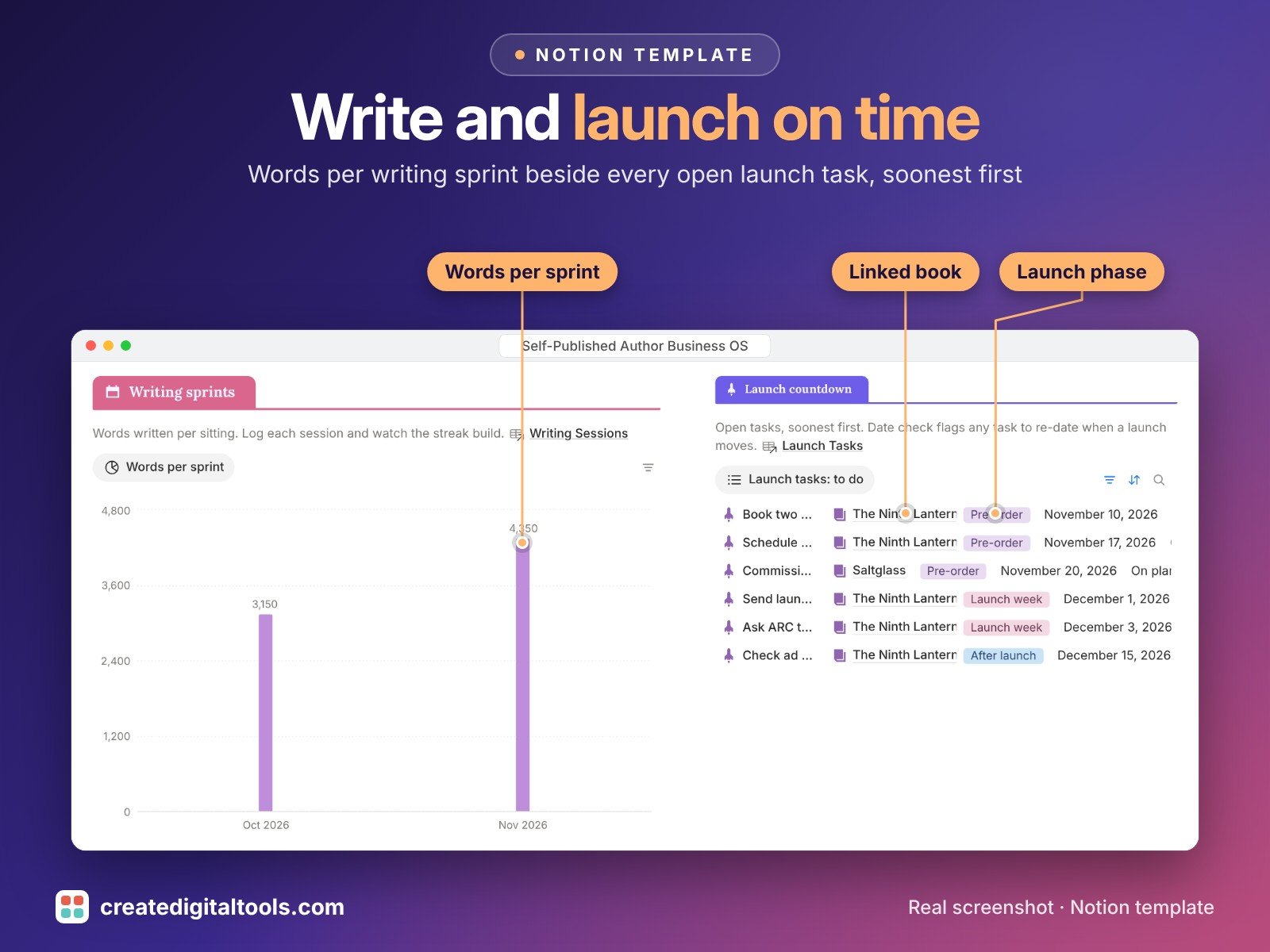
- Writing Sessions: date, book, words and minutes, with words per hour calculated
- Beta & ARC Readers: who has the book, who has finished, who has reviewed, feedback notes and review links, with a Chase flag after 21 days
- Launch Tasks: pre-order, launch week and after-launch tasks set a number of days from your launch date; move the launch and each task tells you to re-date it
- Promos & Marketing: newsletter swaps, price promos, ads and featured deal sites, with net and return for each one
- Royalties & Costs: every statement and cost by book, platform and month, pending or paid
- Dashboard: a bookshelf gallery with covers, words per sprint chart, launch countdown, scene board, story bible, ARC tracker and royalties
- Start Here: Step-by-Step Guide inside the template, with weekly and monthly checklists
- Fictional sample data so you can see how everything connects, easy to clear
How it works
Add a book, break it into chapters and scenes, and log each writing session. Set a launch date and the launch tasks date themselves from it. Log ARC readers, promos, royalties and costs against the book, and its profit and break-even units appear on the book row.
Built-in automations
Five date stamps fill themselves in: scene Final stamps Finished on, ARC Reviewed stamps Reviewed on, launch task Done stamps Completed on, promo Done stamps Ended on, and royalty Paid stamps Paid on.
Set up in 3 steps
- Open the template link in your PDF and click Duplicate to copy it into your own Notion workspace.
- Open Start Here and follow the setup: add your own details and clear the sample data when you're ready.
- Work from the dashboard and use the checklists in Start Here to keep everything up to date.
What you get
- The Notion template (instant download: a PDF with your duplicate link)
- Setup Guide PDF with a step-by-step walkthrough and FAQ
- Start Here guide inside the template
- Video walkthrough
Free plan
Works on the Free Notion plan. The built-in automations are Notion database automations, which run on paid plans (Plus and up). On the Free plan they pause and you fill those dates in by hand; every database, formula and view still works. Desktop, web and the Notion mobile app.
Please note
Tax and contract questions belong with a qualified professional; this template is an organising tool. Sample royalties and costs are fictional and say nothing about what any book will earn.
Retailer names such as Amazon KDP, Kobo and Apple Books are example labels only and do not imply endorsement.
Digital product: nothing physical is shipped. Sample data is fictional.
Notion is a trademark of Notion Labs, Inc.; this is an independent template by Create Digital Tools (createdigitaltools.com).
New to Notion? Try it free here (affiliate link: we may earn a commission at no extra cost to you).
Want your own store like this one? createdigitaltools.com runs on Hostinger WordPress hosting. Start your own shop with Hostinger, or try the no-code Hostinger Website Builder.
Affiliate links: I may earn a commission at no extra cost to you.