Notion Template for Amazon FBA Sellers: Products, Restocks and Real Profit (2027 Guide)
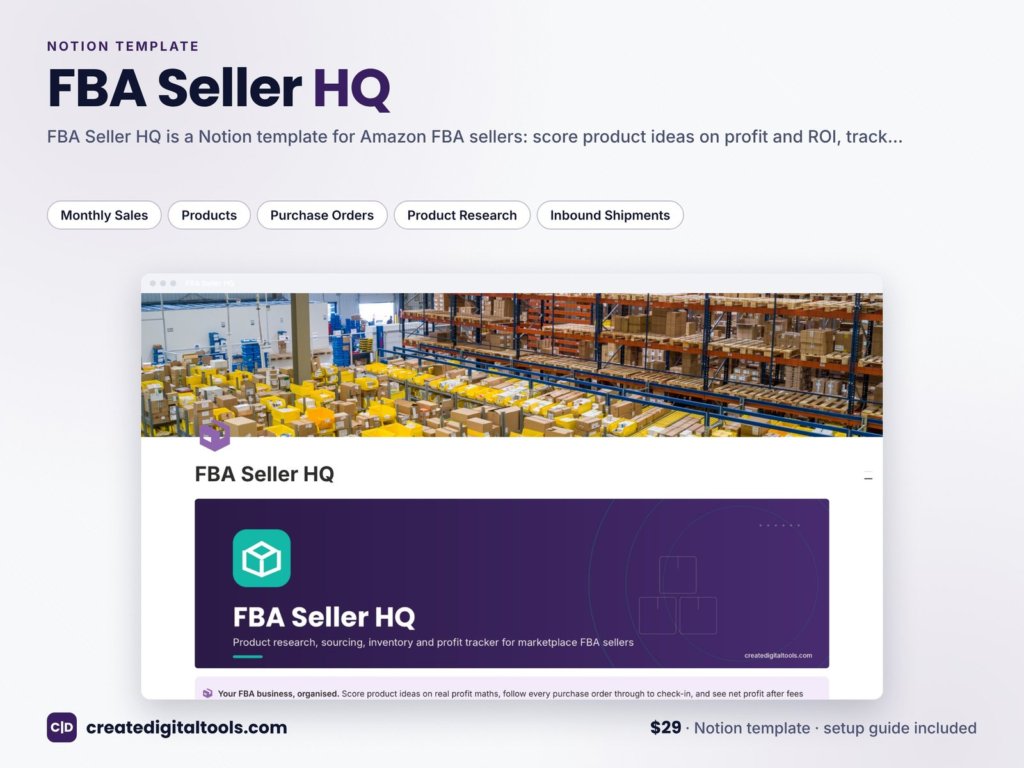
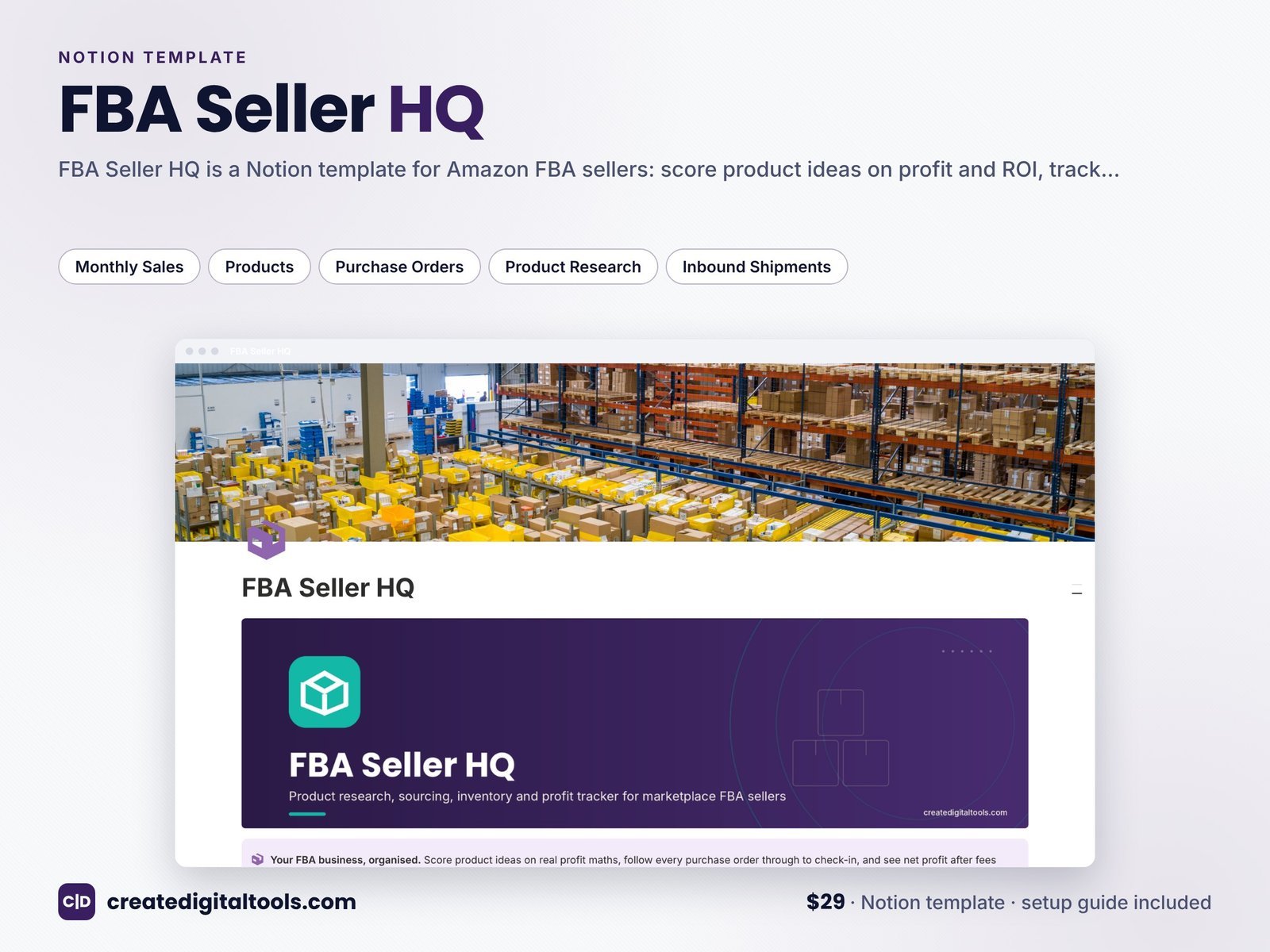
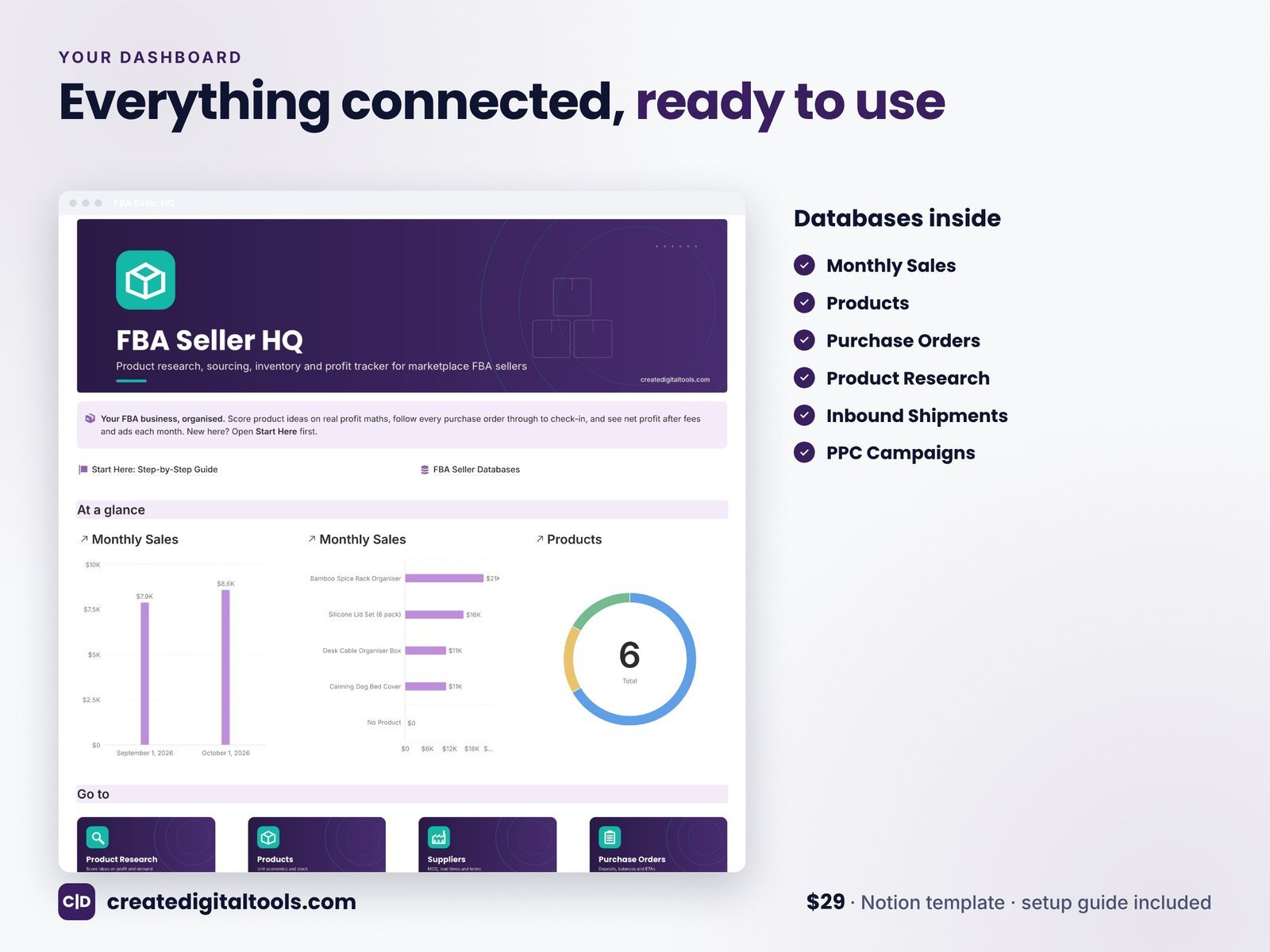
Short answer: yes, you can run an Amazon FBA business from Notion. The setup that works is a set of linked databases: Product Research, Products, Suppliers, Purchase Orders, Inbound Shipments, Monthly Sales, PPC Campaigns and Expenses. Formulas work out landed cost, profit per unit, ACoS, TACoS and a reorder flag for you. Seller Central stays your source of sales data, and Notion becomes the place where you decide what to source, what to reorder and whether you are actually making money. FBA Seller HQ ($29) from Create Digital Tools (formerly Notion Market Hub) gives you that whole system ready to duplicate.
Why FBA sellers outgrow spreadsheets and Seller Central
Seller Central tells you what sold. It does not tell you which product idea is worth sampling, which supplier has a 45-day lead time, which container is still at sea, or whether a hero product is quietly losing money once ads and refunds are counted. Most sellers solve this with a growing pile of spreadsheets: a sourcing sheet, a PO sheet, a restock sheet and a profit sheet. The trouble is that none of them talk to each other. When a supplier’s unit cost changes, your profit sheet does not know about it.
Notion fixes this with relations. A product is linked to its supplier, its purchase orders, its shipments, its monthly sales rows and its ad campaigns. Change one number and every rollup updates. You get the flexibility of a spreadsheet with the connected structure of software, without a monthly SaaS bill.
What an Amazon FBA Notion template needs
Whether you build your own or buy one, check that it covers these eight areas. FBA Seller HQ is built around exactly these.
1. Product research with real profit maths
Every idea should be scored on numbers, not gut feeling. You need estimated sell price, landed cost (unit cost plus freight and duties per unit), FBA fulfilment fee and referral fee. Referral fees are typically 8 to 15 percent of the sale price depending on category. From those, the template calculates estimated profit per unit, margin % and ROI. FBA Seller HQ adds a 0 to 100 Score that also weighs search volume and the number of competitor reviews, so a high-margin product in a market with 20,000-review incumbents does not look better than it is. Each idea moves through Researching, Sample ordered, Go or No-go.
2. A product catalogue that knows its own margins
Each live product stores SKU and ASIN, status, sell price, unit cost, FBA fee, referral fee % and inbound shipping per unit. Profit per unit, margin and landed cost calculate themselves. When Amazon changes fees, you update one property and see the impact on every SKU immediately.
3. A restock radar so you never stock out
Stockouts are the most expensive mistake in FBA. You lose sales, and you lose ranking that took months to build. The fix is a reorder point: the stock level at which you must place a new order to receive it before you run out. A simple formula is:
Reorder point = average daily units sold × (supplier lead time + shipping time + check-in buffer) + safety stock
In FBA Seller HQ, a Reorder? flag turns on automatically when units on hand plus units inbound fall to your reorder point. It sits next to every open purchase order, so you can see at a glance whether a reorder is already on the way.
4. Suppliers
Contact details, MOQ, lead time, payment terms and your own rating, with total PO value and open balance rolled up from your purchase orders. Before you negotiate, you know exactly how much business you have given that supplier this year.
5. Purchase orders from draft to received
Units × unit cost = total, deposit paid and balance due, order date, ETA, received date and status from Draft to Received. Calendar and timeline views show what is landing when. A built-in automation fills in the date when a PO is marked Ordered or Received (automations need Notion Plus; on the free plan you type the date yourself).
6. Inbound shipments
Carrier, ship date, arrival date, status from Preparing to Closed, and days in transit. Over time this becomes your own data on how long each route really takes, which makes your reorder points more accurate.
7. Monthly sales and true net profit
One row per product per month: units, revenue, refunds, Amazon fees and ad spend. Net profit subtracts the landed cost of units sold, not just the fees, so you see real money. TACoS (total ad spend divided by total revenue) shows how dependent each product is on advertising.
8. PPC campaigns
Sponsored Products, Sponsored Brands and Sponsored Display campaigns with budget, spend, sales, ACoS (ad spend ÷ ad sales), ROAS (ad sales ÷ ad spend) and an ACoS check against your target.
The numbers every FBA seller should track (and how to calculate them)
- Landed cost per unit = unit cost + (freight + duties + inspection + prep) ÷ units.
- Profit per unit = sell price − landed cost − FBA fee − referral fee.
- Margin % = profit per unit ÷ sell price.
- ROI = profit per unit ÷ landed cost.
- Break-even ACoS = margin before advertising. If your margin before ads is 30%, an ACoS above 30% loses money on every ad-driven sale.
- TACoS = ad spend ÷ total revenue. Falling TACoS over time means organic sales are growing.
- Days of stock left = (units on hand + inbound) ÷ average daily units sold.
A worked example
Say you sell a kitchen gadget for $29.99. Unit cost is $5.20 and freight and duties add $1.30 per unit, so landed cost is $6.50. The FBA fee is $5.40 and the referral fee (15%) is $4.50. Profit per unit before ads is $29.99 − 6.50 − 5.40 − 4.50 = $13.59, a 45% margin and 209% ROI. Your break-even ACoS is about 45%. If campaigns run at 28% ACoS, every ad sale still makes money. If one campaign drifts to 52%, the template’s ACoS check flags it before it eats a month of profit.
How to set up FBA Seller HQ in an afternoon
- Duplicate the template. After purchase you get a PDF with the template link. Open it, log in to Notion (the free plan works) and click Duplicate.
- Open Start Here. It walks you through a 5-step setup, explains how the databases connect and includes a daily, weekly and monthly routine.
- Add your suppliers first, then your live products, linking each product to its supplier.
- Enter open purchase orders and inbound shipments, so the restock radar knows what is already on the way.
- Add last month’s sales from your Seller Central business report, one row per product.
- Set a reorder point and target ACoS for each product.
- Delete the sample data once you are comfortable. It is fictional and only there so every view works on day one.
A weekly routine that keeps you out of trouble
- Monday: check the restock radar. Any product with the Reorder? flag on and no open PO gets an order this week.
- Wednesday: review PPC. Pause or cut bids on campaigns above break-even ACoS.
- Friday: update inbound shipment statuses and supplier ETAs.
- Month end: add monthly sales rows and read net profit per product. Decide what to scale, fix or retire.
- Ongoing: score two or three new product ideas each week in Product Research.
Notion vs dedicated FBA tools
Tools like Helium 10, Jungle Scout, SoStocked and Sellerboard are excellent at what they do: keyword data, automated inventory forecasting and automated profit dashboards pulled directly from Amazon. Notion does not connect to Amazon’s API, so you enter or import data yourself. The advantages are cost and flexibility. FBA Seller HQ is a one-time $29 purchase, you can change any property to suit your business, and it keeps sourcing, supplier notes, POs and profit in one place. Many sellers use a research tool for keyword data and Notion as their operating system for everything else.
Who FBA Seller HQ is for
- New private-label sellers who want structure from the first product.
- Sellers with 5 to 100 SKUs who manage reorders by hand.
- Wholesale and retail arbitrage sellers who want profit per unit before they buy.
- Sellers on other marketplaces with fulfilment services, such as Walmart WFS.
Related templates
- Dropshipping Business HQ ($29): if you also run a Shopify dropshipping store.
- Online Store Owner Kit: 5 Notion templates for online sellers.
- Business Finance HQ ($24): for business-wide income, expenses and tax set-asides.
- Etsy Seller Profit Spreadsheet: if you sell on Etsy too.
Looking for another industry? See the best Notion templates for every type of business, or read where to buy Notion templates.
Frequently asked questions
Is Notion good for Amazon FBA?
Yes, as an operating system for sourcing, suppliers, purchase orders, restocks and profit tracking. It does not pull data from Amazon automatically, so you add sales figures from your Seller Central reports each month.
Does FBA Seller HQ connect to Seller Central?
No. It is an organising and calculation tool. You enter or paste figures from your reports. This keeps it simple, private and free of monthly fees.
Can I use it for Walmart or other marketplaces?
Yes. The fee properties are editable, so it works for any marketplace that fulfils orders for you.
Do I need a paid Notion plan?
No. It works on Notion’s free plan. The two date automations need Notion Plus; on the free plan you type those dates by hand.
How do I calculate a reorder point for FBA?
Multiply your average daily sales by your total lead time (production + shipping + check-in) and add safety stock. For example, 20 units a day × 50 days + 300 units of safety stock = a reorder point of 1,300 units.
What is a good ACoS on Amazon?
It depends on your margin. Any ACoS below your margin before ads is profitable. Many sellers accept a higher ACoS during a launch and aim for a lower TACoS once organic ranking builds.
Profit and fee figures in the template are estimates for planning. It is an organising tool, not financial or tax advice. Notion is a trademark of Notion Labs, Inc.; FBA Seller HQ is an independent template.
Notion systems, spreadsheets and planners with a setup guide. Instant download.