20 Best Notion Templates for Small Business in 2026 (by Business Type)
Most small businesses don’t need another app. They need one place where customers, jobs, money and the team’s to-dos are connected, so the owner can see what’s going on without opening five tabs. Notion does that well, as long as you start from a template built for your kind of business instead of a blank page.
We build and sell Notion templates for a living, and our catalog now has more than 150 of them. Below are the 20 we’d recommend to small business owners in 2026, grouped by the type of business you run. Every one comes with linked databases, sample data and a duplicate link that drops it into your own Notion workspace, and every one works on the free Notion plan.
Quick picks
- Best for running the whole company: Company OS 2.0
- Best starter set: Small Business Back-Office Kit (7 templates)
- Best for money: Business Finance HQ 2.0
- Best for planning the year: Strategic Planning System
- Want them all? The Notion Mega Bundle has 113 templates in one purchase.
Whole-business systems
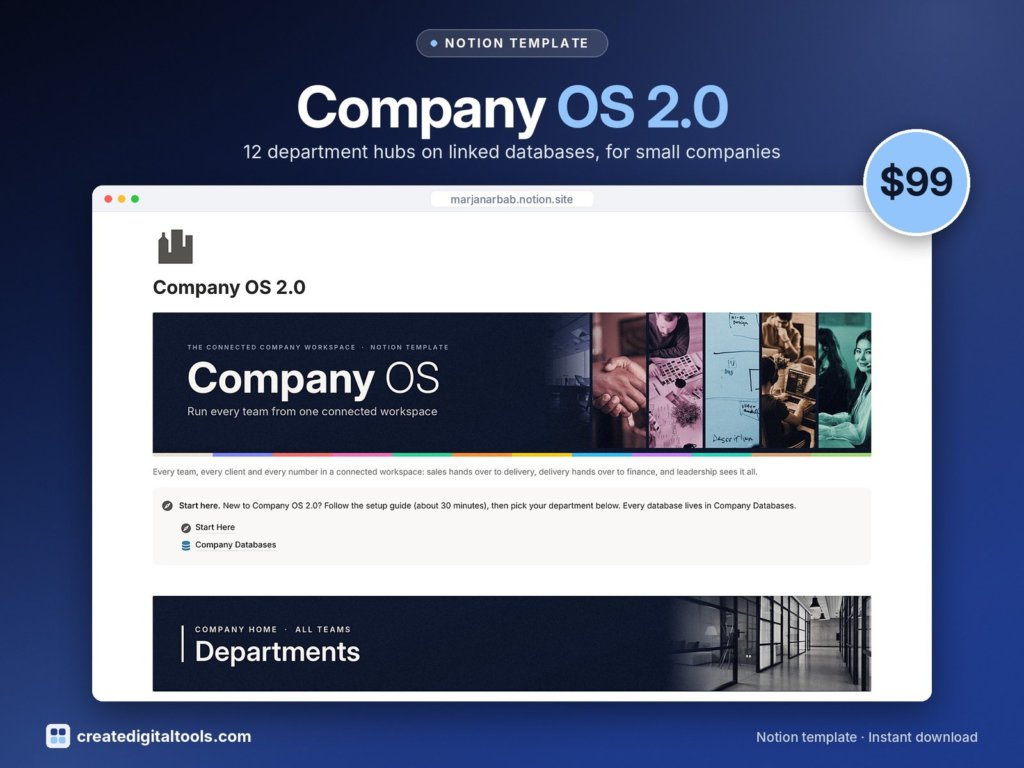
1. Company OS 2.0 · $99
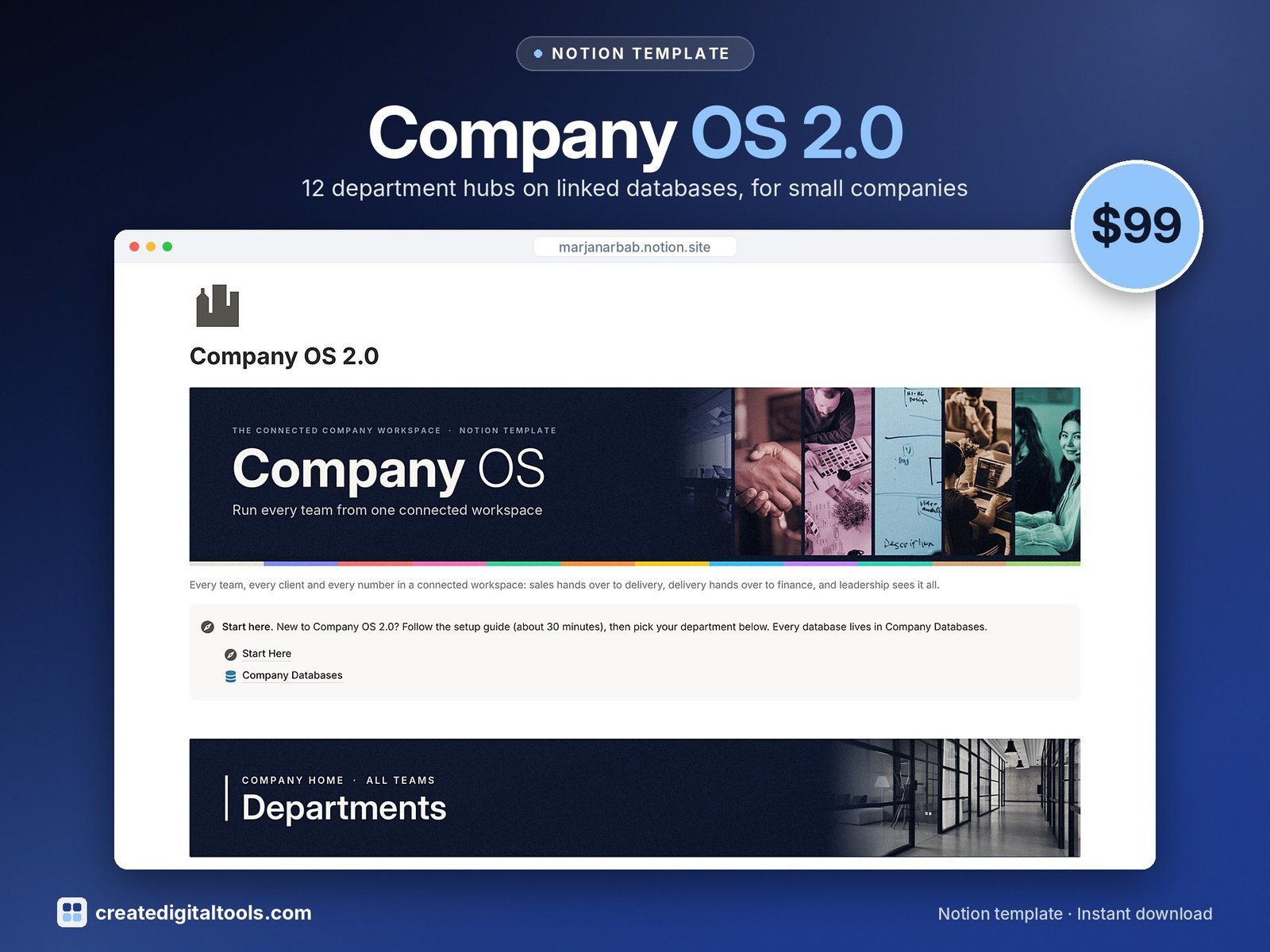
Best for: growing teams that want every department in one connected workspace.
Twelve department areas (executive cockpit, strategy, sales, marketing, finance, people and HR, operations, projects, product, support, legal and a knowledge hub) built on 48 linked databases. It’s our biggest template and the one to pick if you’re past the solo stage and the team keeps asking where things live.
2. Small Business Back-Office Kit · $45
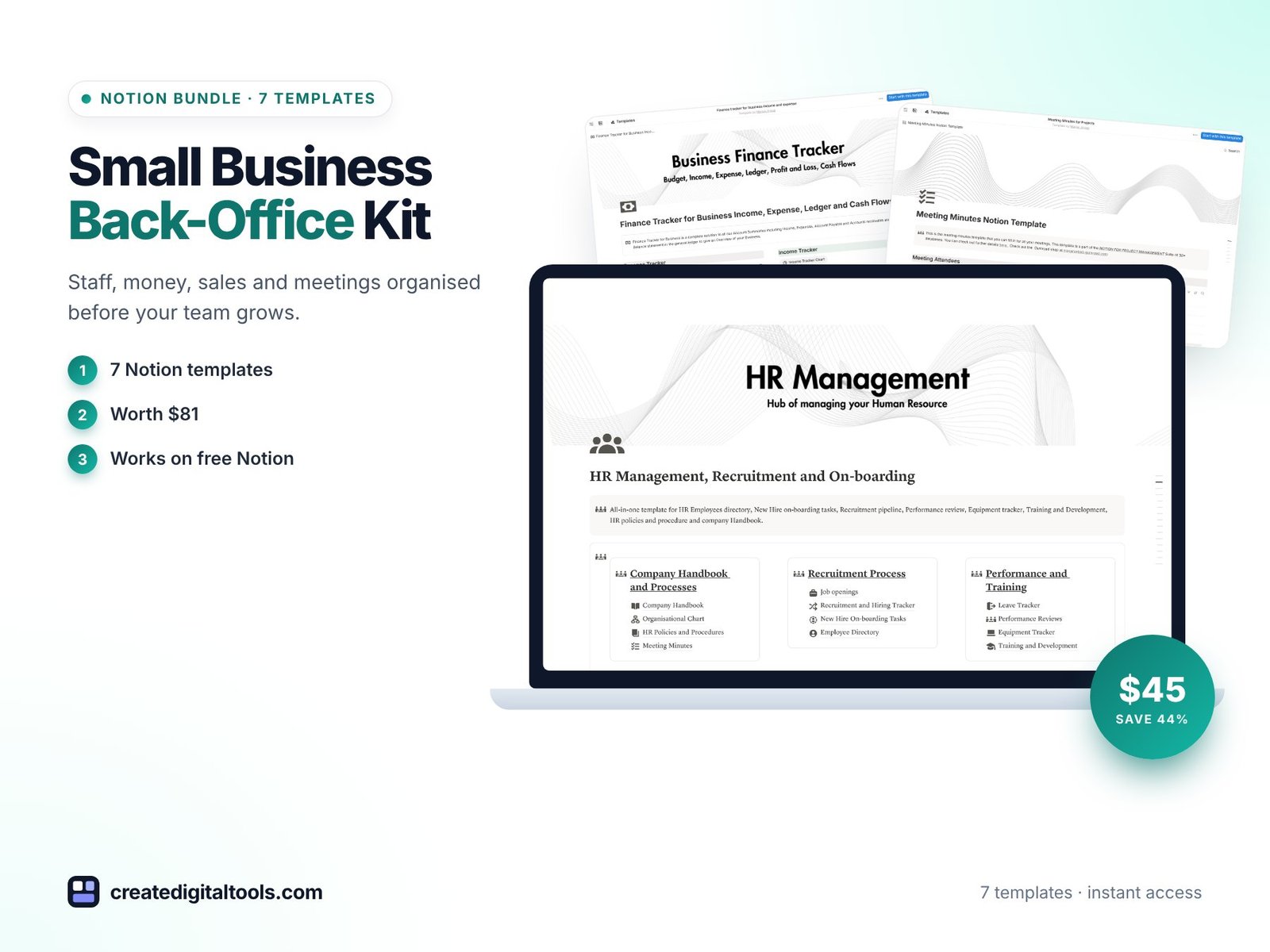
Best for: owners with a small team who want the admin sorted before they hire more people.
Seven templates for staff, money, sales and meetings, worth $81 bought separately. A cheaper way in than Company OS if you only need the back office.
3. Strategic Planning System · $49
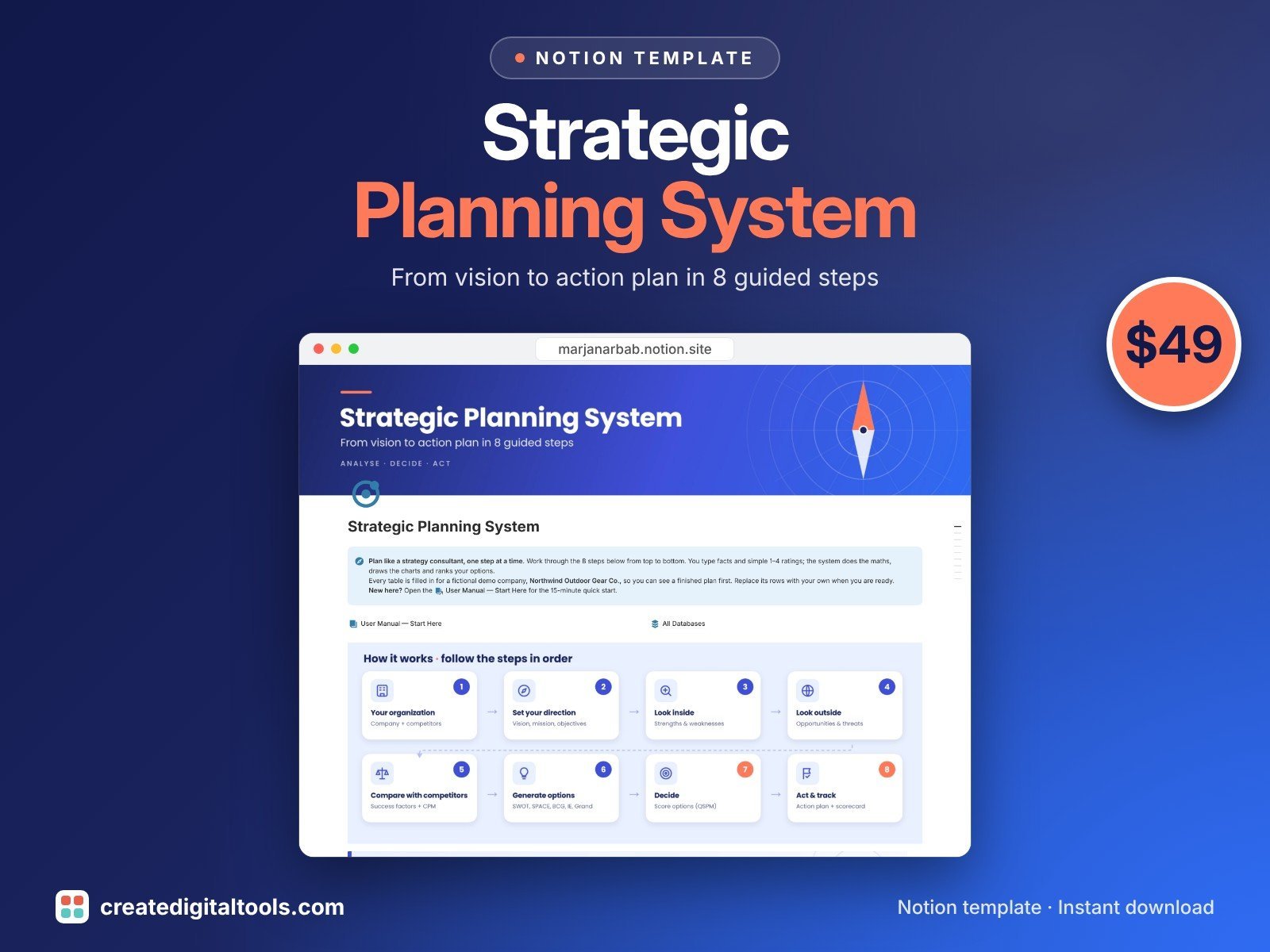
Best for: planning 2027 properly instead of writing goals on a sticky note.
Eight guided steps take you from vision to an action plan, with the classic strategy tools built in and scored for you: IFE, EFE, competitive profile matrix, SWOT, SPACE, BCG, IE and QSPM, plus a results dashboard and a scorecard.
Money, sales and people
4. Business Finance HQ 2.0 · $24
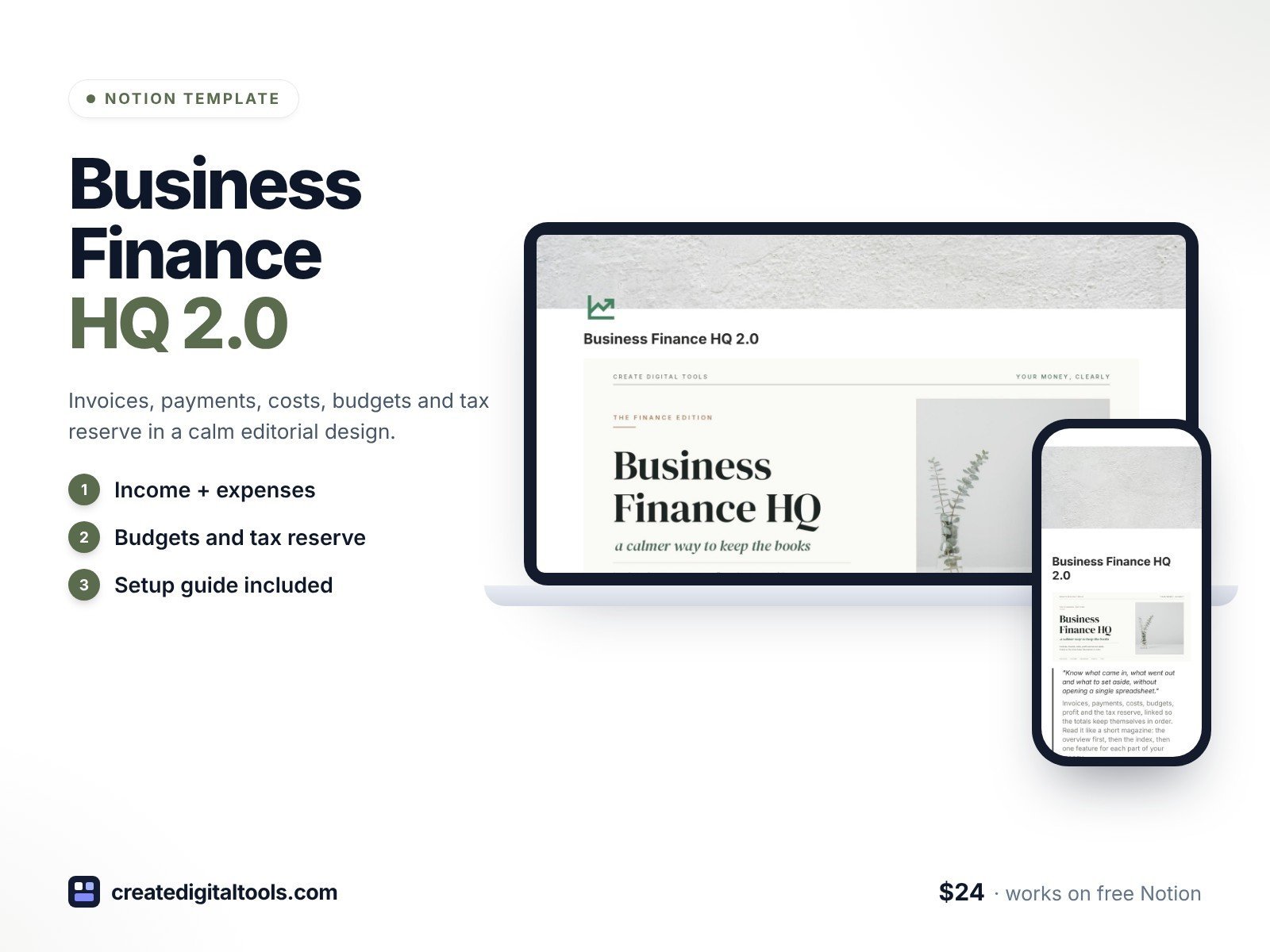
Best for: knowing your numbers every month without learning accounting software.
Income, expenses, invoices, a monthly P&L, tax set-aside, bills and accounts, all linked, in a calm editorial design.
5. Sales CRM for Business · $19
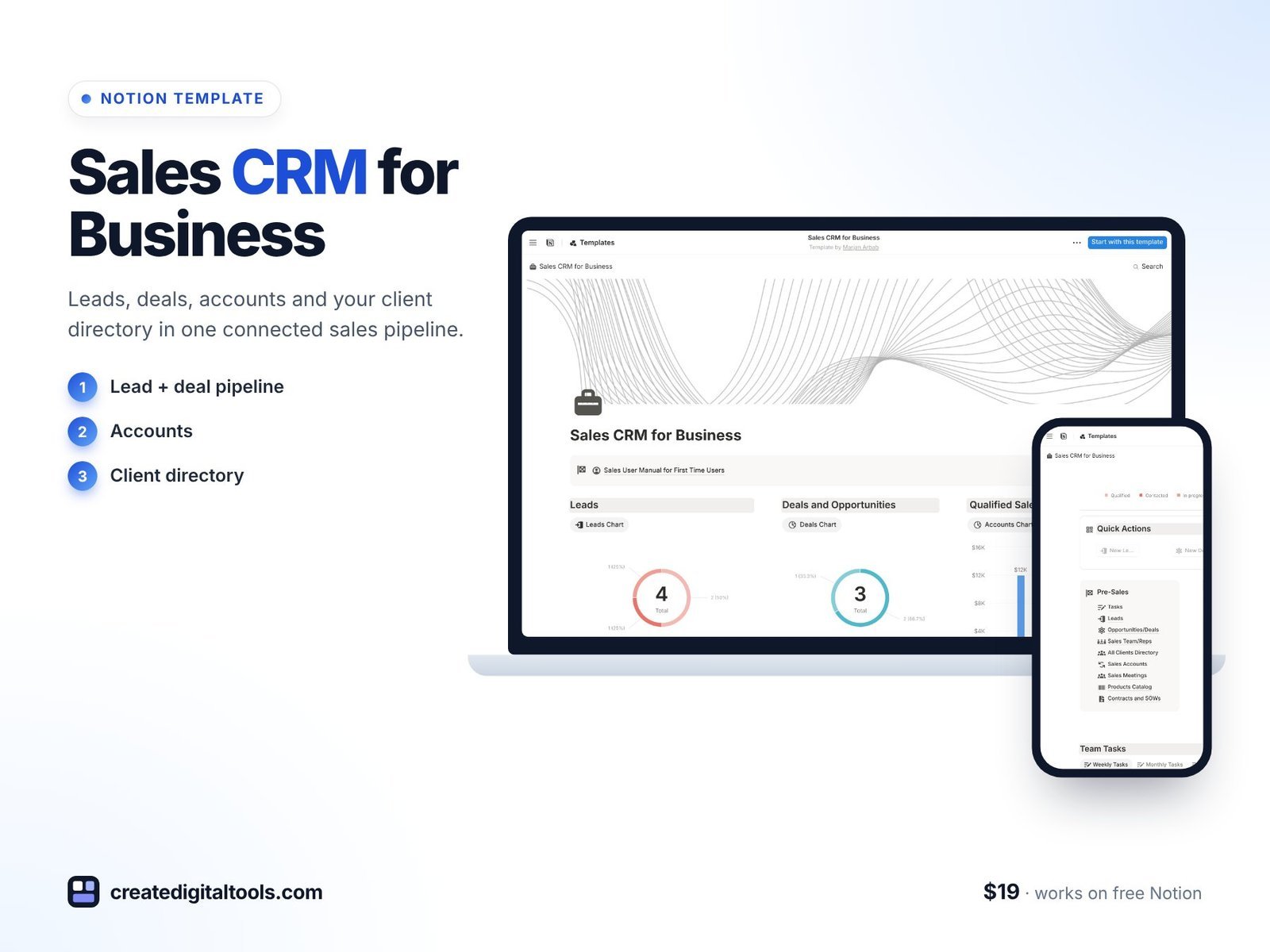
Best for: teams that lose track of leads in inboxes and spreadsheets.
Leads, deals, accounts and a full client directory in one pipeline, so follow-ups stop slipping.
6. HR Management, Recruitment and Onboarding · $24
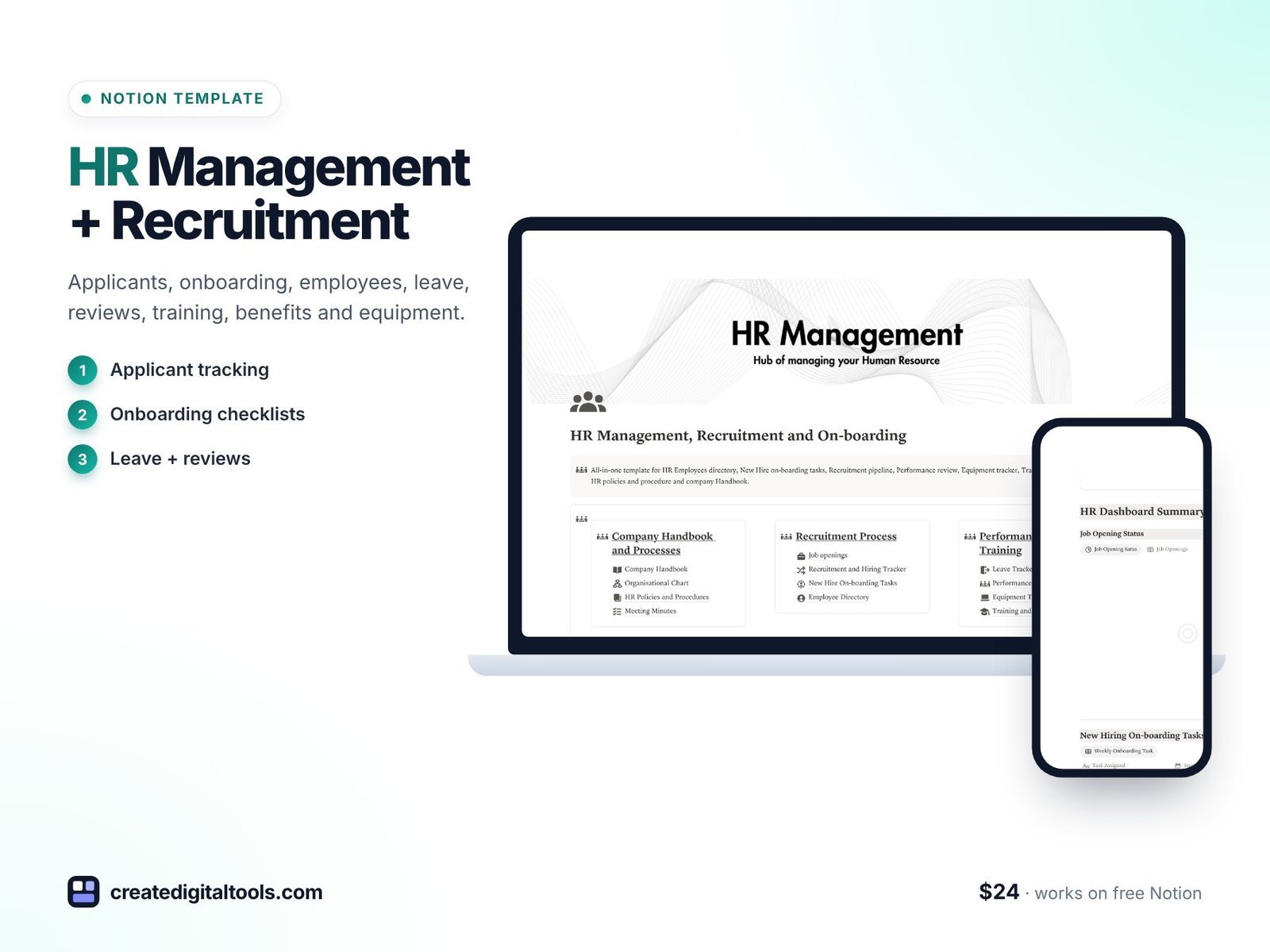
Best for: the first time you hire, or when HR is a side job for the owner.
Applicant tracking, onboarding checklists, an employee database, leave tracker, performance reviews, training, benefits and equipment, with visual analytics.
Food, retail and hospitality
7. Retail Store HQ · $25
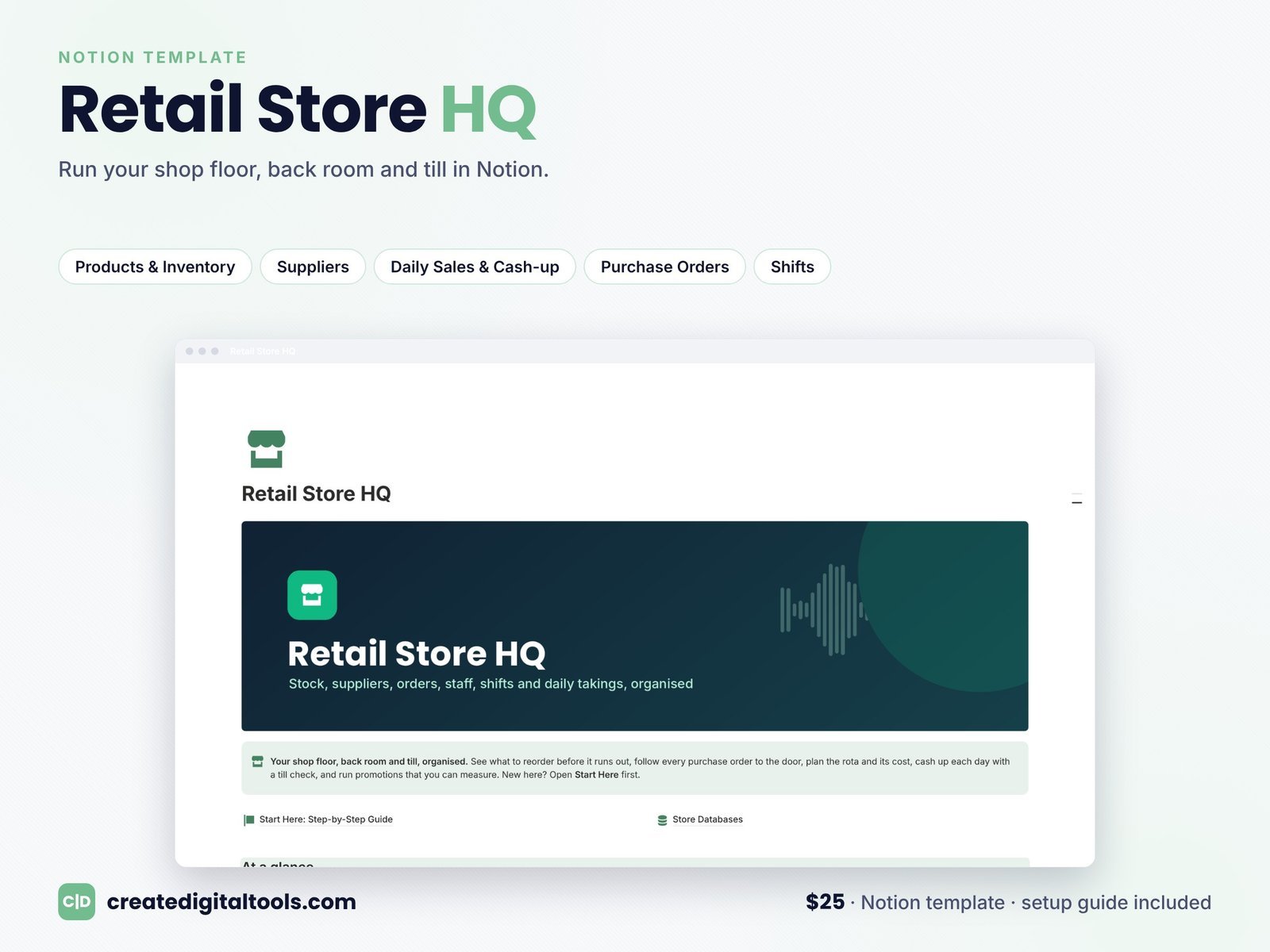
Best for: independent boutiques, gift shops and small store teams.
Runs the shop floor, the back room and the till: stock, suppliers, staff and daily sales in one place.
8. Restaurant & Cafe OS · $19
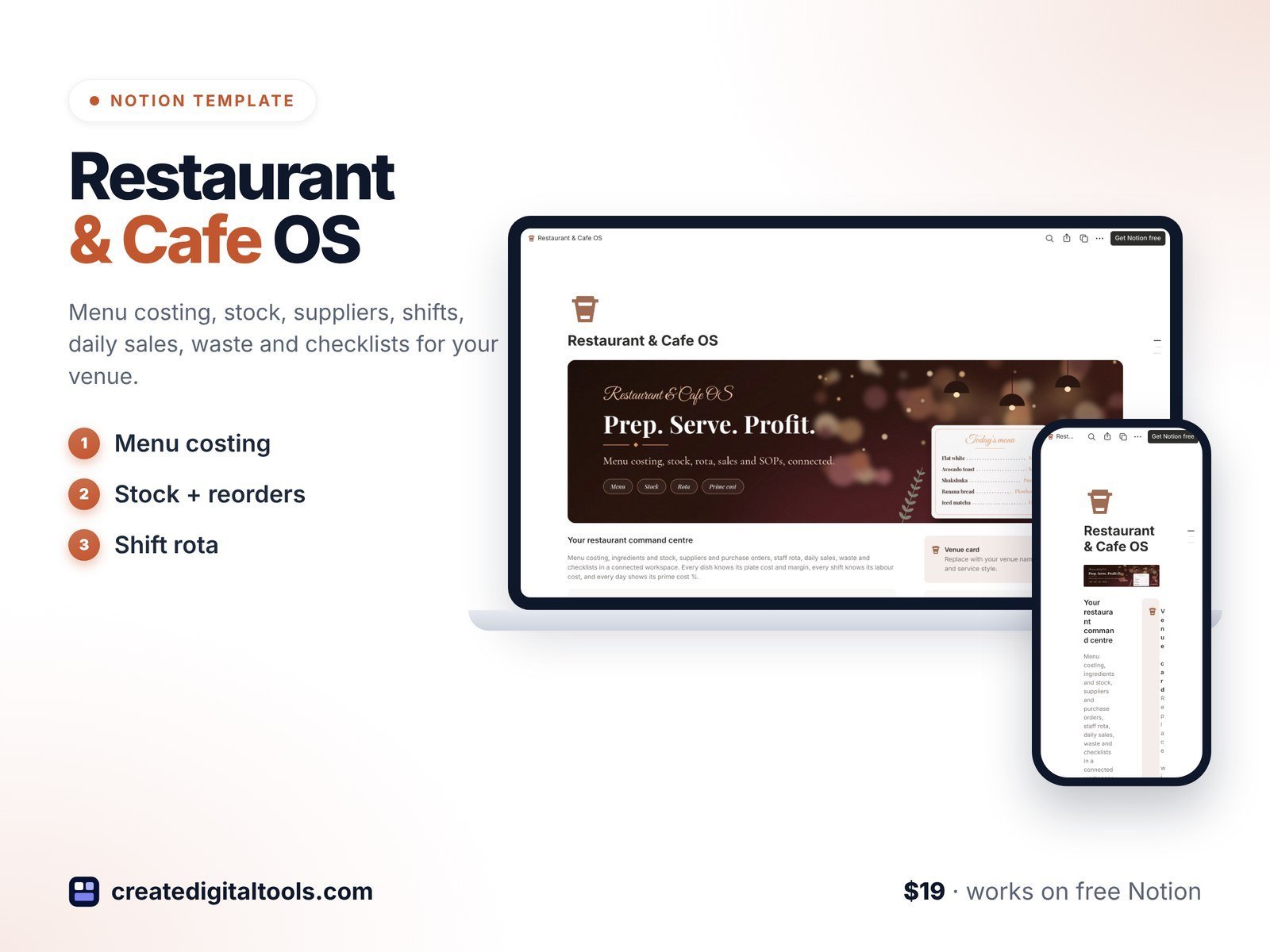
Best for: cafe and restaurant owners who still run the kitchen from paper lists.
Menu costing, stock, suppliers, shifts, daily sales, waste and opening and closing checklists.
9. Home Bakery & Cottage Food Business OS · $19
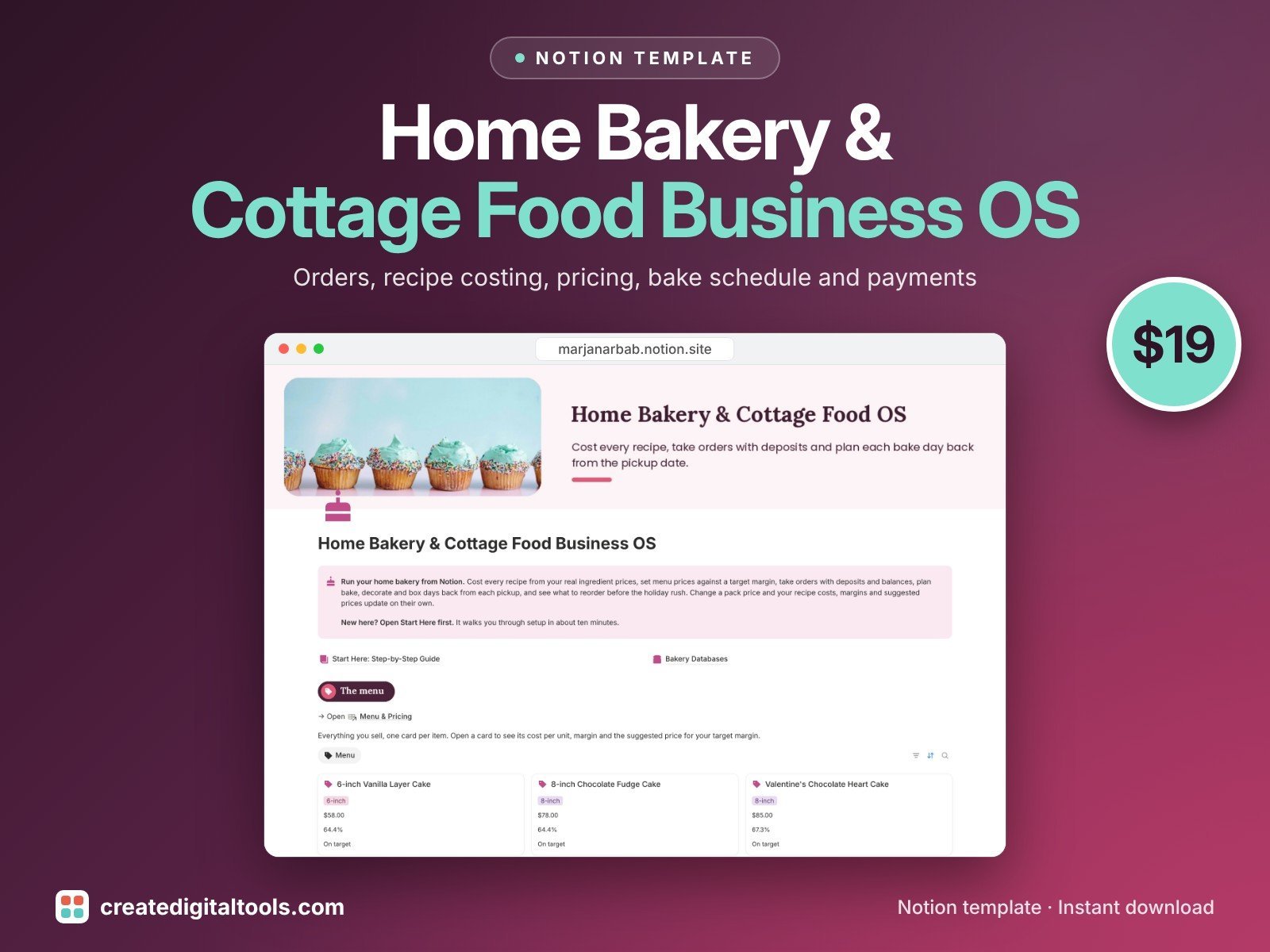
Best for: home bakers taking custom orders.
Orders with deposits and balance due, recipe costing and cost per unit, menu pricing and margins, and a bake schedule planned back from each pickup time.
10. Food Truck & Catering Business OS · $29
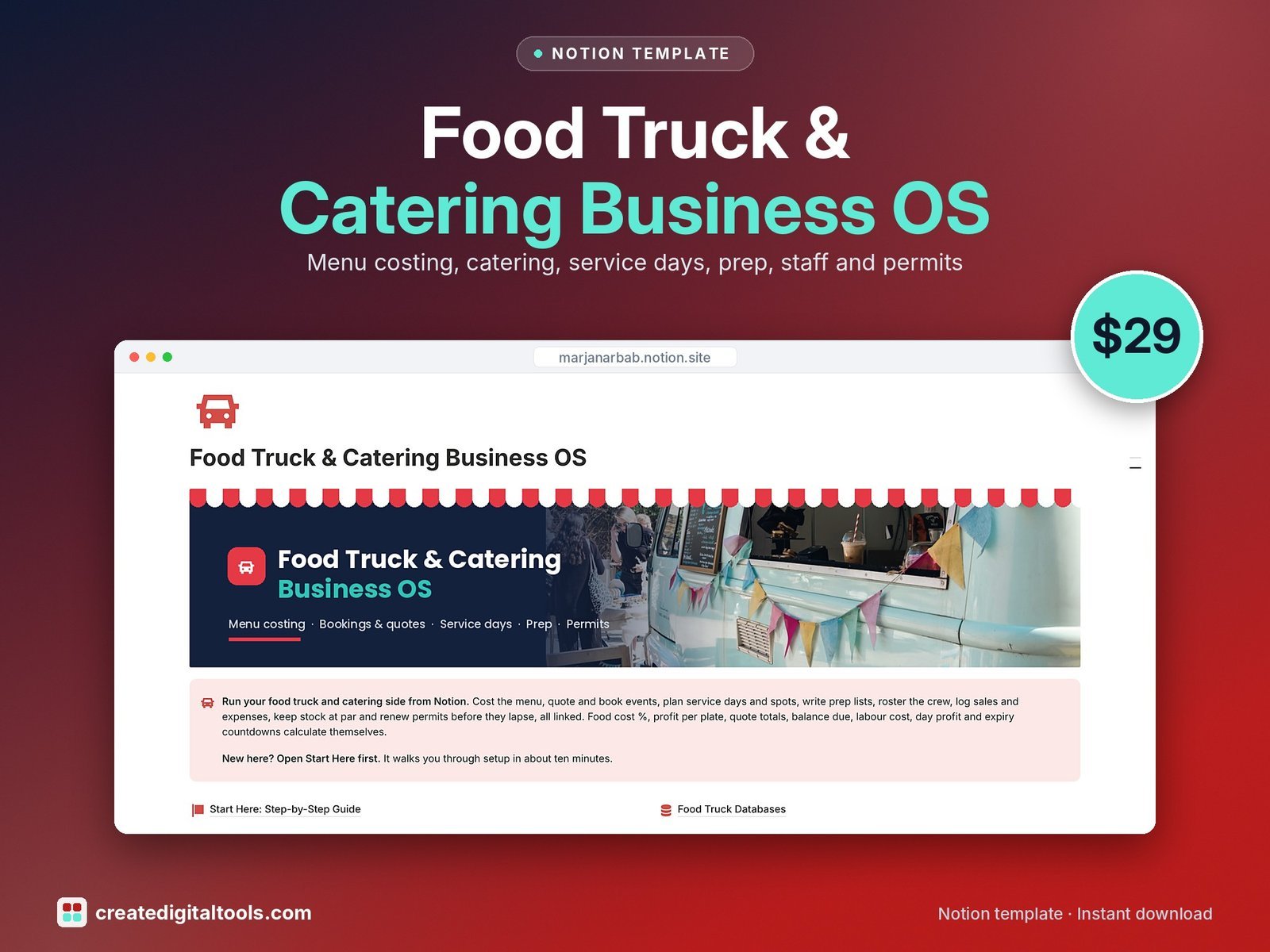
Best for: food trucks and caterers juggling events and service days.
Menu costing, catering quotes, service days and sales, prep lists, shifts, stock and permits.
Home and local services
11. Home Services & Trades Business OS · $24
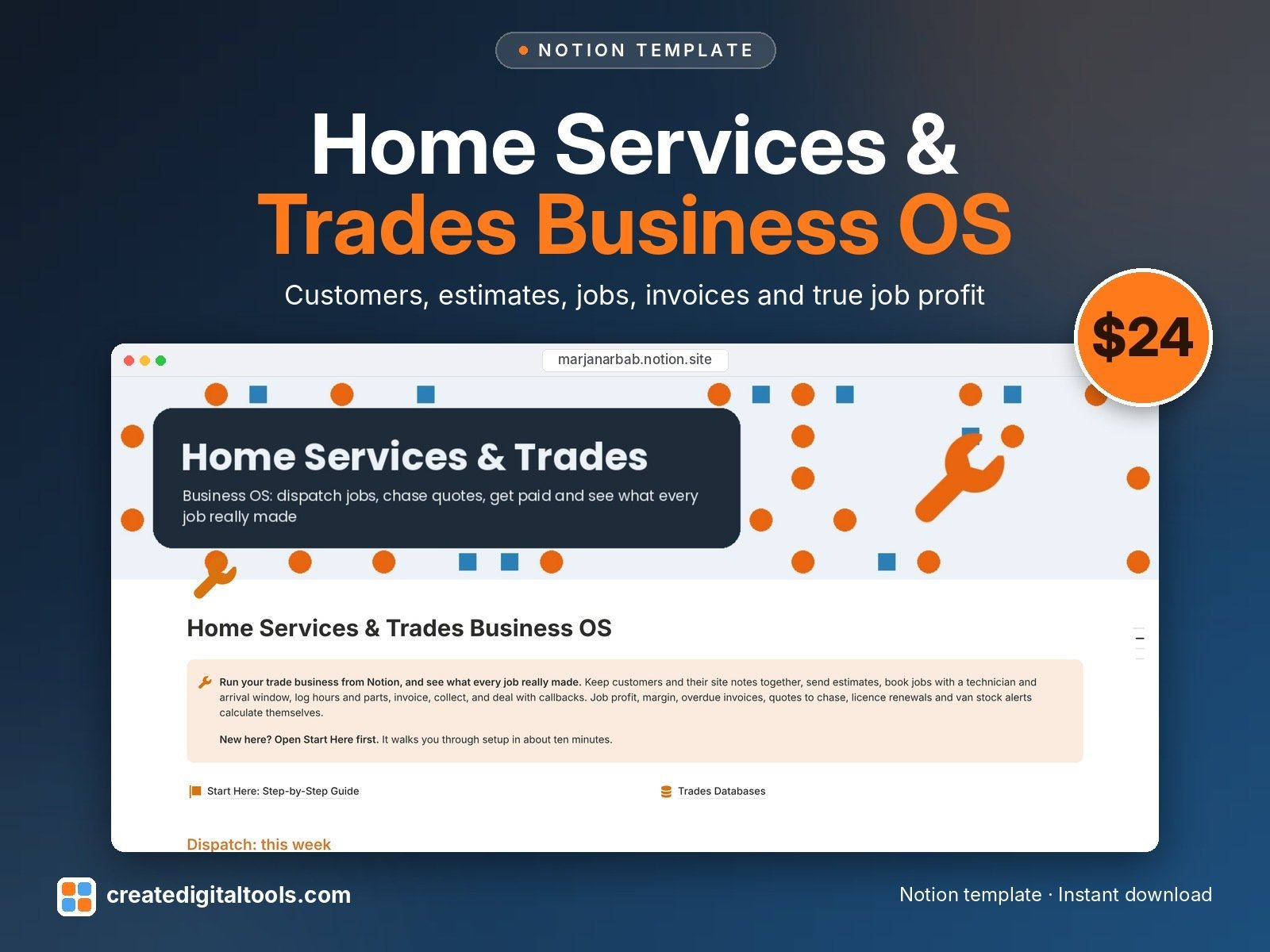
Best for: handyman, electrical, plumbing and HVAC businesses.
Customers, properties, estimates, a dispatch calendar, invoices, parts, crew and callbacks, with true profit on every job.
12. Cleaning Service Business OS · $19
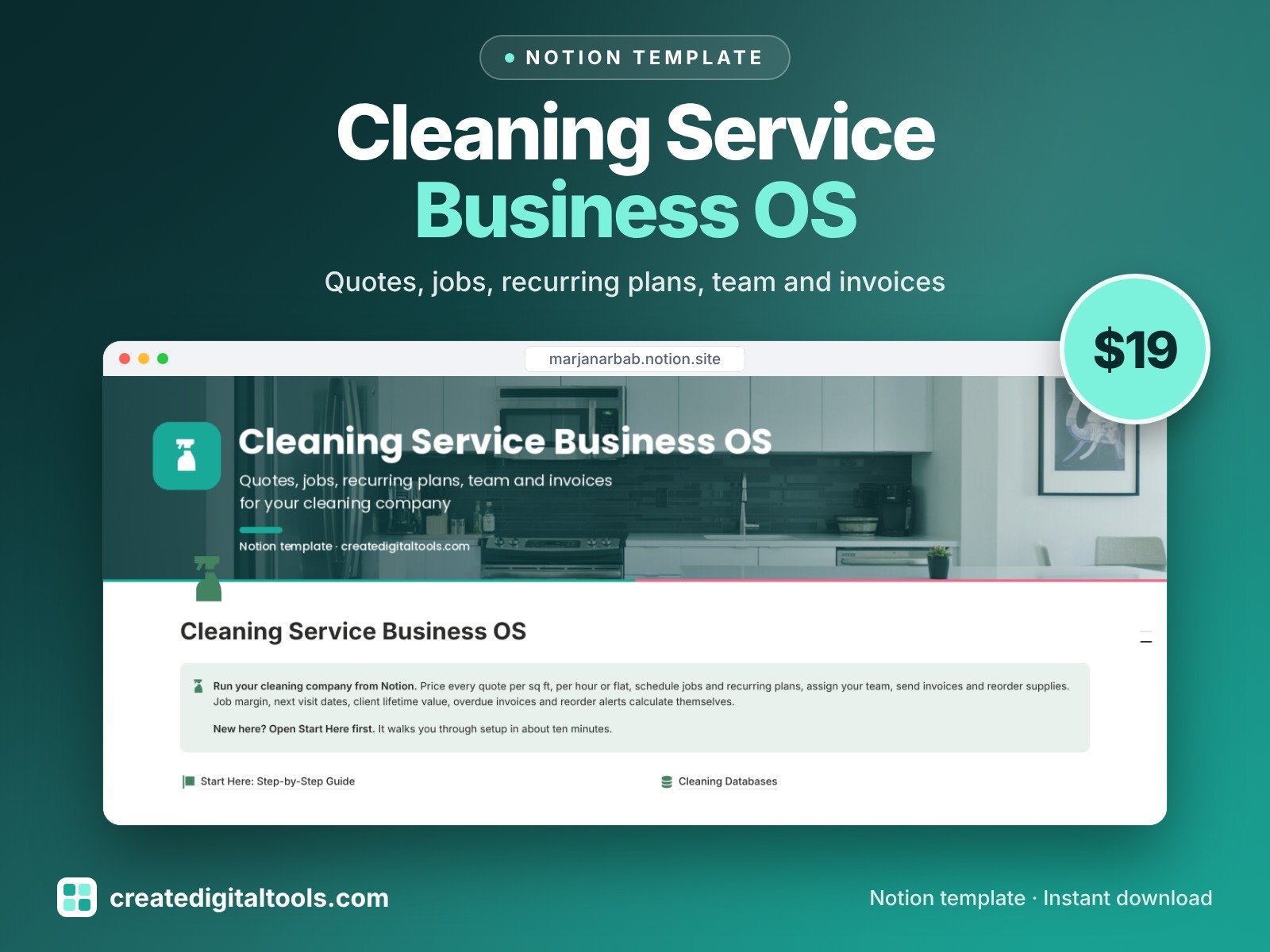
Best for: residential and commercial cleaning companies.
Quotes, jobs and schedule, recurring plans, team, invoices, supplies and the real margin on each job.
13. Landscaping & Lawn Care Business OS · $19
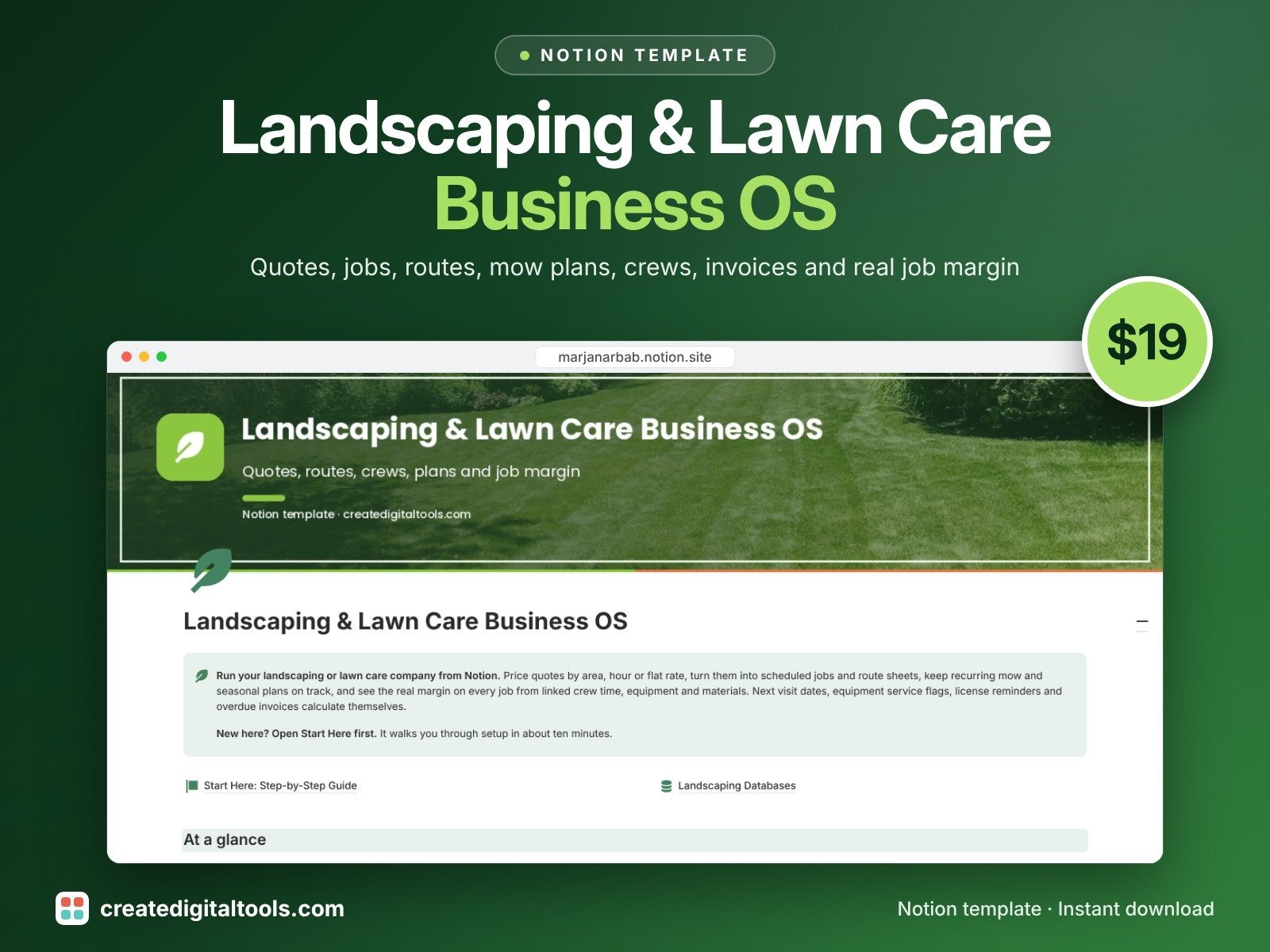
Best for: lawn care and landscaping crews with recurring routes.
Quotes priced by area, hour or flat rate, jobs and route sheets, recurring mow plans, crew and equipment, invoices and job margin.
14. Pet Services Business OS · $19
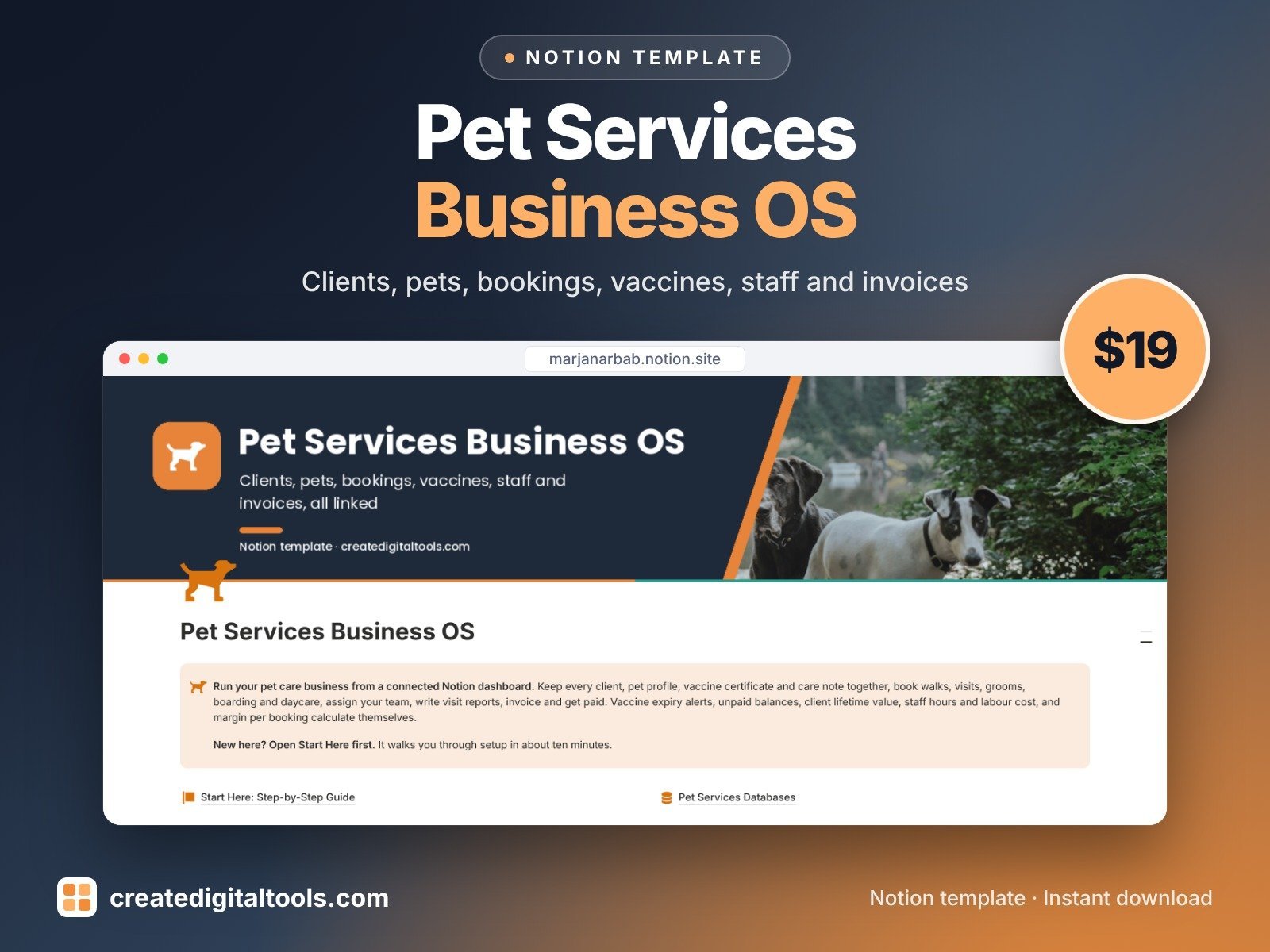
Best for: dog walkers, pet sitters, groomers and boarding.
Clients, pets, bookings and visit reports, vaccine alerts, staff, invoices and supplies.
15. Salon & Spa Business Manager · $25
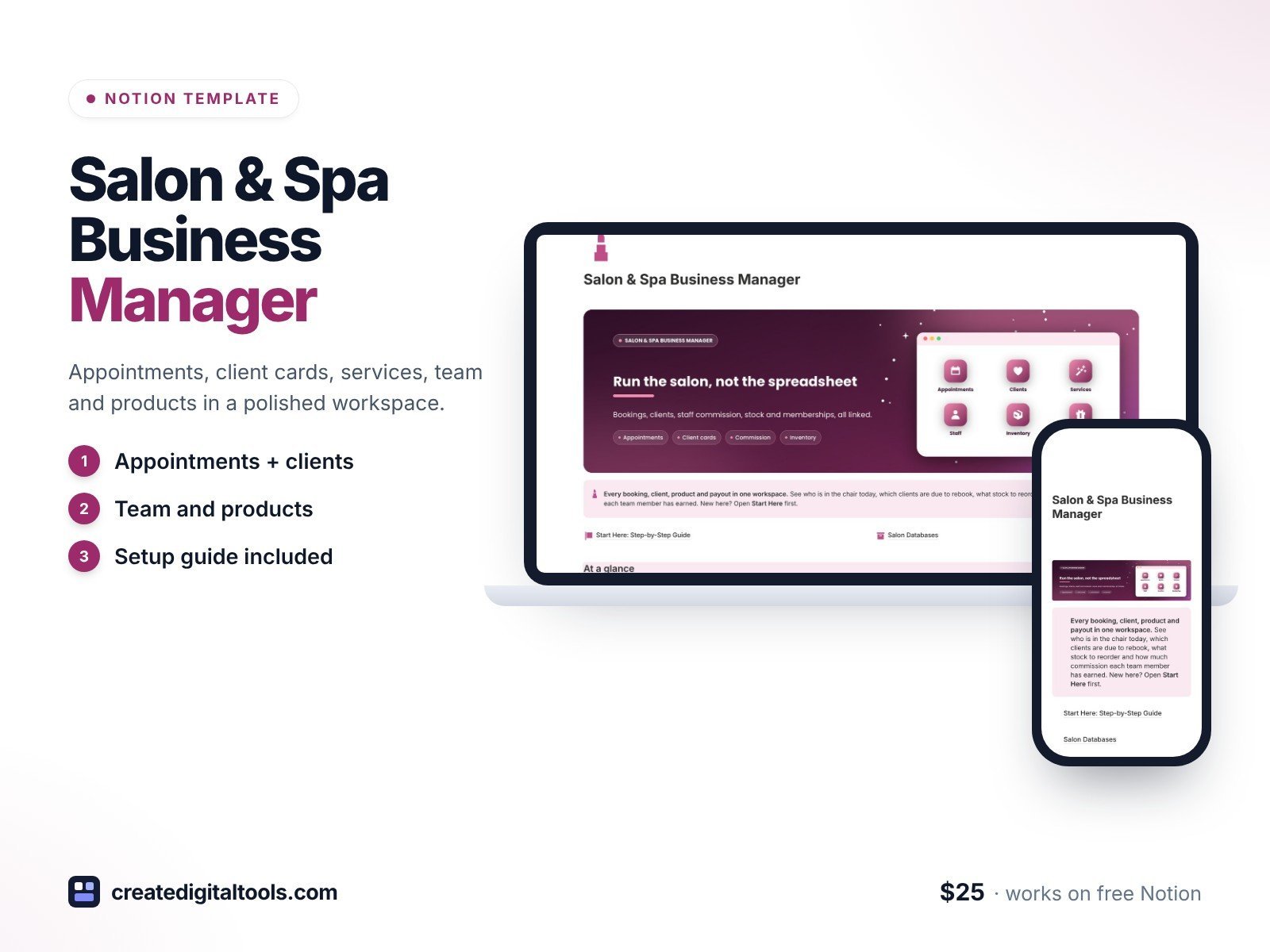
Best for: salon and spa owners with a few stylists or therapists.
Appointments, client cards, service menu, staff commission, inventory, retail sales, memberships and expenses.
16. Tattoo Studio OS · $25
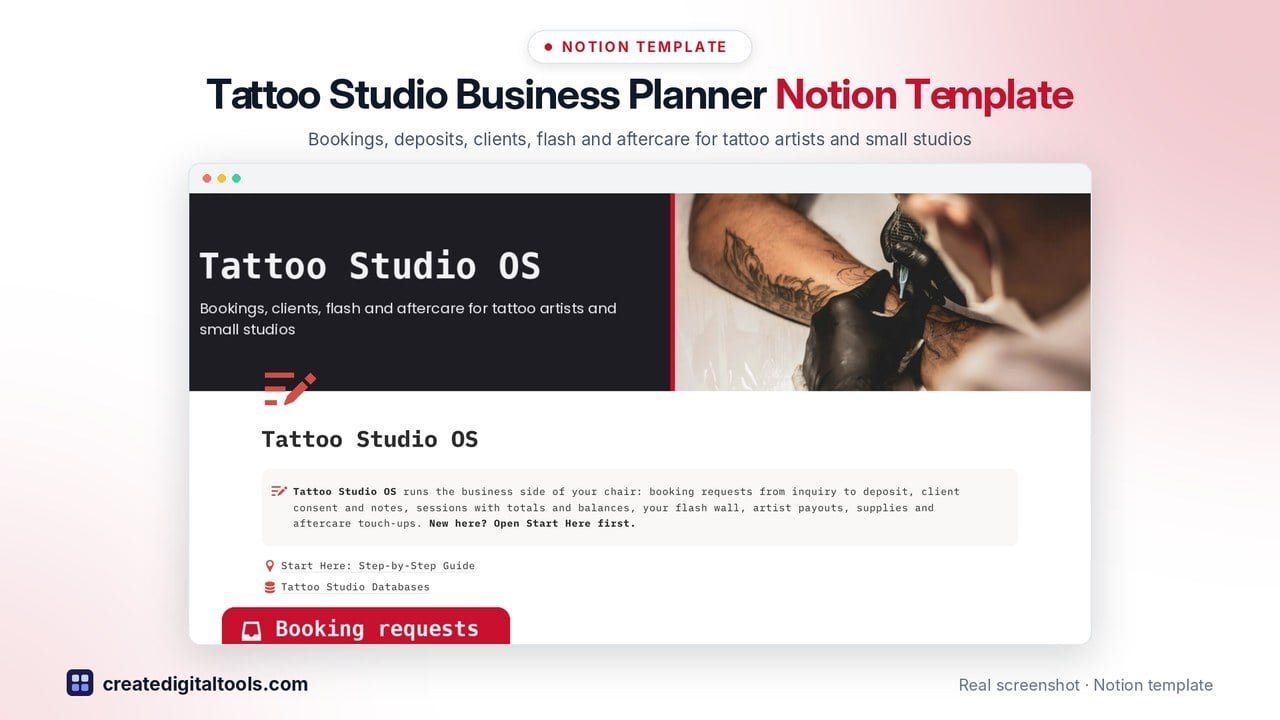
Best for: tattoo artists and small studios.
Booking requests and deposits, a client CRM with consent, flash gallery, session balances, artist payouts, supplies and aftercare.
17. Childcare & Daycare Operations OS · $29
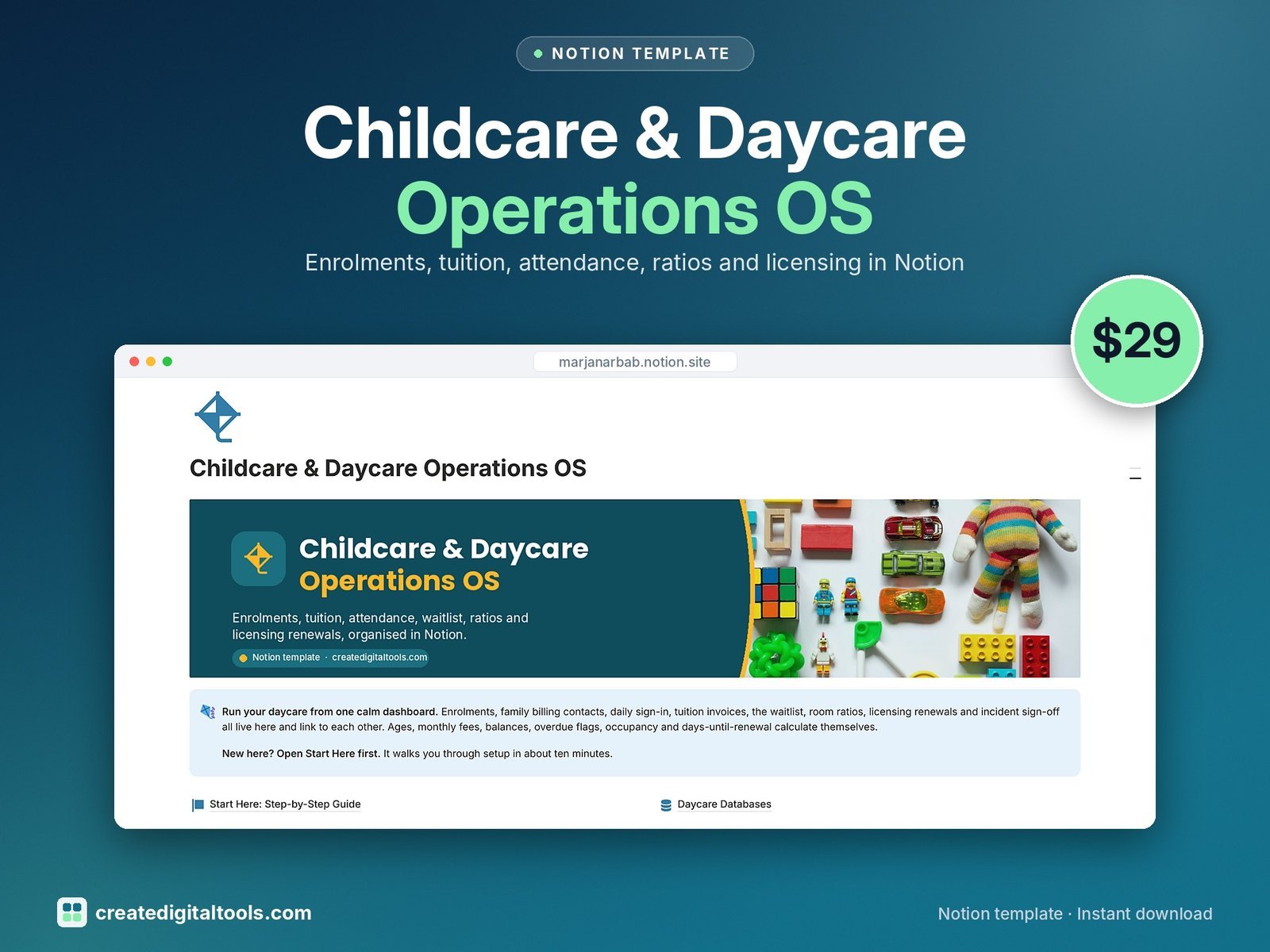
Best for: home daycares and small childcare centres.
Enrolments, attendance, tuition invoices, a waitlist, room ratios and licensing in one workspace.
Logistics, trade and specialist businesses
18. Logistics & Delivery Business OS · $29
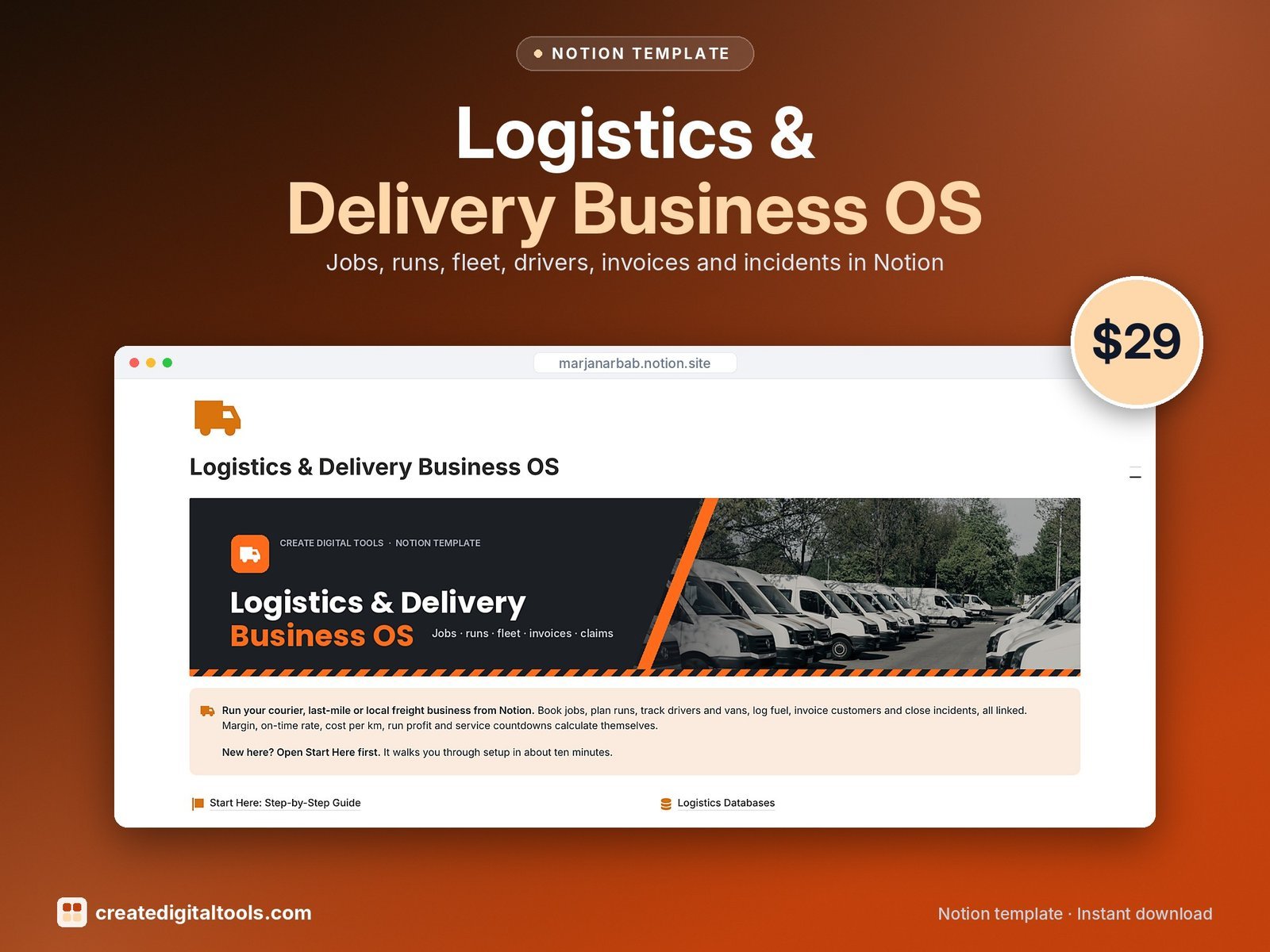
Best for: courier and local delivery firms.
Jobs, customers, drivers, vehicles, runs, fuel and expenses, invoices and incident claims.
19. Import & Export Trade Manager · $19
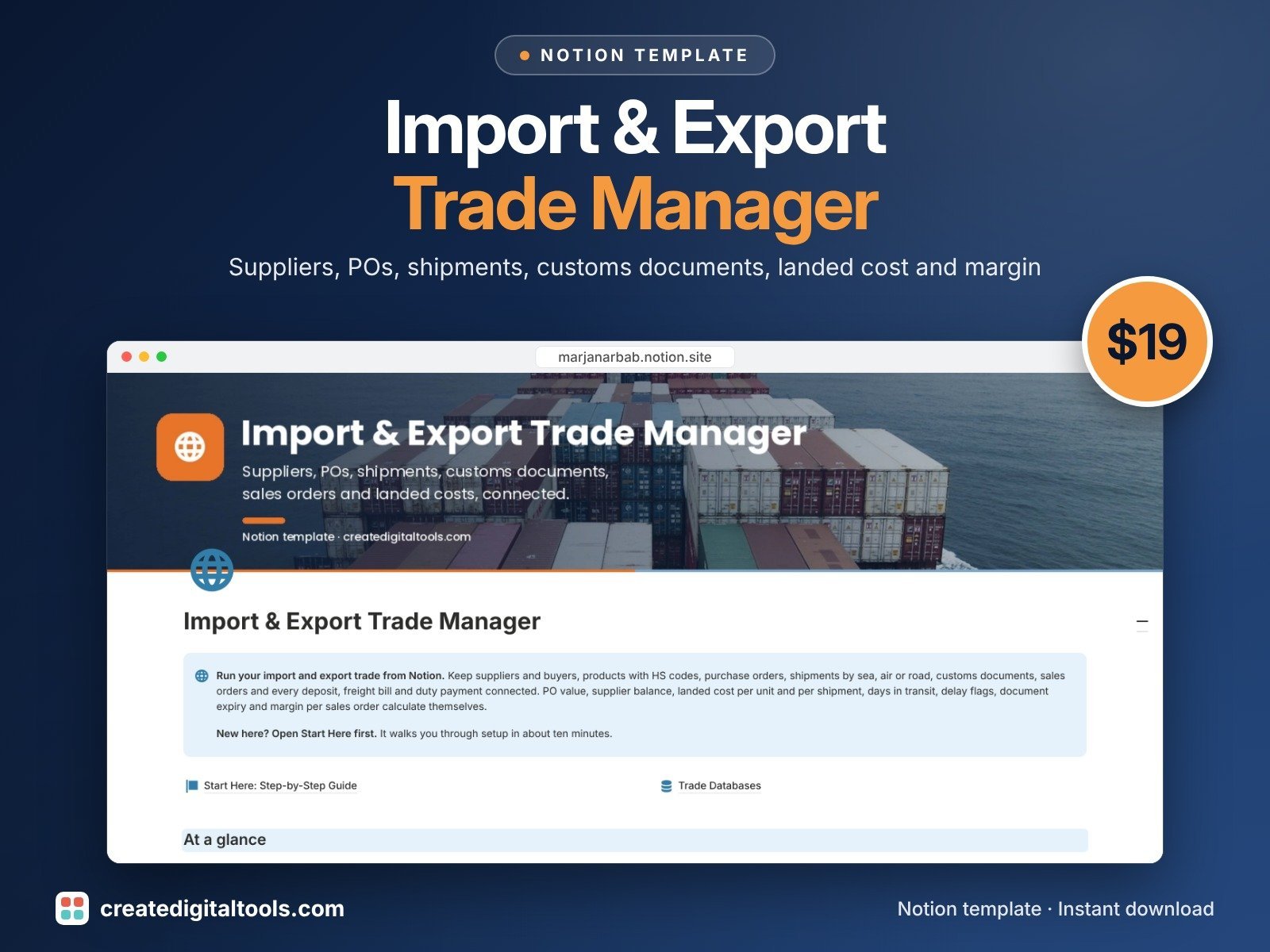
Best for: small importers, exporters and trading companies.
Suppliers, purchase orders, shipments by sea, air or road, customs documents, landed cost per unit, sales orders and multi-currency payments.
20. Security Company Operations OS · $19
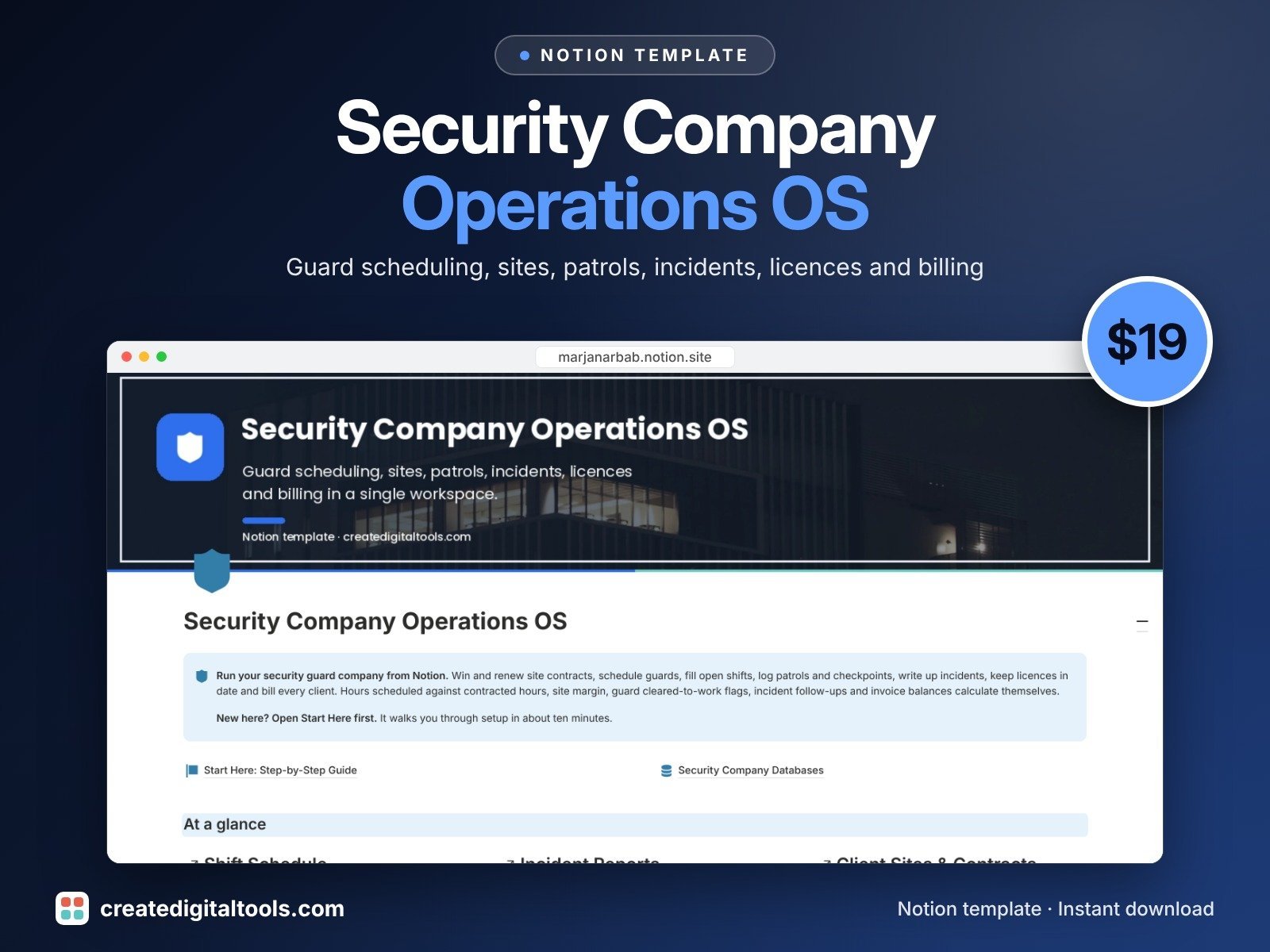
Best for: private security guard companies.
Client sites and contracts, guard scheduling with open-shift flags, patrol logs, incident reports, licence expiry tracking, invoices and equipment.
How to choose the right Notion template for your business
- Start with your industry, not features. A template built for your kind of business already has the right fields (deposits for bakers, routes for lawn care, licences for security). That saves hours of setup.
- One workspace or a few small ones? If you’re a team of five or more, Company OS 2.0 keeps departments connected. If it’s just you, an industry OS plus Business Finance HQ is usually enough.
- Check the free plan. All the templates above work on Notion’s free plan, so you can try your setup before paying for Notion seats.
- Buying three or more? The Notion Mega Bundle (113 templates) usually costs less than three single templates.
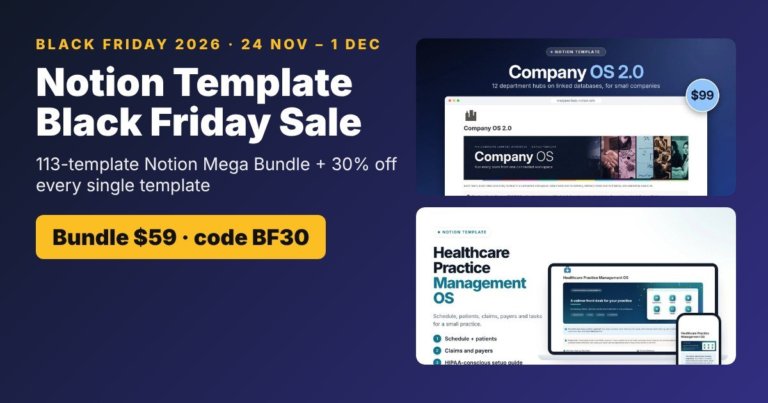
Black Friday is coming (24 Nov – 1 Dec): the Notion Mega Bundle drops to $59 and every single template is 30% off with code BF30. See the sale details.
New to Notion? Create a free Notion account here (affiliate link), then duplicate your template from the PDF you get after checkout.
Frequently asked questions
Do these Notion templates work on the free plan?
Yes. Every template in this list works on Notion’s free plan. You only need a paid Notion plan if you want to add a lot of team members or use Notion’s own AI features.
How do I get the template after I buy it?
You get a PDF with a duplicate link. Open it, click Duplicate, and the template copies into your own Notion workspace with all databases and sample data.
Can I change the template to fit my business?
Yes. Rename fields, add properties, delete what you don’t use. It’s your copy, so nothing you change affects anyone else.
Notion systems, spreadsheets and planners with a setup guide. Instant download.