

Description
Setup Guide & Full Tour
Know what every job really made.
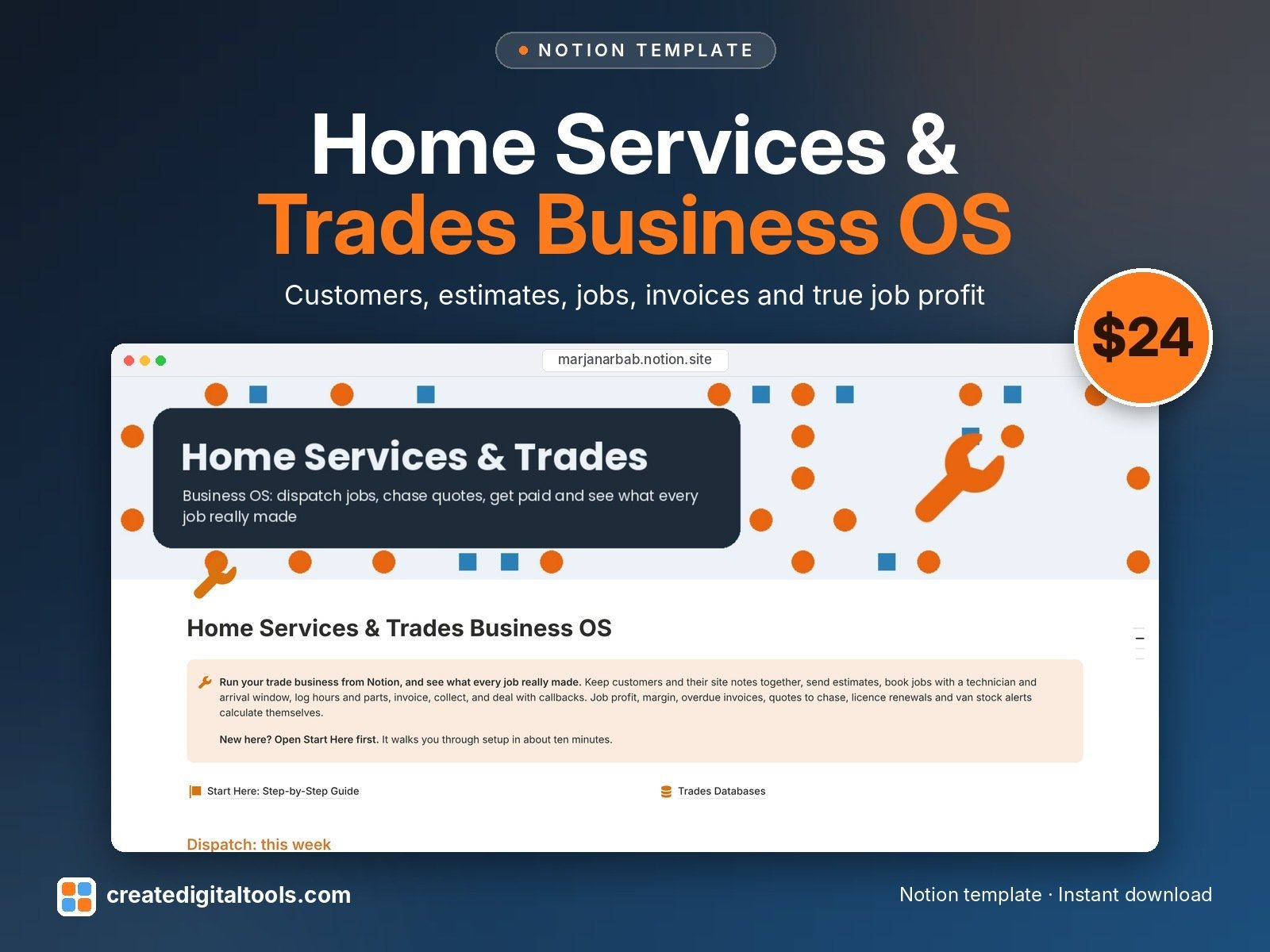
Home Services & Trades Business OS is a Notion template for handymen, electricians, plumbers, HVAC techs and small home-service crews. Keep customers, addresses, estimates, jobs, invoices, parts, crew and callbacks linked together, and see the profit on every job after labour, materials, other costs and callbacks.
Who it’s for
- Handymen and general home-repair businesses
- Electricians, plumbers and HVAC technicians
- Small home-service crews with a few technicians and a van
What’s inside
- Customers: contact details, what each has been invoiced, what they owe, lifetime profit, follow-up reminders
- Properties: access notes, shutoffs and panel location, equipment on site, service plans and next service due
- Jobs: work orders with status, priority, technician, schedule, arrival window, permit status and sign-off, on a dispatch calendar
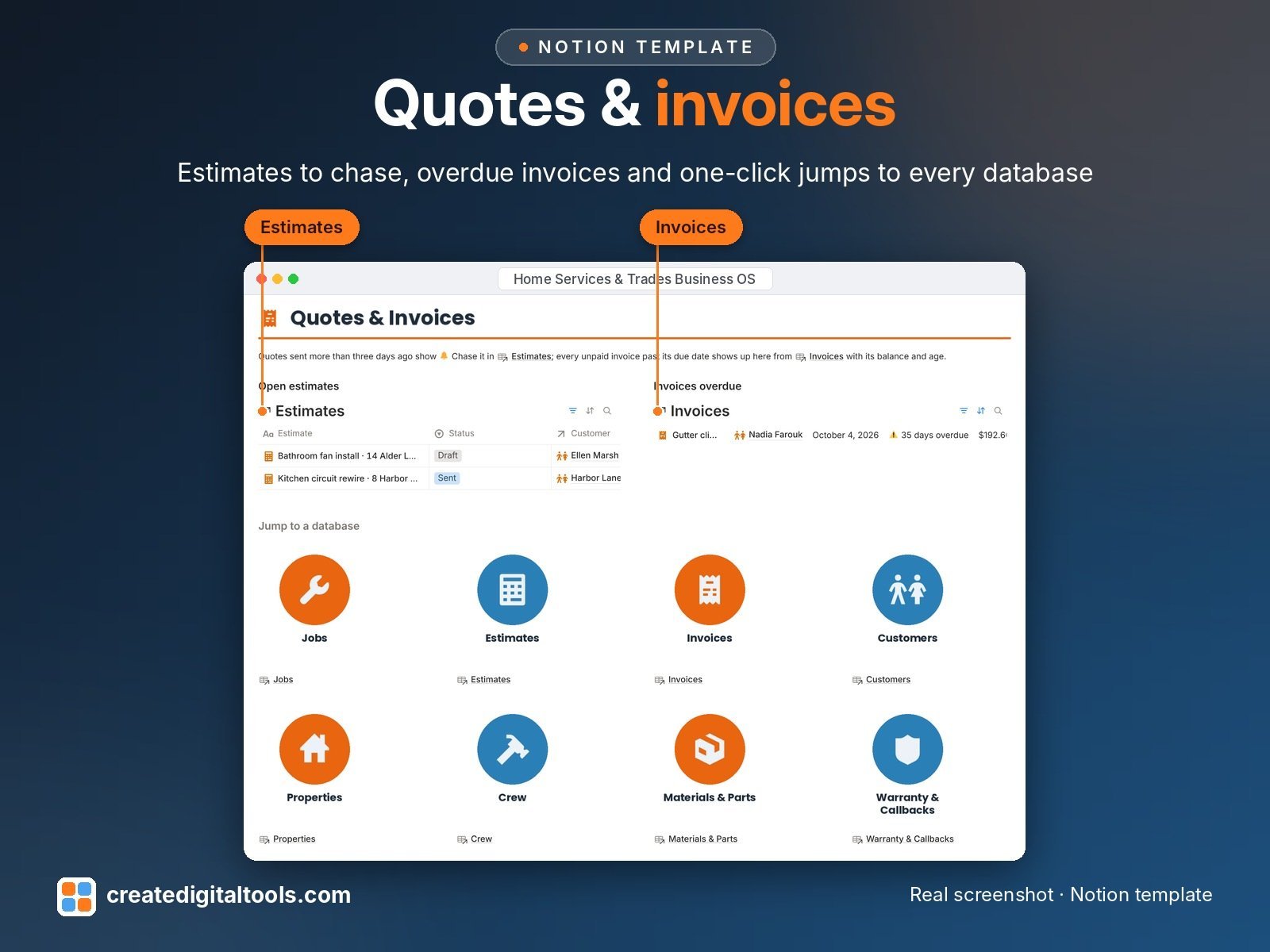
- Estimates: labour, materials and markup work out subtotal, tax and total; sent quotes flag themselves to chase after three days
- Invoices: tax, total, balance and days overdue calculate themselves
- Materials & Parts: parts used on each job feed job cost; van stock shows reorder alerts
- Crew: cost per hour, hours logged, profit from jobs, licence and insurance expiry alerts
- Warranty & Callbacks: log each issue against the job, check warranty cover, and the cost comes off that job's profit
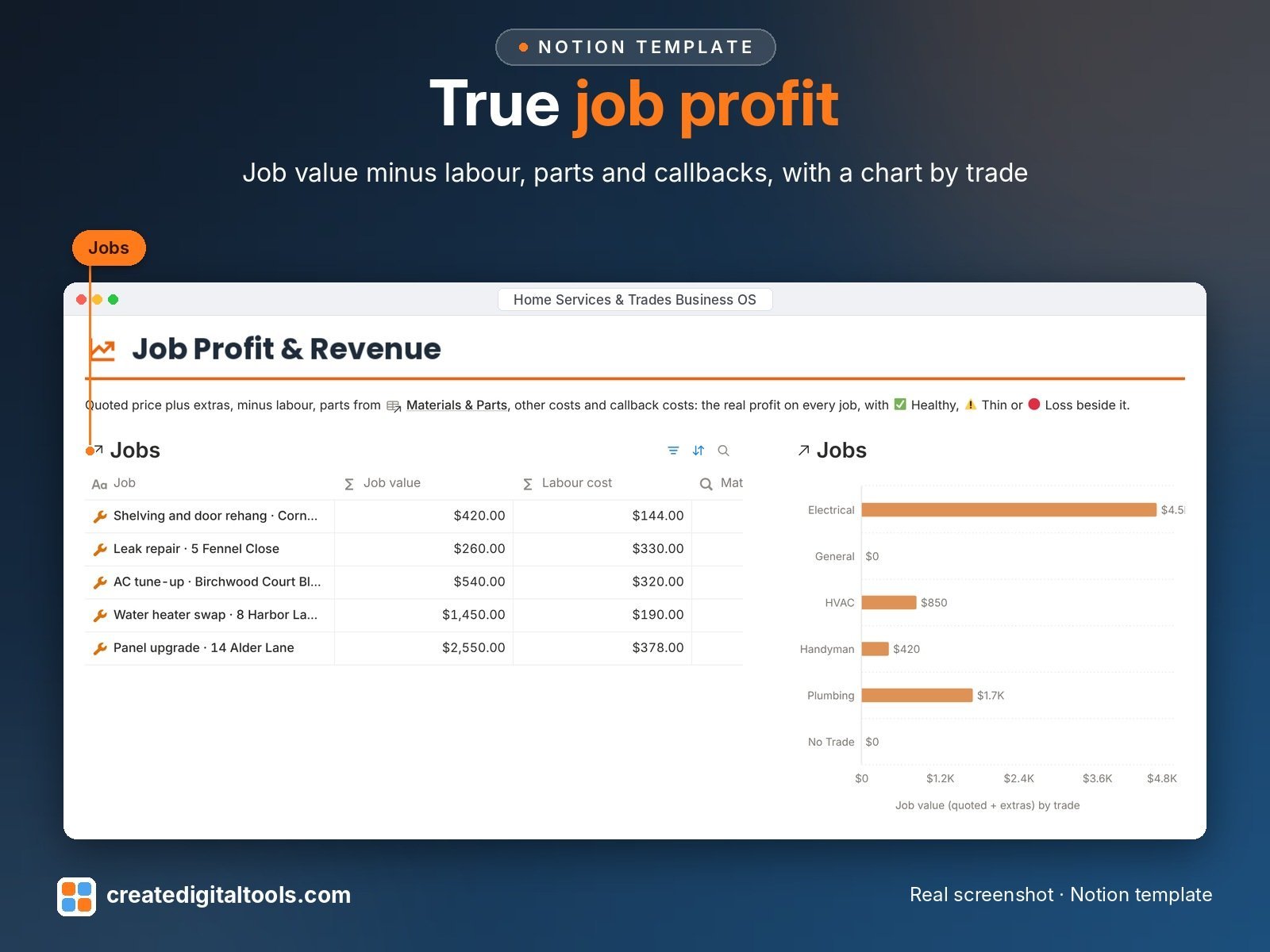
- Dashboard: this week's dispatch calendar, open estimates, overdue invoices, a job profit chart by trade and one-click jumps to every database
- Start Here: Step-by-Step Guide inside the template, with fictional sample data linked across every database
Job profit, worked out for you
- Quoted + Extras, minus Labour (actual hours x cost per hour), Materials, Other costs and Callback costs.
- Each job then shows Healthy, Thin or Loss.
Built-in automations
Five date stamps fire when you change a status: estimate Sent stamps Sent on, estimate Accepted stamps Accepted on, job Completed stamps Completed on, invoice Paid stamps Paid on, callback Resolved stamps Resolved on. Database automations run on Notion’s paid plans (Plus and up). On the Free plan they pause and you can make the same changes by hand; every database, formula and view still works.
Set up in 3 steps
- Open the template link in your PDF and click Duplicate to copy it into your own Notion workspace.
- Open Start Here and follow the setup: add your own details and clear the sample data when you're ready.
- Work from the dashboard every day and use the views you need most.
What you get
- The Notion template (duplicate link delivered as a PDF)
- Setup Guide PDF with a step-by-step walkthrough and FAQ
- Start Here guide inside the template, with fictional sample data so you can see how everything connects
- Video walkthrough: setup guide and full tour (at the top of this page)
Free plan
Works on the Free Notion plan. Desktop, web and the Notion mobile app.
Please note
- This template does not send email, take card payments or reduce stock automatically.
- It is an organising tool, not legal, tax, accounting, licensing or safety advice.
- Digital product: nothing physical is shipped.
- Sample data is fictional.
Notion is a trademark of Notion Labs, Inc.; this is an independent template by Create Digital Tools (createdigitaltools.com).
New to Notion? Try it free here (affiliate link: we may earn a commission at no extra cost to you).
Want your own store like this one? createdigitaltools.com runs on Hostinger WordPress hosting. Start your own shop with Hostinger, or try the no-code Hostinger Website Builder.
Affiliate links: I may earn a commission at no extra cost to you.