Description
Setup Guide & Full Tour (4 min, start here if you are new to Notion)
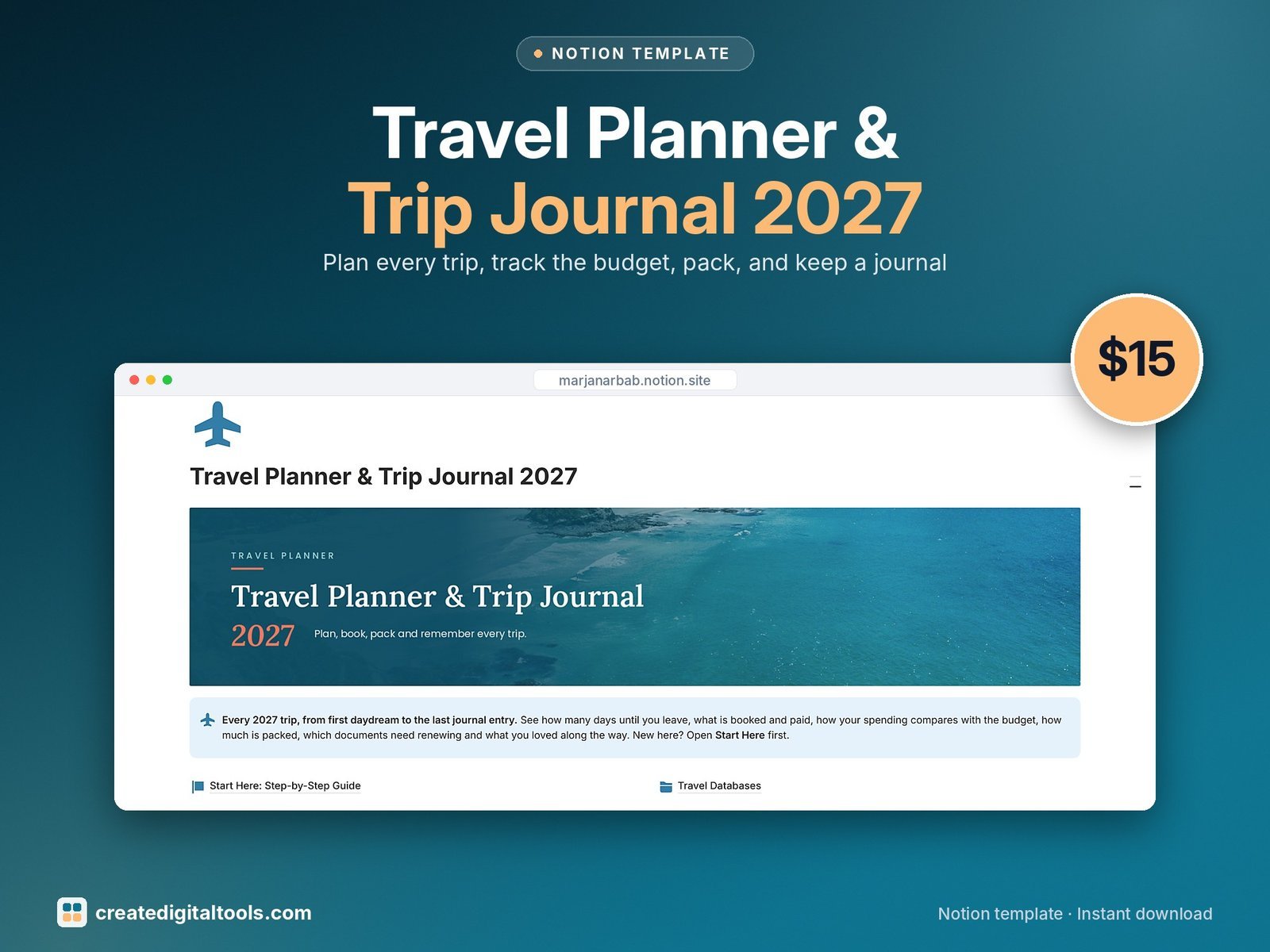
Plan every 2027 trip from the first daydream to the last journal entry. See how many days until you leave, what is booked and paid, how spending compares with your budget, how much of your bag is packed and what you loved about each day.
Who it’s for
- Solo travellers
- Couples and groups of friends planning trips together
- Anyone planning several trips in 2027
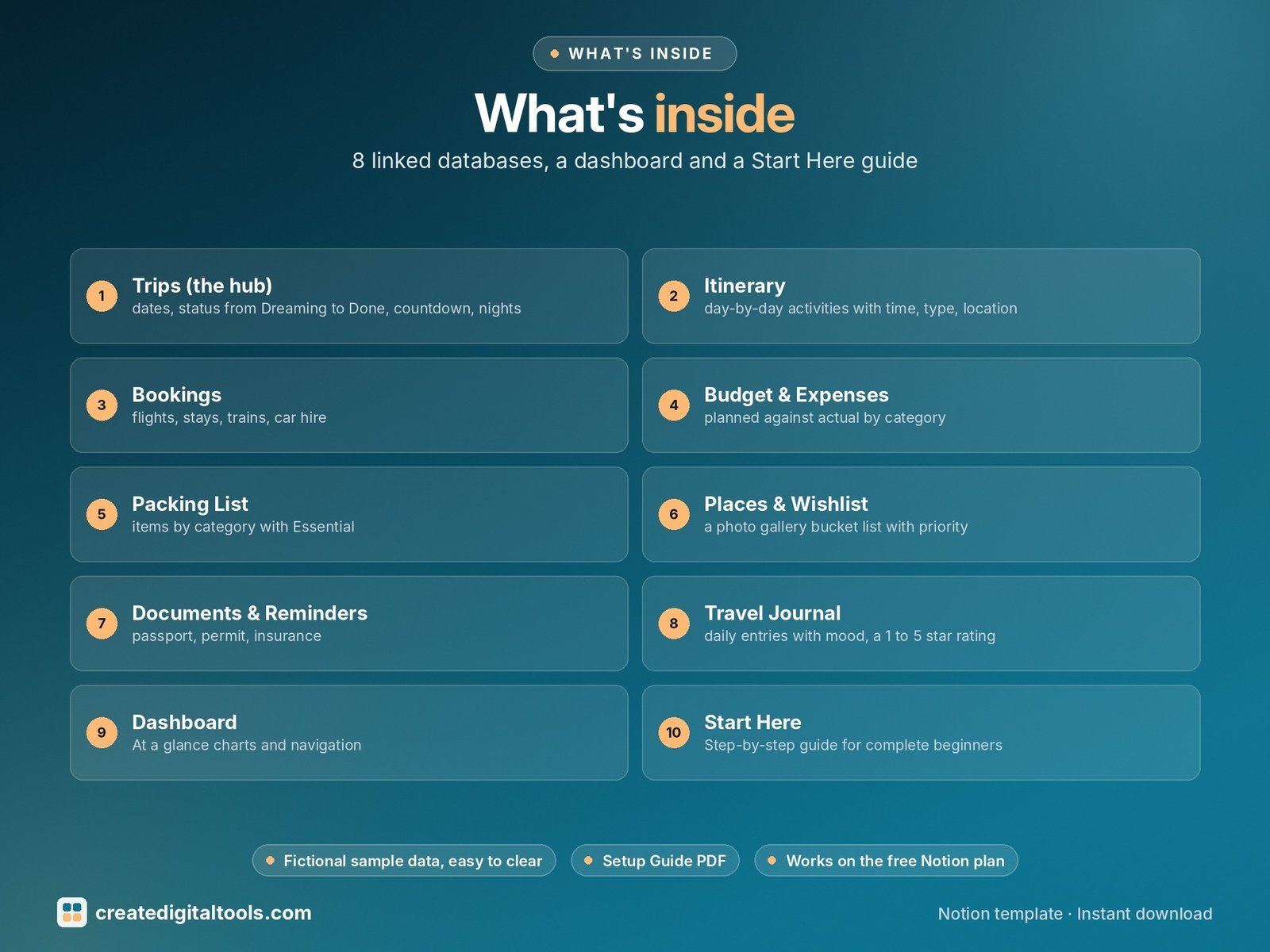
What’s inside
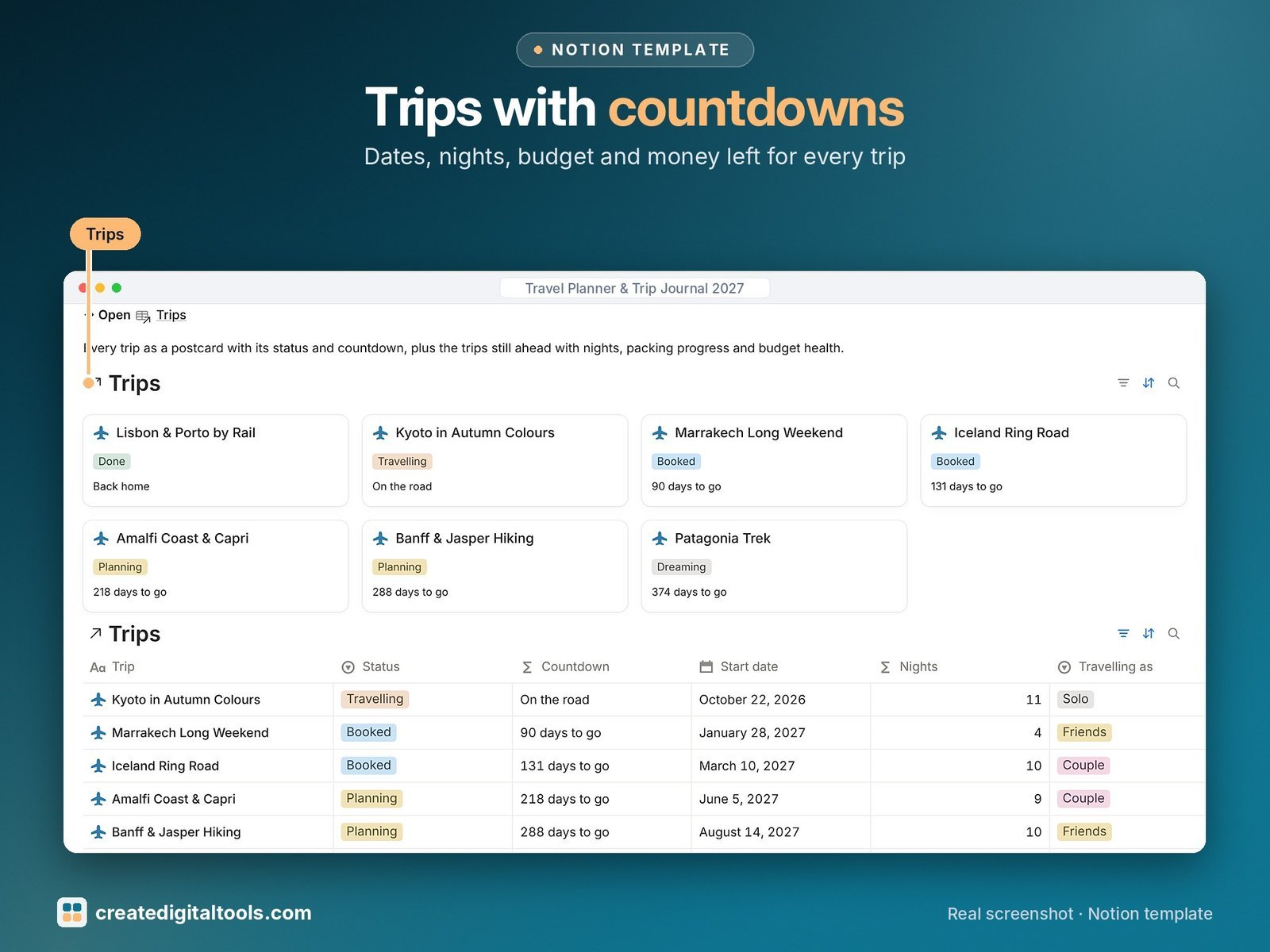
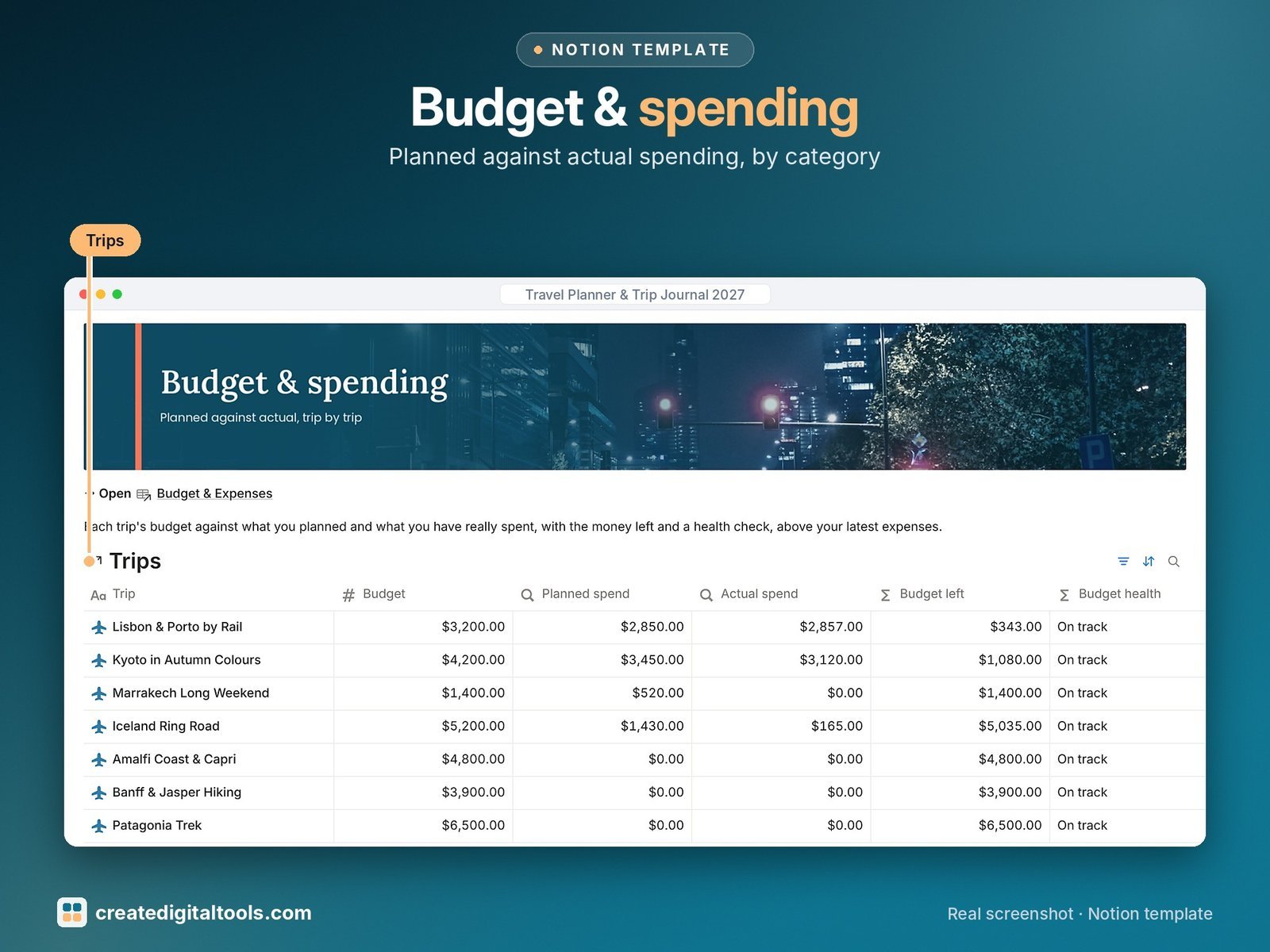
- Trips (the hub): dates, status from Dreaming to Done, countdown, nights, budget vs planned vs actual, money left, budget health and % packed
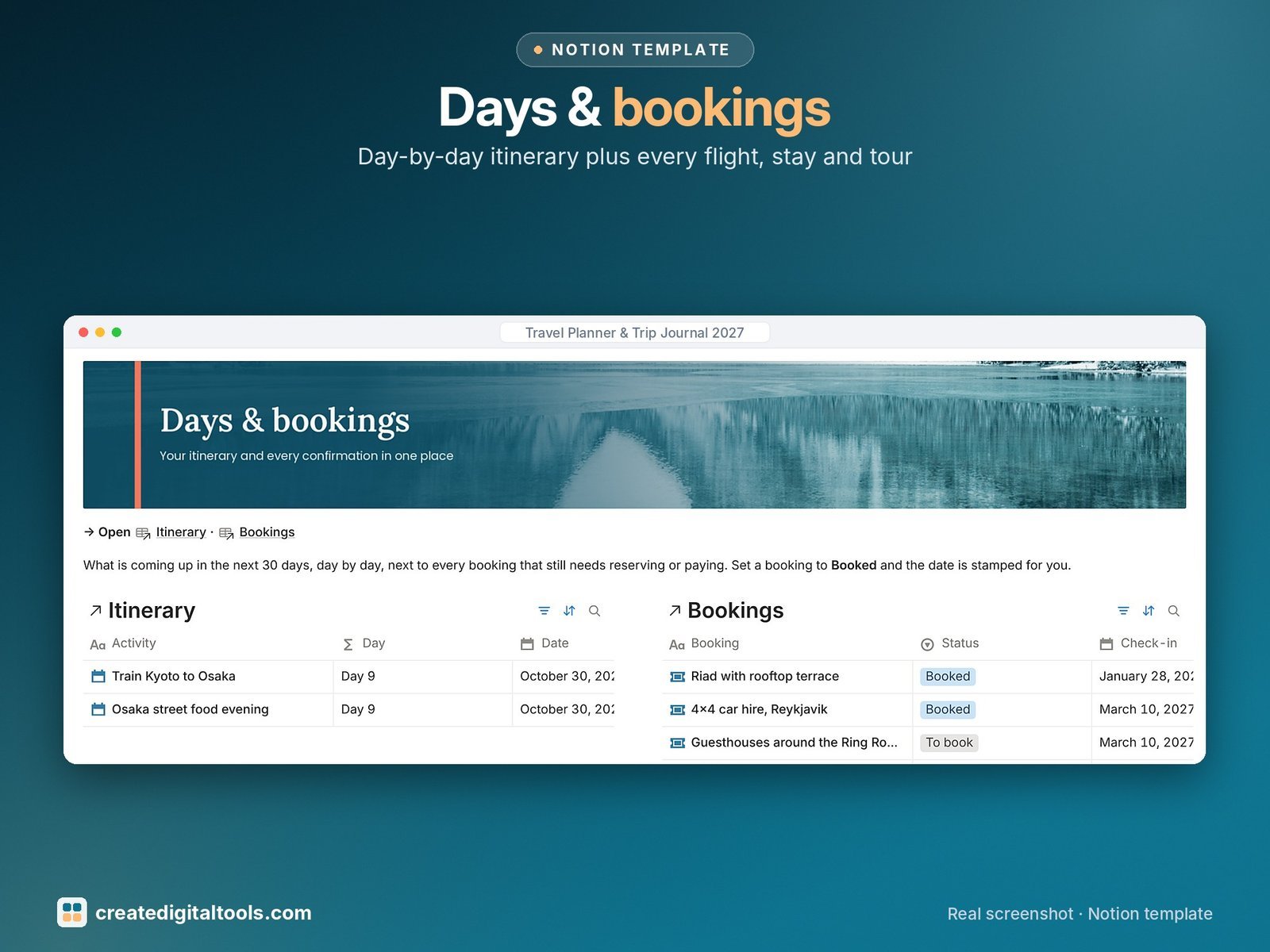
- Itinerary: day-by-day activities with time, type, location, cost and an automatic Day 1, Day 2 label
- Bookings: flights, stays, trains, car hire and tours with confirmation code, check-in and check-out, cost and paid status
- Budget & Expenses: planned against actual by category, currency note and who paid
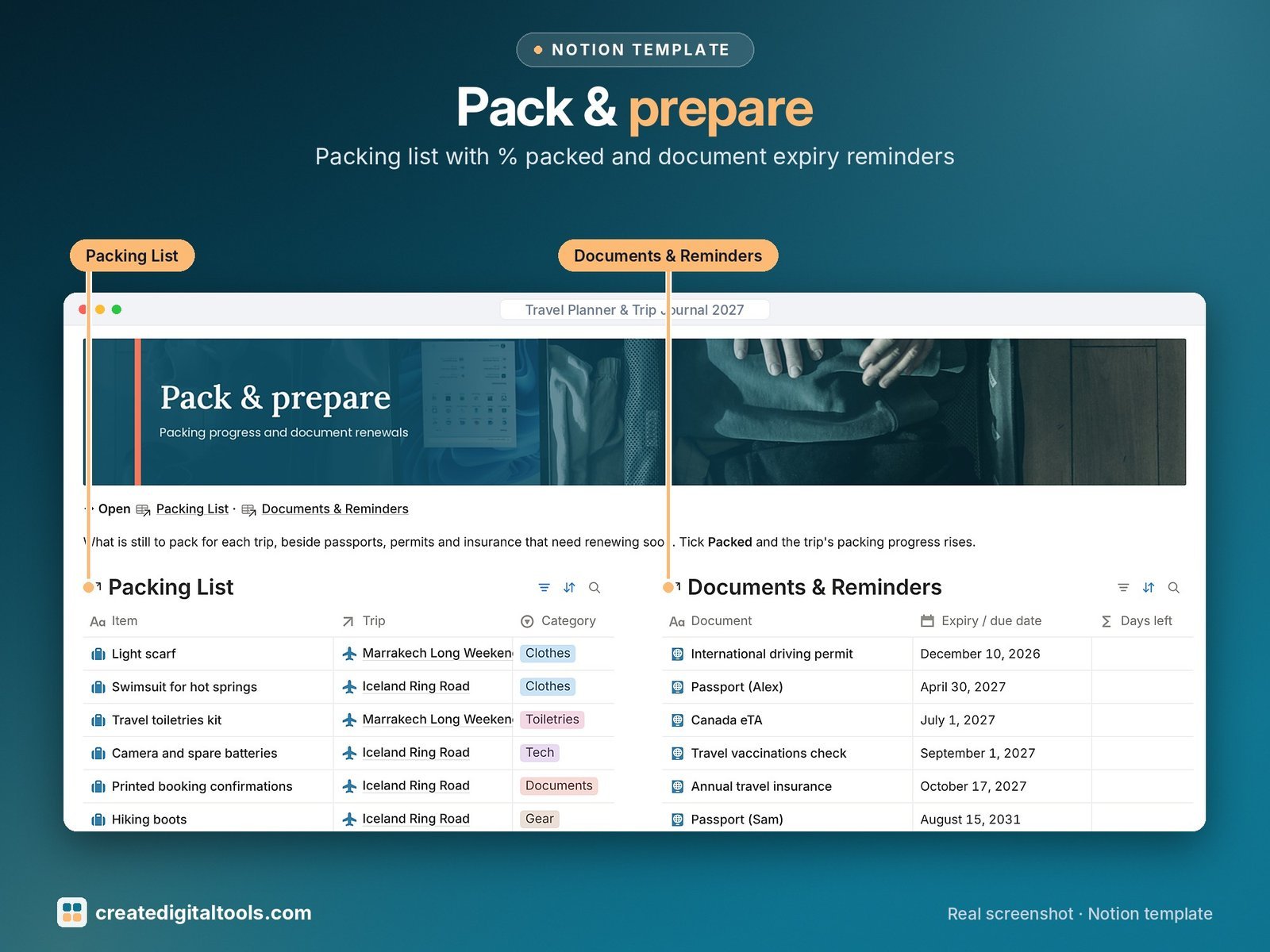
- Packing List: items by category with Essential and Packed ticks that feed % packed
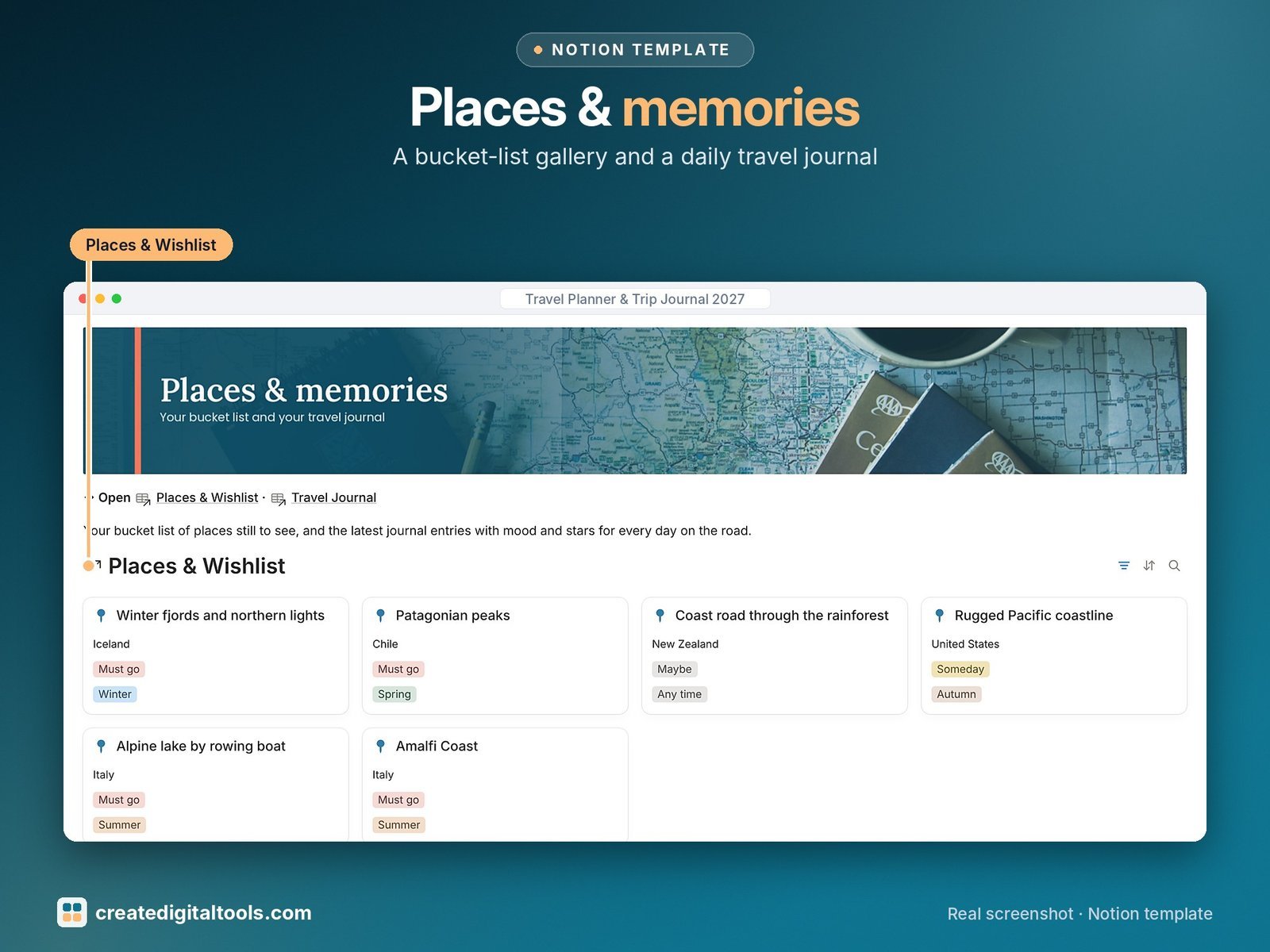
- Places & Wishlist: a photo gallery bucket list with priority, best season and visited
- Documents & Reminders: passport, permit, insurance and driving permit expiry dates with a days-left countdown (no ID numbers stored)
- Travel Journal: daily entries with mood, a 1 to 5 star rating, highlights and best meal, linked to each trip
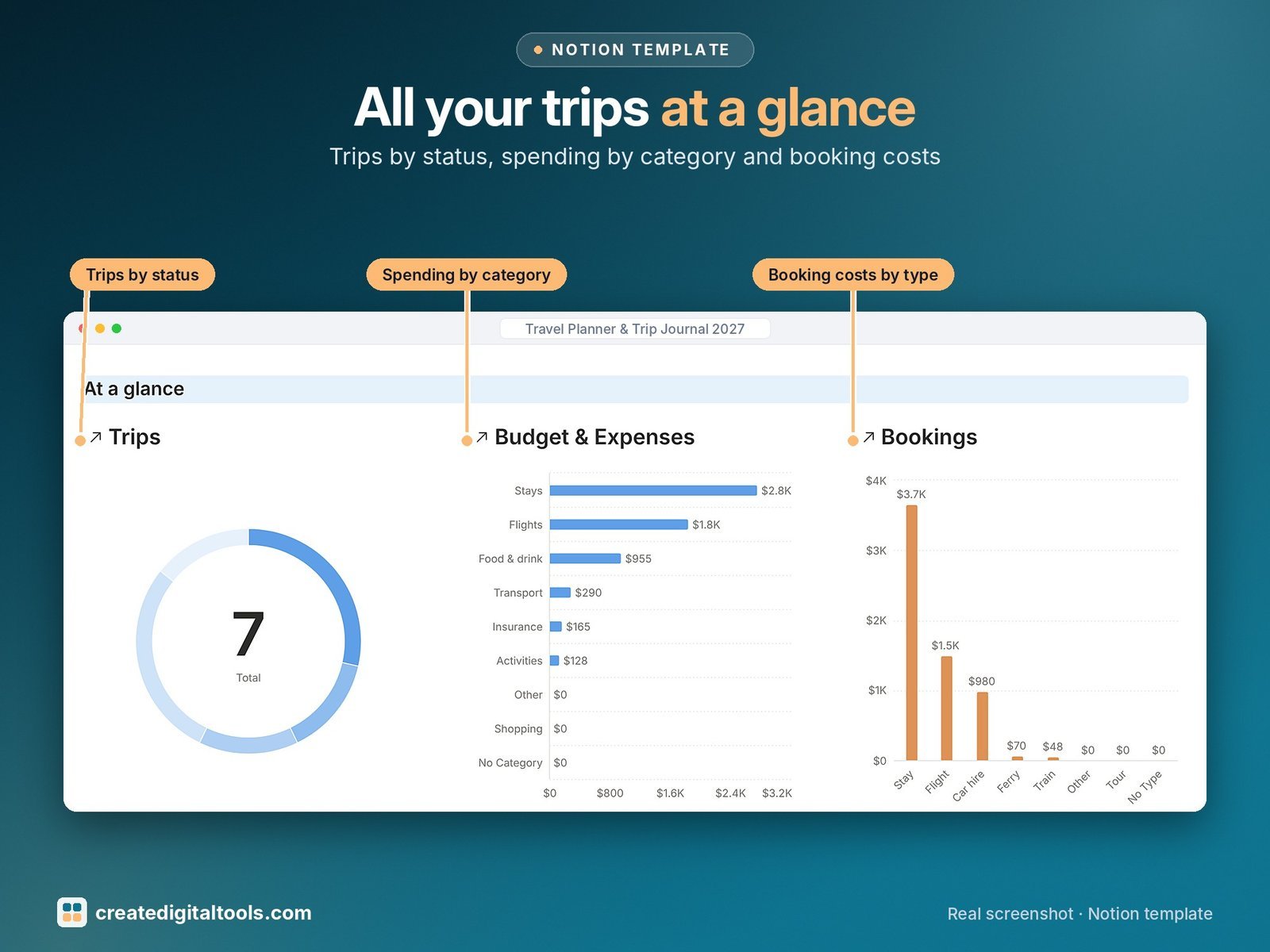
- Dashboard: three charts (trips by status, spending by category, booking costs by type), postcard-style navigation and live lists for what is coming up.
- Start Here: Step-by-Step Guide inside the template, written for complete beginners
- Fictional sample data so you can see how everything connects, easy to clear
How it works
Everything links to a trip. Add bookings, activities, expenses, packing items and journal entries to it, and the trip page shows the countdown, money left and % packed for you.
Built-in automations
Four automations: Booked on, Departed on, Packed on and Completed on.
Set up in 3 steps
- Open the template link in your PDF and click Duplicate to copy it into your own Notion workspace.
- Open Start Here and follow the setup: add your own details and clear the sample data when you’re ready.
- Work from the dashboard every day and use the weekly checklist in Start Here to keep everything up to date.
What you get
- The Notion template (duplicate link delivered as a PDF)
- Setup Guide PDF with a step-by-step walkthrough and FAQ
- Start Here guide inside the template
Free plan
Works on the Free Notion plan. The built-in automations are Notion database automations, which run on paid plans (Plus and up). On the Free plan they pause and you fill those dates in by hand; every database, formula and view still works. Desktop, web and the Notion mobile app.
Digital product: nothing physical is shipped. Sample data is fictional.
Notion is a trademark of Notion Labs, Inc.; this is an independent template by Create Digital Tools (createdigitaltools.com).
New to Notion? Try it free here (affiliate link: we may earn a commission at no extra cost to you).
Also on Gumroad: Travel Planner & Trip Journal 2027: Notion Template
Want your own store like this one? createdigitaltools.com runs on Hostinger WordPress hosting. Start your own shop with Hostinger, or try the no-code Hostinger Website Builder.
Affiliate links: I may earn a commission at no extra cost to you.