Description
Setup Guide & Full Tour (4 min, start here if you are new to Notion)
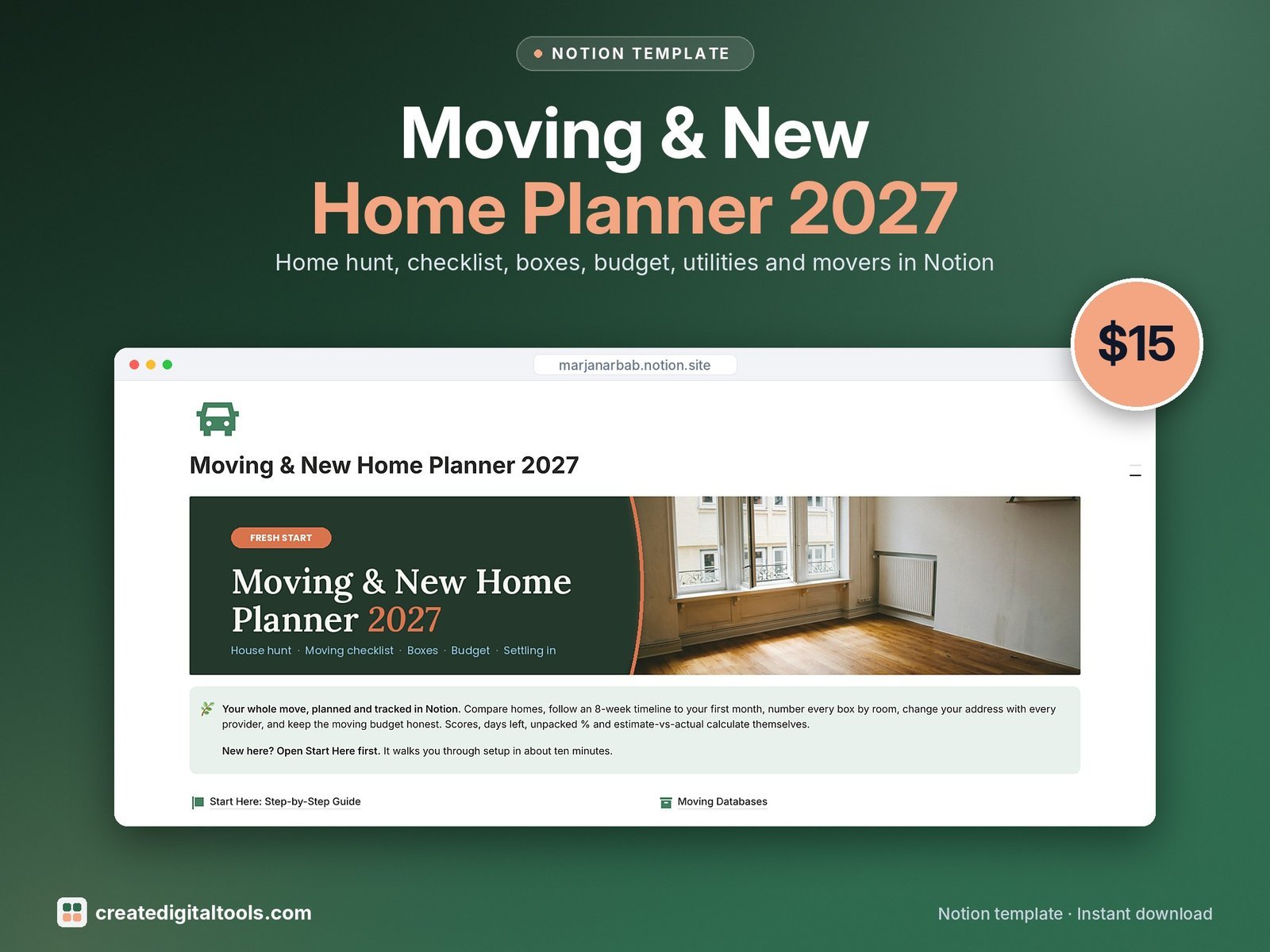
Moving is a hundred small jobs at once. This planner puts every one of them in Notion, from the first viewing to your first month in the new place, with the counts and costs worked out for you.
Who it’s for
- Anyone moving home in 2027, from a first apartment to a family house
- Couples and housemates sharing the move
- People relocating to a new city
What’s inside
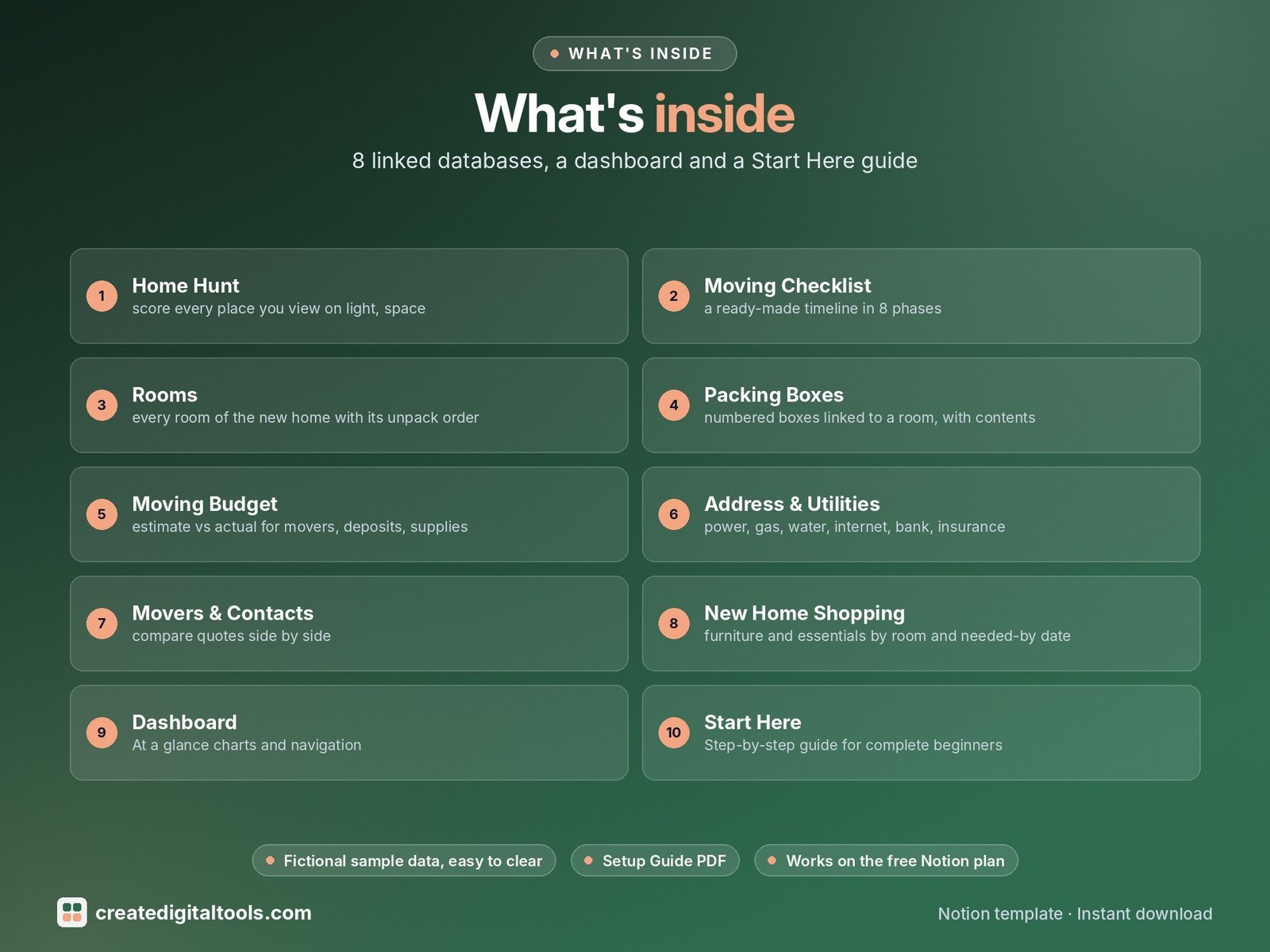
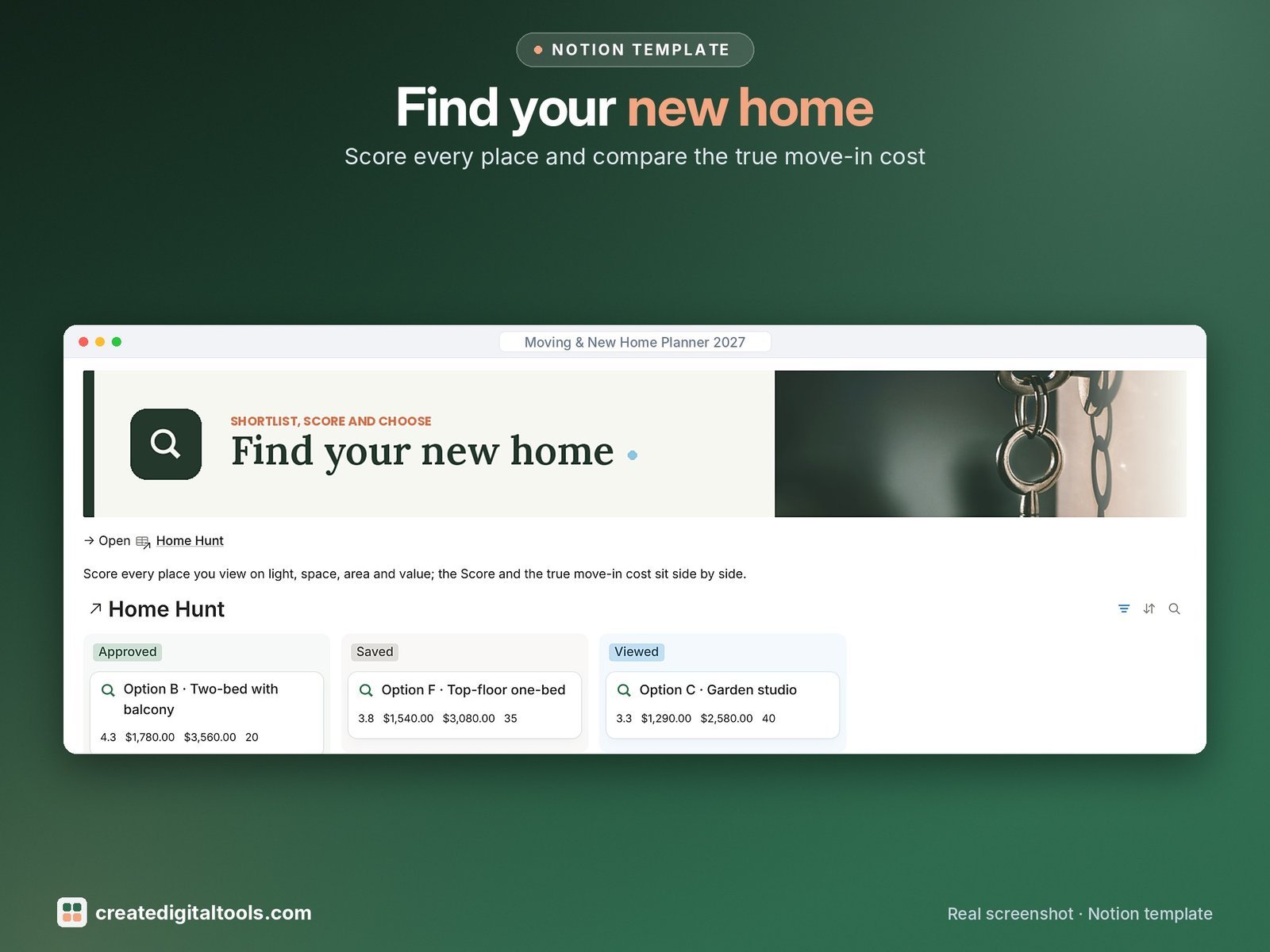
- Home Hunt: score every place you view on light, space, area and value; score, move-in cost and yearly cost calculate themselves
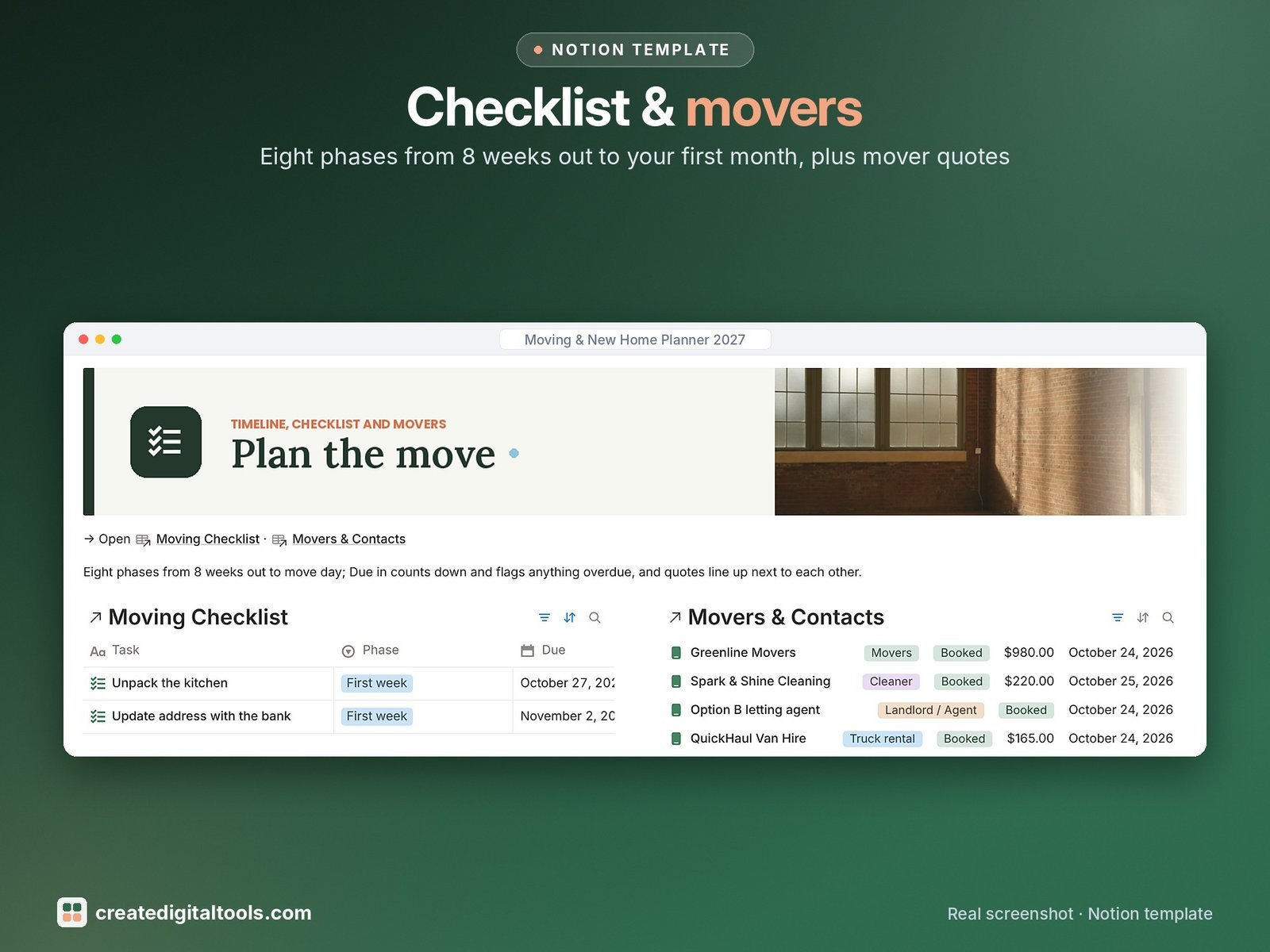
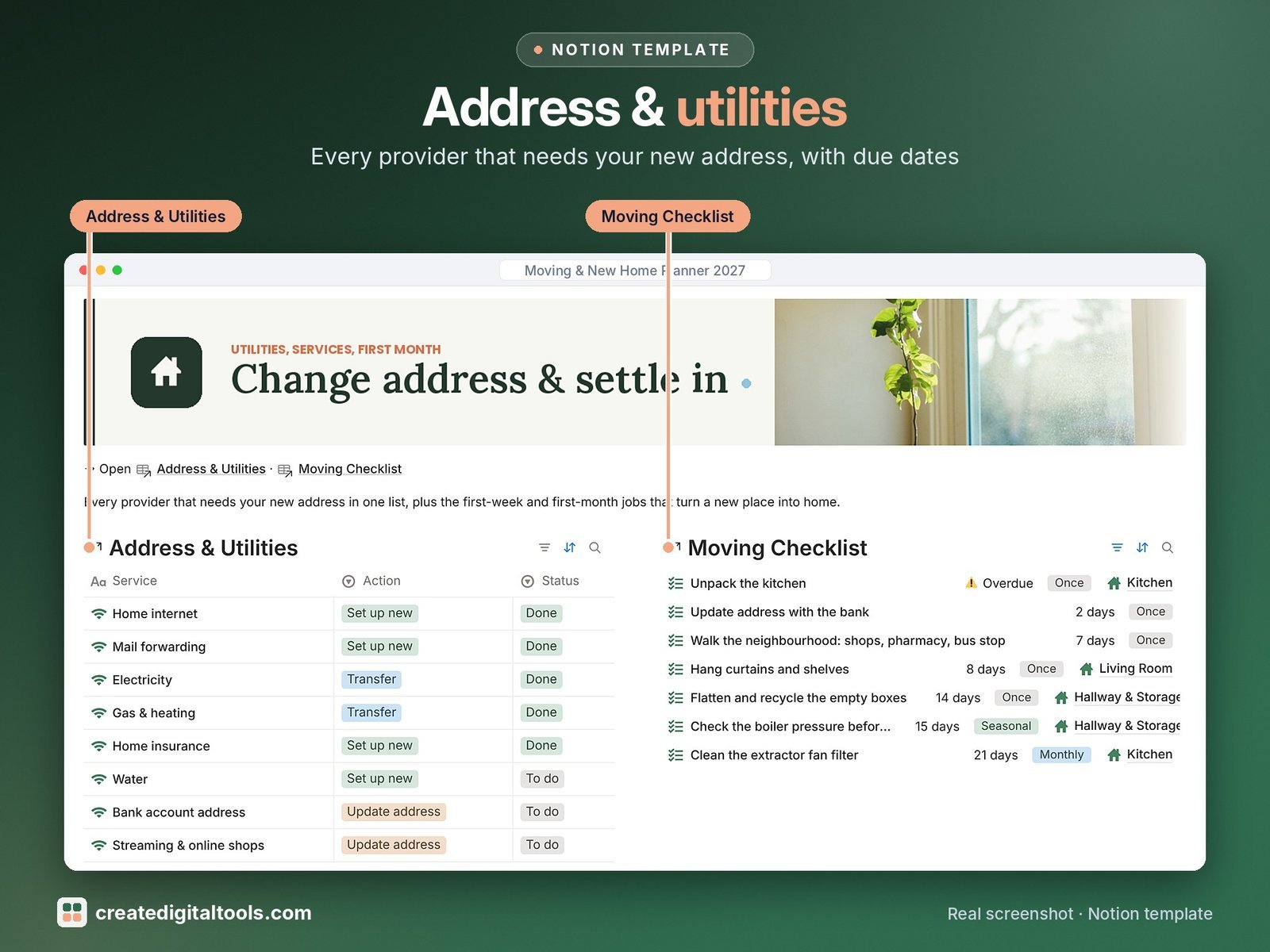
- Moving Checklist: a ready-made timeline in 8 phases, from 8 weeks out to the first month, with due-in countdowns and overdue flags
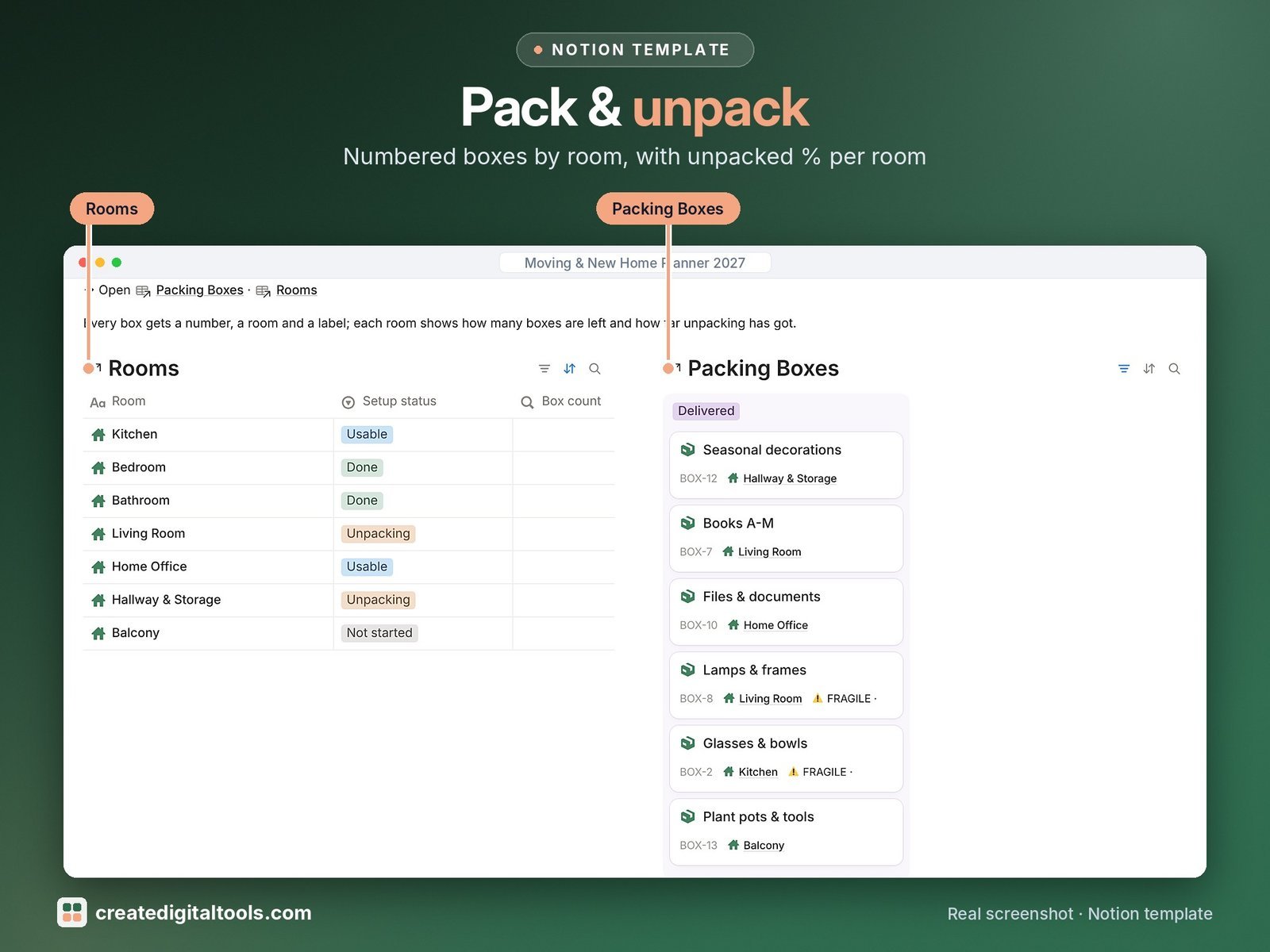
- Rooms: every room of the new home with its unpack order; box count, boxes left, unpacked % and shopping totals roll up
- Packing Boxes: numbered boxes linked to a room, with contents, Fragile and Open first labels and a board from To pack to Unpacked
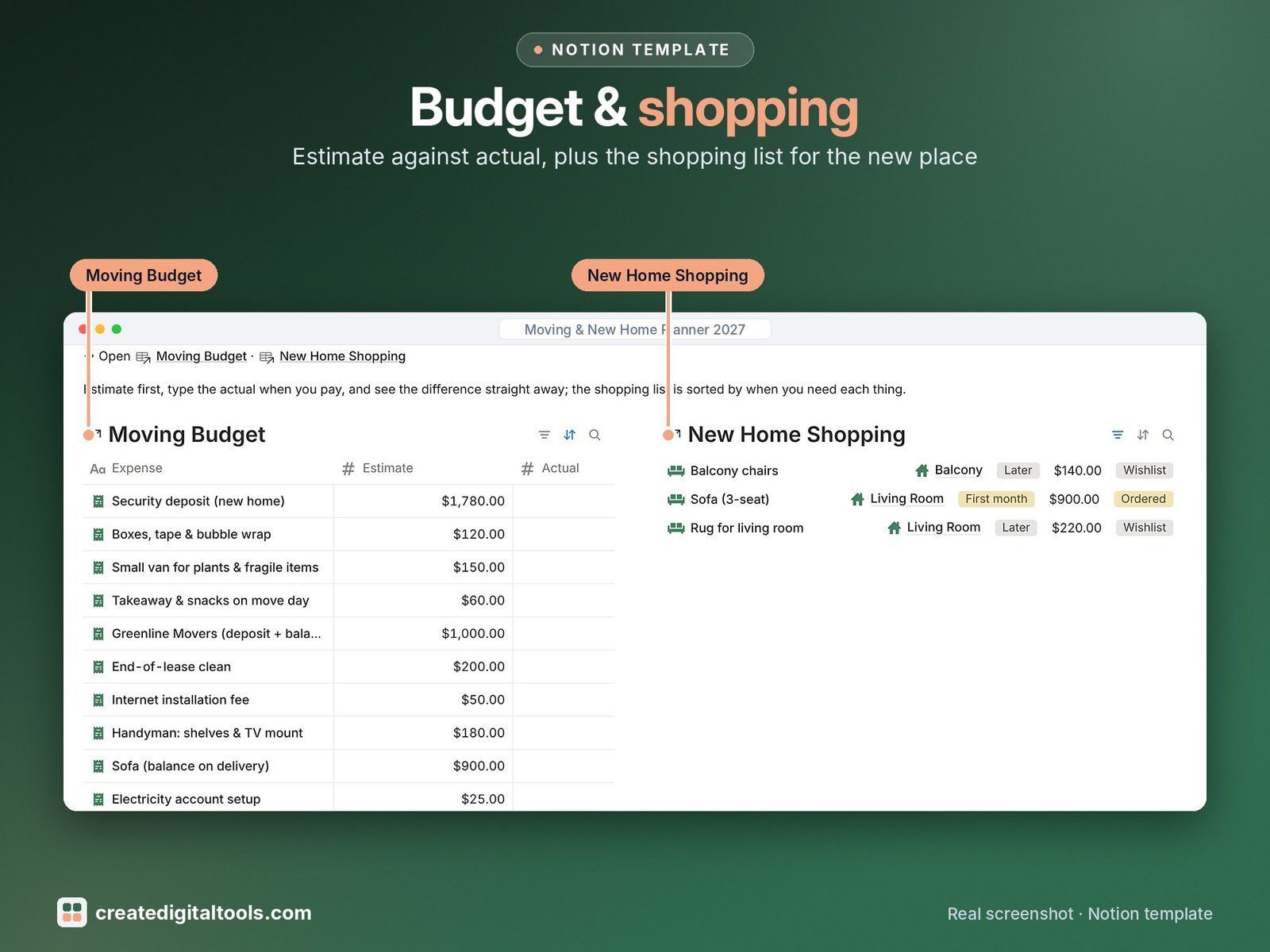
- Moving Budget: estimate vs actual for movers, deposits, supplies, cleaning and setup fees, with the difference worked out
- Address & Utilities: power, gas, water, internet, bank, insurance, subscriptions and mail forwarding, each with action, status and due date
- Movers & Contacts: compare quotes side by side, mark who is booked and see the total paid against each quote
- New Home Shopping: furniture and essentials by room and needed-by date, with estimated and actual prices
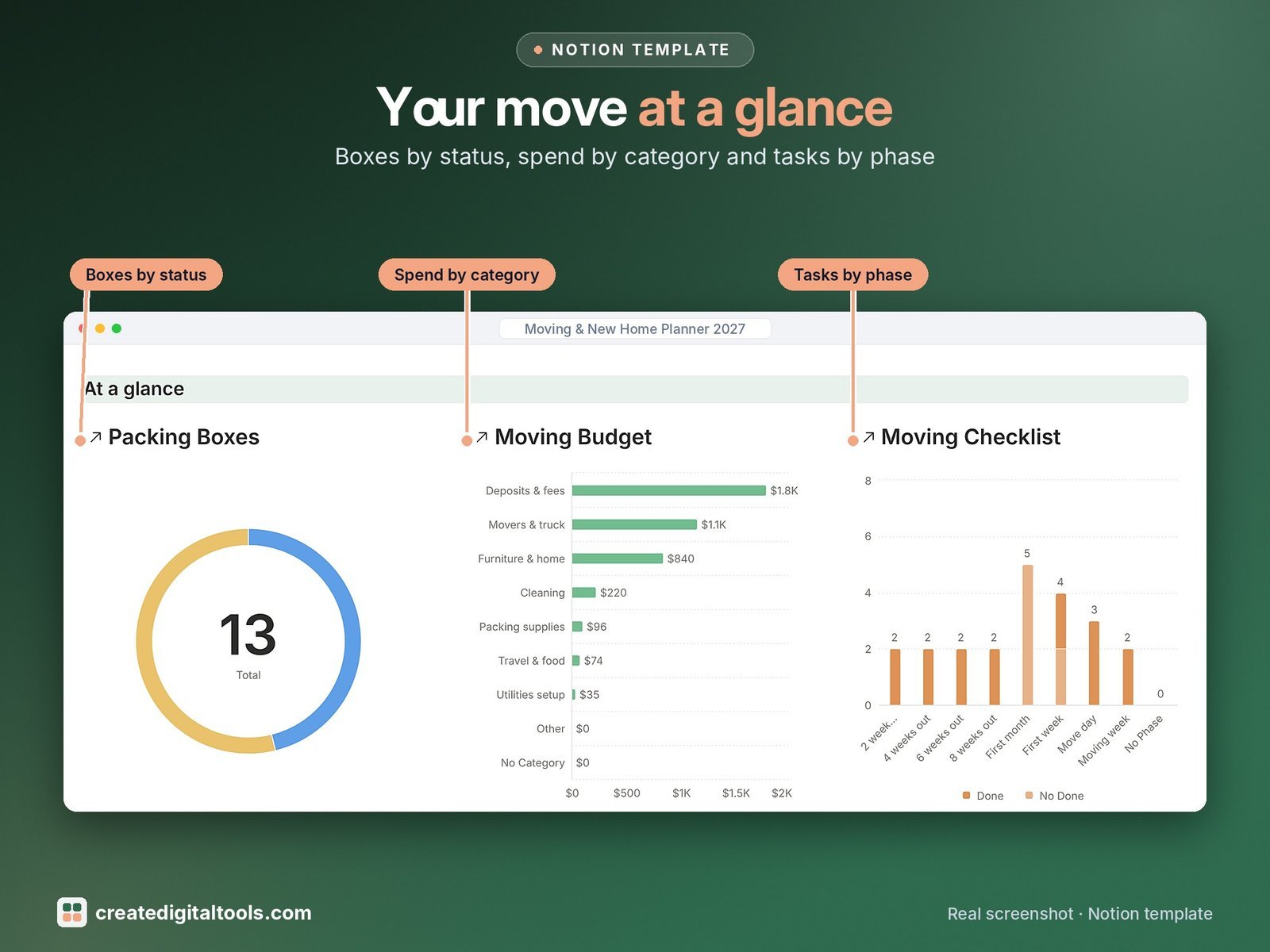
- Dashboard: at a glance charts (boxes by status, spend by category, tasks by phase), photo navigation cards and a section for each part of the move.
- Start Here: Step-by-Step Guide inside the template, written for complete beginners
- Fictional sample data so you can see how everything connects, easy to clear
How it works
Score the homes you view, then follow the checklist phase by phase. Number each box and link it to a room, log every cost against its mover or service, and the dashboard shows what is packed, unpacked, paid and still to do.
Built-in automations
Five automations stamp the dates for you: Done on for tasks, Packed on and Unpacked on for boxes, Changed on for address changes and Paid on for expenses.
Set up in 3 steps
- Open the template link in your PDF and click Duplicate to copy it into your own Notion workspace.
- Open Start Here and follow the setup: add your own details and clear the sample data when you’re ready.
- Work from the dashboard every day and use the weekly checklist in Start Here to keep everything up to date.
What you get
- The Notion template (duplicate link delivered as a PDF)
- Setup Guide PDF with a step-by-step walkthrough and FAQ
- Start Here guide inside the template
Free plan
Works on the Free Notion plan. The built-in automations are Notion database automations, which run on paid plans (Plus and up). On the Free plan they pause and you fill those dates in by hand; every database, formula and view still works. Desktop, web and the Notion mobile app.
Digital product: nothing physical is shipped. Sample data is fictional.
Notion is a trademark of Notion Labs, Inc.; this is an independent template by Create Digital Tools (createdigitaltools.com).
New to Notion? Try it free here (affiliate link: we may earn a commission at no extra cost to you).
Also on Gumroad: Moving & New Home Planner 2027: Notion Template
Want your own store like this one? createdigitaltools.com runs on Hostinger WordPress hosting. Start your own shop with Hostinger, or try the no-code Hostinger Website Builder.
Affiliate links: I may earn a commission at no extra cost to you.