Daily Standup Notion Template for Project Teams
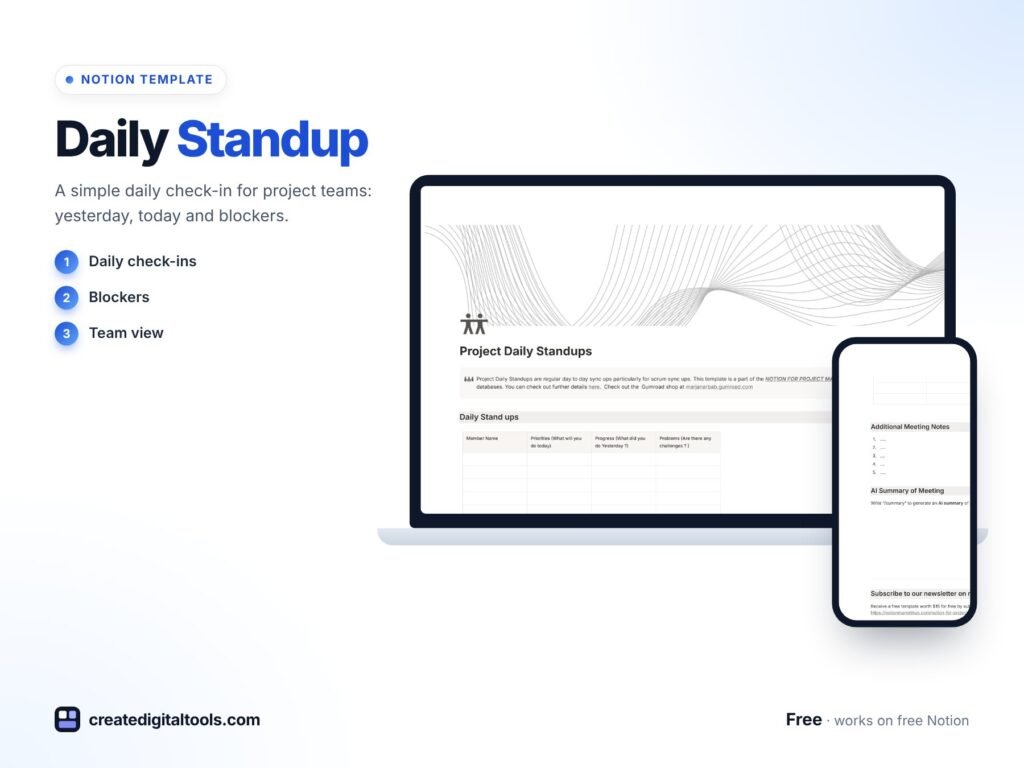
Picture a product team that meets every morning at 9:30. Someone shares their screen, someone else is still looking for yesterday’s notes, and by the time everyone has spoken, nobody remembers who mentioned the blocker on the client report. A daily standup Notion template gives that meeting a fixed shape: who attended, what they did yesterday, what they will do today, their priorities and the challenges in their way, all written down in a place the team can check later.
Below you will find why standups drift, a simple way to run them well in Notion, and a walk-through of our free Daily Standup for Project Teams template.
Get the Daily Standup for Project Teams →
Why daily standups lose their value
The standup is meant to be the shortest, most useful meeting of the day. In practice it often turns into one of these:
- A status recital where people list everything they did, and the important blockers get lost in the detail.
- A meeting with no record, so anyone who missed it has to ask around, and nobody can look back at what was said on Tuesday.
- A chat thread that mixes updates with jokes and links, making it hard to see priorities at a glance.
Generic note documents do not help much either. Each person writes in a different format, and over a few weeks the notes become a long scroll that nobody reads. What teams need is a consistent structure with the same few questions every day, captured in a way that can be filtered by person and date.
How to run a structured standup in Notion
Whether you use our template or build your own, these steps give you a standup that stays short and useful.
1. Agree on the questions
Keep to a small set: What did you do yesterday? What will you do today? What are your priorities? What is getting in your way? Fewer questions means faster answers.
2. Use a database, not a document
Create a database where each entry is one person’s update for one day. Add properties for the team member, date, priorities and challenges. This lets you filter by person, sort by date and spot repeating blockers.
3. Make attendance visible
Track who attended. It is not about policing people; it shows who might need a quick catch-up afterwards.
4. Write updates before the meeting
Ask everyone to fill in their entry a few minutes before the call. The meeting then focuses on challenges and coordination rather than reading out lists.
5. Follow up on challenges
Give each challenge an owner. A filtered view showing only open challenges keeps the team accountable for removing blockers, not just naming them.
Inside the daily standup Notion template
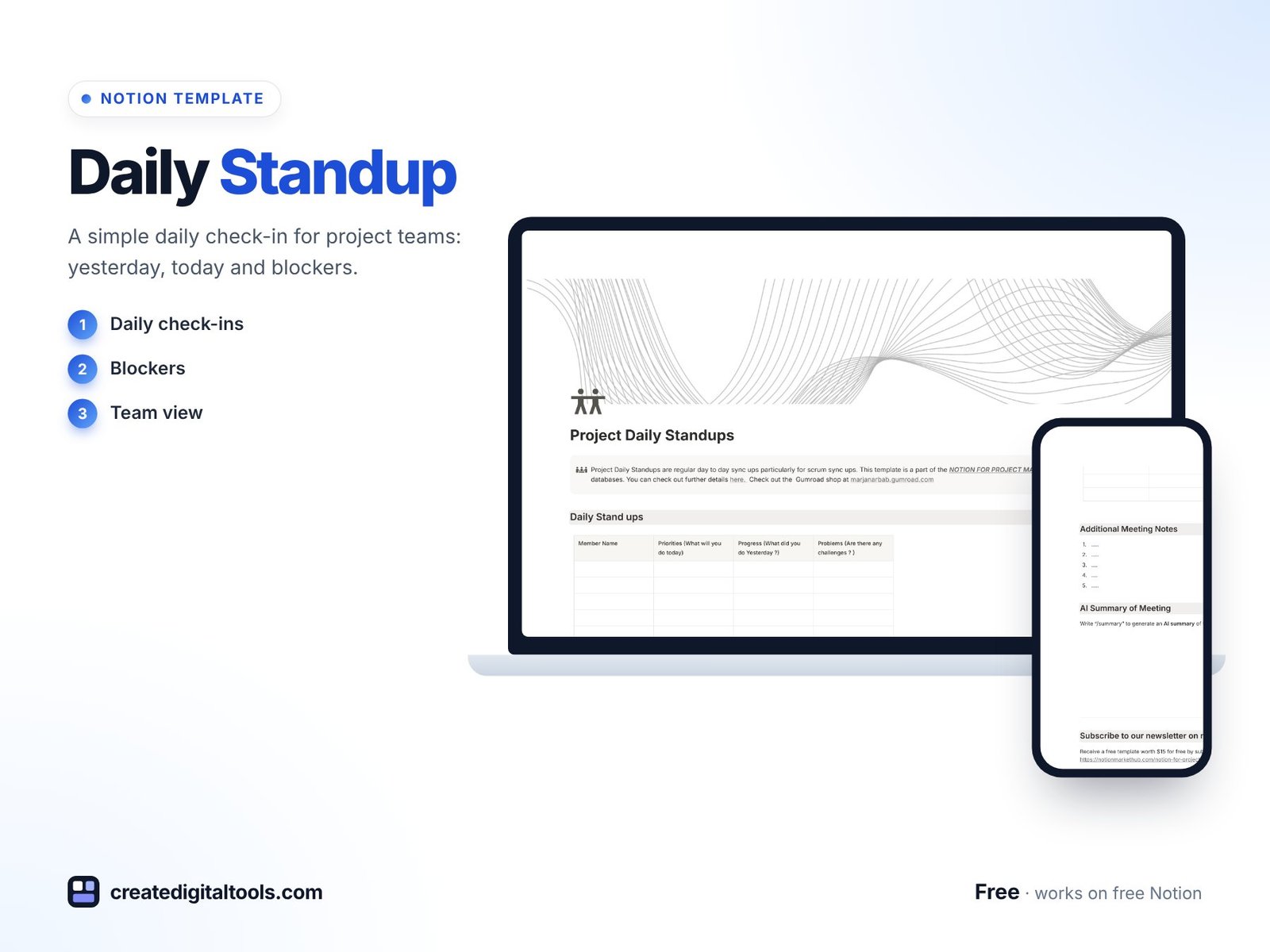
The Daily Standup for Project Teams template is free and built around the same core questions, so you can start running structured standups straight away.
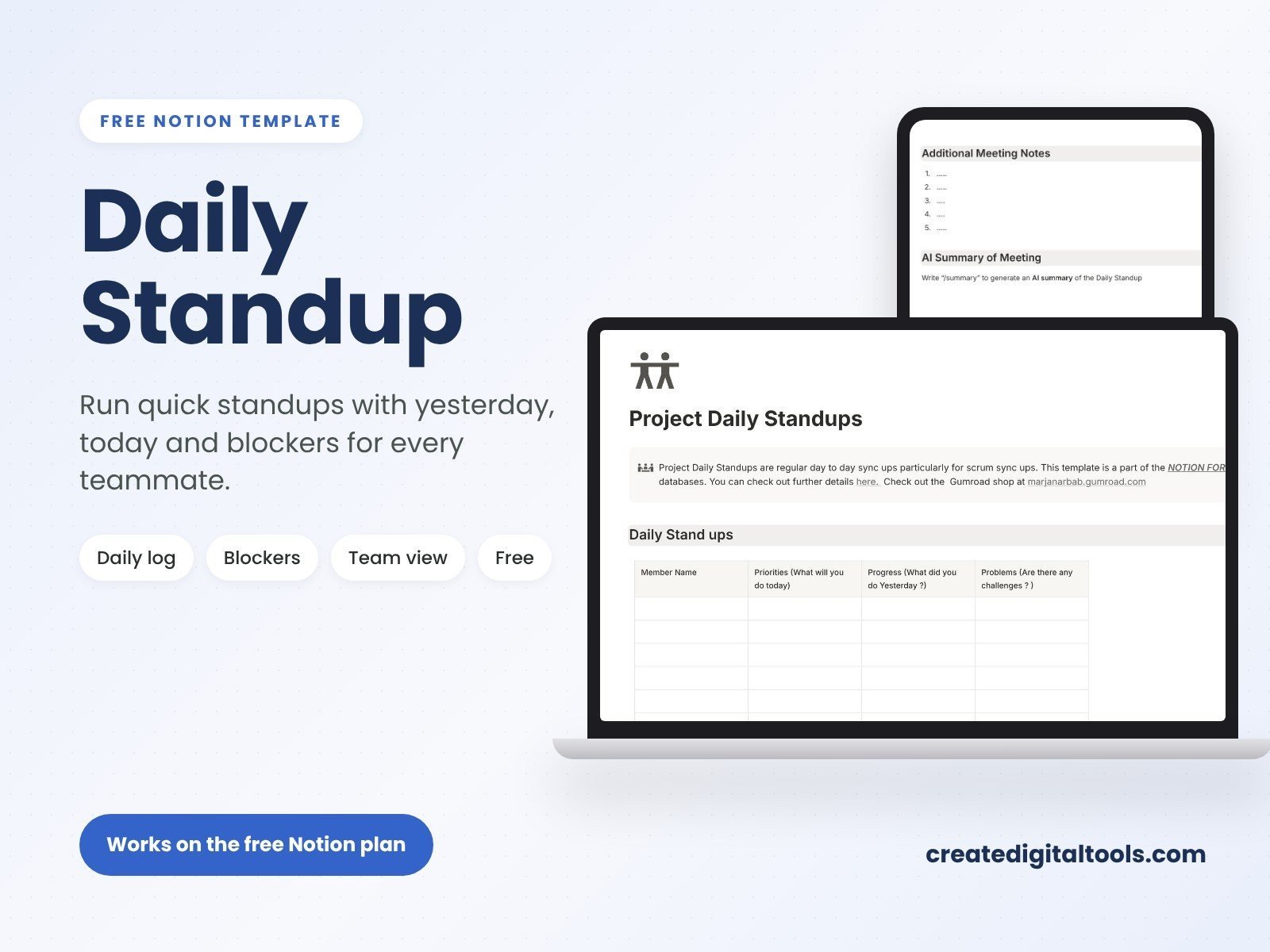
Member names
A dedicated section for member names lets you track attendance and participation, so it is clear who shared an update each day.
Priorities
Each person sets their priorities for the day. Seeing everyone’s priorities together makes it easier to spot overlaps or conflicts early.
What will you do today
Outline the day’s action plan and focus areas. This keeps each update forward-looking instead of being only a report on the past.
What did you do yesterday
Record the previous day’s tasks and accomplishments. Over time this builds a simple log of progress that is useful for retrospectives and reporting.
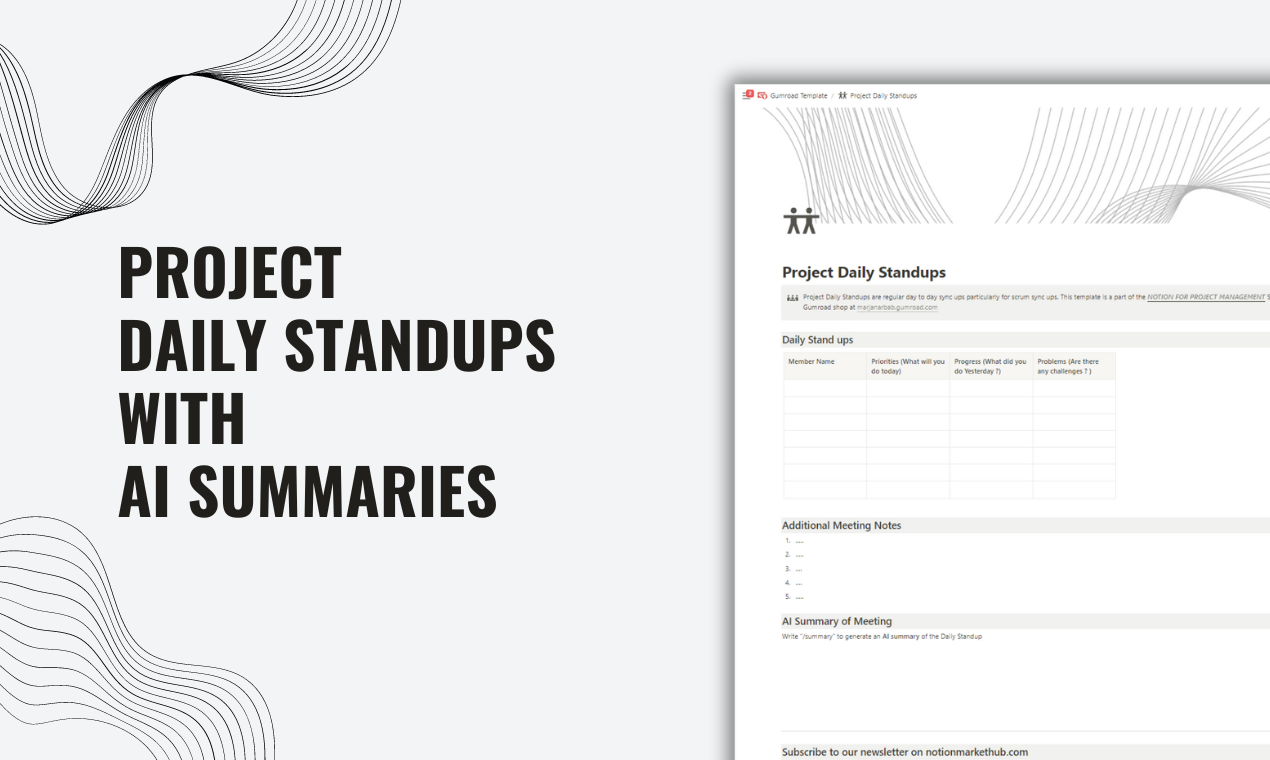
Challenges
Flag obstacles so the team can offer support. Putting challenges in their own field stops them from being buried inside long updates.
Flexible and customisable
The template can be adapted to different workflows, from minimalist notes to detailed updates, and added to your existing Notion workspace alongside your other project pages.
Practical tips for better standups
- Timebox it. Agree a fixed length and stick to it. Detailed discussions move to a follow-up with only the people involved.
- Rotate the facilitator. It keeps everyone engaged and stops the standup becoming a report to one manager.
- Review challenges weekly. If the same blocker appears several days in a row, it needs a decision, not another mention.
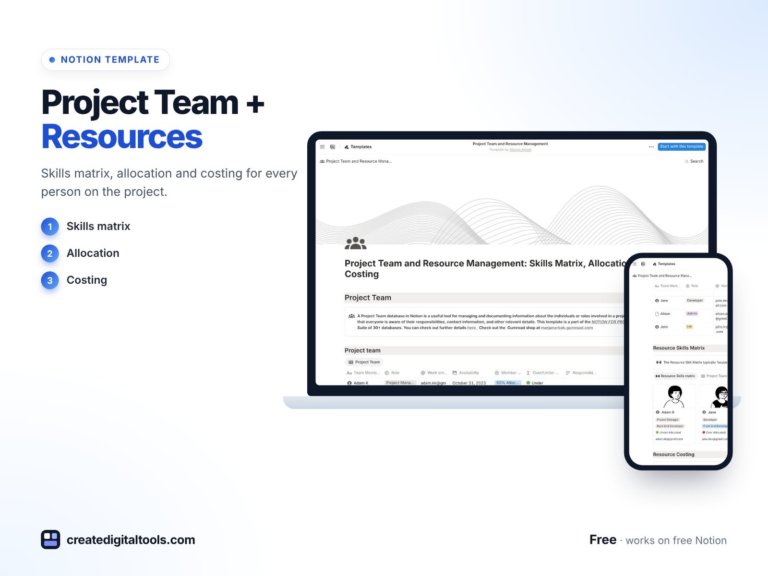
- Connect it to workload. If standups keep showing the same people overloaded, look at allocation. Our free Project Team & Resource Management template helps you see skills, allocation and cost across the team.
Common standup mistakes (and how the template helps)
Most standup problems come from a handful of habits. Here is what to watch for:
- Solving problems during the standup. The standup is for raising challenges, not fixing them. Note the challenge in its field, name who will help, and move on.
- Updates that are too long. A fixed set of fields encourages short answers. If an update needs paragraphs, it probably belongs in a separate meeting or document.
- Priorities that never change. If someone’s priorities read the same every day for a week, the work may be blocked or too large. Break it down.
- No record for absent teammates. Written entries mean anyone who missed the call can read the updates later rather than asking around.
- Skipping it when busy. Busy weeks are when coordination matters most. Even a written-only standup is better than none.
Using standup history in retrospectives
Because each update is saved, the standup log becomes useful material for retrospectives. Before a sprint or project review, filter the entries for that period and look at the challenges field. Repeated blockers point to process problems worth discussing, and the “what did you do yesterday” entries help the team remember what was actually delivered.
Running written-only standups
Some teams, especially those across time zones, skip the call and post updates in writing. The template suits this well. Ask everyone to complete their entry by a set time each morning, then have the team lead read through the challenges and reply to anyone who needs help. You keep the benefits of a daily check-in without forcing everyone online at the same moment. A short live meeting once or twice a week can then focus on bigger decisions.
Who it’s for (and who it’s not for)
A good fit if you:
- Lead a project, product or agile team that meets daily or several times a week.
- Work with remote or hybrid teammates who need a written record of updates.
- Want a ready structure instead of building a standup page from scratch.
Probably not for you if you:
- Need a full sprint-planning tool with story points and burndown charts.
- Run standups entirely inside a different project tool and do not use Notion.
FAQ
What format is the standup template?
It is a Notion template that you duplicate into your own Notion workspace.
Can I use it on Notion’s free plan?
You need a Notion account. Notion’s free plan supports duplicating templates and using databases, so you can start there. Teams who share a workspace may later want a paid plan for collaboration features.
Is it free?
Yes, the Daily Standup for Project Teams template is listed at no cost in our store.
Can I add my own questions?
Yes. You can rename fields, add properties such as sprint or project, or remove anything you do not need.
Does it work for non-software teams?
Yes. The questions (yesterday, today, priorities, challenges) apply to marketing, operations, design or any project team that coordinates daily.
Looking for more team tools? Browse our Notion templates collection.
Get the Daily Standup for Project Teams →
Notion is a trademark of Notion Labs, Inc. This is an independent template, not affiliated with or endorsed by Notion.
Notion systems, spreadsheets and planners with a setup guide. Instant download.