Academic Book Writing Notion Template for Authors
Picture a lecturer who has signed a contract for an academic monograph. They have twelve chapters planned, hundreds of sources, notes in three different apps and a deadline eighteen months away. Some weeks the writing flows; other weeks they can’t remember which chapter needs a citation fixed or how far behind schedule they are. An academic book writing Notion template pulls chapters, research notes, references and daily writing goals into linked databases, so progress is visible and nothing gets lost. This is an illustrative scenario, but it describes a common experience for academic authors.
This guide covers why long academic projects are hard to manage, how to organise a book manuscript in Notion yourself, and what is included in the Academic Book Writing Template.
Get the Academic Book Writing Template →
Why writing an academic book is hard to keep organised
An academic book is a long project with many connected parts: chapters at different stages, a research base that keeps growing, a reference list that must be accurate, and writing sessions squeezed between teaching and other commitments. The usual tools each cover a slice:
- A word processor holds the draft but says nothing about progress across chapters.
- A reference manager stores citations but isn’t linked to where you use them.
- Notes apps collect ideas that then become hard to find when you need them for a specific chapter.
- Calendars and to-do lists track deadlines but not word counts or editing status.
Academic books also tend to be written in fragments. A chapter is drafted over the summer, set aside during term, then picked up months later. Each restart costs time while you work out where you left off, which sources you meant to add and what the reviewers asked for. A structured workspace makes those restarts much shorter, because the status, notes and references for each chapter are waiting for you. Without a joined-up view, it is easy to lose momentum, duplicate research or reach the final edit with citations that no longer match.
How to organise an academic book manuscript in Notion
You can apply this structure whether you use a template or build your own.
- Create a chapters database. One entry per chapter with properties for status (planning, drafting, revising, final), deadline and a word count goal. Give each chapter its own draft page.
- Build a research hub. Record research questions, literature notes, theoretical frameworks and early ideas. Relate each note to the chapter or chapters it supports.
- Keep references in a database. One entry per source with author, year, title and format, related to the chapters that cite it. When you revise a chapter, its sources are listed right there.
- Log daily writing. A simple daily entry with your goal, the words you wrote and the chapter you worked on. Over weeks, this shows your real writing pace.
- Add a summary dashboard. Rollups for total words, chapters completed and upcoming deadlines give you an honest picture of progress.
- Review weekly. Look at what moved, what stalled and what is due next. Adjust deadlines early rather than late.
Tip: set small daily word count goals rather than big weekly ones. Consistent, modest sessions are easier to protect around teaching and admin.
Planning the manuscript backwards from the deadline
Start with the date the full manuscript is due to the publisher and work backwards. Reserve time at the end for a full read-through, reference checking, permissions and the index. Then give each chapter its own drafting and revision deadline. Spacing chapter deadlines evenly is rarely realistic: introductions and conclusions usually take longer, and chapters built on existing articles may move faster. Put those differences into the plan from the start.
Mistakes that slow academic books down
- Researching without writing. Reading can expand to fill any amount of time. Link each research note to a chapter, and if a note doesn’t fit any chapter, park it.
- Leaving references until the end. Record every source as you use it. Reconstructing citations months later is slow and error-prone.
- Tracking deadlines but not words. A deadline tells you when something is due, but word counts tell you whether you are on track to meet it.
- Revising one chapter forever. Set a status rule: a chapter moves to “revising” only after a complete draft exists, and to “final” after one full revision pass.
Inside the academic book writing Notion template
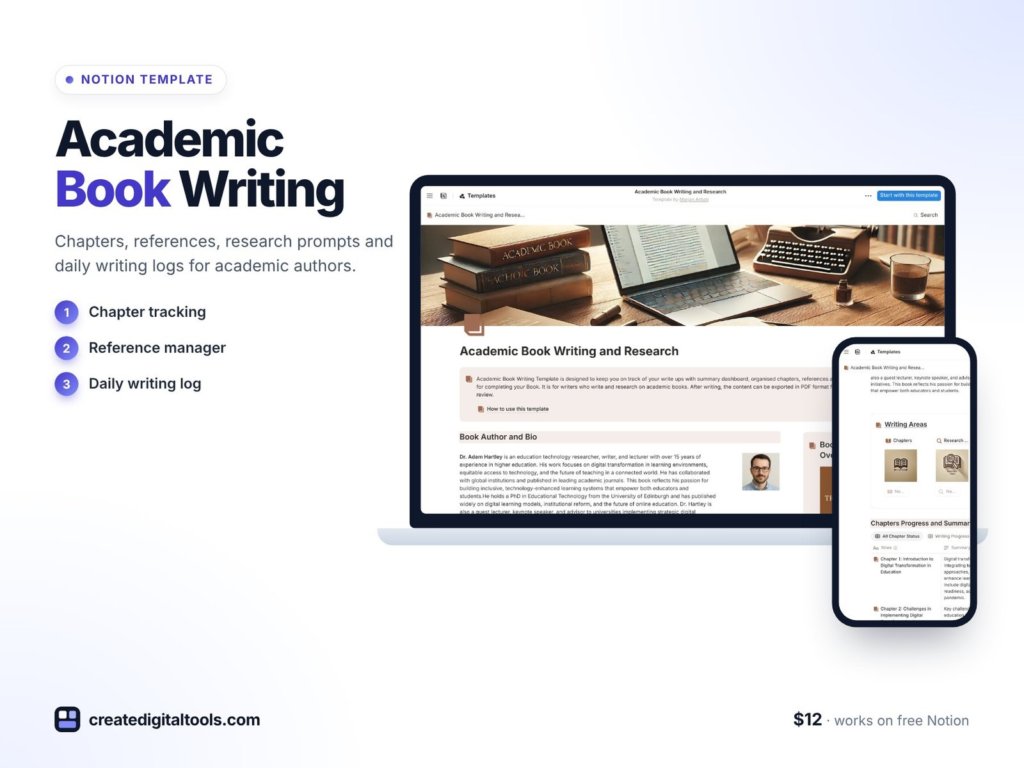
The Academic Book Writing Template is a Notion template from Create Digital Tools, designed for authors working on scholarly books.
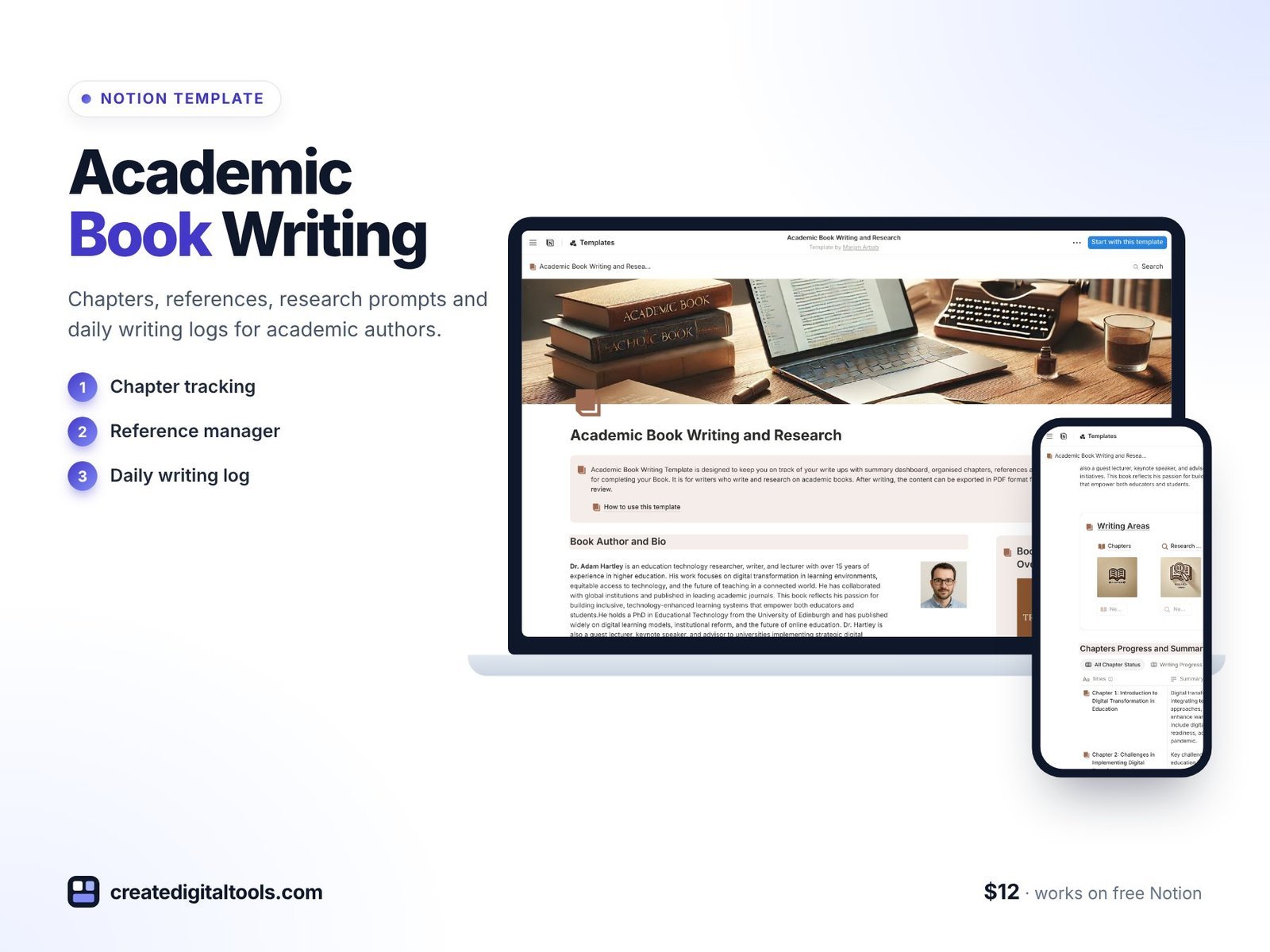
Chapters Tracker
Chapters with writing status, deadlines, word count goals and individual draft pages. This is the spine of the template: at a glance you can see which chapters are drafted, which are in editing and which are due soon.
Research & Brainstorming Hub
Research questions, literature notes, theoretical frameworks and exploratory ideas, linked to the writing workflow. Notes connect to the chapters they inform, so you aren’t searching across apps when you sit down to write.
References & Citations Database
Sources stored and formatted in one place and linked to chapters. When a chapter goes to revision, its references are already attached.
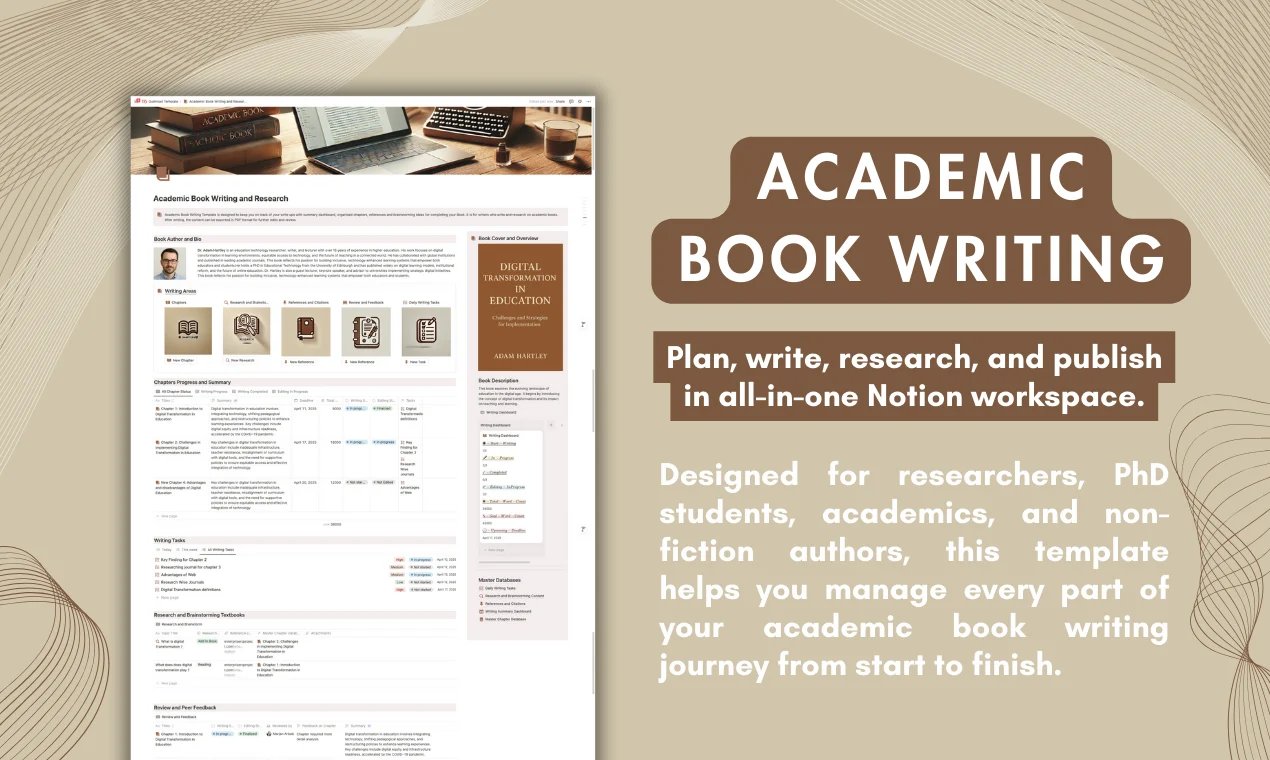
Daily Writing Tasks Tracker
Goals, word count logging and tasks linked to chapters. It turns a long project into manageable daily steps.
Writing Dashboard Summary
An auto-updating summary of total words, chapters completed, editing status and upcoming deadlines, so you always know where the manuscript stands.
Getting started
The product page’s steps are simple: click “Buy Now” and duplicate the template into your Notion workspace. It also says the free Notion plan has what you need to run it.
Who it’s for, and who it isn’t for
A good fit for:
- Academics writing a monograph, textbook or edited volume.
- Researchers turning a thesis into a book.
- Non-fiction authors who work with a large research base and many sources.
Not a good fit for:
- Writers who need automatic citation formatting inside a word processor. A dedicated reference manager does that; this template organises sources and links them to chapters.
- Novelists looking for character and plot tracking. The structure here is built for scholarly writing.
Writing a thesis or juggling several academic projects? The Academic Researcher Pack bundles several templates for thesis writers and academics. You can also browse all Notion templates.
FAQ
What format is the Academic Book Writing Template?
It is a Notion template that you duplicate into your own Notion workspace.
Can I use it on the free Notion plan?
Yes. The product page says the free Notion plan has what you need. Notion Plus and Notion AI are optional.
How do I get the template after buying?
After you buy, you duplicate the template into your Notion workspace and start adding your chapters.
Can I write the actual chapters in Notion?
Yes. Each chapter has its own draft page. You can draft in Notion and move to a word processor for final formatting, or keep everything in Notion; the choice is yours.
Can I adapt it for a different structure, such as an edited volume?
Yes. Rename properties, add contributor fields or change statuses to fit your project. Everything is editable once duplicated.
Get the Academic Book Writing Template →
Notion is a trademark of Notion Labs, Inc. This is an independent template, not affiliated with or endorsed by Notion.
Notion systems, spreadsheets and planners with a setup guide. Instant download.