12 Best Notion Finance Templates for 2027: Budgets, Business Finance and Finance Firms
Notion isn’t accounting software, and it doesn’t try to be. What it does well is give you one clear view of your money: what came in, what went out, what’s due, and how far you are from your goals, linked to the clients, bills and projects behind the numbers. These are the 12 best Notion finance templates in our shop for 2027, from personal budgets to systems for people who manage money for a living.
Skip the setup: Consulting & CPA Firm Billable Hours, Billing & Client Retainer Ledger (Excel + Google Sheets) gives you this workflow ready to duplicate, with a step-by-step guide. Also popular with readers: Law Firm Billable Hours, Matter Billing & Trust Ledger (Excel + Google Sheets).
Quick picks
- Best personal budget: Personal Budget Planner 2027
- Best for a small business: Business Finance HQ 2.0
- Best for team budgets: Budget Command Center
- Best for bookkeepers: Bookkeeping Firm OS
Personal and team budgets
1. Personal Budget Planner 2027 · $17
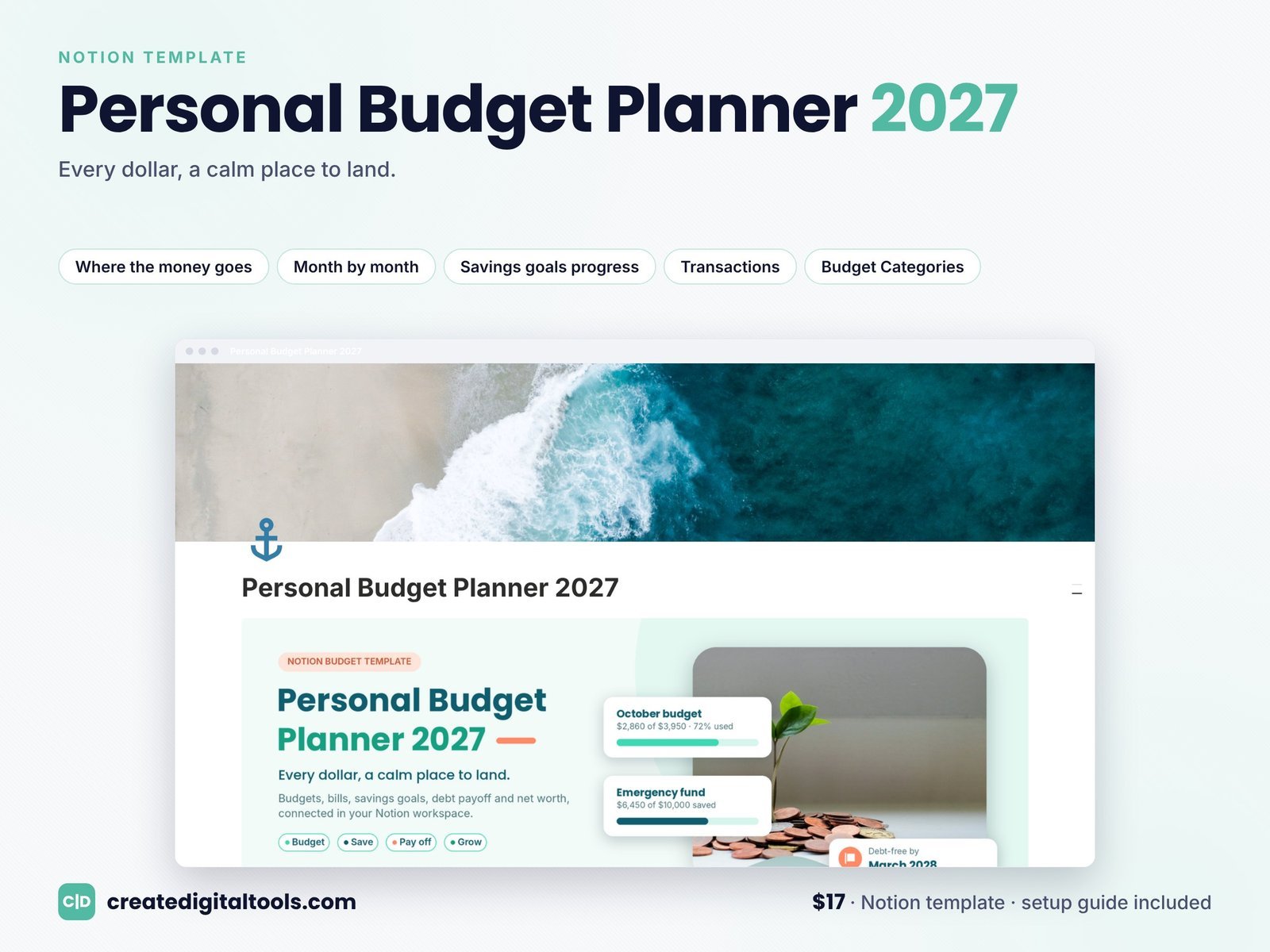
Income, spending, budgets, bills, savings goals, debt payoff and net worth, all connected. Log a transaction once and every total that depends on it updates.
2. Budget Command Center · $29
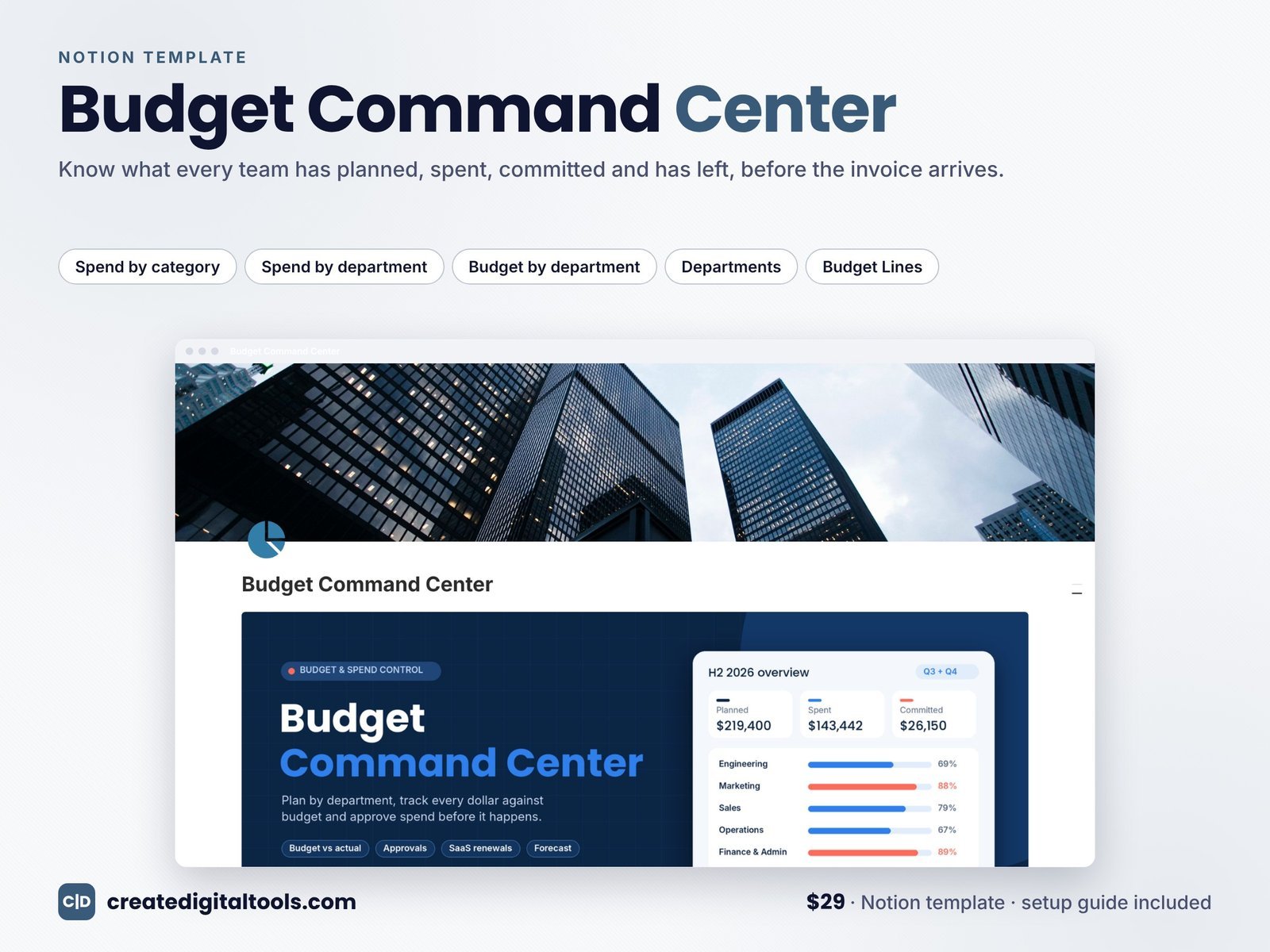
For department heads and finance leads: what every team has planned, spent, committed and has left, before the invoice arrives.
Small business finance
3. Business Finance HQ 2.0 · $24
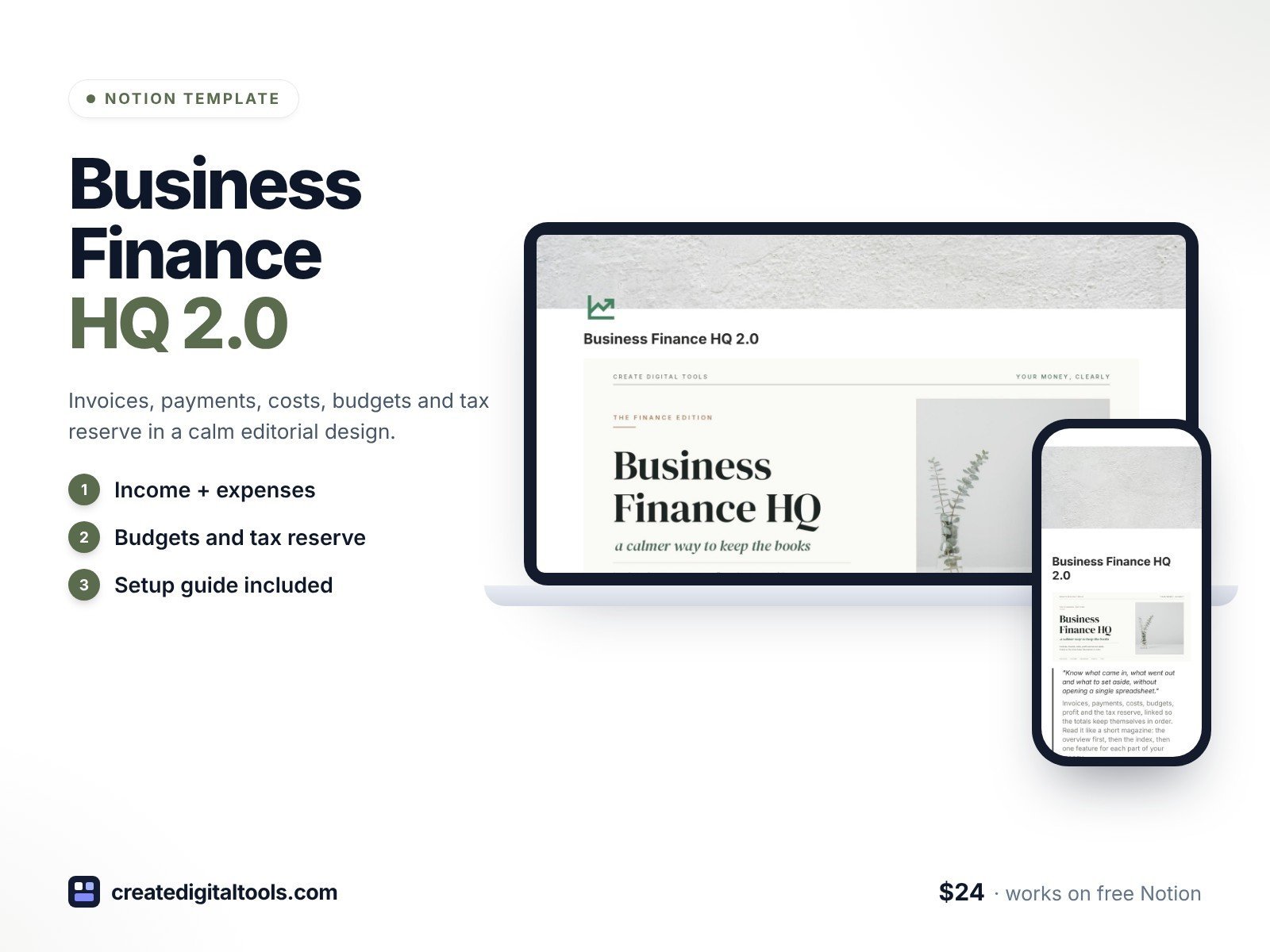
Income, expenses, invoices, a monthly P&L, tax set-aside, bills and accounts in a calm editorial design.
4. Business Finance HQ · $24
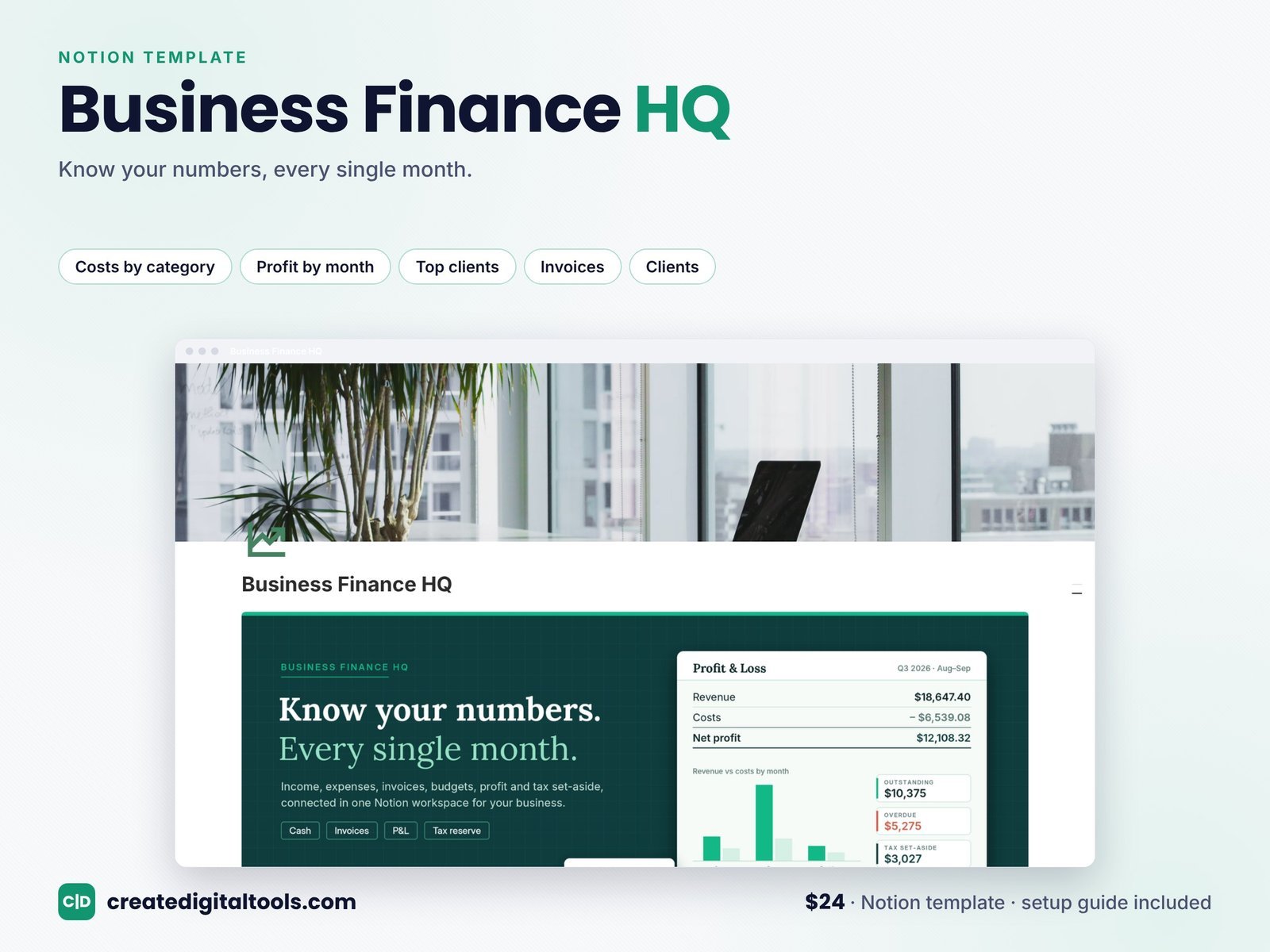
The original edition: income, expenses, invoices, budgets, P&L and tax set-aside. Same system, a different look, so pick the design you like.
5. Finance Tracker for Business · $29
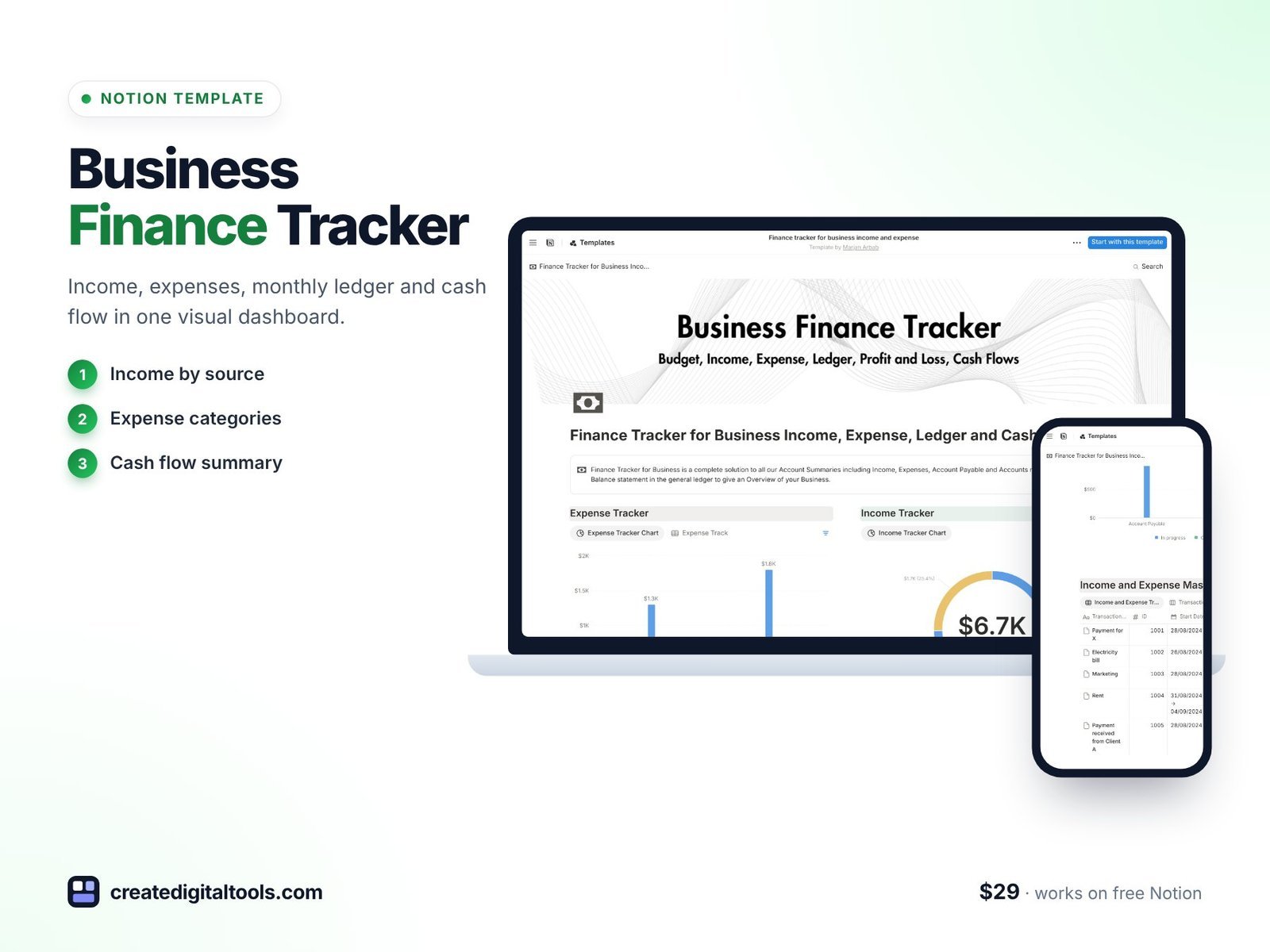
Revenue, expenses and cash flow on one visual dashboard: income by source, spending categories, a monthly ledger and summaries. No spreadsheet skills needed.
6. Freelancer & 1099 Tax Organizer 2027 · $19
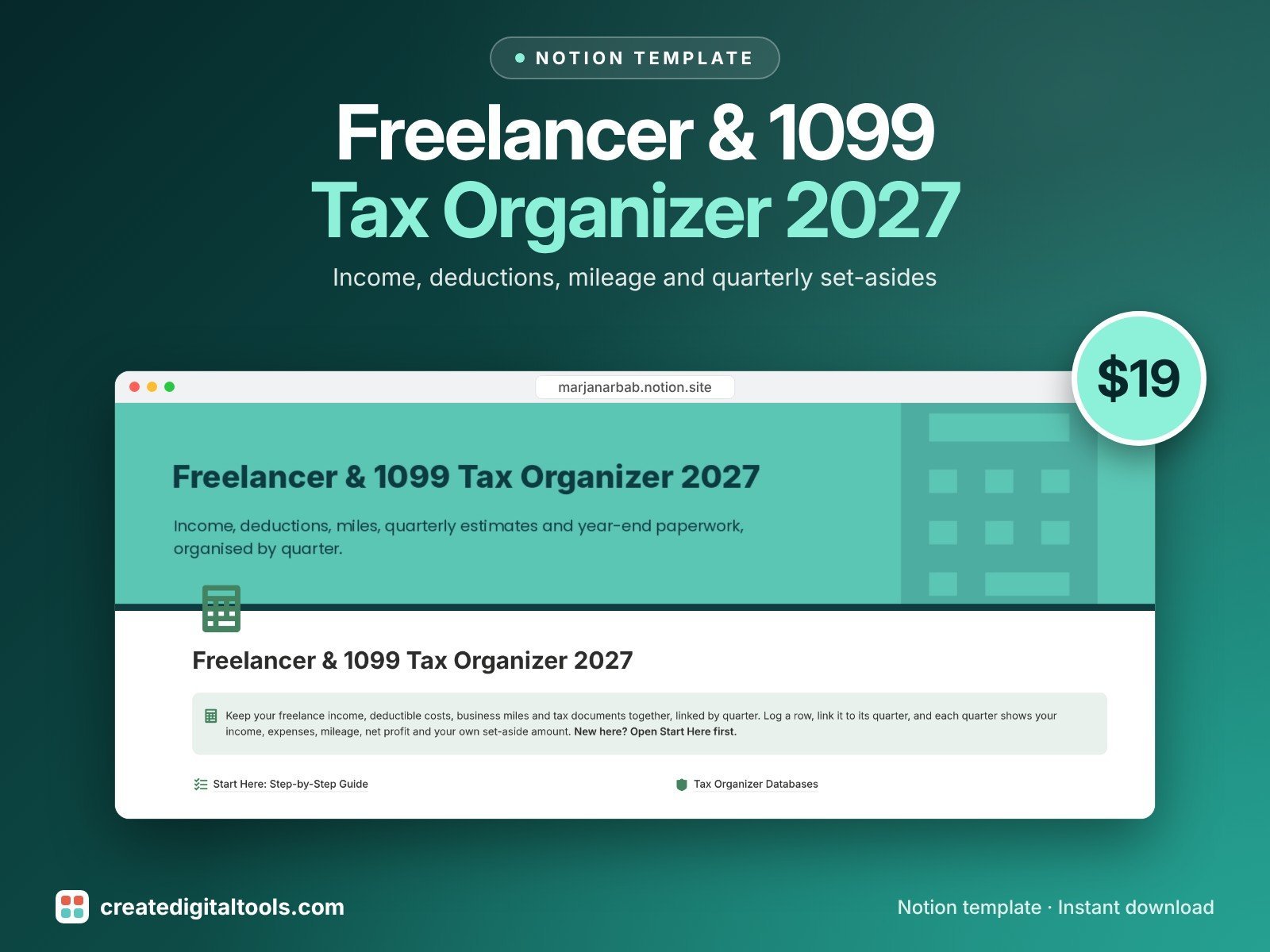
Income, deductible expenses, mileage, quarterly set-asides, 1099s and deadlines, linked by quarter.
7. Grant Management HQ · $29
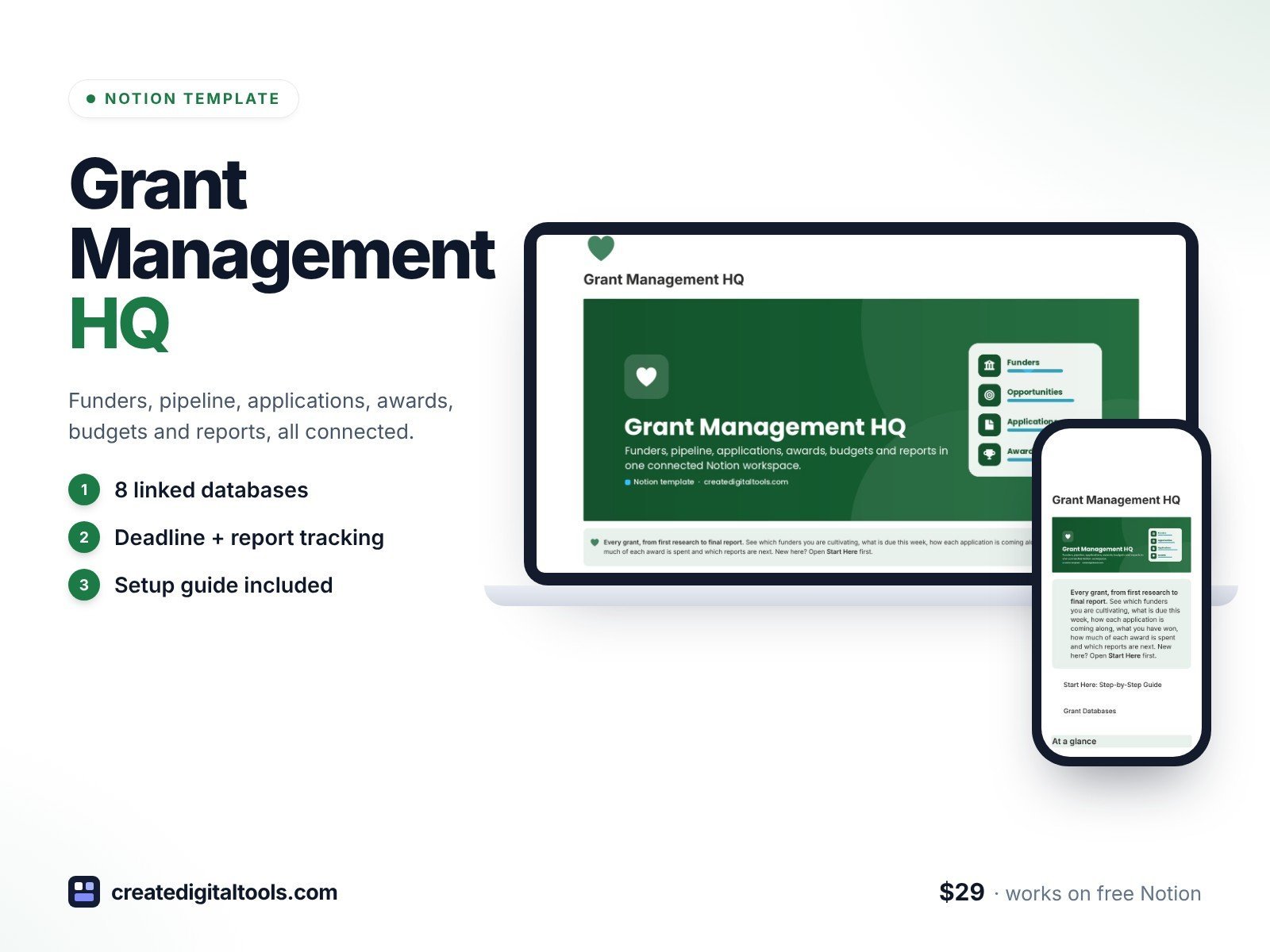
For nonprofits and researchers: funders, pipeline, applications, awards, grant budgets and reporting deadlines.
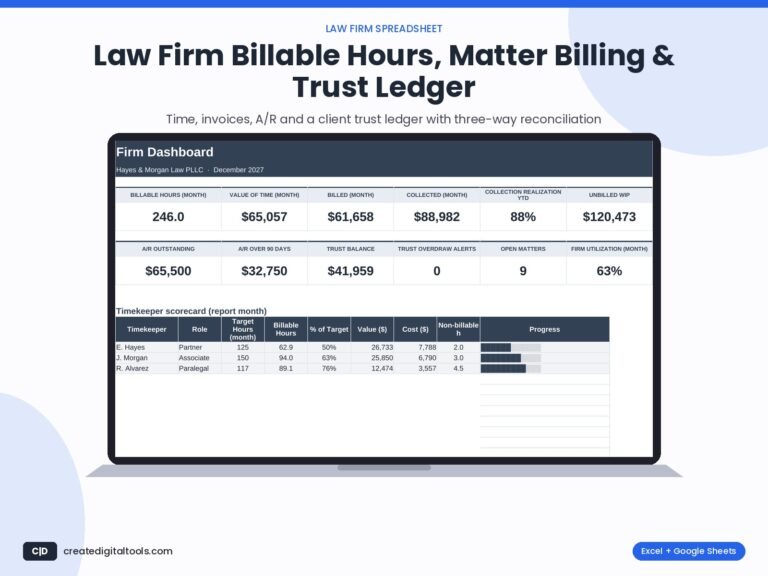 Law Firm Billable Hours, Matter Billing & Trust Ledger (Excel + Google Sheets) Excel + Google Sheets$4.99 →
For finance professionals
8. Bookkeeping Firm OS · $39
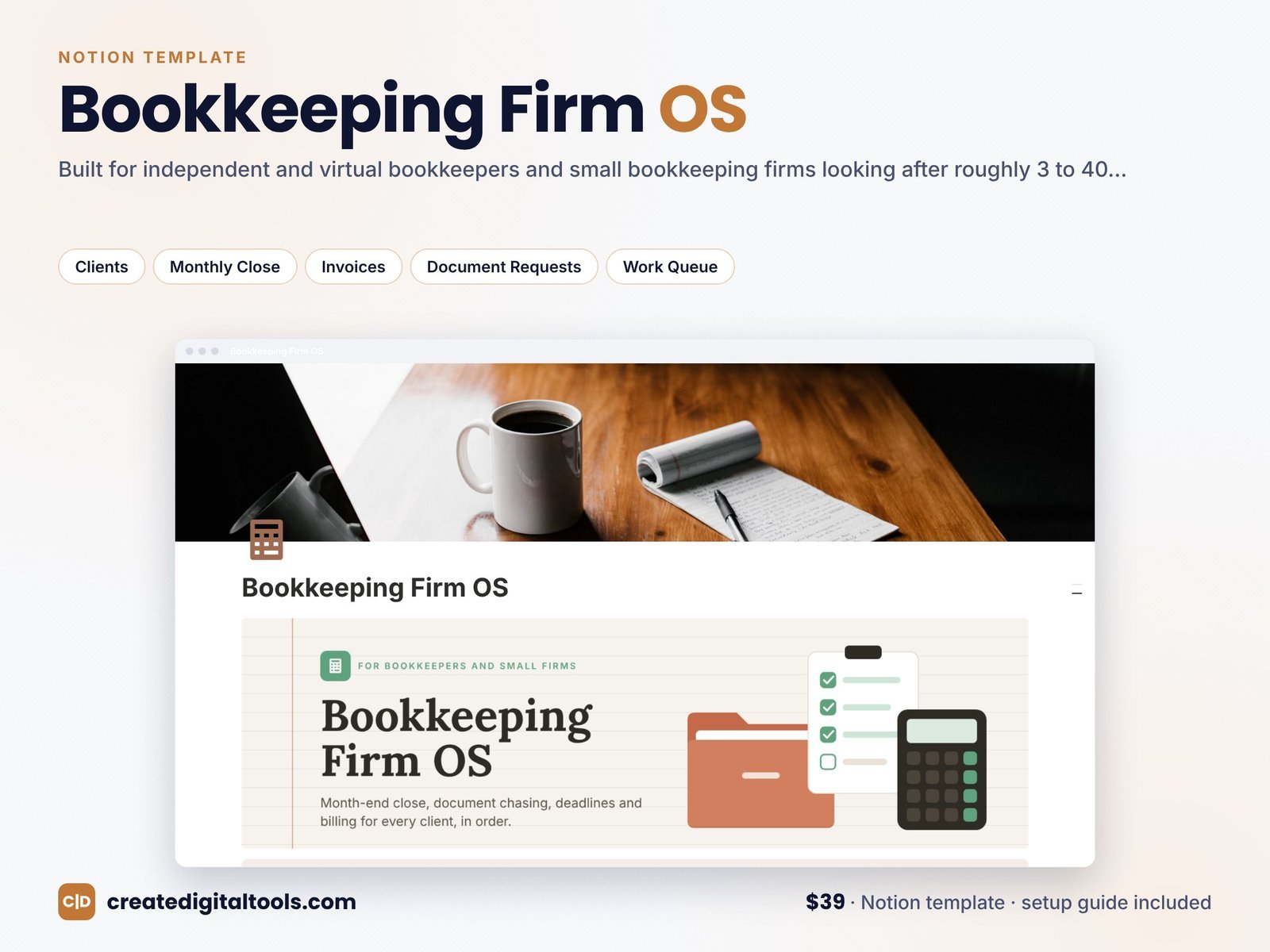
Built for independent and virtual bookkeepers and small firms looking after roughly 3 to 40 clients.
9. Accounting Firm Client Portal · $25
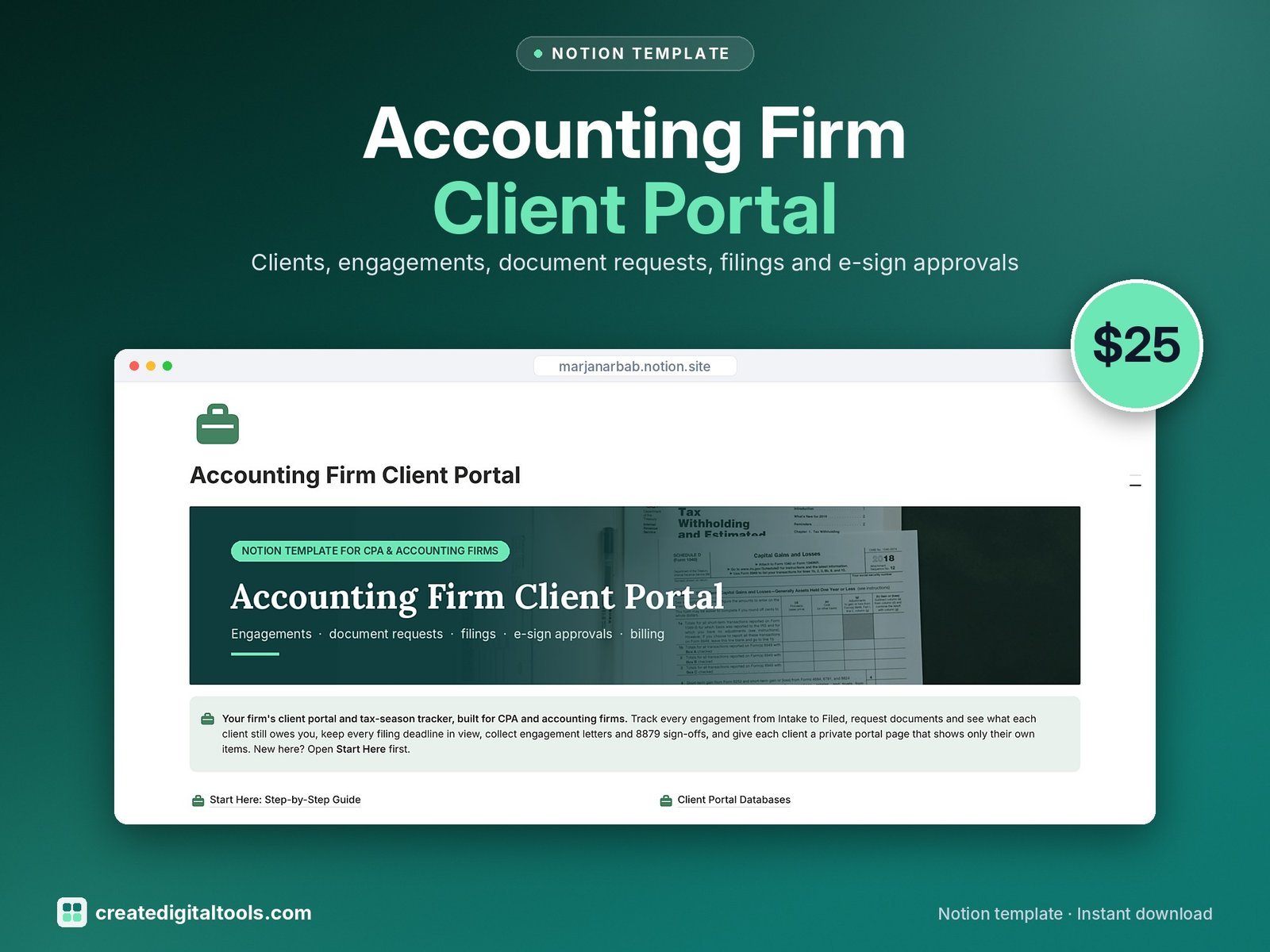
For CPA and tax firms: engagements, document requests, filing deadlines, sign-offs, billing and a private portal page for each client.
10. Mortgage Broker CRM · $24
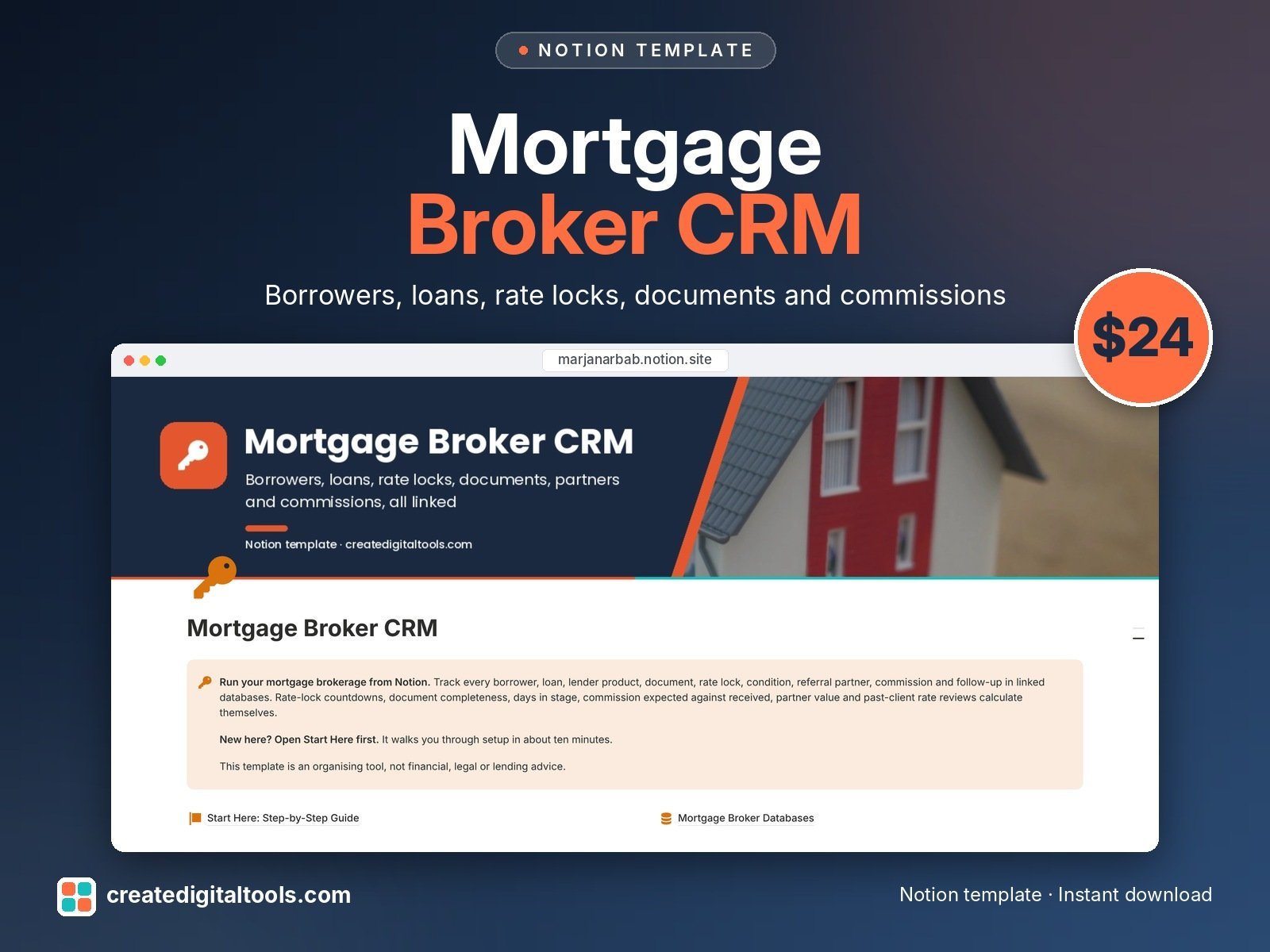
Borrowers, a loan pipeline board, lender products, document checklists, rate-lock countdowns, referral partners, commissions and follow-ups.
11. Insurance Agency CRM · $27

Leads, quotes, policies, renewals, claims and commissions for independent insurance agents: 8 linked databases with automations and sample data.
12. Real Estate Deal Tracker OS · $29
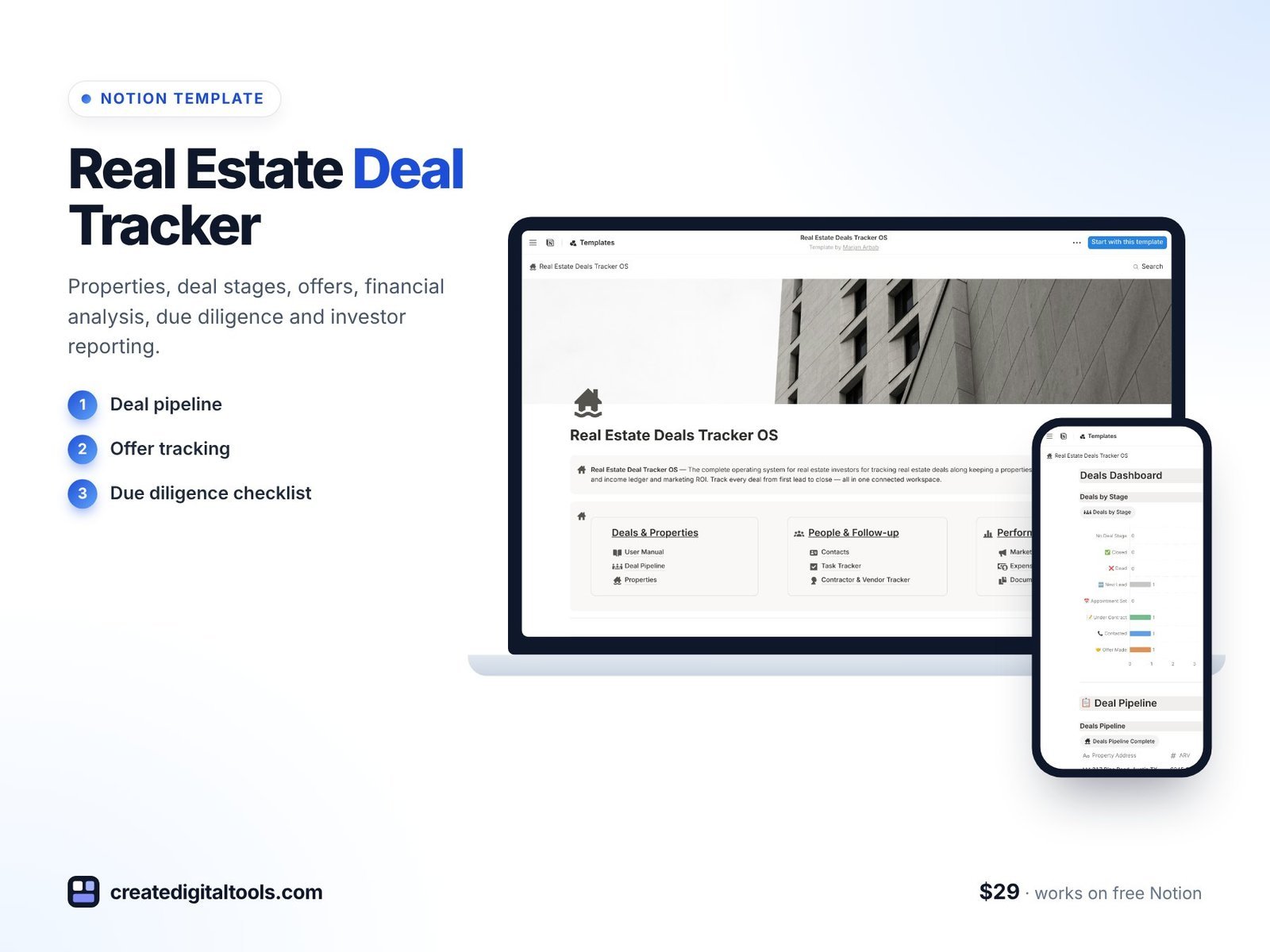
For property investors: a property database, deal stages, offer tracking, financial analysis, due diligence checklists and investor reporting.
Notion or a spreadsheet for your finances?
Choose Notion when your money is tied to other things you track (clients, projects, bills, goals). Choose a spreadsheet when you mainly want calculations: forecasts, loan payoff plans, commission maths. If that’s more your style, see our best Google Sheets budget templates for 2027.
Black Friday starts tomorrow (24 Nov – 1 Dec): 30% off every Notion template with code BF30, or all 113 templates in the Notion Mega Bundle for $59. Sale details.
Need Notion? Get started with Notion for free (affiliate link).
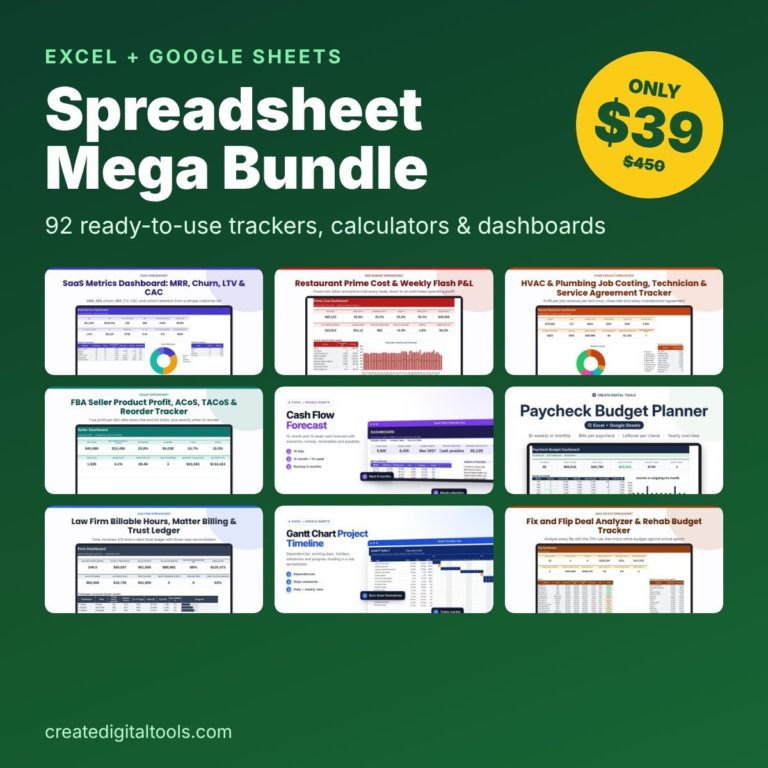 Best value: Spreadsheet Mega Bundle$39.00 →
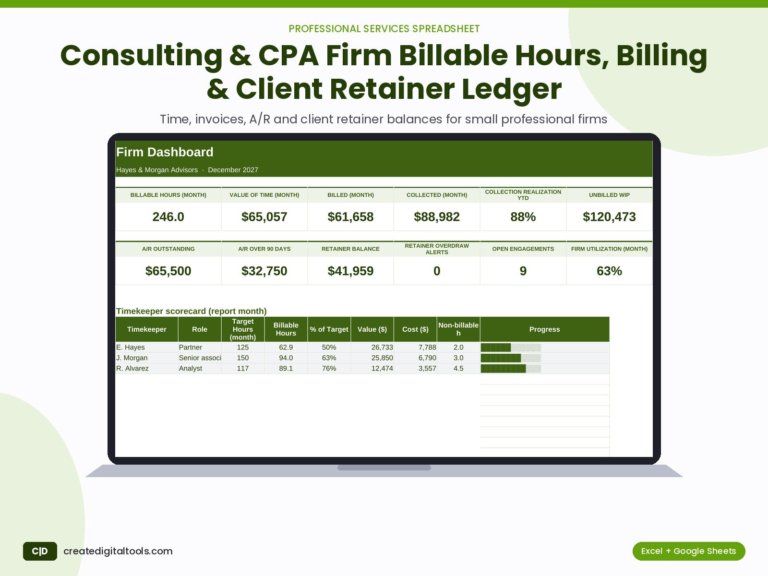
Consulting & CPA Firm Billable Hours, Billing & Client Retainer Ledger (Excel + Google Sheets)
Time entries, engagement billing, invoices, A/R aging and a client retainer ledger with reconciliation for consultants…
Frequently asked questions
Can Notion connect to my bank?
Not directly. You enter transactions yourself or paste them in from a bank export. Many people find a weekly 10-minute update makes them more aware of spending than automatic syncing.
Is my financial data safe in Notion?
Your copy of the template lives in your own private workspace. Avoid storing full account numbers or passwords in any notes app.
Can these replace my accountant’s software?
No. They help you organise and understand your money. Your accountant will still file returns from proper books, but you’ll hand over cleaner records.
Notion systems, spreadsheets and planners with a setup guide. Instant download.