Description
Setup Guide & Full Tour (5 min, start here if you are new to Notion)
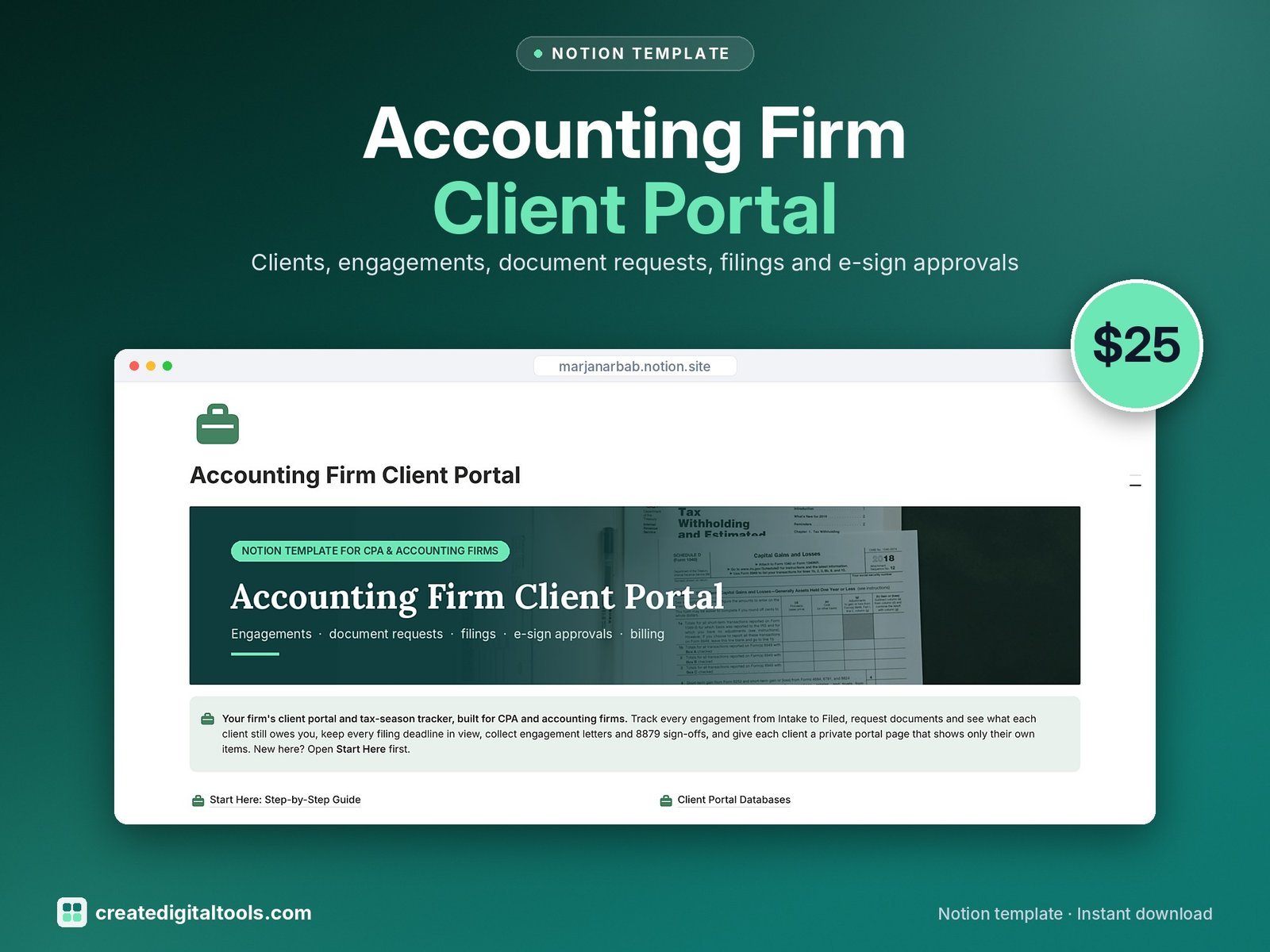
Run tax season from a calm dashboard and give every client their own private portal page. Track engagements from Intake to Filed, request documents and see what each client still owes you, keep filing deadlines on a calendar, collect sign-offs, bill the work and log every conversation.
Who it’s for
- CPA firms and small accounting practices
- Enrolled agents and tax preparers
- Bookkeepers who prepare returns for clients
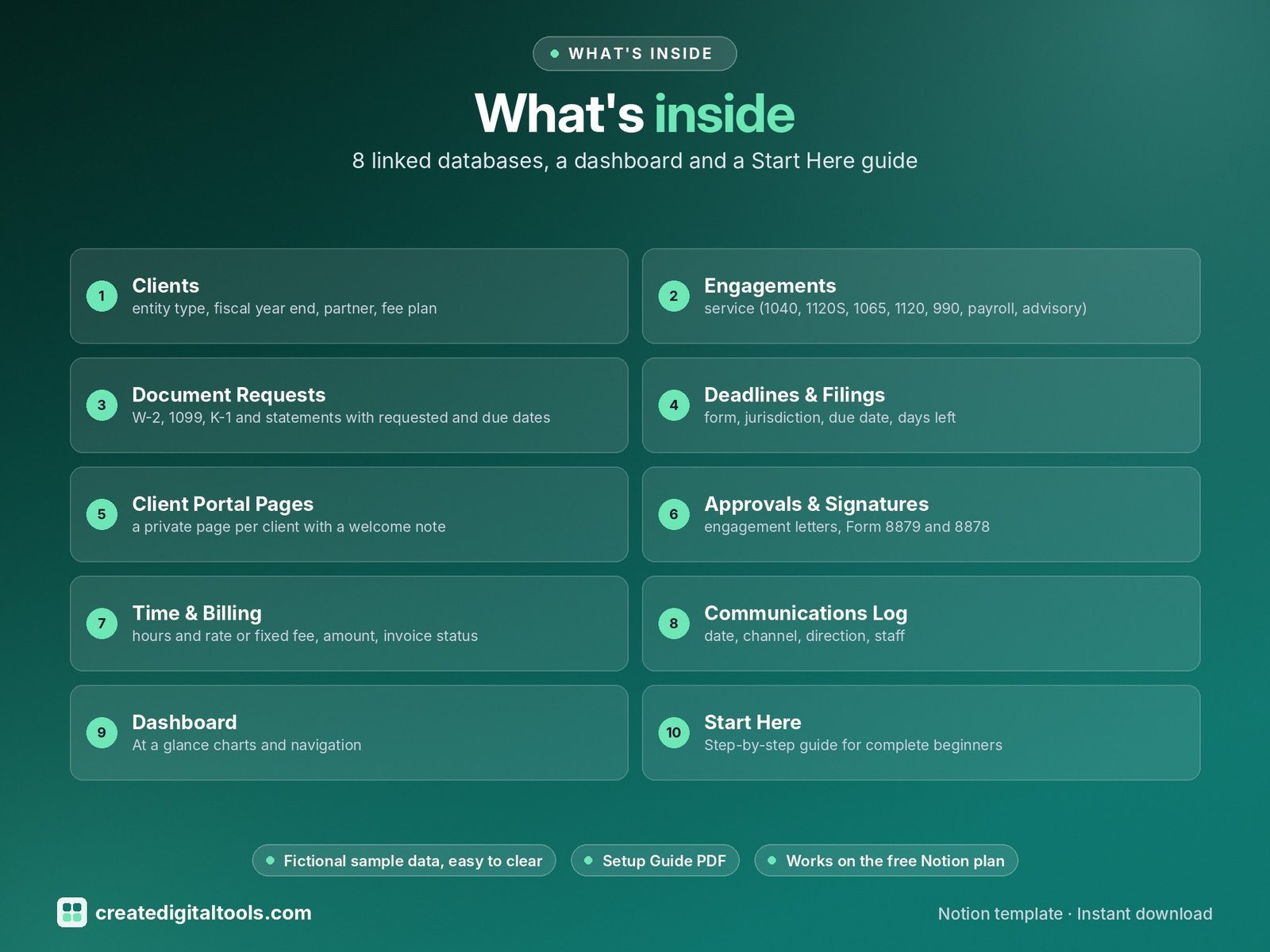
What’s inside
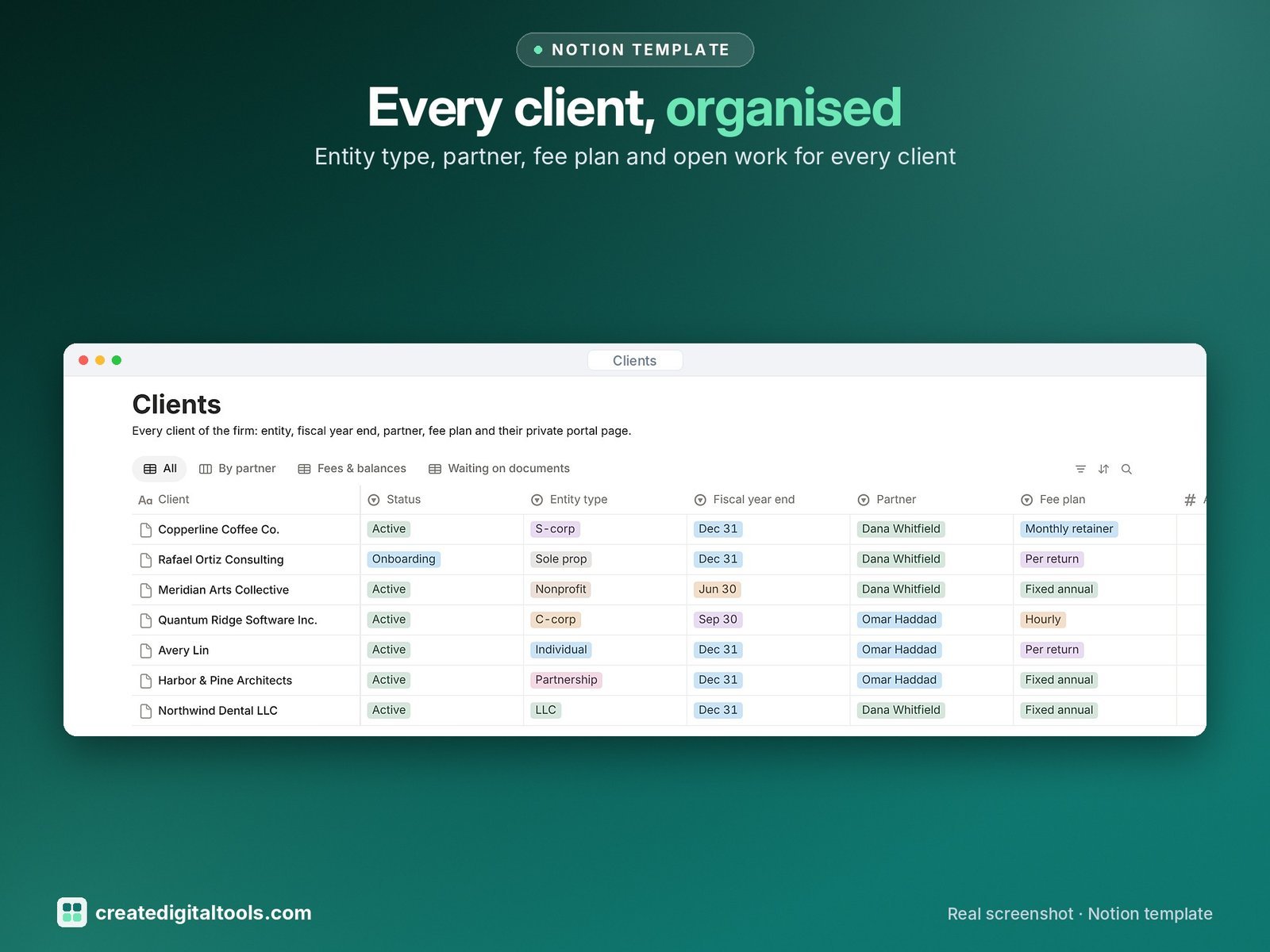
- Clients: entity type, fiscal year end, partner, fee plan, portal link, open engagements, outstanding documents, fees billed, fees paid and balance due
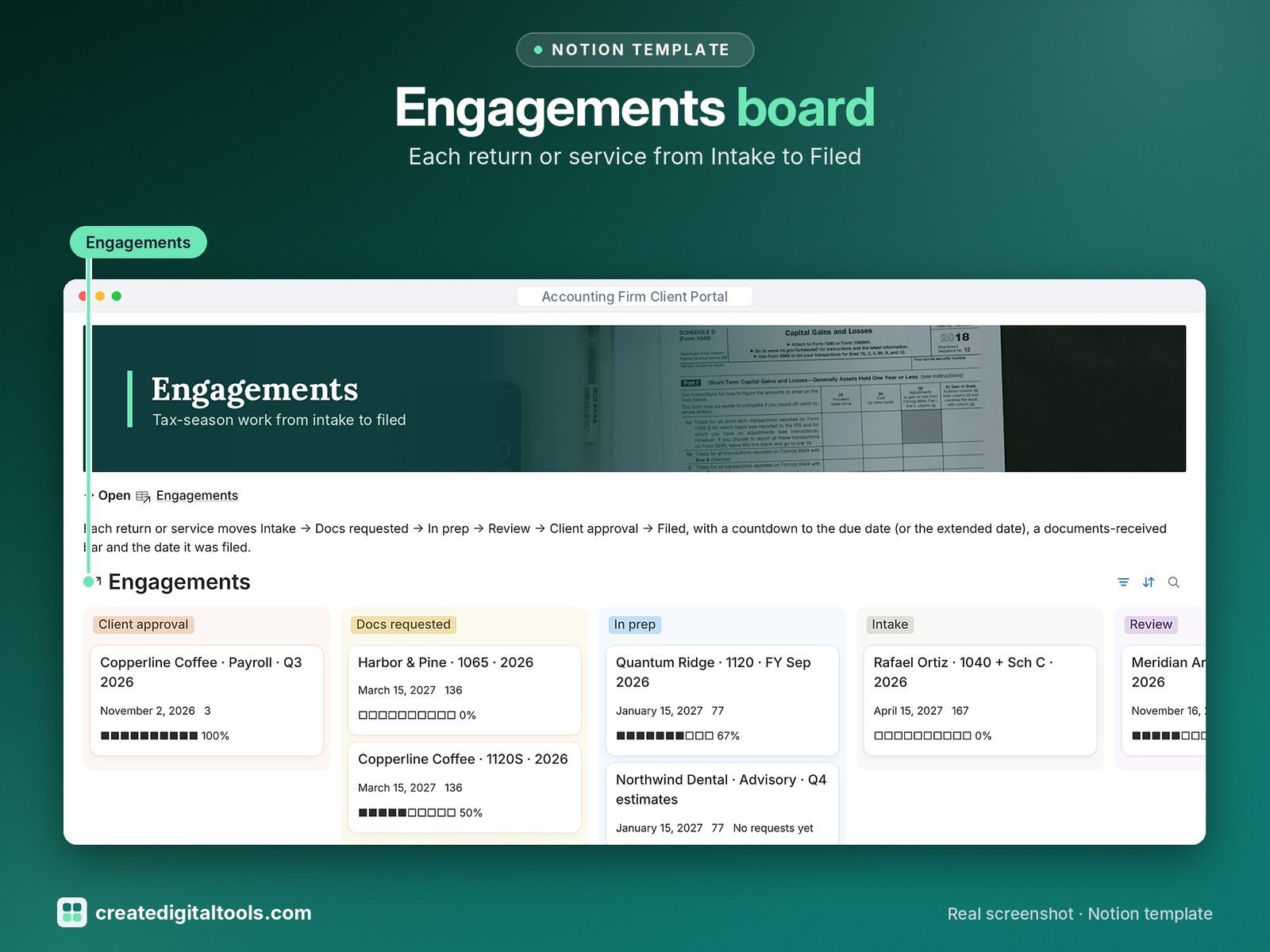
- Engagements: service (1040, 1120S, 1065, 1120, 990, payroll, advisory), tax year, stage Intake → Filed, due date, extension, days to due and a documents-received progress bar
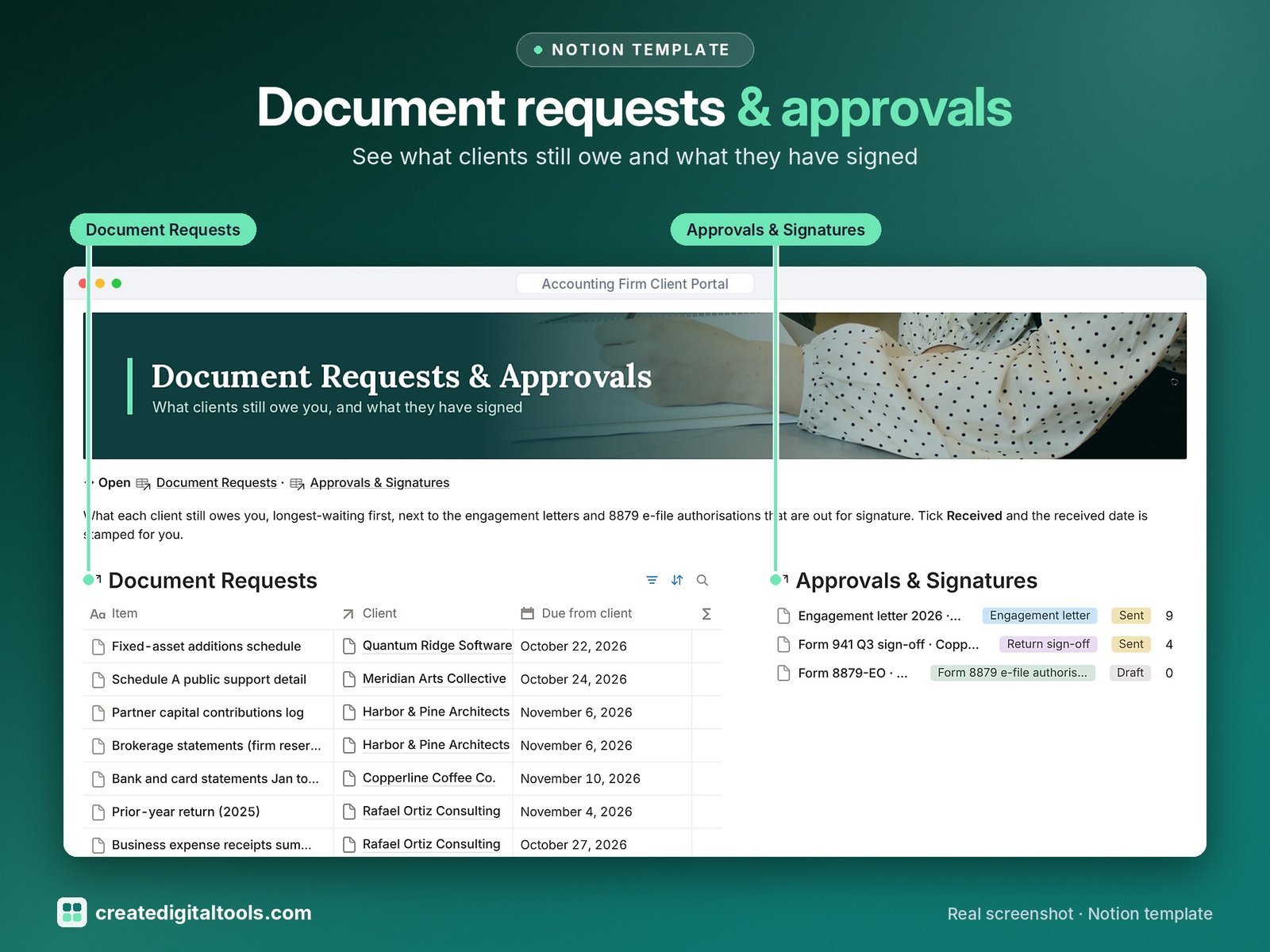
- Document Requests: W-2, 1099, K-1 and statements with requested and due dates, Received tick, days outstanding, overdue flag and reminder date
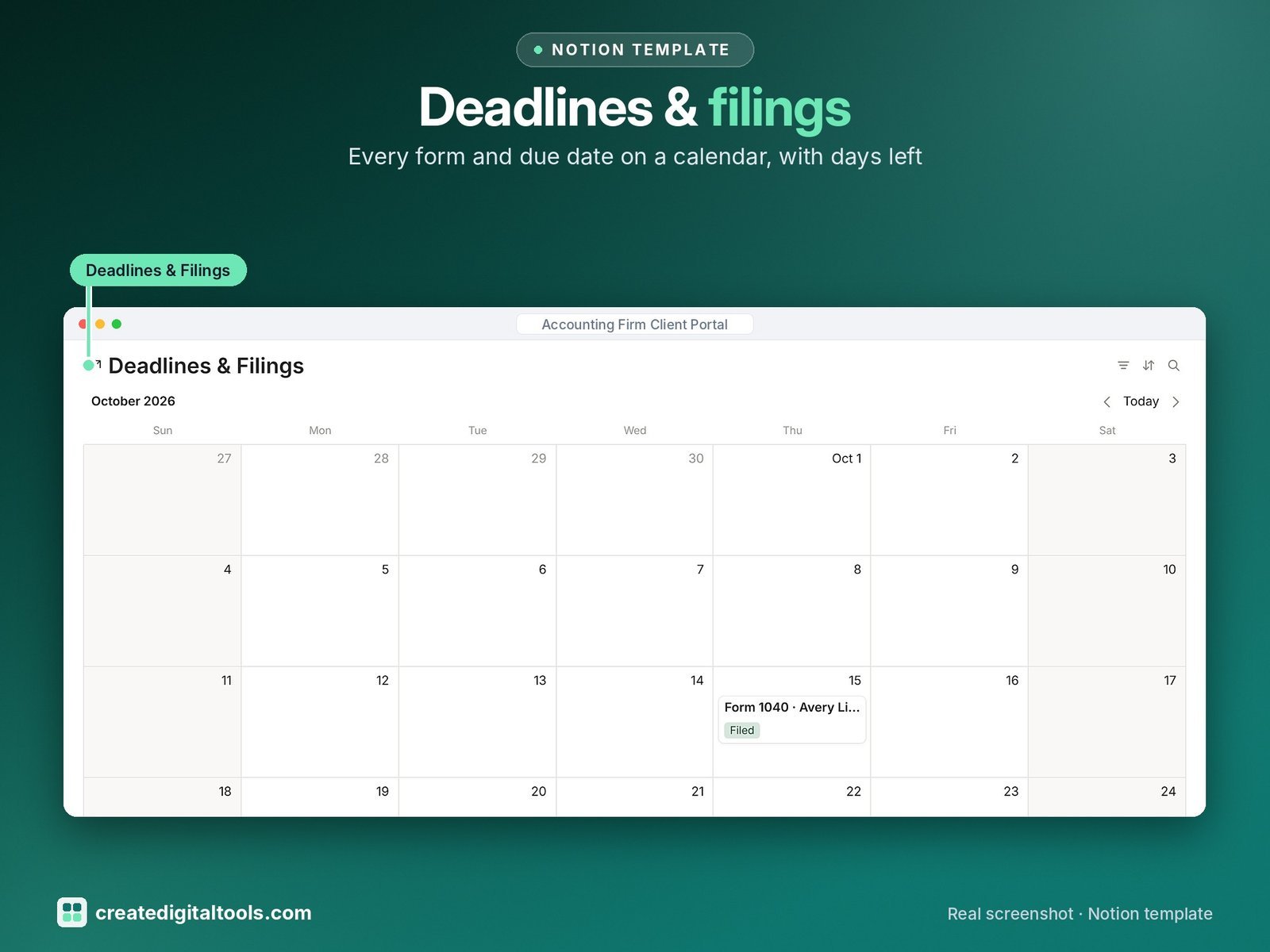
- Deadlines & Filings: form, jurisdiction, due date, days left, status and a calendar
- Client Portal Pages: a private page per client with a welcome note, a checklist and views filtered to that client (2 sample portals)
- Approvals & Signatures: engagement letters, Form 8879 and 8878, sign-offs and fee quotes with sent on, signed on and days waiting
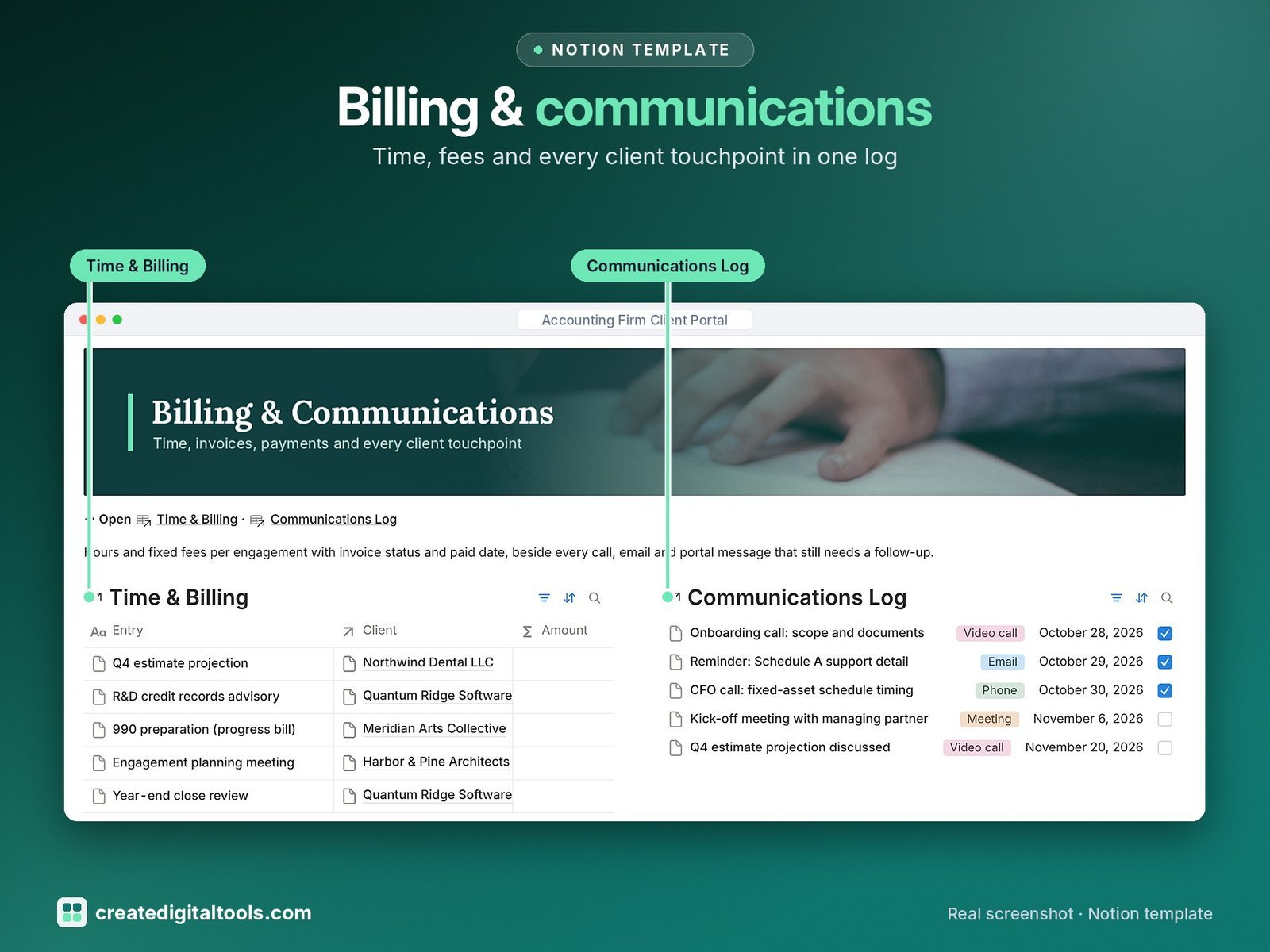
- Time & Billing: hours and rate or fixed fee, amount, invoice status, invoiced and paid dates
- Communications Log: date, channel, direction, staff, follow-up date and follow-up due flag
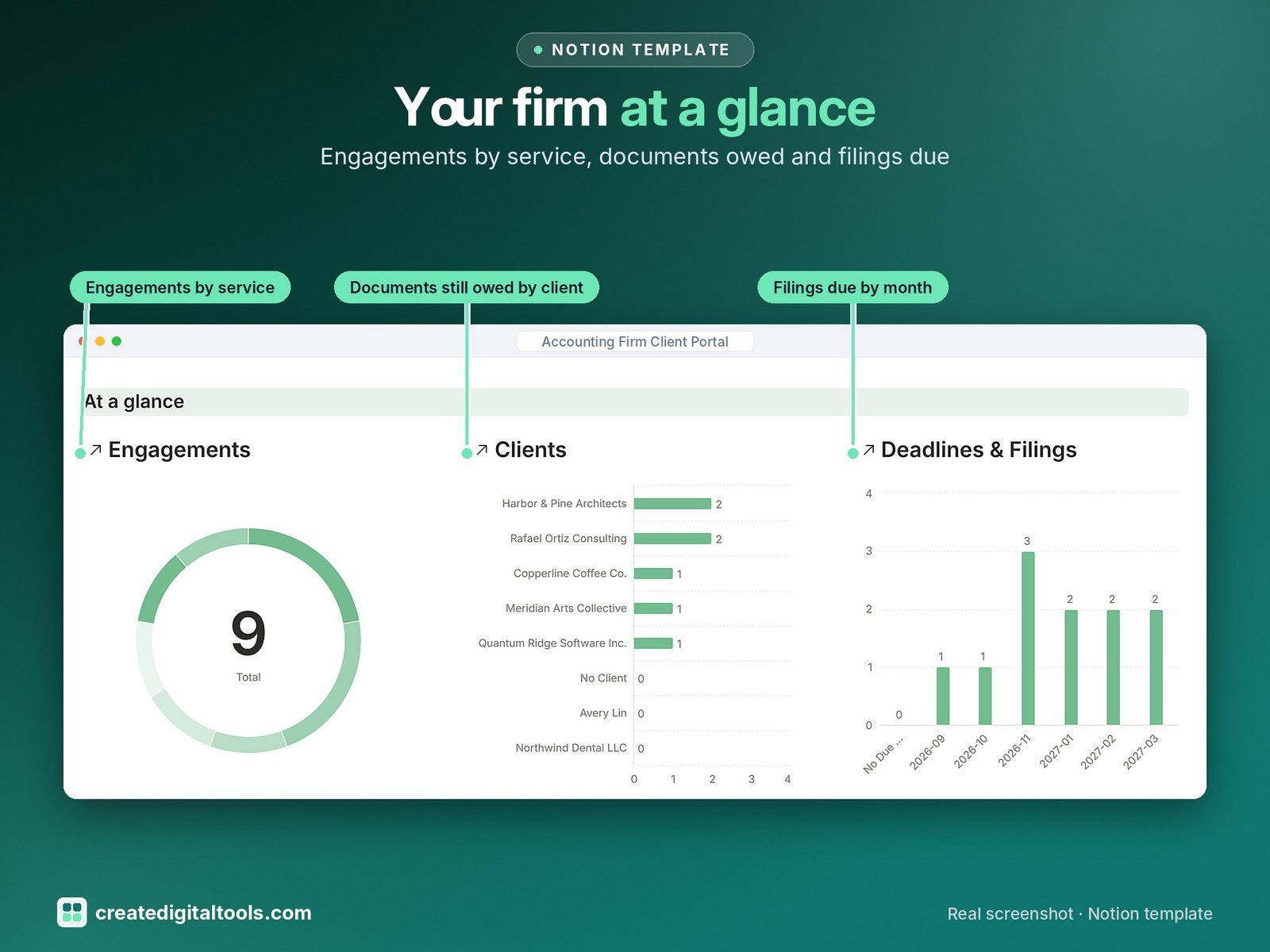
- Dashboard: three charts (engagements by service, documents still owed by client, filings due by month), photo navigation cards and views for open engagements, outstanding documents, signatures, deadlines and unpaid invoices.
- Start Here: Step-by-Step Guide inside the template, written for complete beginners
- Fictional sample data so you can see how everything connects, easy to clear
How it works
Each client links to their engagements, requests, filings, sign-offs and invoices. Their portal page shows only their own items, so you can share it as a guest page and they always see what is still needed.
Built-in automations
Five automations: Received on, Filed on (engagements), Signed on, Paid on and Filed on (filings).
Set up in 3 steps
- Open the template link in your PDF and click Duplicate to copy it into your own Notion workspace.
- Open Start Here and follow the setup: add your own details and clear the sample data when you’re ready.
- Work from the dashboard every day and use the weekly checklist in Start Here to keep everything up to date.
What you get
- The Notion template (duplicate link delivered as a PDF)
- Setup Guide PDF with a step-by-step walkthrough and FAQ
- Start Here guide inside the template
Free plan
Works on the Free Notion plan. The built-in automations are Notion database automations, which run on paid plans (Plus and up). On the Free plan they pause and you fill those dates in by hand; every database, formula and view still works. Desktop, web and the Notion mobile app.
Please note
Organising tool only, not tax, legal or accounting advice. The template tracks signatures; use your own e-sign tool and paste the link in.
Digital product: nothing physical is shipped. Sample data is fictional.
Notion is a trademark of Notion Labs, Inc.; this is an independent template by Create Digital Tools (createdigitaltools.com).
New to Notion? Try it free here (affiliate link: we may earn a commission at no extra cost to you).
Also on Gumroad: Accounting Firm Client Portal: Notion Template
Want your own store like this one? createdigitaltools.com runs on Hostinger WordPress hosting. Start your own shop with Hostinger, or try the no-code Hostinger Website Builder.
Affiliate links: I may earn a commission at no extra cost to you.