Description
Setup Guide & Full Tour
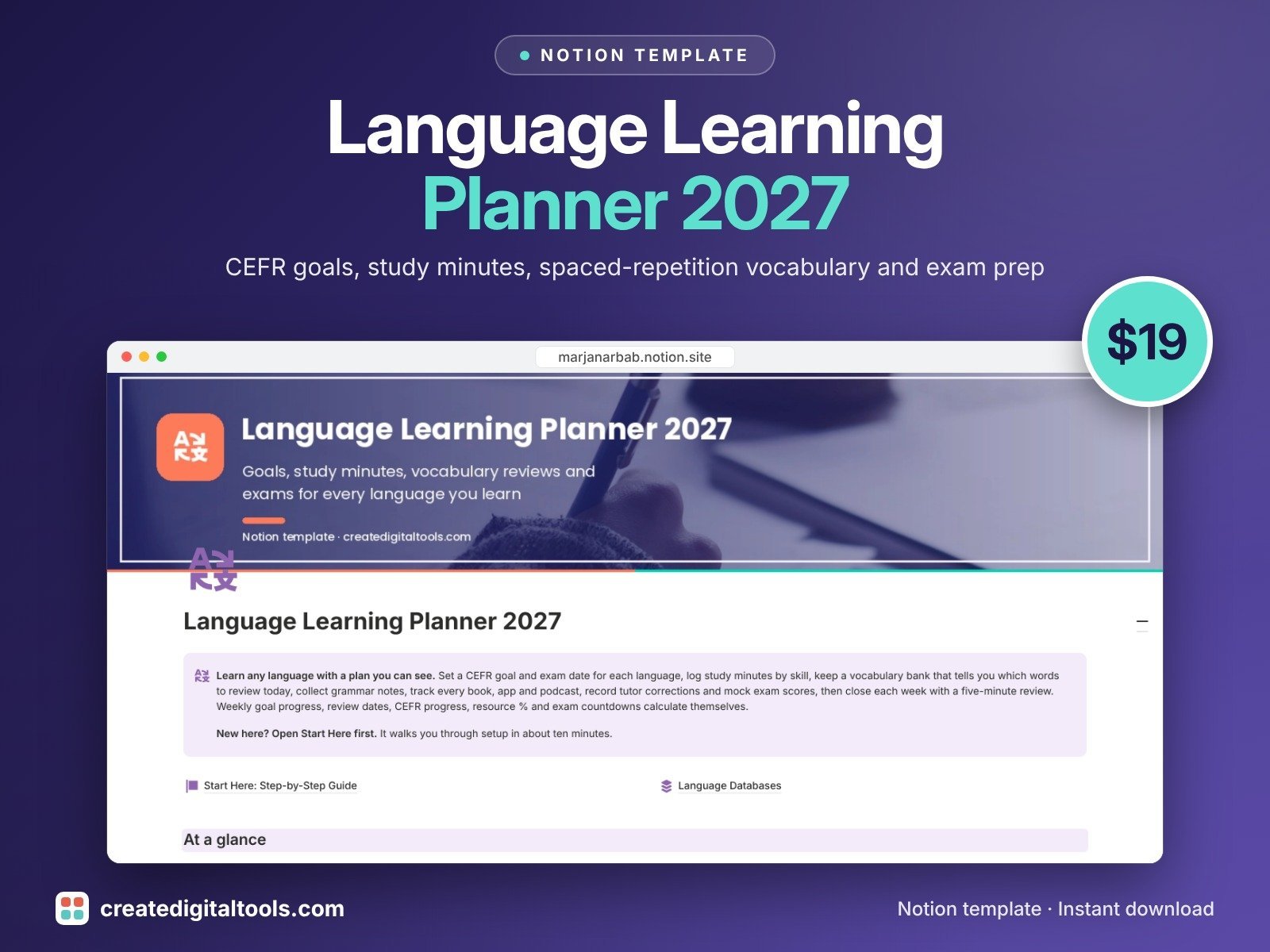
Learn any language (or several at once) with a plan you can actually see. Language Learning Planner 2027 is a complete Notion workspace for self-learners: set a CEFR goal and exam date for each language, log study minutes by skill, keep a vocabulary bank that tells you exactly which words to review today, collect grammar notes, track every book, app and podcast, record tutor corrections and mock exam scores, and close each week with a five-minute review.
What’s inside
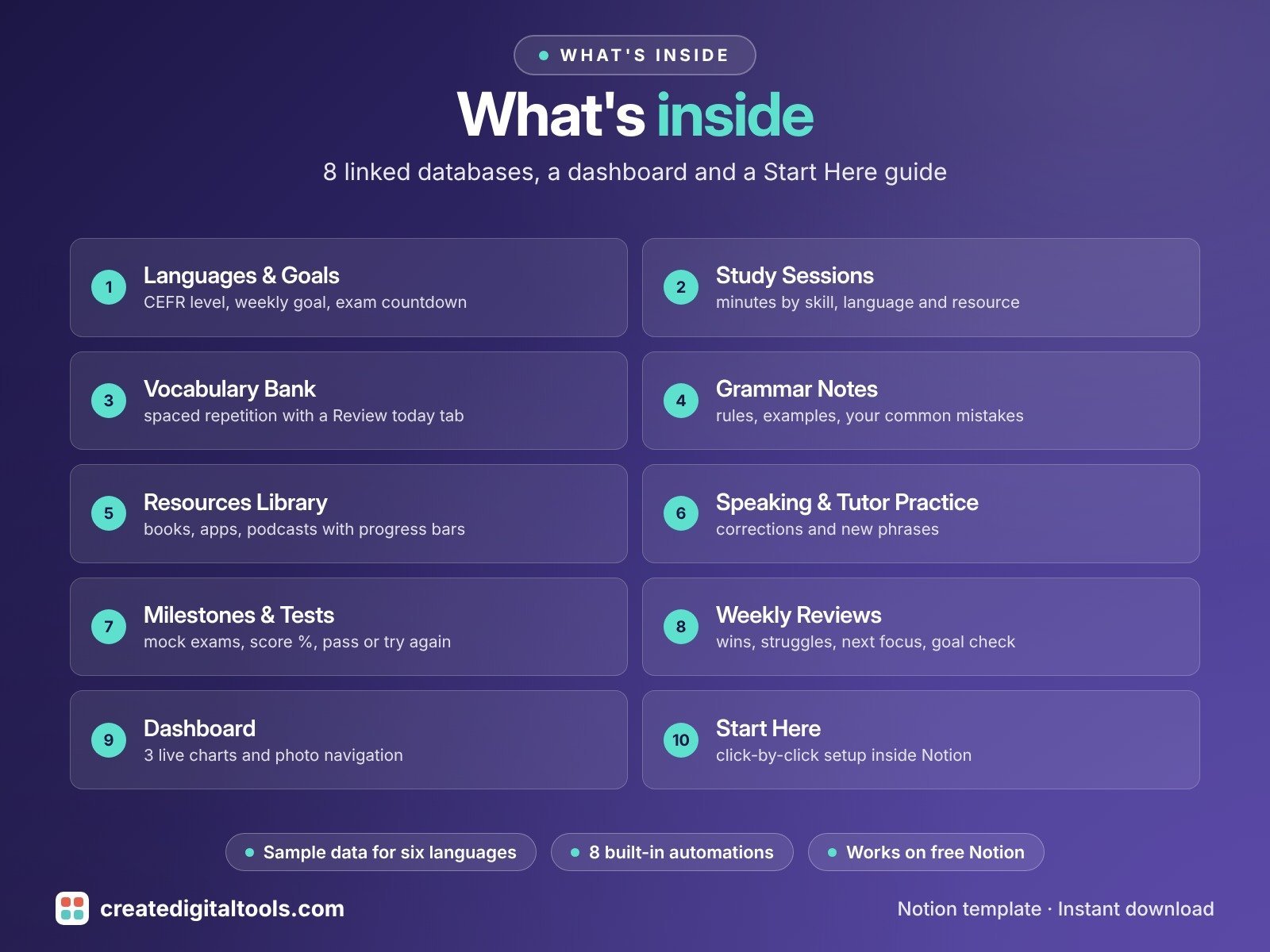
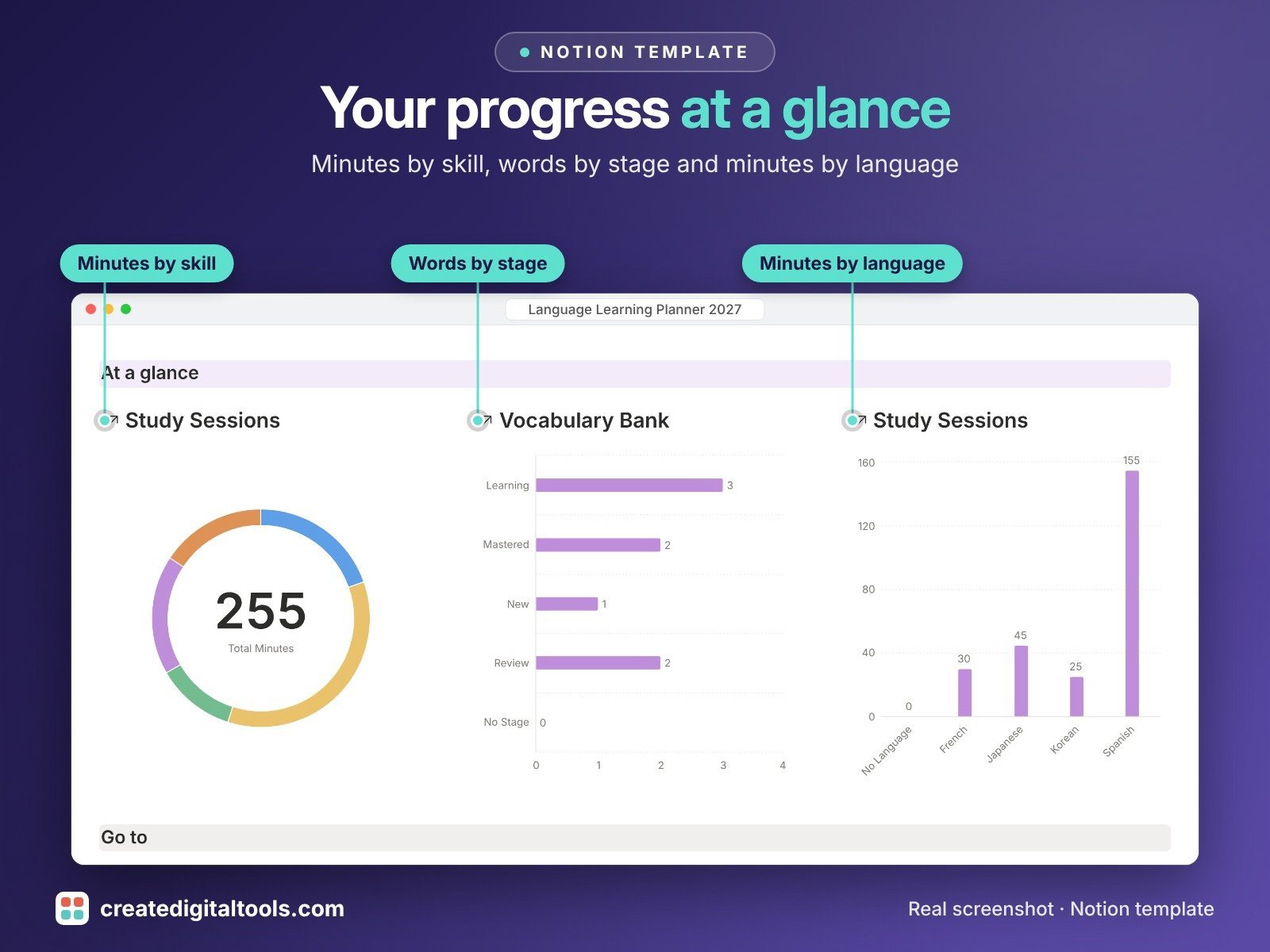
- Dashboard with 3 live charts: minutes by skill, words by stage, minutes by language
- 8 connected databases:
- Languages & Goals: current and target CEFR level (A1 to C2), weekly minutes goal, exam date and countdown, CEFR progress, words mastered, best test score
- Study Sessions: date, minutes, skill (listening, speaking, reading, writing, vocabulary, grammar), language and resource; minutes this week roll up to each language
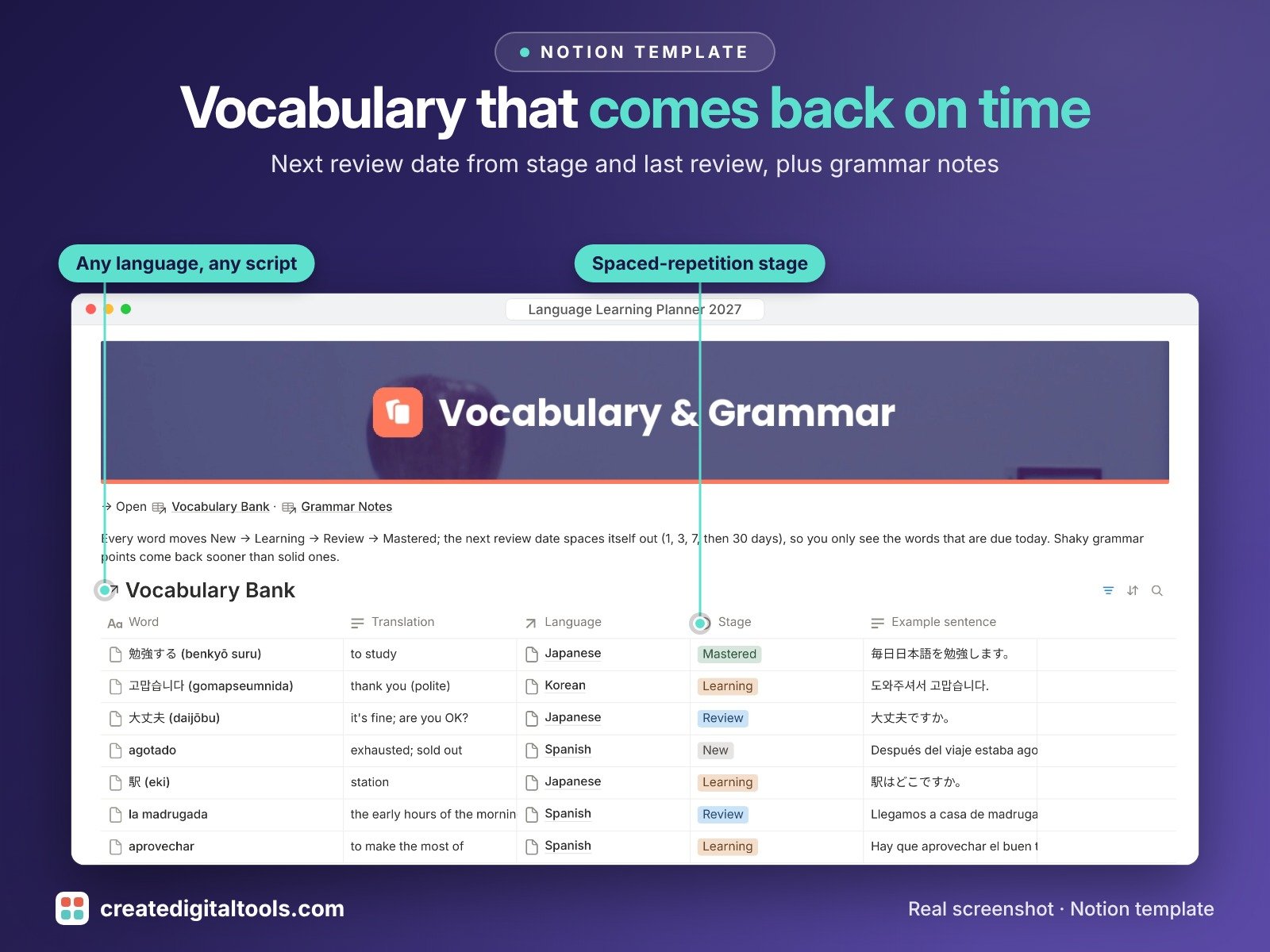
- Vocabulary Bank: word, translation, example sentence, part of speech and a spaced-repetition stage (New, Learning, Review, Mastered); the next review date calculates itself and a Review today tab shows only what is due
- Grammar Notes: rule, example, your common mistake and confidence, with a review reminder that comes back sooner for shaky points
- Resources Library: textbooks, apps, podcasts, courses and channels with a progress bar and minutes logged
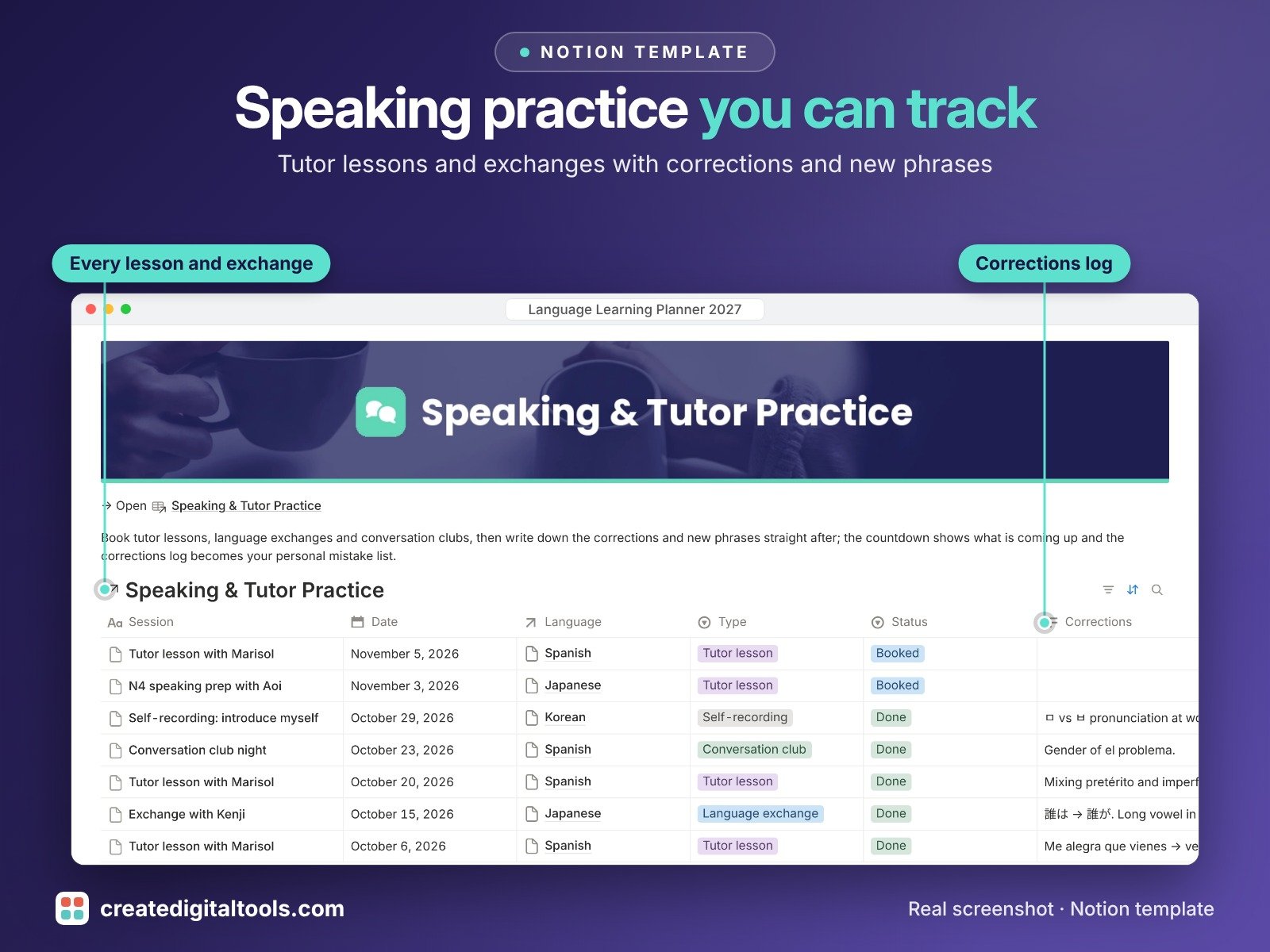
- Speaking & Tutor Practice: lessons, exchanges and conversation clubs with corrections, new phrases and confidence
- Milestones & Tests: mock exams, official exams and personal milestones with score %, pass or try-again result and countdown
- Weekly Reviews: wins, struggles, next focus and an automatic weekly goal check
- Flashcard gallery, study calendar, exam calendar, timeline and filtered "due" views
- Fictional sample data for six languages so you can see it working straight away
- Works for any language and any script
Built-in automations
Eight database automations stamp the date for you: when a word changes stage its Last reviewed date resets (restarting the spaced-repetition clock), mastered words get a Mastered on date, grammar confidence updates its review date, and finished resources, completed speaking sessions, completed tests, reached goals and finished weekly reviews all get their date filled in. Database automations run on Notion's paid plans (Plus and up). On the Free plan they pause, and you can make the same changes by hand.
Who it’s for
- Self-learners studying one language or several
- Students preparing for CEFR, JLPT, DELE or similar exams
- Anyone with tutor lessons or language exchanges to keep track of
What you get
- Template link (PDF) to duplicate into your Notion workspace
- Setup Guide PDF with a step-by-step walkthrough
- Start Here: Step-by-Step Guide inside the template
- Video walkthrough
How delivery works
You get a PDF with the Duplicate link. Click Duplicate to copy it into your free Notion workspace.
- Buy and download the PDF with your template link.
- Open the link and click Duplicate (log in to Notion first; the free plan works).
- Open the Start Here page and follow the setup steps.
Good to know
- Digital product: nothing physical is shipped.
- You need a Notion account (the free plan works).
- Sample data is fictional.
- Exam names are examples only.
- Notion is a trademark of Notion Labs, Inc.; this is an independent template.
New to Notion? Create a free account (affiliate link: I may earn a commission at no extra cost to you).
Want your own store like this one? createdigitaltools.com runs on Hostinger WordPress hosting. Start your own shop with Hostinger, or try the no-code Hostinger Website Builder.
Affiliate links: I may earn a commission at no extra cost to you.