Freelancer Notion Template Kit: Clients, Projects, Money
Picture a freelance copywriter with eight regular clients. Proposals live in a documents folder, contracts in email attachments, invoices in an invoicing app, leads in a notes file and income in a spreadsheet updated “when there’s time”. Every new client means hunting for last year’s proposal to copy from. A freelancer Notion template setup brings clients, projects, proposals, invoices and money into linked databases, so running the business takes less effort than doing the work. This is an illustrative scenario, not a real customer, but it is a familiar pattern for many freelancers and consultants.
Below: why freelance admin sprawls, how to set up a freelance business workspace yourself, and a walk-through of the Freelancer Business Kit.
Get the Freelancer Business Kit →
Why freelance admin sprawls across too many tools
Freelancers are a one-person sales team, project manager and finance department. Most build their admin from free tools, one problem at a time:
- An invoicing app sends invoices but doesn’t know what project they belong to.
- A to-do app tracks tasks but not proposals, contracts or client history.
- A spreadsheet tracks income, if you remember to update it.
- Email holds client communication, onboarding details and approvals, mixed in with everything else.
None of these problems is dramatic on its own. They matter because freelancers bill for their time, and every half hour spent searching for a contract or rebuilding a proposal is time that can’t be billed. A connected setup doesn’t make the admin disappear, but it does make it quicker and more predictable. The friction shows up in small ways: an overdue invoice nobody chased, a lead who went quiet because there was no follow-up reminder, or a tax deadline that arrives with no clear figures.
How to set up a freelancer Notion template workspace
Here is a practical structure you can build or adapt.
- Clients first. A clients database with contact details, rate, status (lead, active, past) and notes. Every other database links back here.
- Projects linked to clients. Each project has a client, start and due dates, fee and status. A board view by status shows your workload at a glance.
- A proposal and contract tracker. Log each proposal with its status (draft, sent, accepted, declined). Store the signed contract with the project.
- An onboarding checklist. A repeatable list for every new client: contract signed, deposit received, brief collected, kickoff call booked.
- Invoices linked to projects. Amount, date sent, due date and paid status. A filtered “Overdue” view tells you exactly who to chase.
- Income and expenses. A simple ledger with income by client or source and expenses by category, so quarterly figures are ready when you need them.
- A lead pipeline. Prospects with a next-step date. Review it weekly so follow-ups happen on time.
Tip: keep reusable text (proposal intros, onboarding emails, payment reminders) as template pages in Notion. Writing them once saves time on every new client.
A weekly business hour for freelancers
Client work tends to crowd out admin, so block one hour a week for running the business. A simple agenda:
- Review the lead pipeline and send any follow-ups that are due.
- Check active projects for upcoming deadlines and anything waiting on the client.
- Send invoices for finished work and chase anything overdue.
- Log income and expenses from the past week.
- Look at next week’s capacity before saying yes to new work.
When the data lives in linked databases, this hour is mostly reading filtered views rather than hunting through inboxes.
Mistakes to avoid
- Treating every enquiry as a client. Keep leads in a separate stage until a proposal is accepted, so your active list stays accurate.
- Starting work before onboarding is complete. A signed contract and deposit first protects you if the project is cancelled.
- Not recording expenses as you go. Small costs such as software, travel and equipment add up and are easy to forget at year end.
- Building too much. Start with clients, projects and invoices. Add the CRM and finance views once those habits are steady.
Inside the Freelancer Business Kit
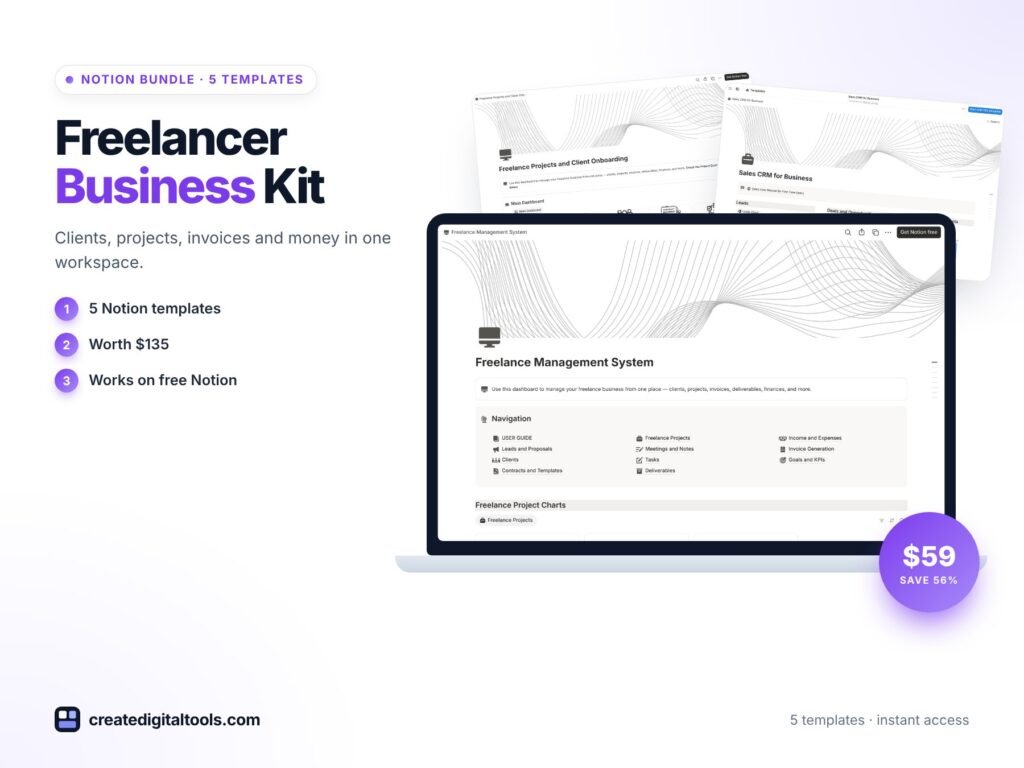
The kit includes five items from the Create Digital Tools store. Each Notion template has a User Manual page and sample data to replace with your own.
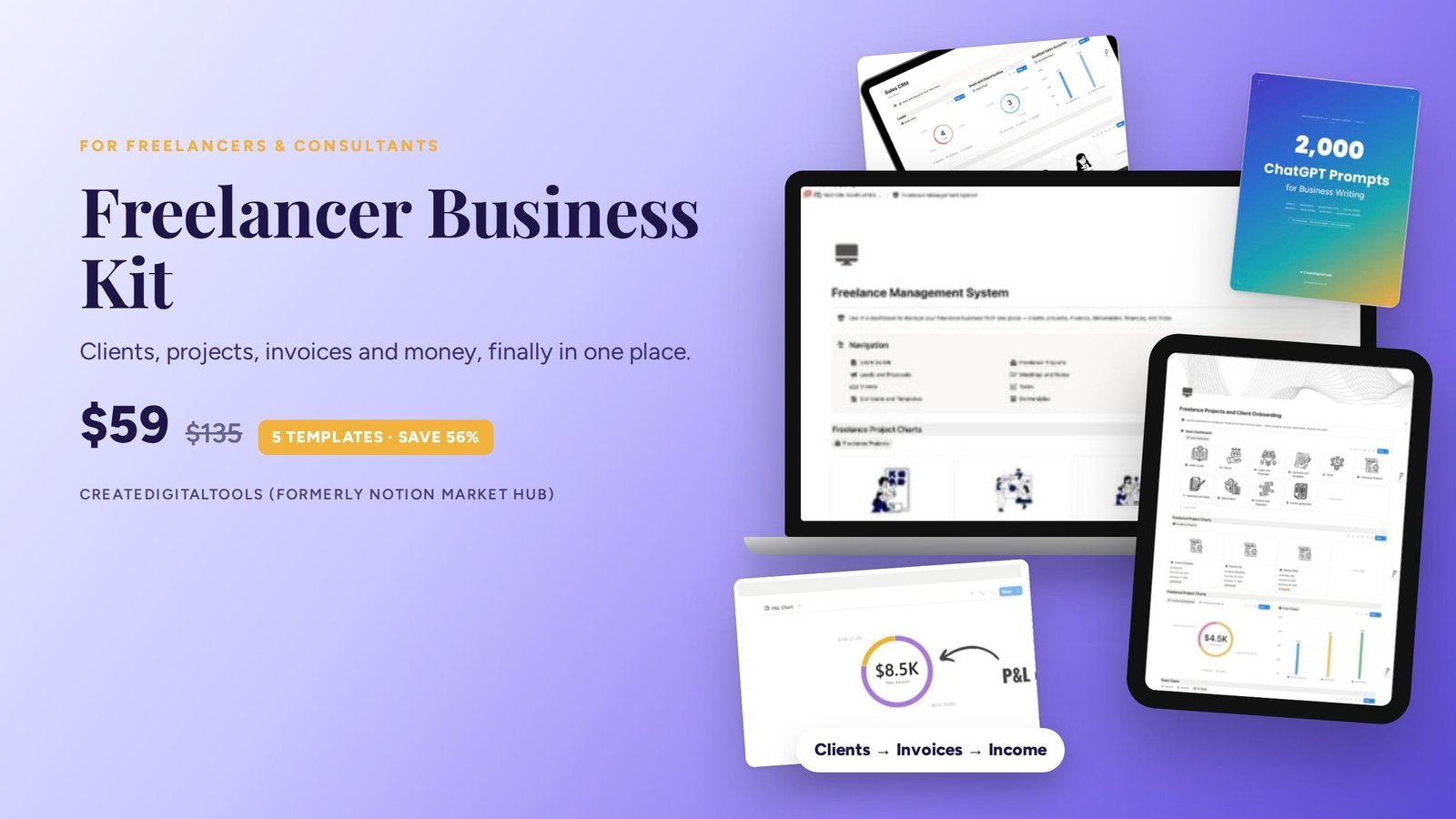
Freelance Management System
Clients, projects, invoices, and income and expenses. This is the day-to-day hub for running client work and keeping an eye on money. Also sold on its own as the Freelance Management System.
Freelance Projects & Client Onboarding
Proposals, contracts, an onboarding checklist and a client log. It covers the start of each relationship, from proposal to kickoff, so every new client gets the same smooth process. See the standalone Freelance Projects and Client Onboarding template.
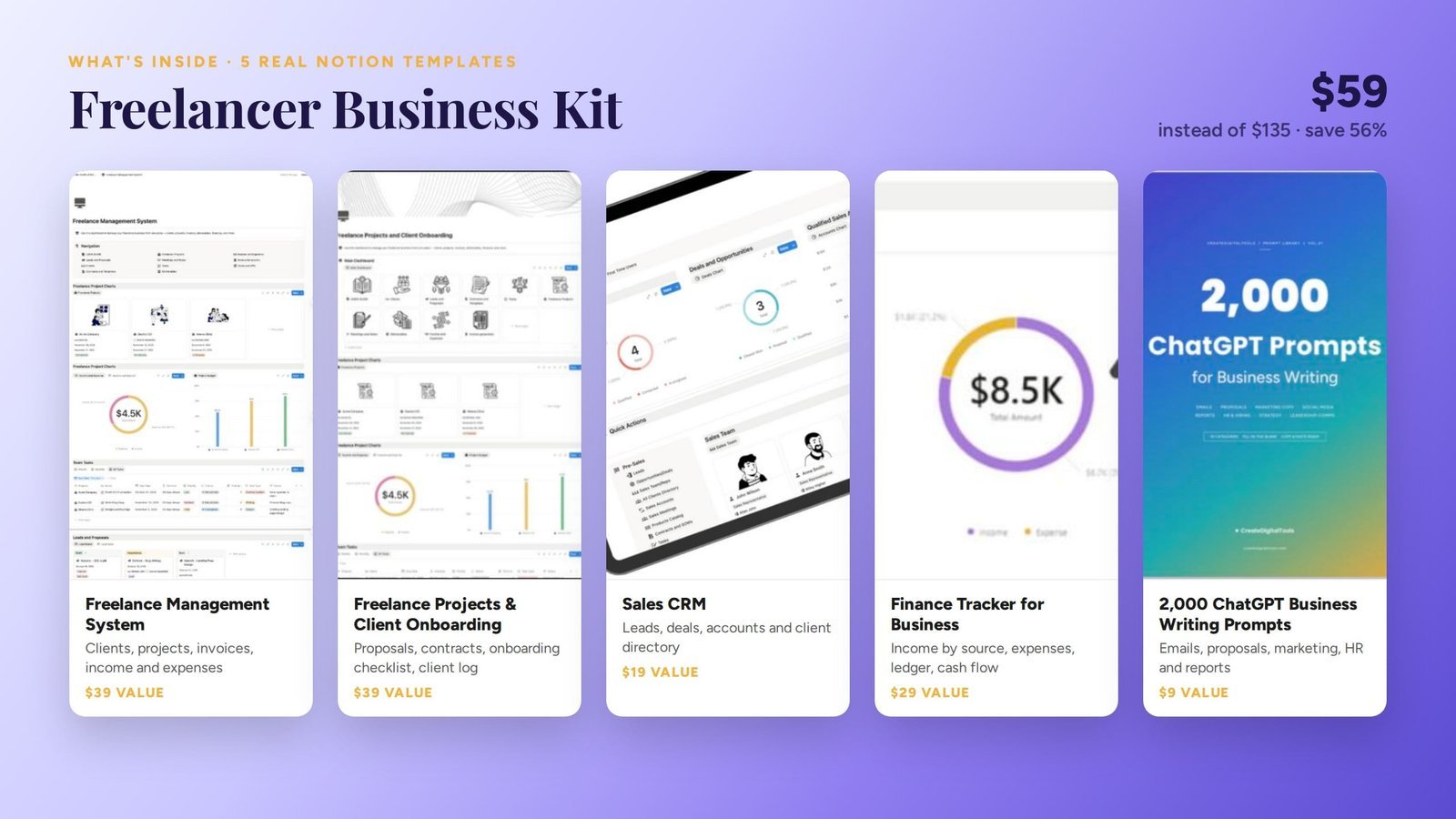
Sales CRM
Leads, deals, accounts and a client directory. Use it to track prospects and follow-ups so your pipeline doesn’t depend on memory.
Finance Tracker for Business
Income by source, expenses, a ledger and cash flow. Helpful for seeing which clients bring in the most and how your monthly cash flow looks.
2,000 ChatGPT Business Writing Prompts
Prompts for emails, proposals, marketing, HR and reports. Handy for drafting proposals, follow-up emails and marketing copy for your own services.
Delivery
You check out on Gumroad, and every template appears in your Gumroad library. Duplicate each one into Notion and follow its User Manual page. The product page says the kit works on Notion’s free plan, with lifetime access and no subscription.
See the Freelancer Business Kit in action
This short walk-through shows the templates in the kit:
Who it’s for, and who it isn’t for
A good fit for:
- Freelancers and consultants who manage several clients at once.
- Designers, writers, developers, coaches and other service providers who want proposals, projects and invoices linked.
- Anyone who already likes Notion and wants a ready-made structure instead of building one.
Not a good fit for:
- People who need automatic invoice sending, card payments or bank feeds. These templates track invoices; they don’t process payments.
- Larger agencies that need team timesheets and permission controls beyond what Notion offers.
If you coach rather than freelance, the Coaching Studio OS may suit you better. You can also browse bundles and Notion templates.
FAQ
What format is the Freelancer Business Kit?
Four Notion templates that you duplicate into your own workspace, plus the 2,000 ChatGPT Business Writing Prompts collection.
Do I need Notion Plus?
No. The product page states that the kit works on Notion’s free plan. Notion Plus and Notion AI are optional.
How do I get the templates after buying?
They appear in your Gumroad library immediately after checkout. From there, duplicate each one into Notion.
Can I send invoices from Notion?
The templates track invoices and payment status. You would still send the invoice itself by email or through your usual invoicing method.
Can I adapt it to my type of freelancing?
Yes. Rename properties, add your own services and rates, and remove anything you don’t use. The templates are fully editable once duplicated.
Get the Freelancer Business Kit →
This is an organising tool, not tax or financial advice.
Notion is a trademark of Notion Labs, Inc. ChatGPT is a trademark of OpenAI. YouTube is a trademark of Google LLC. This is an independent template, not affiliated with or endorsed by Notion, OpenAI or Google.
Notion systems, spreadsheets and planners with a setup guide. Instant download.