Ecommerce Notion Template Kit for Online Store Owners
Picture someone who sells handmade candles on Etsy and through a small Shopify store. Orders land in two inboxes, stock counts live on a sticky note by the packing table, supplier details are buried in old emails, and the monthly numbers get worked out the night before taxes are due. An ecommerce Notion template set up for exactly this kind of shop gives every one of those pieces a home, so the business runs from a workspace instead of from memory. This illustrative scenario is a common one, and it is the reason the Online Store Owner Kit exists.
Below you will find why the usual fixes fall short, how to structure an online store workspace yourself, and a walk-through of the five Notion templates in the kit.
Get the Online Store Owner Kit →
Why online sellers outgrow spreadsheets and sticky notes
Most small online shops start with whatever is closest to hand: the marketplace dashboard, a spreadsheet for stock, a notes app for content ideas and a bank app for money. Each tool does its own job, but none of them talk to each other. That gap causes real friction:
- Orders and inventory drift apart. When stock is tracked separately from orders, you only notice a product has run out after a customer has paid for it.
- Supplier information gets lost. Reorder quantities, contact names and lead times sit in email threads you have to search every time.
- Profit is a guess. Marketplace payouts show revenue, not what is left after materials, shipping, fees and ads.
- Marketing happens in bursts. Without a content calendar, social posts appear when there is spare time, which is rarely.
- Wholesale and repeat buyers are hard to follow up. Leads and deals get forgotten when there is nowhere to log them.
Generic project tools don’t fix this because they are built for tasks, not for products, orders and cash. What a seller needs is a set of linked databases shaped around how a shop actually works.
How to set up an ecommerce Notion template workspace yourself
Whether you build your own or start from a template, these steps give you a solid structure.
- Start with a product catalogue. Create a database with one entry per product or variant. Add properties for SKU, price, cost, current stock and a reorder point. This becomes the anchor for everything else.
- Add an orders database and relate it to products. Each order links to the products it contains. With a rollup you can see units sold per product without counting by hand.
- Track suppliers separately. Give each supplier an entry with contact details and link it to the products they supply. When stock is low, the supplier is one click away.
- Keep money in its own ledger. Record income by source (Etsy, Shopify, Amazon, wholesale) and expenses by category. Monthly views show cash flow at a glance.
- Plan content around your catalogue. A content calendar that references products keeps launches, restocks and promotions in step with what you are posting.
- Log buyers you want to keep. A simple CRM for wholesale enquiries, collaborations and repeat customers stops good leads from slipping away.
- Review weekly. Set a 20-minute slot to check low stock, unpaid orders, upcoming posts and the cash position. The workspace only helps if you look at it.
Tip: use filtered views rather than duplicate databases. A “Low stock” view of the catalogue or an “Unshipped” view of orders keeps data in one source while giving you focused lists.
Inside the Online Store Owner Kit
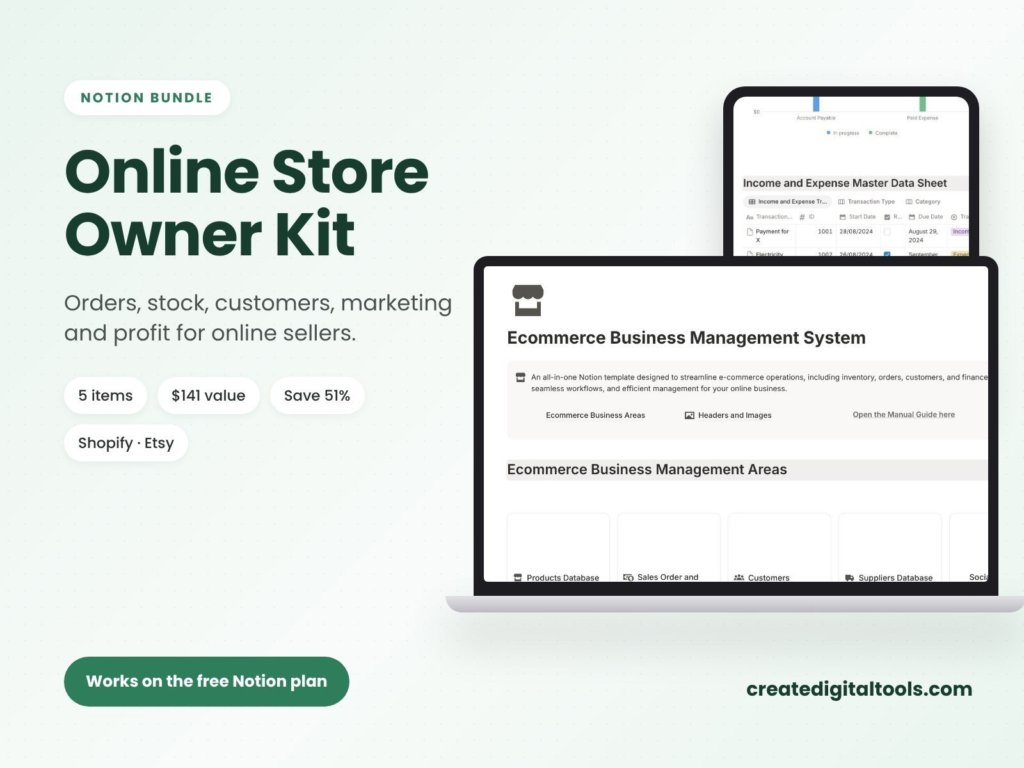
The kit bundles five templates from the Create Digital Tools store, designed for sellers on Shopify, Etsy, Amazon or their own site. Each template is duplicated into your Notion workspace, and each one comes with a User Manual page and sample data you can delete before adding your own entries.
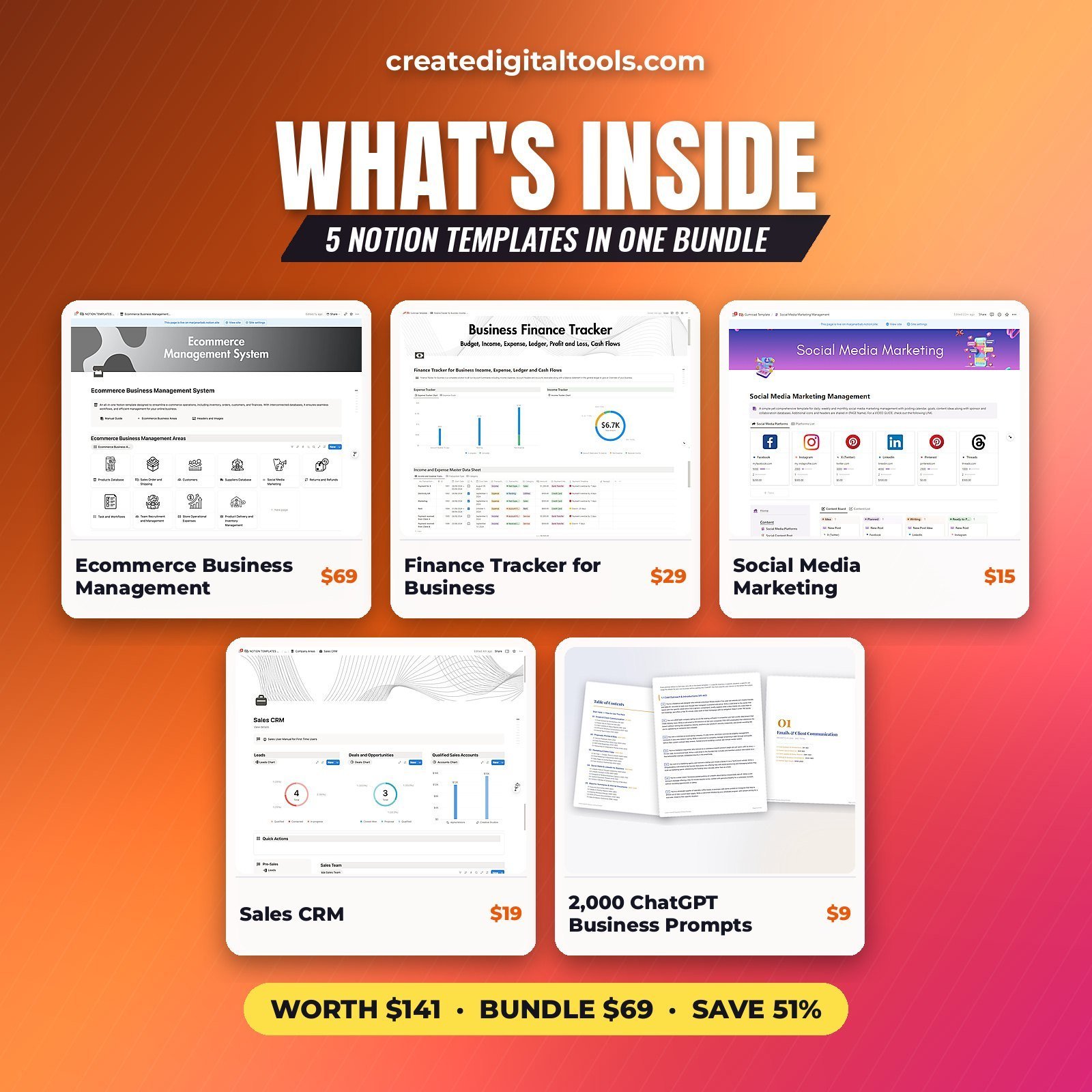
1. Ecommerce Business Management System
This is the operational core of the kit. It covers orders, inventory, your product catalogue, suppliers and profit. It follows the same structure described in the how-to section above: products, orders and suppliers live in linked databases, so you can move from an order to the product to the supplier without searching.
2. Finance Tracker for Business
The finance tracker records income by source, expenses, a ledger and cash flow. For a multi-channel seller, logging income by source is the useful part: you can see which channel brings in money and which costs are eating into it.
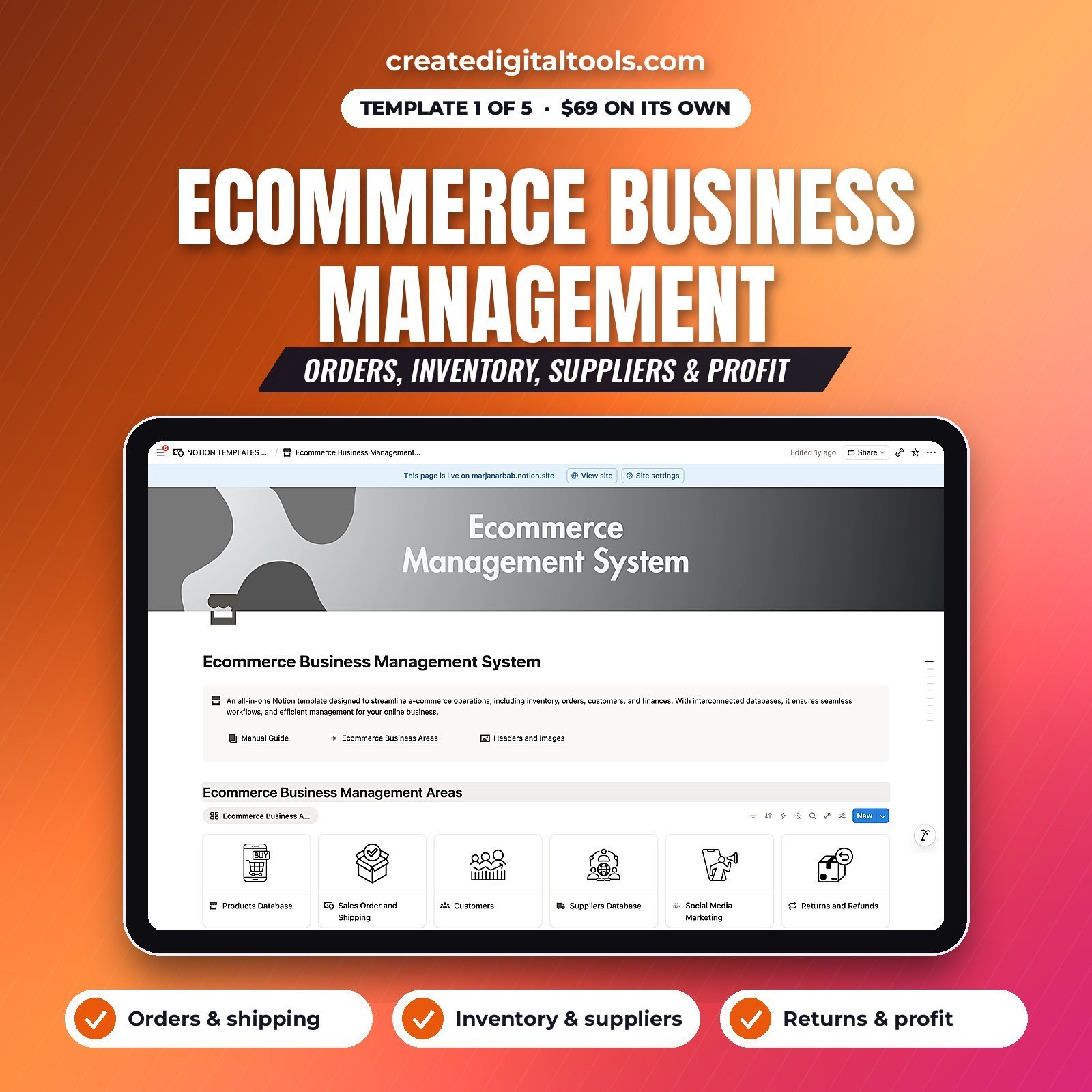
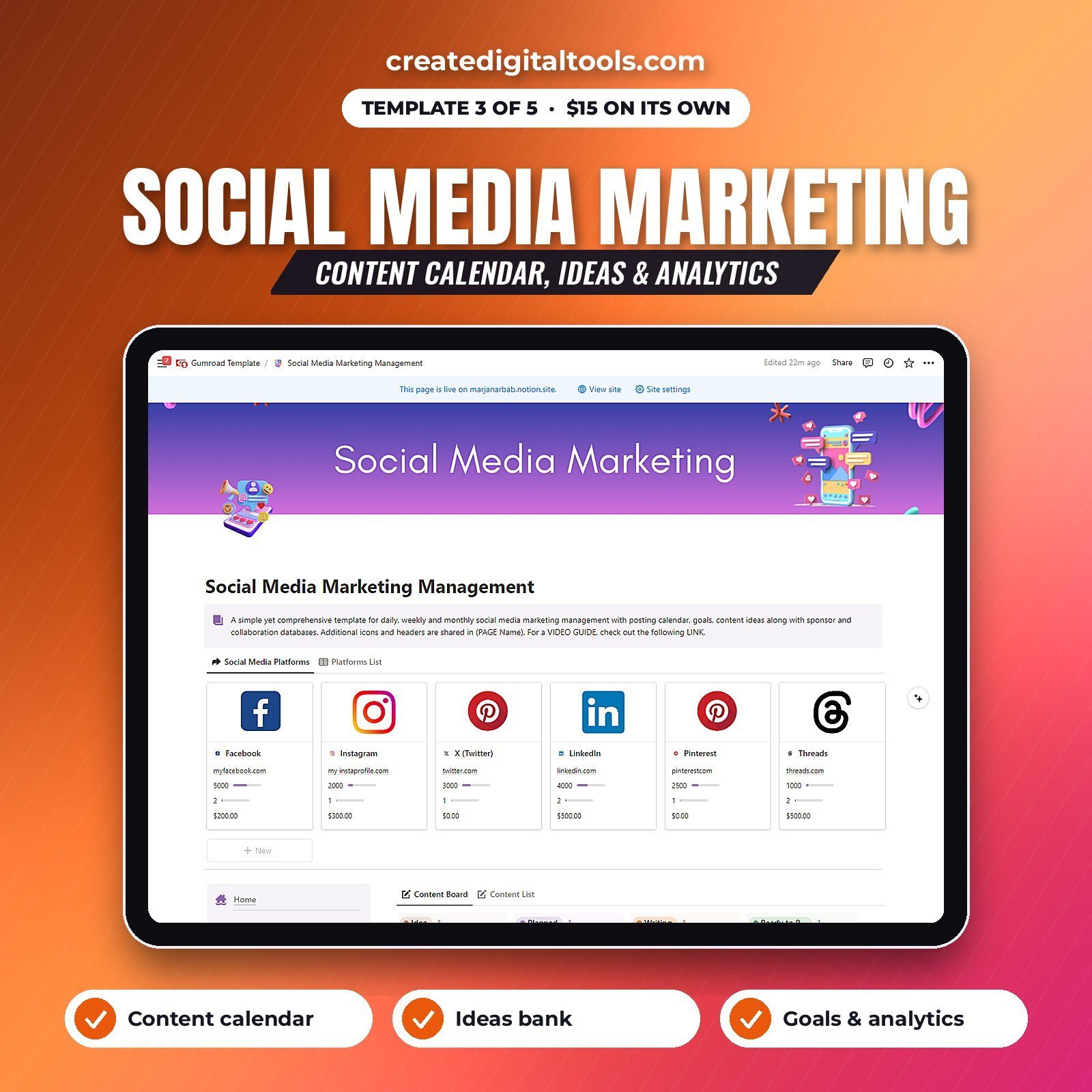
3. Social Media Marketing Management
A content calendar with space for ideas, goals and analytics. Use it to plan product launches and seasonal promotions ahead of time rather than posting when you remember.
4. Sales CRM
Leads, deals, accounts and a client directory. For an online shop this is where wholesale enquiries, stockist conversations and collaboration requests go, so each one has a status and a next step.
5. 2,000 ChatGPT Business Writing Prompts
A prompt collection covering emails, proposals, marketing, HR and reports. It helps with the writing that comes with running a shop: replies to customers, supplier emails, product descriptions and promotional copy. You can see the standalone version on the 2,000 ChatGPT Business Writing Prompts page.
How delivery works
Checkout runs through Gumroad. After purchase, every template appears in your Gumroad library, and you duplicate each one into Notion. The product page describes lifetime access with no subscription, and the templates work on Notion’s free plan.
Who the kit is for, and who it isn’t for
A good fit if you:
- Sell physical or digital products online through one or more channels.
- Already use Notion, or are happy to learn the basics of databases and views.
- Want orders, stock, money, marketing and buyer relationships in linked templates rather than five unrelated apps.
- Prefer a one-time purchase to another monthly subscription.
Probably not for you if you:
- Need automatic syncing with Shopify, Etsy or Amazon. These are Notion templates; data is entered or imported by you.
- Run a high-volume warehouse operation that needs dedicated inventory software.
- Don’t want to use Notion at all.
If you also want a sales-and-client toolkit for service work, the Freelancer Business Kit shares some of the same templates with a freelancing focus. You can browse more bundles in the bundles category or all Notion templates.
FAQ
What format is the Online Store Owner Kit?
Four of the items are Notion templates that you duplicate into your own Notion workspace. The 2,000 ChatGPT Business Writing Prompts is a prompt collection that you use alongside ChatGPT.
Do I need a paid Notion plan?
No. The product page states that the templates work on Notion’s free plan. A paid plan is optional if you later want features such as more guests or Notion AI.
How do I receive the templates?
You buy through Gumroad, and the templates appear in your Gumroad library straight after checkout. From there you duplicate each template into Notion.
Does it connect automatically to Shopify, Etsy or Amazon?
No. The templates are organised Notion databases, not an integration. You add orders and products yourself, or import them from a CSV export if your platform offers one.
Can I change the templates to suit my shop?
Yes. Once duplicated, they are yours to edit. You can rename properties, add product variants, create new views and remove sections you don’t need. Start by deleting the sample data, as described in each User Manual page.
Get the Online Store Owner Kit →
This is an organising tool, not tax or financial advice.
Notion is a trademark of Notion Labs, Inc. ChatGPT is a trademark of OpenAI. Shopify, Etsy and Amazon are trademarks of their respective owners. This is an independent template, not affiliated with or endorsed by any of them.
Notion systems, spreadsheets and planners with a setup guide. Instant download.