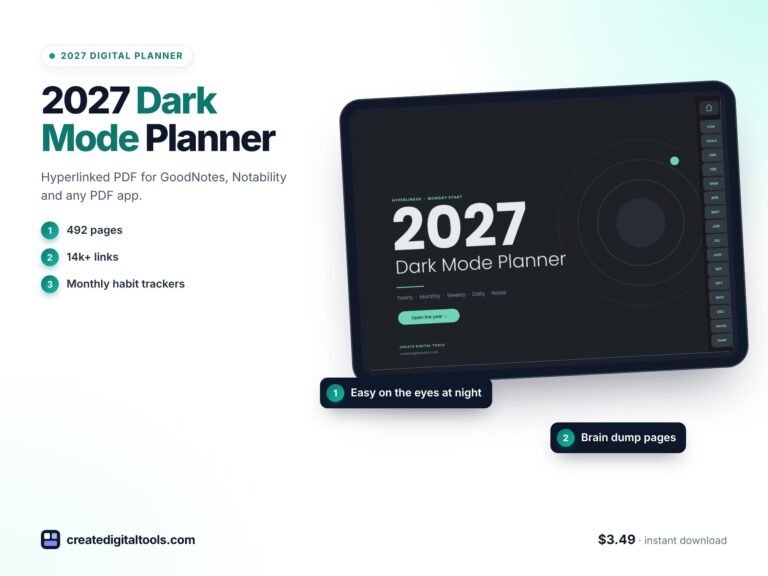
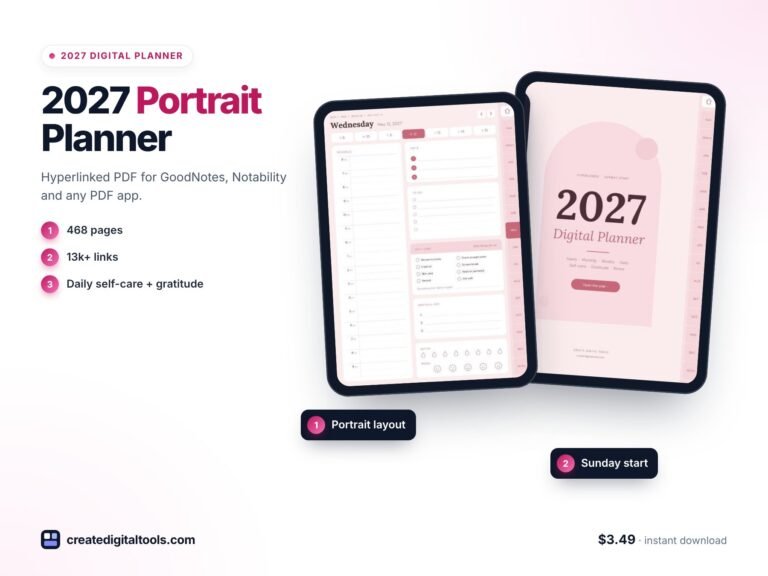
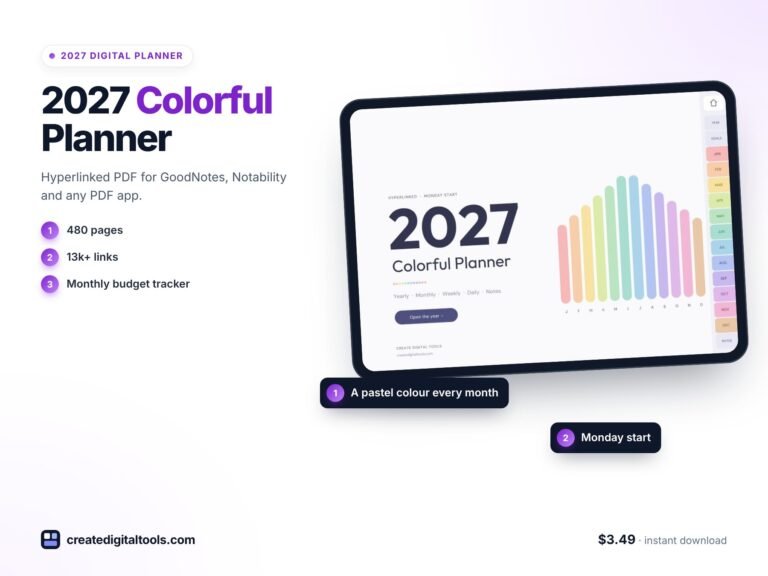
Boho Digital Planner 2027 for a Slower, Reflective Year
Picture someone who wants a calmer year. Not a productivity overhaul, just a quiet ritual: a morning intention, a few priorities, a note about what they read, and a moment at the end of each month to ask how it really went. Bright, busy planners feel like too much, and plain ones feel cold. This is an illustrative scenario, but if it sounds familiar, a boho digital planner for 2027 may suit you: warm earthy colours, room for reflection, and hyperlinked pages that open in a tap on your tablet.
This guide covers how to set up a slower, reflective planning routine, and what you will find inside the 2027 Boho Digital Planner in terracotta.
Get the 2027 Boho Digital Planner →
Why productivity planners can feel like the wrong fit
A lot of planners are designed around output: more tasks, more tracking, more boxes to tick. That works for some people. For others it turns planning into pressure, and the planner gets set aside. Some common frustrations:
- No space to reflect. Plenty of room for tasks, none for noticing what went well.
- Reading and hobbies have no home. Book notes end up in another app or are forgotten.
- The design feels clinical. If you do not enjoy opening the planner, you will open it less.
- Daily pages are all schedule. There is nowhere to write an intention or note what you ate or read.
A reflective planner flips the emphasis: fewer, clearer priorities each day, and regular prompts to look back.
None of this means giving up on getting things done. A reflective planner still has schedules and to-do lists. The difference is balance: a few minutes of noticing alongside the planning, so the year feels lived rather than just managed. Warm colours and calm layouts make that ritual something you look forward to.
How to build a slow, reflective planning routine
These habits work with any planner. Start with two or three and add more once they feel natural.
1. Begin each day with an intention
Before the schedule, write one line about how you want the day to feel or what matters most. It sets the tone for every choice that follows.
2. Limit yourself to three priorities
Choose three things that would make the day worthwhile. Keep everything else on a separate to-do list without pressure.
3. Plan the week with a single intention
At the start of the week, write an intention and a short to-do list, then sketch each day in a few words. Simple beats detailed.
4. Reflect at the end of every month
Use a handful of prompts: what went well, what was hard, what you learned, what you are grateful for, what to let go of, and what to focus on next. Rate the month on a simple scale to spot patterns over the year.
5. Keep a reading log
Record each book you start and finish, and give the ones that matter a page of notes. Over a year, this becomes a lovely record.
6. Track a few gentle habits
Pick habits that support the life you want, not just productivity: walking, reading, an early night. Review them monthly.
Inside the 2027 Boho Digital Planner (Terracotta)
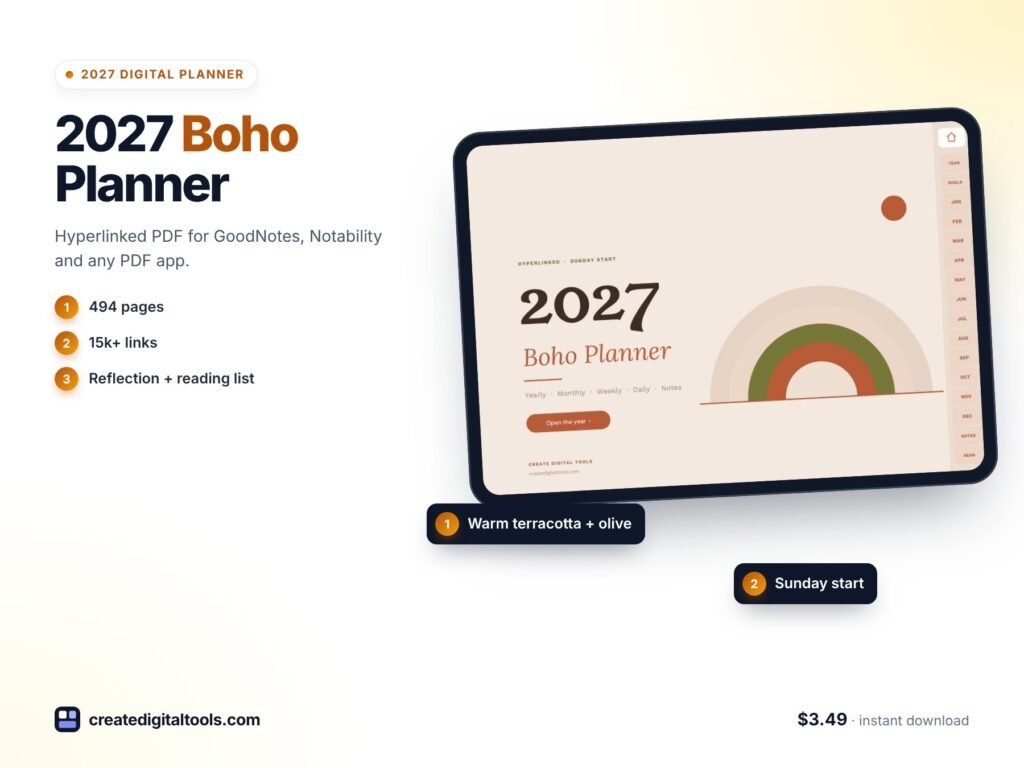
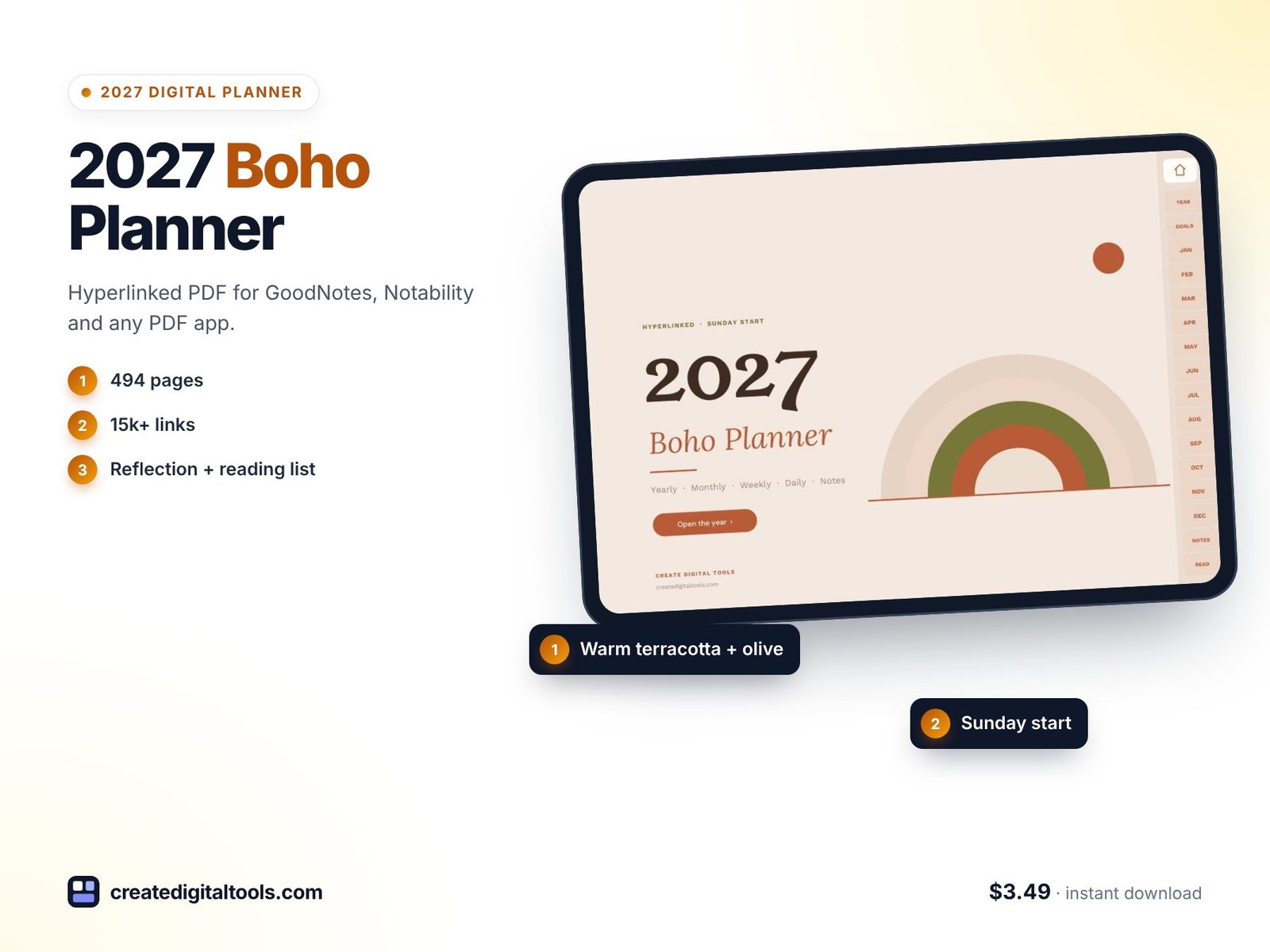
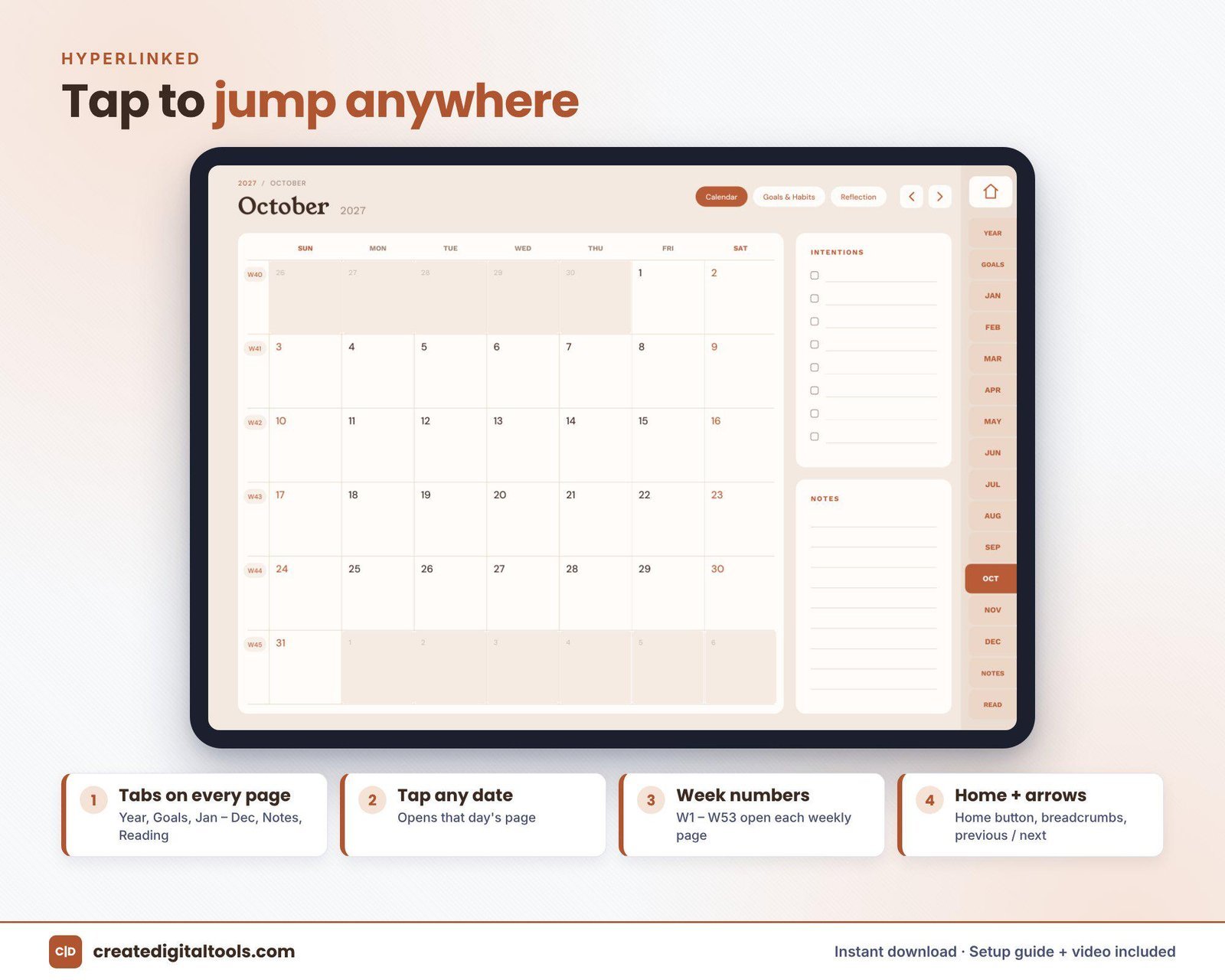
The 2027 Boho Digital Planner is a 494-page hyperlinked PDF in sand, terracotta and olive. It is hyperlinked throughout, so you can tap a tab, month, week or day to go straight there, and every date on the monthly calendars links to its daily page. It works with GoodNotes, Notability, Noteshelf, Xodo and other PDF apps that support internal links, on iPad or Android tablets.
Yearly pages
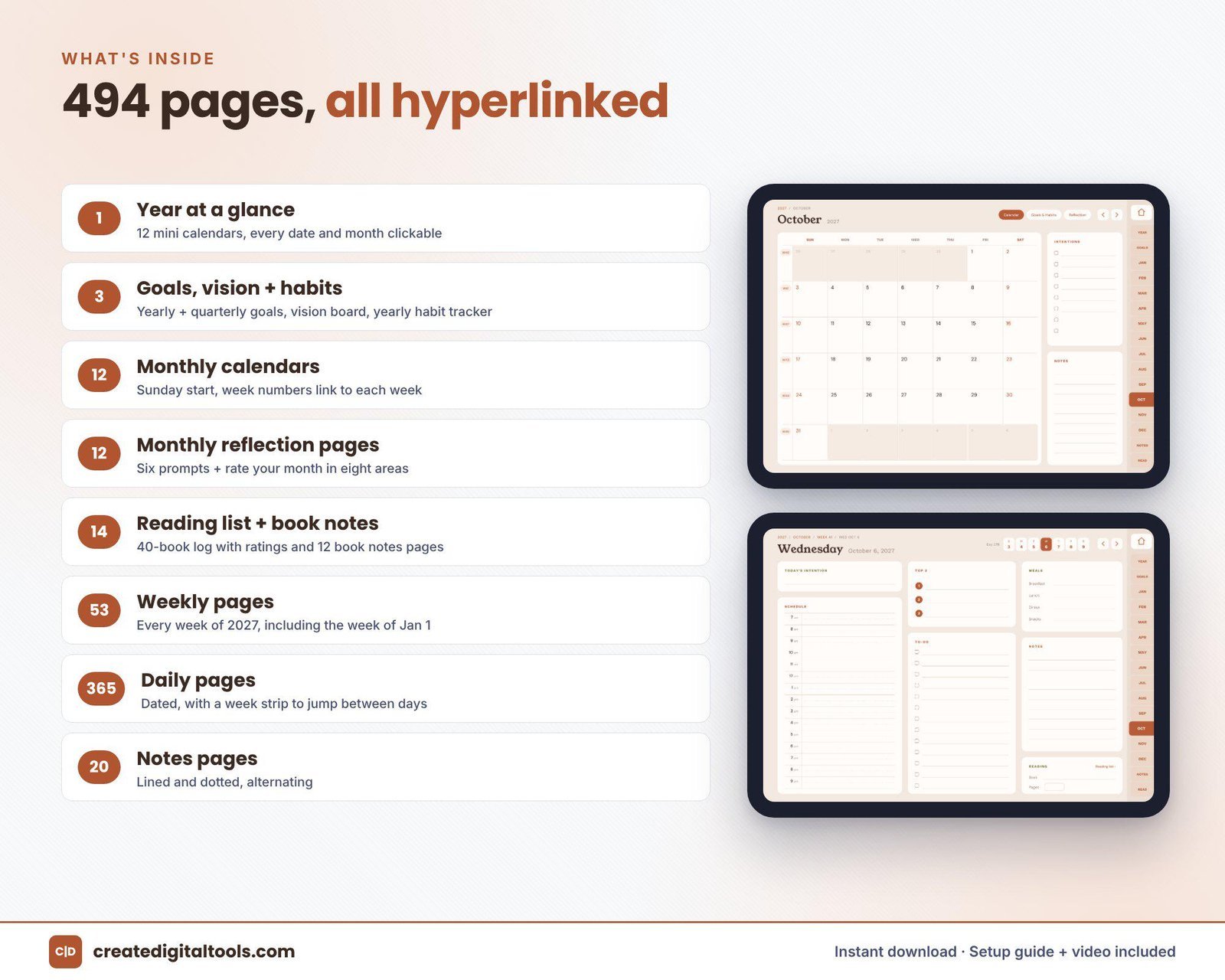
2027 year at a glance, goals, a vision page and a yearly habit tracker.
Monthly calendars
12 monthly calendars with a Sunday start.
Monthly Goals and Habits
12 pages, each with a 14-habit tracker.
Monthly reflection
12 reflection pages with six prompts and a rate-your-month scale.
Reading list
A 40-book log plus 12 linked book notes pages.
Weekly pages
53 weekly pages with seven day boxes and a weekly intention and to-do box.
Daily pages
365 dated pages with an intention, a 7am to 9pm schedule, top 3 priorities, a to-do list, meals, notes and a reading tracker.
Notes
20 notes pages in lined and dotted styles.
The download includes the planner PDF, a Setup Guide PDF and a setup video.
Getting started with your boho planner
A reflective planner works best when you ease into it. Here is a simple first-week plan:
- Import and explore: use the Setup Guide to open the PDF in your note-taking app, then tap through the tabs so the links feel natural.
- Set the tone for the year: fill in a few goals and use the vision page for words or sketches that describe the year you want.
- Start your reading list: add the books you are reading now and any you would like to read this year.
- Write the weekly intention: one sentence is enough, plus a short to-do list.
- Each morning: write the day’s intention, choose your top 3 and note your meals and reading if you like.
- At month end: answer the six reflection prompts and rate the month.
Over a year, the reflection pages and reading notes become a record of what mattered to you, not just what you did. If a day gets busy, write the intention and top 3 and leave the rest; the planner is there to support you, not to be filled in perfectly. The warm sand, terracotta and olive palette works well with earthy pen colours such as brown, rust and muted green.
Watch the setup and full tour
This video walks through the boho planner page by page and shows how to import it:
Who it is for, and who it is not for
A good fit if you:
- Love warm, earthy, boho aesthetics
- Want monthly reflection prompts rather than heavy task tracking
- Read regularly and want a reading log and book notes inside your planner
- Prefer a Sunday-start calendar
Probably not the right fit if you:
- Need hourly time blocking for a meeting-heavy job
- Want budget or finance pages
- Prefer a Monday-start week
- Need a printed planner (this is a digital download only)
Frequently asked questions
Which apps and devices does it support?
GoodNotes, Notability, Noteshelf, Xodo and other PDF apps that support internal links, on iPad or Android tablets.
Does the week start on Sunday?
Yes. The monthly calendars use a Sunday start.
Is it instant?
Yes. It is a digital download with no physical item: the planner PDF plus a Setup Guide PDF, with a setup video linked.
Will the hyperlinks keep working after I write on the pages?
In apps that support internal PDF links, the links are part of the file. The setup guide and video show how to import and use them.
Can I use it for more than one person?
It is for personal use only.
Looking for more page types in a single planner? The 2027 All-in-One Digital Planner includes 68 templates. You can also browse all digital planners for GoodNotes and iPad.
Get the 2027 Boho Digital Planner →
GoodNotes, Notability, Noteshelf, Xodo and iPad are trademarks of their respective owners. This is an independent planner, not affiliated with or endorsed by any of them.
Notion systems, spreadsheets and planners with a setup guide. Instant download.