14 Best Digital Planners for iPad in 2027 (GoodNotes and Notability)
A digital planner is a hyperlinked PDF: tap a tab, a month, a week or a day and you jump straight there, then write on the page with your Apple Pencil. It feels like paper, but you never run out of pages and you can carry the whole year on your iPad. These are the 14 best digital planners for 2027 from our shop. They all work in GoodNotes and Notability (and other PDF annotation apps), and each comes with a setup guide.
Skip the setup: 2027 Digital Planner gives you this workflow ready to duplicate, with a step-by-step guide. Also popular with readers: ADHD Undated Digital Planner.
Quick picks
- Best value: 2027 Digital Planner Bundle (10 planners, 4,912 pages)
- Most pages: 2027 All-in-One Digital Planner (668 pages)
- Best for work: Professional Work Planner, Navy
- Best for ADHD: ADHD Digital Planner 2027, Rainbow Pop
Best overall
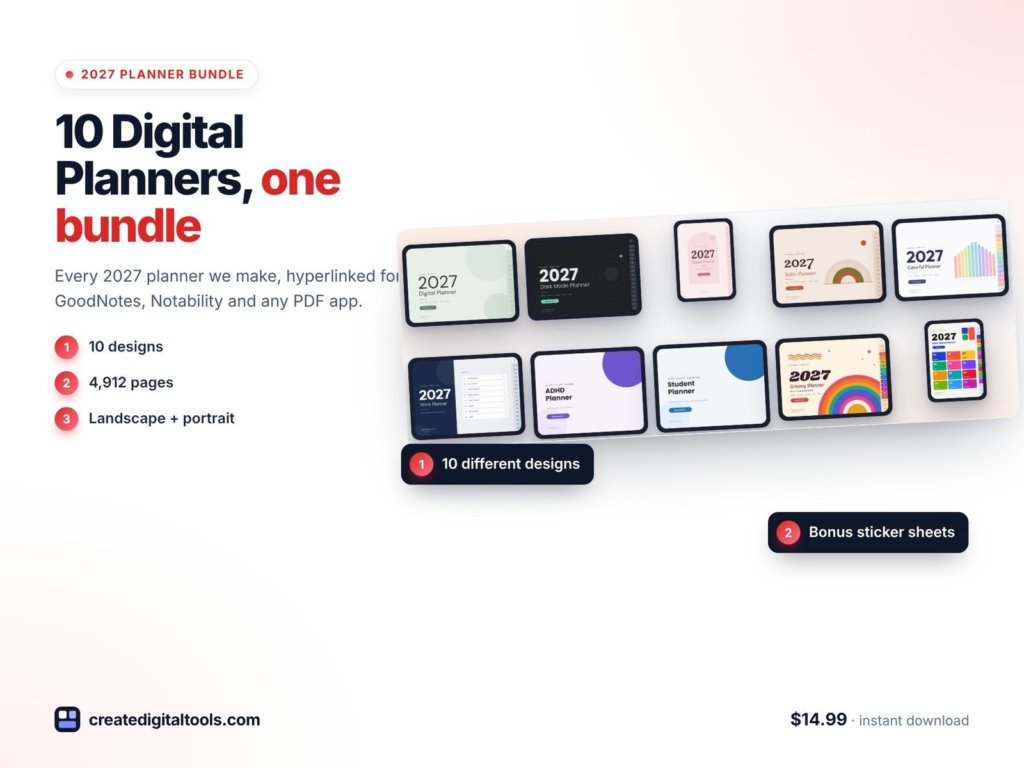
1. 2027 Digital Planner Bundle · $14.99
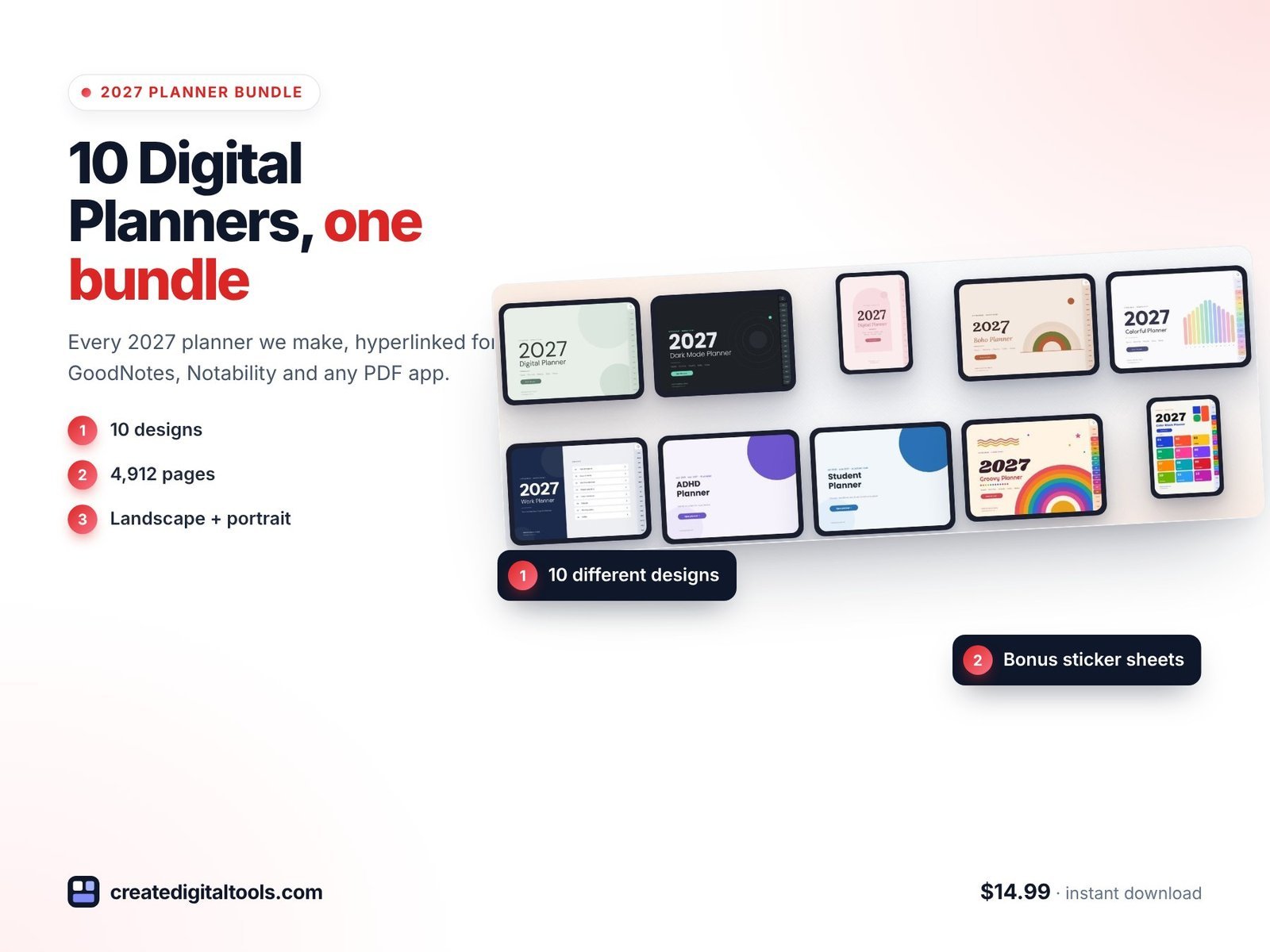
All 10 of our 2027 planners in one download: 4,912 hyperlinked pages in landscape and portrait designs, plus bonus sticker sheets and a Start Here guide. Switch designs whenever you feel like a change.
2. 2027 All-in-One Digital Planner · $3.49
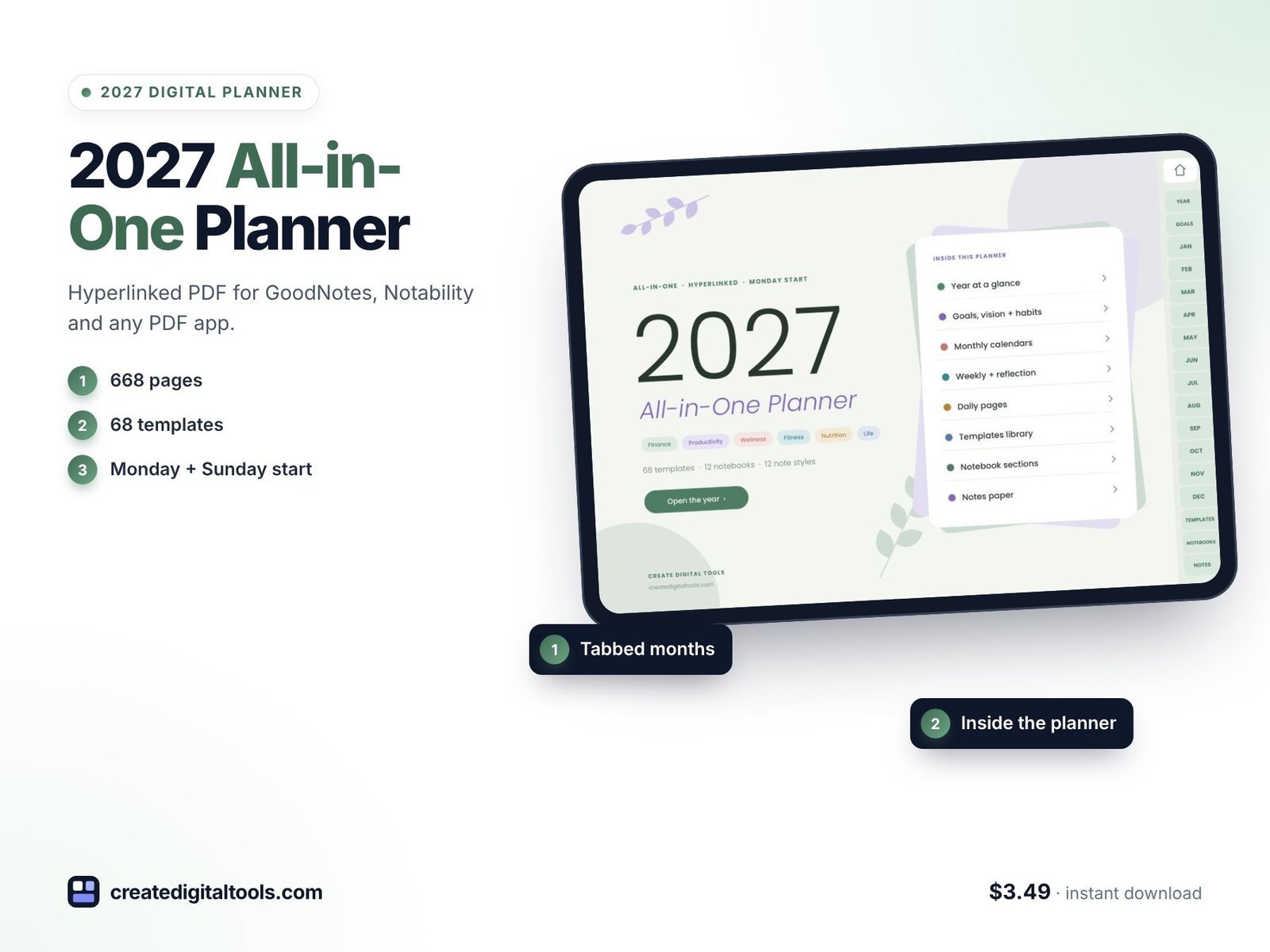
668 pages: year, months, boxed weeks with weekly reflections, 365 daily pages in 3 layouts, 68 extra templates, 12 notebook sections and 12 note paper styles.
Best by style
3. 2027 Digital Planner, Sage Green · $3.49
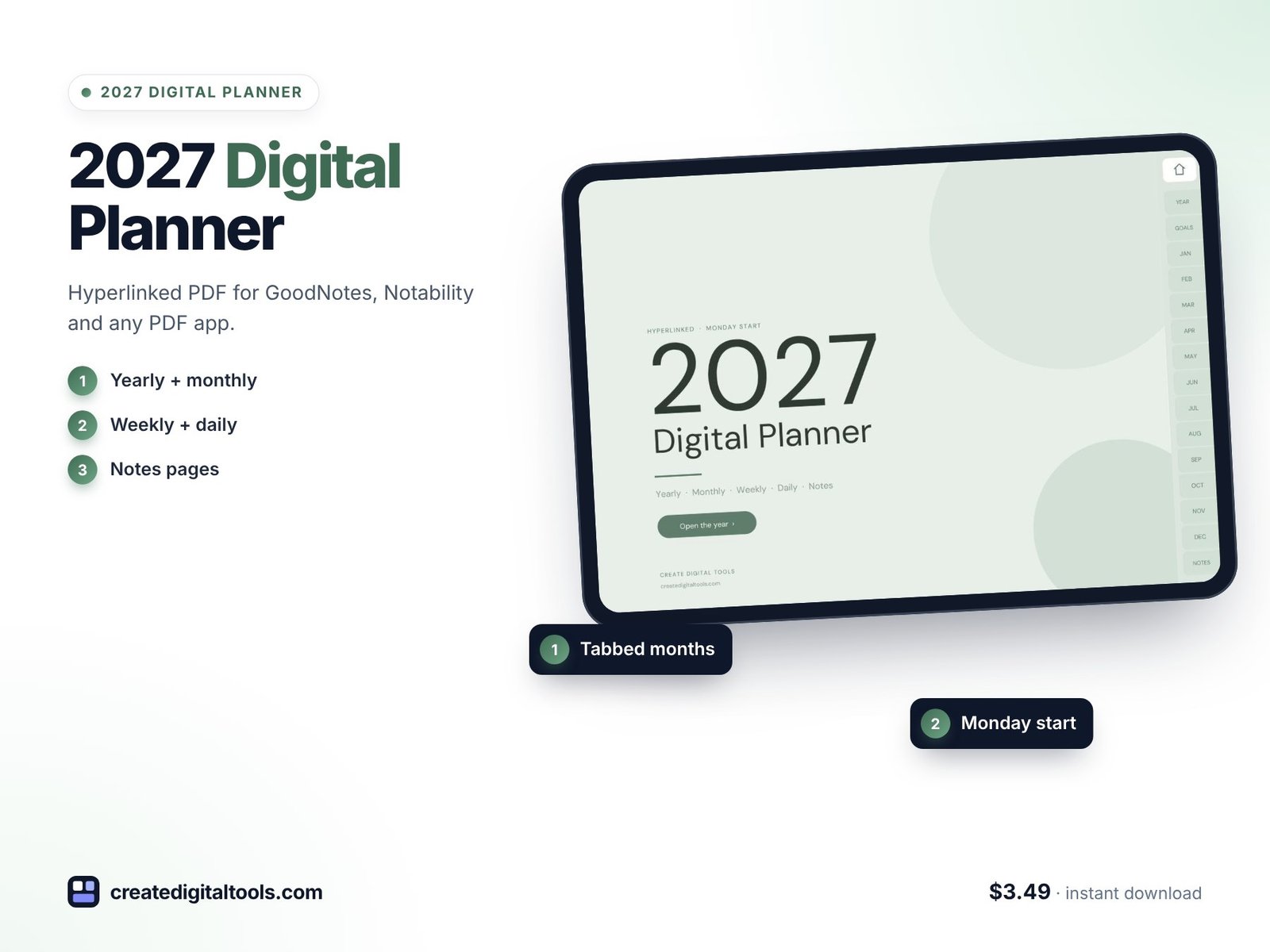
Minimal: a calm sage design with 468 pages and 13,578 internal links. Tap any tab, month, week or day.
4. 2027 Dark Mode Digital Planner · $3.49
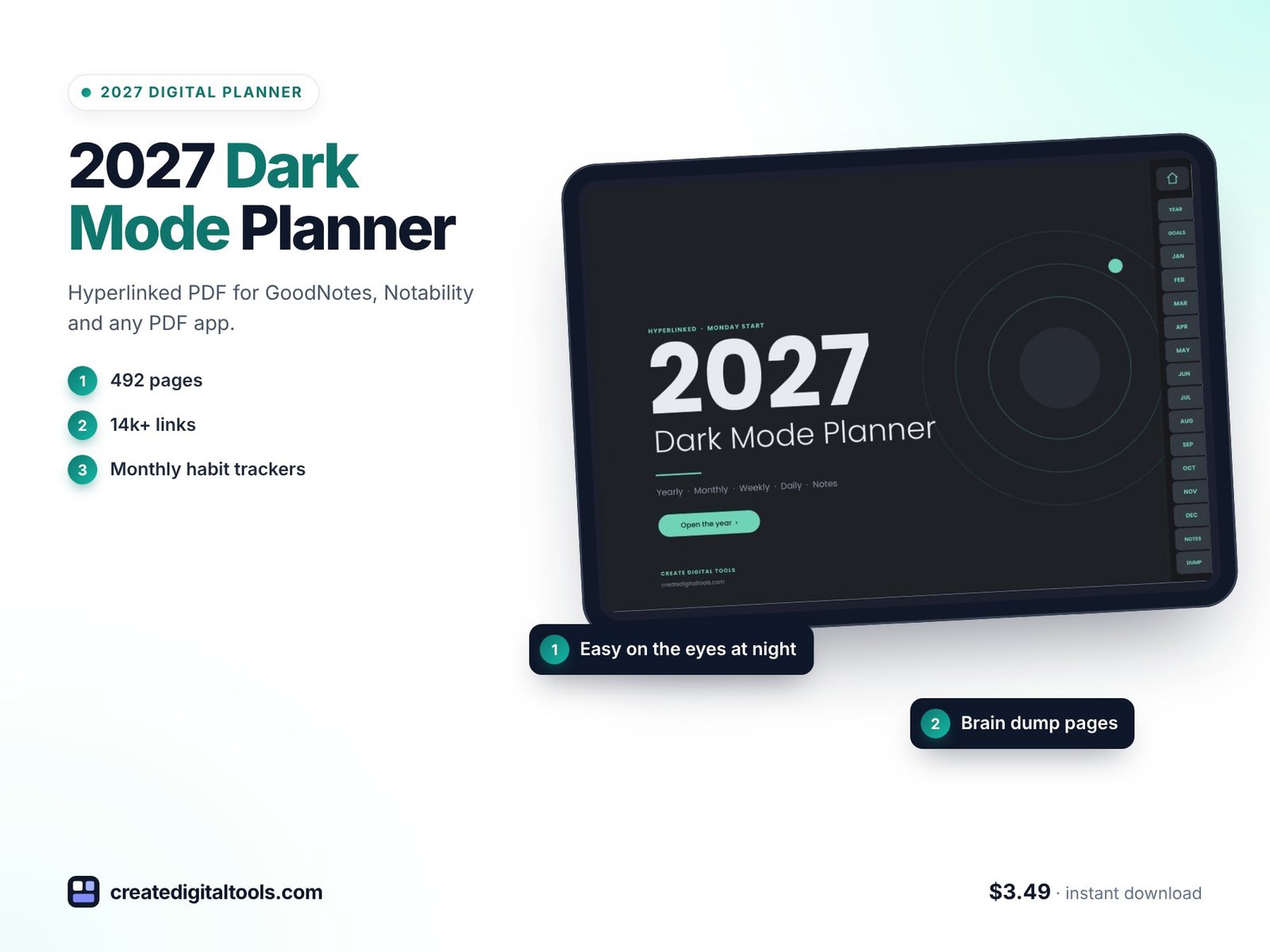
Dark mode: charcoal pages, soft mint details and light text that are easy on the eyes, especially for evening planning.
5. 2027 Portrait Digital Planner, Blush · $3.49
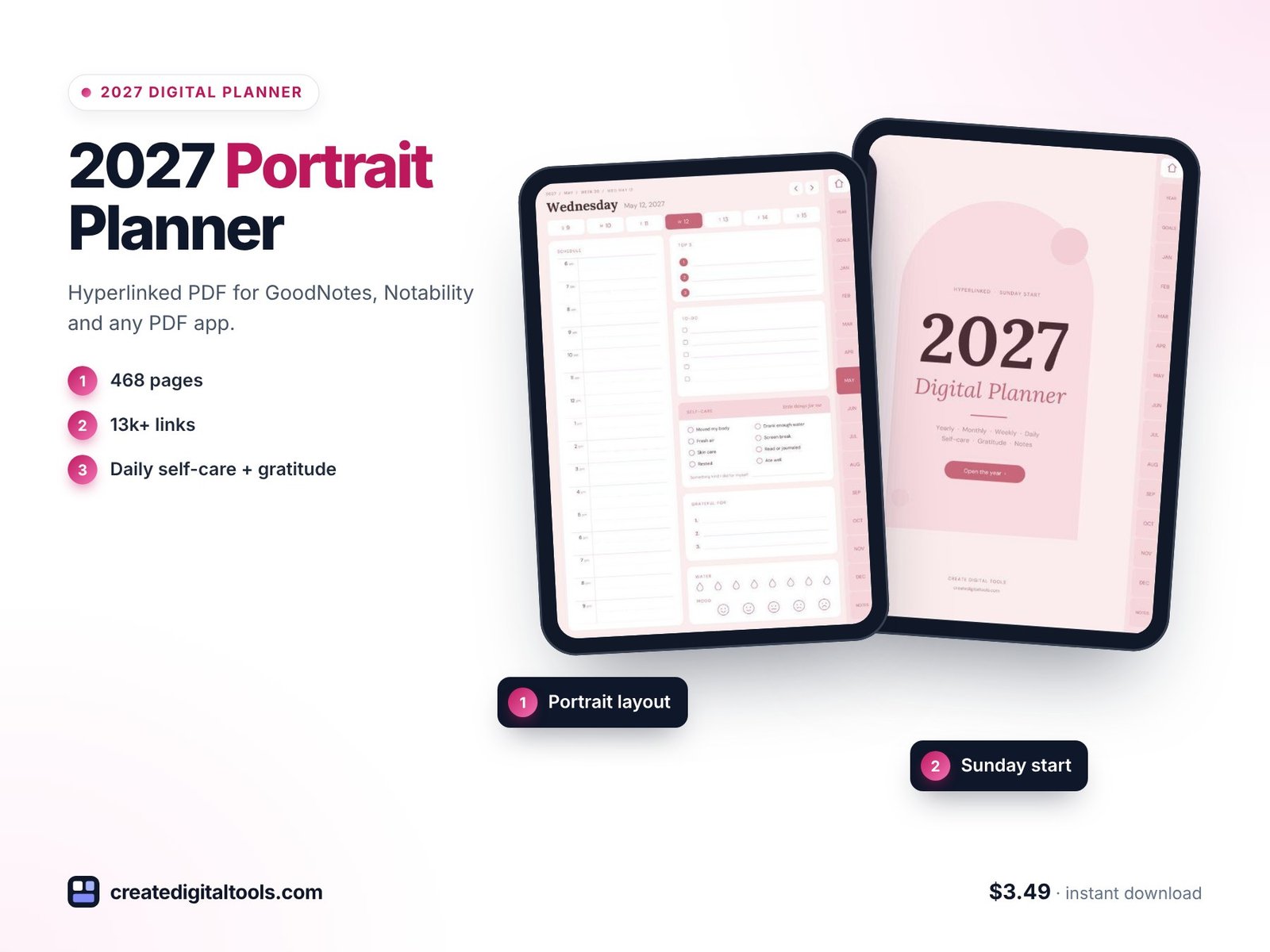
Portrait: soft blush pink, made to fill the screen when you hold your iPad upright, with room for self-care and gratitude every day.
6. 2027 Boho Digital Planner, Terracotta · $3.49
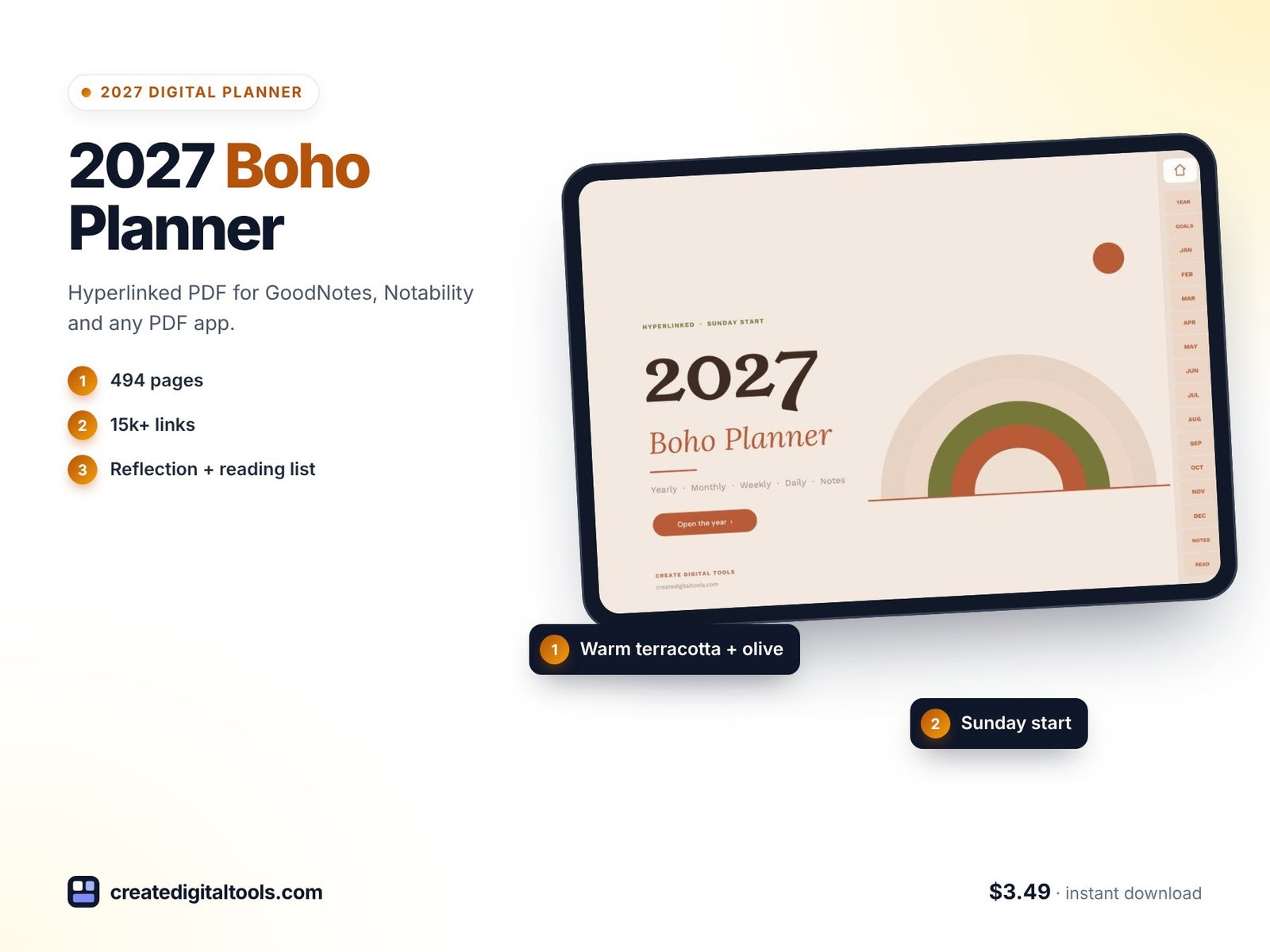
Boho: warm sand, terracotta and olive, with a monthly reflection page and a reading list built in.
7. 2027 Colorful Digital Planner, Pastel Rainbow · $3.49
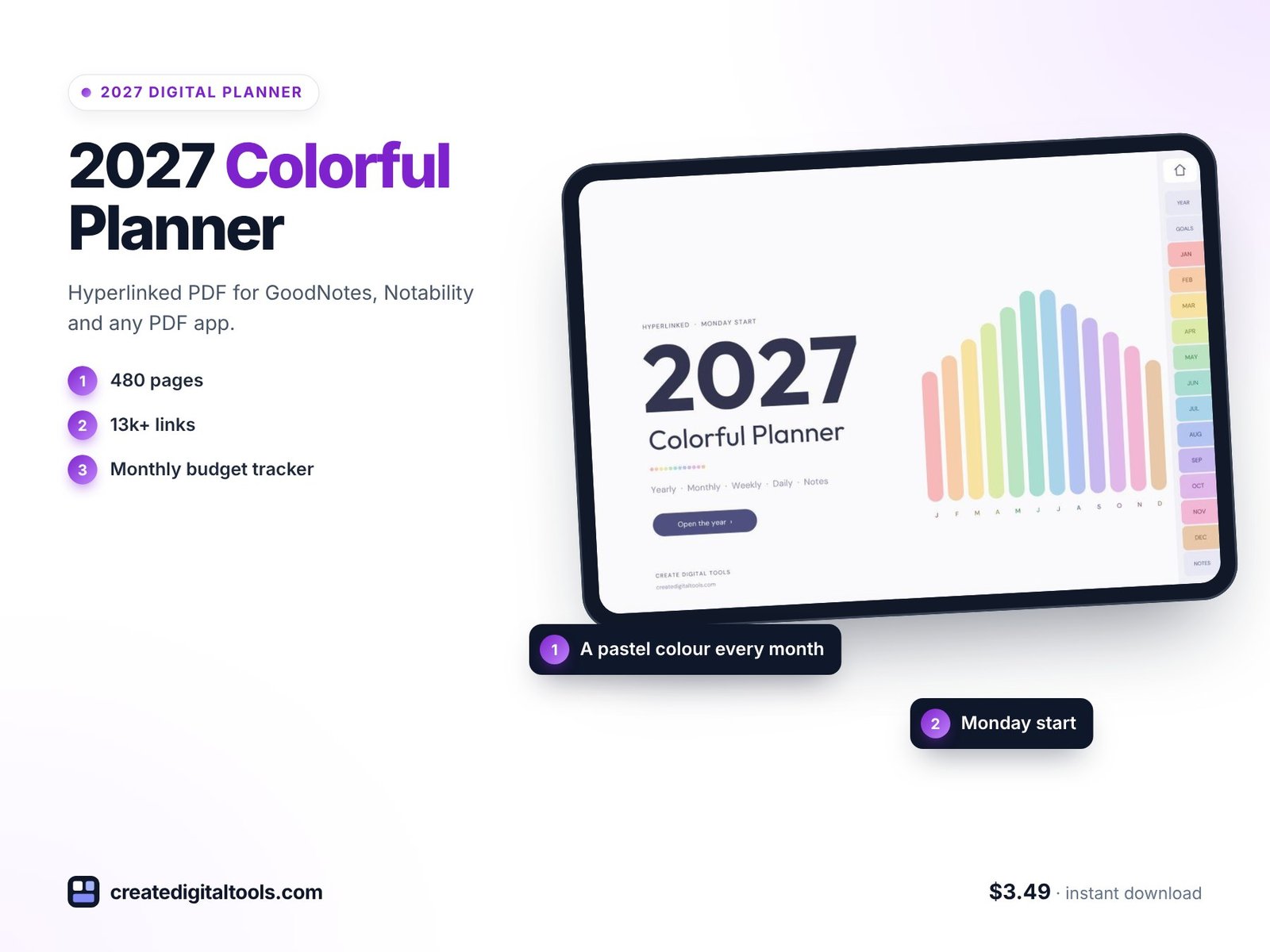
Colourful: every month has its own pastel colour, plus a budget page for each month.
8. 2027 Retro Digital Planner, Groovy Sunset · $3.49
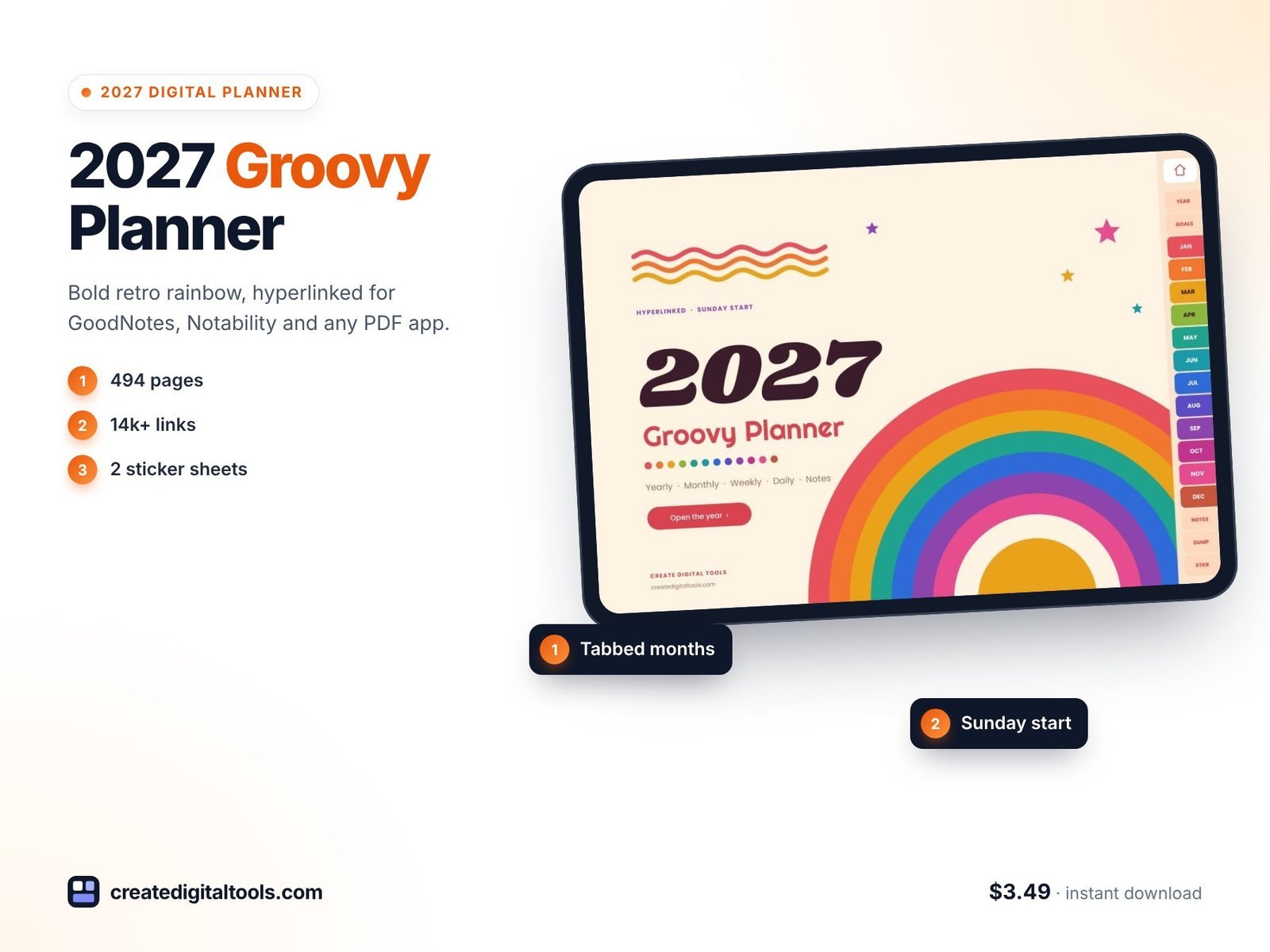
Retro: 494 pages with a 70s rainbow cover, a colour for every month, Sunday start and 2 sticker sheets.
9. 2027 Color Block Digital Planner, Bold Brights · $3.49
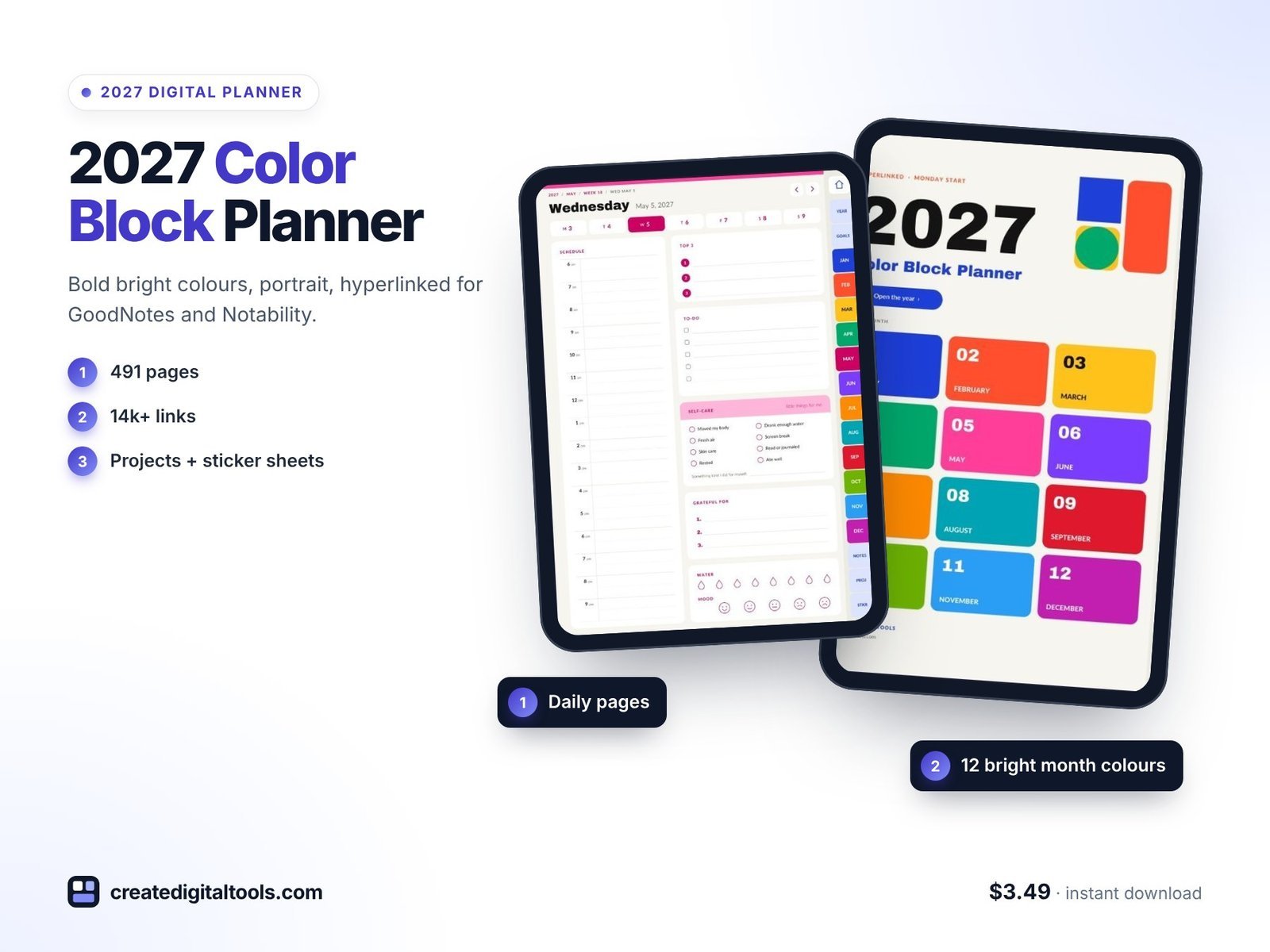
Bold: 491 portrait pages, Monday start, a tappable month-grid cover, project pages and 2 sticker sheets.
 ADHD Undated Digital Planner Planner$6.99 →
Best for work and school
10. 2027 Professional Work Planner, Navy · $3.49
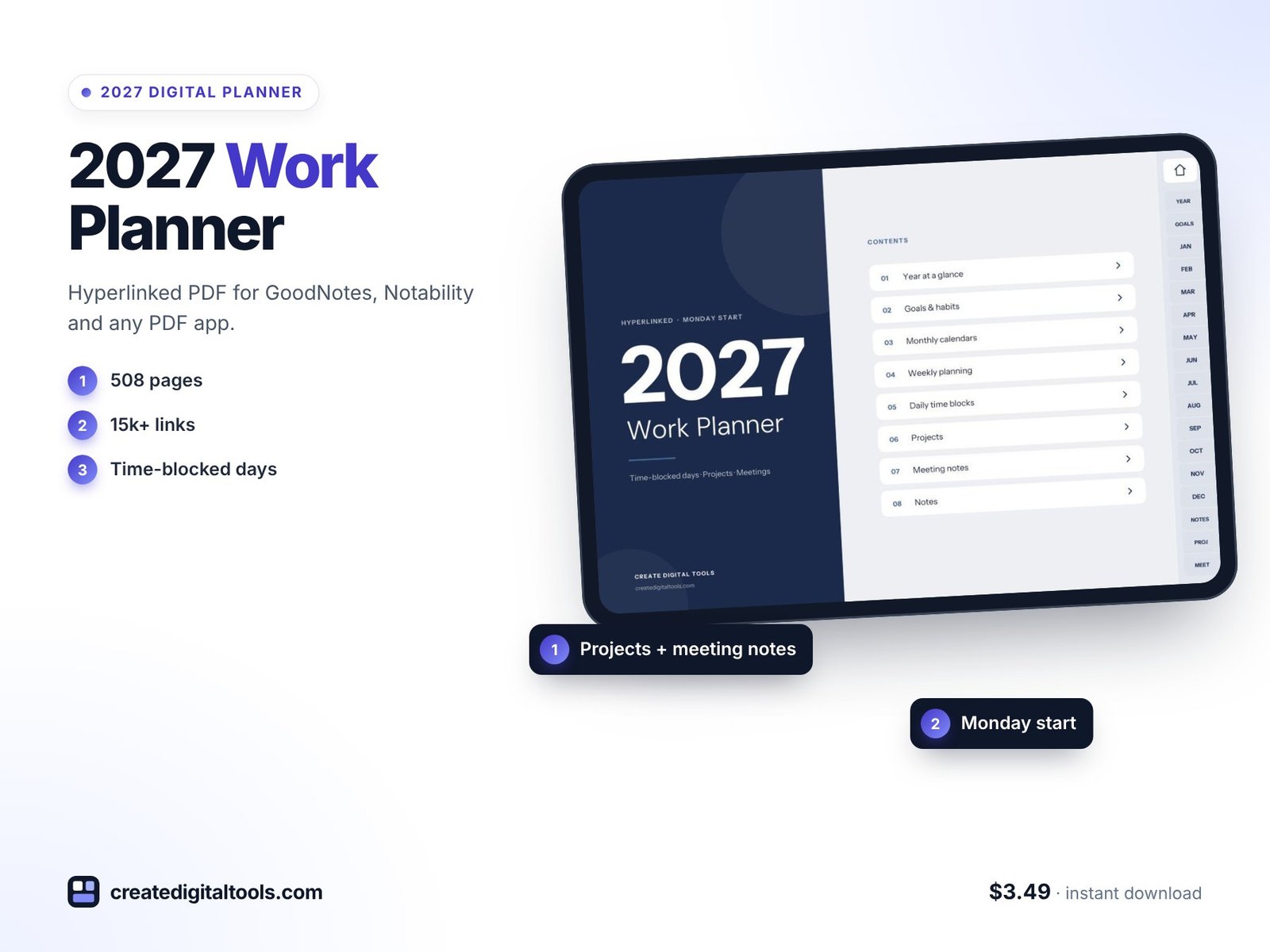
Clean navy and grey, with time-blocked days, hourly weekly grids, and project and meeting pages built in.
11. Student Planner 2026-2027 · $3.49
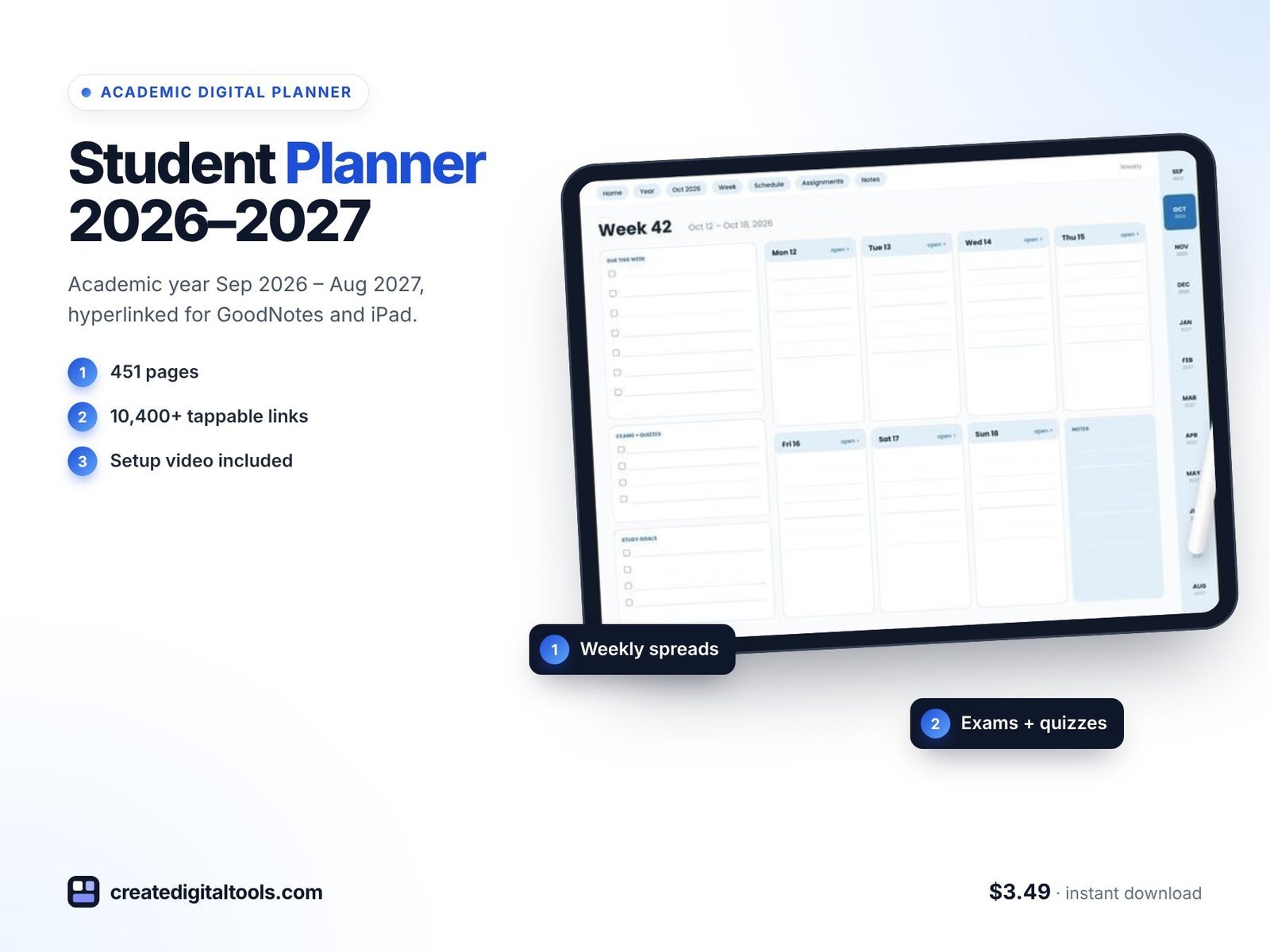
An academic year planner (September 2026 to August 2027) with 451 pages: class schedule, assignment, exam and grade trackers and Cornell notes.
Best for ADHD brains
12. ADHD Digital Planner 2027, Rainbow Pop · $7.99
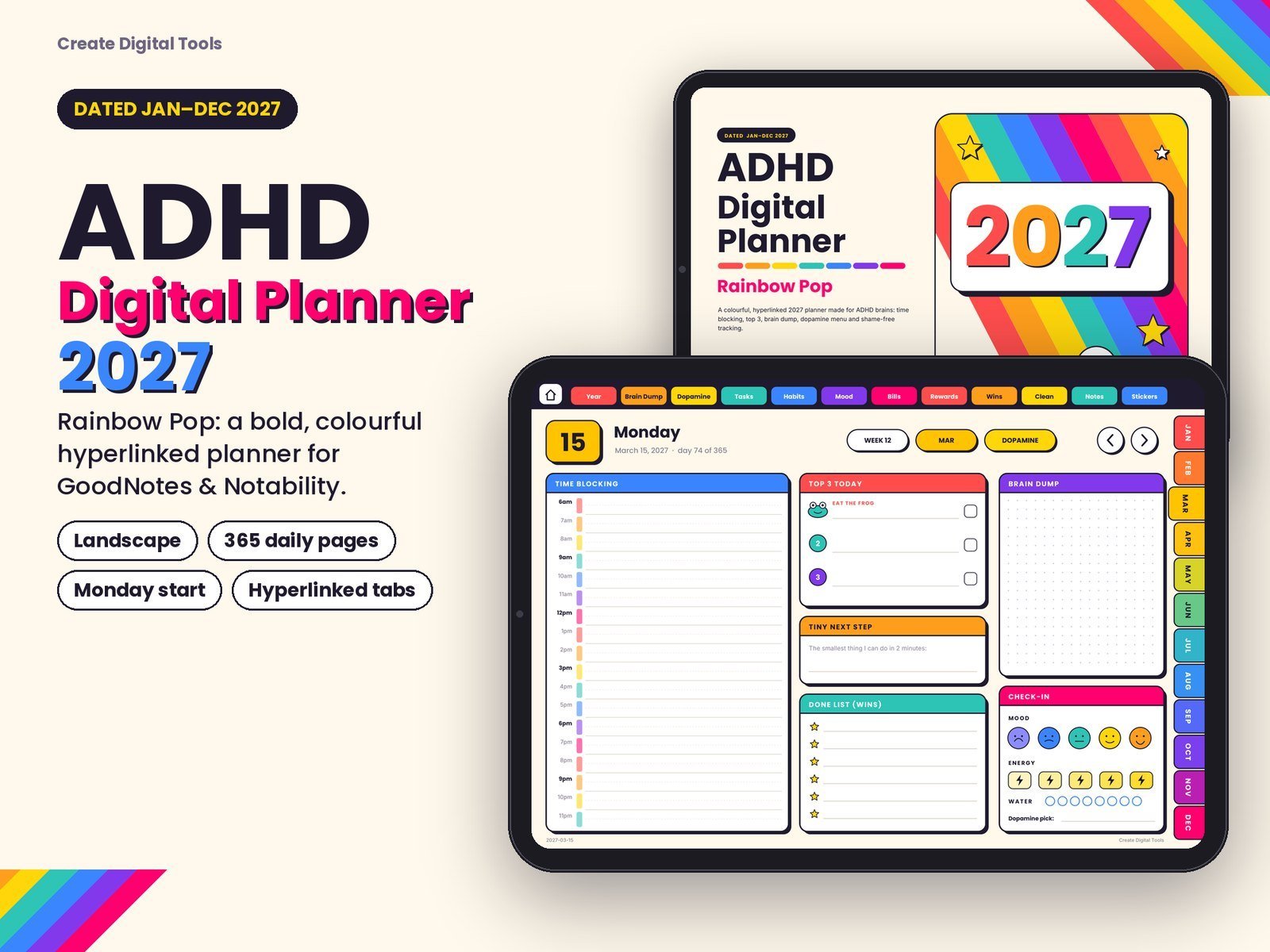
466 landscape pages with rainbow tabs, time blocking, a dopamine menu and shame-free habit pages.
13. ADHD Undated Digital Planner, Dark Mode Neon · $6.99
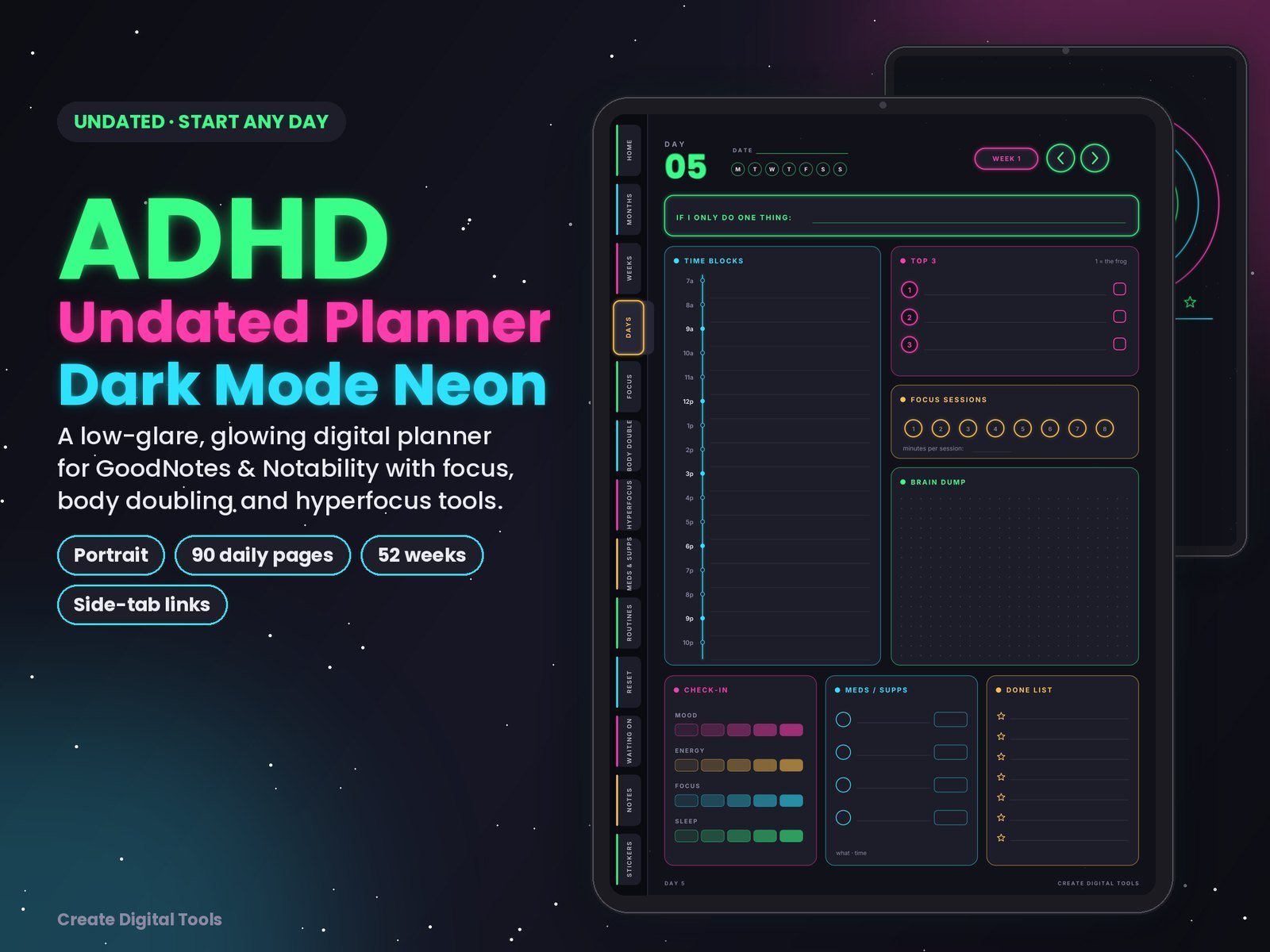
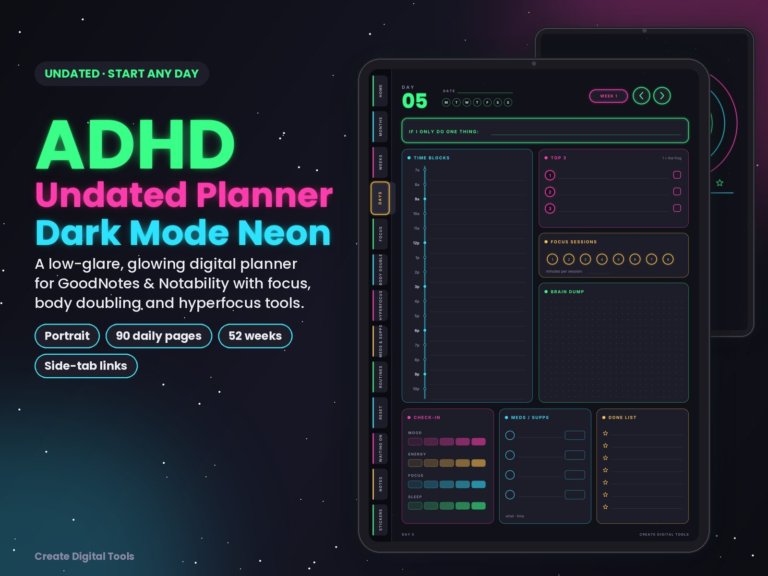
Undated, so you can start any day: 176 portrait pages with neon side tabs, focus and body doubling logs.
14. ADHD Daily Reset Digital Journal, Pastel Cloud · $5.99
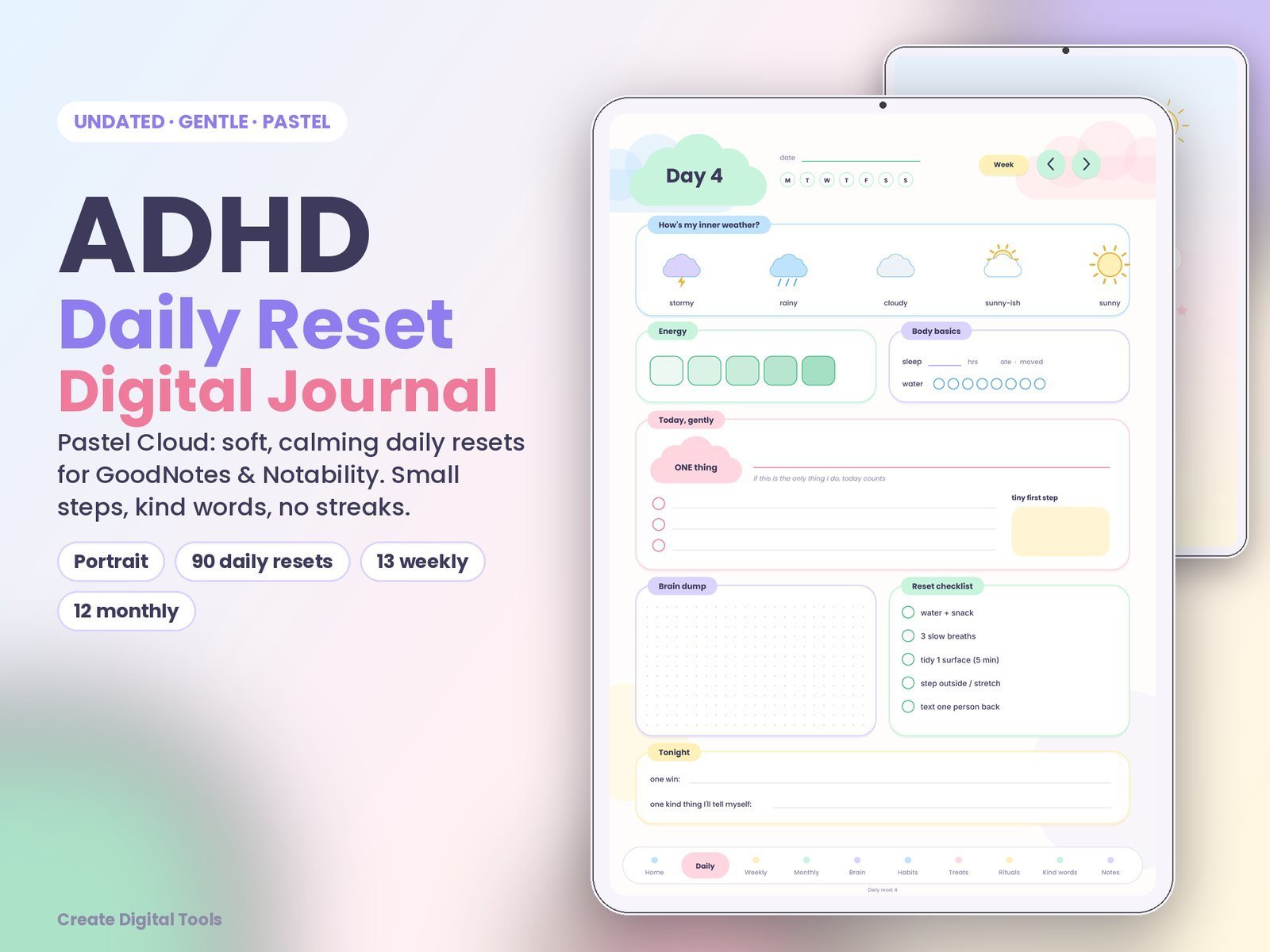
136 hyperlinked pastel pages with 90 gentle daily resets, a treat menu and no-streak habits.
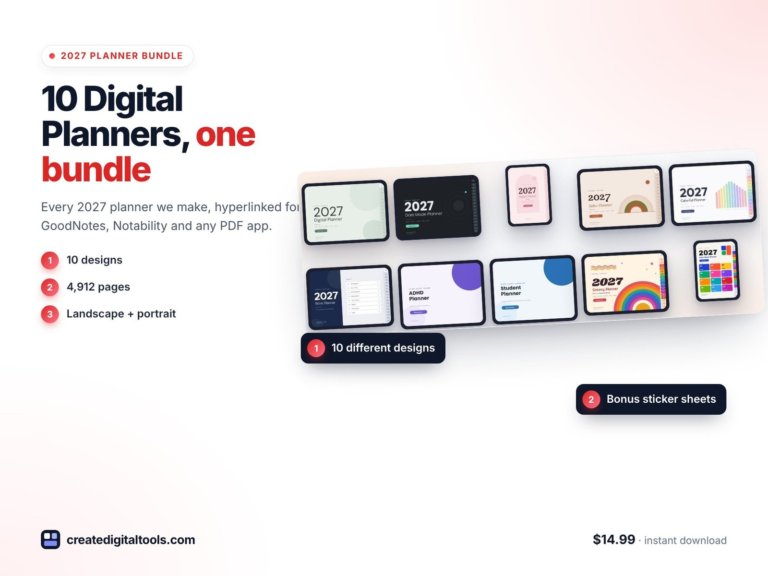 Best value: 2027 Digital Planner Bundle$14.99 →
Prefer paper? Printable planners
If you’d rather print your planner, these weekly, monthly and yearly printables come dated for 2027 and undated, in US Letter and A4, for $3.99 each: Watercolor Floral, Minimalist Black & White, Sunny Doodle, Mint & Lavender Stars and Pastel Tape.
How to set up a digital planner on your iPad
- Download the PDF from your order page onto your iPad.
- Open it in GoodNotes or Notability (tap Share, then choose the app).
- Switch the app to read-only or hand mode when you want to tap links, and to pen mode when you want to write.
- Use the side tabs to jump between months, weeks and days.
Our digital planner setup guide walks through it with screenshots.
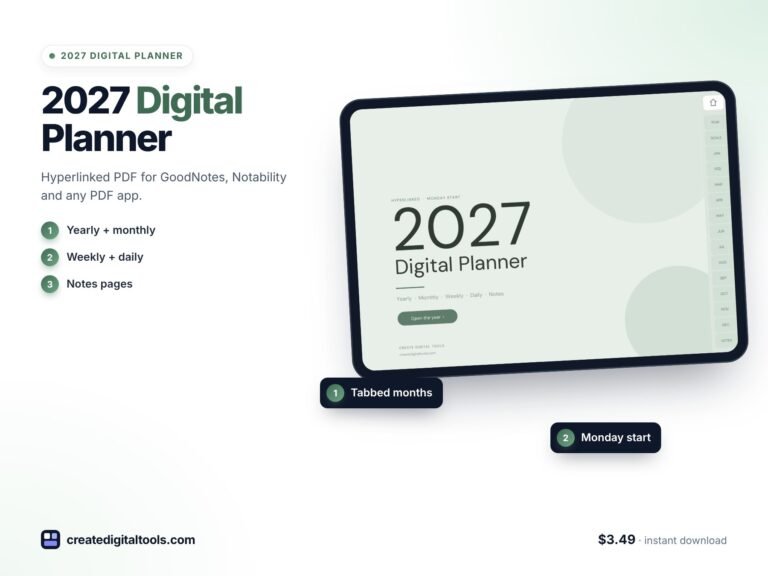
2027 Digital Planner: Hyperlinked PDF for GoodNotes, Notability & iPad (Sage Green)
A calm, minimal 2027 planner for your tablet: 468 hyperlinked pages with 13,578 internal links. Tap any tab, month…
Frequently asked questions
Do these planners work in GoodNotes 6 and Notability?
Yes. They’re standard hyperlinked PDFs, so they work in GoodNotes, Notability and most other PDF annotation apps, on iPad and Android tablets.
Do I need an Apple Pencil?
It’s the nicest way to use them, but you can also type with text boxes or use any stylus.
Can I use the planner on more than one device?
Yes. If your notes app syncs (GoodNotes and Notability both do), your planner follows you across devices.
Notion systems, spreadsheets and planners with a setup guide. Instant download.