Client Onboarding Notion Template for Freelancers
Picture a freelance brand designer who has just said yes to a new client. Over the next week they send a proposal, chase a signed contract, request a deposit, gather logos and brand guidelines, book a kickoff call and set up a project folder, all by memory. Next month a different client gets a slightly different version of the process, and something is always forgotten. A client onboarding Notion template turns those steps into a repeatable checklist linked to proposals, contracts and project tasks, so every client gets the same smooth start. This is an illustrative scenario, but it reflects how onboarding usually works for freelancers, consultants and small agencies.
This guide covers why ad-hoc onboarding costs you, how to build an onboarding workflow in Notion yourself, and what is inside the Freelance Projects and Client Onboarding template.
Get the Freelance Projects and Client Onboarding template →
Why ad-hoc client onboarding causes problems later
The first two weeks with a client set the tone for the whole project. When onboarding is improvised, small gaps grow:
- Work starts before the contract is signed, leaving scope and payment terms unclear.
- Deposits are forgotten because nobody tracked whether the first invoice was paid.
- Assets arrive piecemeal over email, chat and file-sharing links, so you spend time searching instead of designing or writing.
- Revisions pile up without a record of what was requested and when.
- You can’t see all clients at once, so it is hard to know which projects need attention today.
A consistent onboarding process also changes how clients see you. When every new client receives the same clear welcome, timeline and list of what you need, you come across as organised from the first week. Email folders and to-do apps help a little, but they don’t connect the proposal to the contract, the contract to the tasks, or the tasks to the invoice.
How to build a client onboarding workflow in Notion
These steps work with or without a template.
- Write your onboarding steps down. List every step from “proposal accepted” to “kickoff complete”. Typical steps: contract sent, contract signed, deposit invoiced, deposit paid, questionnaire sent, assets received, kickoff call booked.
- Turn the list into a template checklist. In Notion, create a database template for new clients that includes the checklist, so each new client starts with every step in place.
- Track proposals and contracts as databases. Give each a status property (draft, sent, accepted, signed) and link them to the client.
- Break the project into tasks with deadlines. Link tasks to the client and use a timeline or calendar view to see what is due.
- Keep a communication log. A short entry for each important call or email, with the date and what was agreed, saves arguments later.
- Track feedback and revisions. One entry per revision round, with what was requested and its status, keeps scope visible.
- Close the loop with invoices. Record invoice and payment status per client so you can see what is outstanding.
- Build a dashboard across clients. A home page with filtered views (active projects, overdue tasks, unpaid invoices) shows where to focus.
Tip: send clients a short welcome page from Notion with what to expect, what you need from them and how to reach you. It cuts down on back-and-forth emails.
What to include in a client welcome page
- A short thank-you and a one-paragraph summary of the project.
- The key dates: kickoff, first draft, review rounds and final delivery.
- What you need from the client, with a deadline for each item.
- How many revision rounds are included and how feedback should be sent.
- Your working hours and your preferred way to be contacted.
- Payment terms and when invoices will be sent.
Common onboarding mistakes
- Sending everything at once. A contract, questionnaire, invoice and asset request in one email overwhelms people. Stage them in a sensible order.
- No deadline for client inputs. If the client’s assets arrive late, your timeline slips. Put dates on what you need and log when items actually arrive.
- Vague revision terms. Agree up front how many rounds are included, and track each round so you can show what has been used.
- Not reviewing the process. After a few clients, look at where onboarding stalled and adjust the checklist. A process you improve each time beats a perfect one written once.
What’s inside the client onboarding Notion template
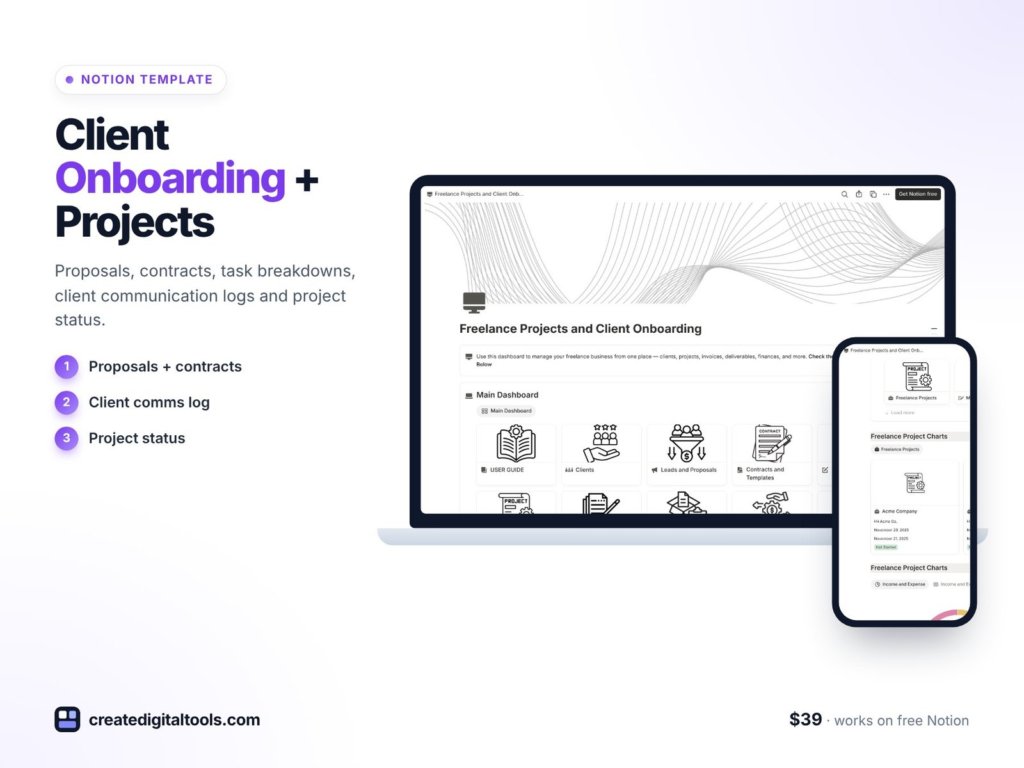
The Freelance Projects and Client Onboarding template is a Notion template from Create Digital Tools, designed for freelancers, consultants and agencies that want a repeatable onboarding and delivery process.
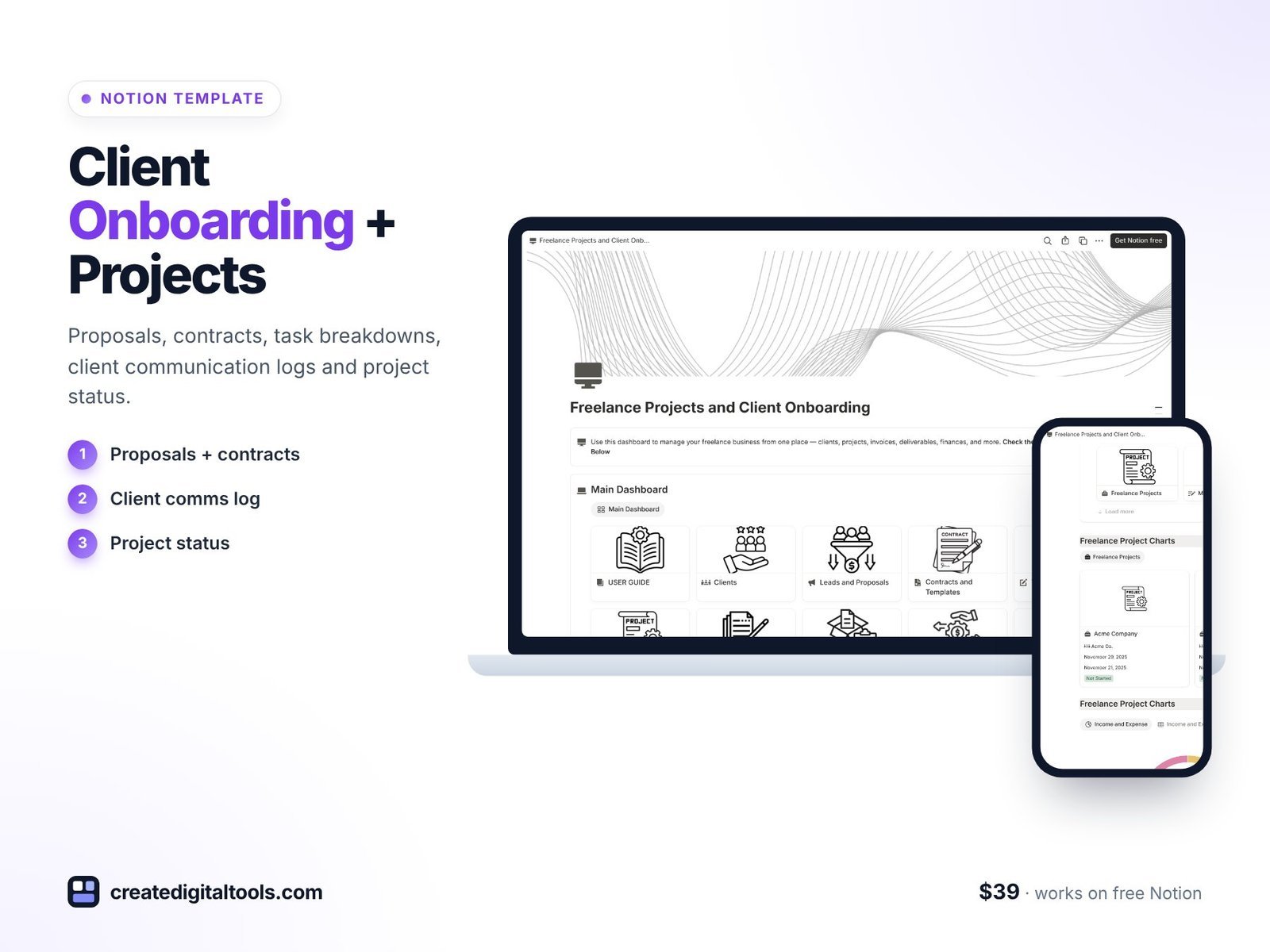
Client onboarding checklist with automated reminders
The onboarding steps for each new client, with reminders so nothing slips between “yes” and kickoff.
Proposal tracker and template
A place to draft proposals from a template and follow each one through to accepted or declined.
Contract status database
Every contract with its current status, so you always know which clients have signed.
Project task breakdown with deadlines
Split each project into tasks with due dates, linked to the client.
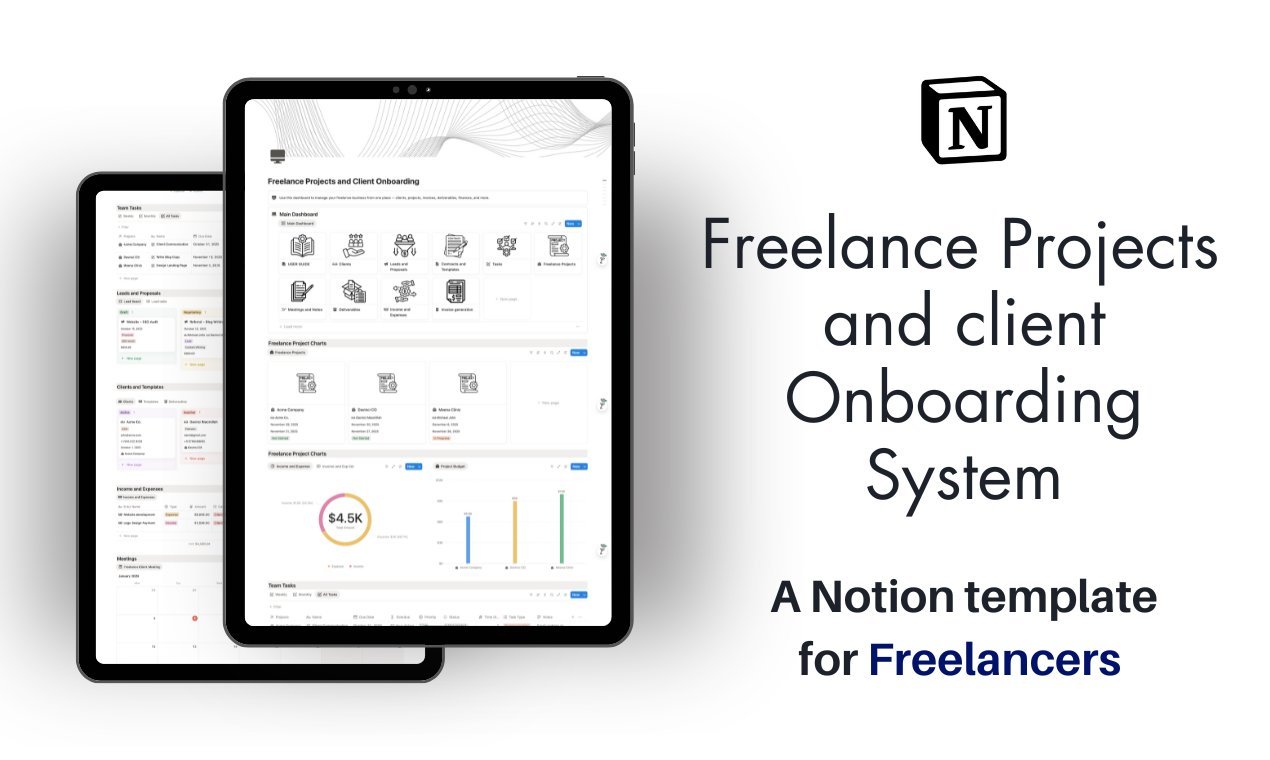
Client communication log
A record of calls, emails and decisions for each client.
Feedback and revision tracker
Each round of feedback with its status, so revisions stay organised and visible.
Invoice and payment status
Track which invoices have been sent and paid for each client.
Project status dashboard across all active clients
One overview of every active client project, so you can see where to focus each day.
The product page lists instant access, lifetime updates and a full setup guide, and says the free Notion plan is enough to run the template.
See the template in action
Watch this walk-through of the freelance projects and client template:
Who it’s for, and who it isn’t for
A good fit for:
- Freelancers who onboard new clients regularly and want the same process every time.
- Consultants and small agencies running several client projects in parallel.
- Service providers who already work in Notion or want to move client admin there.
Not a good fit for:
- People who need e-signatures or online payments built in. The template tracks contract and payment status; signing and payment happen in your usual tools.
- Large agencies that need detailed time tracking and resource planning across big teams.
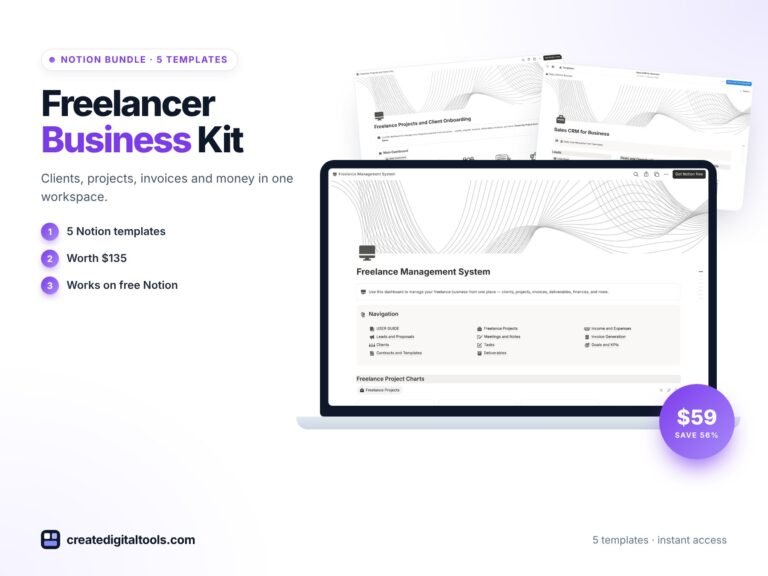
Want the onboarding template plus a CRM, finance tracker and more? It is included in the Freelancer Business Kit. You can also browse all Notion templates.
FAQ
What format is this template?
It is a Notion template. You duplicate it into your own Notion workspace and edit it there.
Does it work on Notion’s free plan?
Yes. The product page says the free Notion plan is enough to run it. Notion Plus and Notion AI are optional.
How fast do I get access?
The product page lists instant access, and a full setup guide is included.
Can clients see the template?
You can share selected pages with clients, such as a welcome page or a project status page, and keep the rest private.
Can I change the onboarding steps?
Yes. Edit the checklist to match your own process, add or remove steps, and rename statuses to suit your services.
Get the Freelance Projects and Client Onboarding template →
Notion is a trademark of Notion Labs, Inc. YouTube is a trademark of Google LLC. This is an independent template, not affiliated with or endorsed by Notion or Google.
Notion systems, spreadsheets and planners with a setup guide. Instant download.