Best Apps for Shopify Store Owners in 2026 (Sorted by Job)
Disclosure: This post contains affiliate links. If you buy through them, Create Digital Tools may earn a commission at no extra cost to you. We only recommend tools we think are a good fit for small businesses.
Skip the setup: Online Store Owner Kit gives you this workflow ready to duplicate, with a step-by-step guide. Also popular with readers: Print on Demand Business Tracker.
Most Shopify stores do not need more apps. They need the right app for the job they are stuck on right now, and the discipline to skip the rest until later.
Looking for the best apps for Shopify store owners in 2026? This roundup does not rank apps from one to ten. It sorts them by job: the storefront theme, recovering demand when products sell out, managing inventory as you grow, making ad creatives, and running the store day to day. For each job you get one recommended tool, what it costs, and a plain answer on whether a small store actually needs it yet.
Quick answer
Start with the two jobs that touch every sale (theme and out-of-stock recovery), then add tools as specific problems appear.
- Storefront theme: Pixel Union premium themes (Tailor, Empire, Atlantic and others), roughly $100 to $360 one-off depending on the theme and where you buy.
- Out-of-stock demand: Notify Me! Back in Stock Alert, with a free plan and paid plans from $9.90/month.
- Inventory across channels: Increff, but only once you sell across several channels, warehouses or stores. Custom pricing via demo.
- Ad creatives: AdCreative.ai, with a 7-day free trial and plans from $39/month (less on quarterly or yearly billing).
- Running the store: Notion for SOPs, supplier notes and launch checklists (free plan available).
How this roundup was put together: it is based on each vendor’s own pricing, feature and help pages, plus their Shopify App Store or Theme Store listings, not hands-on trials. All prices are in USD, pricing as of November 2026. App prices change often and listings can differ from vendor sites, so confirm the current price on the Shopify App Store listing (or the vendor’s checkout) before you buy.
The best apps for Shopify store owners, sorted by job
Shopify’s App Store has thousands of apps, and it is easy to install ten in your first month and then wonder why your theme is slow and your bill has crept up. A better approach is to name the job first, then pick one tool for it.
Here are the five jobs this guide covers, roughly in the order a store meets them:
- Look credible: a theme that fits your catalog and loads well on mobile.
- Stop losing sales to “Sold out”: capture the shoppers who arrive when a product is gone.
- Keep stock accurate as you grow: one source of truth when you sell in more than one place.
- Feed your ads: enough fresh creatives to test on Meta and Google without a designer on retainer.
- Run the business: processes, numbers and checklists that live somewhere other than your head.
Comparison table: the best Shopify apps at a glance
| Job | Tool | Starting price (Nov 2026) | Free option | Best for | Small store needs it? |
|---|---|---|---|---|---|
| Storefront theme | Pixel Union | $100 to $360 one-off (theme-dependent) | Preview before publishing | Stores outgrowing a free theme | Optional; free themes are fine at launch |
| Out-of-stock demand | Notify Me! | $9.90/month (Kickstart) | Yes, free plan | Any store with sell-outs or preorders | Yes, once you have regular traffic |
| Inventory and orders | Increff | Custom (demo required) | No | Multi-channel, multi-warehouse brands | Usually not yet |
| Ad creatives | AdCreative.ai | $39/month, or $20/month billed yearly | 7-day trial | Stores running paid social and search ads | Only if you run ads |
| Store operations | Notion | $0; Plus $10/seat/month | Yes, free plan | SOPs, suppliers, launch planning | Helpful from day one |
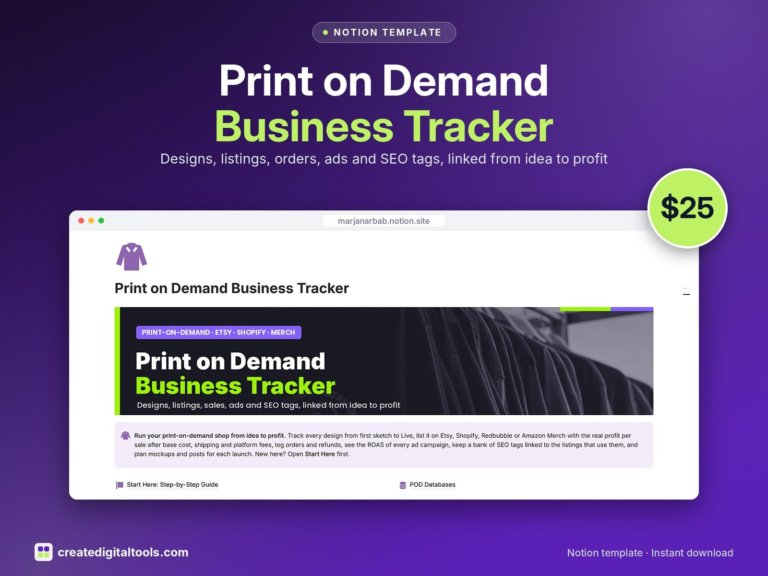 Print on Demand Business Tracker Notion template$25.00 →
Job 1: Storefront theme (Pixel Union)
Your theme is not technically an app, but it is the first purchase most store owners agonise over, and it affects how many other apps you need. A theme with built-in features (size charts, mega menus, quick buy, swatches) can replace several small apps.
Pixel Union is a Vancouver-based theme developer that sells premium Shopify themes both on its own site and on the Shopify Theme Store.
What Pixel Union offers
Pixel Union’s Shopify themes page lists six themes with these prices (USD):
- Empire: $360
- Tailor: $360 (labelled “Save -13%”)
- Atlantic: $300
- Grid: $280
- Editions: $120
- Startup: $100
Pixel Union says free customer support and free theme updates come with its themes. Its pages do not spell out the support terms in detail, so check before you buy if that matters to you.
Example: Tailor for fashion and lifestyle stores
Tailor is pitched at apparel, fashion and lifestyle brands with medium or large catalogs. It ships in three styles (Tailor, Nylon and Lycra), and buying one gives access to the others in the same family.
Features listed on the product page and the Theme Store listing include:
- Shoppable images, shop-the-look and lookbook layouts
- Built-in size chart, colour swatches and product labels
- Quick add-to-cart, slide-out cart and cart cross-sell recommendations
- Mega menus, enhanced search, filtering and a sticky header
- Stock counter, trust badges, promo banners and an age verifier
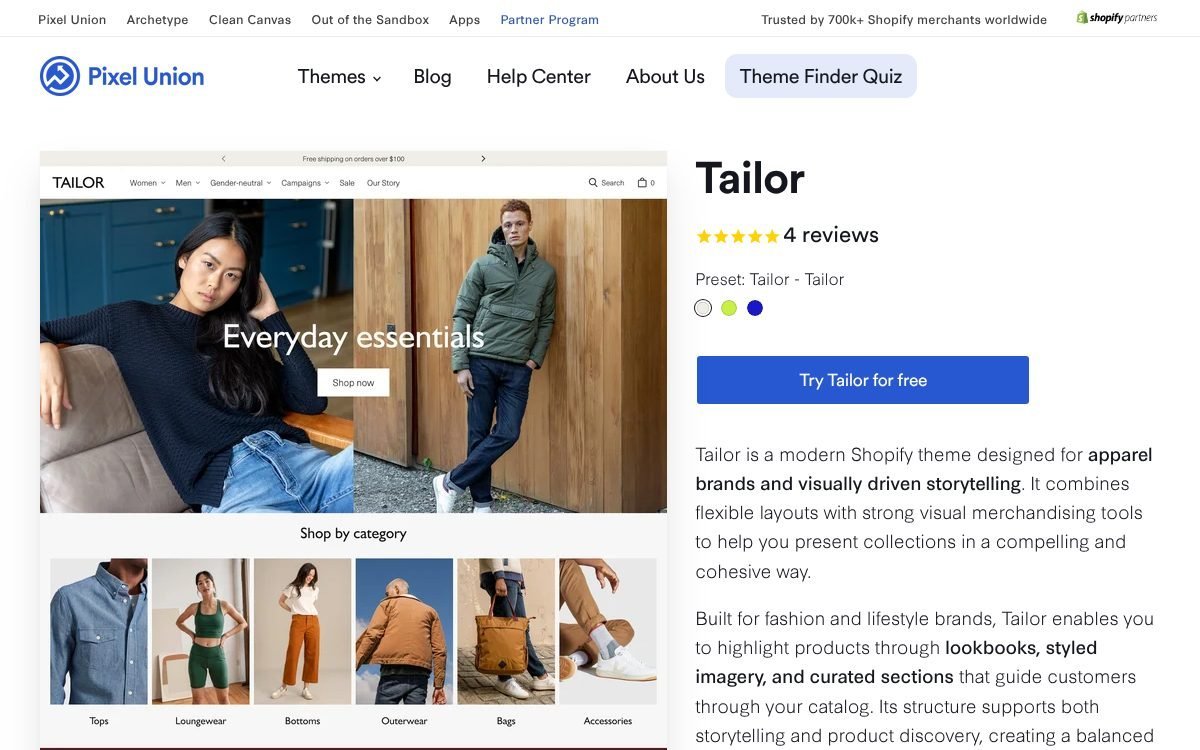
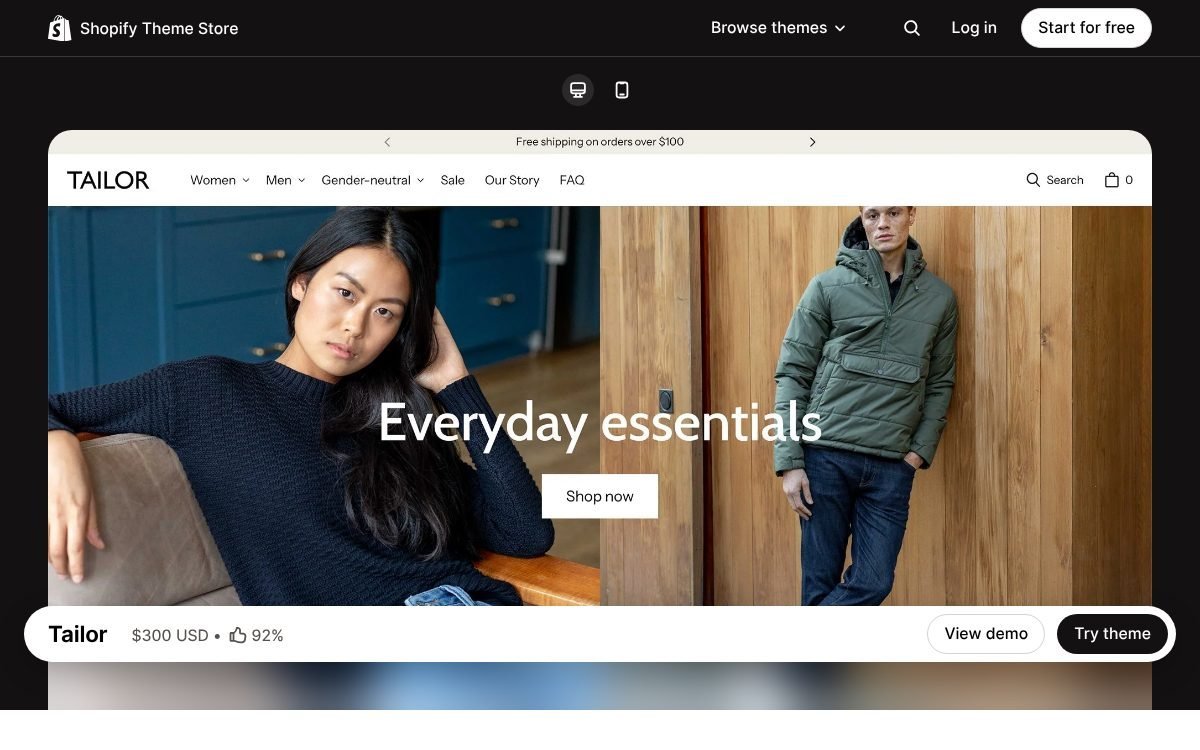
Price check: Pixel Union site vs Shopify Theme Store
Prices do not always match between the two places. In November 2026, Tailor showed as $360 on pixelunion.net but $300 on the Shopify Theme Store. Compare both before you pay, and check what each purchase route includes.
The Theme Store listing also says you can customise the theme and pay only when you publish, so you can build your store on it before committing.
Does a small store need a paid theme yet?
Not always. If you are launching with a handful of products, a free Shopify theme is enough to validate demand. A premium theme starts to pay off when your catalog grows, when you need merchandising features (lookbooks, swatches, filtering) that you would otherwise buy as separate apps, or when your store’s look is part of the brand.
For a deeper look at picking and setting up a theme, see our guide to choosing and setting up a Pixel Union Shopify theme.
Job 2: Recovering out-of-stock demand (Notify Me!)
A sold-out product page is a dead end. The shopper leaves, and you have no way to tell them when the item comes back. Back-in-stock apps fix that by swapping the “Sold out” button for a sign-up form.
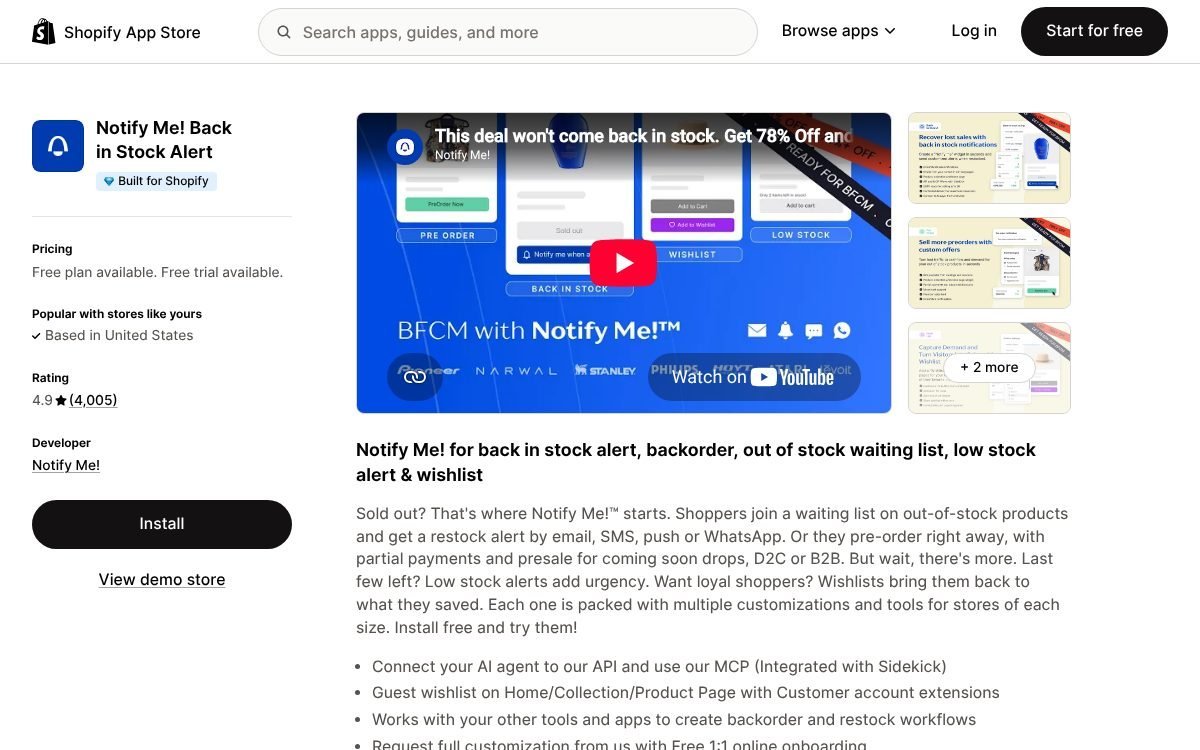
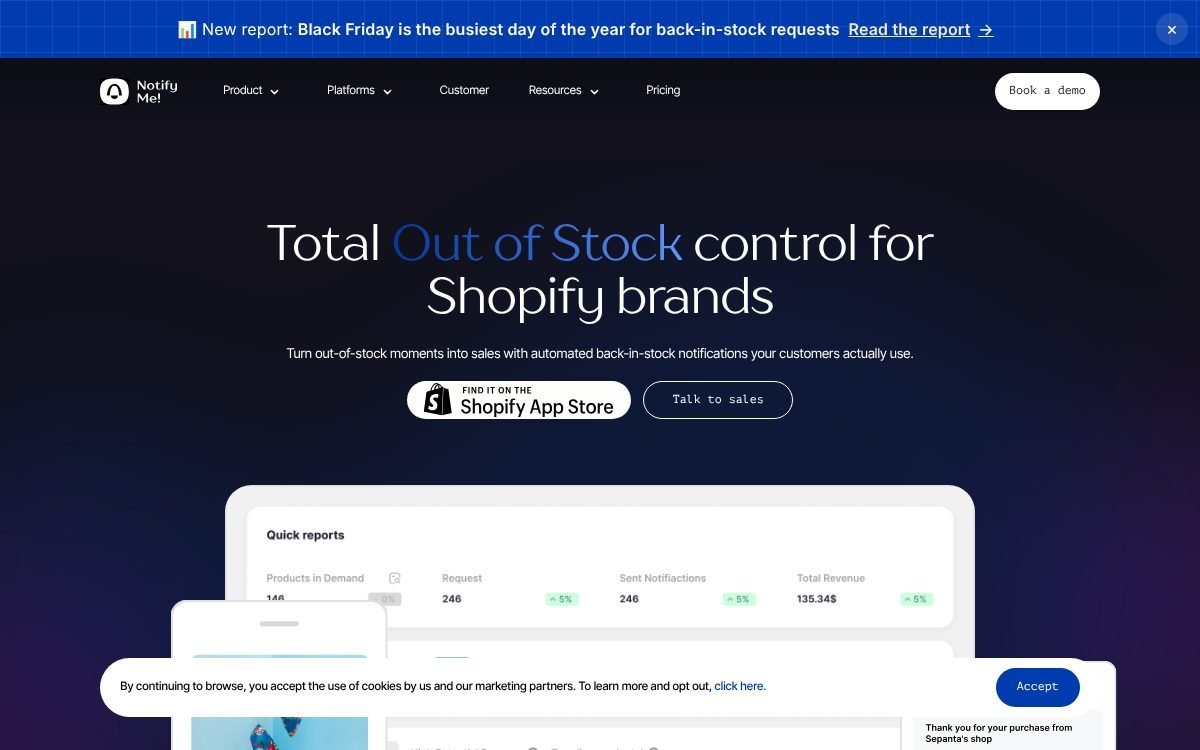
Notify Me! is one of the most widely used options. Its Shopify listing is called “Notify Me! Back in Stock Alert” and showed a 4.9 out of 5 rating from 3,997 reviews in November 2026. The vendor’s own site says it serves 35,000+ Shopify and BigCommerce merchants.
Find the right listing
Several Shopify apps use “Notify Me” in their names. The one covered here is published by Notify Me! at apps.shopify.com/preorder-back-in-stock (the older back-in-stock-notifications address redirects there). A different app called “Notify-Me – Stock and Price” by another developer lives at apps.shopify.com/notify-me, so check the developer name before you install.
What it does
- Back-in-stock alerts: shoppers sign up through inline, floating or pop-up widgets on product, collection and home pages, then get notified by email, SMS, push or WhatsApp.
- Delivery controls: set a minimum inventory per SKU before alerts go out, send in batches, and resend reminders while stock lasts.
- Preorders: sell out-of-stock items, including partial payments and presales.
- Low stock and wishlists: urgency widgets plus guest-friendly wishlists with price-drop alerts.
- Demand insight: reports on trending products and which alerts convert, with restock suggestions.
- Integrations: Klaviyo, Mailchimp, Omnisend, PushOwl, Shopify Flow and page builders such as PageFly and GemPages.
Notify Me! pricing (Shopify listing, November 2026)
| Plan | Monthly | Yearly | Main limits |
|---|---|---|---|
| Lite (Free) | $0 | n/a | 10 restock notifications, 5 preorders, 50 wishlist actions |
| Kickstart | $9.90 | $79.21 | 500 alerts, 500 preorders, 2,000 wishlist actions |
| Starter | $19.90 | $159.23 | 500 alerts, 500 preorders, custom emails, reports |
| Standard | $39.90 | $319.26 | 1,500 alerts, 1,500 preorders, 10,000 wishlist actions, priority support |
Paid plans have a 7-day free trial. Preorders above the plan limit cost $0.15 to $0.20 each, and SMS pricing varies by country. The vendor’s own pricing page shows a slightly different line-up (it lists Kickstart as limited to Basic Shopify stores in their first year, and an Enterprise tier), so treat the Shopify listing as the source of truth for what you will be billed.
Does a small store need it yet?
If products sell out even occasionally and you get steady traffic, yes. Start on the free plan to see how many sign-ups you collect, then upgrade when the 10-notification cap becomes the bottleneck. If you sell made-to-order or digital products that never run out, you can skip this job entirely.
Our full setup guide is here: Shopify back-in-stock alerts with Notify Me!
 Best value: Notion Mega Bundle$99.00 →
Job 3: Inventory and orders as you grow (Increff)
Shopify’s built-in inventory handles one store and a few locations well. The trouble starts when you also sell on marketplaces, run more than one warehouse, open physical stores, or work with vendors who ship direct. Stock counts drift, items oversell, and someone ends up reconciling spreadsheets every evening.
Increff is built for that stage. To be clear up front: it is enterprise-grade retail software, not a typical plug-and-play Shopify app.
Who Increff is really for
Increff’s homepage claims 700+ global brands across 35+ countries, with logos such as Adidas, Puma, Levi’s and Calvin Klein. It covers six areas:
- Financial planning and demand forecasting
- Assortment planning, buying and reordering
- Inventory planning, allocation, replenishment and markdowns
- Warehouse management (WMS)
- Order orchestration (OMS) and channel management
- Store and omnichannel fulfilment, such as BOPIS and endless aisle
It targets fashion, footwear, beauty, home and consumer goods brands, D2C aggregators and 3PLs. Its own case studies point to mid-market and large brands.
What the OMS does
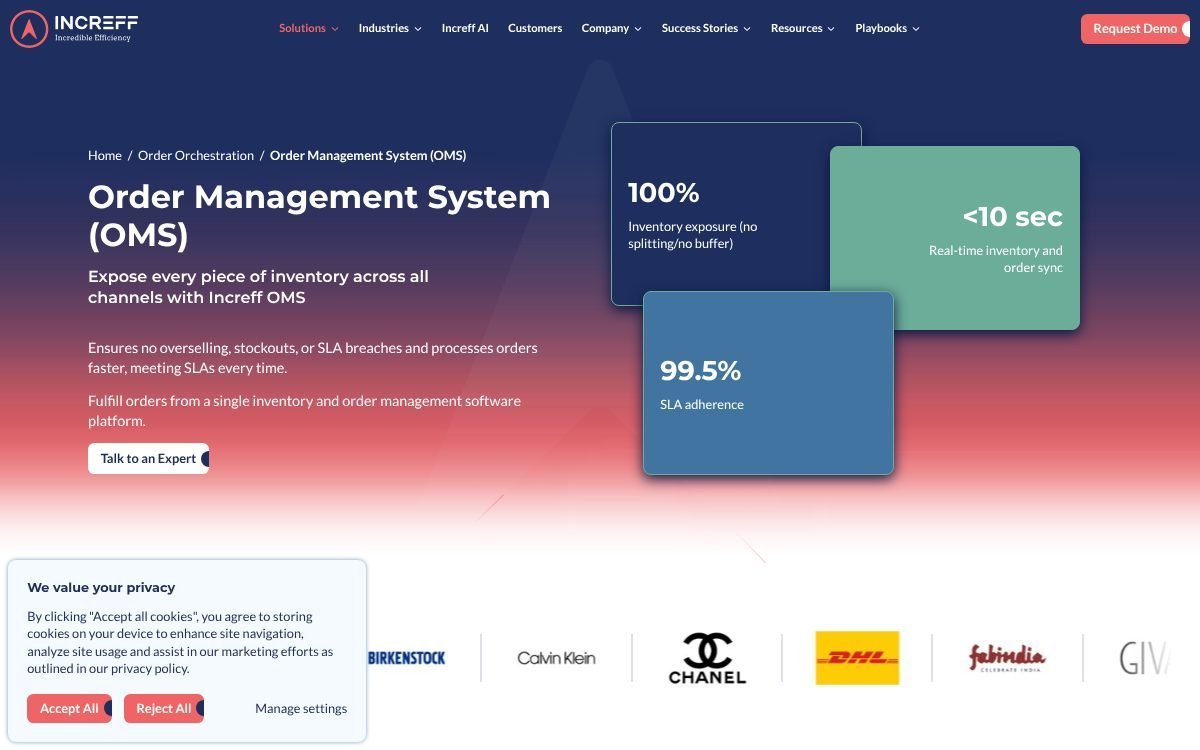
- Single inventory pool across channels, which Increff says prevents overselling, with sync in under 10 seconds.
- Order routing and splitting by availability, proximity and cost.
- Vendor fulfilment, so vendors can ship stock you do not hold.
- Virtual bundles and kits without backend changes.
- Returns dashboard with QC grading and claim evidence capture.
- 80+ dashboards, role-based access and audit logs.
Shopify support and pricing
Increff does not have a Shopify App Store listing. Its integrations article lists Shopify as a supported webshop platform and Shopify POS as a supported POS system, and its public help docs describe a Shopify order integration (fetching open orders, shipments and cancellations). Confirm exactly what syncs for your setup during the demo.
No pricing is published. You request a demo or talk to an expert, and the quote depends on the modules and scale you need.
Does a small store need it yet?
Probably not. If you sell only on Shopify from one location, Shopify’s own inventory tools plus a simple reorder tracker will do. Increff is worth a conversation when you have several of these at once: two or more marketplaces, multiple warehouses or stores, vendor drop-ship, and a team that spends real hours fixing stock mismatches.
Until then, a lightweight sheet does the job. Our ecommerce profit, ad spend and reorder tracker (Excel and Google Sheets, $5.99) covers reorder points alongside profit and ad spend. When you outgrow it, read our Increff inventory management walkthrough.
Job 4: Ad creatives (AdCreative.ai)
Paid social and search ads burn through creatives fast. Each audience and placement wants its own size and angle, and tired ads stop performing. Most small stores cannot afford a designer for every round of tests.
AdCreative.ai is an AI platform that generates ad creatives, product photos, videos and ad copy, then scores them before you launch.
Key features
- Generate: ad banners in multiple sizes, product and fashion photoshoots, UGC-style videos from product photos, ad copy, and instant ads from a page URL.
- Analyse: Creative Insights, Competitor Insights and a Compliance Checker.
- Predict: Creative Scoring, to estimate which creatives may perform better.
- Automate: custom templates based on your own designs.
Credits are only used when you download a creative; generating is unlimited, and credits renew monthly.
AdCreative.ai pricing (November 2026)
AdCreative.ai has no standalone pricing page (adcreative.ai/pricing returns a 404). The pricing sits on the homepage and the “Why go Pro” page, and those blocks contradict each other on the higher tiers. Base figures:
| Plan | Monthly billing | Quarterly (per month) | Yearly (per month) | Base credits |
|---|---|---|---|---|
| Starter | $39 | $29 | $20 | 20 (1 brand) |
| Professional | $249 | $185 | $125 | 300 |
| Ultimate | $999 (a $599 figure also appears) | $749 | $500 | 300 |
| Enterprise | Custom | Custom | Custom | Tailored |
Starter can be bumped to 50, 85 or 120 credits at higher prices. Brand and user limits on Professional and Ultimate differ between sections of the site (for example, Professional is shown with 3 brands in one place and 10 in another). Check the plan details at checkout.
The homepage says the free trial lasts 7 days and includes 20 credits. Refunds are offered within 7 days on monthly plans and 30 days on yearly plans if the platform has not been used.
The Shopify App Store listing
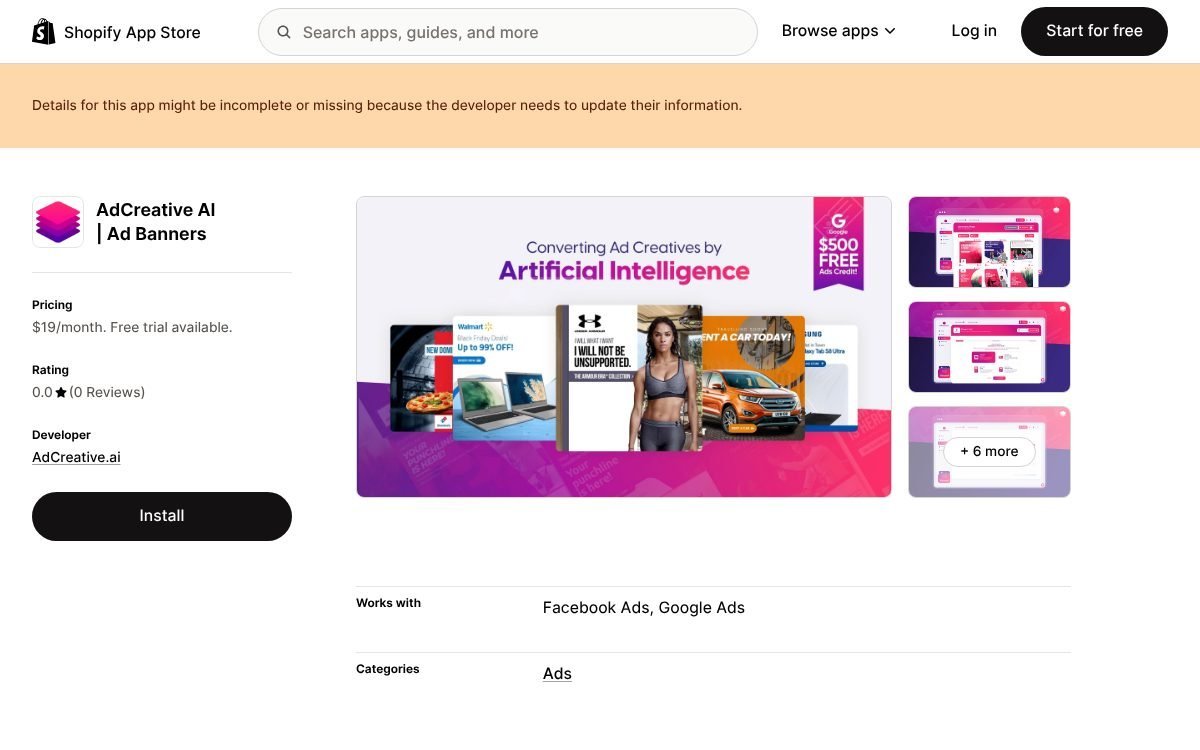
AdCreative.ai also has a Shopify listing, “AdCreative AI | Ad Banners”, showing a single “Shopify Special” plan at $19/month with a 3-day trial and 100 credits. The listing had no reviews and carries a note that its details may be out of date, so confirm that plan is still offered before relying on it.
Does a small store need it yet?
Only if you run paid ads, or are about to. If your traffic comes from SEO, marketplaces or organic social, a free design tool will cover the occasional promo graphic. If you test Meta or Google ads every week, a tool that turns product photos into many sized variants can save real hours. Use the 7-day trial on a live campaign before committing to yearly billing.
Job 5: Running the store (Notion)
Apps run the storefront, but the business still needs a home for things like supplier contacts and lead times, how to process a return, the launch checklist for a new product, and the promo calendar. Keeping these in your head works until you hire your first helper or take a week off.
Notion is a flexible workspace for docs and simple databases. It is not a Shopify app and does not sync orders, but it works well as the operations manual that sits beside your store.
What to keep in Notion
- SOPs: fulfilment, returns, customer service replies, restock steps.
- Supplier database: contacts, MOQs, lead times, last order date.
- Product launch board: photos, copy, pricing, ads and back-in-stock campaigns per launch.
- Marketing calendar: promos, email sends and ad tests in one view.
- App stack log: which apps you use, what each costs, and when to review them.
Notion pricing
Notion’s pricing page shows Free at $0, Plus at $10 per seat per month, Business at $20 per seat per month, and custom Enterprise pricing. Notion says yearly billing saves up to 20%; previously confirmed figures put Plus at $12 and Business at $24 when billed monthly. Business includes Notion’s AI features such as Notion Agent and AI Meeting Notes. A solo owner can run all of the above on the free plan.
A simple starting structure: one “Store HQ” page with linked databases for SOPs, suppliers, launches and apps. Add views by status or due date so each morning starts from one screen.
Which Shopify apps to add at each stage
Just launched (first sales)
- A free Shopify theme, or a lower-priced premium theme if your brand depends on presentation.
- Notify Me! on the free plan if any product can sell out.
- Notion (free) for SOPs and a simple supplier list.
Growing (steady traffic, running ads)
- A premium Pixel Union theme matched to your catalog.
- A paid Notify Me! plan once the free alert cap fills up, plus preorders for launches.
- AdCreative.ai if you test new ad creatives every week.
- A profit, ad spend and reorder tracker to see which products and ads earn their keep.
Scaling (multi-channel, multi-location)
- Increff (or a similar OMS/WMS) once marketplaces, warehouses or stores make stock sync a daily problem.
- Notion on a paid plan for team wikis and permissions.
How to choose Shopify apps without bloating your store
- Name the job first. “I lose sales when the medium size sells out” is a job. “I need more apps” is not.
- Check the official App Store listing. Confirm the developer name, current price, billing basis and trial. Vendor sites and listings can disagree, as the examples above show.
- Check what your theme already does. Size charts, quick buy and swatches are often built in.
- Start on the free plan or trial. Upgrade only when you hit a real limit.
- Review your stack every quarter. Uninstall what you no longer use, and remove any leftover code it added to your theme.
FAQ
What are the best apps for Shopify store owners just starting out?
Keep it small: a solid theme (free or premium), a back-in-stock app such as Notify Me! on its free plan, and a free workspace like Notion for your processes. Add ad and inventory tools only when you have the problem they solve.
Is Notify Me! free?
There is a free Lite plan with 10 restock notifications, 5 preorders and 50 wishlist actions. Paid plans on the Shopify listing start at $9.90/month (Kickstart), with $19.90 and $39.90 tiers, and each has a 7-day free trial.
Are Pixel Union themes a one-time payment?
Premium Shopify themes are generally a one-off purchase, and Pixel Union lists single prices from $100 to $360 with no monthly fee shown. Its pages do not spell out the purchase terms, so confirm at checkout. Compare the Theme Store price too; Tailor was $300 there versus $360 on Pixel Union’s site.
Is Increff a Shopify app?
No. Increff is retail software for larger and multi-channel brands, sold through demos with custom pricing. It lists Shopify and Shopify POS among its integrations, but it is not installed from the Shopify App Store.
How much does AdCreative.ai cost?
Starter is $39/month on monthly billing, $29/month on quarterly and $20/month on yearly, with 20 credits. Professional starts at $249/month on monthly billing. Higher-tier figures are inconsistent across the site, so check at checkout. The Shopify listing shows a separate $19/month plan.
How many apps should a Shopify store have?
There is no magic number. Each app should solve one named problem you actually have. If you cannot say what an app does for sales or saved time, it is a candidate for removal.
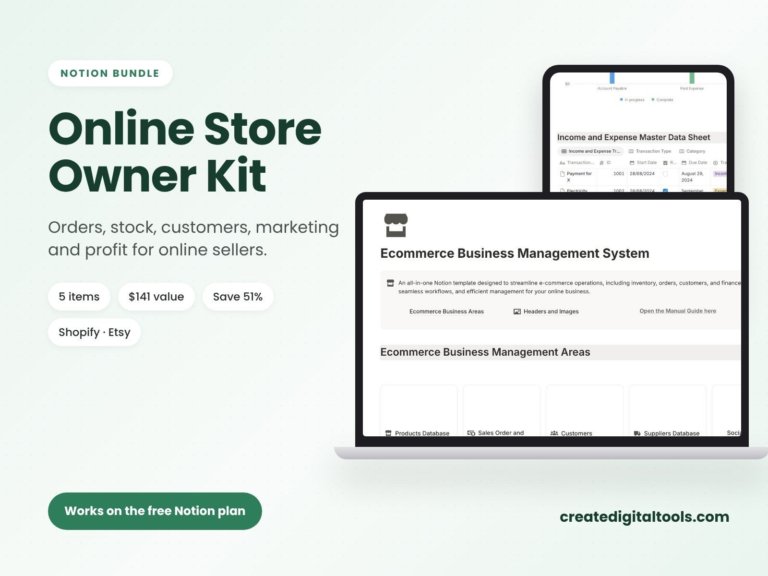
Online Store Owner Kit: 5 Notion Templates for Online Sellers
5 Notion templates for online sellers, a $141 value for $69 (save 51%). Orders, stock, customers, marketing and profit…
Bottom line
The best Shopify apps are the ones matched to your stage. Get your theme right, plug the out-of-stock leak with Notify Me!, add AdCreative.ai when ads become a weekly habit, and leave Increff for the day multi-channel inventory turns into a full-time headache. Keep the whole operation documented in Notion, and confirm every price on its official listing before you buy.
Notion systems, spreadsheets and planners with a setup guide. Instant download.