Best Tools for Coaches and Course Creators in 2026: Build Your Stack by Stage
Disclosure: This post contains affiliate links. If you buy through them, Create Digital Tools may earn a commission at no extra cost to you. We only recommend tools we think are a good fit for small businesses.
Most coaches don’t need five tools on day one. They need the right tool for the stage they are in, and a clear idea of which subscription to drop when two of them start doing the same job.
Looking for the best tools for coaches and course creators in 2026? This guide builds the stack one job at a time: plan and run clients, sell and email, host the course, run a community, and produce narrated lessons. For each job we name one tool, what it costs at list price, and when another tool in the stack can cover it instead.
Quick answer
Pick one tool per job, and only add a tool when the stage below it is working:
- Plan and run clients: Notion (Free, or Plus at $10 per seat a month billed yearly).
- Sell and email: Kartra (from $52 a month billed annually, or $59 monthly).
- Host course content: LearnWorlds (Starter $44 a month billed annually plus $5 per enrollment; Pro Trainer $79 with no enrollment fee).
- Community and membership: Circle (Professional $89 a month on annual billing, 2% transaction fee).
- Narrated lessons: Murf AI (Creator from $19 a month, billed annually).
- Cheapest workable start: Notion Free + LearnWorlds Starter + Murf Creator, about $63 a month on annual billing plus $5 per sale.
How we put this together: this roundup is based on each vendor’s own pricing, feature and help pages, not hands-on trials. All prices are in USD and reflect pricing as of November 2026. Where a vendor’s page contradicts itself, or a price could not be confirmed, we say so. Plans and fees change often, so confirm on the vendor’s site before you buy.
If you want a head-to-head of the three course platforms, read our Kartra vs Circle vs LearnWorlds comparison. This post is different: it treats them as parts of one stack and shows where they overlap.
The best tools for coaches and course creators at a glance
Each row is one job in a coaching business. The “Can be replaced by” column is the most useful one if you are trying to keep the bill down.
| Job | Tool | Entry paid price (billing basis) | Fees on sales | Can be replaced by |
|---|---|---|---|---|
| 1. Plan and run clients | Notion | Free plan; Plus $10/seat/mo yearly or $12 monthly | None (not a checkout tool) | Nothing in this stack does client planning as flexibly |
| 2. Sell and email | Kartra | Essentials $52/mo annual or $59 monthly | Essentials shows 5%; Starter and up show 0% | LearnWorlds or Circle checkout for simple sales (Circle email is an add-on) |
| 3. Host course content | LearnWorlds | Starter $44/mo annual or $49 monthly | Starter $5 per enrollment; Pro Trainer and up none | Kartra memberships or Circle courses |
| 4. Community and membership | Circle | Professional $89/mo (annual billing) | 2% Professional; 1% Business and Scale; 0.5% Circle Plus | LearnWorlds built-in community; Kartra comment forums for light use |
| 5. Narrated lessons | Murf AI | Creator from $19/mo (billed annually) | None | Recording your own voice |
Payment processors charge their own fees on top of any platform fee. The LearnWorlds pricing page notes that Stripe and PayPal “currently charge 2.9% + $0.30 per transaction”.
Stage 1: Plan and run clients with Notion
Before you sell a course, you usually sell your time. That means a client list, session notes, goals, payments and a content backlog for the course you will build later. Notion handles all of that in one workspace, and it costs nothing to start.
What it does for a coach
- A clients database with status, package, start date and next session.
- A sessions database linked to each client, holding notes and action items.
- A payments tracker so you can see who is paid up without opening your processor.
- A course planner: modules, lessons, script status and recording dates.
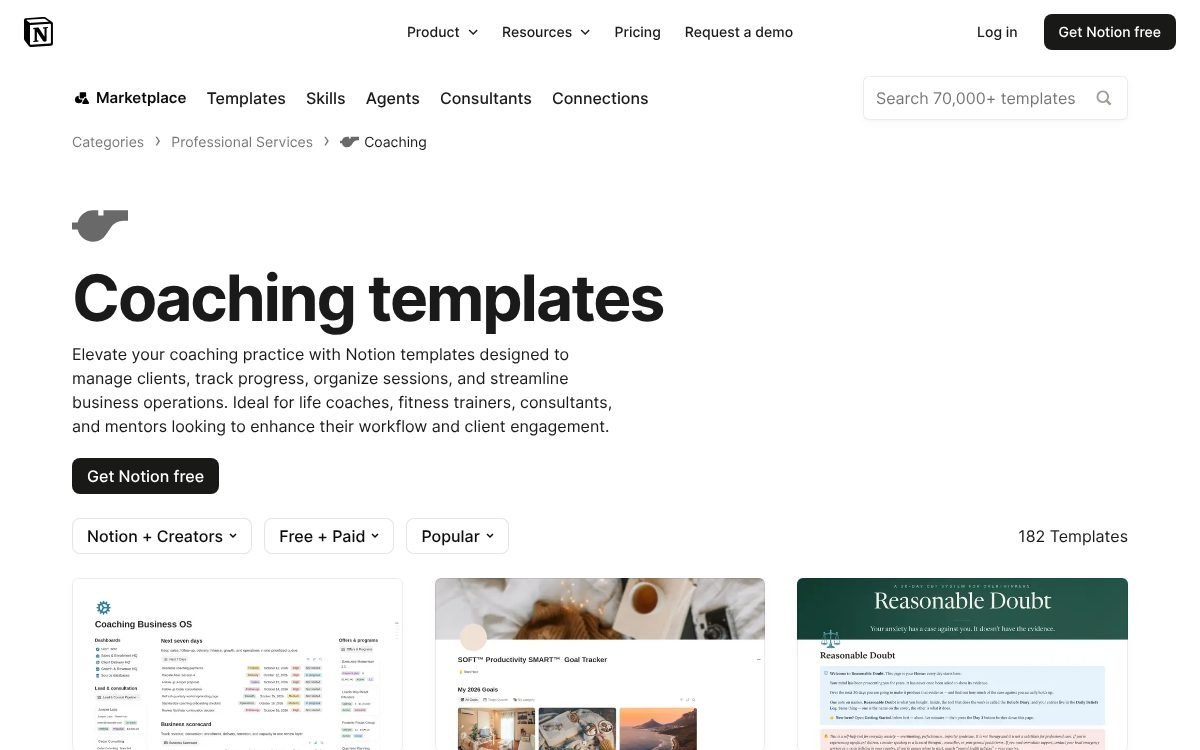
Notion’s Marketplace has a Coaching category that, when we checked, listed 177 free and paid templates for managing clients, scheduling sessions and tracking goals.
If you would rather not build it yourself, our Coaching Notion Template (Clients, Sessions, Payments) is set up for exactly this stage, and the Online Course Creation Notion Template covers the planning side of stage 3.
Notion pricing
- Free: $0, enough for a solo coach starting out.
- Plus: $10 per seat a month billed yearly, or $12 billed monthly.
- Business: $20 per seat a month billed yearly, or $24 monthly. Business lists Notion Agent and AI Meeting Notes; Plus includes only a trial of Notion AI.
When to upgrade: stay on Free until you add an assistant or need features the Free plan limits. Plus is the usual next step for a small team.
Stage 2: Sell and email with Kartra
Once you have an offer, you need a page that explains it, a checkout that takes payment, and emails that follow up. Kartra bundles those jobs. Its homepage describes it as “the all-in-one platform that turns your expertise into scalable income”.
What it covers
Kartra’s site lists landing pages and websites, sales funnels, email marketing, checkouts, affiliate management, lead management, surveys and quizzes, calendars, help desks, online courses and membership sites. Its FAQ also mentions native video hosting, and the company runs a webinar product family (WebinarJam and EverWebinar) under the same affiliate program.
For coaches, the practical value is fewer handoffs: a lead fills in a form, gets tagged, receives a sequence, books a call on the calendar and buys at a checkout, all inside one account.
Kartra pricing (as listed on the plan cards)
| Plan | Billed monthly | Billed annually (per month) | Contacts | Courses / memberships | Transaction fee |
|---|---|---|---|---|---|
| Essentials | $59 | $52 | 500 | 1 | 5% |
| Starter | $119 | $99 | 2,500 | Unlimited | 0% |
| Growth | $229 | $189 | 12,500 | Unlimited | 0% |
| Professional | $549 | $429 | See note | Includes Growth features | Not stated |
Kartra’s pricing page is not fully consistent. Email allowances for Essentials and Starter differ between the plan cards and the comparison grid, Professional contacts appear as both 25,000 and 12,500, and the Kartra AI allowances do not match across sections. We have left those numbers out. The page advertises a 14-day free period and a 30-day money-back guarantee.
The fee that matters: Essentials shows a 5% transaction fee. On $2,000 of monthly sales that is $100, which is more than the $47 to $60 jump to Starter. If your sales are growing, Starter is usually cheaper in practice. Confirm the fee at checkout, because third-party reviews report conflicting wording elsewhere on Kartra’s site.
If you want one login for pages, email and checkout, start a Kartra trial and build your first funnel before the free period ends.
Stage 3: Host course content with LearnWorlds
When your coaching turns into a repeatable program, a dedicated course platform starts to earn its place. LearnWorlds is built for this: courses on your own domain, an AI course builder and quizzes, and selling through your own Stripe or PayPal account.
LearnWorlds pricing
| Plan | Billed annually (per month) | Billed monthly | Enrollment fee | Notable inclusions |
|---|---|---|---|---|
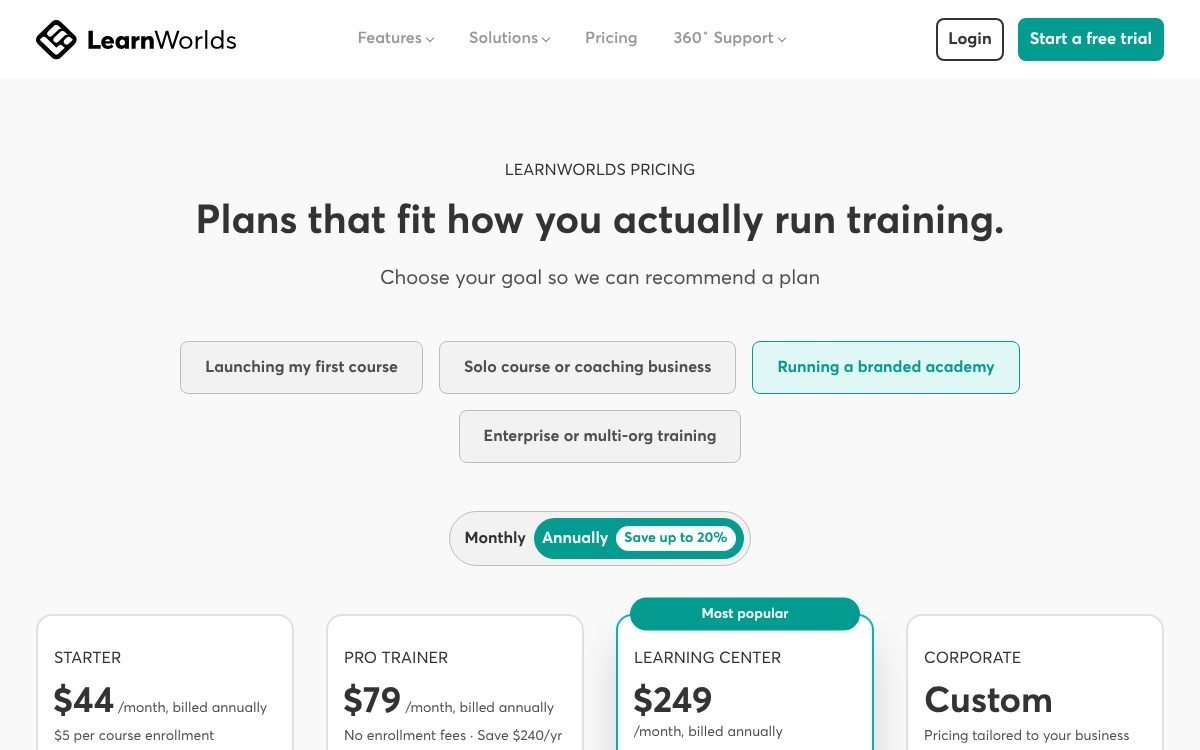
| Starter | $44 | $49 | $5 per enrollment | Unlimited paid courses; no free courses, learning paths or certificates |
| Pro Trainer | $79 | $99 | None | Subscriptions, memberships, payment plans, certificates, up to 20 SCORM uploads |
| Learning Center | $249 | $299 | None | White-label branding, automation triggers, scheduled reports |
| Corporate | Custom | Custom | None | Uptime commitment, dedicated success manager, phone support |
Prices exclude VAT. The comparison table lists a “Built-in community & social network” on all four plans, which matters for stage 4.
Starter or Pro Trainer? The break-even
- Annual billing: Pro Trainer costs $35 a month more ($79 minus $44). At $5 per enrollment, Starter’s fees pass that at 7 sales a month.
- Monthly billing: the gap is $50 ($99 minus $49), so the break-even is 10 sales a month.
- Other reasons to move up: you want subscriptions or payment plans, a free lead-magnet course, or certificates. Starter doesn’t include them.
Two items on the pricing page conflict: the Starter card lists live 1:1 and group sessions while the table shows “One account”, and Starter’s mass email credits differ between the card and the table. Check both if they matter to you.
If you are ready to set up a school, visit LearnWorlds.
Stage 4: Run a community or membership with Circle
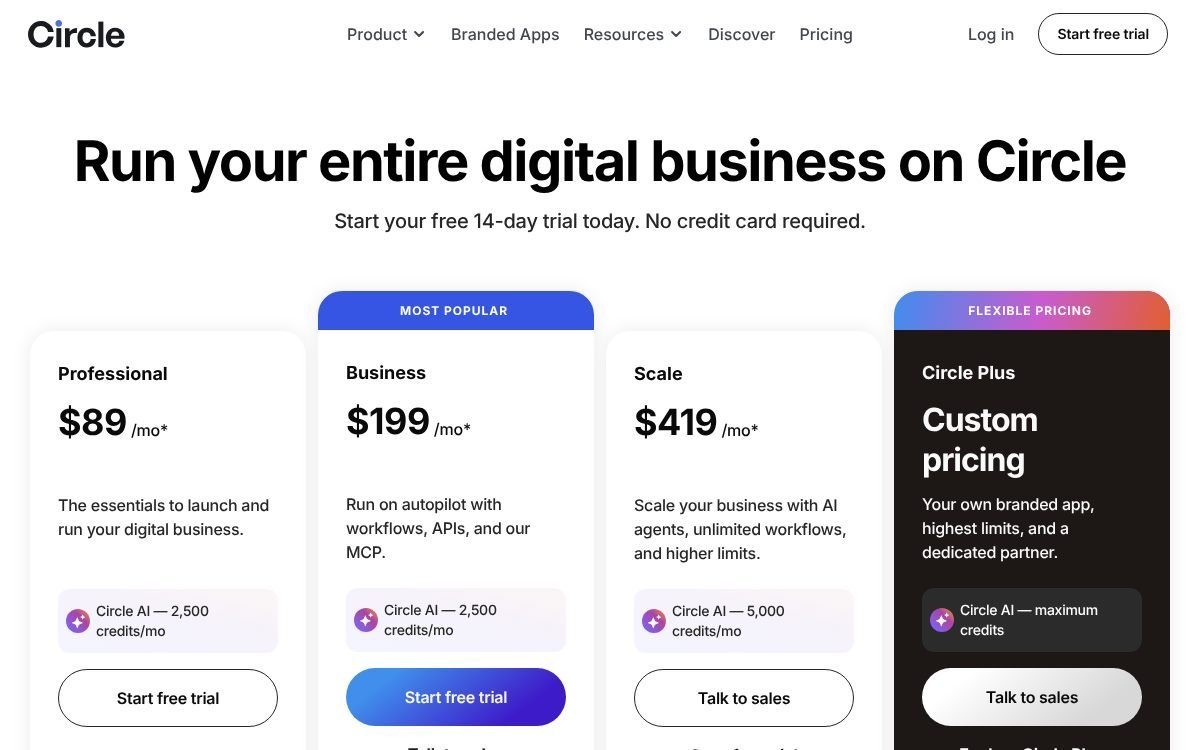
Group coaching, cohorts and paid memberships live or die on the community. Circle’s pricing page headline is “Run your entire digital business on Circle”, and its plans bundle community spaces, live events, courses and paywalled access.
Circle pricing
| Plan | Price (annual billing) | Transaction fee | Admins / moderators / spaces | Live attendees |
|---|---|---|---|---|
| Professional | $89/mo | 2% | 3 / 10 / 20 | 100 |
| Business | $199/mo | 1% | 5 / 15 / 30 | 200 |
| Scale | $419/mo | 1% | 10 / 100 / 100 | 500 |
| Circle Plus | Custom | 0.5% | Unlimited | Not listed |
The footnote says prices are “based on annual billing”. Circle says monthly billing is available at a higher rate but doesn’t list it, so we could not include a monthly figure. There is a 14-day free trial with no credit card required and a 30-day money-back guarantee.
Email is extra. On Professional, Business and Scale, email marketing comes from the Email Hub add-on, priced by contacts: $0 for up to 100, $19 for 101 to 1,000, rising from there. If you plan to use Circle as your only tool, budget for it.
Fee math: at 2%, $1,000 of membership sales costs $20 on Professional. Business halves the rate but costs $110 more a month, so the lower fee only pays for itself once you sell $11,000 or more a month through Circle.
Circle also hosts courses
Circle’s courses page pitches a way to “build, sell, and scale your online course alongside a thriving community”, with visual learning paths, a “video-first player” and Circle AI that can propose modules, lessons and assessment questions. The page doesn’t describe drip scheduling or quizzes in detail, so check those if you rely on them.
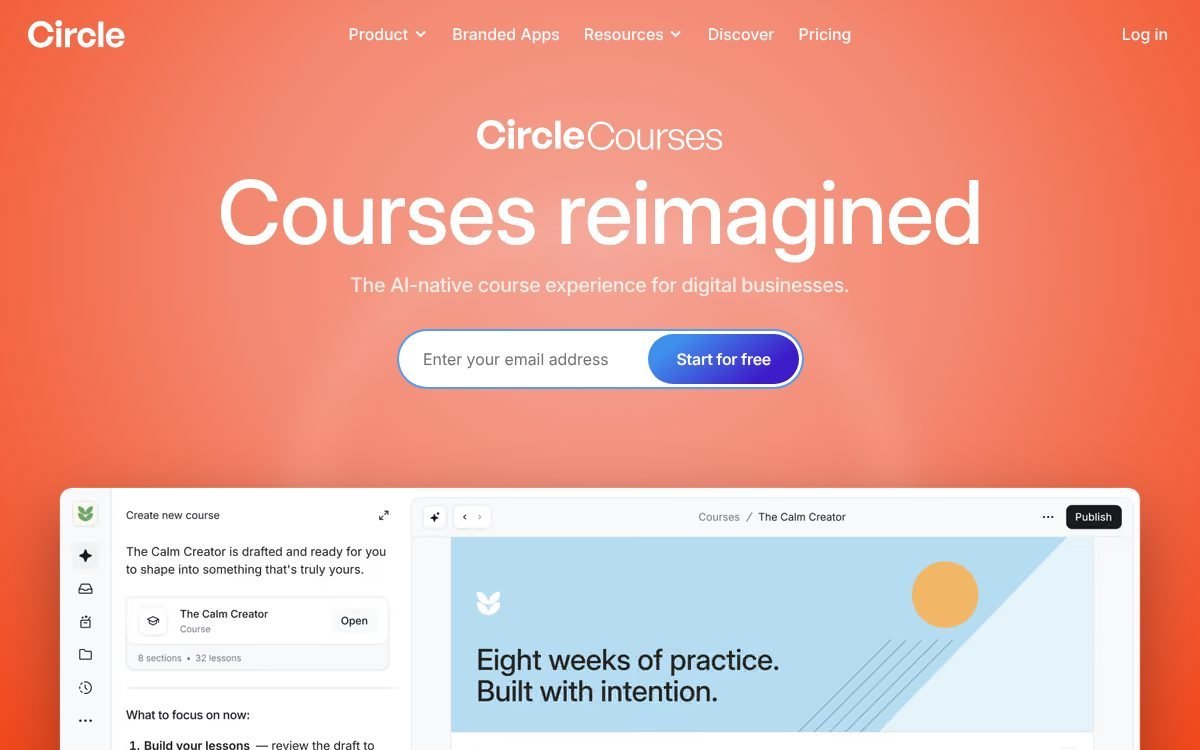
If your program is mostly calls, discussion and accountability, try Circle free for 14 days before you commit to a separate course platform.
Stage 5: Produce narrated lessons with Murf AI
Recording and re-recording lessons is where many course projects stall. An AI voice tool lets you write a script, generate the narration, and fix a sentence later without booking another recording session.
What Murf offers course creators
- 200+ voices and 35+ languages, according to its text-to-speech page.
- Pitch, speed and pause controls, “adjustable per sentence or per word”.
- A pronunciation editor, useful for brand names and technical terms in your niche.
- For training modules, Murf notes you can update a lesson by regenerating its audio instead of re-recording it.
Murf pricing
Murf’s main pricing page didn’t load for us as readable text. Its text-to-speech page states: a free plan with 2 projects and 10 minutes of voice generation; Creator starting at $19 a month and Business starting at $66 a month, both billed annually; Enterprise is custom. We could not confirm monthly-billing rates, per-plan minutes, or commercial-use terms, so check those on the pricing page before you buy.
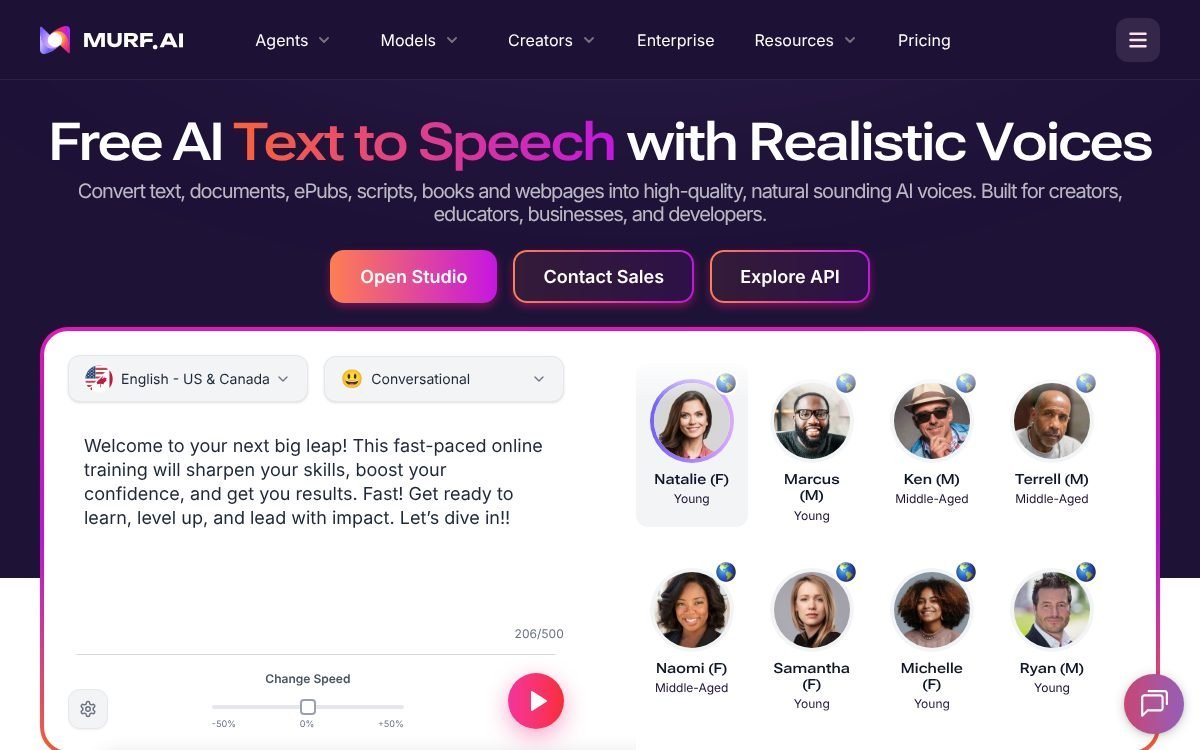
For a detailed look at voice quality and credits, see our ElevenLabs vs Murf AI comparison. To try it on a lesson script, start with Murf’s free plan.
When one tool can replace another
These five tools overlap a lot. Paying for two tools that do the same job is the most common way a coaching stack gets expensive. Here is where they overlap, based on each vendor’s pages.
Kartra can replace LearnWorlds (for simple programs)
Kartra’s membership sites support drip content on a schedule, tiered membership levels at different prices, uploads of videos, audio and downloads, comment forums, and an automated email when new content unlocks. Its FAQ describes ending a post with a form or quiz that must be completed before moving on. That is enough for many coaching programs. Note that Essentials allows only one course or membership.
Keep LearnWorlds if you need certificates, SCORM, learning paths or a school-style catalog.
Circle can replace LearnWorlds (when community comes first)
Circle includes courses on every paid plan, so a cohort program can live entirely inside Circle. You pay the transaction fee on Circle sales, and you need Email Hub (or another email tool) for marketing.
LearnWorlds can replace Circle (when the course comes first)
LearnWorlds’ built-in community supports unlimited Spaces (public, for logged-in or paying users, or private), Collections that group Spaces, and posts with images, videos, files, polls and comments. Each course can generate its own private Community Space when course discussion is turned on. If your students mainly need a place to ask questions about lessons, that may be all you need.
Kartra can replace your email tool and booking tool
Kartra lists email marketing, calendars and help desks alongside its pages and checkout. If you are on Kartra, you probably don’t need separate subscriptions for those.
What nothing replaces
- Notion for private client notes, planning and your content backlog. Course platforms aren’t built for that back-office work.
- Murf AI, unless you record your own narration. None of the other four generate voiceovers.
Starter stack vs growth stack: example monthly totals
These totals use only list prices we could confirm on vendor pages. All of them use annual billing, shown as a monthly rate, because Circle and Murf don’t publish monthly-billing prices on the pages we read. They exclude taxes, payment processor fees and add-ons.
Starter stack: first course, first students (about $63 a month)
| Job | Tool and plan | Monthly rate (annual billing) |
|---|---|---|
| Plan and run clients | Notion Free | $0 |
| Host course, sell, community | LearnWorlds Starter | $44 + $5 per enrollment |
| Narrated lessons | Murf AI Creator | $19 |
| Total | $63 + $5 per enrollment |
LearnWorlds covers selling and community at this stage. At 10 sales a month you would pay $50 in enrollment fees, which is the point to look at Pro Trainer.
Alternative starter (funnel first): Notion Free ($0) + Kartra Essentials ($52 annual) = $52 a month, with one course or membership, 500 contacts and a 5% transaction fee shown on the plan.
Growth stack: funnels, courses and a paid community (about $296 a month)
| Job | Tool and plan | Monthly rate (annual billing) |
|---|---|---|
| Plan and run clients | Notion Plus (1 seat) | $10 |
| Sell and email | Kartra Starter | $99 |
| Host course content | LearnWorlds Pro Trainer | $79 |
| Community and membership | Circle Professional | $89 + 2% of Circle sales |
| Narrated lessons | Murf AI Creator | $19 |
| Total | $296 + 2% of Circle sales |
Lean growth stack: drop the overlap (about $198 or $108 a month)
- Kartra-centered: Notion Plus $10 + Kartra Starter $99 + Circle Professional $89 = $198 a month. Courses run in Kartra memberships or Circle; add Murf ($19) if you narrate lessons, for $217.
- LearnWorlds-centered: Notion Plus $10 + LearnWorlds Pro Trainer $79 + Murf Creator $19 = $108 a month. Community runs in LearnWorlds’ built-in Spaces, and sales go through your own Stripe or PayPal with no LearnWorlds enrollment fee.
For reference, on monthly billing Kartra Starter is $119 and LearnWorlds Pro Trainer is $99, so those two lines rise by $20 each if you don’t commit to a year.
How to choose your stack in four questions
- Is the product a course or a community? Course first: LearnWorlds. Community first: Circle.
- Do you sell through funnels and long email sequences? If yes, Kartra earns its place. If you mostly sell to warm followers, the course platform’s checkout may be enough.
- How many sales a month do you expect? Run the fee math: LearnWorlds Starter’s $5 per enrollment, Kartra Essentials’ 5%, Circle’s 2% on Professional.
- Will you narrate lessons yourself? If recording is the bottleneck, Murf’s Creator plan is cheaper than a lost month.
Whatever you choose, keep the plan in one place. A simple Notion board with modules, lessons, script status and launch dates prevents most of the “which tool did I put that in?” problems.
FAQ
What are the best tools for coaches and course creators on a tight budget?
Start with Notion Free for client management and LearnWorlds Starter ($44 a month billed annually, or $49 monthly, plus $5 per enrollment) for hosting and selling. Add Murf AI only if you need narration.
Do I need both Kartra and LearnWorlds?
Often not. Kartra’s membership sites handle drip content, levels and gated quizzes. LearnWorlds is worth adding when you want certificates, learning paths, SCORM or a school-style course catalog.
Does Circle charge transaction fees?
Yes, according to its pricing page: 2% on Professional, 1% on Business and Scale, and 0.5% on Circle Plus. Payment processor fees are separate.
Does LearnWorlds charge a fee per sale?
Only on Starter, which charges $5 per enrollment. Pro Trainer, Learning Center and Corporate have no enrollment fee. Stripe and PayPal still charge their own processing fees.
Can LearnWorlds replace a community platform?
For many course creators, yes. Every plan lists a built-in community, with Spaces, Collections, posts, polls and private course discussion spaces. A dedicated tool like Circle makes more sense when the community itself is the product, with live events and paid tiers.
Is there a free trial for these tools?
Circle offers a 14-day trial with no credit card required. Kartra’s pricing page advertises 14 days free and a 30-day money-back guarantee. Notion and Murf have free plans. Check LearnWorlds’ current trial terms on its site.
Can I use Murf AI voiceovers in a paid course?
Murf markets its voices for training and e-learning content, but we couldn’t confirm the commercial-use terms per plan from the pages we read. Check the pricing page and terms for your plan before you publish a paid course.
Bottom line
Build the stack in order: Notion to run clients, then one platform to sell and host, then community and narration when you need them. Most coaches can run a full business on two or three of these tools. Add the fourth or fifth only when a job is clearly not being done.
Notion systems, spreadsheets and planners with a setup guide. Instant download.