Description
Setup Guide & Full Tour (5 min, start here if you are new to Notion)
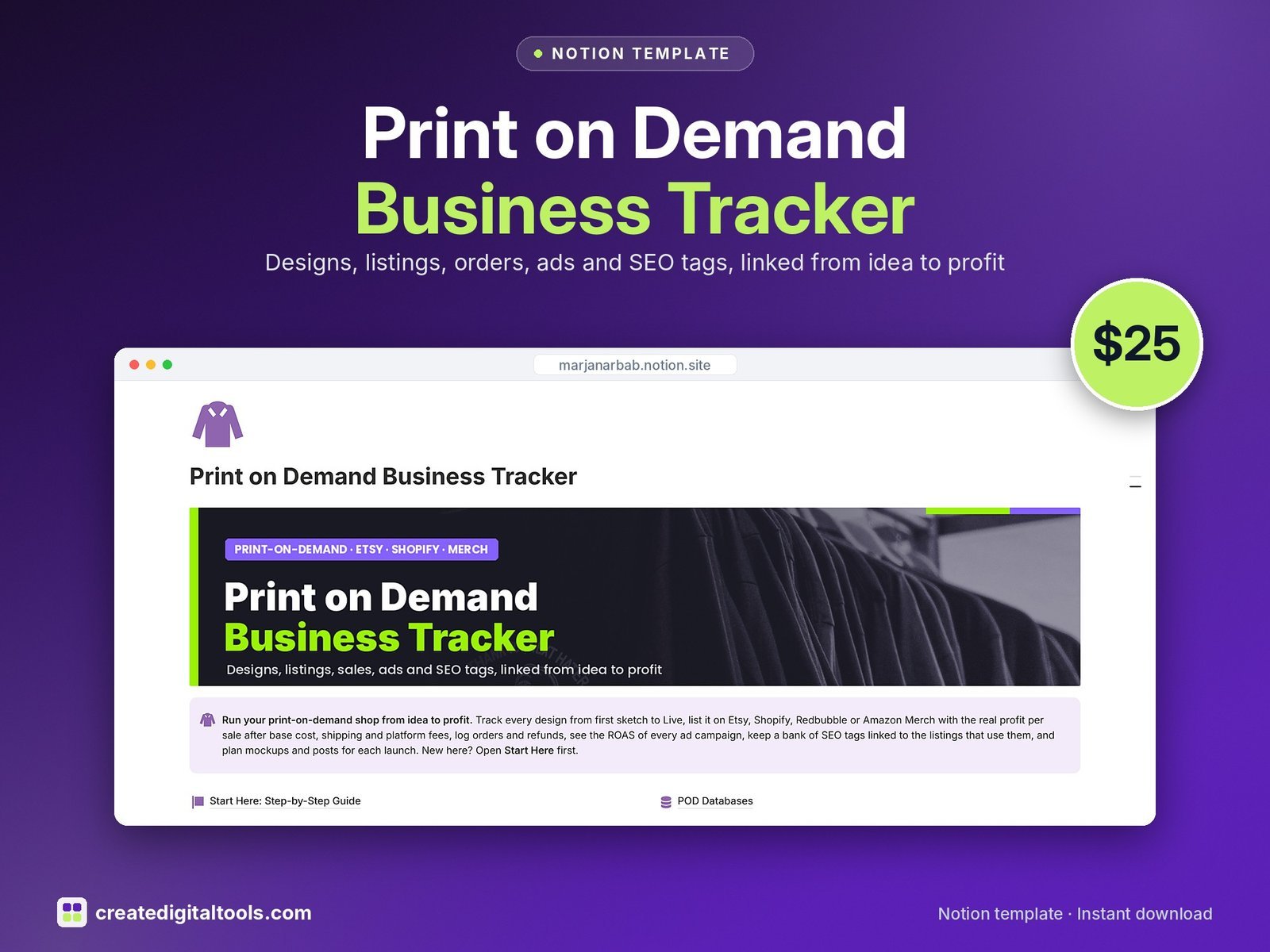
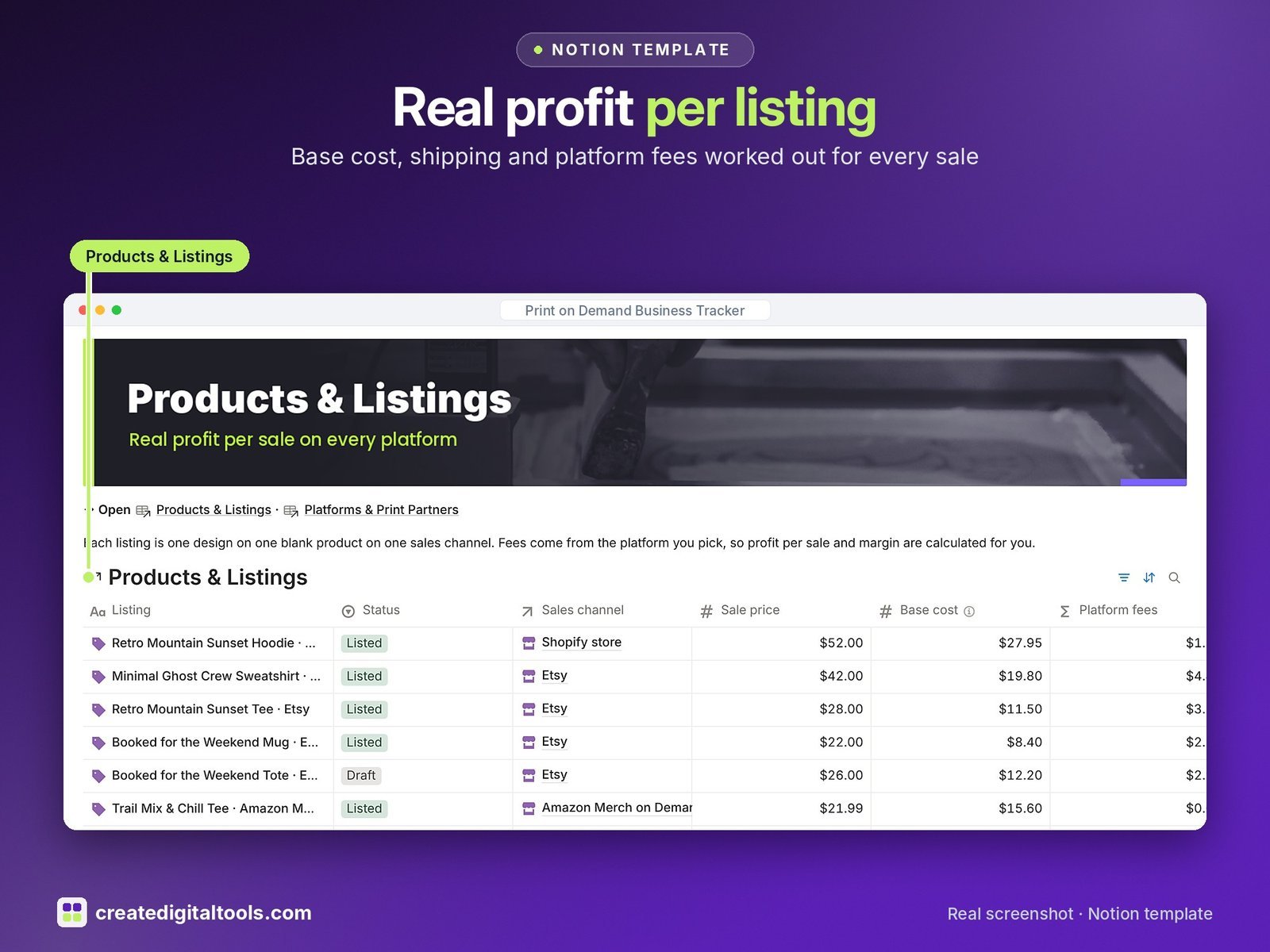
Know what every design, listing and ad really earns. The Print on Demand Business Tracker follows each design from idea to live listing to sale, and works out the profit per sale on every platform after base cost, shipping and fees.
Who it’s for
- Print-on-demand sellers on Etsy, Shopify, Redbubble or Amazon Merch
- Shops printing with Printify, Printful or Gelato
- Sellers who run ads and want to know which listings to scale
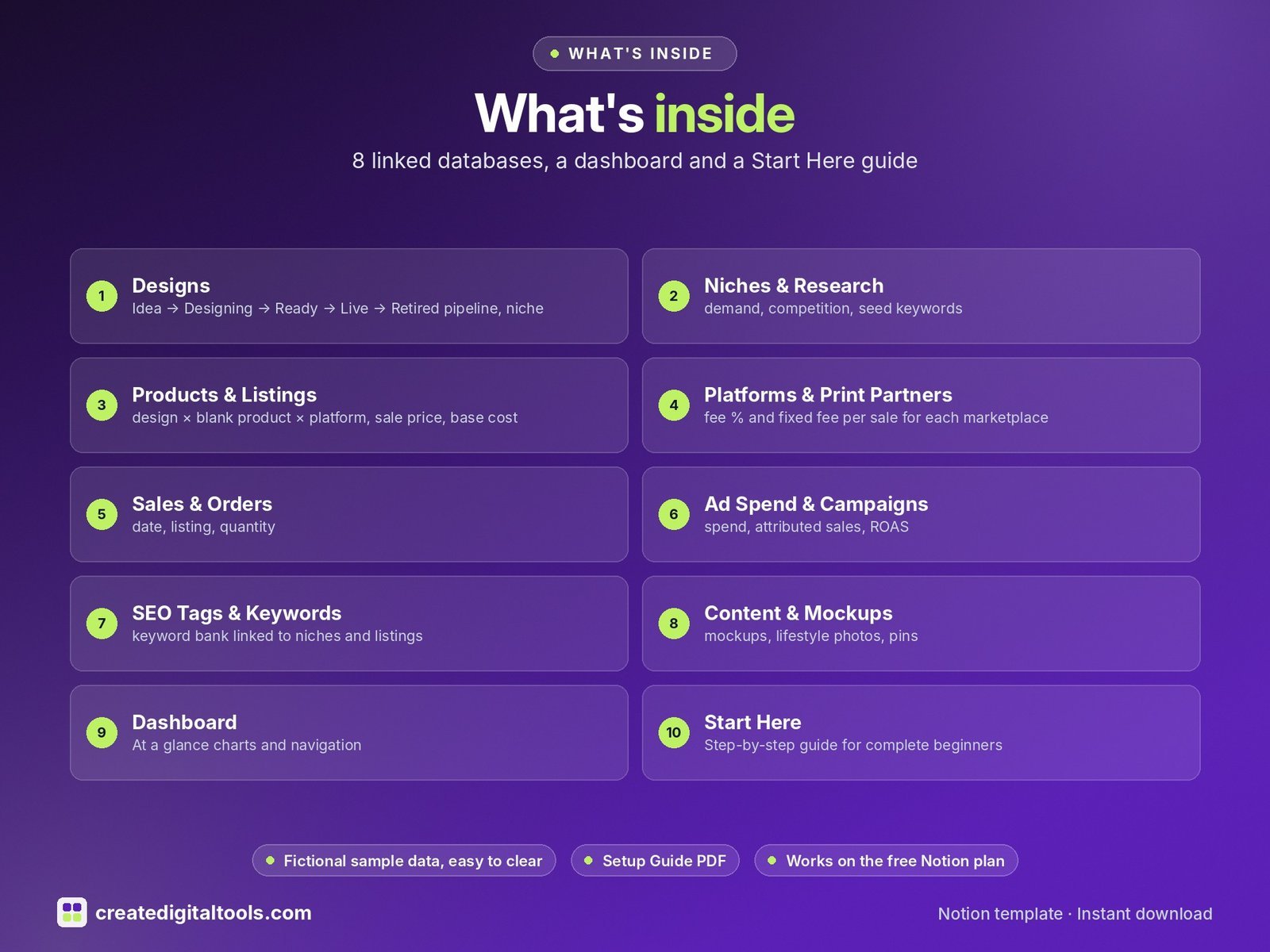
What’s inside
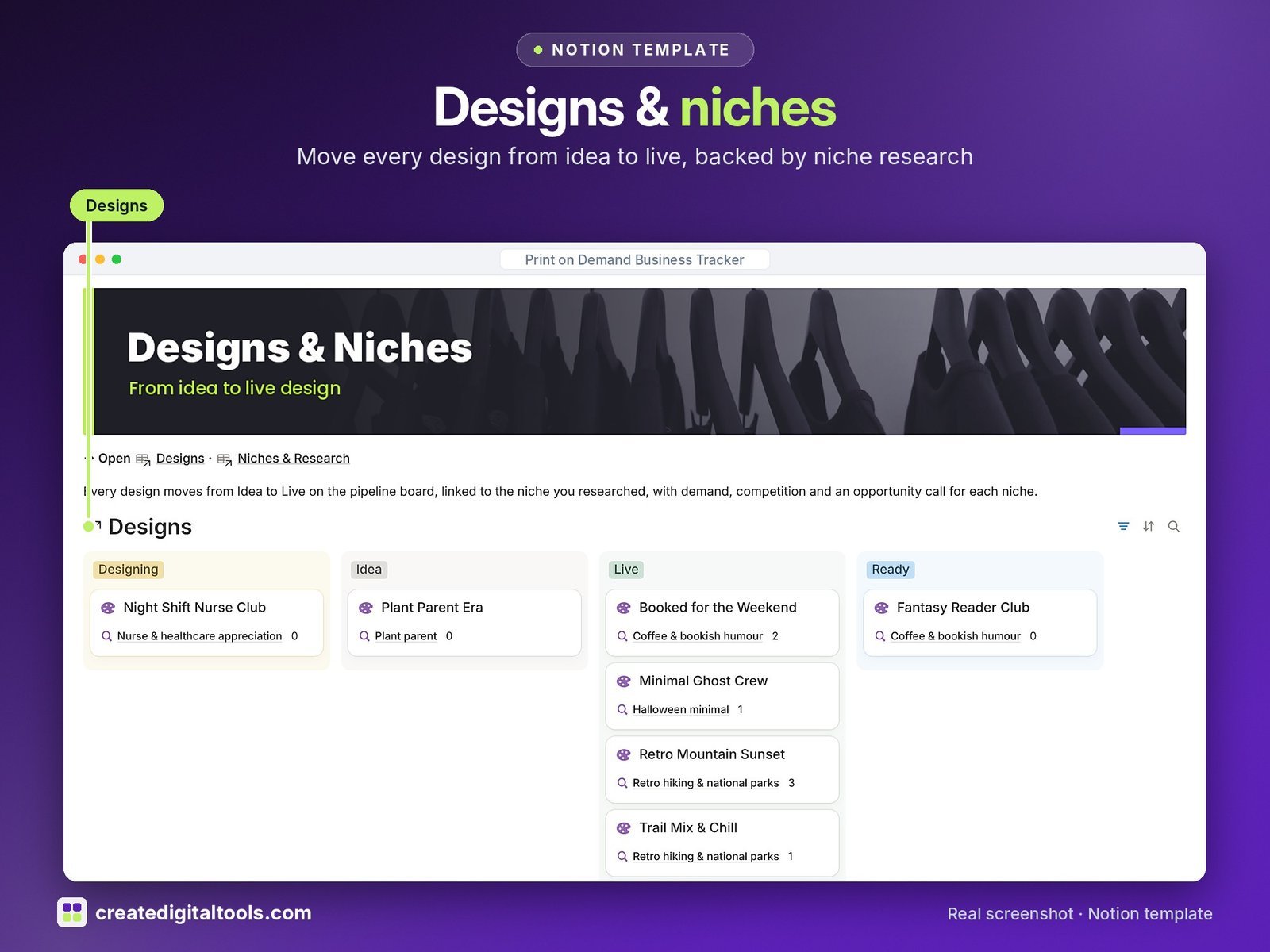
- Designs: Idea → Designing → Ready → Live → Retired pipeline, niche, style, design file link, listings count, total profit and days live
- Niches & Research: demand, competition, seed keywords and a Go / Test / Skip call
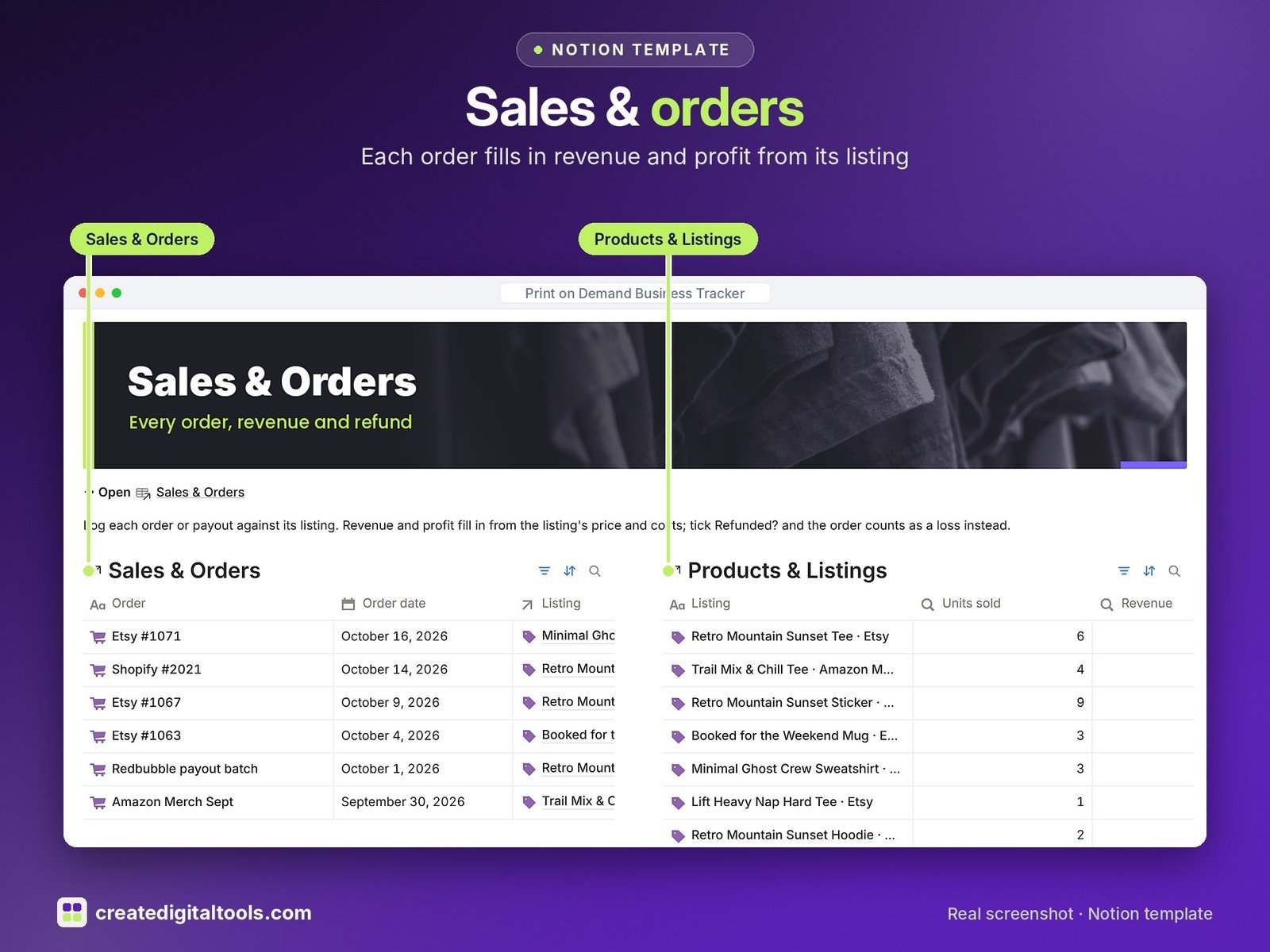
- Products & Listings: design × blank product × platform, sale price, base cost, shipping, platform fees, profit per sale, margin %, units sold, ad spend and profit after ads
- Platforms & Print Partners: fee % and fixed fee per sale for each marketplace, used by every listing
- Sales & Orders: date, listing, quantity, revenue and profit filled in from the listing; refunds counted as a loss
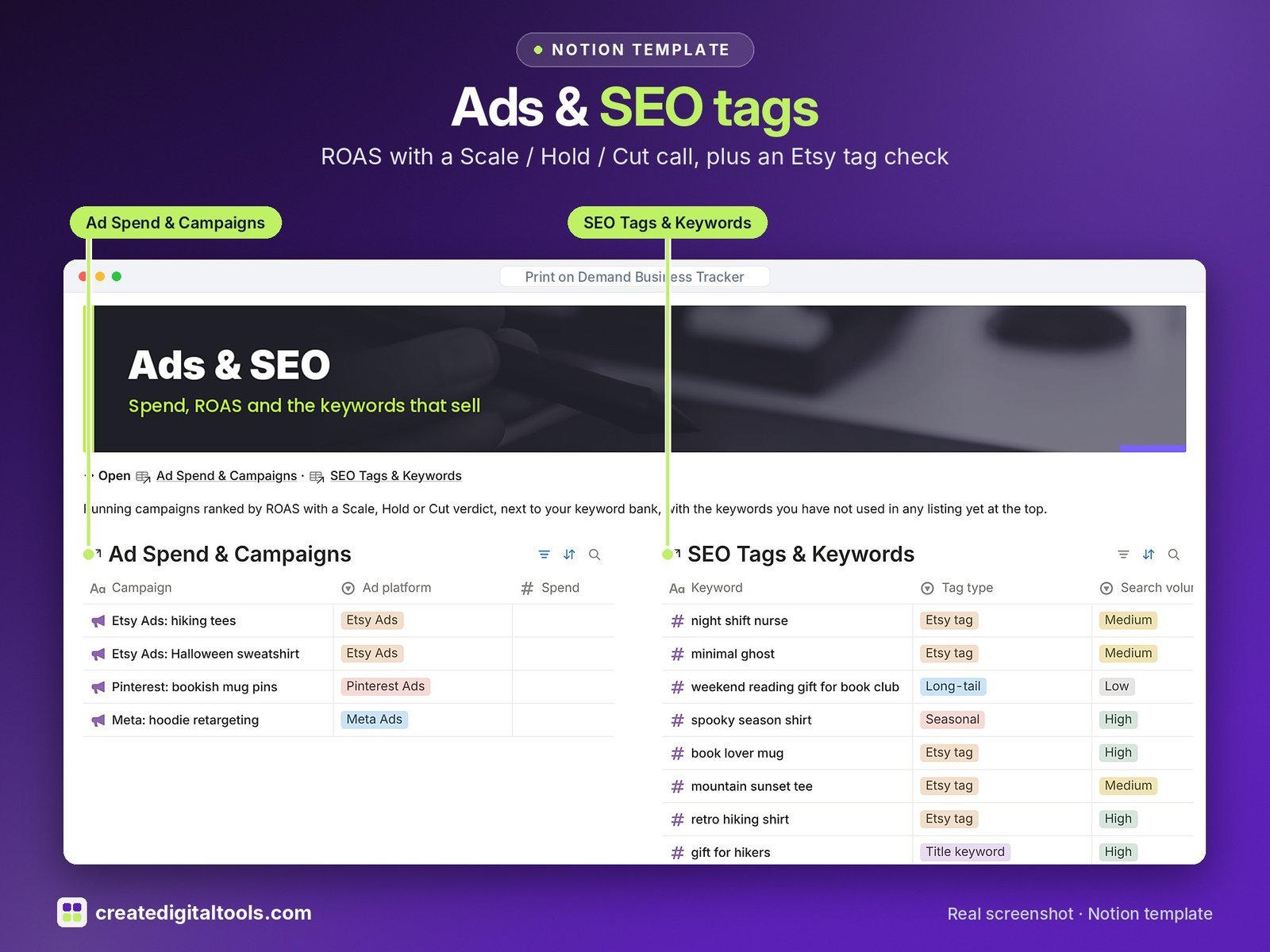
- Ad Spend & Campaigns: spend, attributed sales, ROAS, cost per order and a Scale / Hold / Cut verdict
- SEO Tags & Keywords: keyword bank linked to niches and listings, an Etsy 20-character tag check and an Unused keywords view
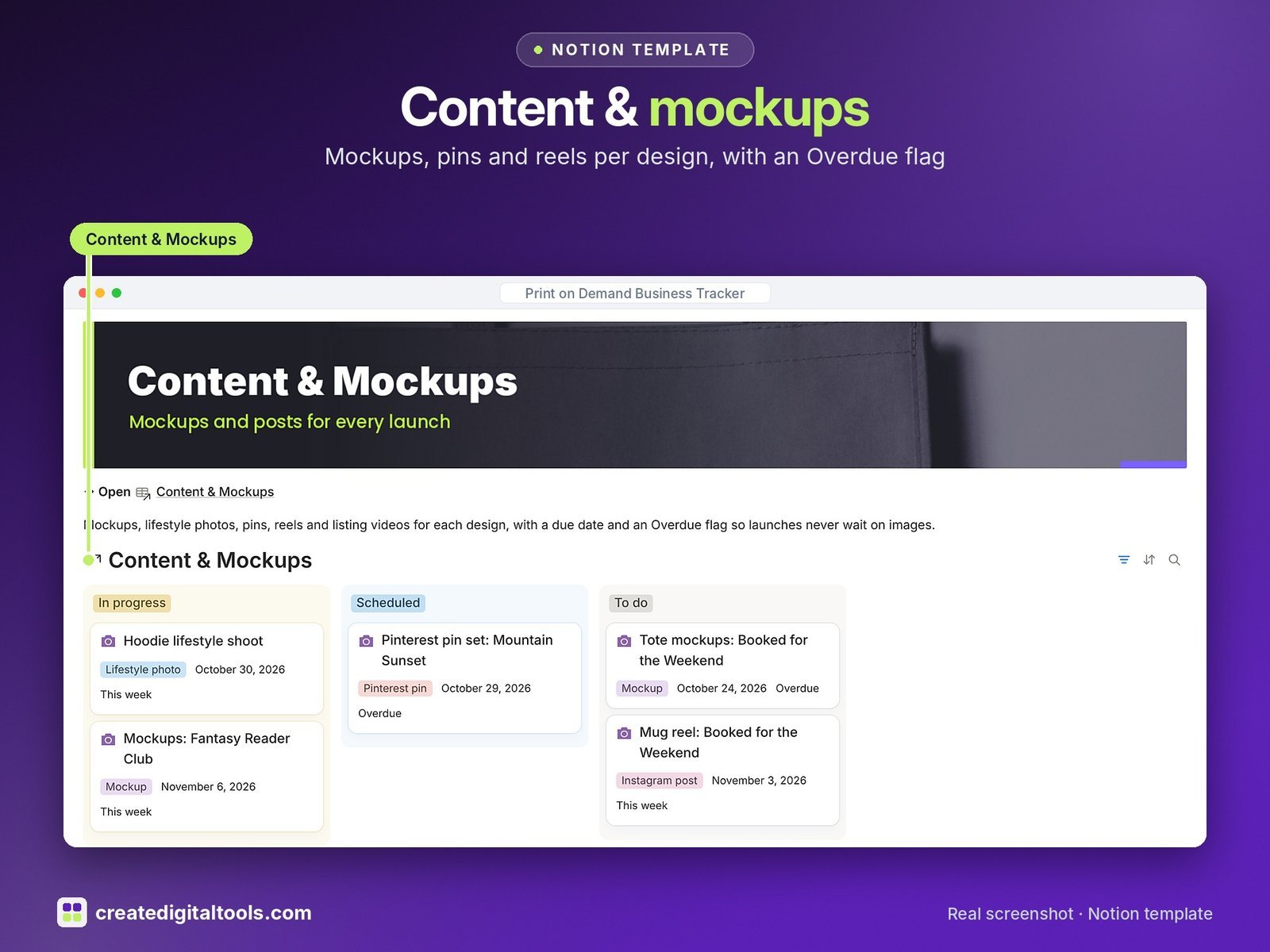
- Content & Mockups: mockups, lifestyle photos, pins, reels and listing videos per design with due dates and an Overdue flag
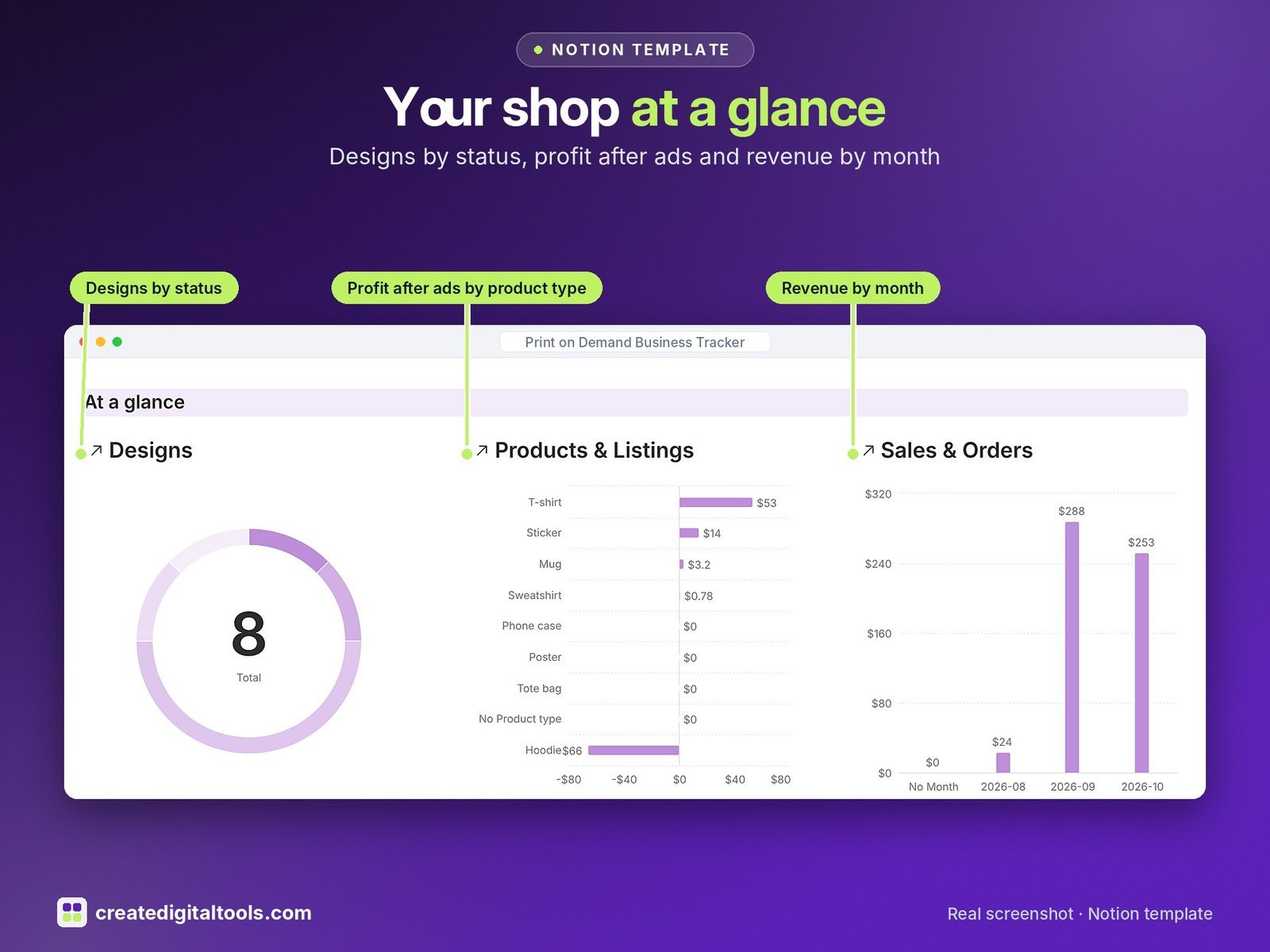
- Dashboard: at a glance charts (designs by status, profit after ads by product type, revenue by month), eight photo navigation cards and focused views for every part of the shop.
- Start Here: Step-by-Step Guide inside the template, written for complete beginners
- Fictional sample data so you can see how everything connects, easy to clear
How it works
Add a design, list it on one or more platforms, and each listing pulls its fees from the Platforms table. Every order then fills in revenue and profit from its listing, and ads, tags and content link back to the same design.
Built-in automations
Four date-stamp automations: Went live on, Retired on, Listed on and Posted on.
Set up in 3 steps
- Open the template link in your PDF and click Duplicate to copy it into your own Notion workspace.
- Open Start Here and follow the setup: add your own details and clear the sample data when you’re ready.
- Work from the dashboard every day and use the weekly checklist in Start Here to keep everything up to date.
What you get
- The Notion template (duplicate link delivered as a PDF)
- Setup Guide PDF with a step-by-step walkthrough and FAQ
- Start Here guide inside the template
Free plan
Works on the Free Notion plan. The built-in automations are Notion database automations, which run on paid plans (Plus and up). On the Free plan they pause and you fill those dates in by hand; every database, formula and view still works. Desktop, web and the Notion mobile app.
Please note
Fee figures in the sample data are examples; check each platform’s current fees. This template is for tracking your shop and is not financial or tax advice.
Digital product: nothing physical is shipped. Sample data is fictional.
Notion is a trademark of Notion Labs, Inc.; this is an independent template by Create Digital Tools (createdigitaltools.com).
New to Notion? Try it free here (affiliate link: we may earn a commission at no extra cost to you).
Also on Gumroad: Print on Demand Business Tracker: Notion Template
Want your own store like this one? createdigitaltools.com runs on Hostinger WordPress hosting. Start your own shop with Hostinger, or try the no-code Hostinger Website Builder.
Affiliate links: I may earn a commission at no extra cost to you.