Description
Full Walkthrough
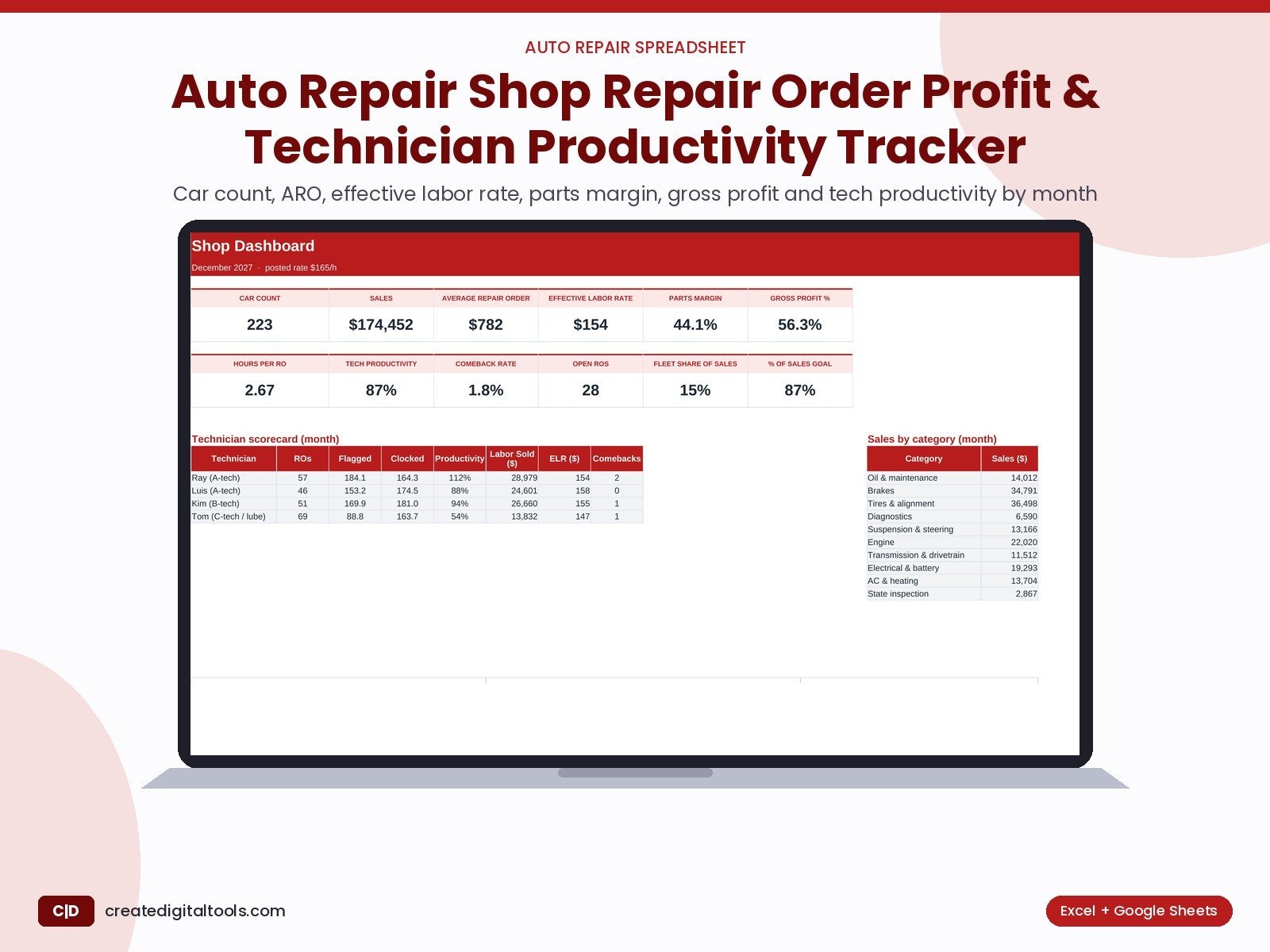
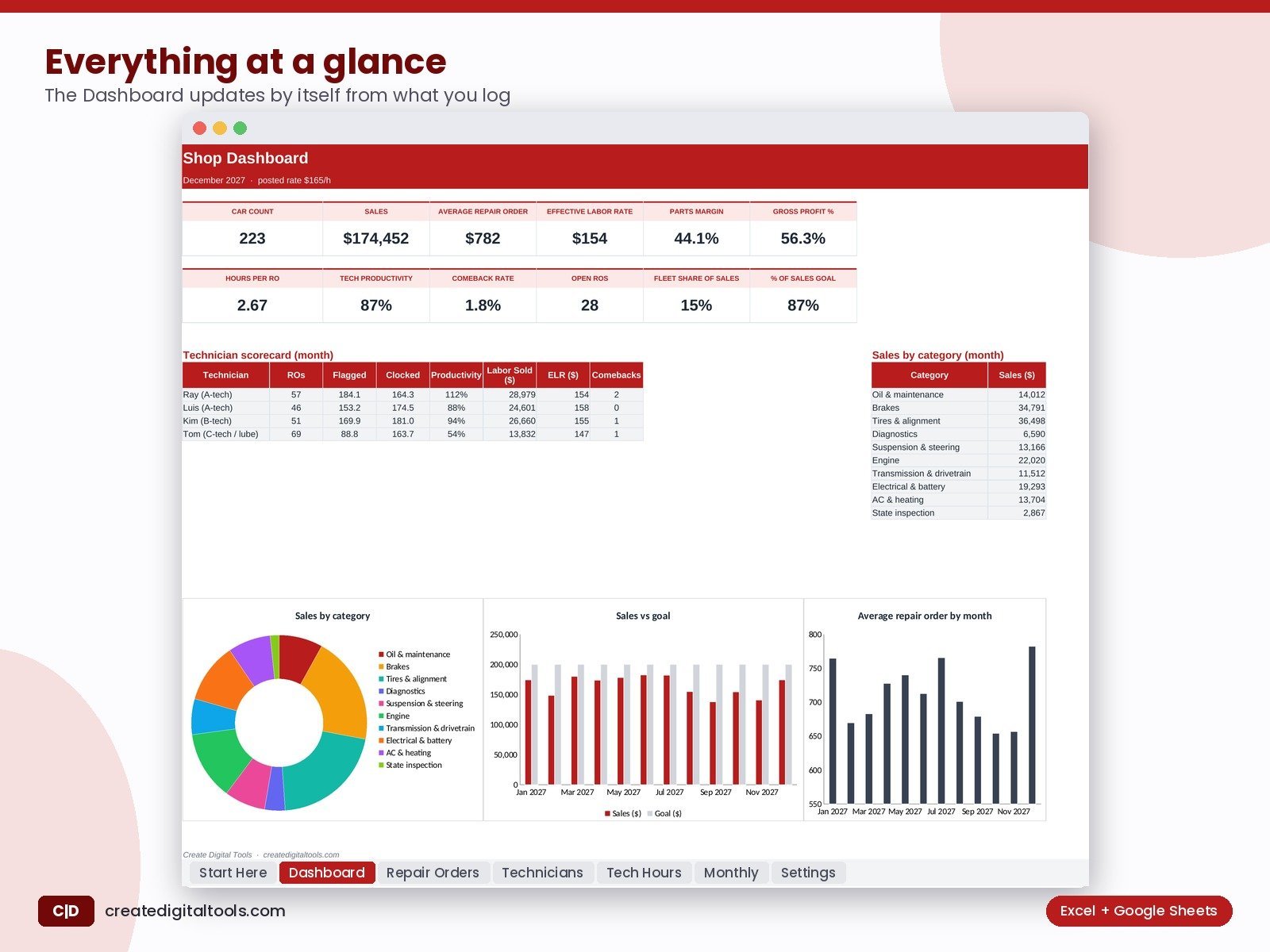
Log repair orders and clock hours. See car count, ARO, effective labor rate, parts margin, gross profit %, tech productivity and comebacks.
Who it’s for
Independent auto repair, tire and fleet shops that want the numbers shop coaches ask for, without pulling reports from three systems.
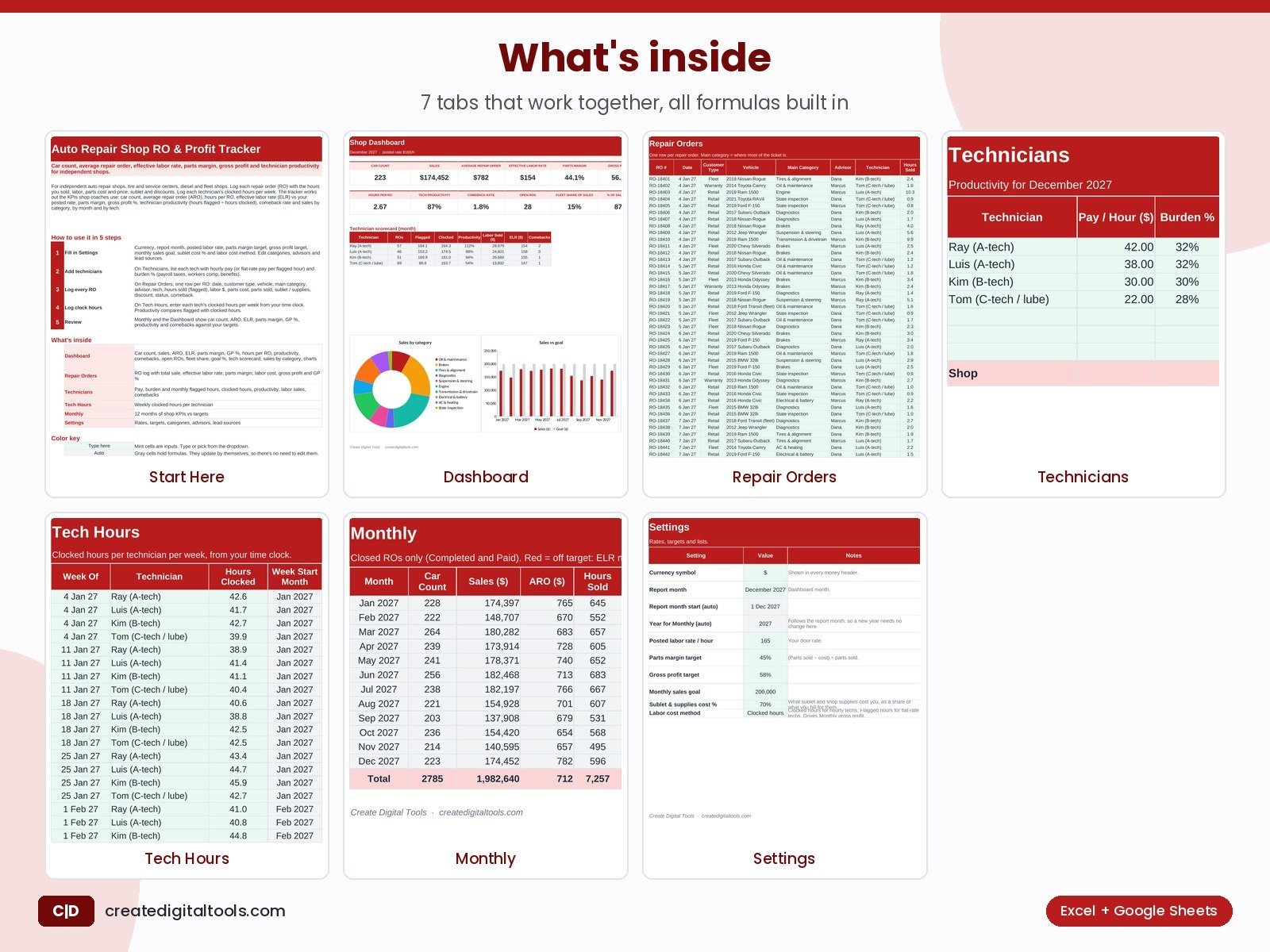
What’s inside
- Dashboard: Car count, sales, ARO, ELR, parts margin, GP %, hours per RO, productivity, comebacks, open ROs, fleet share, goal %, tech scorecard, sales by category, charts
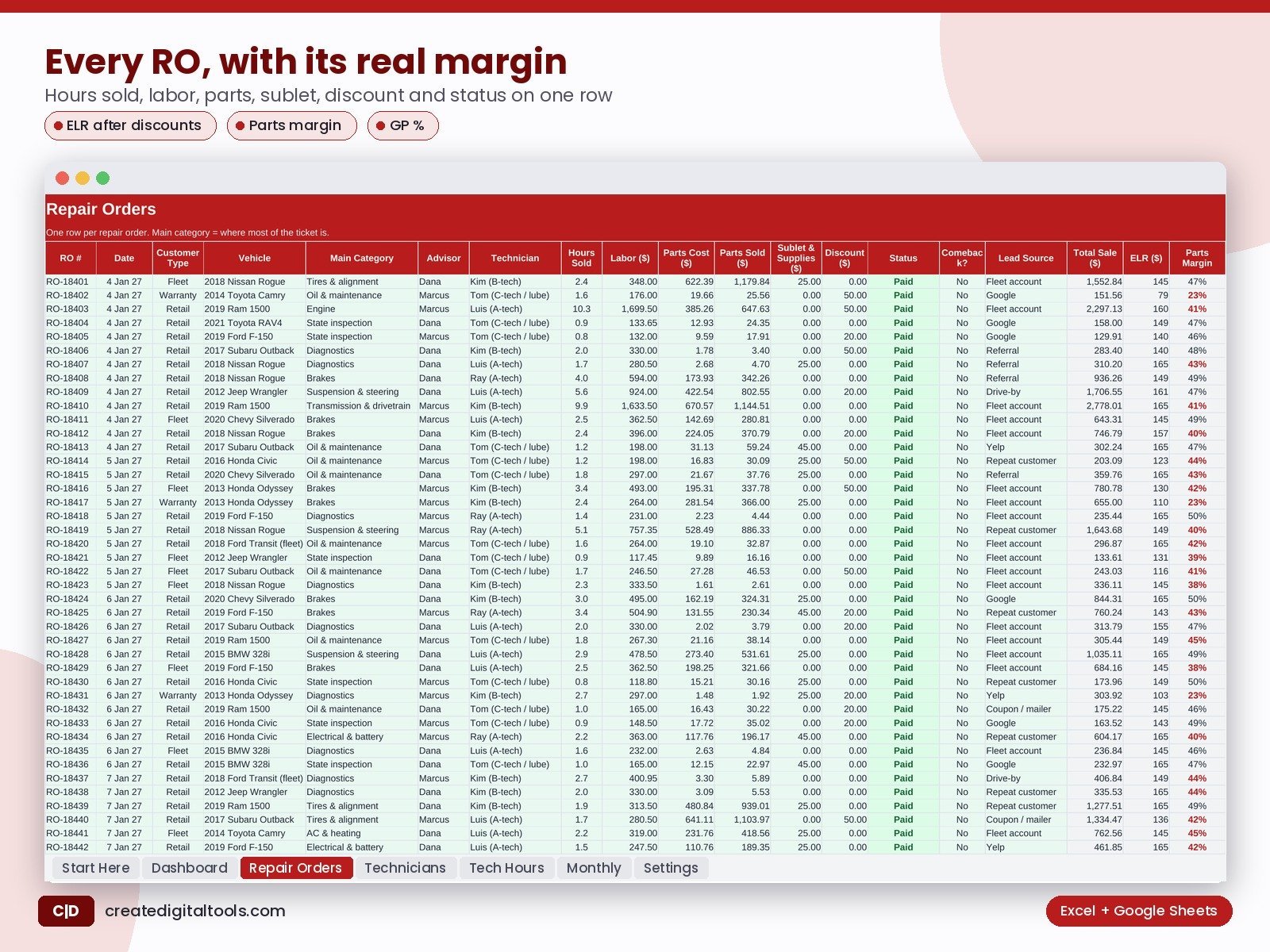
- Repair Orders: RO log with total sale, effective labor rate, parts margin, labor cost, gross profit and GP %
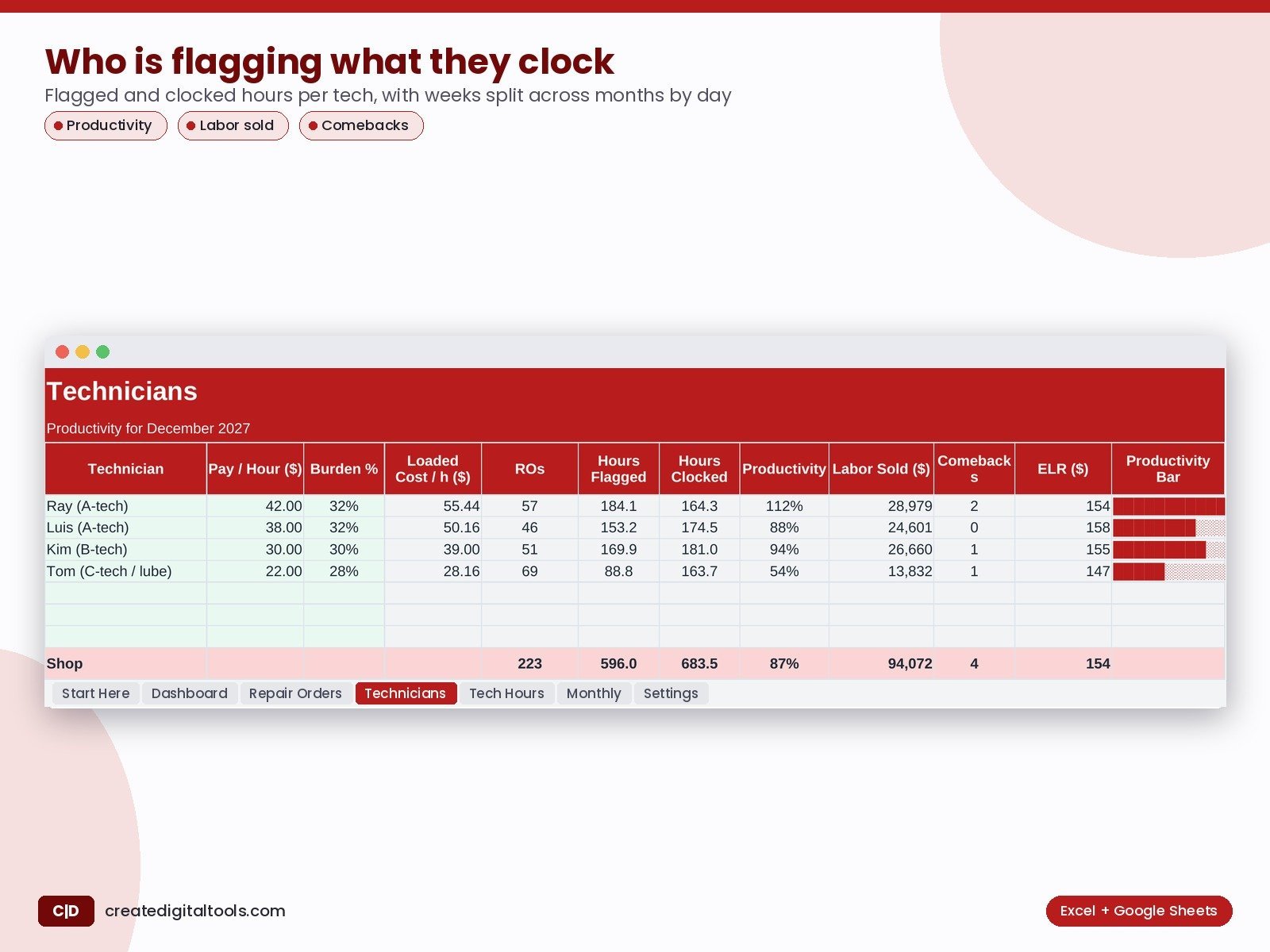
- Technicians: Pay, burden and monthly flagged hours, clocked hours, productivity, labor sales, comebacks
- Tech Hours: Weekly clocked hours per technician
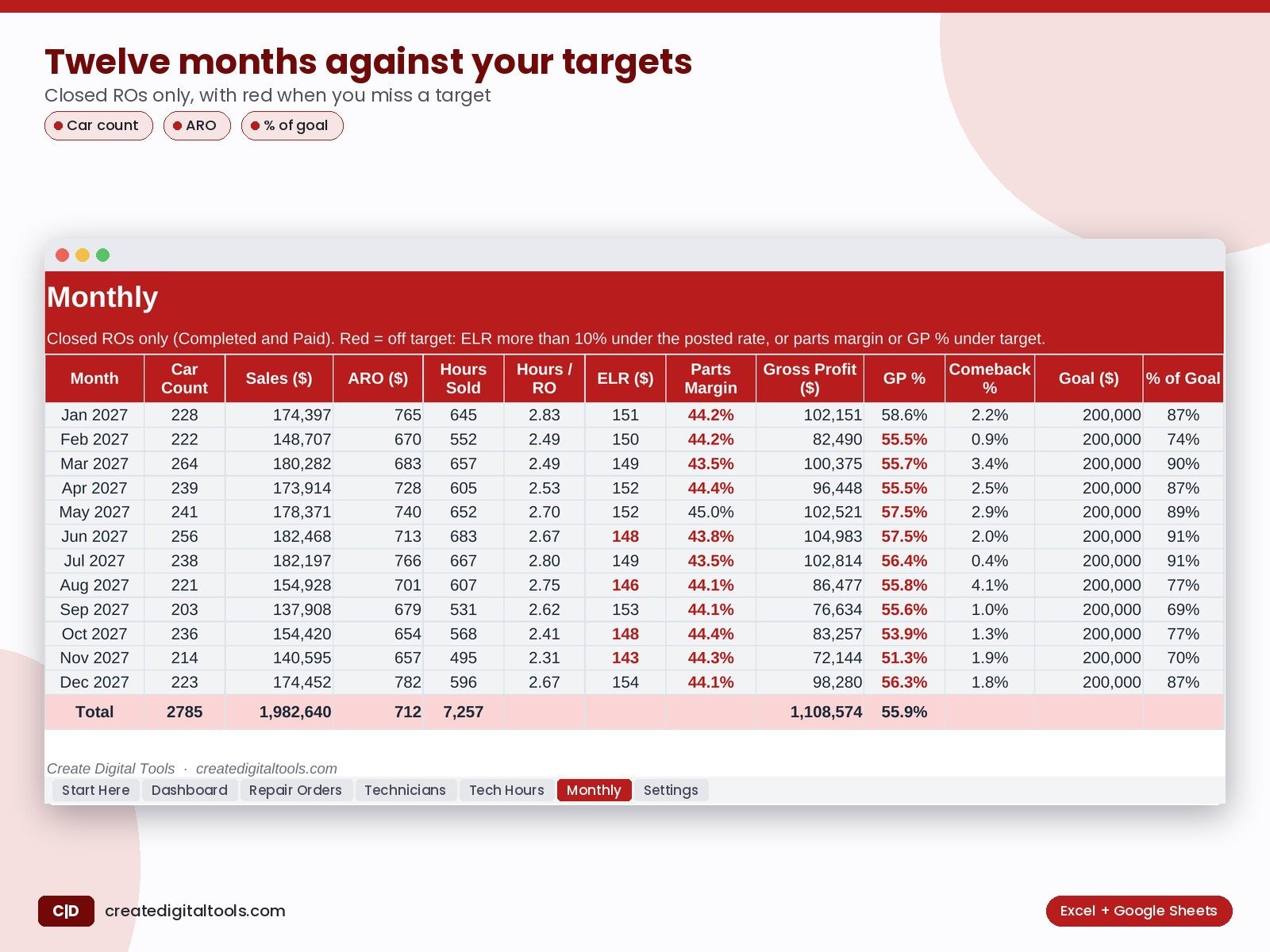
- Monthly: 12 months of shop KPIs vs targets
- Settings: Rates, targets, categories, advisors, lead sources
What you get
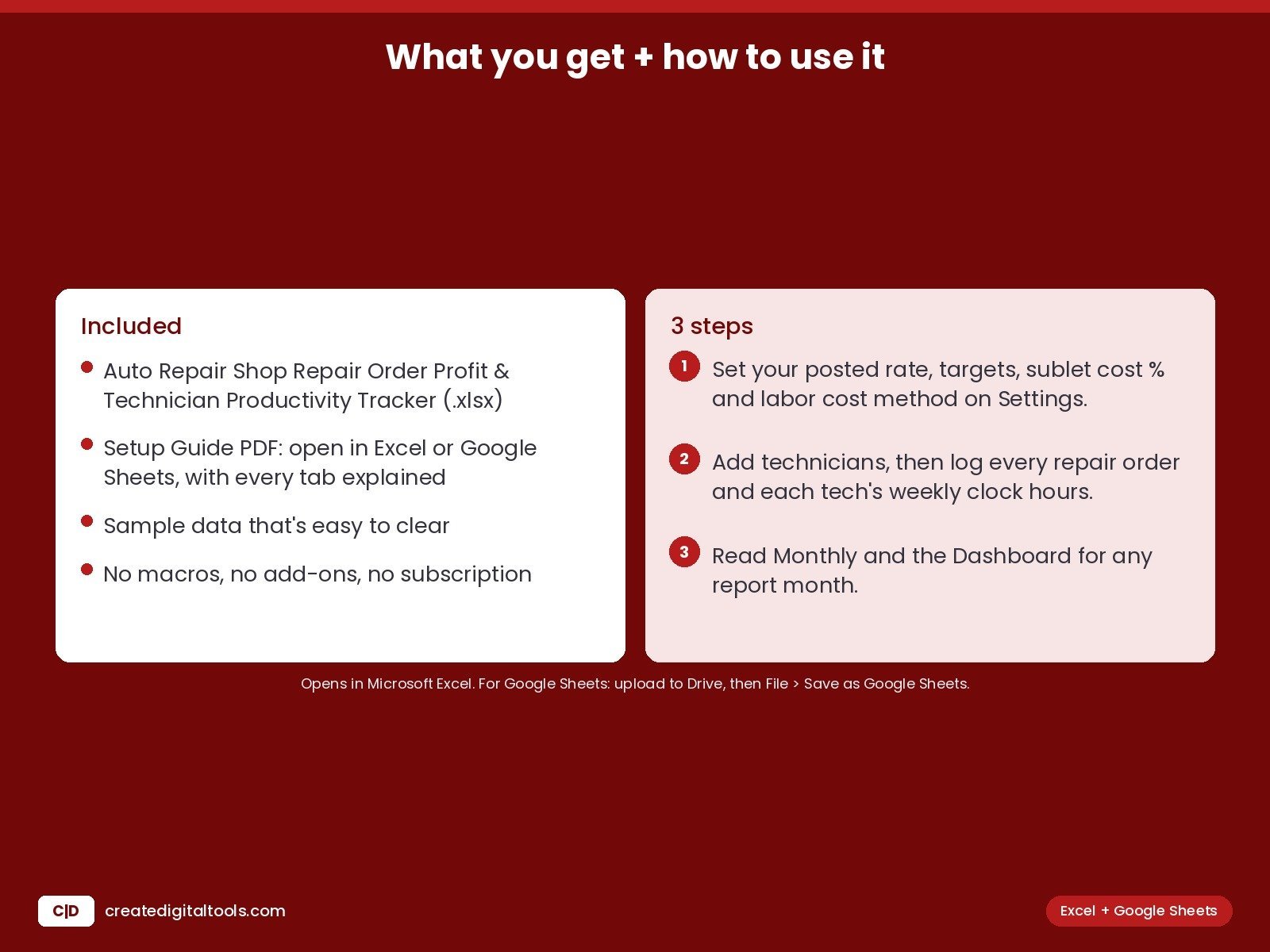
- The .xlsx workbook with sample data that’s easy to clear
- Setup Guide PDF, with every tab explained
- A video walkthrough
FAQ
Does it work in Google Sheets?
Yes. Upload it to Google Drive, open it with Google Sheets, then choose File > Save as Google Sheets.
Which Excel version do I need?
Excel 2019 or newer, Microsoft 365 or Excel for Mac.
Is this a subscription?
No. You pay once and keep the file. No macros, no add-ons.
A management tracker, not accounting or tax advice. Gross profit is before rent, advisors and other overhead.
This is a digital product. No physical item will be shipped.
Also on Gumroad: Auto Repair Shop Repair Order Profit & Technician Productivity Tracker on Gumroad
Build your own store: Hostinger WordPress hosting (affiliate link: I may earn a commission at no extra cost to you)