

Description
Short-Term Rental Income & Occupancy Tracker
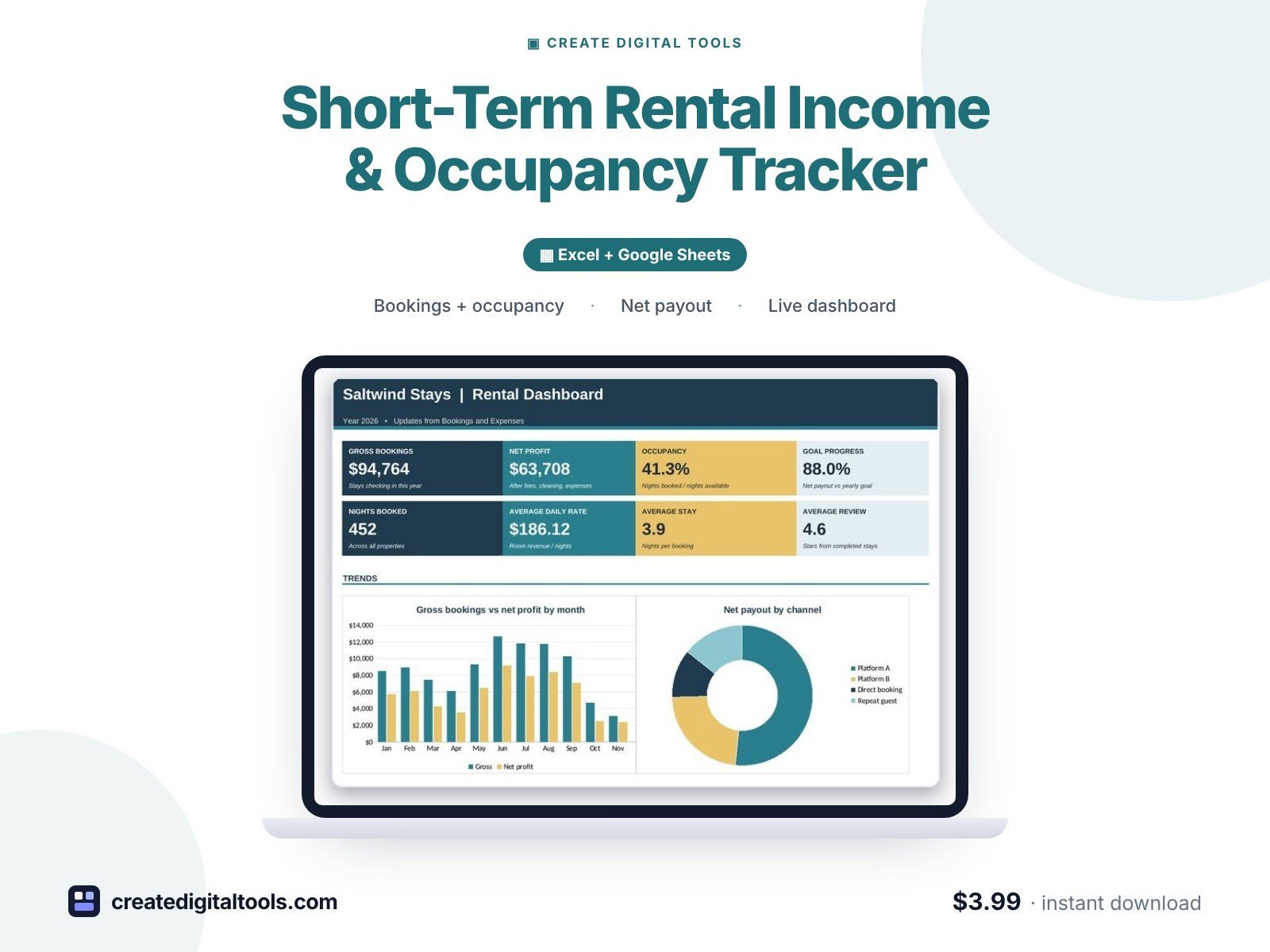
A short-term rental income and occupancy tracker for vacation rental hosts. Add each stay and it works out nights, gross booking, channel fee, cleaning cost, management fee, net payout and lead time, then shows occupancy and average daily rate by month and by property.
Who it’s for
Hosts with one or more vacation rentals, cabins, condos, guest suites or holiday lets, co-hosts and small rental managers who list on booking sites or take direct bookings.
What’s inside
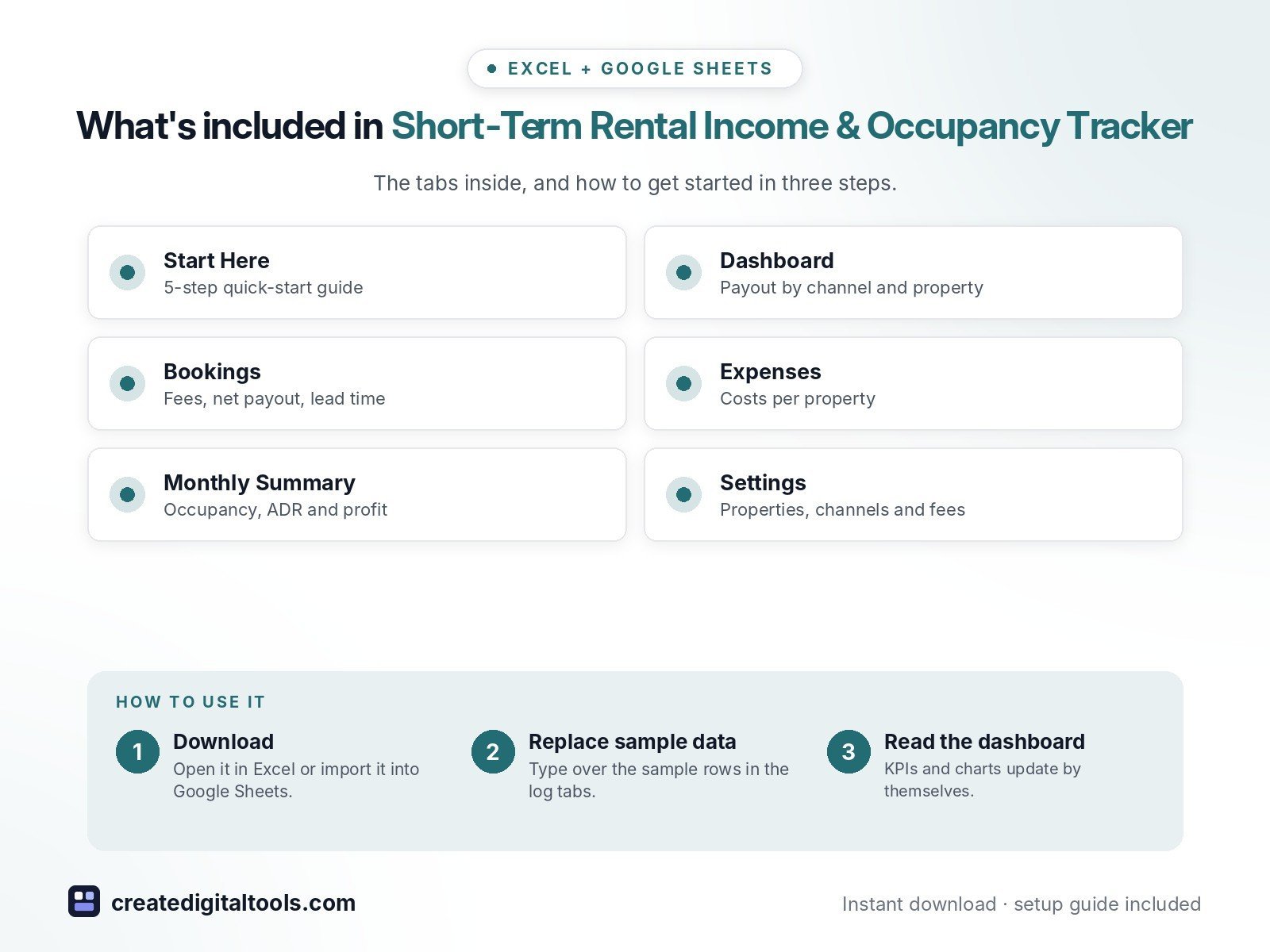
- Start Here – a 5-step quick-start guide inside the file
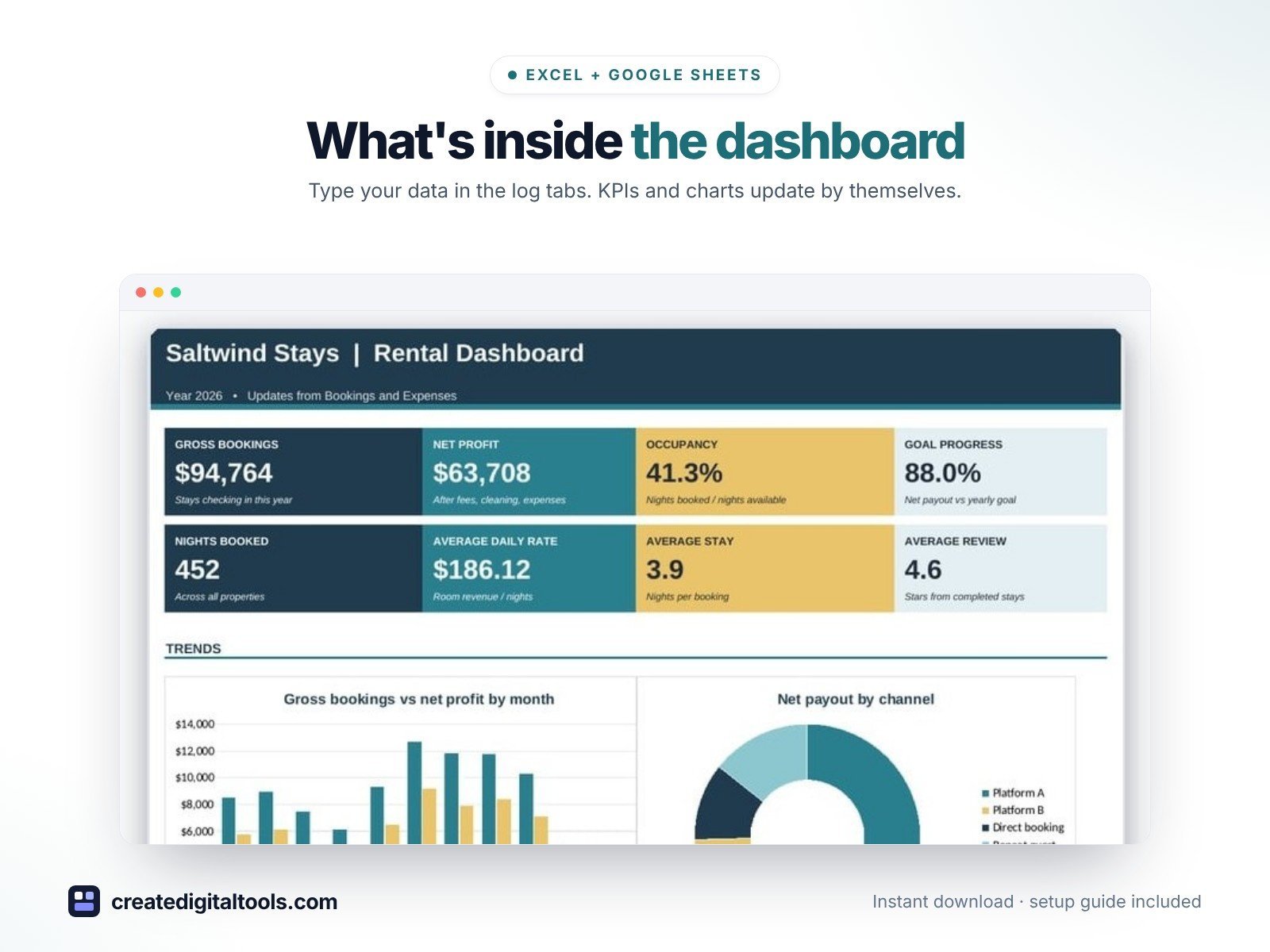
- Dashboard – KPI tiles, monthly gross vs profit, payout by channel and by property.
- Bookings – Every stay with nights, gross, channel fee, cleaning, management fee, net payout and lead time.
- Expenses – Costs per property: utilities, internet, supplies, repairs, insurance.
- Monthly Summary – Stays, nights, occupancy, ADR, fees, payout, expenses and profit by check-in month.
- Settings – Properties, channels and fees, booking status and expense categories.
Features
- Bookings log with check-in and check-out dates, channel, nightly rate and cleaning fee
- Nights, gross booking, channel fee, cleaning cost, management fee and net payout per stay
- Cancelled stays kept for your records but counted as $0
- Lead time and review stars per stay (reviews under 4 flagged)
- Occupancy % and average daily rate (ADR) by month
- Expenses tagged to each property: utilities, internet, supplies, repairs
- Payout by channel and by property on the dashboard
- Editable properties, channels and host fee %, status and expense lists
How delivery works
- Instant download right after purchase: the .xlsx workbook plus a step-by-step Setup Guide PDF.
- Works in Microsoft Excel (Windows, Mac, Excel for the web) and Google Sheets (upload to Google Drive and open with Google Sheets, or File > Import).
- Comes with realistic sample data so you can see how it works, and clear instructions to remove it.
- No macros, no add-ons, no subscriptions. Pay once, use it for as long as you like.
FAQ
Which booking sites does it work with?
Any. The channels are named Platform A, Platform B, Direct booking and Repeat guest; rename them on Settings and enter each one's current host fee.
How is occupancy calculated?
Nights booked divided by days in the month times the number of properties listed on Settings.
Does it work in Google Sheets?
Yes. Upload it to Google Drive and open it with Google Sheets, or use File > Import. Formulas, dropdowns and charts carry over.
This is a digital product. No physical item will be shipped.
Want your own store like this one? createdigitaltools.com runs on Hostinger WordPress hosting. Start your own shop with Hostinger, or try the no-code Hostinger Website Builder.
Affiliate links: I may earn a commission at no extra cost to you.