
Description
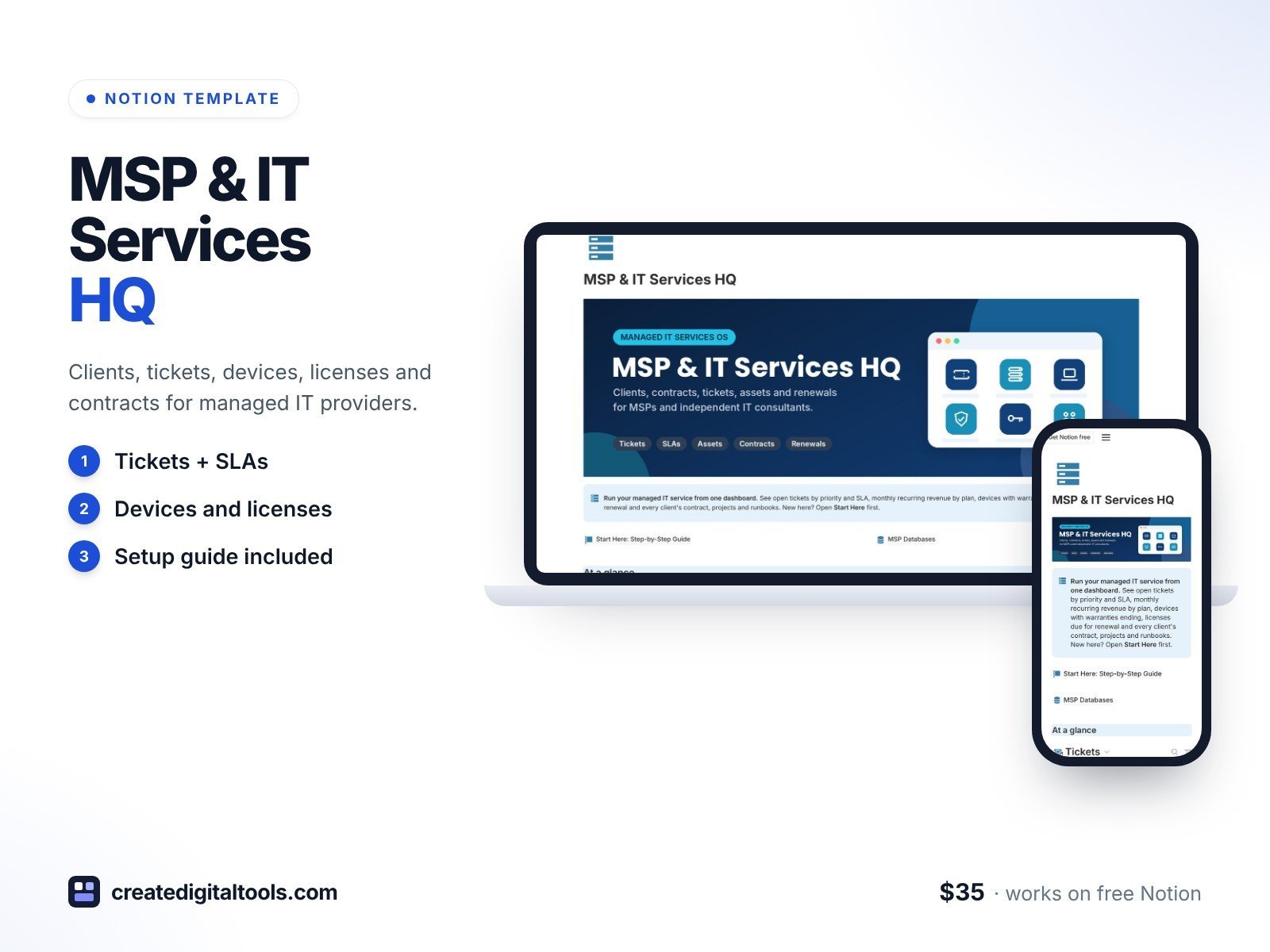
Run your managed IT services business from a dark, professional Notion dashboard: clients, tickets, devices, software licenses, contracts, onboarding projects and your internal knowledge base, all connected.
What’s inside
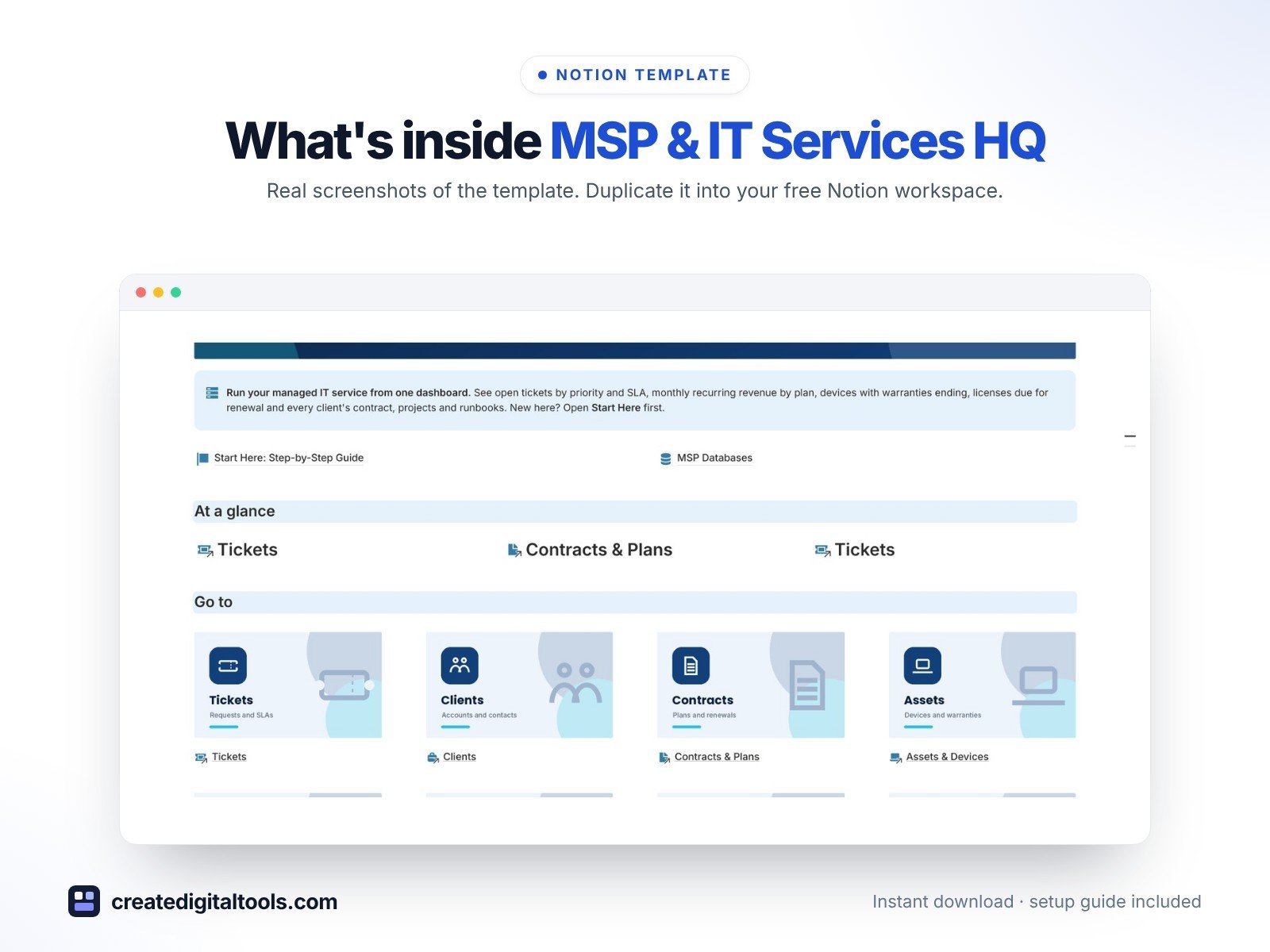
- Dashboard with hero banner, image navigation cards and an “At a glance” row of 3 charts
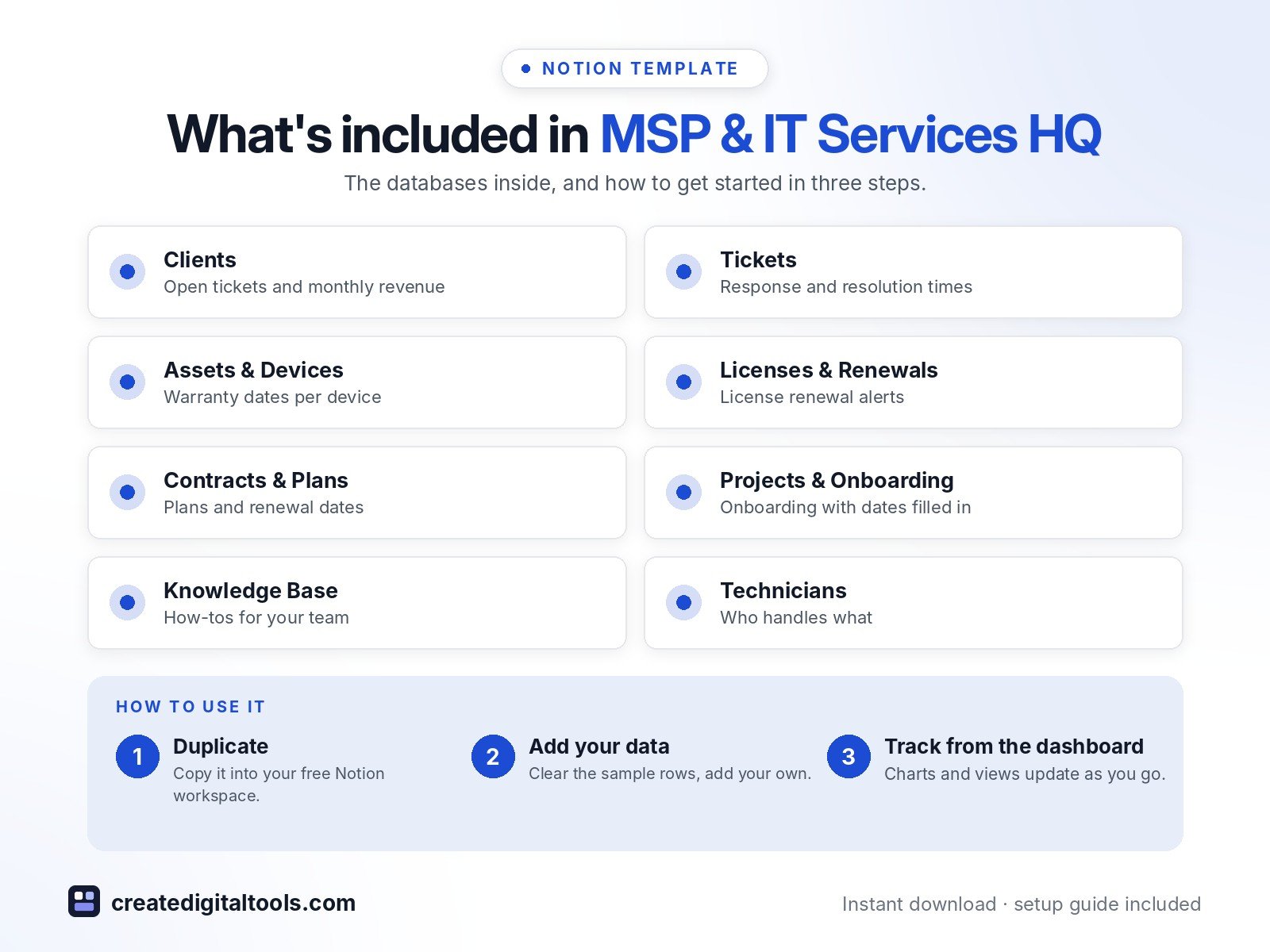
- 8 connected databases: Clients, Tickets, Assets & Devices, Licenses & Renewals, Contracts & Plans, Projects & Onboarding, Knowledge Base, Technicians
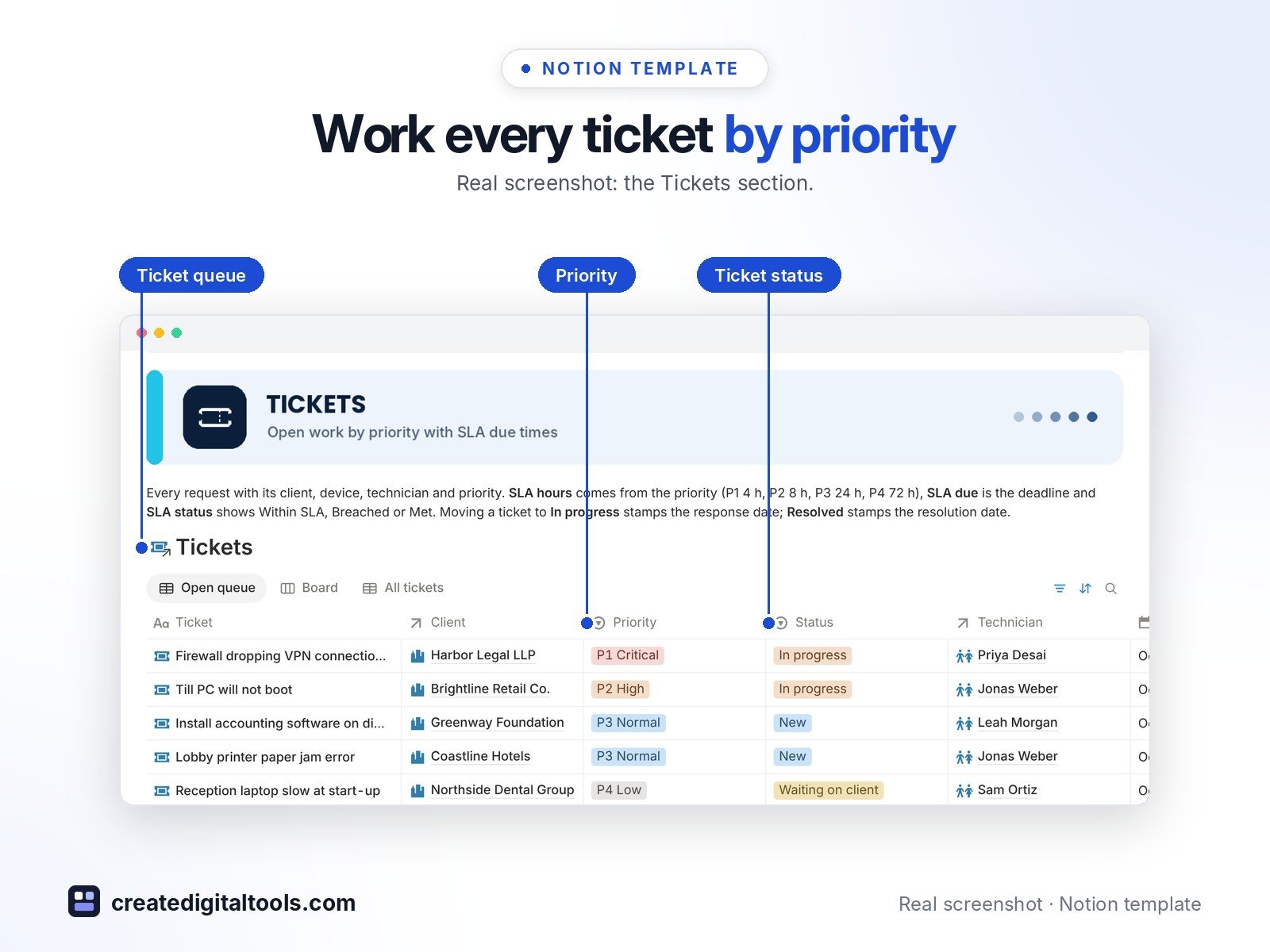
- Relations, rollups and formulas: open tickets per client, response and resolution times, monthly recurring revenue per client, warranty and license renewal countdowns, technician workload
- Built-in automations: move a ticket to In progress or Resolved and the time stamps itself; renew a contract or finish a project and the date fills in
- Sample data in every database and a ready-made “New …” page template in each
- Start Here: Step-by-Step Guide page
Database automations run on Notion’s paid plans (Plus and up). On the Free plan they pause, and you can make the same changes by hand.
Who it’s for
- MSPs and small IT support teams
- Freelance IT consultants
- Computer repair businesses
What you get
- Template link (PDF) to duplicate into your Notion workspace
- Start Here: Step-by-Step Guide inside the template
- Video walkthrough (being added to the Start Here page)
How delivery works
You get a PDF with the Duplicate link. Click Duplicate to copy it into your free Notion workspace.
- Buy and download the PDF with your template link.
- Open the link and click Duplicate (log in to Notion first; the free plan works).
- Open the Start Here page and follow the setup steps.
Good to know
- Digital product: nothing physical is shipped.
- You need a Notion account (the free plan works).
- Sample data is fictional.
- Not a replacement for an RMM or PSA tool; it is an organising workspace.
- Notion is a trademark of Notion Labs, Inc.; this is an independent template.
New to Notion? Create a free account (affiliate link: I may earn a commission at no extra cost to you).
Want your own store like this one? createdigitaltools.com runs on Hostinger WordPress hosting. Start your own shop with Hostinger, or try the no-code Hostinger Website Builder.
Affiliate links: I may earn a commission at no extra cost to you.