Description
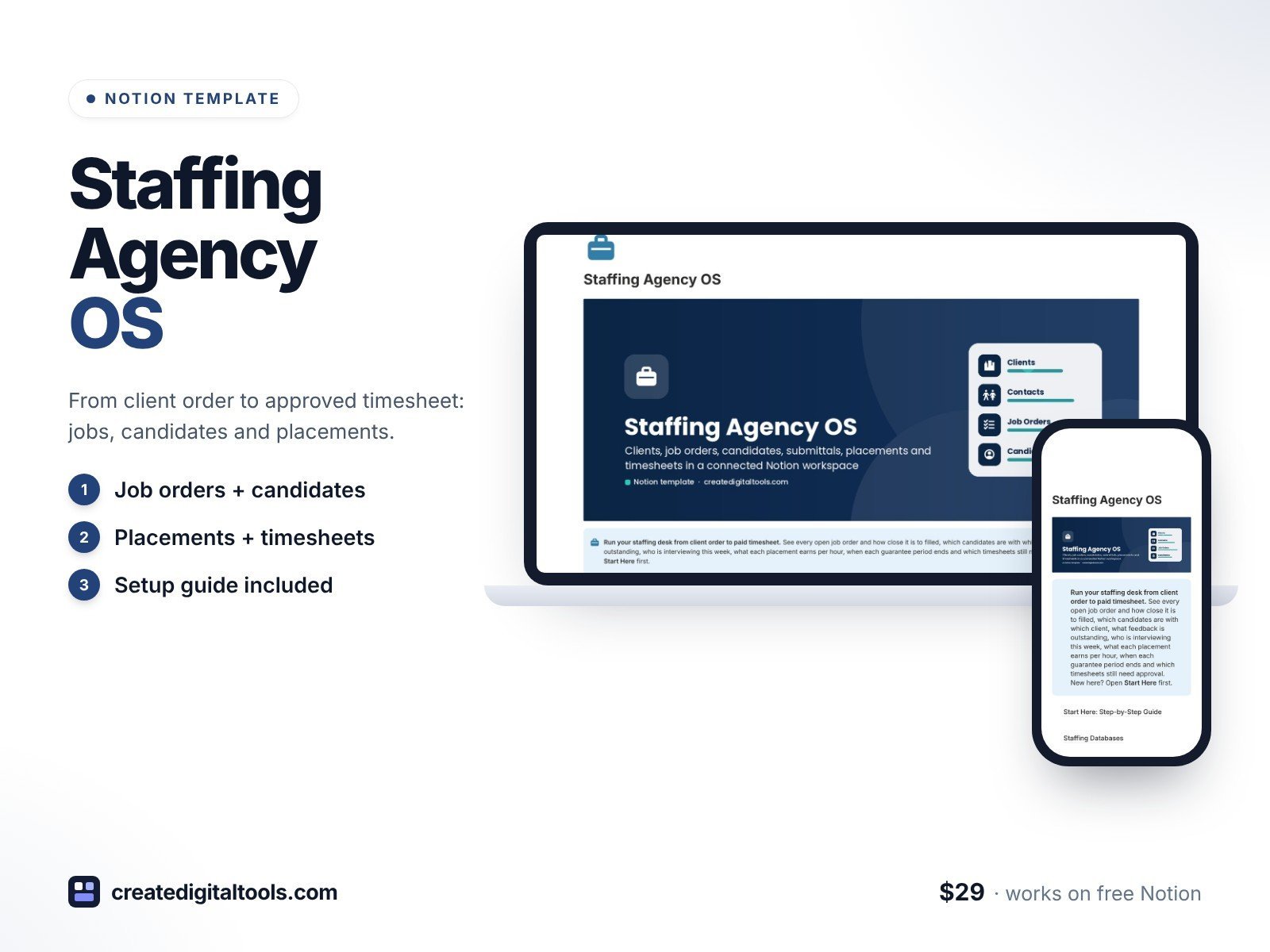
Run your staffing or recruitment agency from client order to approved timesheet in a connected Notion workspace. Staffing Agency OS tracks the client side as well as the candidate side: every job order with its bill and pay rate, every candidate you submit and what the client said, every interview round, every placement with its margin per hour and guarantee period, and every weekly timesheet with bill amount, pay amount and margin.
Built for owners and recruiters at small staffing and recruitment agencies who have outgrown a spreadsheet ATS.
What’s inside
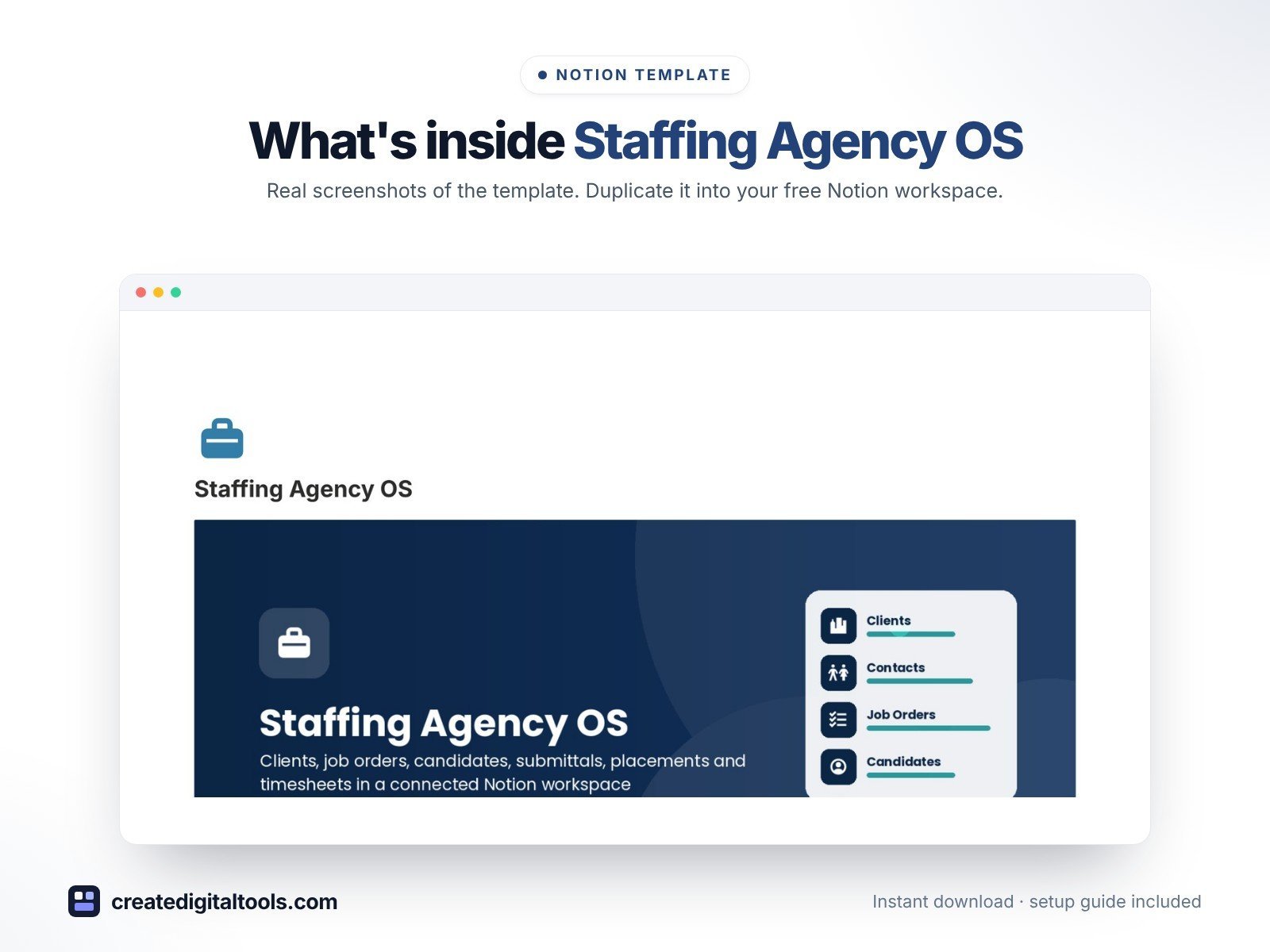
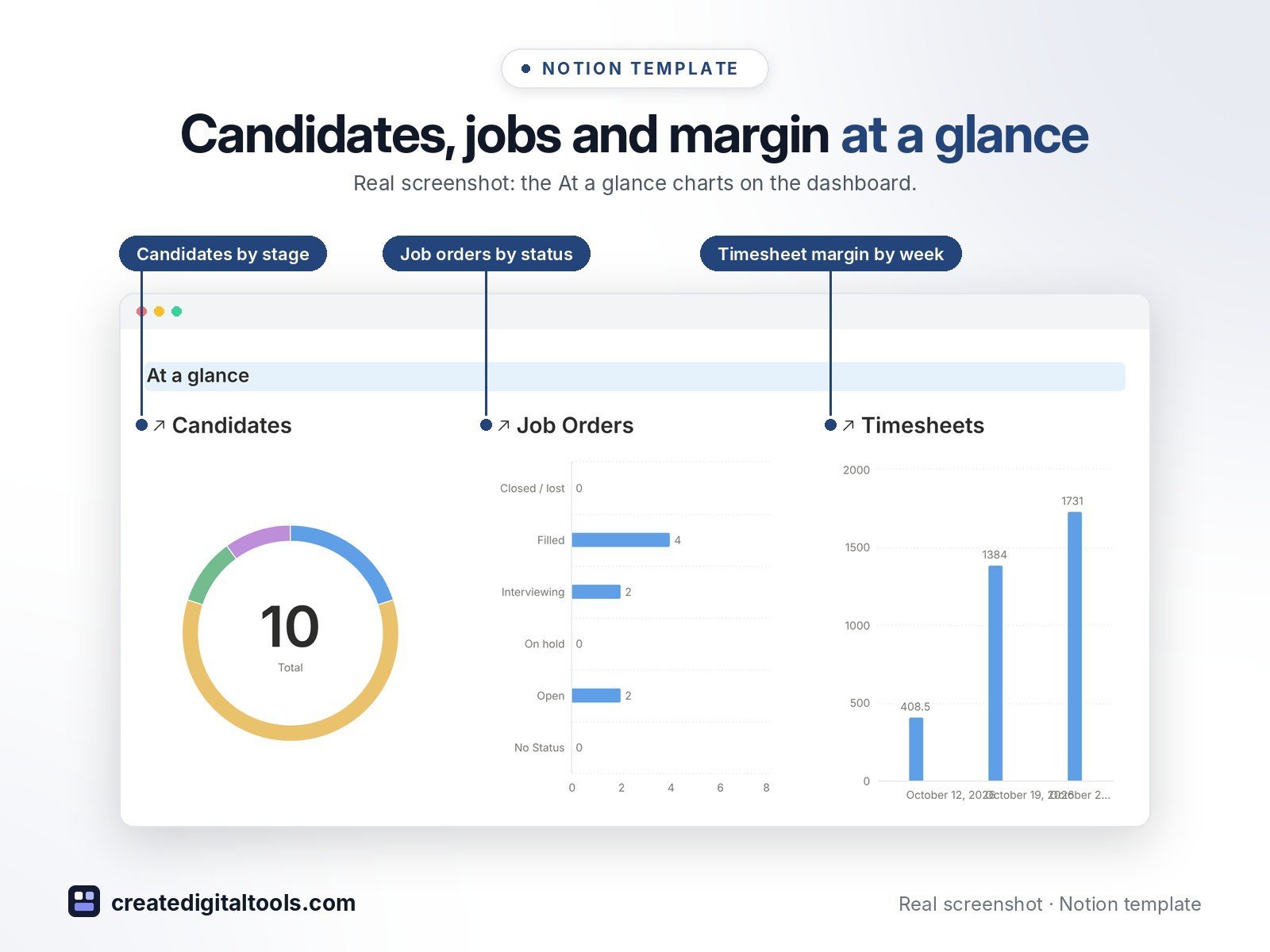
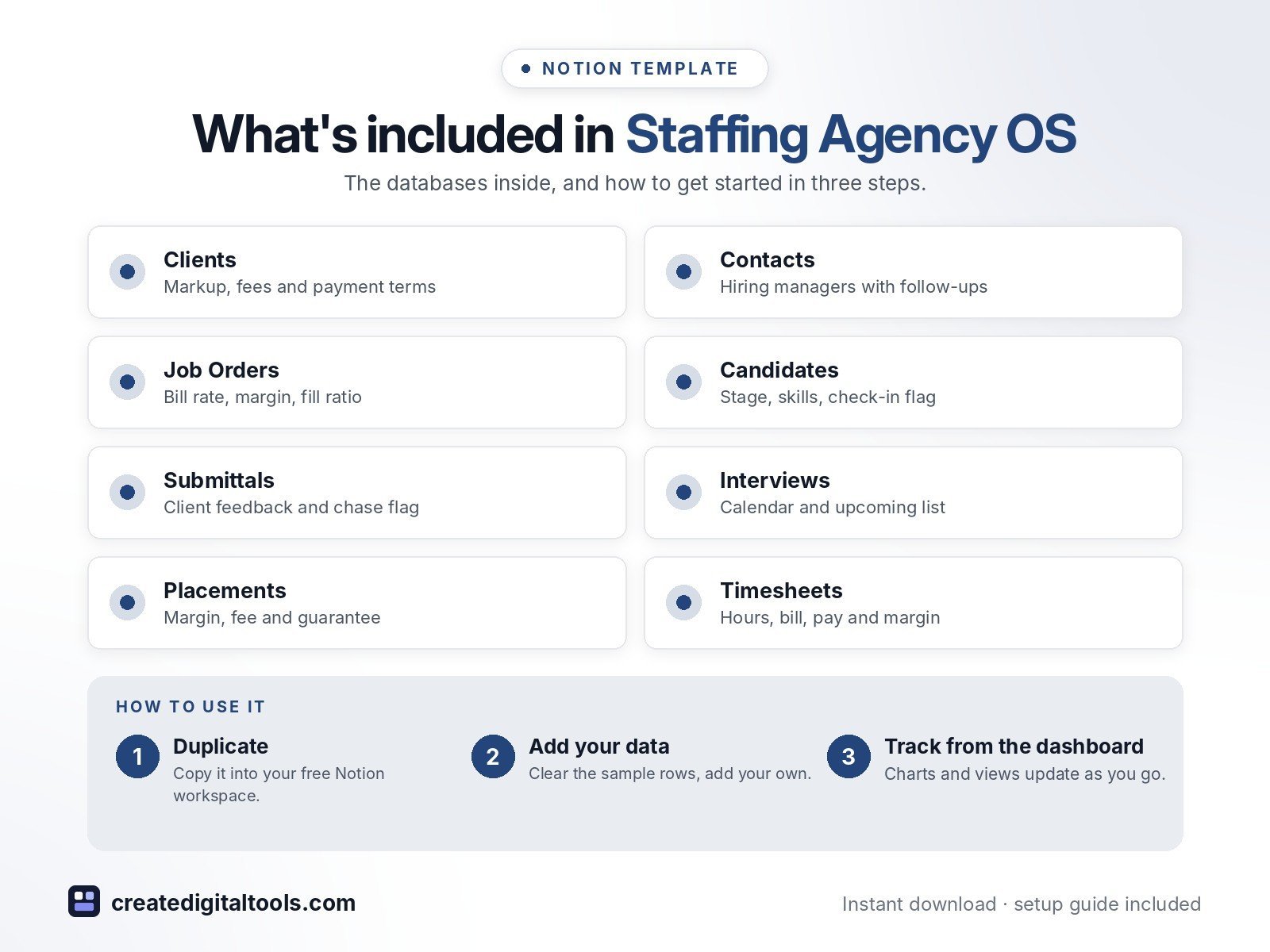
- Dashboard: three live charts (candidates by stage, job orders by status, timesheet margin by week), quick links and five working sections
- Clients: fee type, markup %, placement fee %, payment terms, guarantee days, open jobs and placements rolled up
- Contacts: hiring managers, HR and accounts payable, with follow-up dates and a “call now” flag
- Job Orders: role, client, openings, bill rate, pay rate or salary, priority, status, spread per hour, gross margin %, days open, fill ratio and a past-target flag
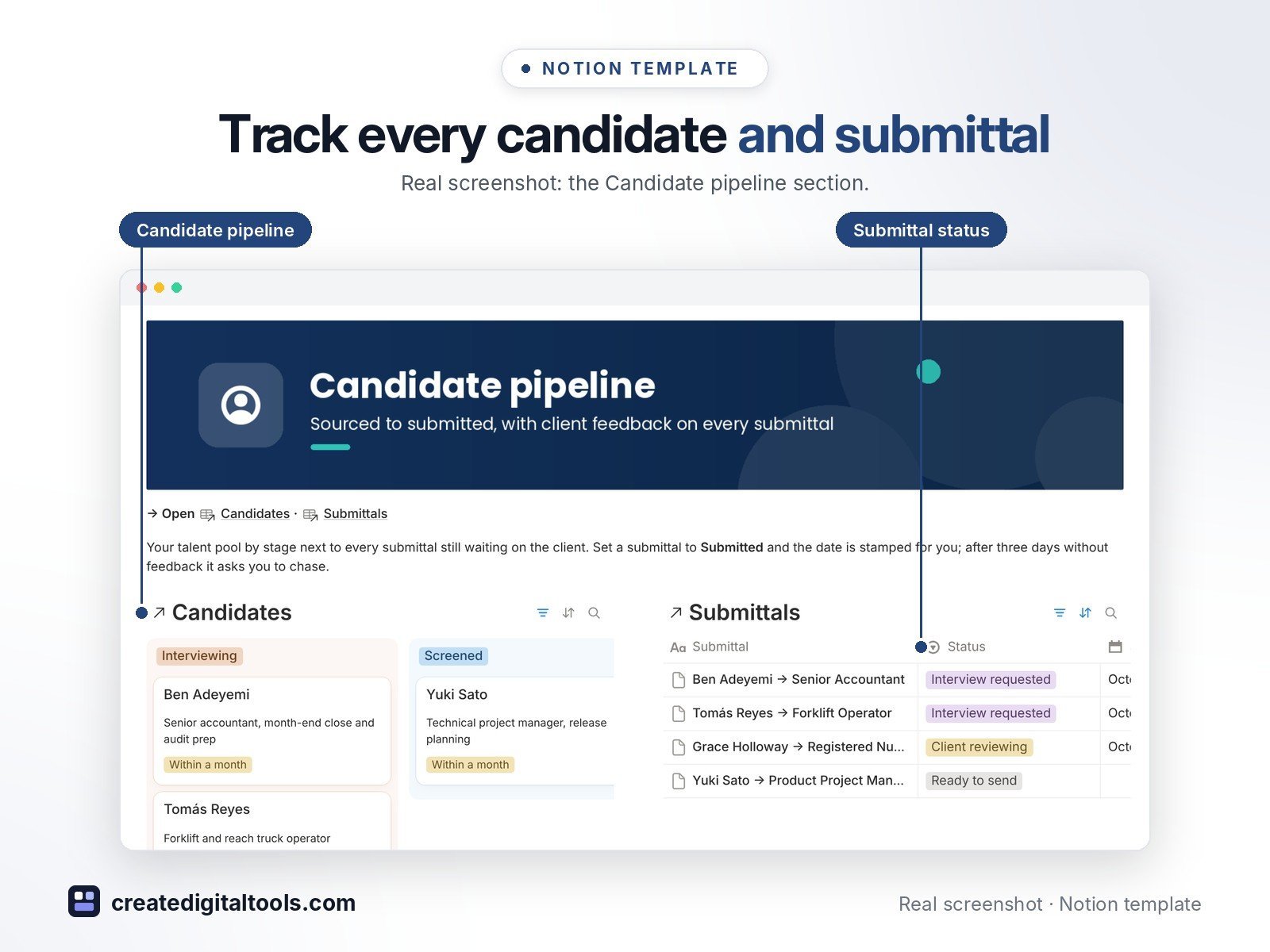
- Candidates: skills, availability, source, desired pay, stage, submittal and interview counts, and a check-in flag after 14 days without contact
- Submittals: candidate × job order, submitted on, status, client feedback, days waiting and a chase flag after 3 days
- Interviews: date, round, format, outcome, interviewer, prep sent and feedback, on a calendar and an upcoming list
- Placements: start date, bill and pay rate, margin per hour, gross margin %, placement fee, billed and paid to date, gross profit and guarantee tracking
- Timesheets: week ending, regular and overtime hours, bill amount, pay amount, margin and approval
- 30+ ready-made views and fictional sample data in every database
Who it’s for
- Owners of small staffing and recruitment agencies
- Agency recruiters and account managers
What you get
- Template link (PDF download) to duplicate into your Notion workspace
- Setup Guide PDF with step-by-step instructions
- Start Here: Step-by-Step Guide page inside the template
- Video walkthrough (being added to this page soon)
Built-in automations
Four date stamps: Submitted on, Placed on, Filled on (Days open stops counting) and Approved on are filled in when you change the status. Database automations run on Notion’s paid plans (Plus and up); on the Free plan they pause and you can make the same changes by hand.
How delivery works
You get a PDF with the Duplicate link. Click Duplicate to copy the template into your free Notion workspace.
- Buy and download the PDF with your template link.
- Open the link and click Duplicate (log in to Notion first; the free plan works).
- Open the Start Here page and follow the setup steps.
Good to know
- This template helps you organise your agency’s records. It is not legal, tax, payroll or employment advice.
- Digital product: nothing physical is shipped.
- You need a Notion account (the free plan works).
- Sample data is fictional.
- Notion is a trademark of Notion Labs, Inc.; this is an independent template.
New to Notion? Create a free account (affiliate link: I may earn a commission at no extra cost to you).
Want your own store like this one? createdigitaltools.com runs on Hostinger WordPress hosting. Start your own shop with Hostinger, or try the no-code Hostinger Website Builder.
Affiliate links: I may earn a commission at no extra cost to you.