Description
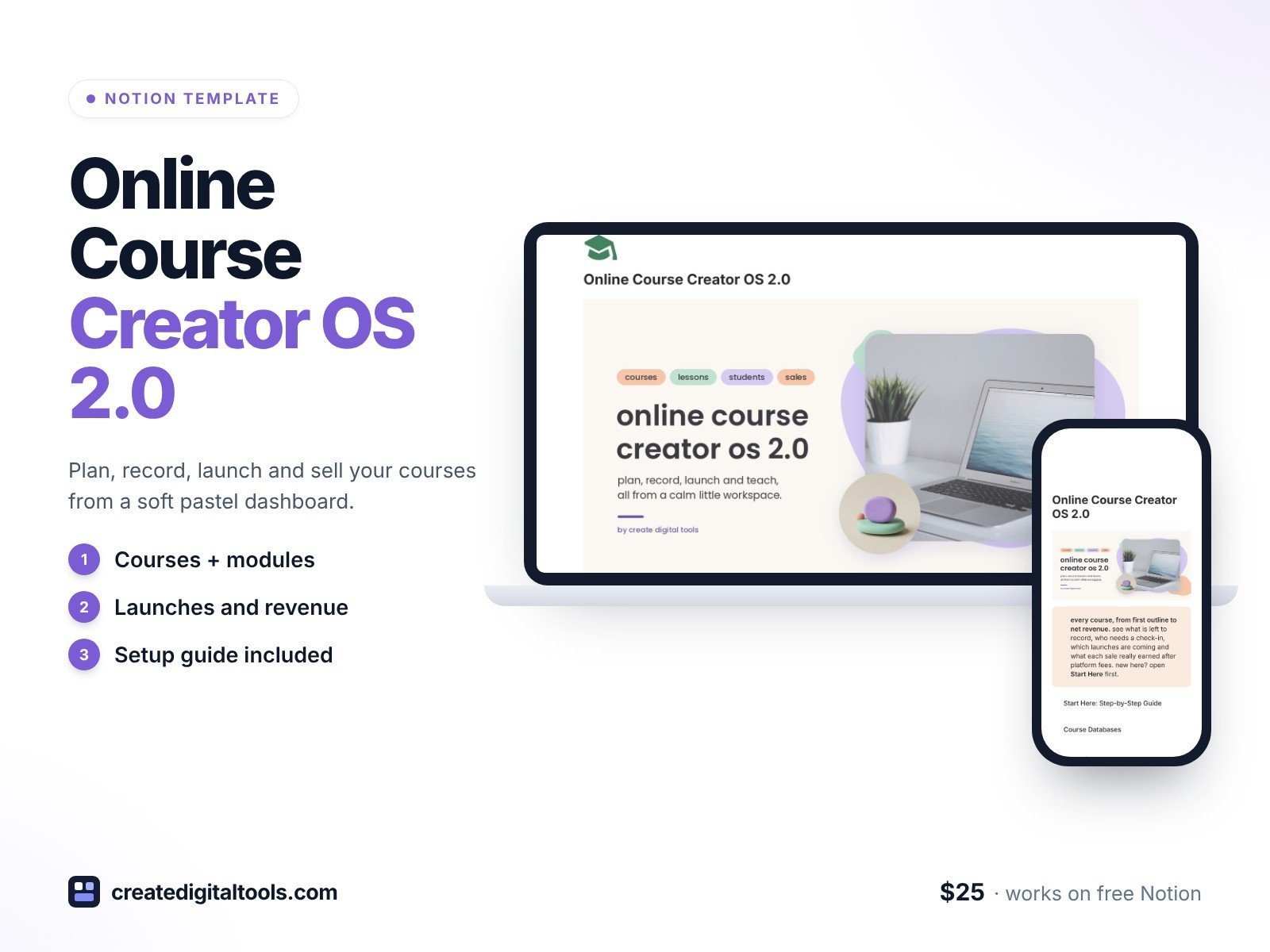
Online Course Creator OS 2.0 is the 2.0 design edition of Online Course Creator OS: the same features as the original, with a new soft pastel minimal design. Cream-white pages, peach, mint and lilac accents, airy natural-light photos and rounded photo cards.
Plan, record, launch and teach every course from a single Notion dashboard.
What’s inside
- This week, up front: lessons to record and live sessions coming up, side by side at the top
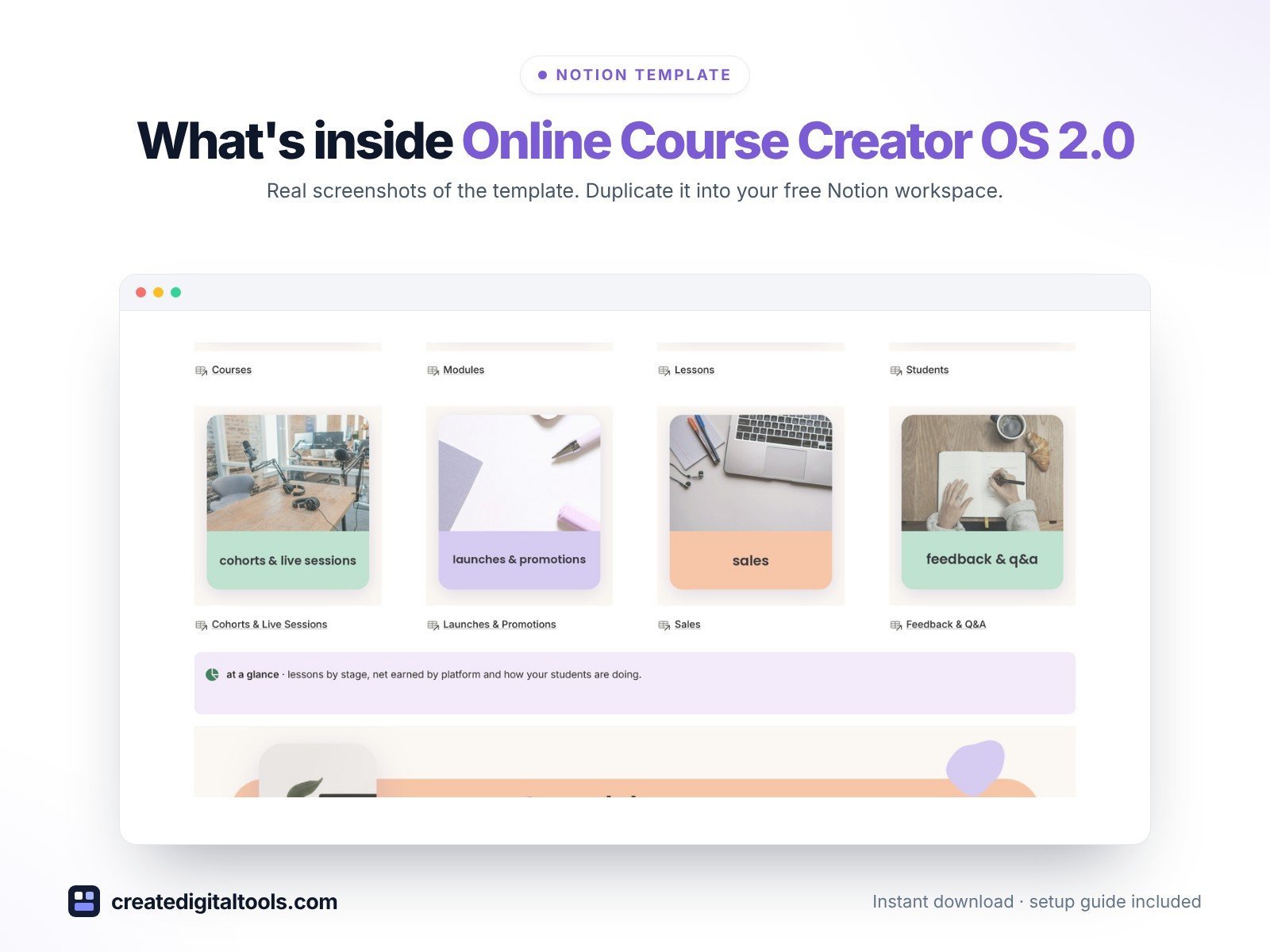
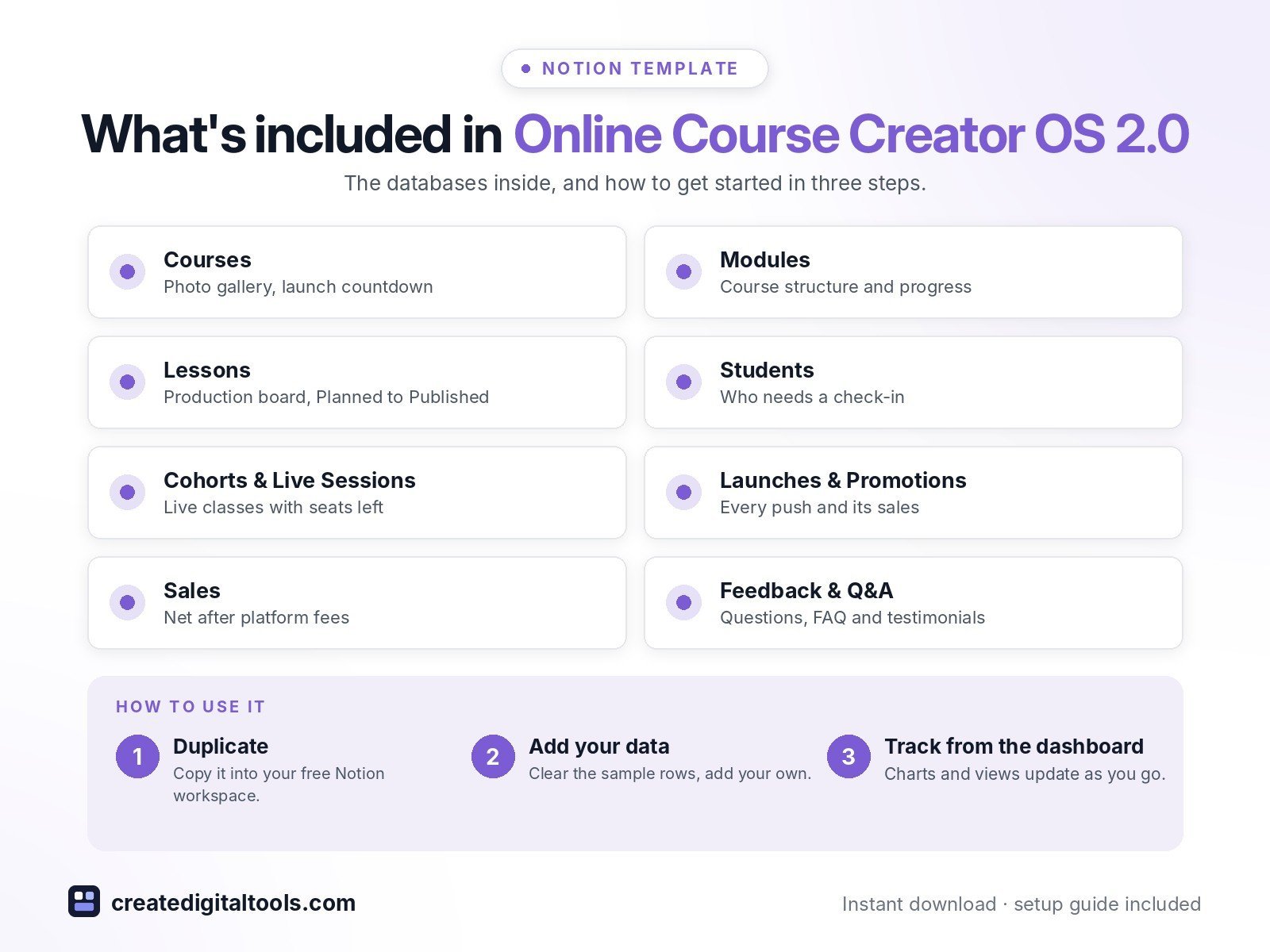
- Courses: a photo gallery of every course with platform, launch countdown, production progress and net revenue after platform fees
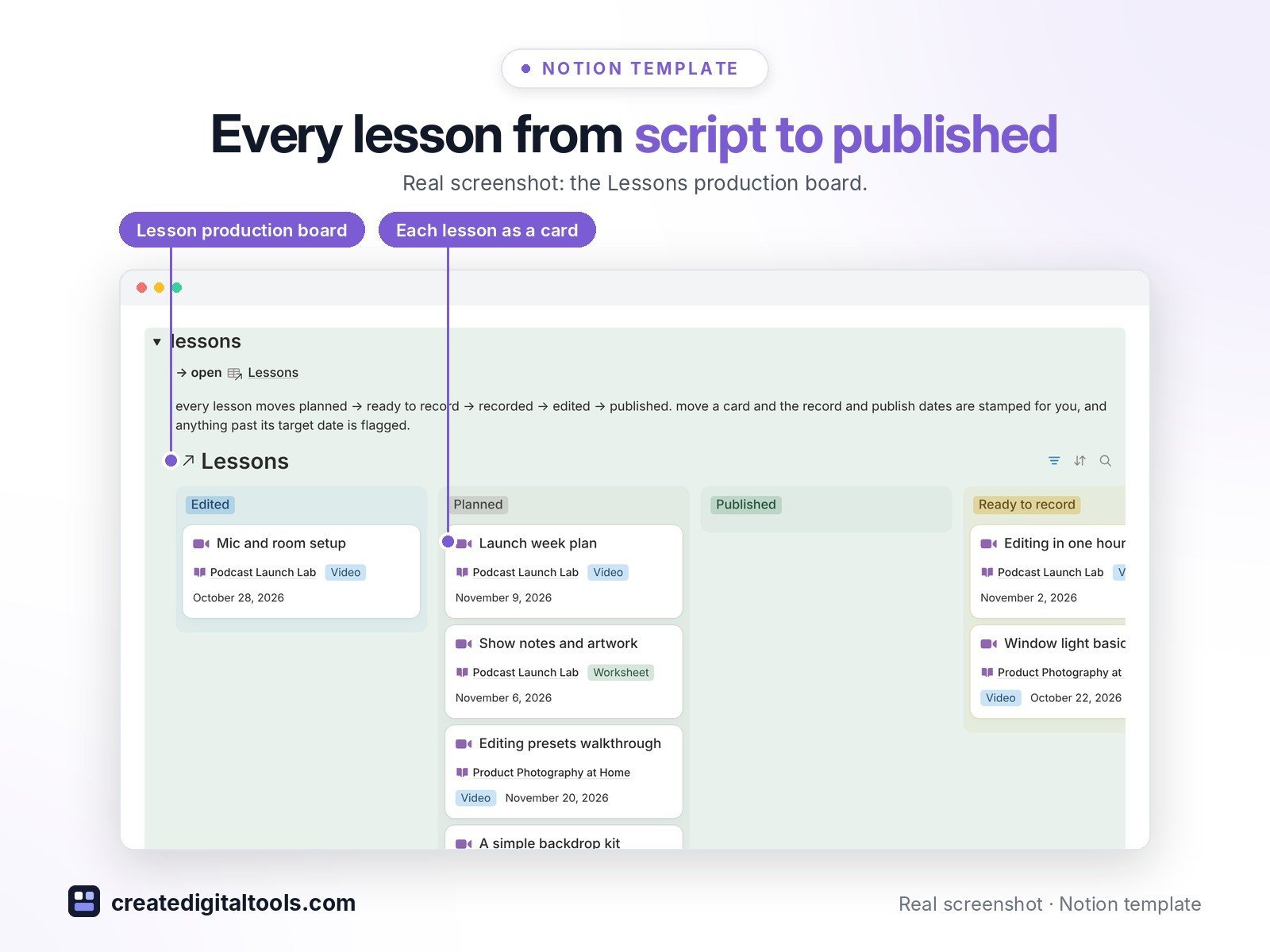
- Modules & Lessons: a production board from Planned to Published, with overdue lessons flagged
- Students & Cohorts: see who is under 30% progress and needs a check-in, plus cohorts, live classes and office hours with seats left
- Launches & Sales: every email, post, webinar and affiliate push next to the sales it brought in, with platform fees taken off
- Feedback & Q&A: questions waiting for a reply, a FAQ bank and testimonials you have permission to quote
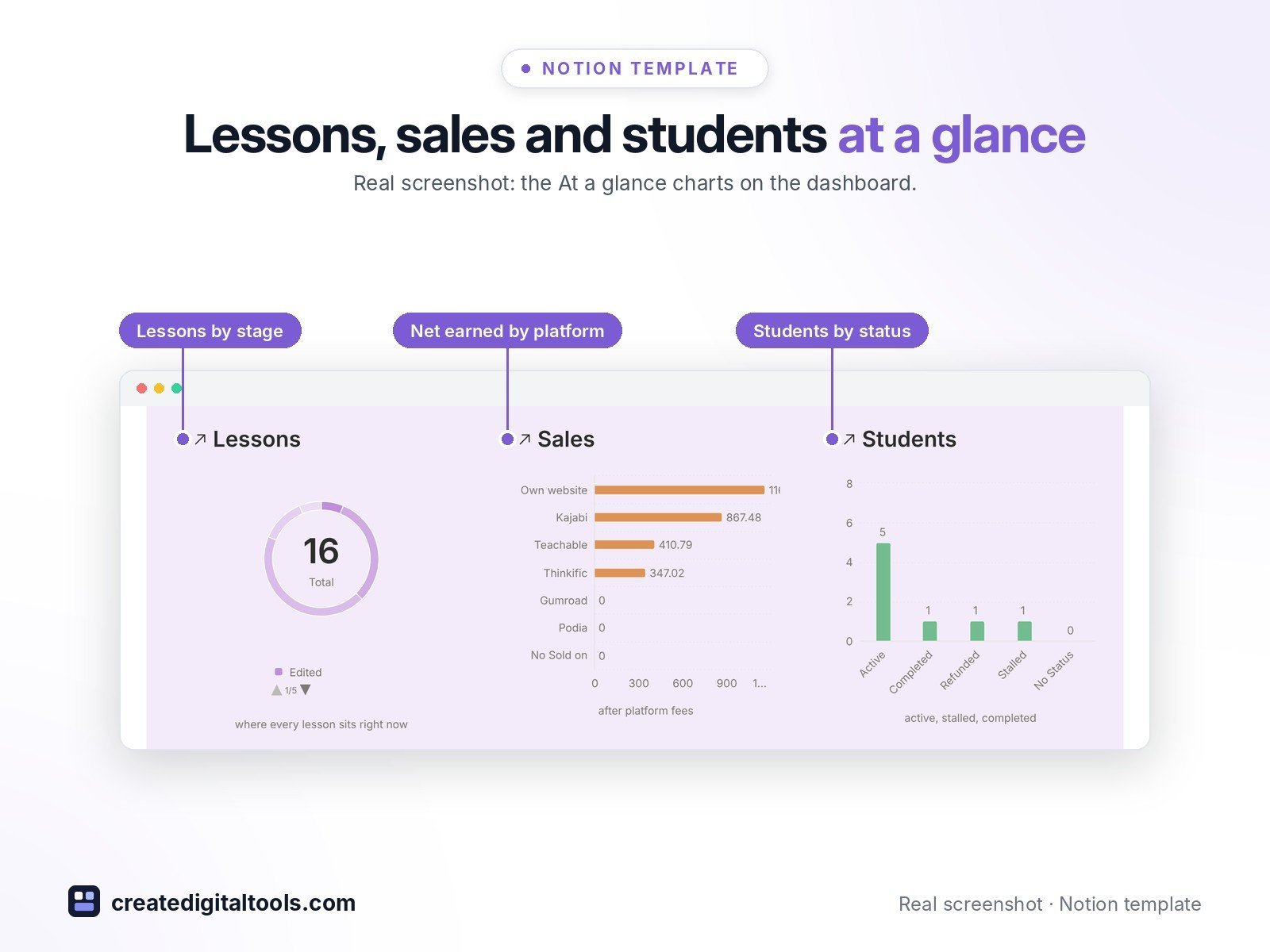
- At a glance: three pastel charts for lessons by stage, net earned by platform and students by status
- Works with Teachable, Thinkific, Kajabi, Podia, Gumroad or your own website
- Sample data so you can see how everything connects
Who it’s for
- Independent online instructors and course creators
- Cohort and coaching program owners
What you get
- Template link (PDF download) to duplicate into your Notion workspace
- Setup Guide PDF with step-by-step instructions
- Start Here: Step-by-Step Guide page inside the template
- Video walkthrough (being added to this page soon)
Built-in automations
Five built-in automations stamp recorded, published, sent, completed and answered dates for you (Notion paid plans; quick to do by hand on Free).
How delivery works
You get a PDF with the Duplicate link. Click Duplicate to copy the template into your free Notion workspace.
- Buy and download the PDF with your template link.
- Open the link and click Duplicate (log in to Notion first; the free plan works).
- Open the Start Here page and follow the setup steps.
Good to know
- Digital product: nothing physical is shipped.
- You need a Notion account (the free plan works).
- Sample data is fictional.
- Notion is a trademark of Notion Labs, Inc.; this is an independent template.
- Teachable, Thinkific, Kajabi, Podia and Gumroad are trademarks of their owners; this template is not affiliated with them.
New to Notion? Create a free account (affiliate link: I may earn a commission at no extra cost to you).
Also available in the original edition: Online Course Creator OS
Want your own store like this one? createdigitaltools.com runs on Hostinger WordPress hosting. Start your own shop with Hostinger, or try the no-code Hostinger Website Builder.
Affiliate links: I may earn a commission at no extra cost to you.