Description
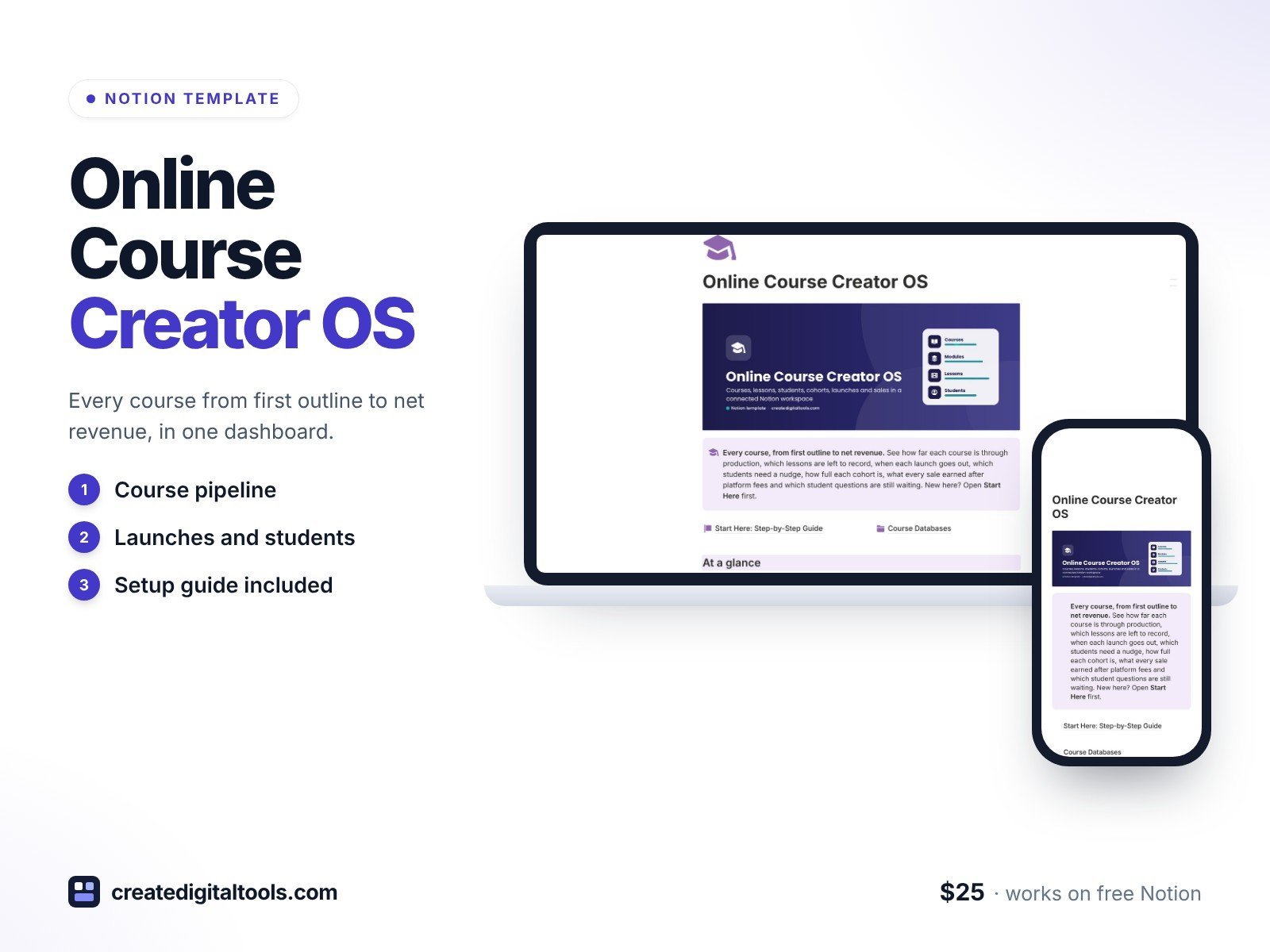
Plan, record, launch and sell your online courses from a single Notion dashboard. Online Course Creator OS follows every course from first outline to net revenue: which lessons still need recording, when each launch email goes out, which students have stalled, how full your next cohort is and what every sale earned after platform fees.
Built for independent online instructors, course creators and cohort or coaching program owners who sell on Teachable, Thinkific, Kajabi, Podia, Gumroad or their own site.
What’s inside
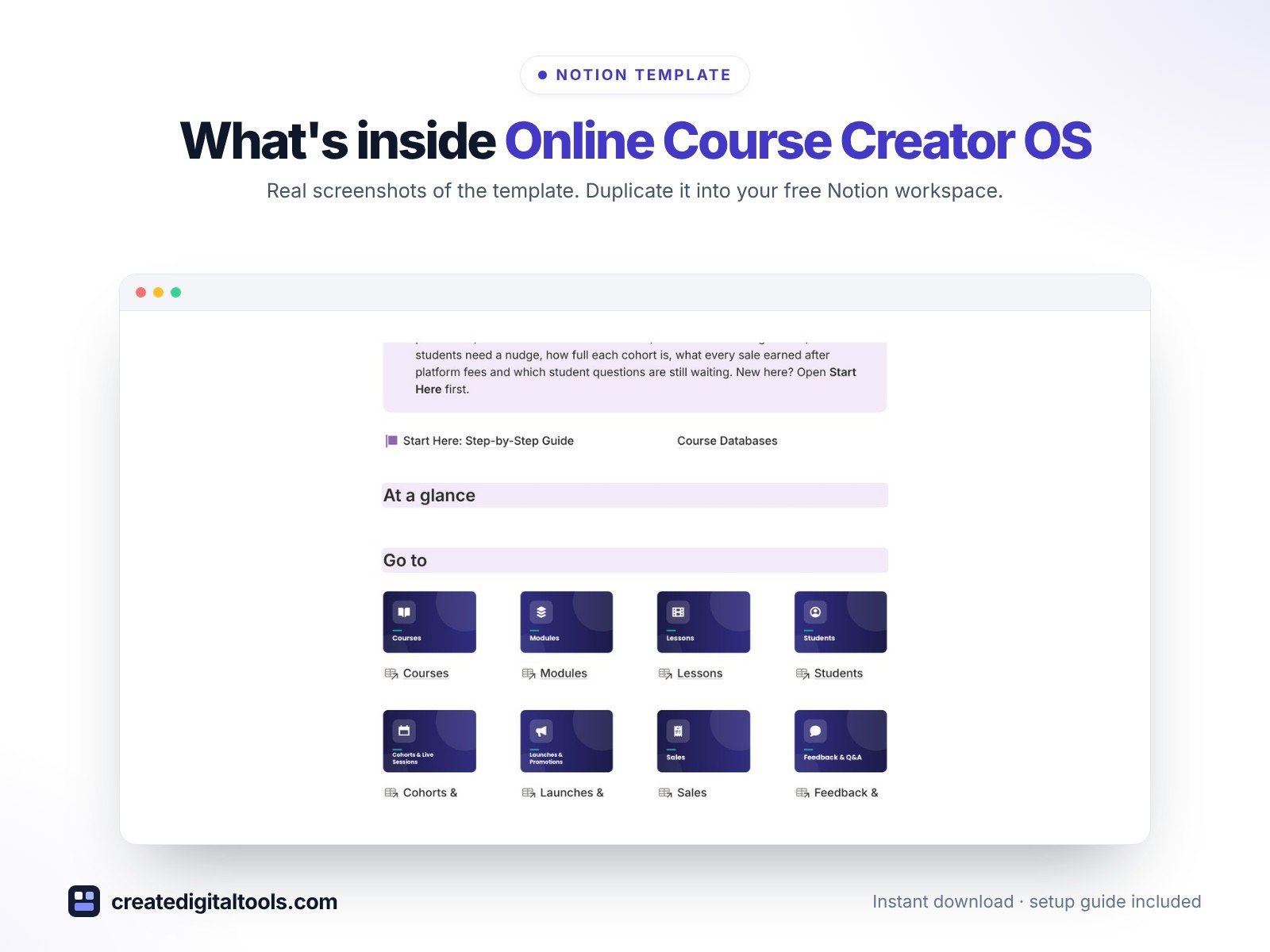
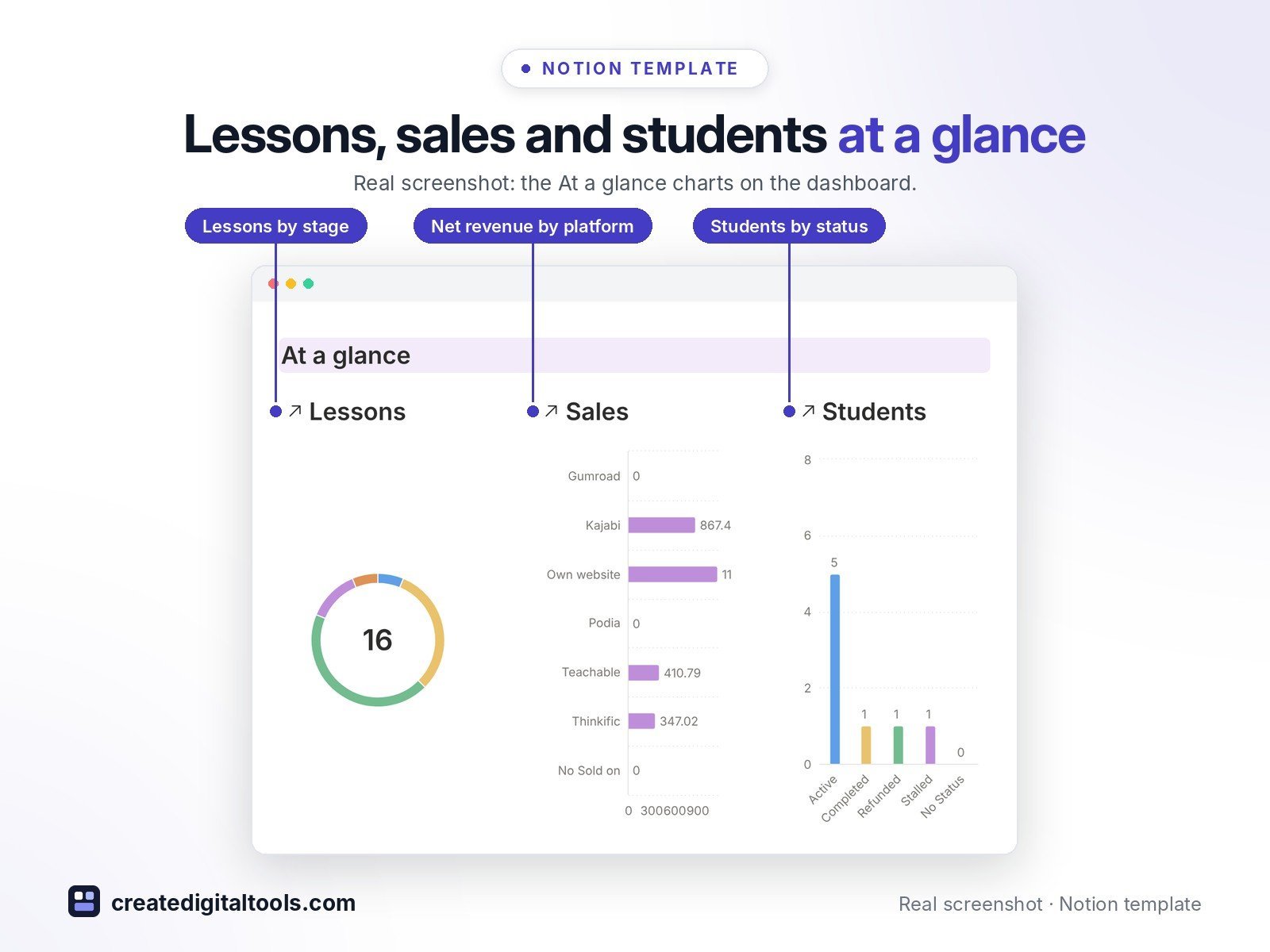
- Dashboard with 3 live charts (lessons by stage, net revenue by platform, students by status), picture navigation and 5 focused sections
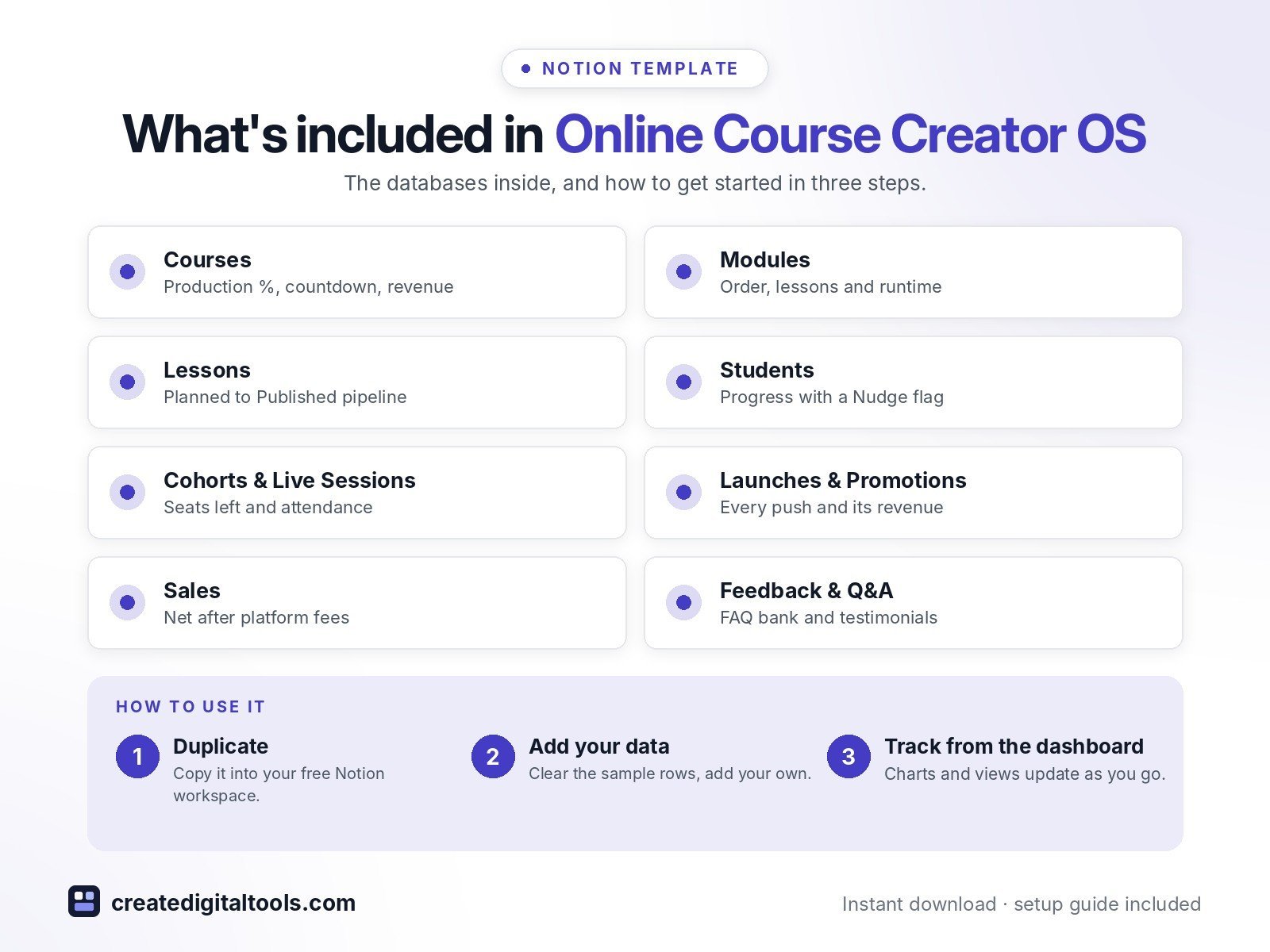
- Courses: platform, type, price, launch countdown, Production % bar, lessons left to record, enrolled students, gross and net revenue, fees paid, revenue vs goal
- Modules: order, outcome, lesson count, module progress and runtime
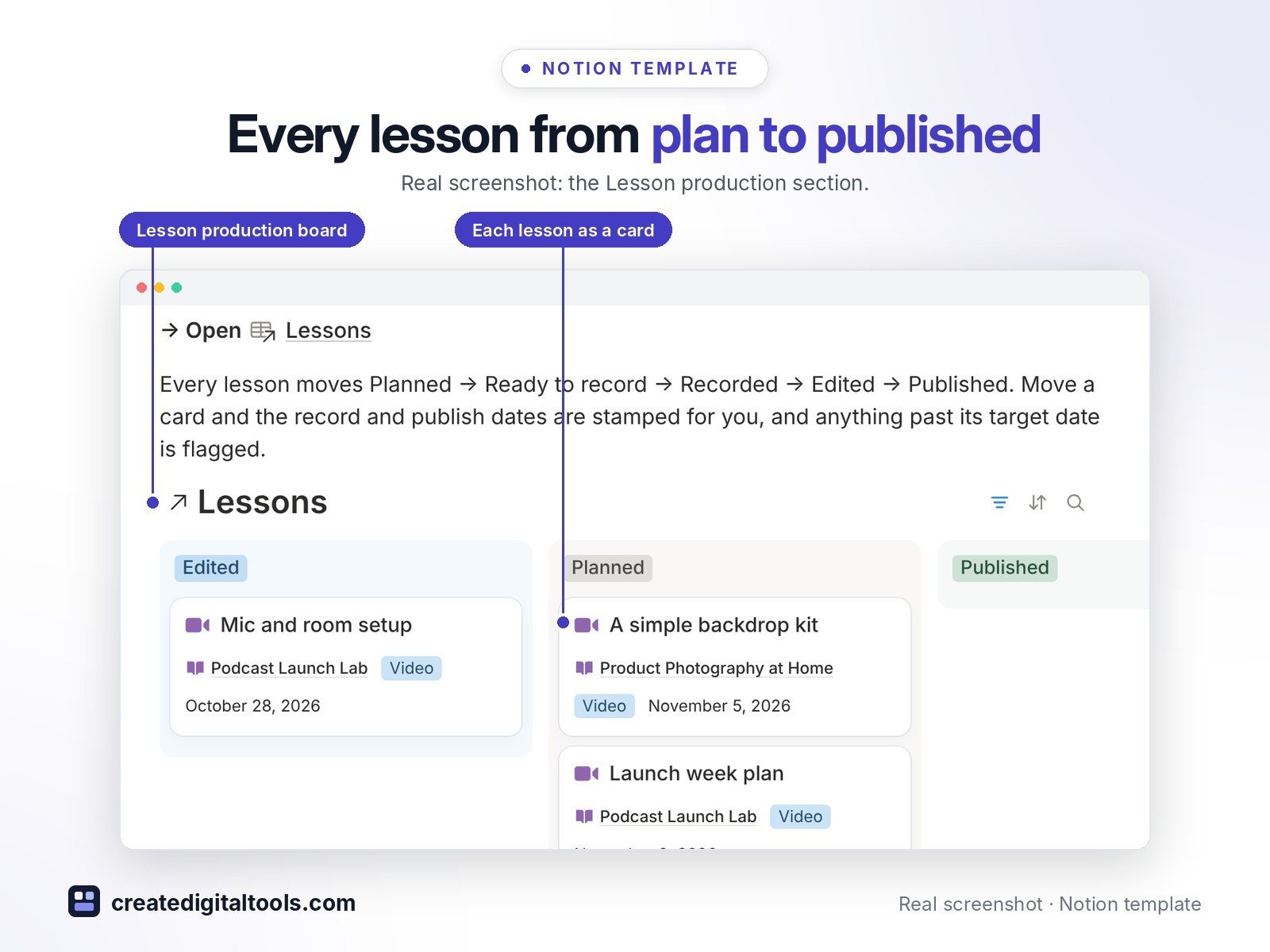
- Lessons: a production pipeline for every lesson, Planned → Ready to record → Recorded → Edited → Published, with script status, length, target date and an overdue flag
- Students: enrolled courses, progress, cohort, enrolment and completion dates, lifetime value and a “Nudge” flag for students who have stalled
- Cohorts & Live Sessions: capacity, registered, seats left, attendance % and replay links
- Launches & Promotions: every email, post, webinar, podcast and affiliate push by phase, with clicks, orders and the net revenue each one brought in
- Sales: amount, platform fees, net (refunds count as zero), payment type, platform and coupon code
- Feedback & Q&A: questions, fixes, an FAQ bank and a Permission to quote checkbox for testimonials
- Fictional sample data in every database
Who it’s for
- Independent online instructors and course creators
- Cohort and coaching program owners
What you get
- Template link (PDF download) to duplicate into your Notion workspace
- Setup Guide PDF with step-by-step instructions
- Start Here: Step-by-Step Guide page inside the template
- Video walkthrough (being added to this page soon)
Built-in automations
Five date stamps: Recorded on and Published on when a lesson moves stage, Sent on when a promotion goes out, Completed on when a student finishes, and Answered on when you answer a question. Database automations run on Notion’s paid plans (Plus and up); on the Free plan they pause and you can make the same changes by hand.
How delivery works
You get a PDF with the Duplicate link. Click Duplicate to copy the template into your free Notion workspace.
- Buy and download the PDF with your template link.
- Open the link and click Duplicate (log in to Notion first; the free plan works).
- Open the Start Here page and follow the setup steps.
Good to know
- Digital product: nothing physical is shipped.
- You need a Notion account (the free plan works).
- Sample data is fictional.
- Notion is a trademark of Notion Labs, Inc.; this is an independent template.
- Teachable, Thinkific, Kajabi, Podia and Gumroad are trademarks of their owners; this template is not affiliated with them.
New to Notion? Create a free account (affiliate link: I may earn a commission at no extra cost to you).
Also available in the 2.0 design edition: Online Course Creator OS 2.0
Want your own store like this one? createdigitaltools.com runs on Hostinger WordPress hosting. Start your own shop with Hostinger, or try the no-code Hostinger Website Builder.
Affiliate links: I may earn a commission at no extra cost to you.