Description
Photography Business Tracker
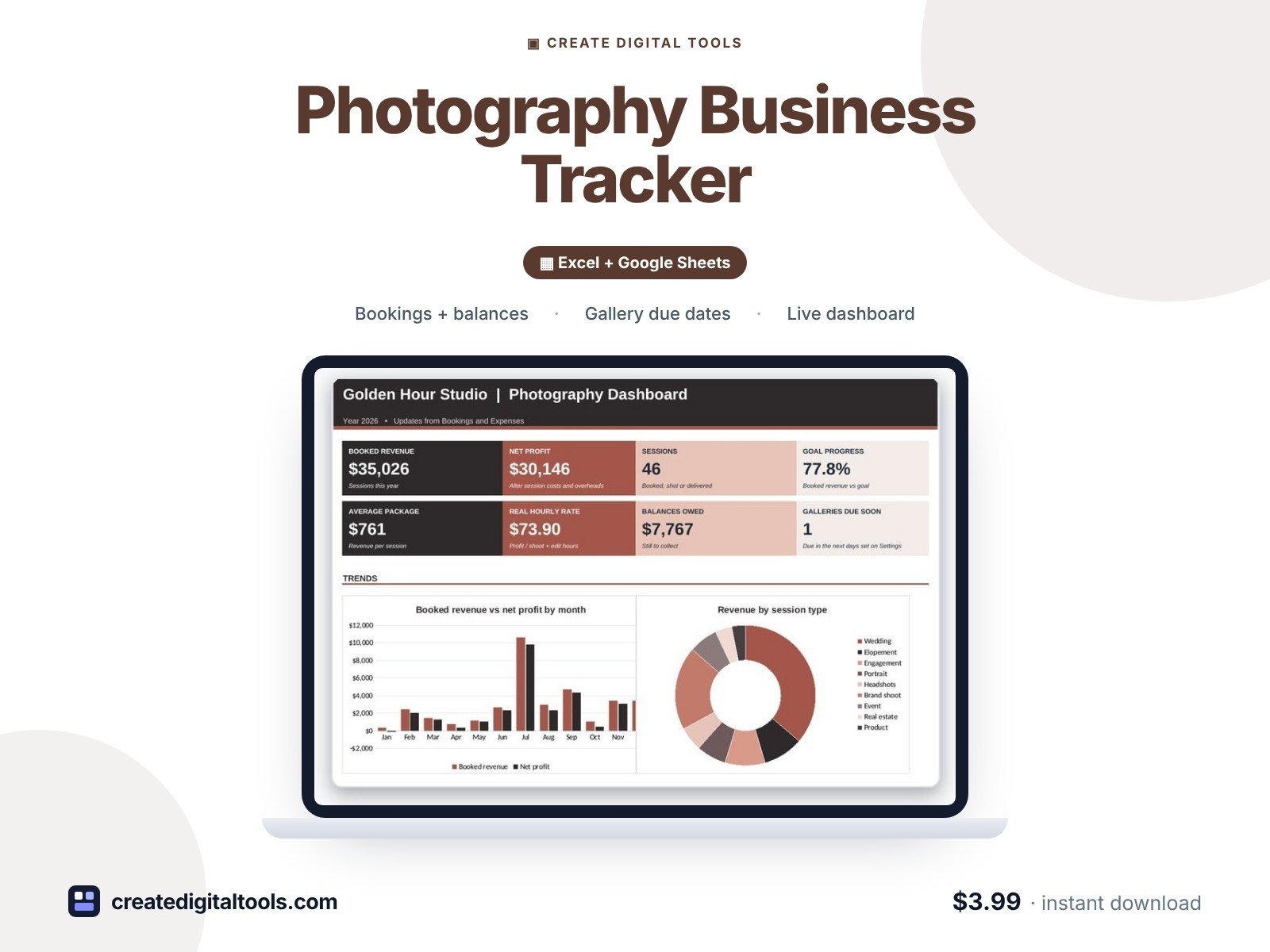
A photography business tracker that follows every client from inquiry to delivered gallery. It works out balances owed, gallery due dates, on-time delivery, profit and your real hourly rate per session, and shows which lead sources and session types earn the most.
Who it’s for
Wedding, portrait, brand, headshot, event, product and real estate photographers running a solo or small studio business.
What’s inside
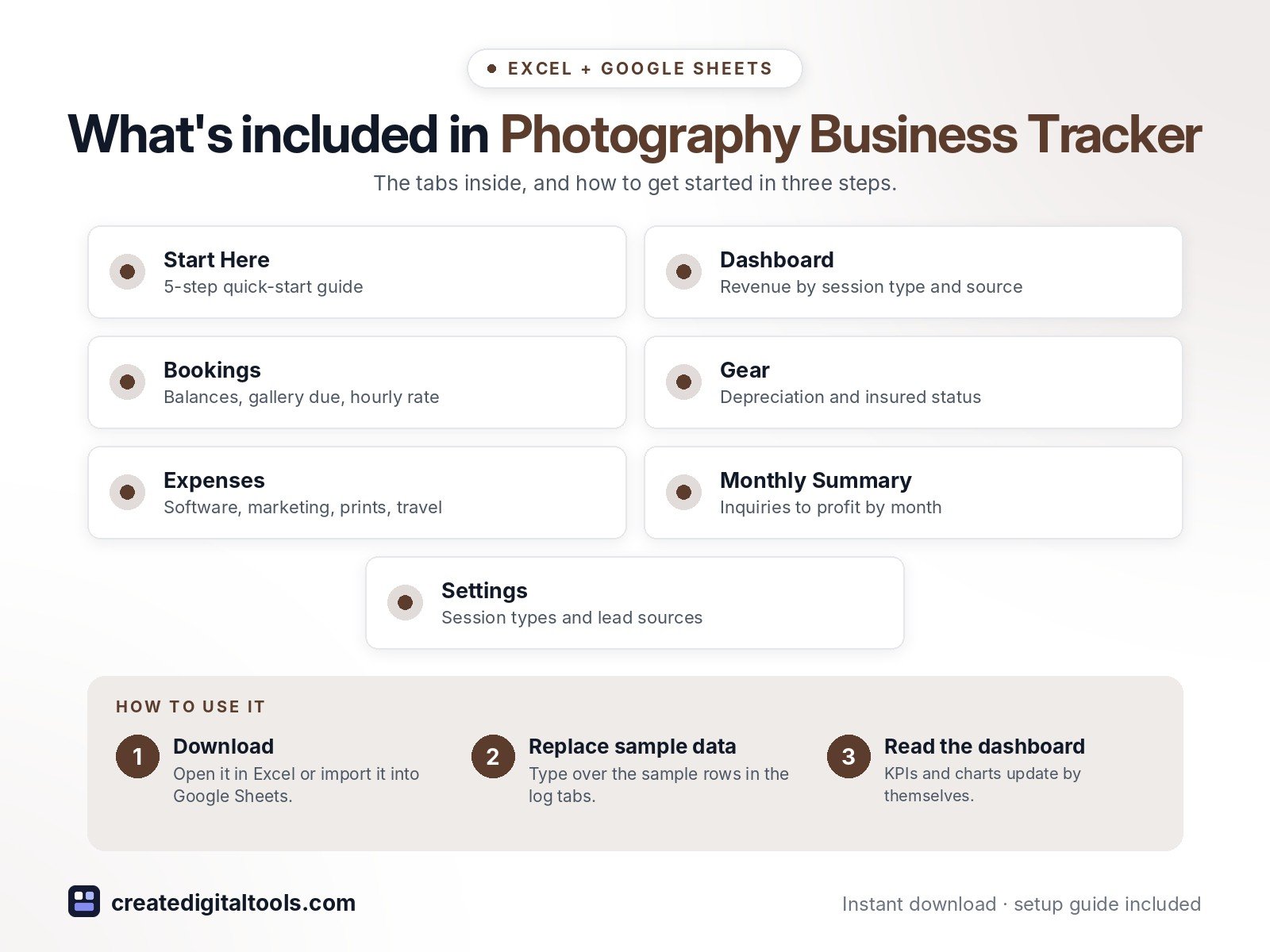
- Start Here – a 5-step quick-start guide inside the file
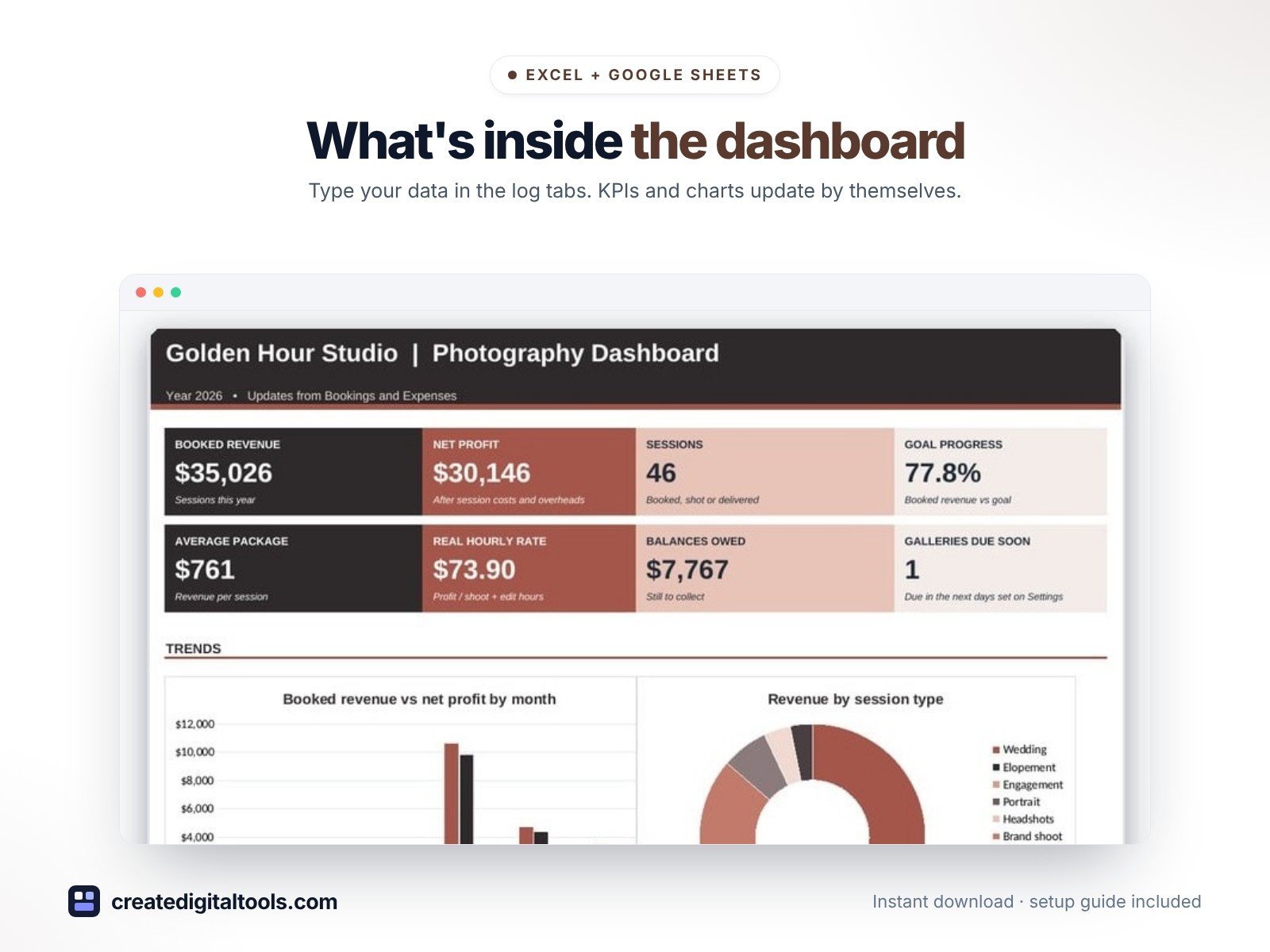
- Dashboard – KPI tiles, monthly revenue vs profit, revenue by session type and by lead source.
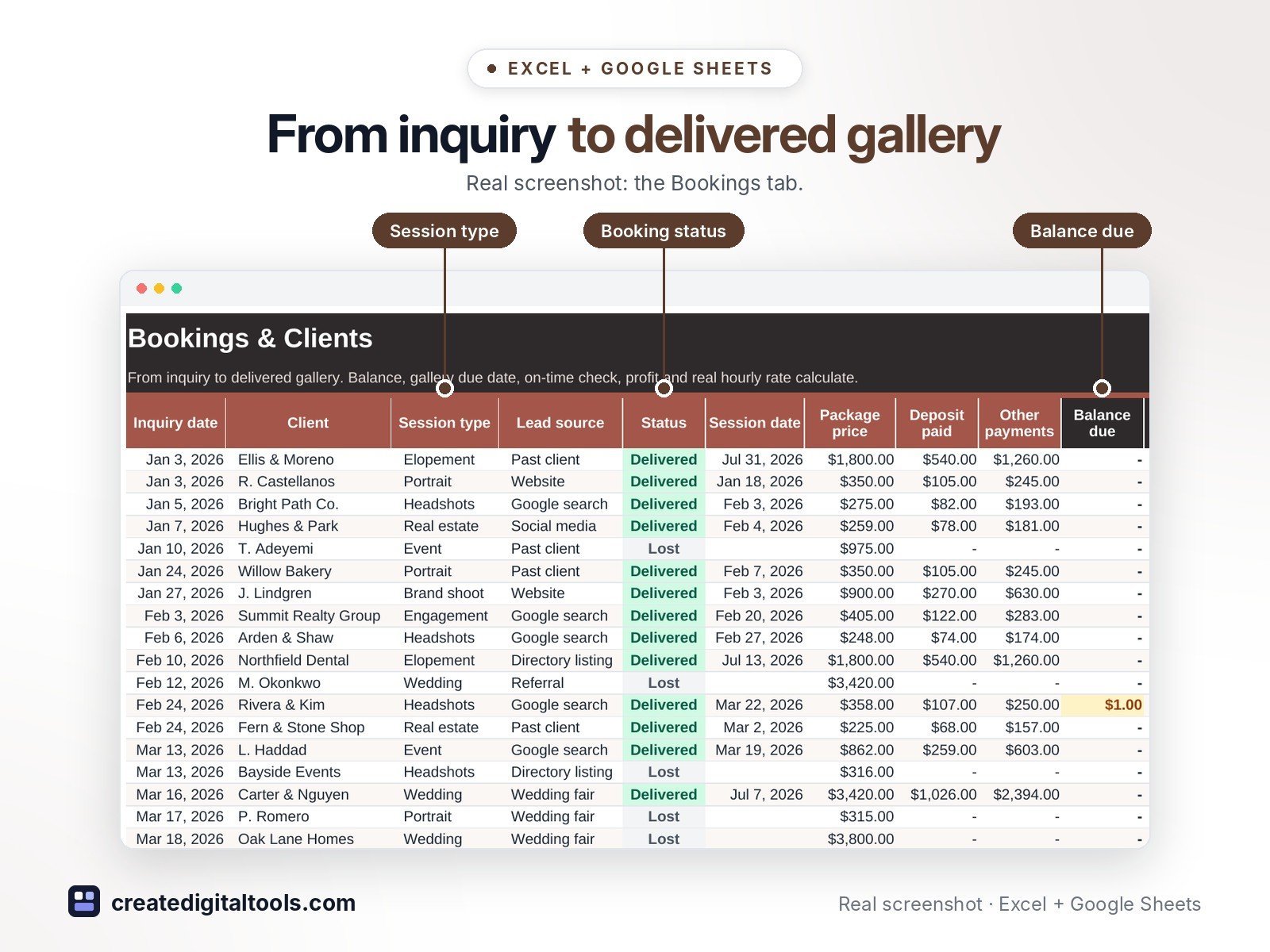
- Bookings – Inquiry-to-delivery tracker with balances, gallery due dates, on-time check and hourly rate.
- Gear – Kit list with purchase cost, yearly depreciation, age and insured status.
- Expenses – Software, marketing, insurance, prints, education and travel.
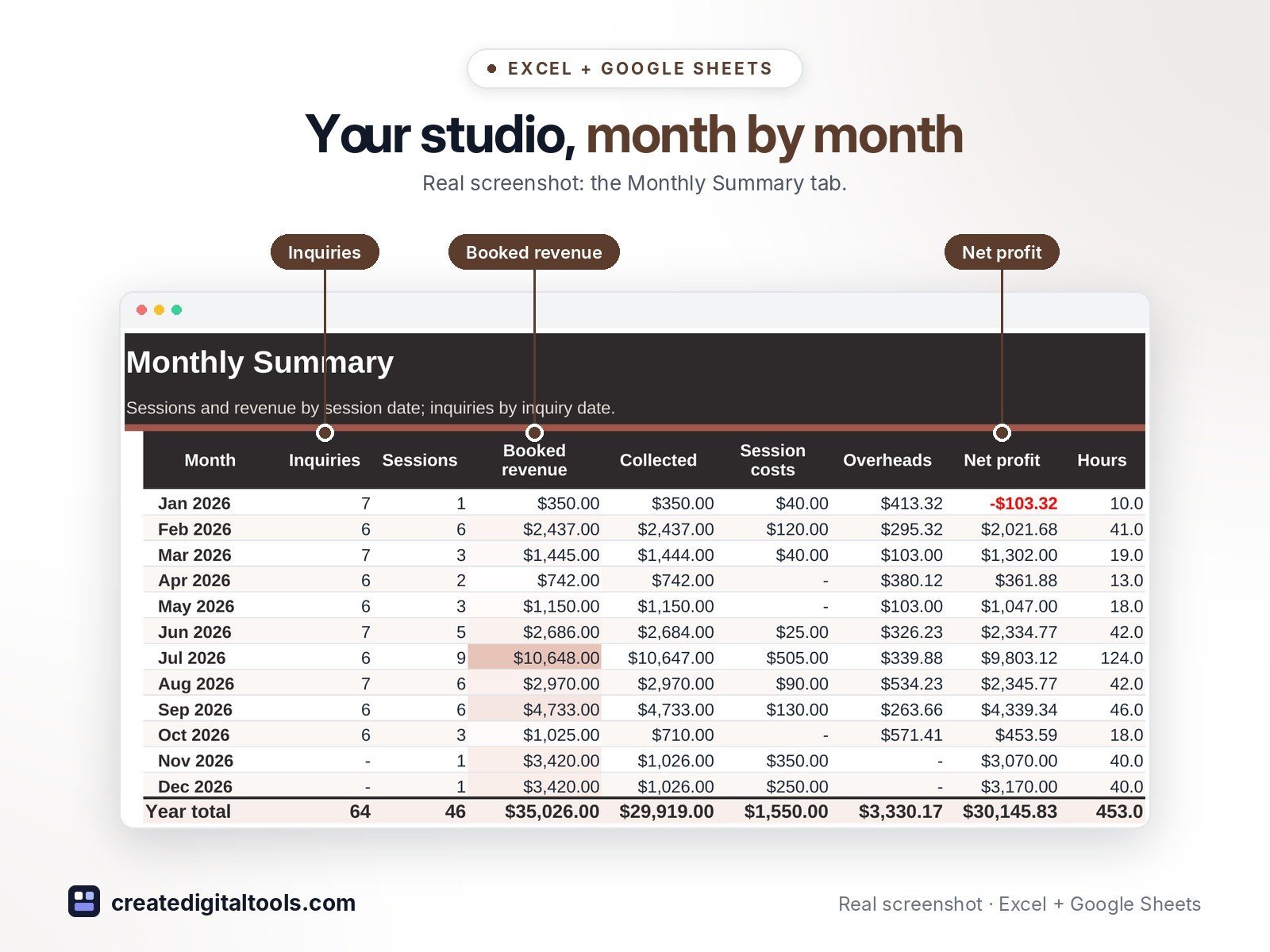
- Monthly Summary – Inquiries, sessions, revenue, collected, costs, profit and hours by month.
- Settings – Studio details, session types, turnaround days, lead sources and lists.
Features
- Bookings tracker with status: Inquiry, Booked, Shot, Editing, Delivered, Lost
- Package price, deposit and payments with balance due
- Gallery due date from your turnaround days, plus an On time / Late / Overdue check
- Real hourly rate per session (profit / shoot and edit hours)
- Revenue and booking rate by lead source
- Gear list with yearly depreciation, age and insured status
- Monthly summary of inquiries, sessions, revenue, collected, costs, profit and hours
- Dashboard with 8 KPI tiles and 3 charts
How delivery works
- Instant download right after purchase: the .xlsx workbook plus a step-by-step Setup Guide PDF.
- Works in Microsoft Excel (Windows, Mac, Excel for the web) and Google Sheets (upload to Google Drive and open with Google Sheets, or File > Import).
- Comes with realistic sample data so you can see how it works, and clear instructions to remove it.
- No macros, no add-ons, no subscriptions. Pay once, use it for as long as you like.
FAQ
Can I change the session types?
Yes. Edit them on Settings with your own turnaround days and starting prices.
Does it track payment plans?
Enter the deposit and add later payments to Other payments; the balance due updates.
Does it work in Google Sheets?
Yes. Upload it to Google Drive and open it with Google Sheets, or use File > Import. Formulas, dropdowns and charts carry over.
The depreciation column is a simple straight-line estimate for planning, not tax advice. Check the rules with your accountant.
This is a digital product. No physical item will be shipped.
Want your own store like this one? createdigitaltools.com runs on Hostinger WordPress hosting. Start your own shop with Hostinger, or try the no-code Hostinger Website Builder.
Affiliate links: I may earn a commission at no extra cost to you.