Description
Setup Guide & Full Tour (5 min, start here if you are new to Notion)
Quick demo
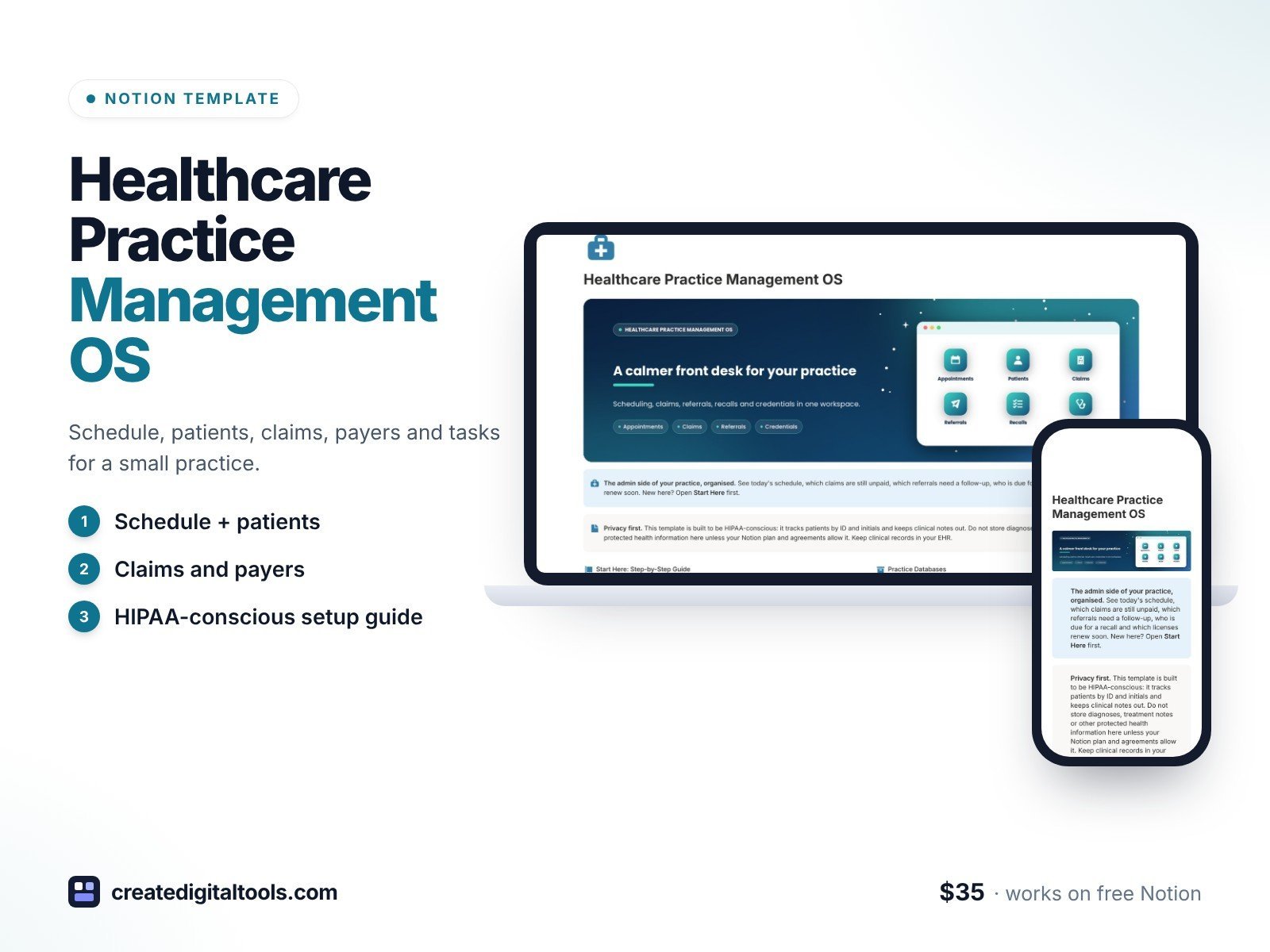
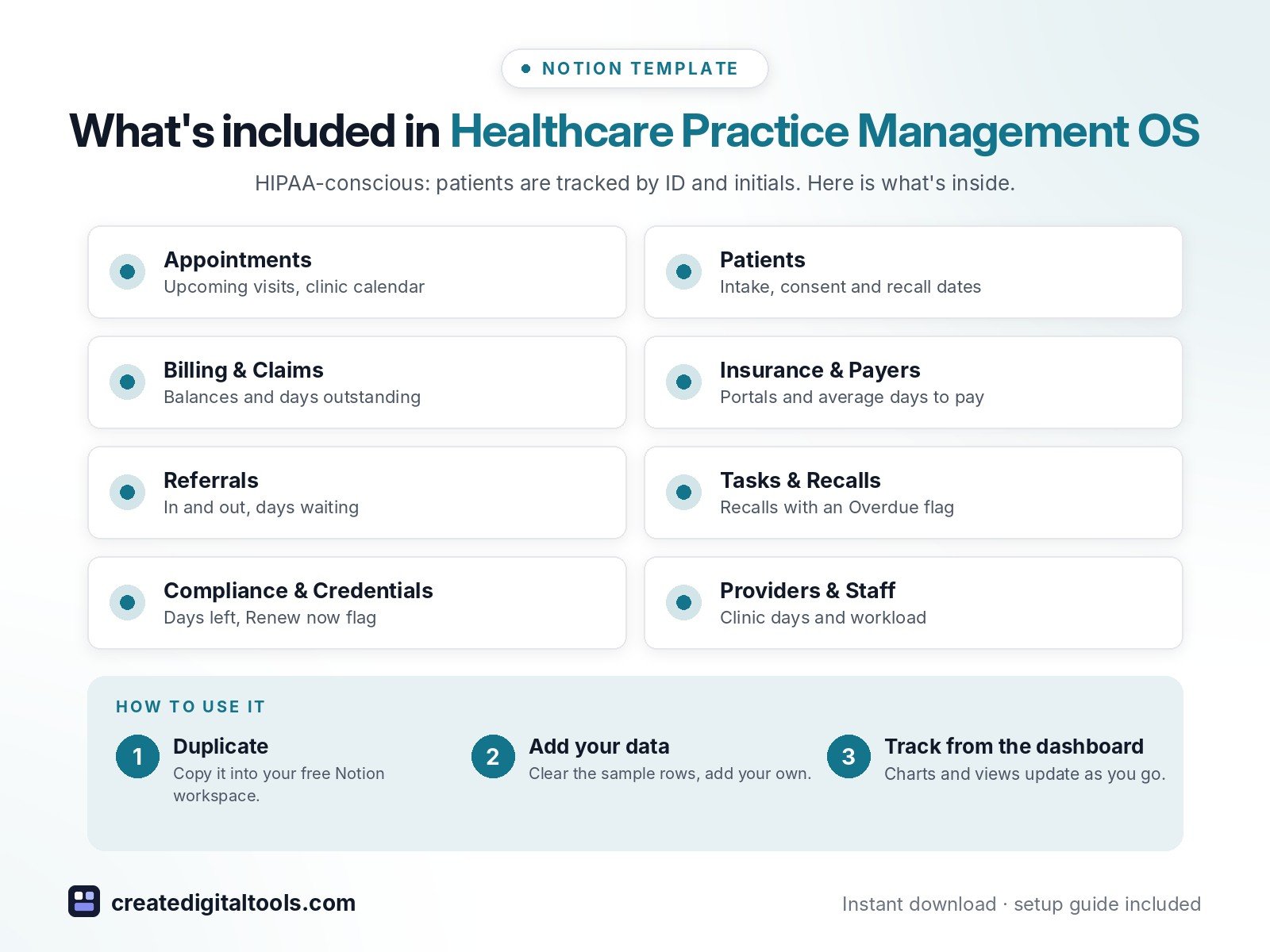
Organise the admin side of a small clinic or private practice in Notion. Healthcare Practice Management OS links your schedule, patients, claims, payers, referrals, recalls and credentials, so the front desk can see what needs doing today. It is built to be HIPAA-conscious: patients are tracked by ID and initials, and there are no fields for diagnoses or clinical notes. Keep clinical records in your EHR.
What’s inside
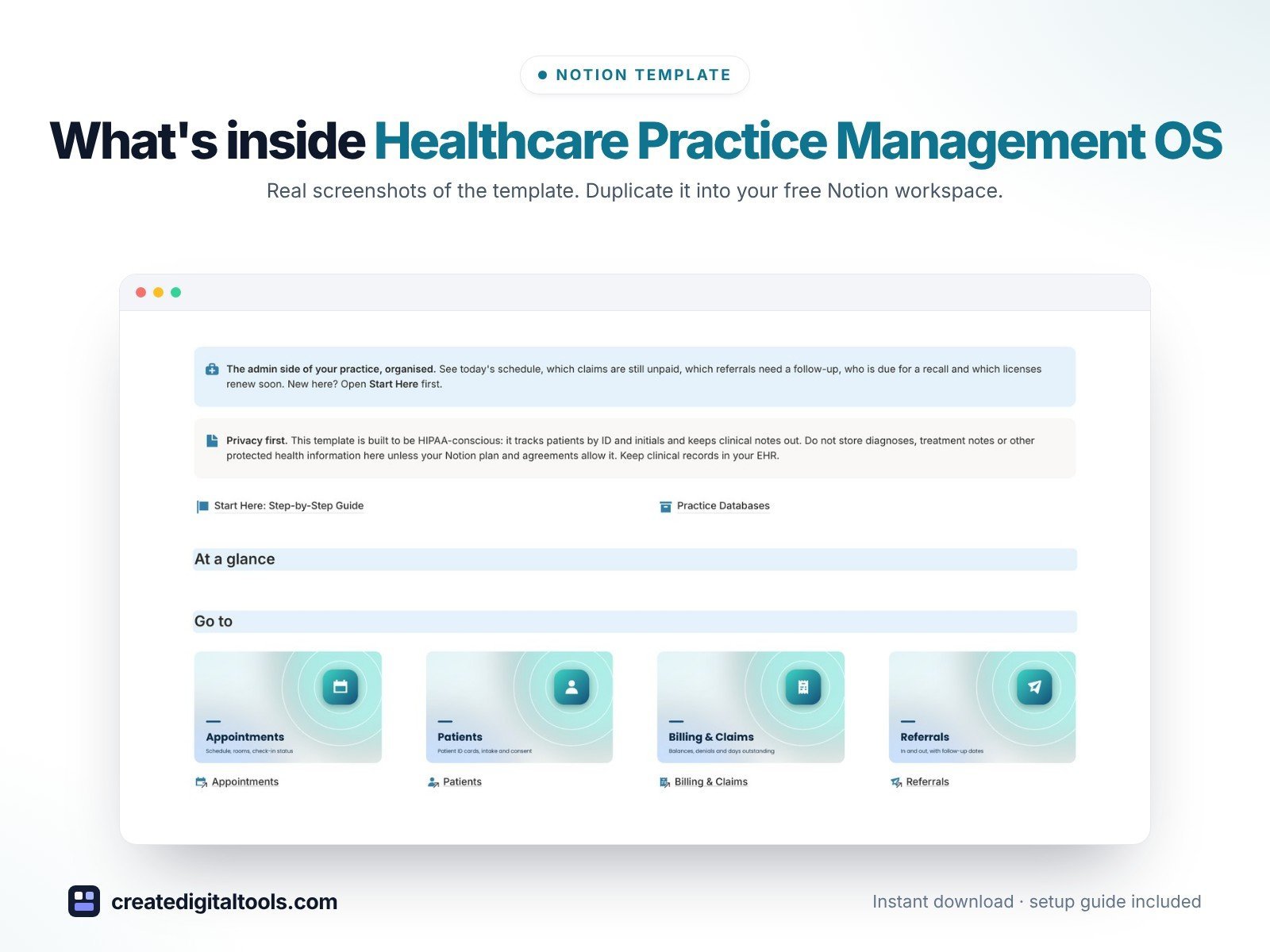
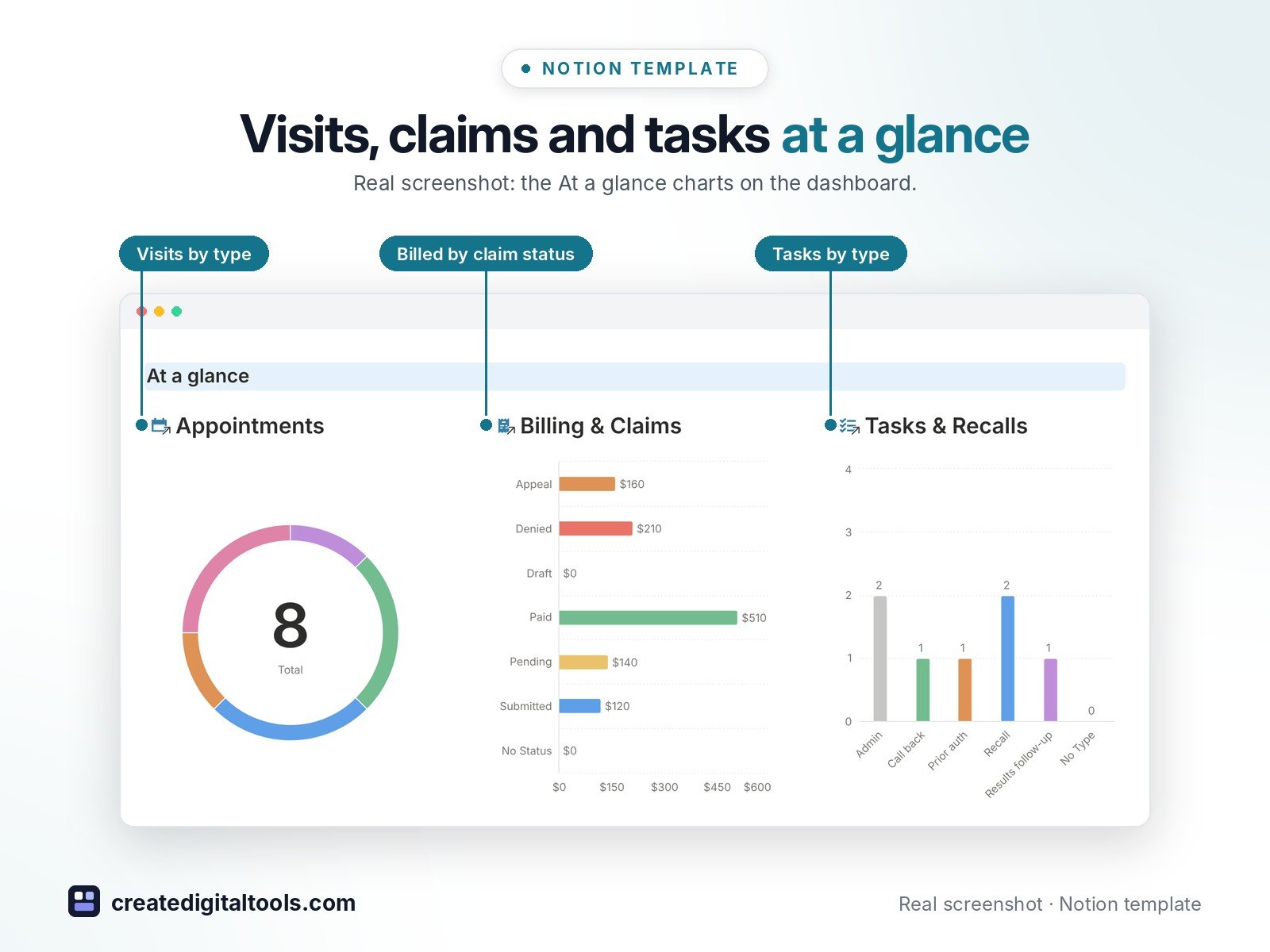
- Dashboard with hero banner, image navigation cards and three charts (visits by type, billed by claim status, tasks by type)
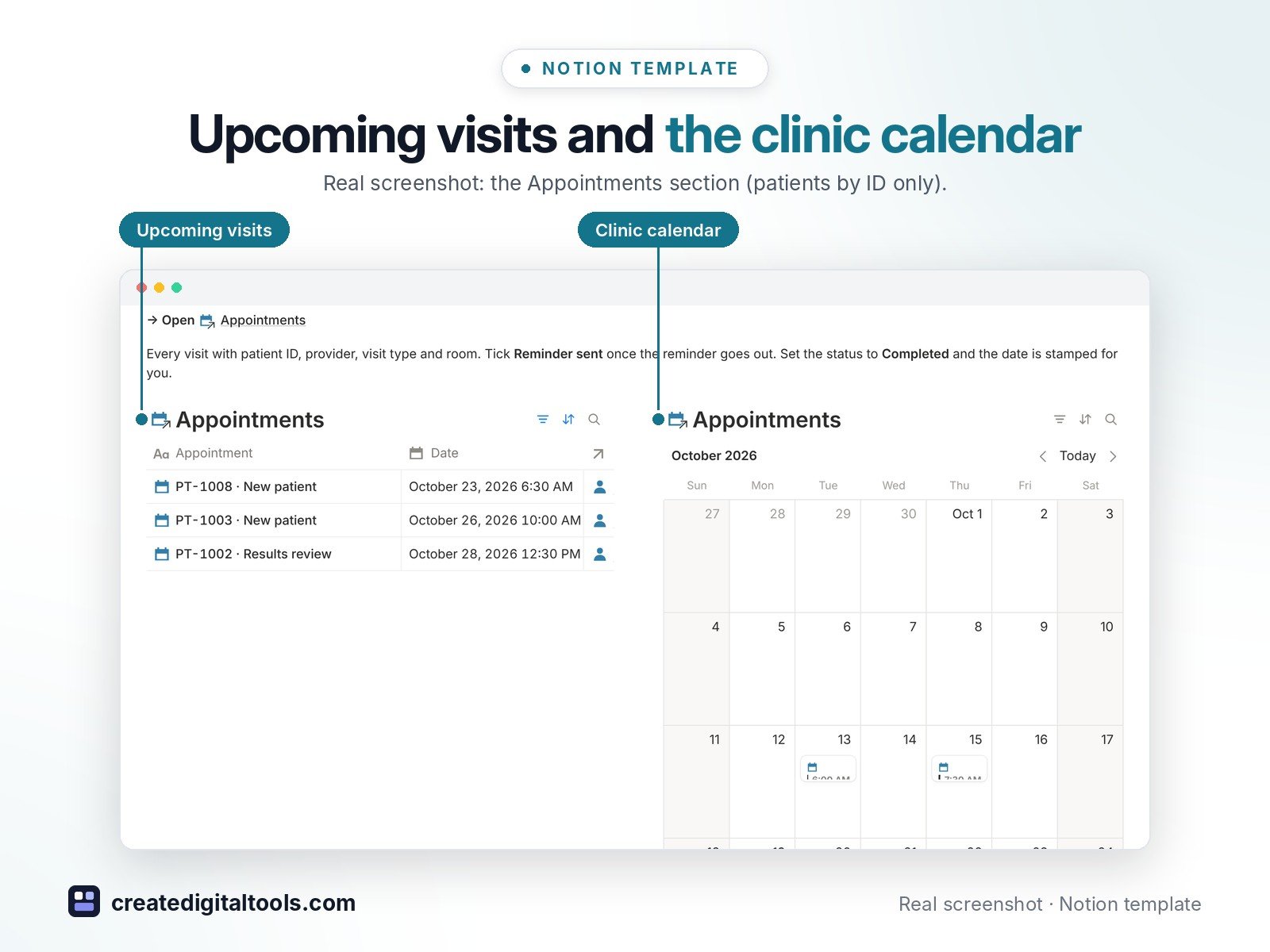
- Appointments: upcoming visits and clinic calendar, rooms, reminder sent, follow-up needed
- Patients: ID cards with provider, payer, intake and consent status, recall date, last visit, balance due
- Billing & Claims: billed, insurance paid, patient paid, balance, days outstanding, denial reason
- Insurance & Payers: portal, claims phone, average days to pay, outstanding total
- Referrals in and out with urgency, follow-up date and days waiting
- Tasks & Recalls with an Overdue flag, and Compliance & Credentials with days left and a Renew now flag
- Providers & Staff with clinic days and workload
- 4 built-in automations: visit Completed, claim Submitted, task Done and credential Renewed stamp their dates
- 8 linked databases with relations, rollups, formulas, fictional sample data and a ready-made page template in each, plus a Start Here guide
Database automations run on Notion’s paid plans (Plus and up). On the Free plan they pause, and you can make the same changes by hand.
Who it’s for
- Small clinics and private practices
- Therapy, chiropractic, physio and specialist offices
- Practice managers and front-desk teams
What you get
- Template link (PDF) to duplicate into your Notion workspace
- Start Here: Step-by-Step Guide inside the template
- Video walkthrough (being added to the Start Here page)
How delivery works
You get a PDF with the Duplicate link. Click Duplicate to copy it into your free Notion workspace.
- Buy and download the PDF with your template link.
- Open the link and click Duplicate (log in to Notion first; the free plan works).
- Open the Start Here page and follow the setup steps.
Good to know
- Digital product: nothing physical is shipped.
- You need a Notion account (the free plan works).
- Sample data is fictional.
- This template is an organising tool, not medical, legal or billing advice. Follow your own privacy, payer and licensing rules.
- Notion is a trademark of Notion Labs, Inc.; this is an independent template.
New to Notion? Create a free account (affiliate link: I may earn a commission at no extra cost to you).
Want your own store like this one? createdigitaltools.com runs on Hostinger WordPress hosting. Start your own shop with Hostinger, or try the no-code Hostinger Website Builder.
Affiliate links: I may earn a commission at no extra cost to you.