Notion Template for Personal Trainers and Online Fitness Coaches
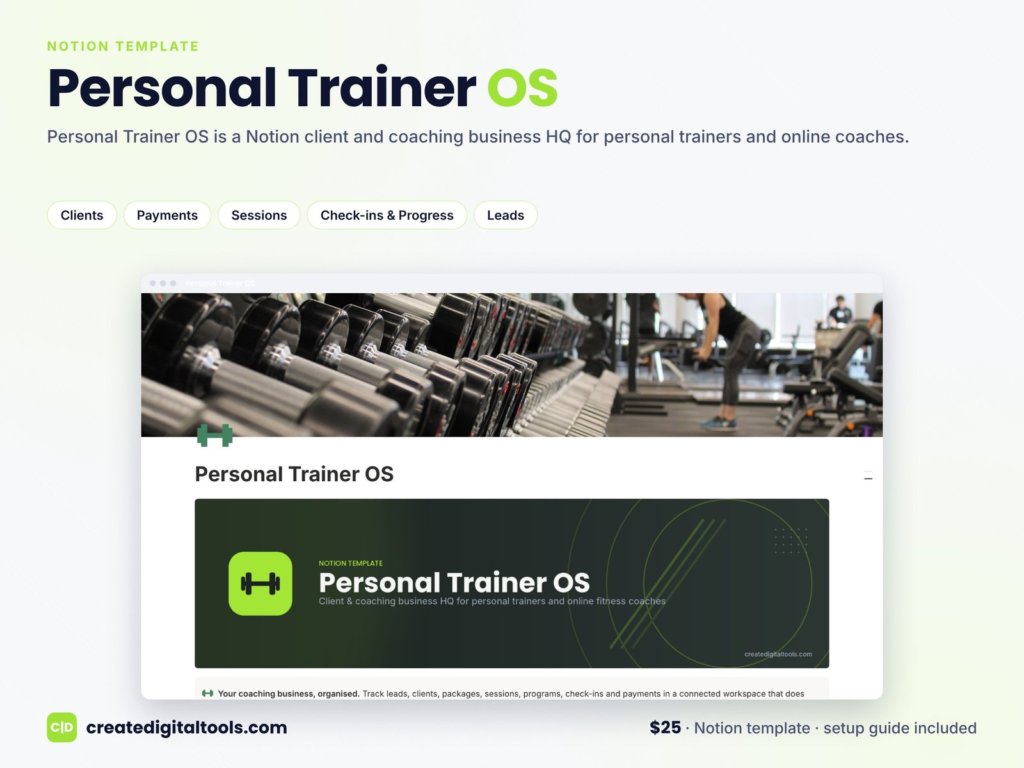
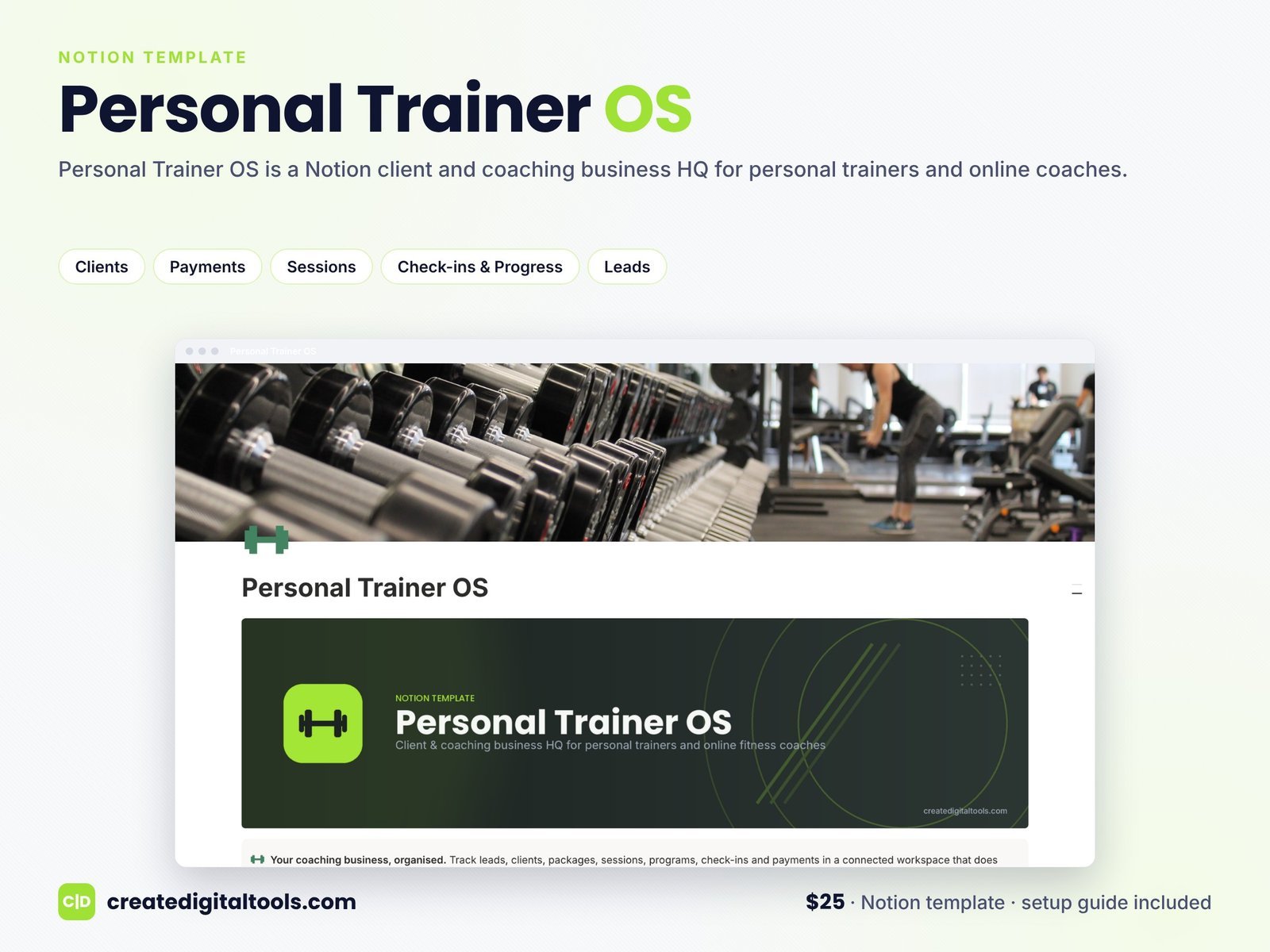
Short answer: personal trainers and online fitness coaches can run their whole business in Notion with linked databases for Clients, Leads, Packages, Sessions, Programs, an Exercise Library, Check-ins and Payments. A dashboard shows active clients, sessions this week, revenue this month and open leads. Personal Trainer OS ($25) from Create Digital Tools (formerly Notion Market Hub) is a ready-made version.
Why trainers need more than a booking app
Booking apps handle the calendar. But a coaching business also runs on leads, packages with sessions remaining, programs, client check-ins and payments, and most trainers keep those across WhatsApp, Google Sheets and memory. When a client asks “how many sessions do I have left?” or “how much have I lost since I started?”, you want the answer in two clicks.
What’s inside Personal Trainer OS
Dashboard
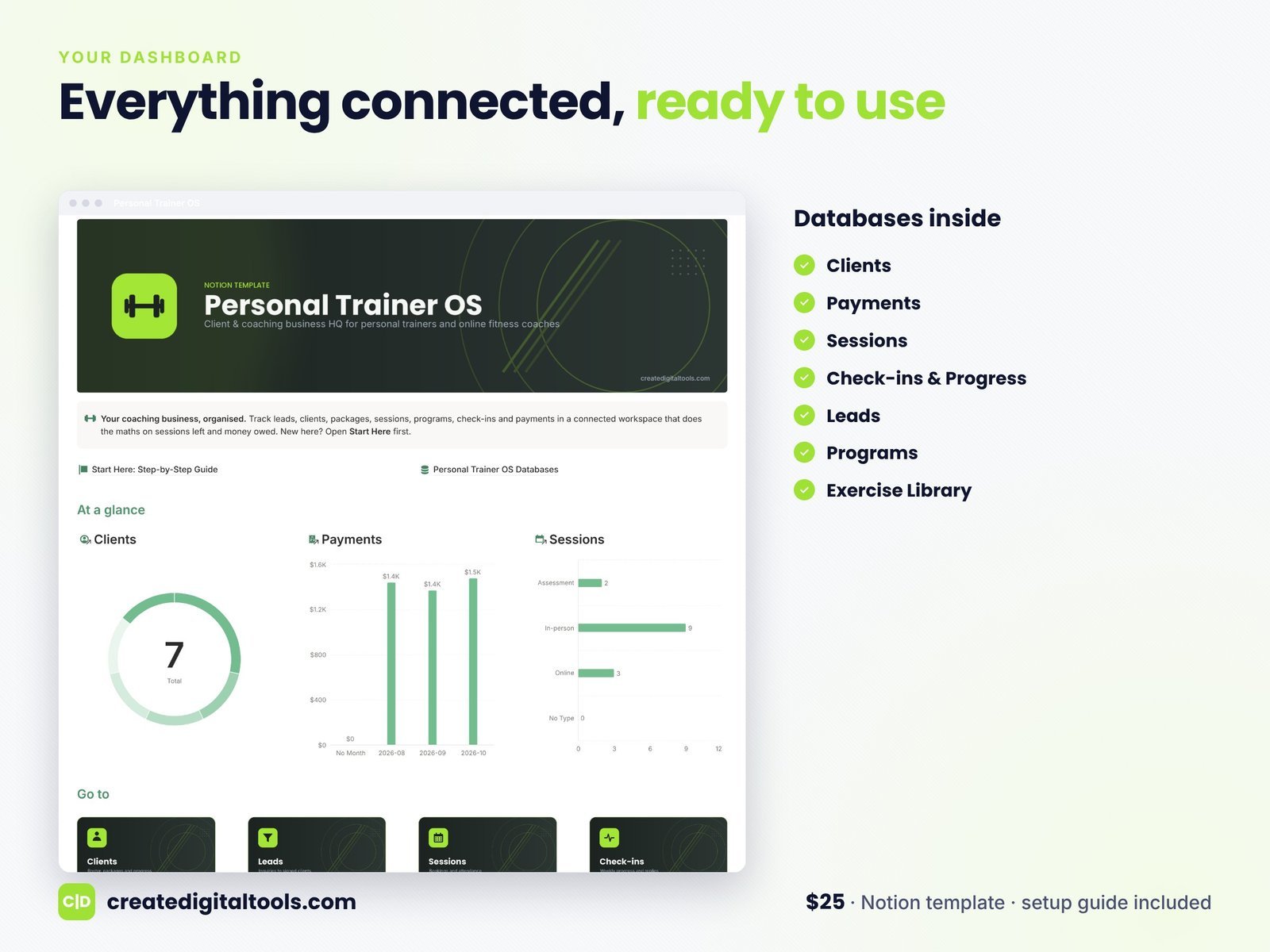
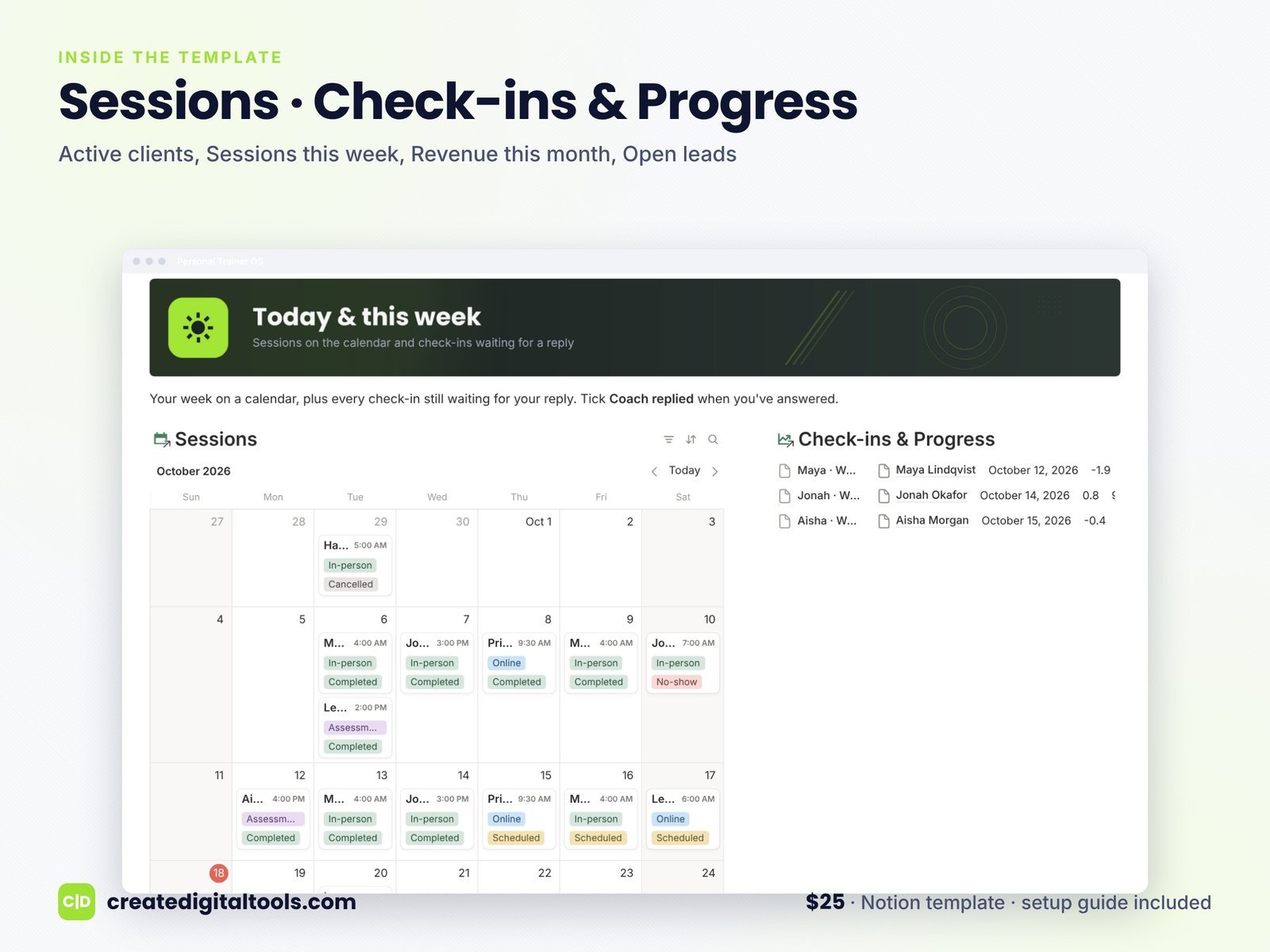
Four live tiles: active clients, sessions this week, revenue this month and open leads. Three charts: clients by goal, revenue by month and sessions by type. A Today and this week section shows your session calendar plus check-ins waiting for your reply.
Clients
A gallery showing each client’s package, sessions done and remaining, last check-in, latest weight change, amount paid and balance.
Leads pipeline
New, Consult booked, Trial, Won and Lost, with consult and follow-up dates and an overdue flag. Most trainers lose leads simply by forgetting to follow up after a consult.
Packages and pricing
Sessions included, price, weeks, type (1:1, online or hybrid) and price per session, so you can compare packages properly.
Sessions
In-person, online and assessment bookings with status: Scheduled, Completed, No-show or Cancelled. No-show tracking helps you enforce your cancellation policy fairly.
Programs and exercise library
Programs run in phases (Foundation, Build, Peak and Deload) with start and end dates, weeks and linked exercises. The exercise library stores muscle group, equipment, level, a video link and coaching cues. Build it once and reuse it for every client.
Check-ins and progress
Weight, body fat, waist, energy, adherence, progress photos, the client’s update and your reply, with change vs start calculated automatically. That number is powerful for client retention.
Payments
Invoice numbers, due and paid dates, method and an overdue flag.
A worked example
Maya buys a 12-session package for $720, which is $60 a session. After 9 sessions, her card shows 3 remaining, so you start the renewal conversation now rather than after the last session. Her check-ins show −4.2 kg and a 6 cm smaller waist since she started, and adherence has risen from 60% to 85%. You open her page and share that progress in the renewal chat. It is an easy yes.
Set it up
- Duplicate from your download PDF. The free Notion plan works.
- Open Start Here: a 5-step setup, how the databases connect and an FAQ.
- Add your packages and prices.
- Add active clients, each linked to a package.
- Build your exercise library, starting with your 30 most-used exercises.
- Create a program template for your most common goal.
- Send clients a weekly check-in and log the results.
- Clear the sample data when you are ready.
A weekly coaching routine
- Monday: review check-ins and reply to each client.
- Daily: mark sessions Completed or No-show.
- Wednesday: follow up on overdue leads.
- Friday: check sessions remaining and start renewal conversations.
- Month end: chase overdue payments and review revenue by month.
Notion vs Trainerize or TrueCoach
Dedicated coaching apps include client-facing apps, workout delivery and in-app messaging, which are great at scale and come with a monthly fee per client tier. Notion is a one-time cost, fully customisable, and it suits trainers who deliver workouts by PDF, video or in person and want their business admin organised. Many trainers start in Notion and move workout delivery to an app as they grow, while keeping Notion for leads, payments and planning.
Related templates
- Coaching Studio OS ($19): for life and business coaches. Read the coaches guide.
- Creator Studio OS 2027 ($19): if you build a fitness audience online.
- Business Finance HQ ($24).
Frequently asked questions
Can personal trainers use Notion?
Yes. Notion works well for client records, packages, programs, check-ins and payments. Many trainers pair it with a booking tool and a payment app.
Can clients see their own program?
Yes. You can share a single client’s program page with them without sharing your workspace.
Does it work on my phone at the gym?
Yes, in the Notion mobile app.
Does it give fitness or nutrition advice?
No. It is an organising tool for your coaching business, not medical, nutrition or fitness advice.
Notion is a trademark of Notion Labs, Inc.; this is an independent template. Sample data is fictional.
Notion systems, spreadsheets and planners with a setup guide. Instant download.