Description
Setup Guide & Full Tour
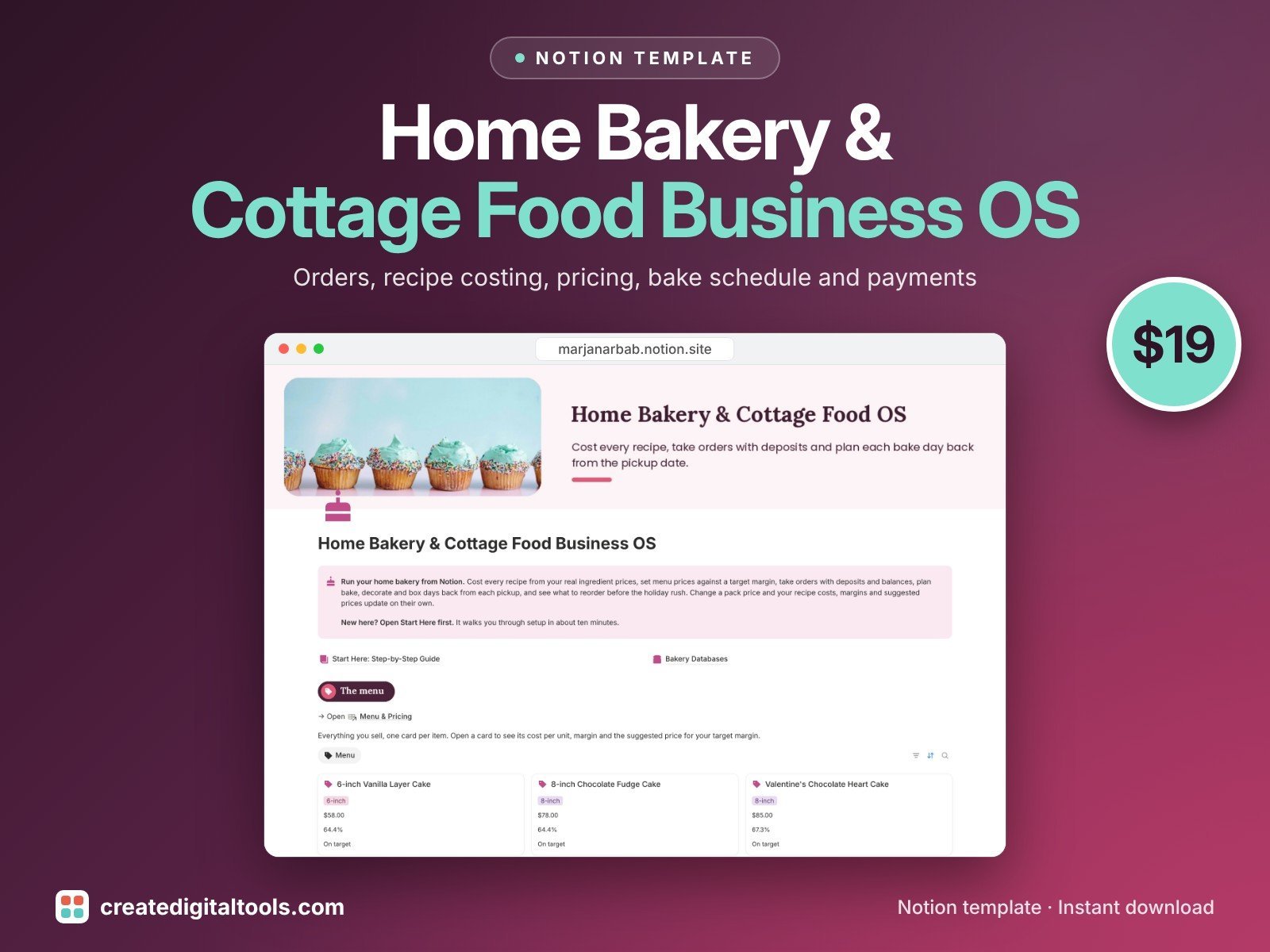
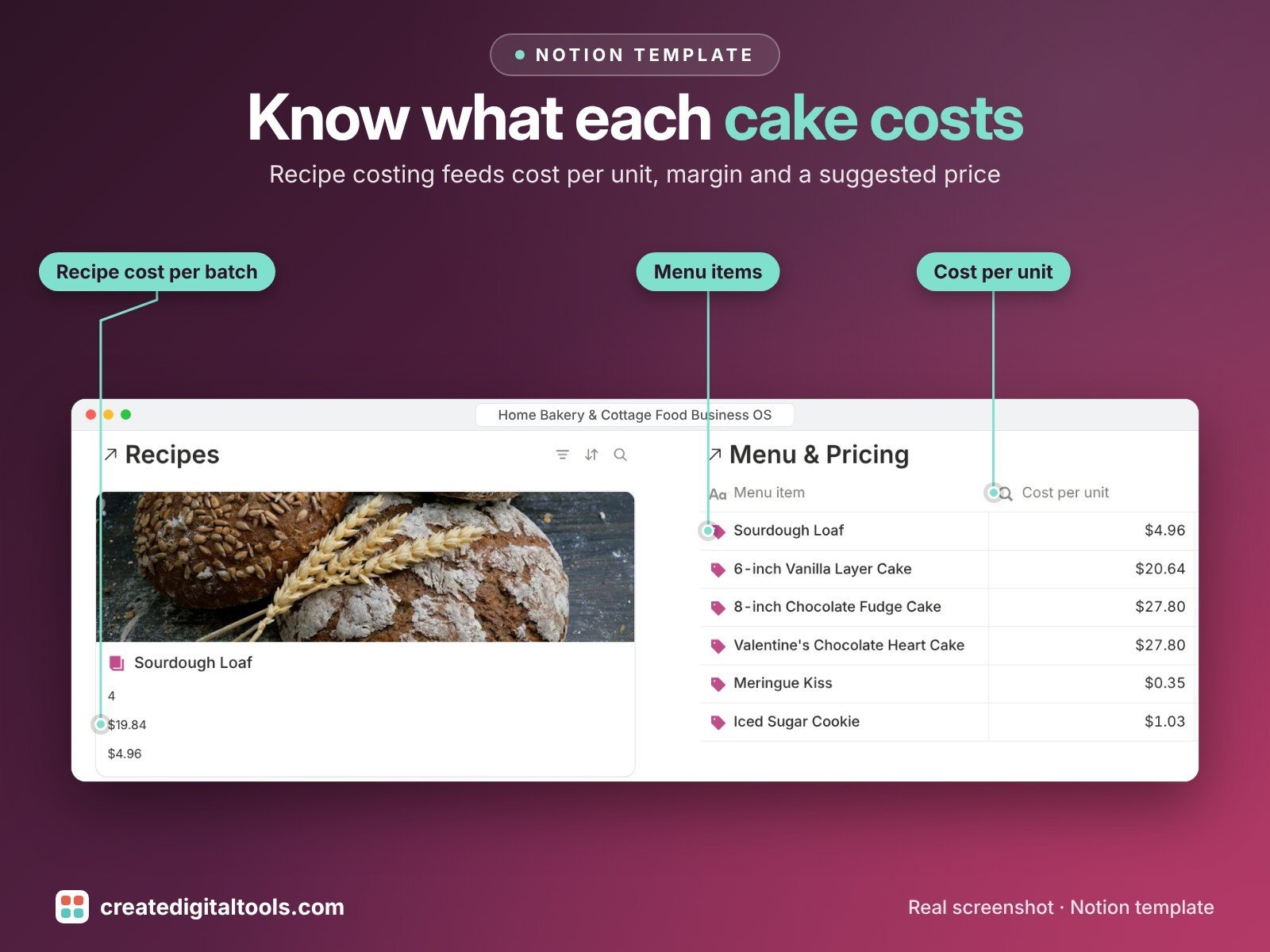
Know what every cake really costs you, and stop losing track of orders and deposits. This template is built for home bakers, cake makers and cottage-food sellers: enter your ingredient pack prices once and it works out the cost of each recipe, the cost per unit, your margin and a suggested price for the margin you want. When butter goes up, change its pack price and everything that uses it updates.
Who it’s for
- Home bakers and cake makers
- Cottage-food sellers at markets and online
- Small bakeries taking custom and holiday pre-orders
What’s inside
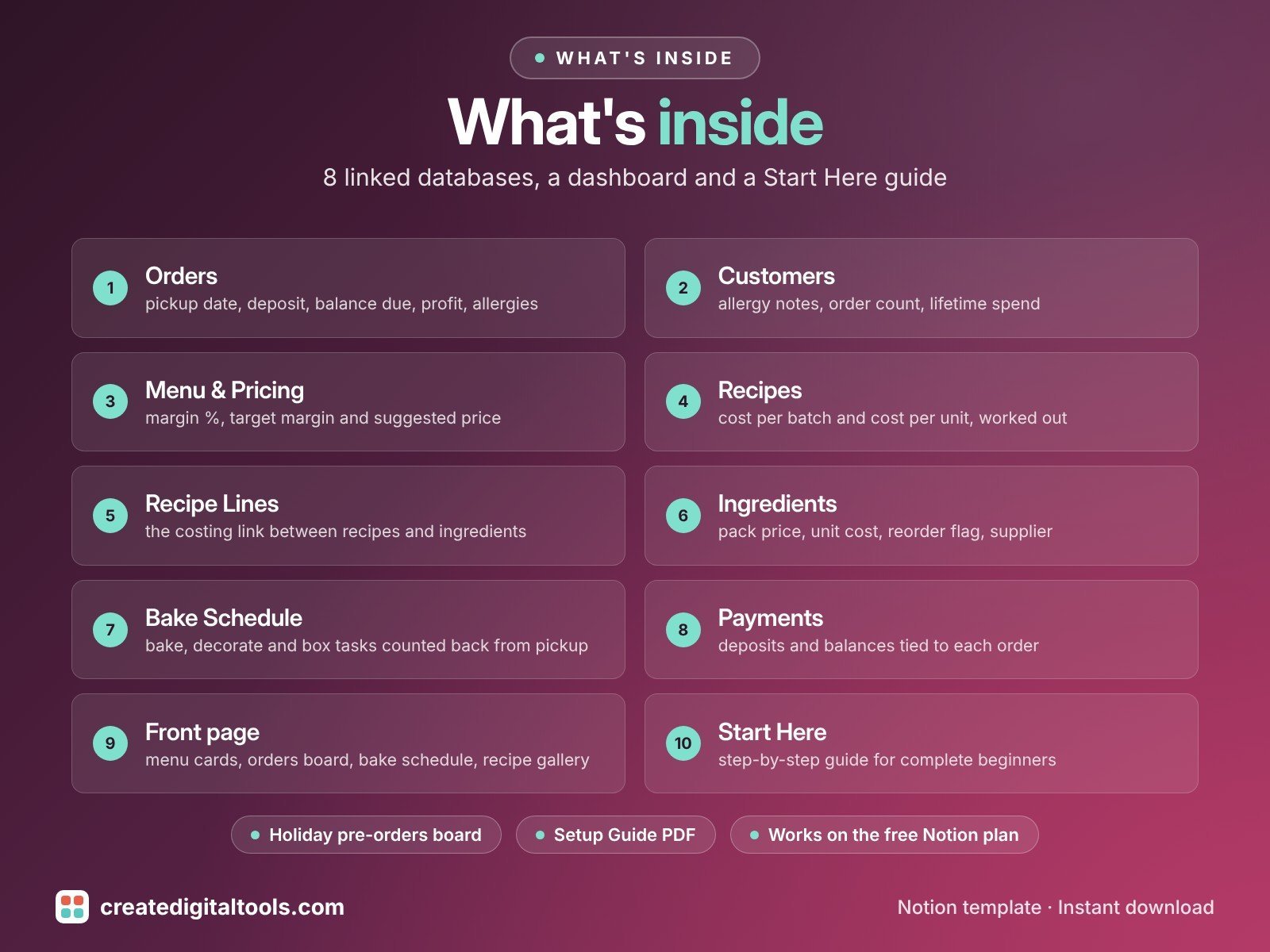
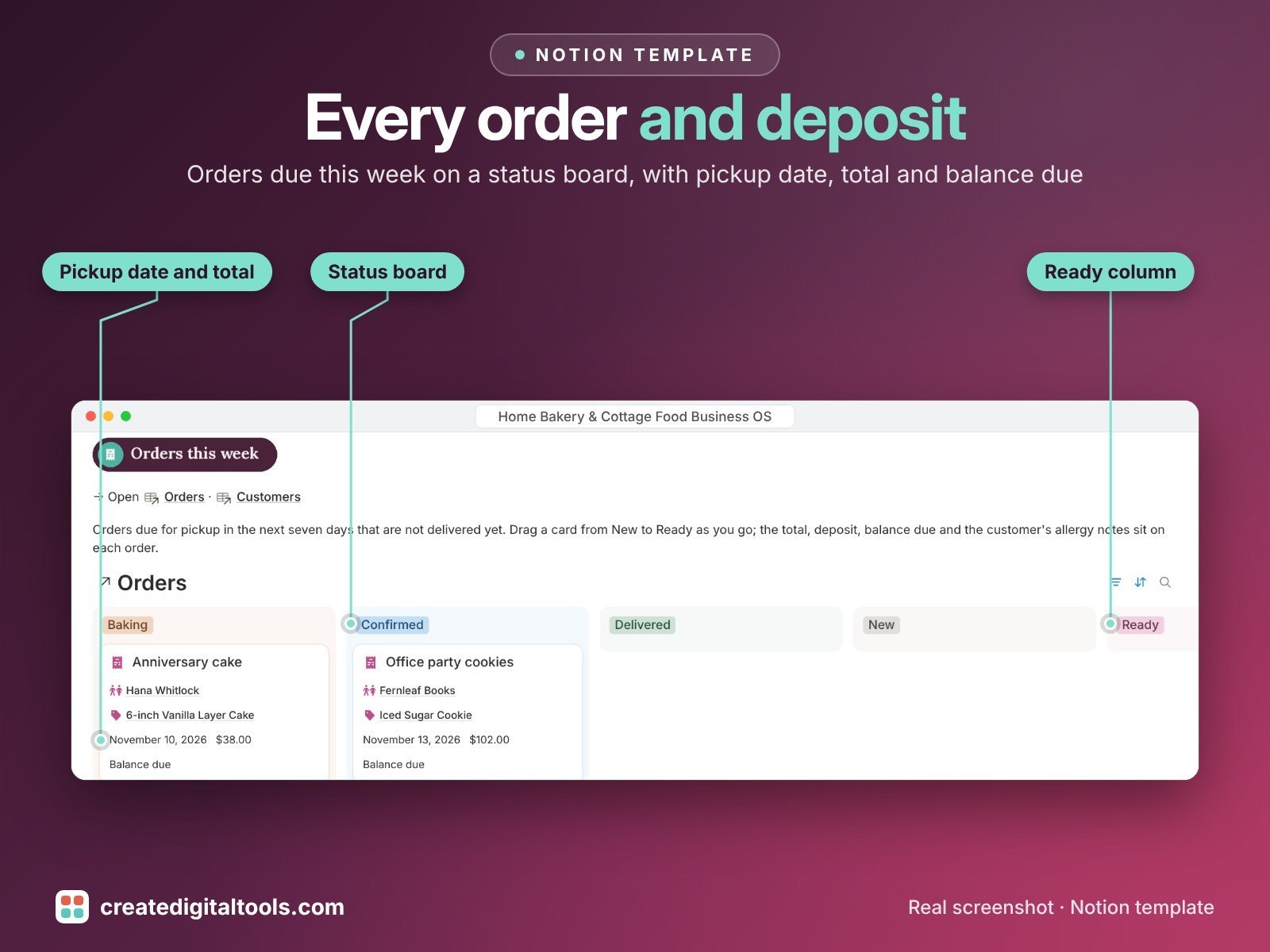
- Orders: pickup date, status, season, order total, deposit, balance due, profit and days to pickup, with the customer's allergy notes on the order
- Customers: contact details, allergy notes, source, order count, lifetime spend and last order
- Menu & Pricing: unit price, cost per unit, margin %, target margin, suggested price and a below-target flag
- Recipes: instructions, yield, prep minutes, ingredient cost, packaging, labour cost, cost per batch and cost per unit
- Recipe Lines: the costing link between recipes and ingredients
- Ingredients: pack size and price, unit cost, on hand, reorder level, reorder flag and supplier
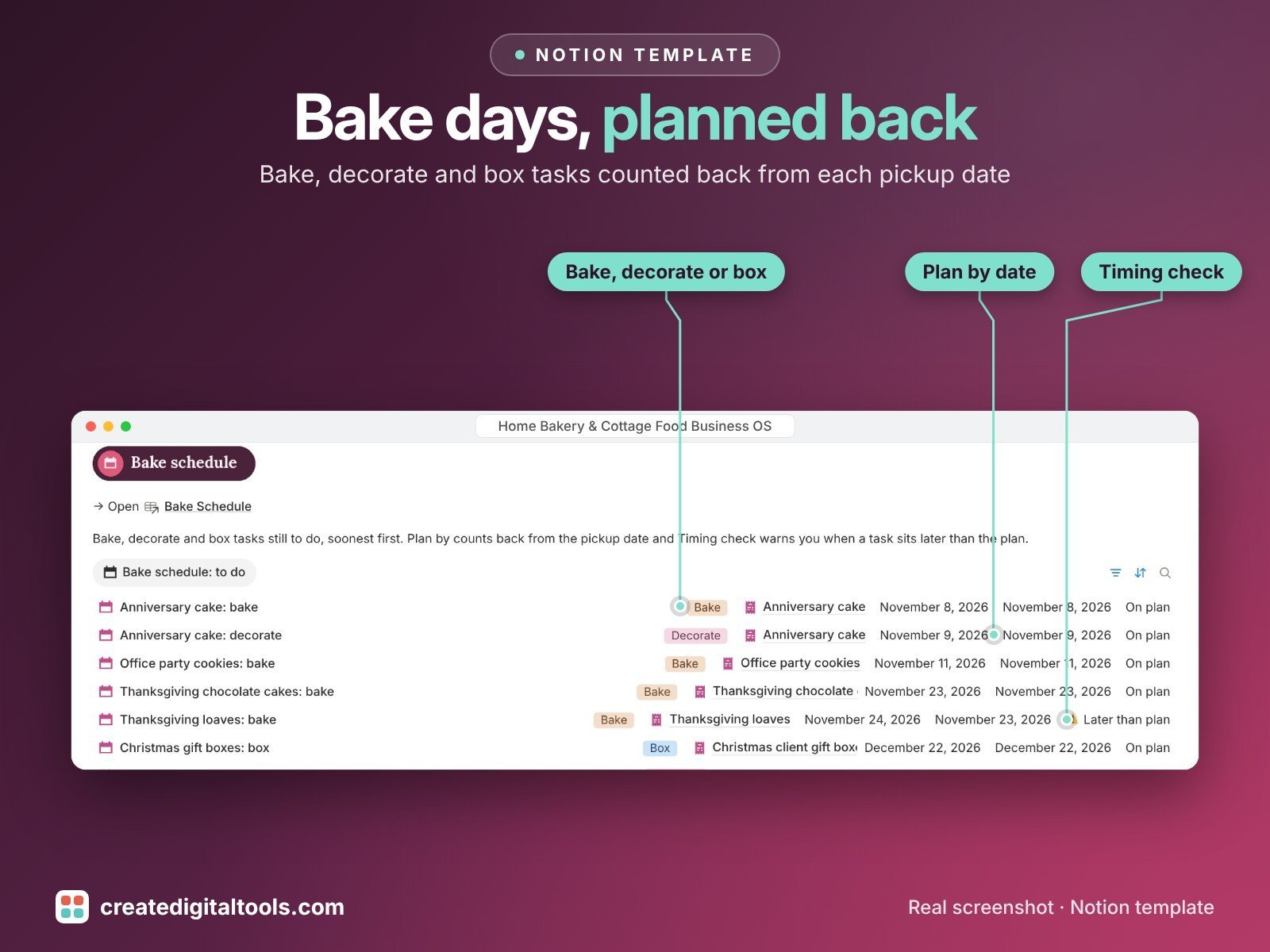
- Bake Schedule: bake, decorate and box tasks, a Plan by date counted back from pickup, and a timing warning
- Payments: deposits and balances tied to each order, with method and status
- Views: holiday pre-orders board, pickup and bake calendars, This week lists, reorder list, pending payments and a recipe gallery
- Front page: menu cards, orders this week, bake schedule, recipe costing and quick links to every database
- Start Here: Step-by-Step Guide inside the template, written for complete beginners, with fictional sample data to learn from
How it works
Enter ingredient pack prices, build recipes from recipe lines, and your menu shows cost per unit, margin and a suggested price. Take an order with a deposit, and the balance due, profit and bake schedule follow from the pickup date.
Built-in automations
Five date stamps fill in for you: order confirmed, order delivered, payment paid, ingredient ordered and bake task done.
Set up in 3 steps
- Open the template link in your PDF and click Duplicate to copy it into your own Notion workspace.
- Open Start Here and follow the setup: add your own details and clear the sample data when you’re ready.
- Work from the front page every day and use the weekly checklist in Start Here to keep everything up to date.
What you get
- The Notion template (instant download: a PDF with your duplicate link)
- Setup Guide PDF with a step-by-step walkthrough and FAQ
- Start Here guide inside the template
- Video walkthrough: setup guide and full tour (at the top of this page)
Free plan
Works on the Free Notion plan. The built-in automations are Notion database automations, which run on paid plans (Plus and up). On the Free plan they pause and you fill those dates in by hand; every database, formula and view still works. Desktop, web and the Notion mobile app.
Please note
This template is an organising tool, not legal or food-safety advice. Cottage food rules and sales limits vary by area, so check your local rules. Costs and margins depend on the numbers you enter.
Digital product: nothing physical is shipped. Sample data is fictional.
Notion is a trademark of Notion Labs, Inc.; this is an independent template by Create Digital Tools (createdigitaltools.com).
New to Notion? Try it free here (affiliate link: we may earn a commission at no extra cost to you).
Want your own store like this one? createdigitaltools.com runs on Hostinger WordPress hosting. Start your own shop with Hostinger, or try the no-code Hostinger Website Builder.
Affiliate links: I may earn a commission at no extra cost to you.