Description
Setup Guide & Full Tour
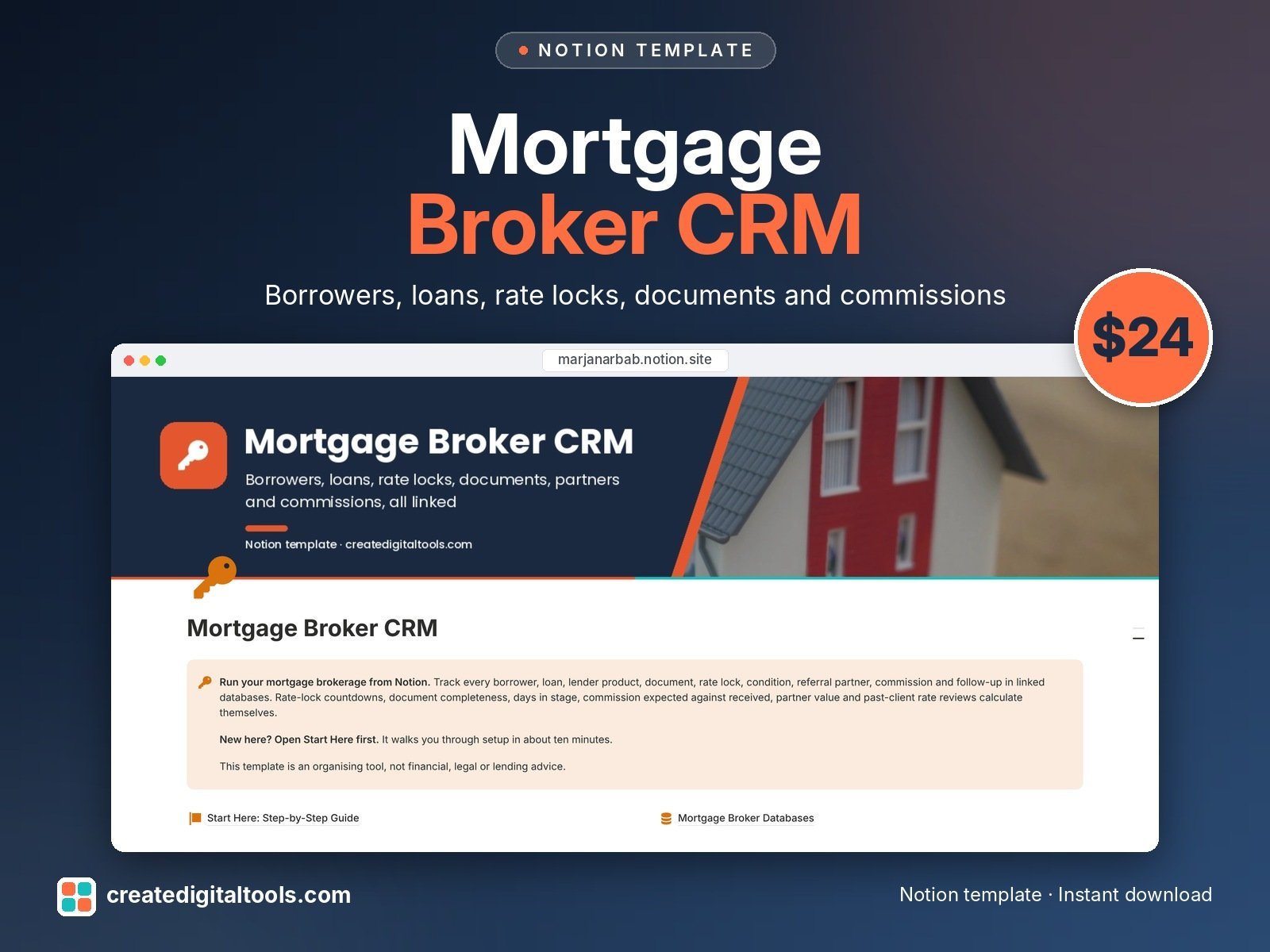
Stop running your files from a spreadsheet and your inbox. Mortgage Broker CRM is a Notion template that connects every borrower, loan, lender product, document, rate lock, condition, referral partner, commission and follow-up.
Know which rate locks expire this week, which files are stuck, which documents are missing, what each lender still owes you and which partners actually send closed loans.
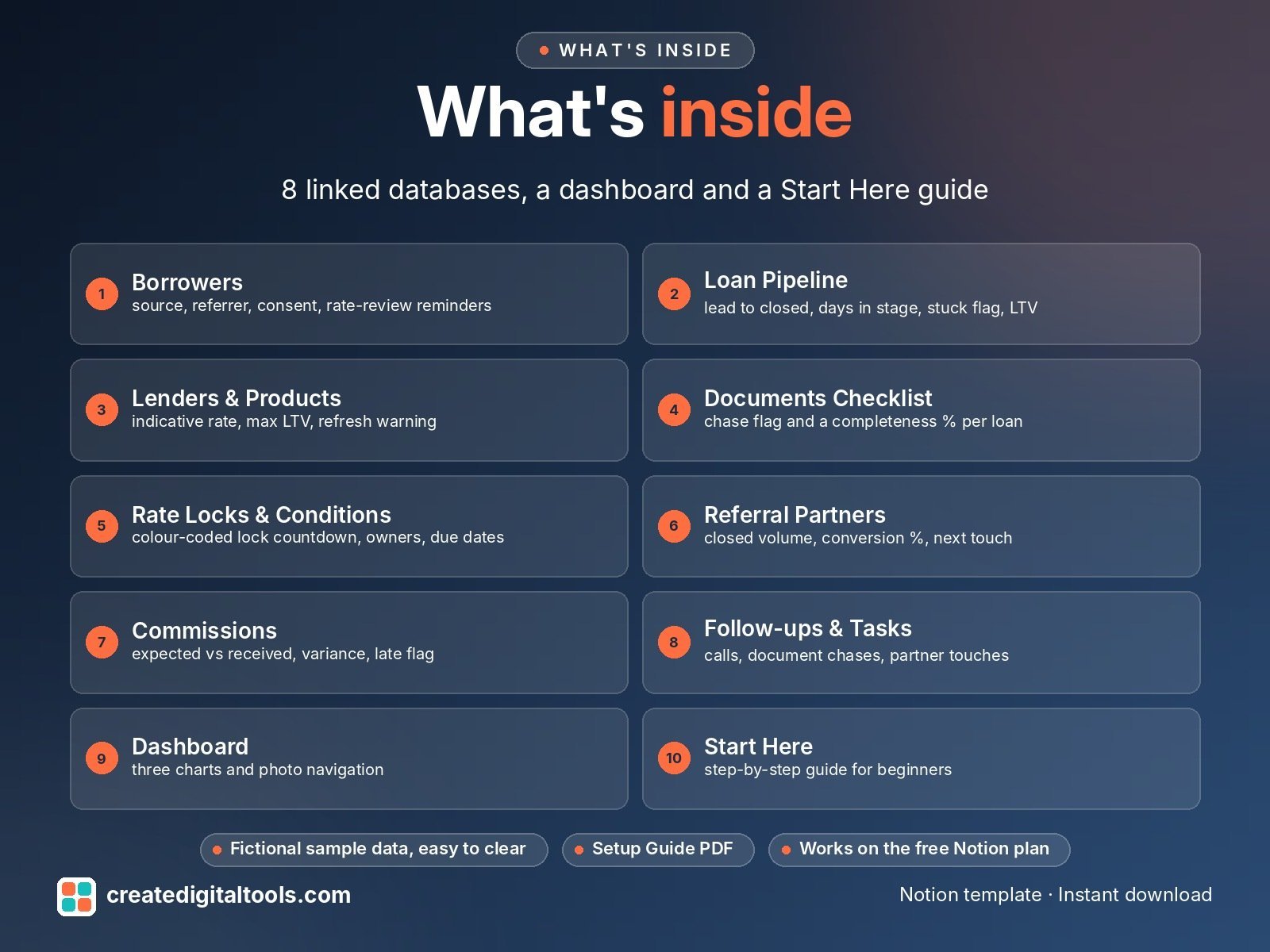
What’s inside
- Borrowers: contact details, source, who referred them, consent tick, past-client rate-review reminders
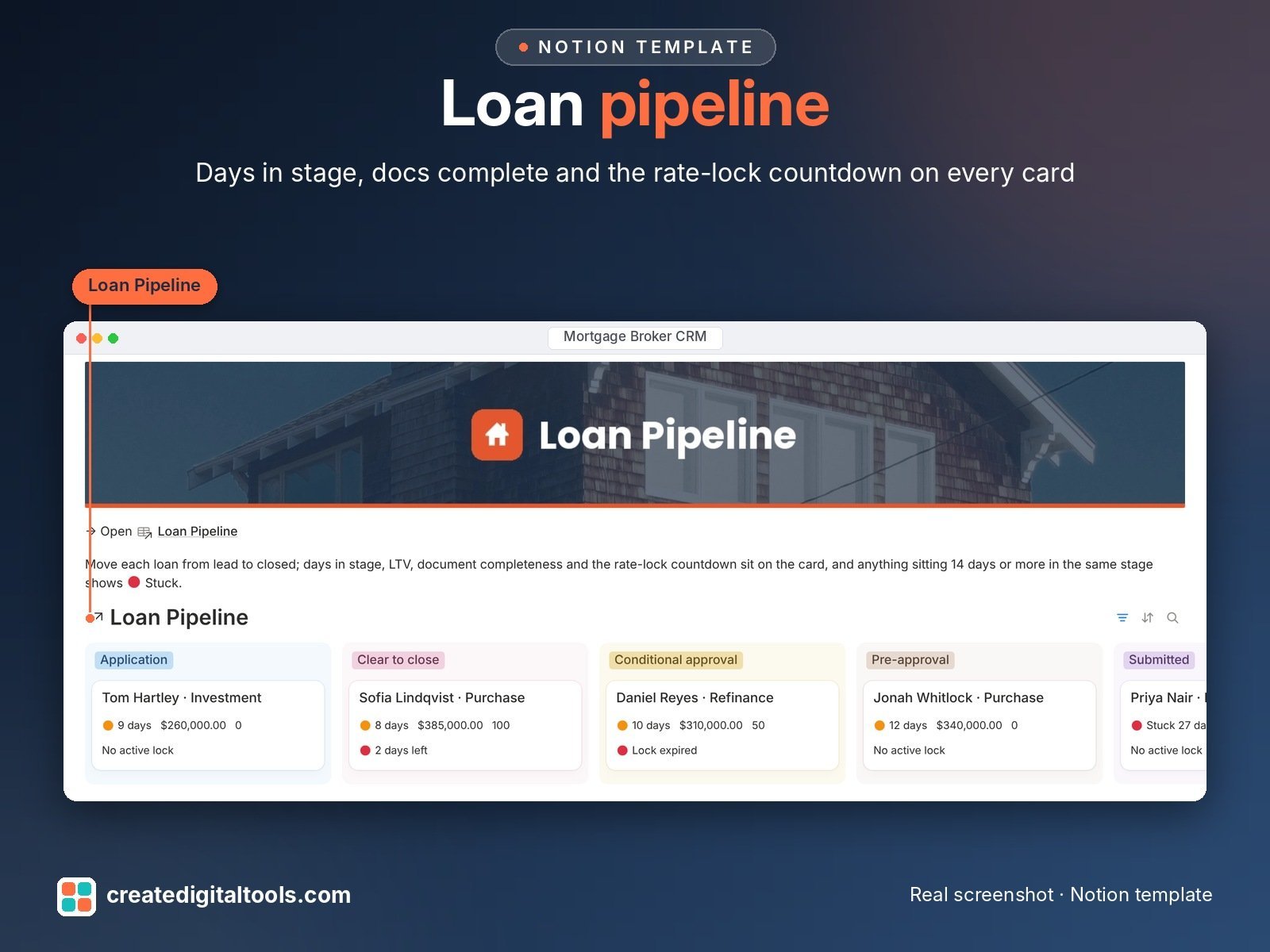
- Loan Pipeline: board from lead to closed, days in stage, stuck flag, LTV %, closing calendar
- Lenders & Products: your panel with indicative rate, max LTV, turnaround, lender rep and a warning when a rate needs refreshing
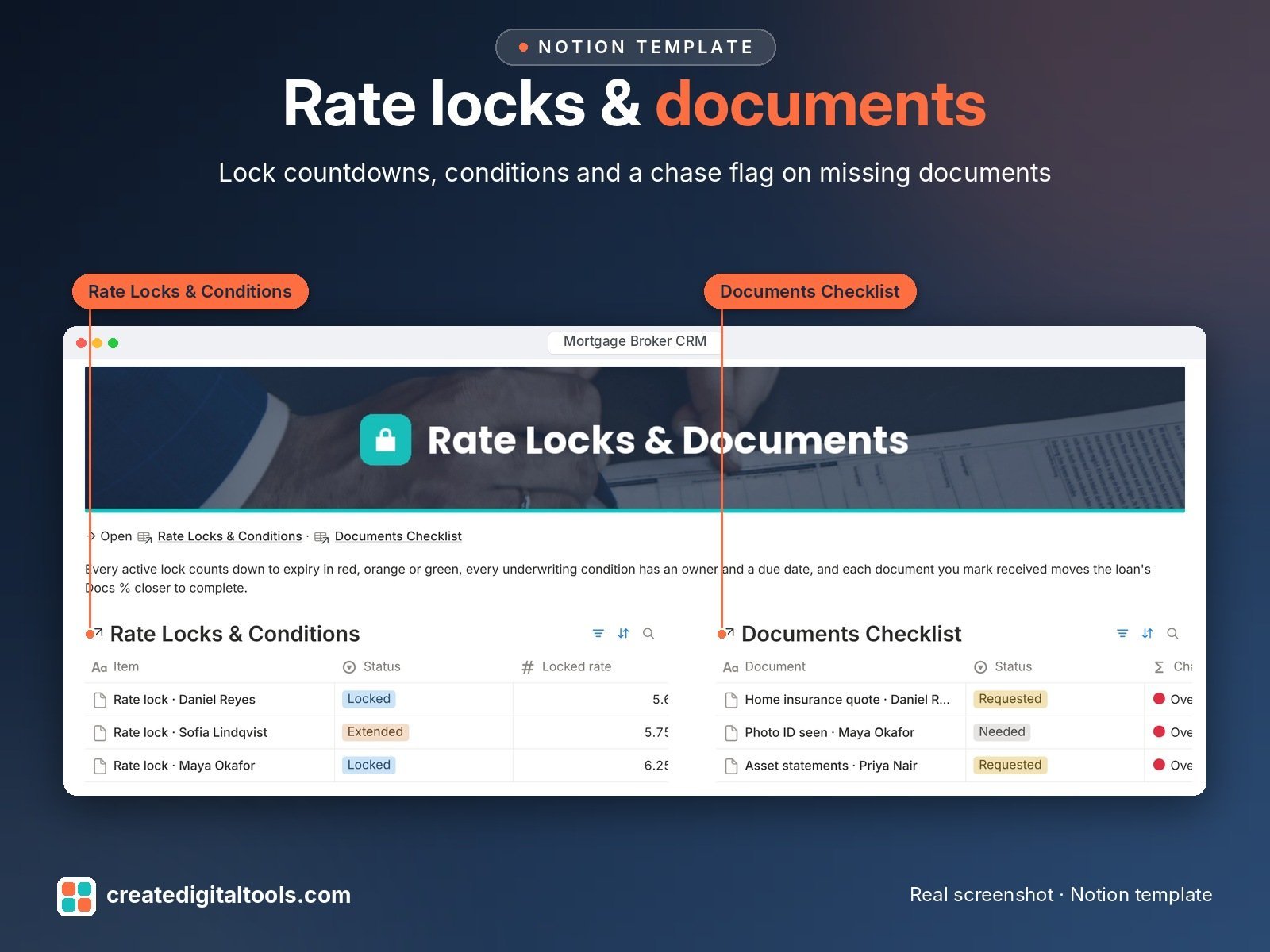
- Documents Checklist: one row per document with a chase flag, and a completeness % on every loan
- Rate Locks & Conditions: colour-coded rate-lock countdown, underwriting conditions with an owner and due date
- Referral Partners: volume referred, closed volume, conversion %, partner value and next touch date
- Commissions: expected against received, variance, and a flag on anything late or short paid
- Follow-ups & Tasks: calls, document chases and partner touches linked to the borrower, loan or partner
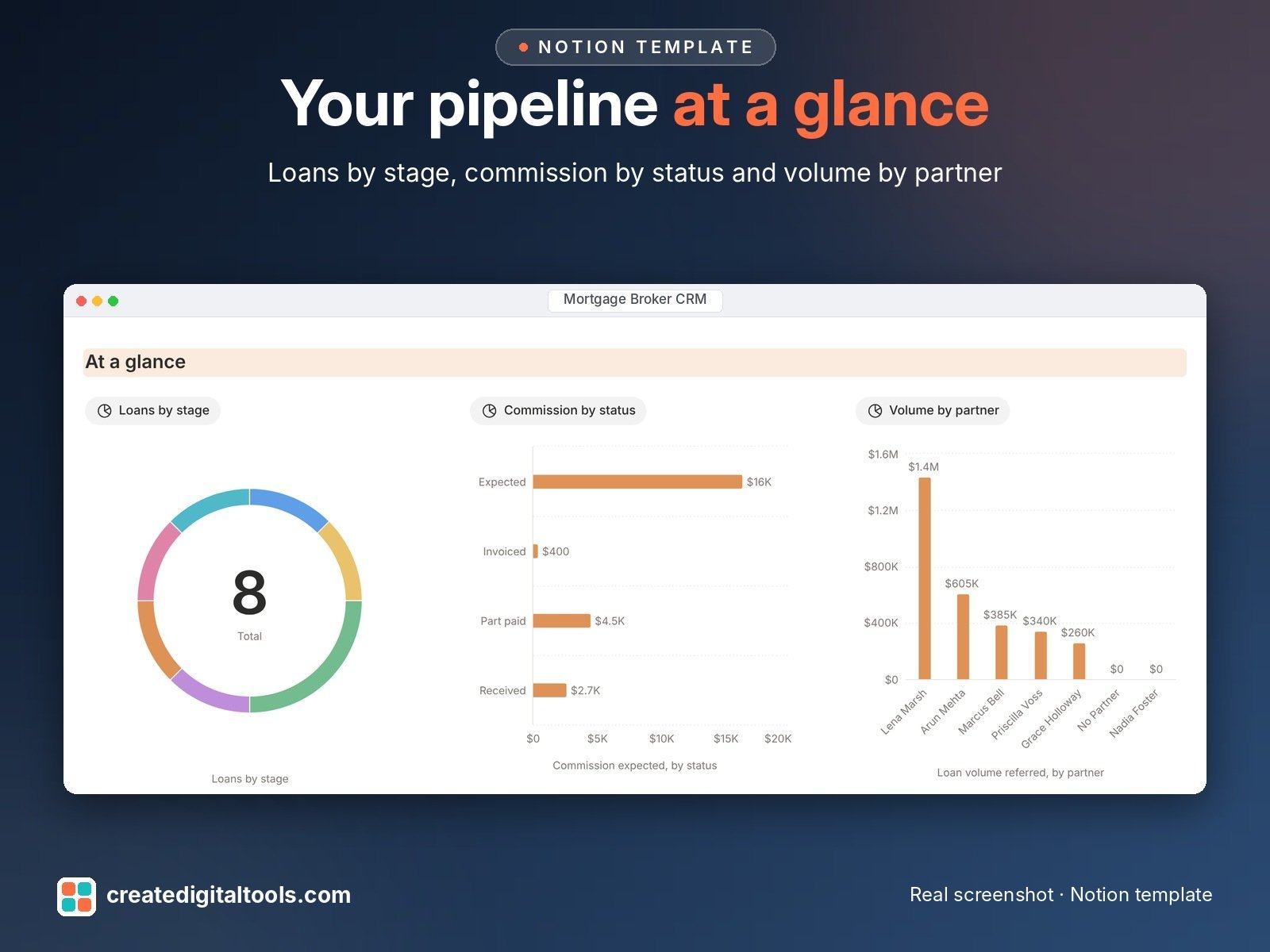
- Main dashboard: three charts, links to every database and the views you check daily
Built-in automations
Five native automations stamp the dates for you: when a loan’s stage changes, when a loan closes, when a document is received, when a commission is received and when a task is done. Database automations run on Notion’s paid plans (Plus and up). On the Free plan they pause, and you can make the same changes by hand.
Who it’s for
- Independent mortgage brokers and loan officers
- Small brokerages that want a linked workspace instead of spreadsheet tabs
- Brokers who rely on referral partners and past-client rate reviews
What you get
- Template link (PDF) to duplicate into your Notion workspace
- Setup Guide PDF with a step-by-step walkthrough and FAQ
- Start Here: Step-by-Step Guide inside the template, with fictional sample data so you can see how it works
- Video walkthrough
How delivery works
You get a PDF with the Duplicate link. Click Duplicate to copy it into your free Notion workspace.
- Buy and download the PDF with your template link.
- Open the link and click Duplicate (log in to Notion first; the free plan works).
- Open the Start Here page and follow the setup steps.
Good to know
- Digital product: nothing physical is shipped.
- You need a Notion account (the free plan works).
- Sample data is fictional.
- This template is an organising tool, not financial, legal or lending advice. It does not calculate eligibility or recommend products.
- Store only what you need, and never full ID or account numbers; check that Notion meets your own compliance and privacy rules before you add client data.
- Notion is a trademark of Notion Labs, Inc.; this is an independent template.
New to Notion? Create a free account (affiliate link: I may earn a commission at no extra cost to you).
Want your own store like this one? createdigitaltools.com runs on Hostinger WordPress hosting. Start your own shop with Hostinger, or try the no-code Hostinger Website Builder.
Affiliate links: I may earn a commission at no extra cost to you.