Description
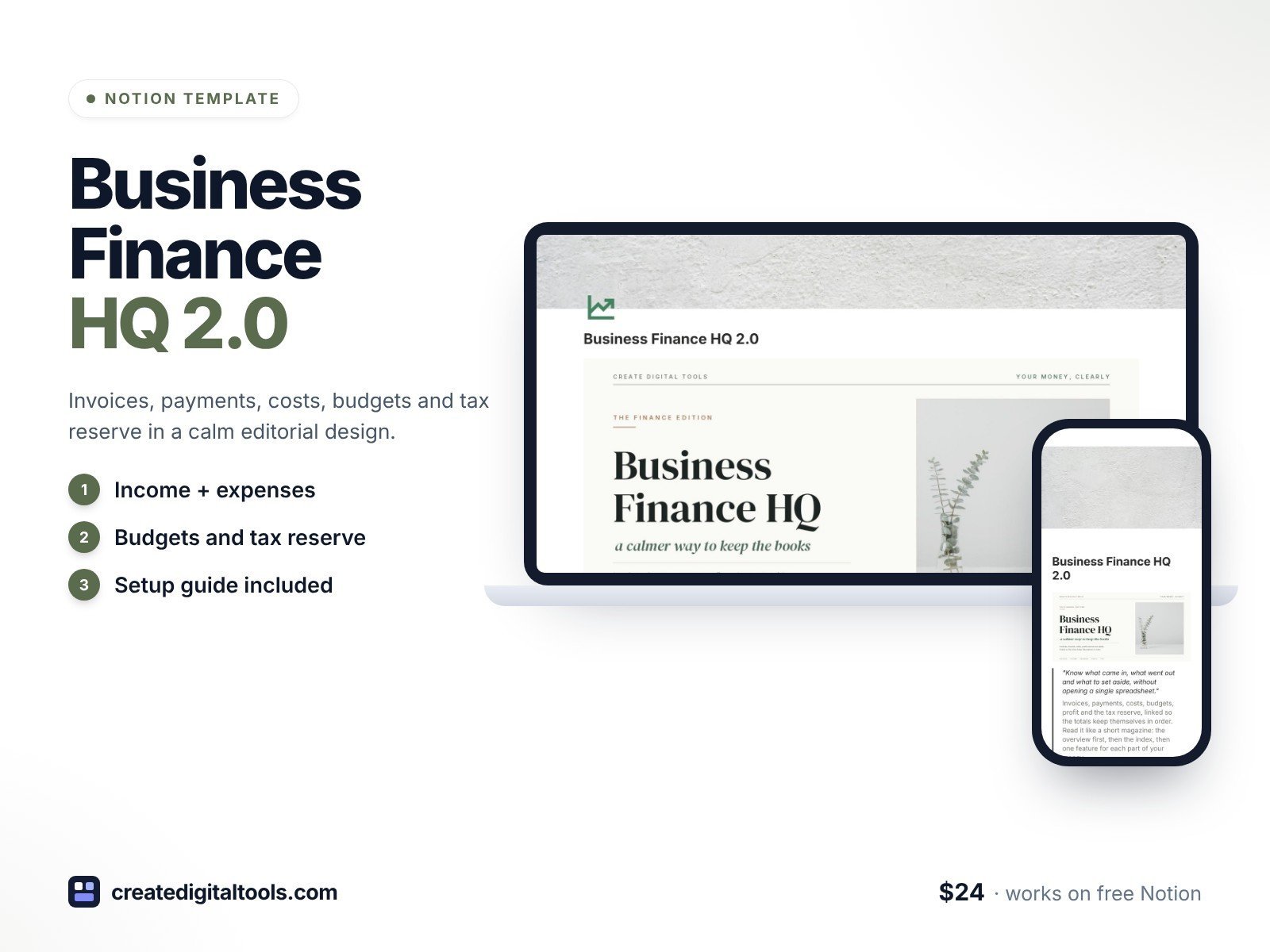
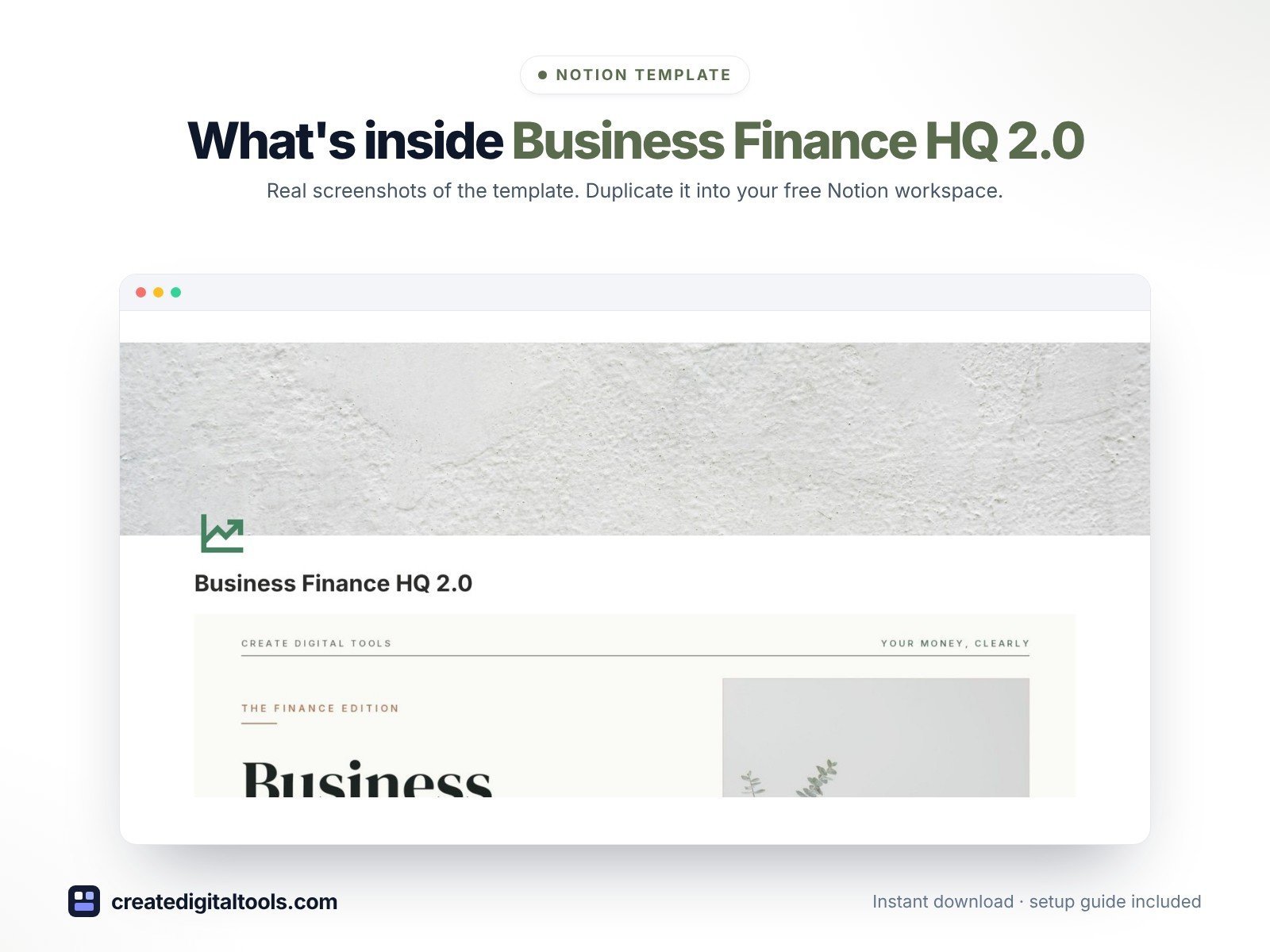
Business Finance HQ 2.0 is the 2.0 design edition of Business Finance HQ: the same features as the original, with a new Light Editorial design. The front page reads like a calm finance magazine: paper-white pages, sage and stone tones, serif headlines and natural photography.
Everything is connected. Log a payment once and the invoice balance, client totals, account balance and monthly profit update on their own. Each quarter collects a tax reserve, so you always know what to set aside.
What’s inside
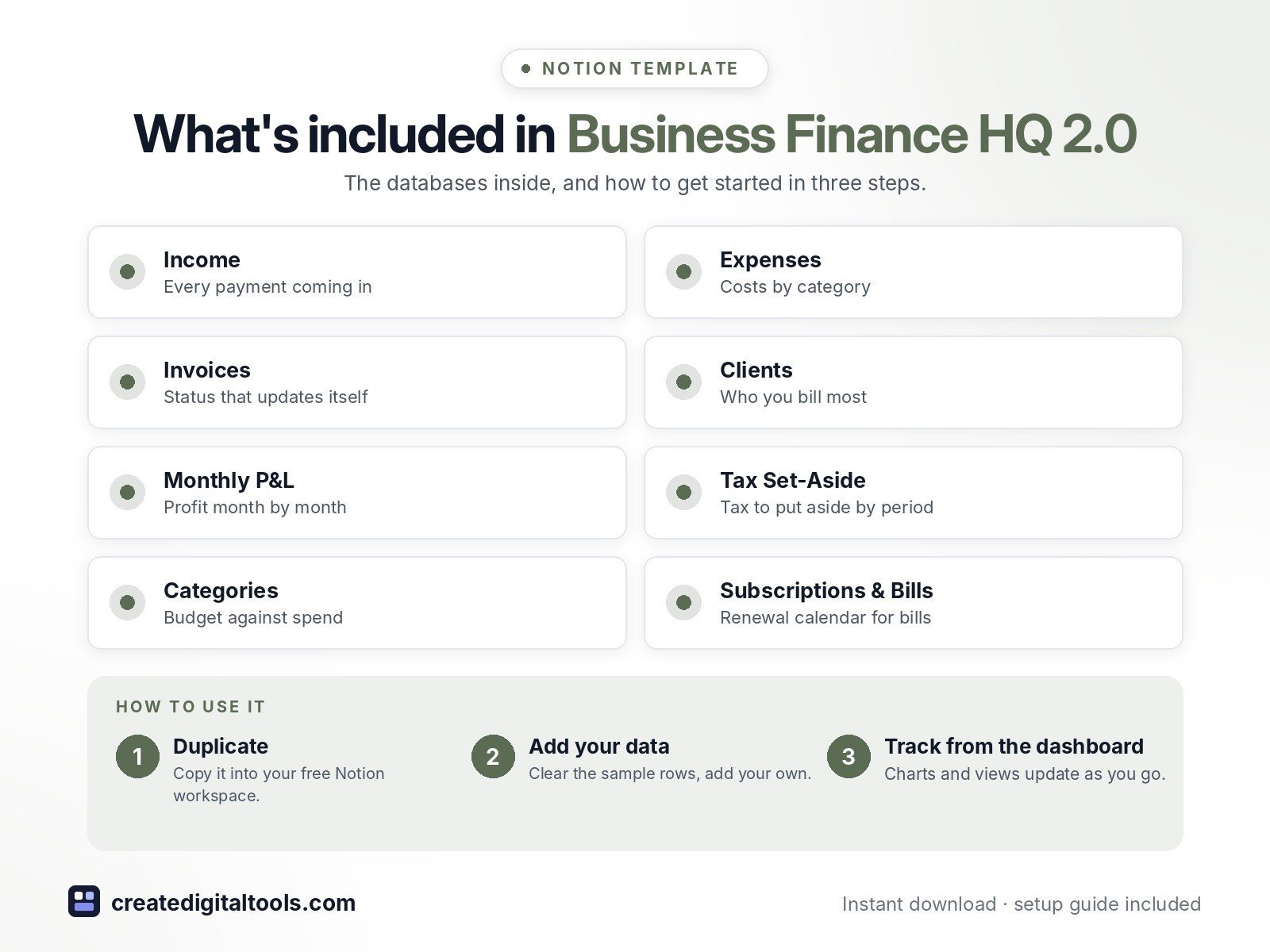
- Income, Expenses, Invoices, Clients, Monthly P&L, Tax Set-Aside, Categories, Subscriptions & Bills and Accounts, all linked
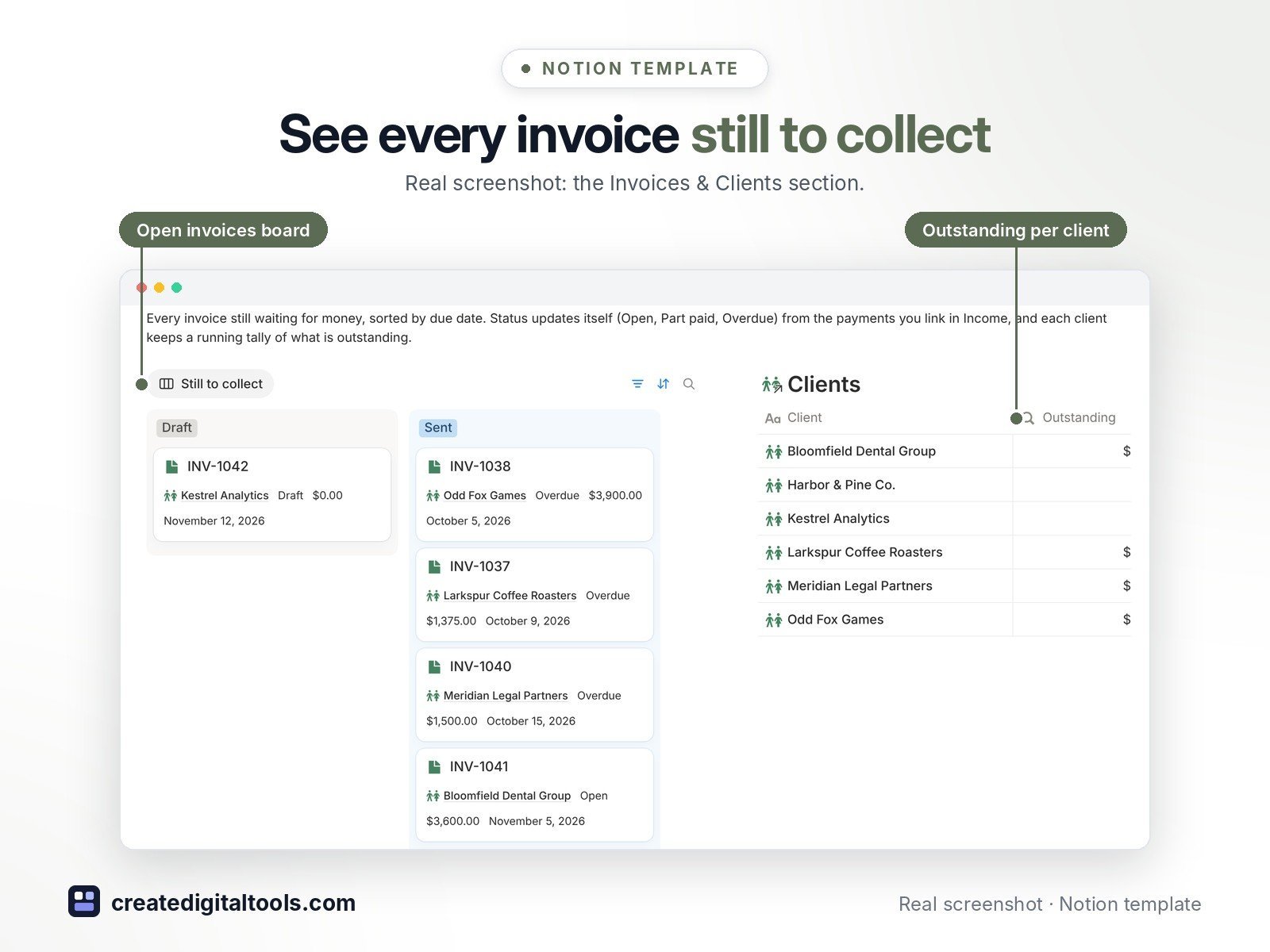
- Invoice Status that updates itself (Draft, Open, Part paid, Overdue, Paid)
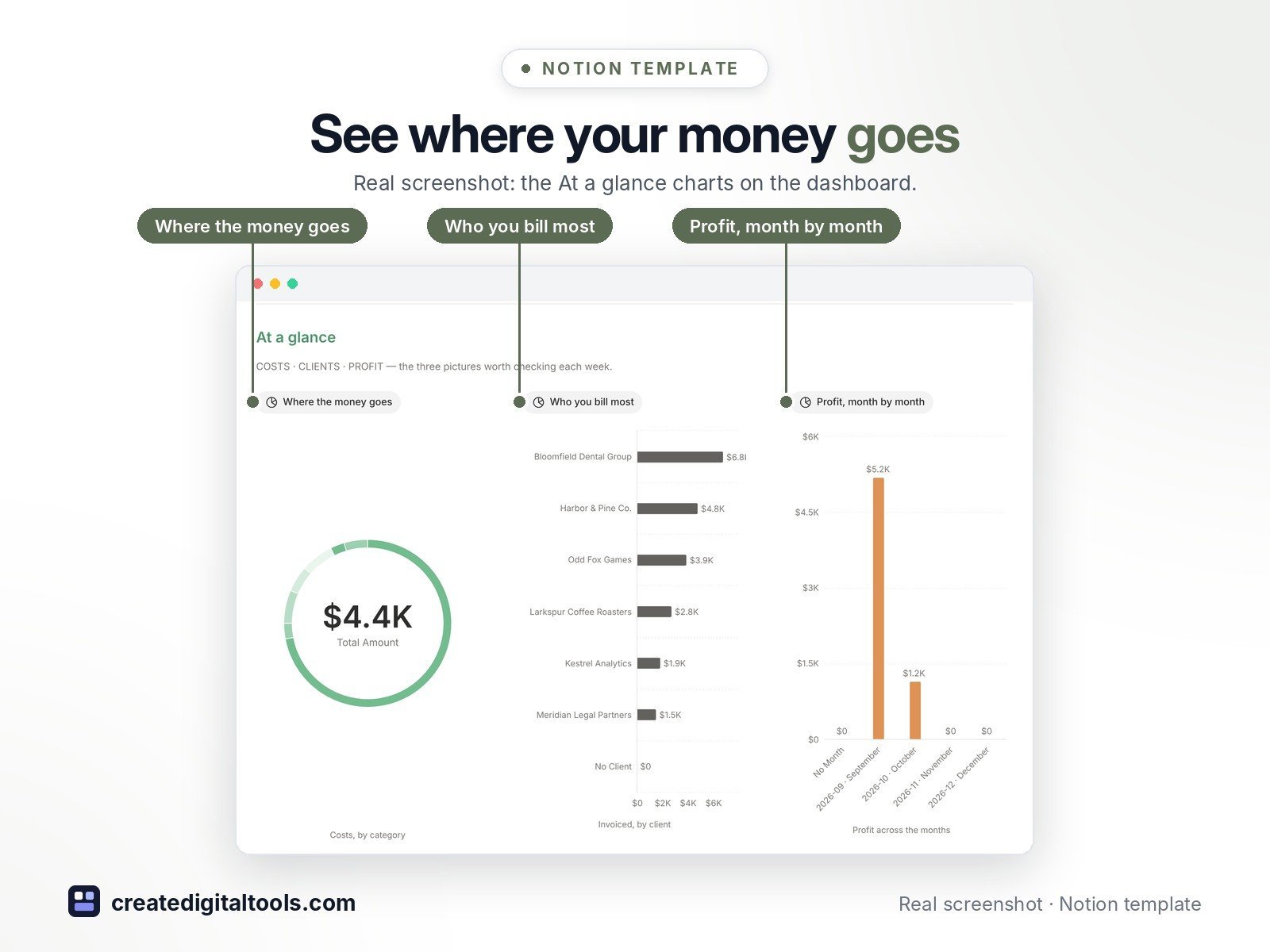
- At a glance charts: where the money goes, who you bill most, profit month by month
- A Still to collect board for open invoices, a cost ledger and a renewal calendar for bills
- Budget against spend for every category and live account balances
- New in 2.0: magazine-style cover, an Index of photo cards, feature sections with photo banners and restyled charts in muted sage, stone and clay
- Fictional sample data so you can see how it all connects before adding your own
Who it’s for
- Freelancers and small business owners
- Solo founders who want simple books and a tax reserve
What you get
- Template link (PDF download) to duplicate into your Notion workspace
- Setup Guide PDF with step-by-step instructions
- Start Here: Step-by-Step Guide page inside the template
- Video walkthrough (being added to this page soon)
Built-in automations
Four built-in automations: a new invoice starts as Draft, Sent sets the due date, paying a bill logs the expense and rolls the due date, and paying tax stamps the date. Database automations need a paid Notion plan; manual steps are included for the free plan.
How delivery works
You get a PDF with the Duplicate link. Click Duplicate to copy the template into your free Notion workspace.
- Buy and download the PDF with your template link.
- Open the link and click Duplicate (log in to Notion first; the free plan works).
- Open the Start Here page and follow the setup steps.
Good to know
- This template is an organising tool only, not financial, tax or accounting advice.
- Digital product: nothing physical is shipped.
- You need a Notion account (the free plan works).
- Sample data is fictional.
- Notion is a trademark of Notion Labs, Inc.; this is an independent template.
New to Notion? Create a free account (affiliate link: I may earn a commission at no extra cost to you).
Also available in the original edition: Business Finance HQ
Want your own store like this one? createdigitaltools.com runs on Hostinger WordPress hosting. Start your own shop with Hostinger, or try the no-code Hostinger Website Builder.
Affiliate links: I may earn a commission at no extra cost to you.