Description
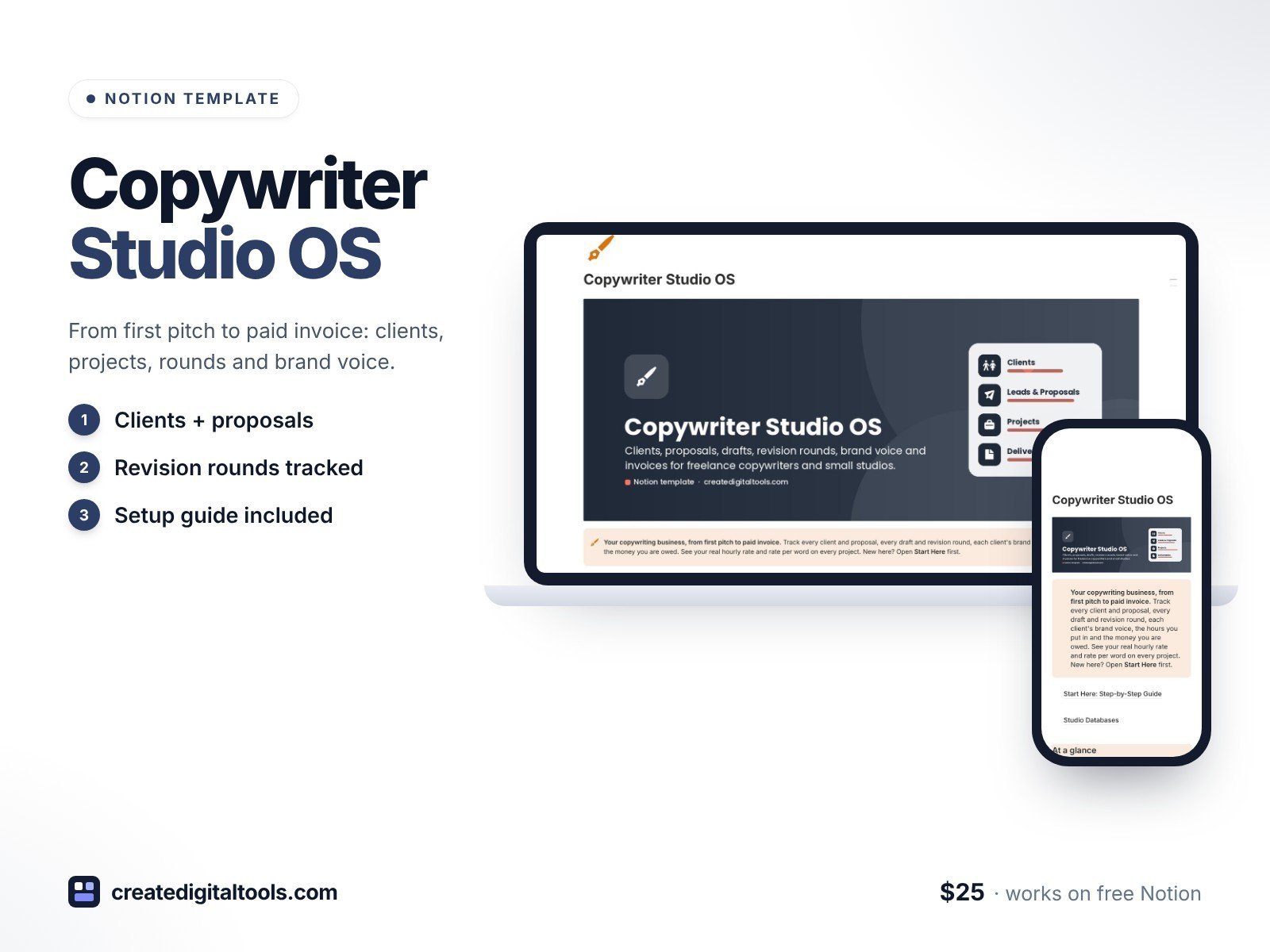
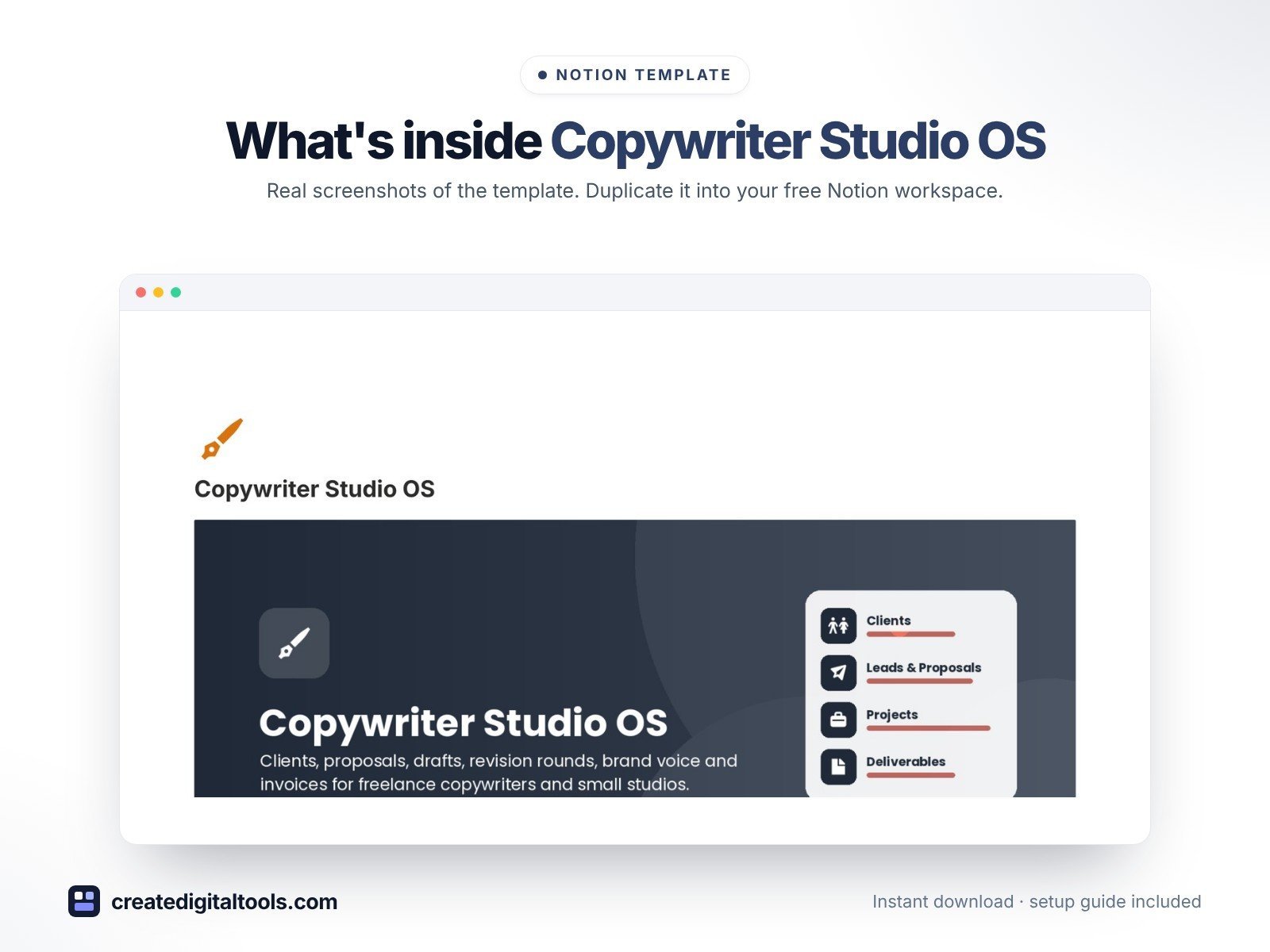
Run your copywriting business from first pitch to paid invoice. Copywriter Studio OS is a Notion template made for freelance copywriters and small copy studios: track clients and proposals, every draft and revision round, each client’s brand voice, the hours you put in and the money you are owed.
Most freelancer planners are generic. This one is built around how copywriters actually work: revision rounds, word counts, briefs, swipe files and brand voice.
What’s inside
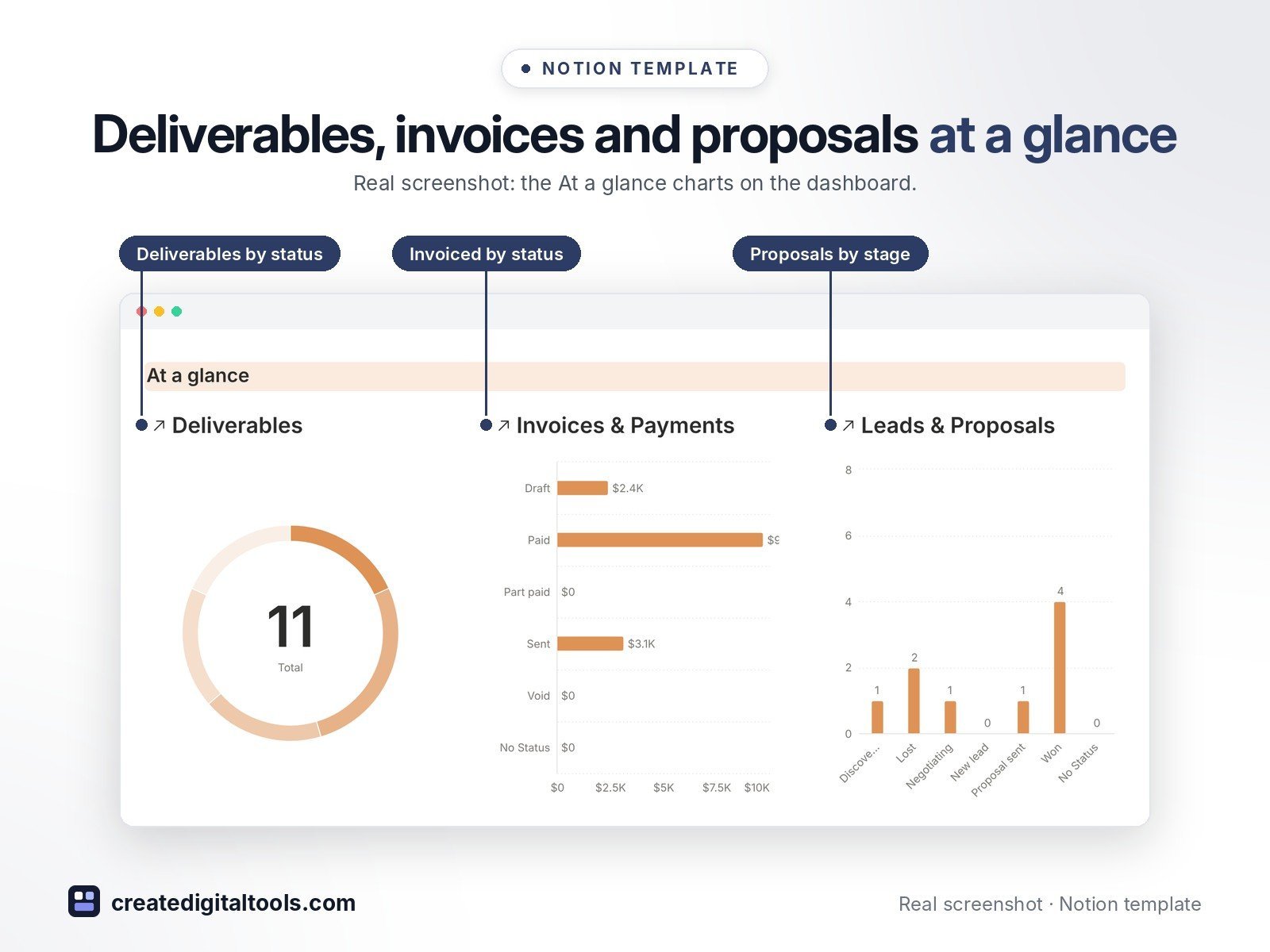
- Dashboard with At a glance charts (deliverables by status, invoiced by status, proposals by stage) and quick links to every database
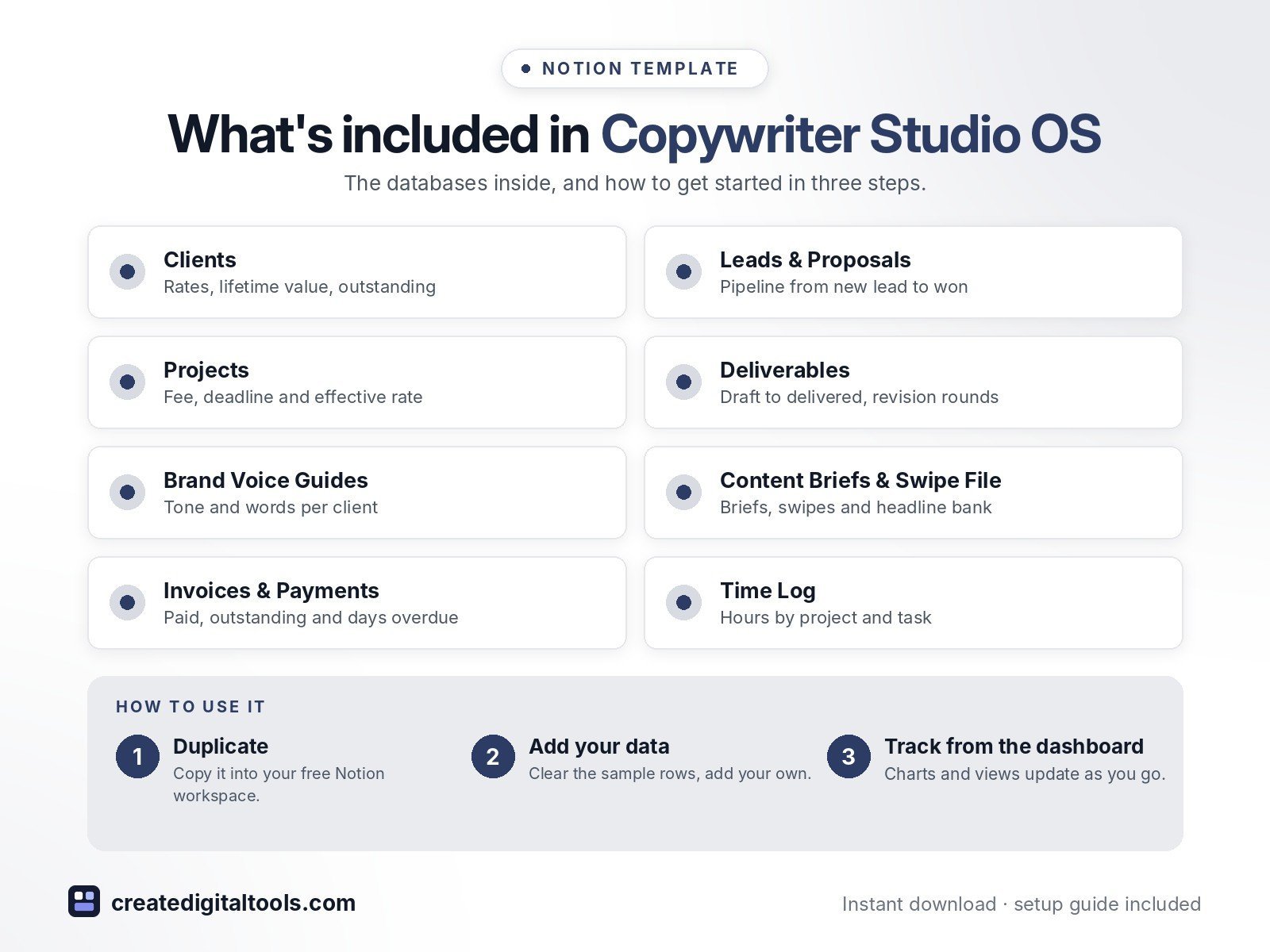
- Clients: contact, industry, hourly rate and rate per word, lifetime value, money outstanding and proposal win rate per client
- Leads & Proposals: pipeline board from New lead to Won or Lost, proposal value, follow-up flag, lost reasons
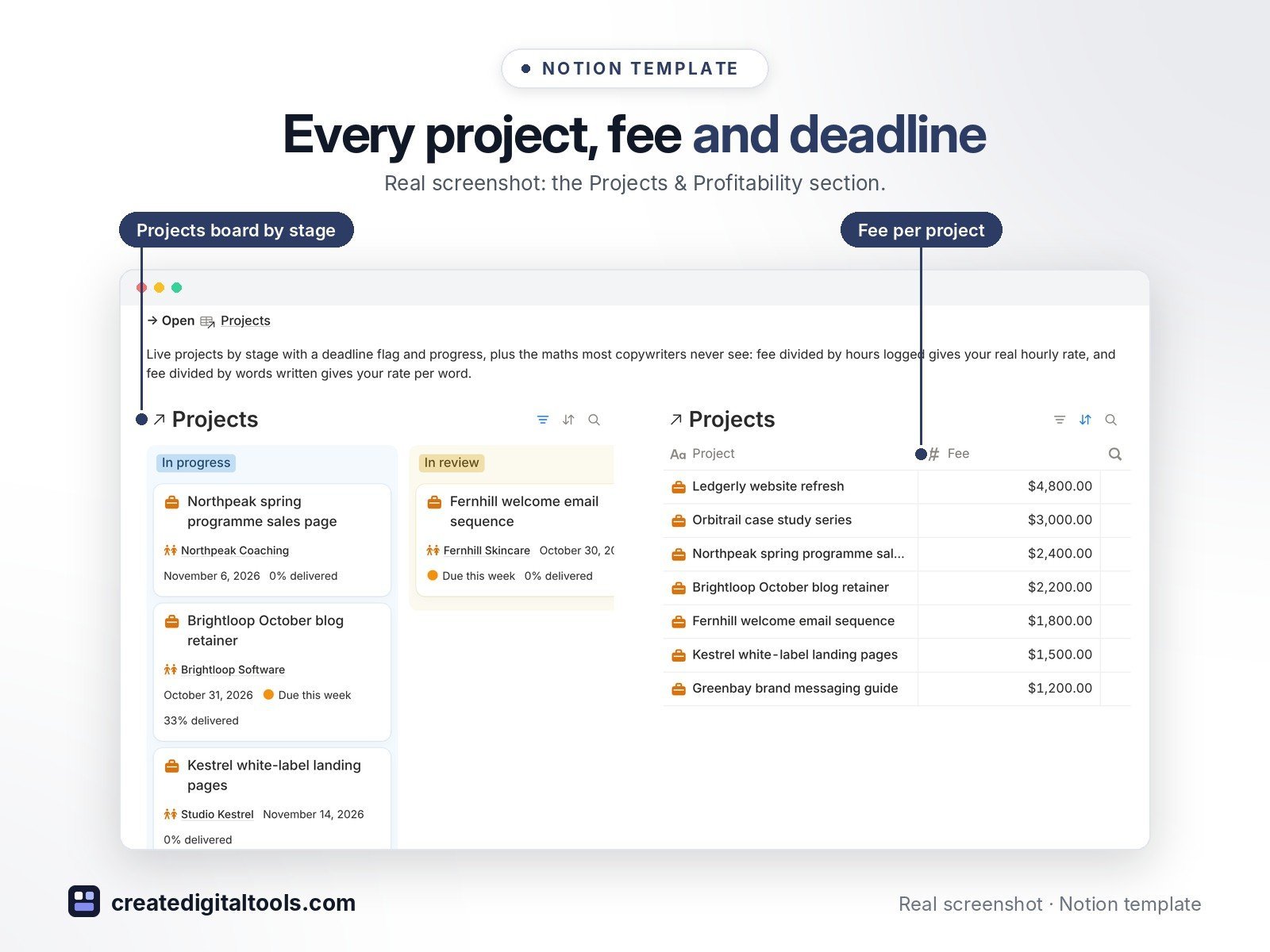
- Projects: fee, pricing model (flat fee, per word, retainer, hourly), deadline flag, progress, effective hourly rate (fee ÷ hours logged) and rate per word earned
- Deliverables: Draft → In review → Revisions → Approved → Delivered, with word count, due date, overdue flag, rounds included, rounds used, revisions left and an “out of rounds” warning
- Brand Voice Guides: one per client with tone, reading level, point of view, spelling, words they use and words they never use
- Content Briefs & Swipe File: client briefs, swipes, headline bank and reusable templates in a gallery
- Invoices & Payments: deposit, milestone, final, retainer and extra-revision invoices with days overdue and paid / outstanding totals
- Time Log: hours by project, deliverable and task type, with a weekly view and an hours chart
- Realistic sample data (fictional) so you can see how everything connects
Who it’s for
- Freelance copywriters
- Small copy and content studios
- Content writers who manage revision rounds and retainers
What you get
- Template link (PDF download) to duplicate into your Notion workspace
- Setup Guide PDF with step-by-step instructions
- Start Here: Step-by-Step Guide page inside the template
- Video walkthrough (being added to this page soon)
Built-in automations
Five date stamps save you clicks: mark a proposal Won, a deliverable Delivered, an invoice Sent or Paid, or a project Complete and the matching date is filled in. Database automations run on Notion’s paid plans (Plus and up); on the Free plan they pause and you can make the same changes by hand.
How delivery works
You get a PDF with the Duplicate link. Click Duplicate to copy the template into your free Notion workspace.
- Buy and download the PDF with your template link.
- Open the link and click Duplicate (log in to Notion first; the free plan works).
- Open the Start Here page and follow the setup steps.
Good to know
- Digital product: nothing physical is shipped.
- You need a Notion account (the free plan works).
- Sample data is fictional.
- Notion is a trademark of Notion Labs, Inc.; this is an independent template.
New to Notion? Create a free account (affiliate link: I may earn a commission at no extra cost to you).
Also available in the 2.0 design edition: Copywriter Studio OS 2.0
Want your own store like this one? createdigitaltools.com runs on Hostinger WordPress hosting. Start your own shop with Hostinger, or try the no-code Hostinger Website Builder.
Affiliate links: I may earn a commission at no extra cost to you.