Description
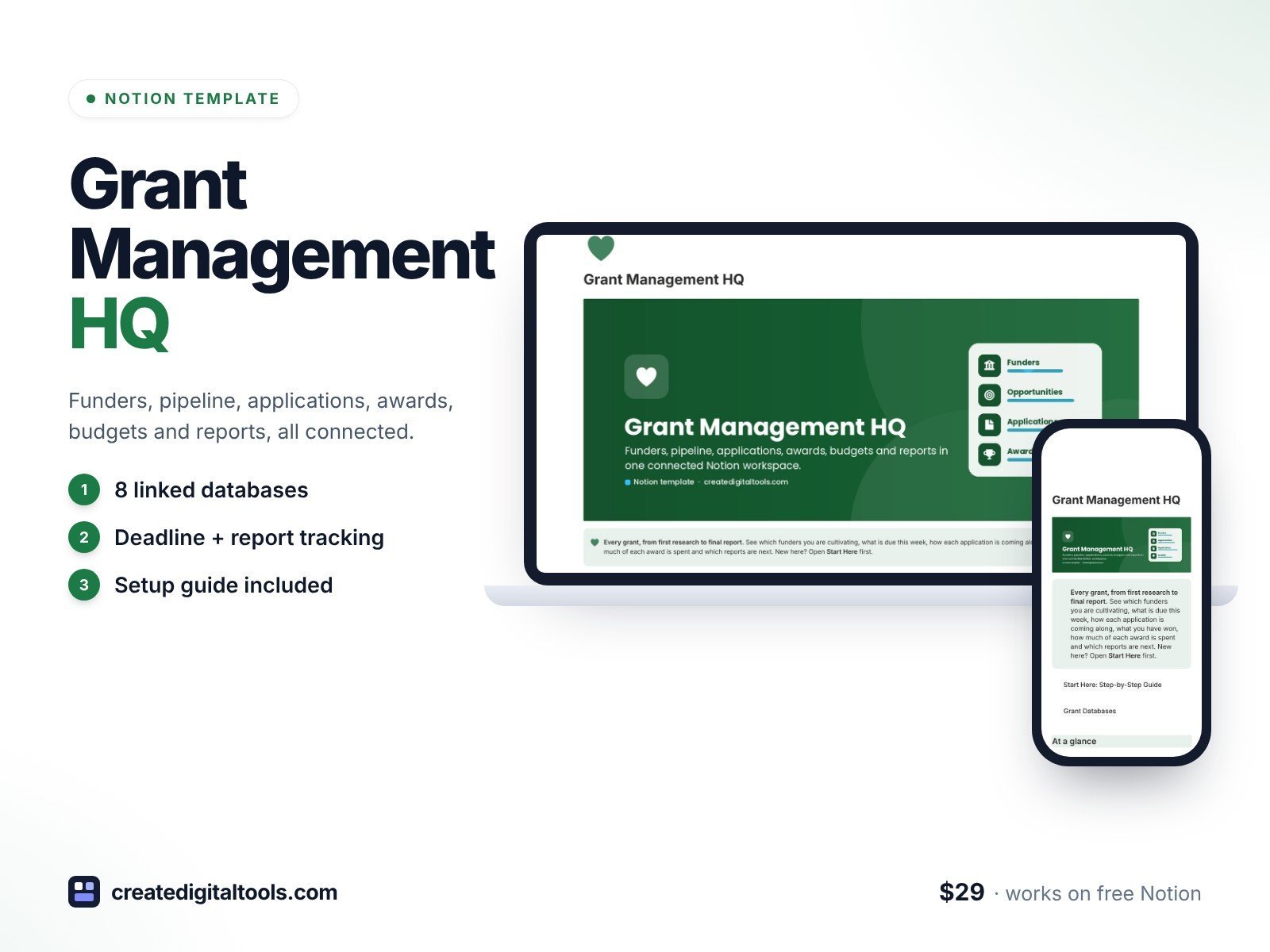
Run every grant from first research to final report in a connected Notion workspace. Grant Management HQ is built for nonprofit development teams, grant writers and grant consultants who have outgrown spreadsheets: your funders, pipeline, applications, awards, budgets and reporting deadlines all link to each other, so totals and flags update by themselves.
What’s inside
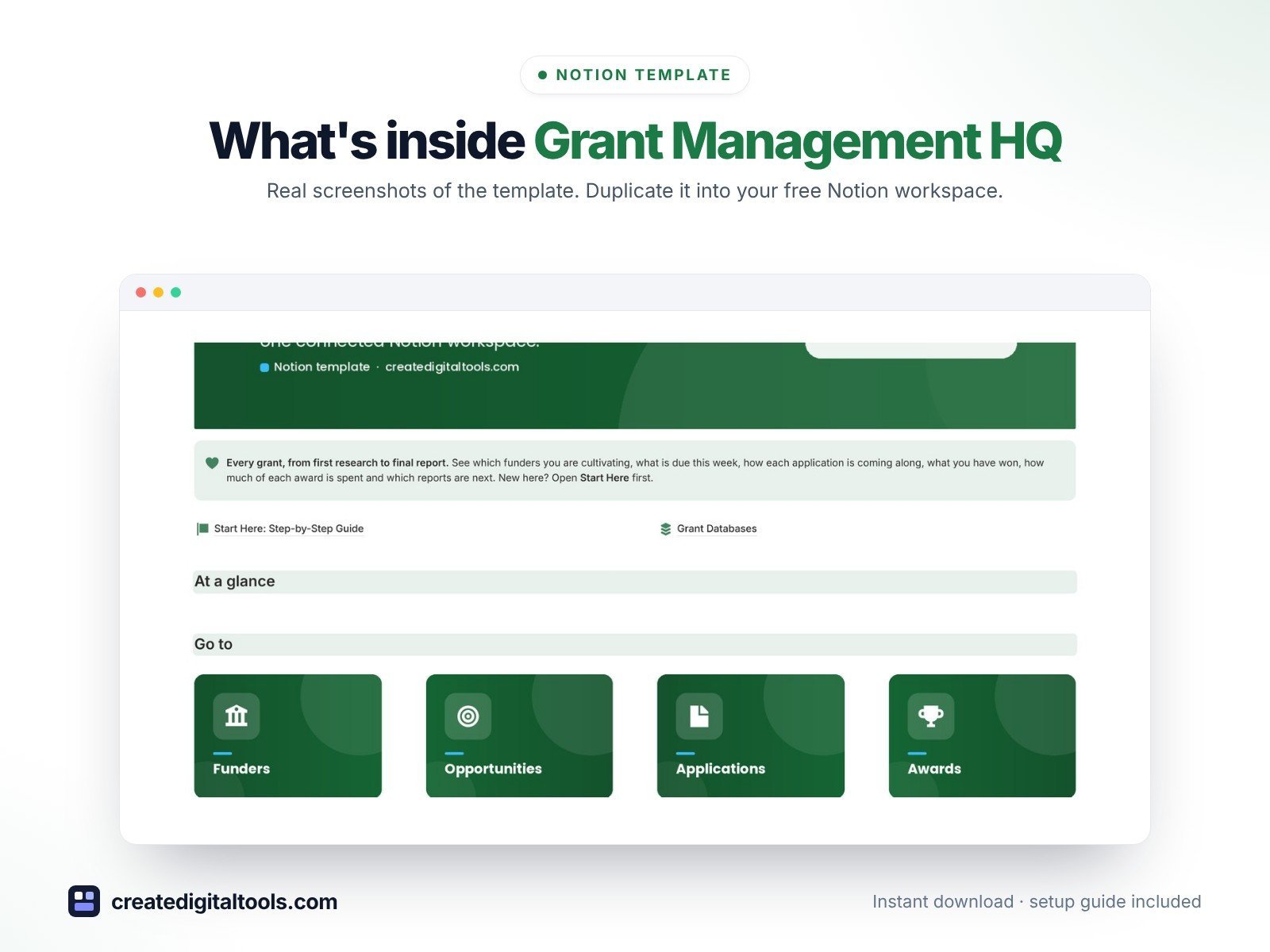
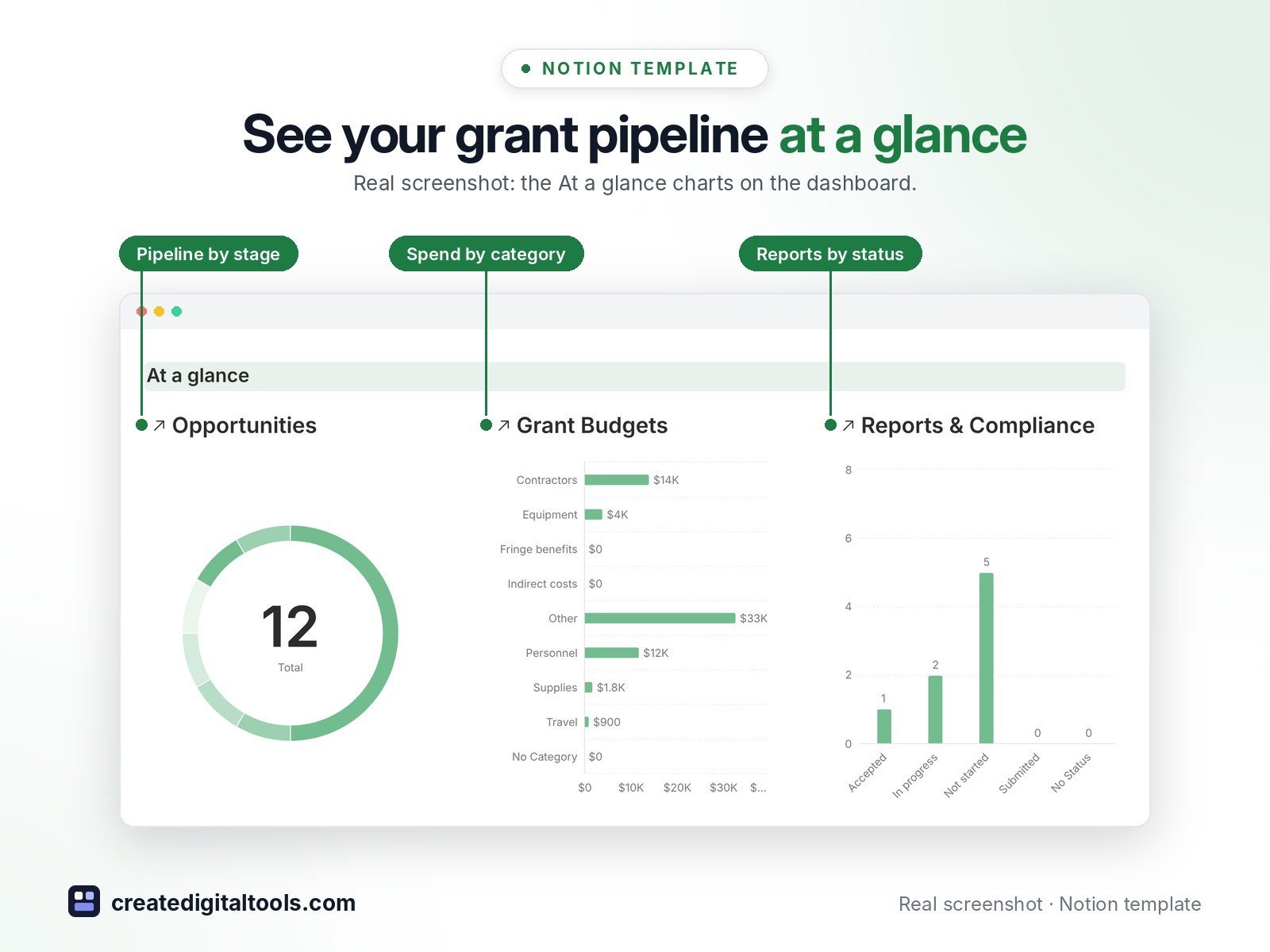
- Dashboard with three live charts (pipeline by stage, grant spend by category, reports by status), quick links and five working sections
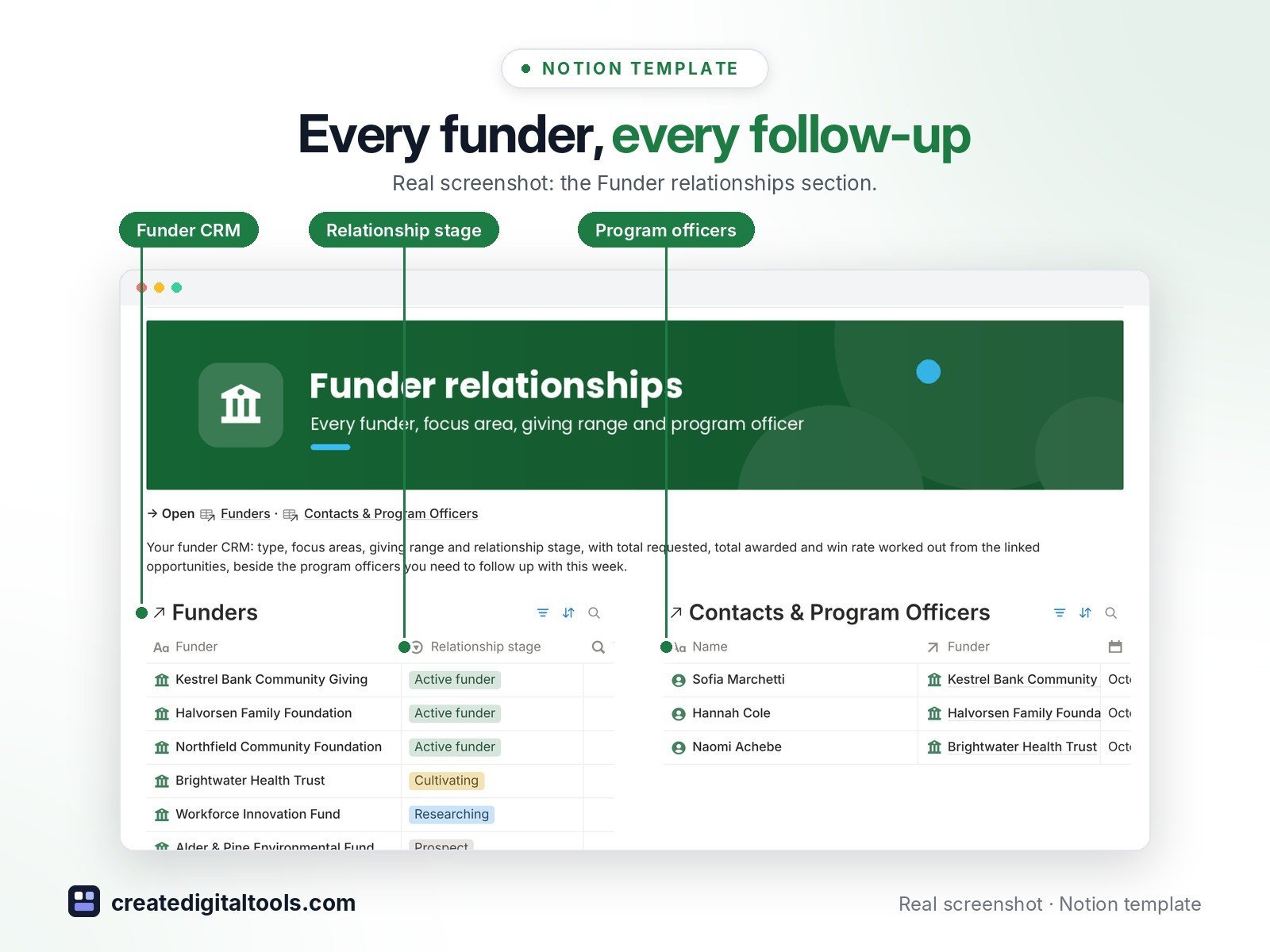
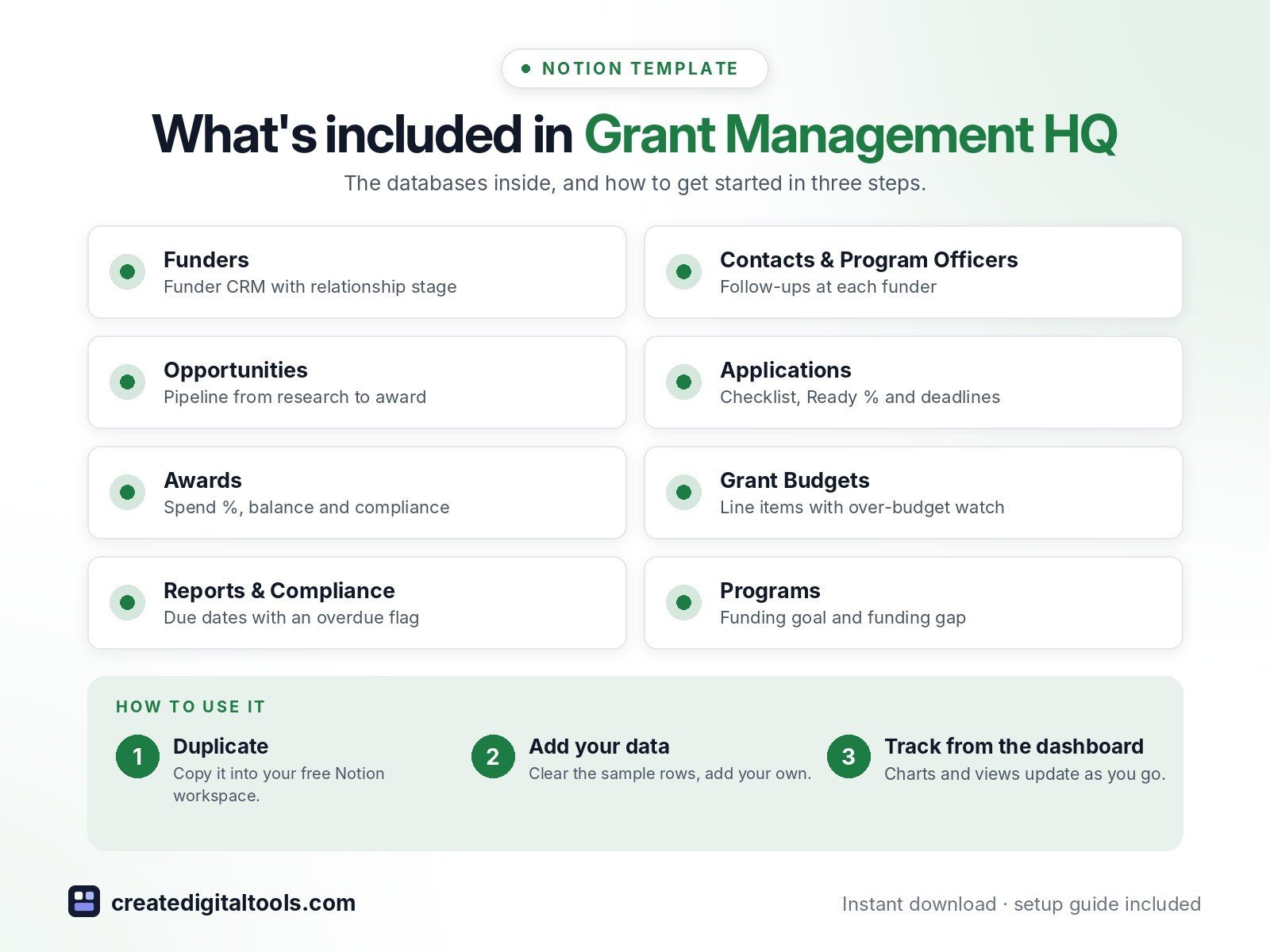
- Funders: a funder relationship CRM with type, focus areas, giving range, funding cycle and relationship stage, plus total requested, total awarded, win rate and weighted pipeline worked out for you
- Contacts & Program Officers: the people at each funder, with last contact, next follow-up and a follow-up flag
- Opportunities: Researching → LOI → Invited → Drafting → Submitted → Awarded or Declined, with deadline countdown, urgency flag, ask amount, probability and weighted ask
- Applications: sections and attachments checklist, Ready %, internal deadline next to the funder deadline, writer and reviewer
- Awards: amount awarded, grant period, restrictions, payment schedule, spend %, remaining balance, days left and a compliance flag
- Grant Budgets: line items per award with budgeted, spent, remaining and a 90%/over-budget watch list
- Reports & Compliance: interim, final and financial reports, site visits and renewals with due dates and an overdue flag
- Programs: what each grant funds, with funding goal, total awarded, funded % and funding gap
- 33 ready-made database views: boards, calendars, a grant-period timeline, galleries and “due next 30 days” lists
- Realistic sample data so you can see how everything connects
Who it’s for
- Nonprofit development and fundraising teams
- Grant writers and grant consultants
- Small organisations moving off grant spreadsheets
What you get
- Template link (PDF download) to duplicate into your Notion workspace
- Setup Guide PDF with step-by-step instructions
- Start Here: Step-by-Step Guide page inside the template
- Video walkthrough (being added to this page soon)
Built-in automations
Four date stamps: when an opportunity is set to Submitted or Awarded, when an application goes In review, and when a report is Submitted, Notion stamps today’s date for you. Database automations run on Notion’s paid plans (Plus and up); on the Free plan they pause and you can make the same changes by hand in a few seconds.
How delivery works
You get a PDF with the Duplicate link. Click Duplicate to copy the template into your free Notion workspace.
- Buy and download the PDF with your template link.
- Open the link and click Duplicate (log in to Notion first; the free plan works).
- Open the Start Here page and follow the setup steps.
Good to know
- This template is an organising tool, not legal, tax or financial advice.
- Digital product: nothing physical is shipped.
- You need a Notion account (the free plan works).
- Sample data is fictional.
- Notion is a trademark of Notion Labs, Inc.; this is an independent template.
New to Notion? Create a free account (affiliate link: I may earn a commission at no extra cost to you).
Want your own store like this one? createdigitaltools.com runs on Hostinger WordPress hosting. Start your own shop with Hostinger, or try the no-code Hostinger Website Builder.
Affiliate links: I may earn a commission at no extra cost to you.