Notion Template for Virtual Assistants: Clients, Retainers, SOPs and Invoices
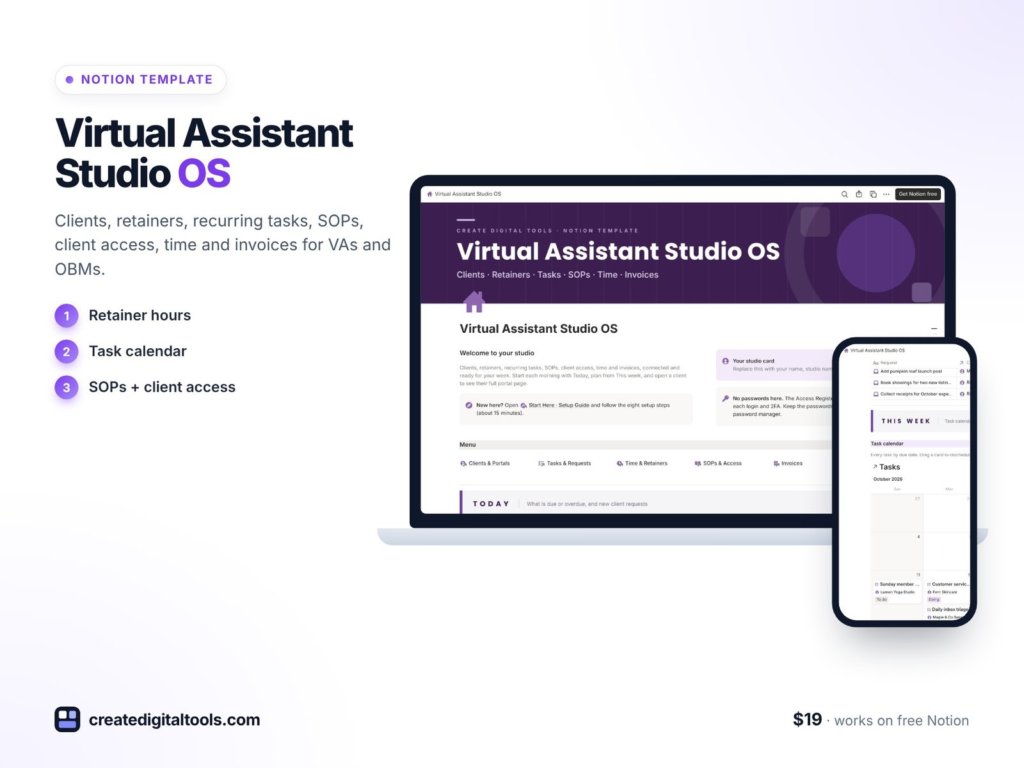
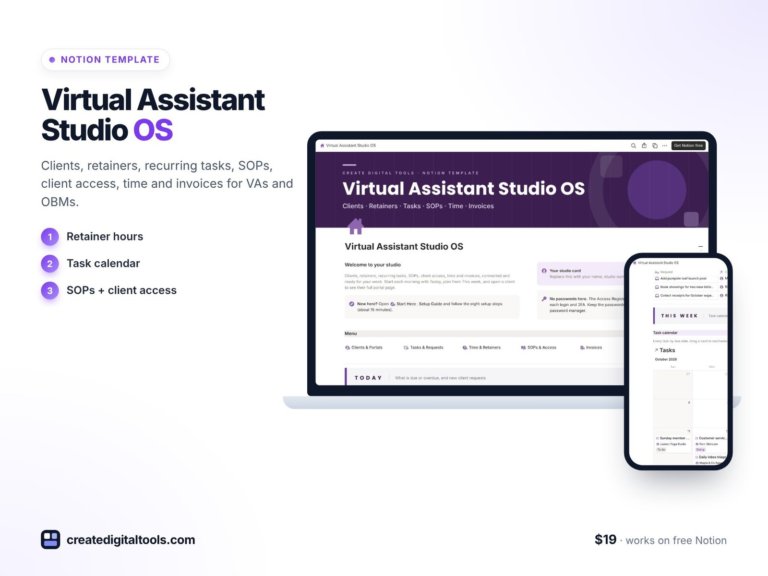
Short answer: virtual assistants who manage several clients do best with a Notion workspace that tracks retainer hours used vs package hours for each client, recurring tasks, a client request inbox, an SOP library, an access register and month-end invoices, with a portal page per client. Virtual Assistant Studio OS ($19) from Create Digital Tools (formerly Notion Market Hub) is built for exactly this, with 9 connected databases and 5 hub pages.
Skip the setup: Virtual Assistant OS 2.0 gives you this workflow ready to duplicate, with a step-by-step guide. Also popular with readers: Virtual Assistant Studio OS.
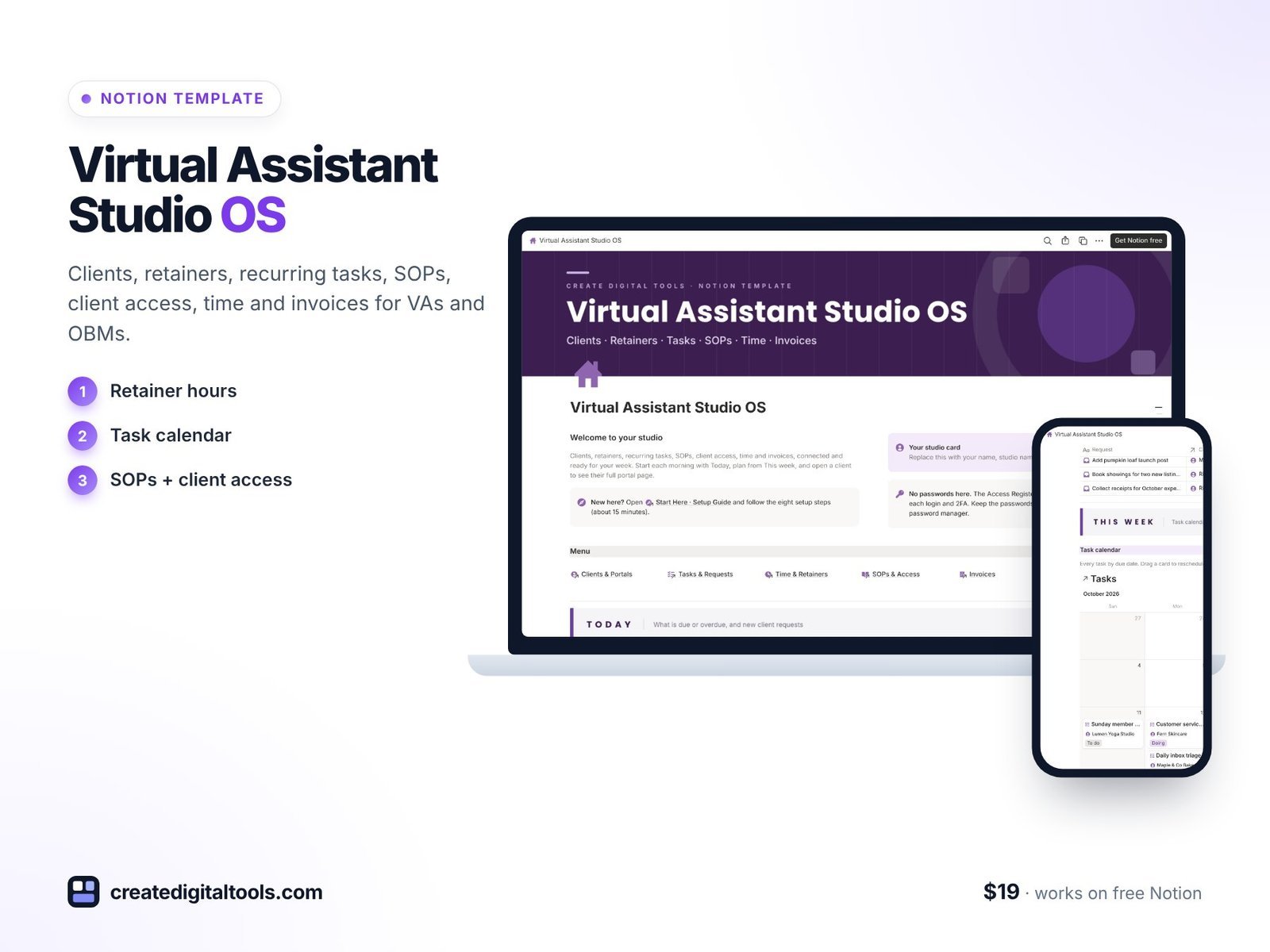
The VA’s biggest headache: retainer hours
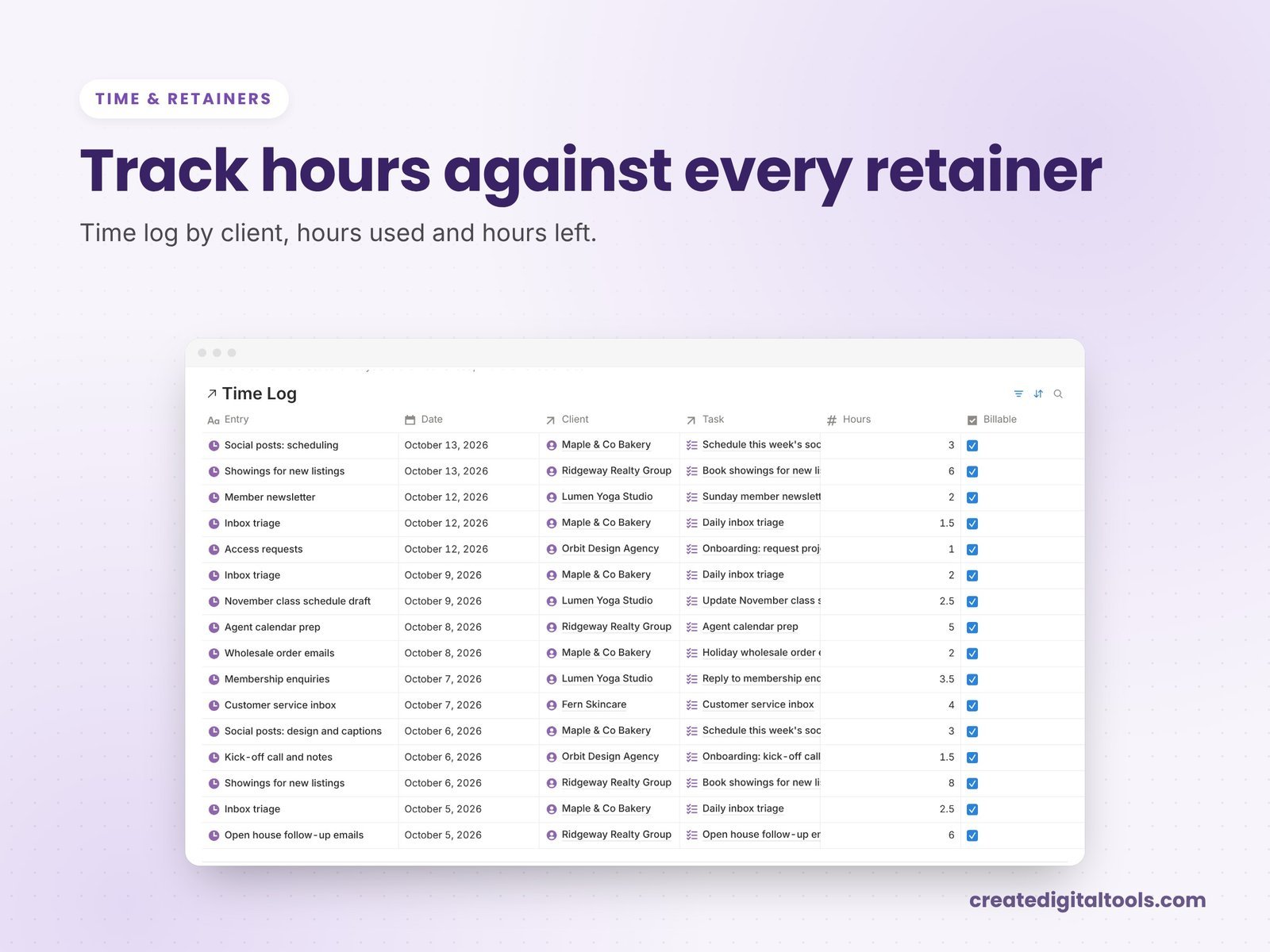
Most VAs sell monthly packages, for example 20 hours for $700. The hard part is knowing, mid-month, how many hours each client has left, whether you are about to go over, and what to bill at month end. Spreadsheets and timers cover part of it. Virtual Assistant Studio OS does the retainer maths on every client: package hours, hours this month, hours remaining, % used, overage hours, overage fee and the amount to invoice, with an On track, Nearly used or Over package flag.
What’s inside
Front page dashboard
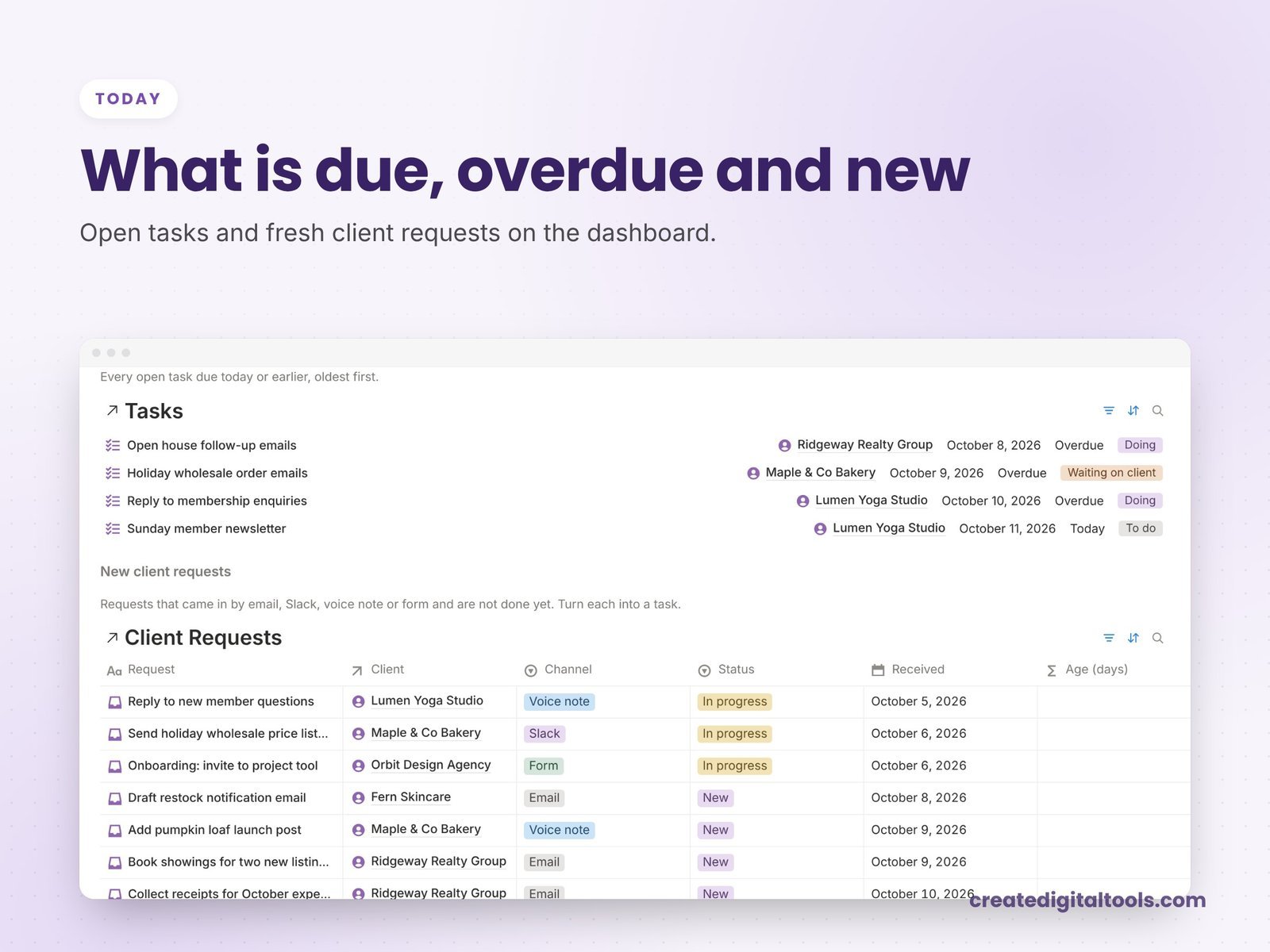
- Today: due and overdue tasks, plus new client requests.
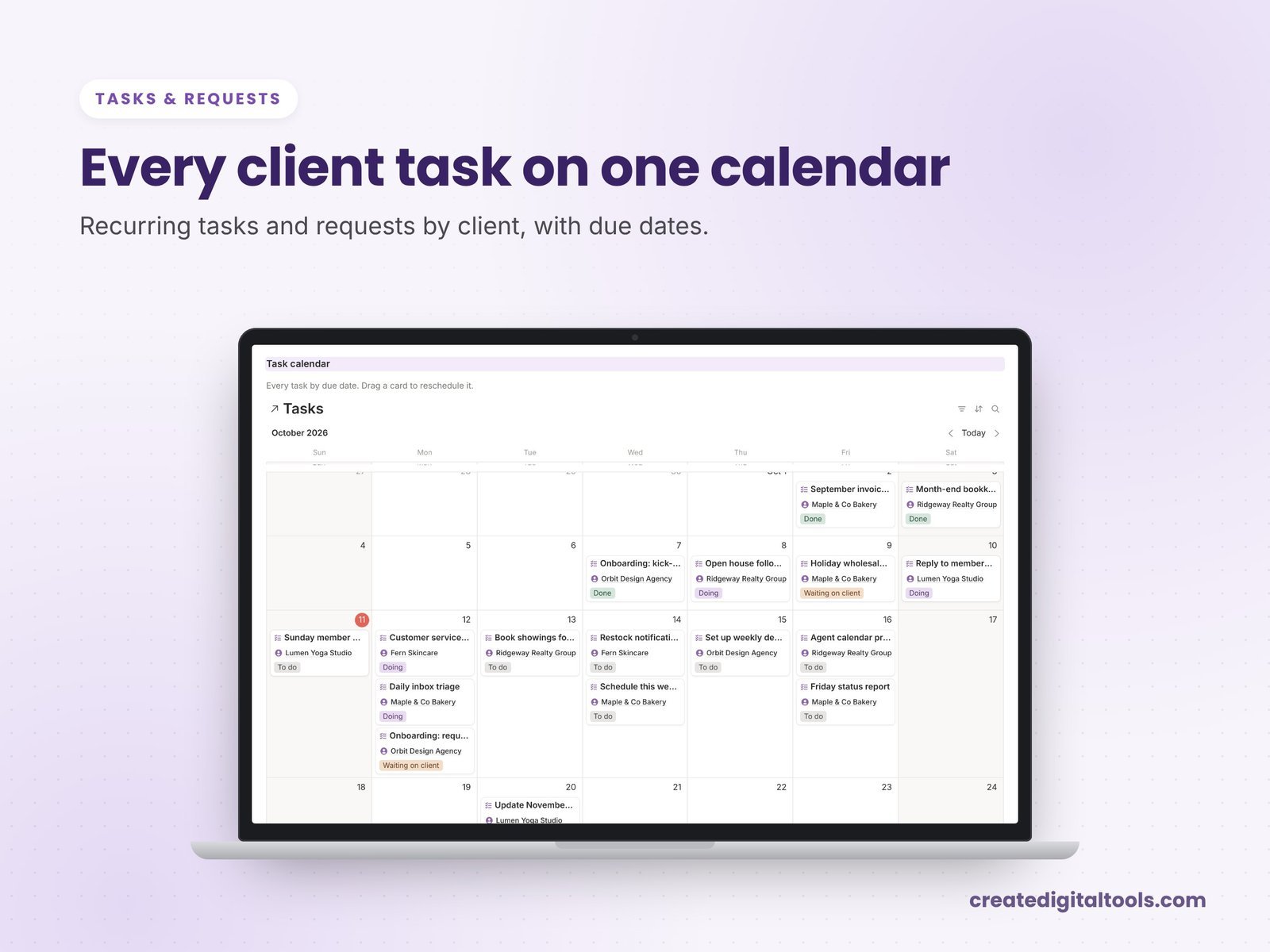
- This week: task calendar and time logged.
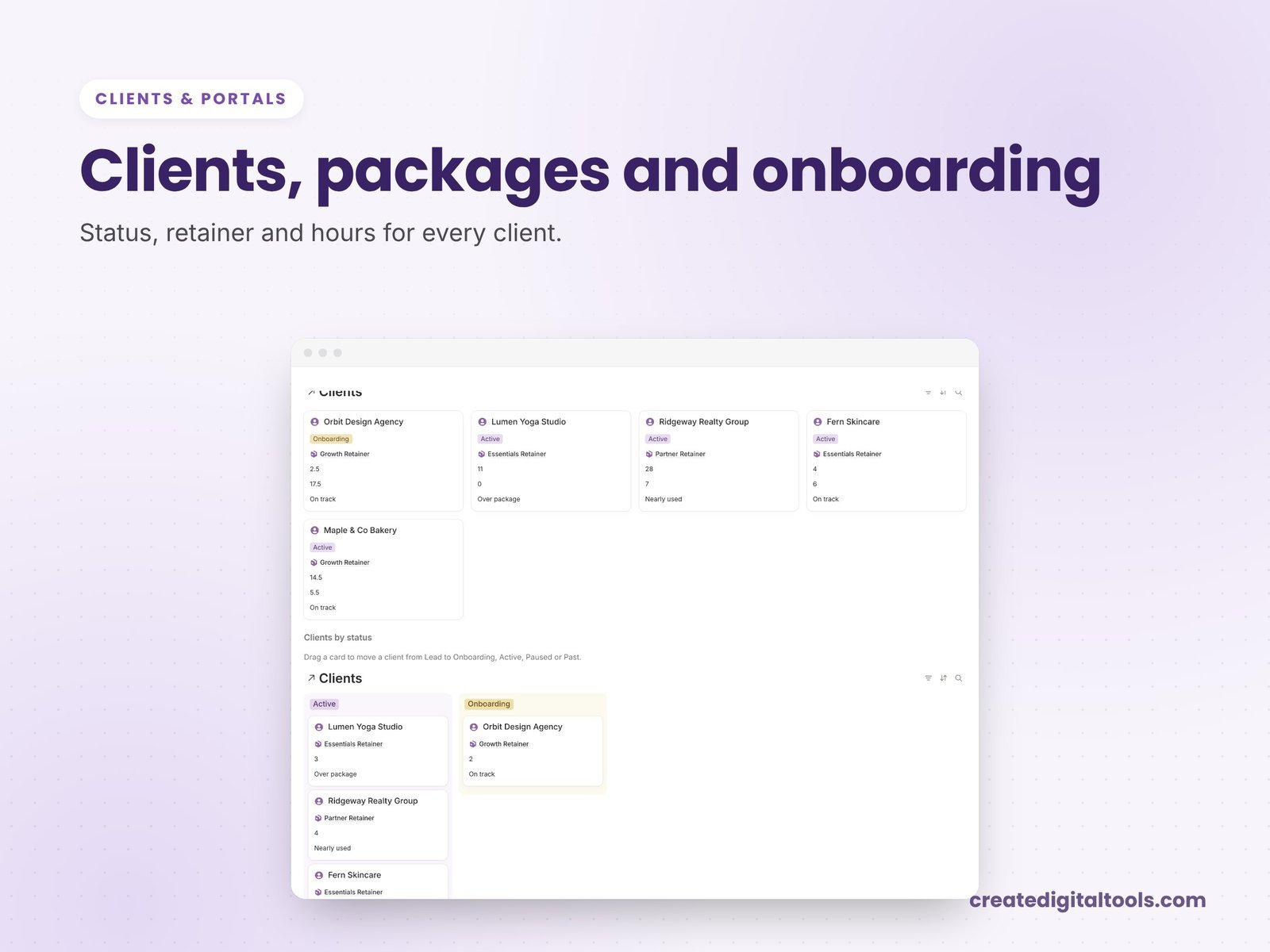
- Clients: portal gallery and status board.
- Hours and retainers: hours by client chart, retainer tracker and packages.
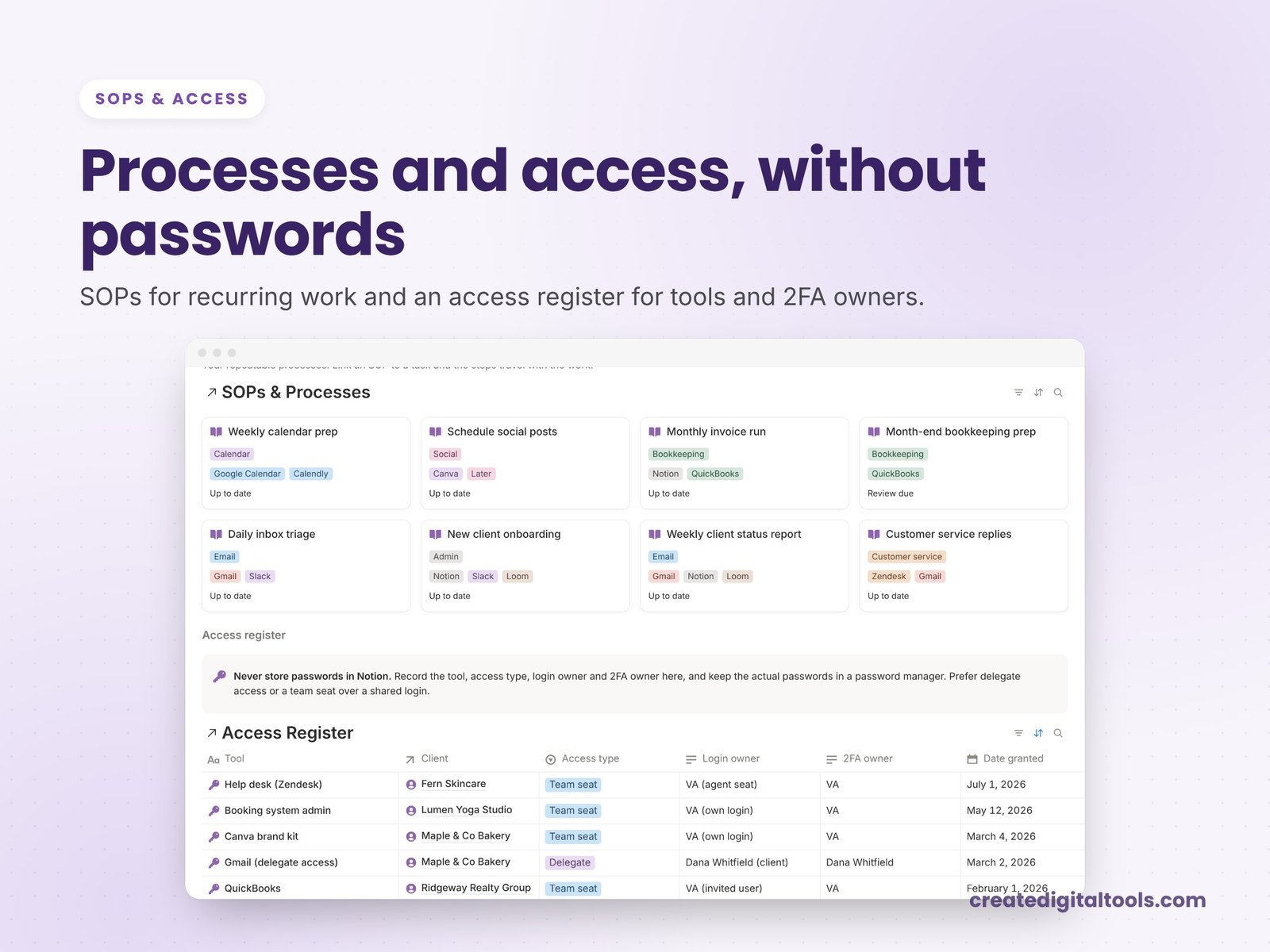
- Processes: SOP library and access register.
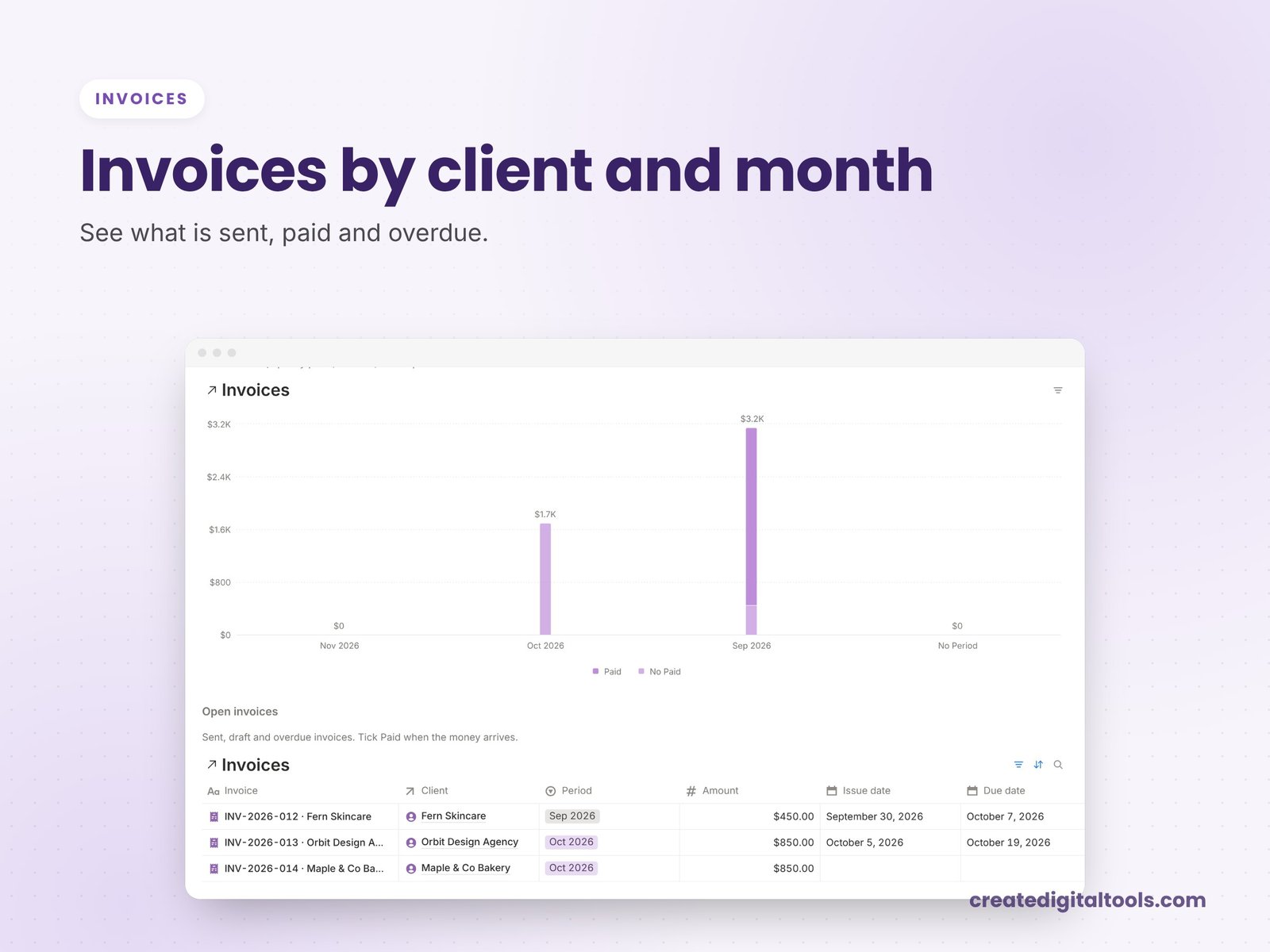
- Money: invoiced by month chart and open invoices.
- Lead pipeline and weekly routine.
9 connected databases
Clients, Packages and Retainers, Tasks, Time Log, SOPs and Processes, Access Register, Invoices, Client Requests, and Leads and Discovery Calls.
Recurring tasks per client
Daily, weekly and monthly tasks such as inbox clean-up, weekly social scheduling and monthly reports, with a recurring schedule view. A task flag formula sorts everything into Overdue, Today, This week, Later or Done.
Client request inbox
Requests arrive by email, Slack, voice note or form. Log them all in one inbox by channel, or use the request form view so clients can submit them directly.
Client portals
Open any client to see their tasks, requests, time, access and invoices together. You can share a client’s portal page with them so they can see progress without emailing you.
SOP library and access register
SOPs are linked two-way to tasks, list the tools used, and get a Review due flag after 90 days. The access register records tool, client, access type (delegate, shared account or team seat), login owner, 2FA owner, date granted, date revoked and status. There is no password field, by design. Passwords belong in a password manager such as 1Password, Bitwarden or LastPass, never in Notion.
Time log and invoices
Each billable time entry is valued at the client’s package rate and links into the monthly invoice. You can see your effective hourly rate per package (monthly fee ÷ monthly hours), which often shows that a client is underpaying.
 Virtual Assistant Studio OS Notion template$19.00 →
A worked example
Client A pays $700 for 20 hours. By the 18th you have logged 17.5 hours, so the flag shows Nearly used. You message the client before going over, not after. If you finish the month at 23 hours with an overage rate of $40 an hour, the template shows 3 overage hours, a $120 overage fee and $820 to invoice. Your effective rate was $35.65 an hour, close to your $35 target.
Set it up in an hour
- Duplicate from your download PDF. The free Notion plan works.
- Read Start Here and the 8-page setup guide PDF.
- Add your packages, then your clients, each linked to a package.
- Add recurring tasks for each client.
- Fill in the access register: who owns each login and who has 2FA.
- Start logging time against tasks.
- Delete the sample data (5 fictional client businesses) when you are ready.
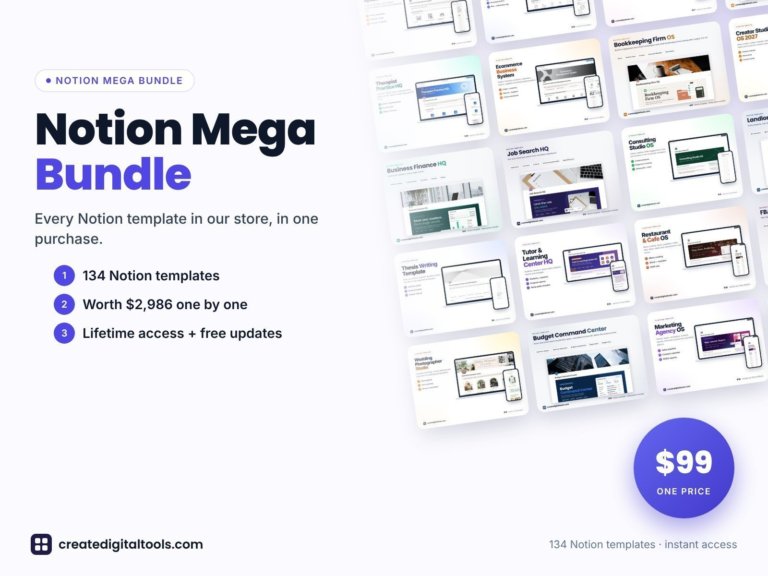 Best value: Notion Mega Bundle$59.00
Who it is for
- Virtual assistants with 2 to 15 retainer clients.
- Online business managers (OBMs).
- Freelancers who sell monthly retainers.
- Small VA agencies with a few team members.
Related templates
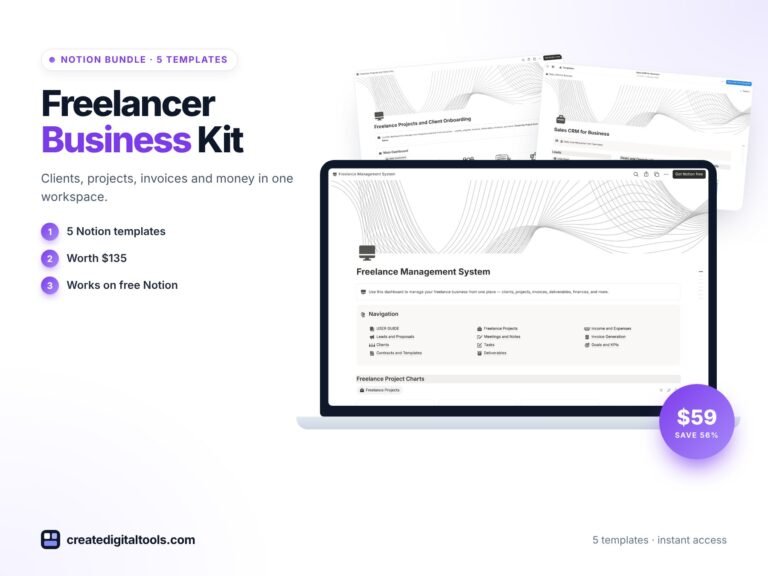
- Freelancer Business Kit: 5 Notion templates.
- Freelancer Finance Kit: invoice, time, tax and rate spreadsheet.
- Social Media Agency Kit ($59): if you manage clients’ social media.
- Consulting Studio OS ($19).
More ideas in our Notion CRM guide and best Notion templates by business type.
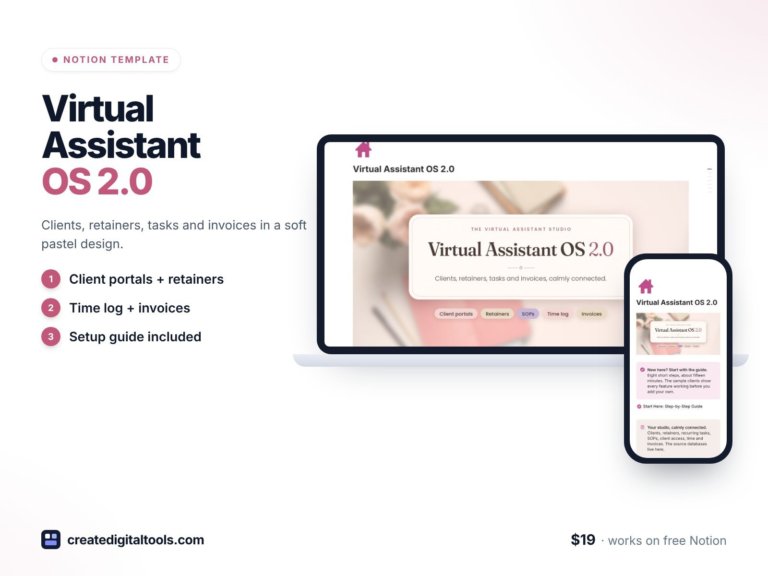
Virtual Assistant OS 2.0
The 2.0 design edition of Virtual Assistant Studio OS: client portals, retainers, recurring tasks, SOPs, time log and…
Frequently asked questions
What is the best Notion template for virtual assistants?
One that tracks retainer hours per client, recurring tasks, SOPs and invoices together. Virtual Assistant Studio OS is built specifically for VAs and OBMs.
Can I track time in Notion?
Yes. Log time entries in a database with a duration property. Some VAs use a timer such as Toggl and paste the totals in.
Should I store client passwords in Notion?
No. Use a password manager and record only who has access in Notion. The template’s access register is designed this way.
Can clients submit requests directly?
Yes. The client requests database has a form view you can share.
Planning tool only, not financial or tax advice. Notion is a trademark of Notion Labs, Inc.; this is an independent template. Sample data is fictional.
Notion systems, spreadsheets and planners with a setup guide. Instant download.