Notion Student Planner Template 2027: Weighted Grades, GPA, Exams and Study Hours
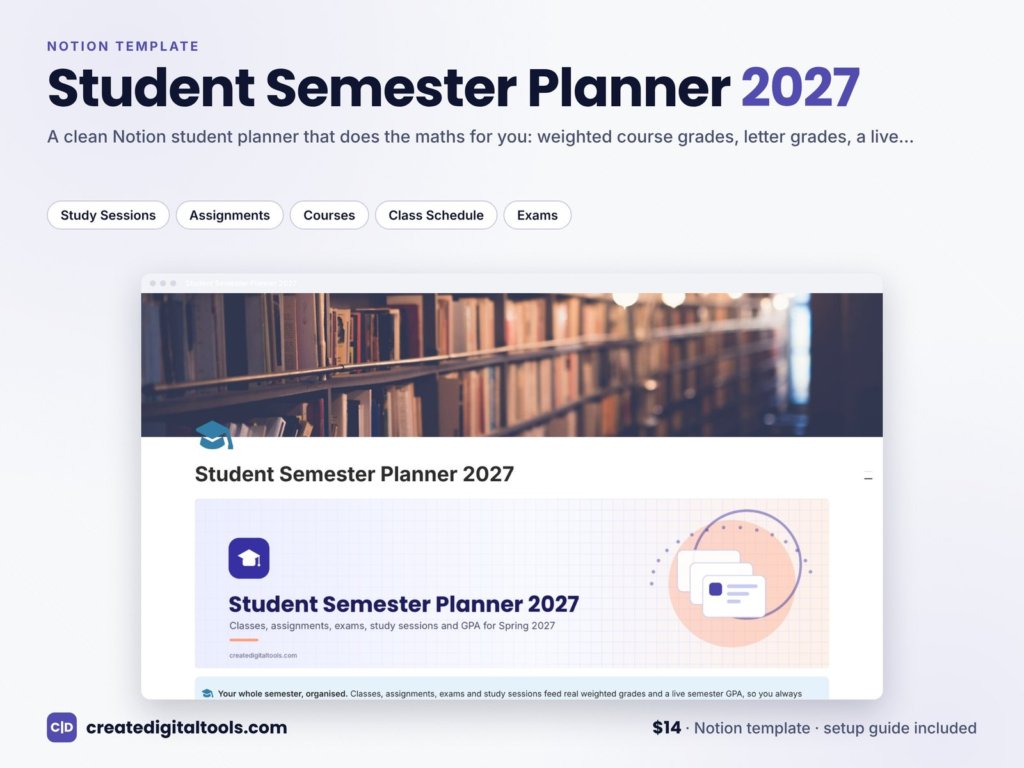
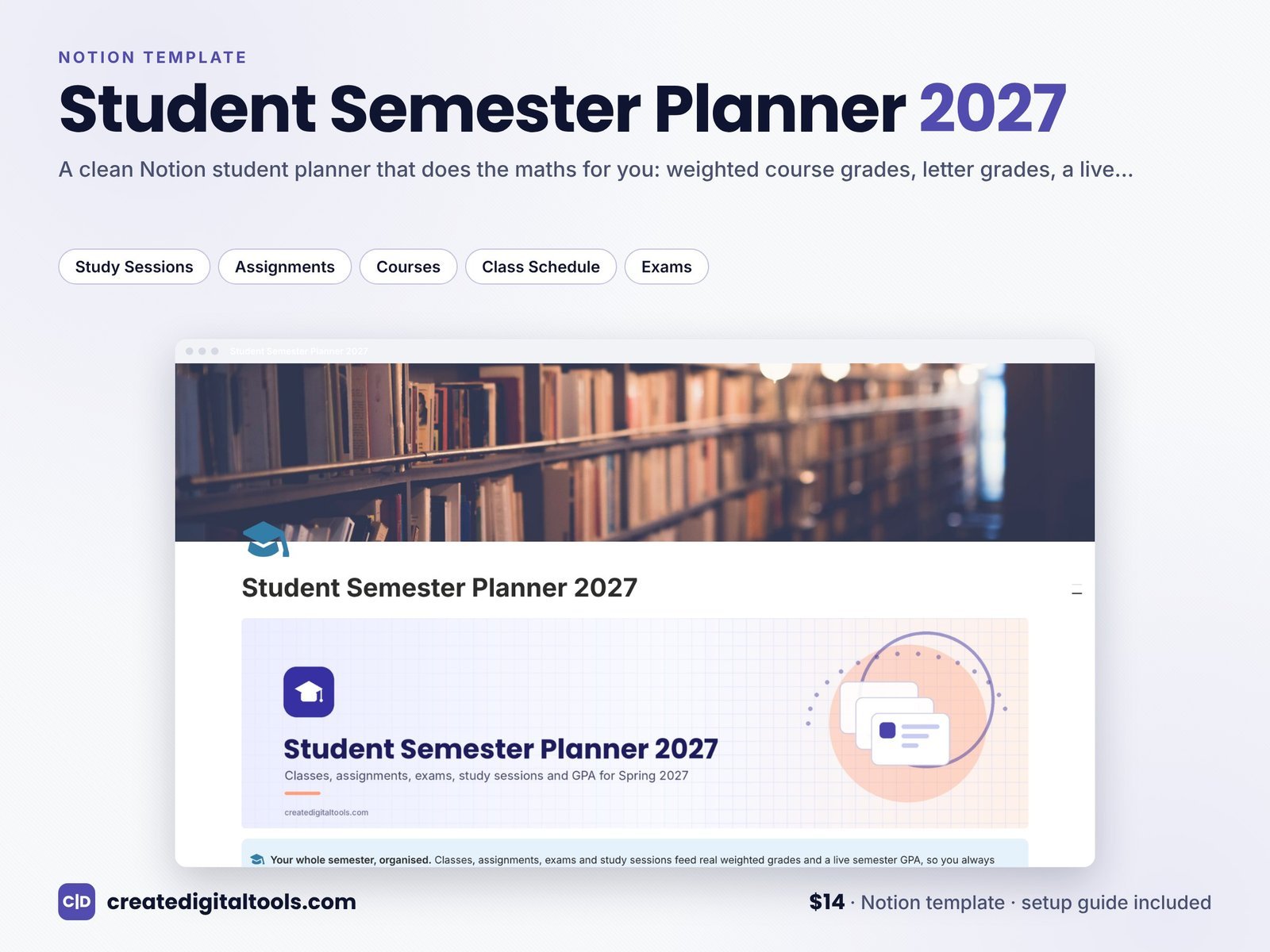
Short answer: the best Notion student planner turns your syllabus into data. It has a Courses database, Assignments and Exams with weights, a Study Sessions log, and formulas that calculate your current weighted grade, letter grade and semester GPA automatically, all on one dashboard with what is due this week. Student Semester Planner 2027 ($14) from Create Digital Tools (formerly Notion Market Hub) does this with 7 connected databases.
Skip the setup: ADHD Student Study Planner gives you this workflow ready to duplicate, with a step-by-step guide. Also popular with readers: Nursing Student Planner Notion Template.
Why most student planners do not help your grades
Most planners are to-do lists with nice colours. They tell you an essay is due Friday, but not that the essay is worth 30% of a class where you are sitting at a B-minus. The planner that actually helps is the one that knows the weight of every assignment and shows how each result moves your grade. Then you can put your effort where it counts.
What’s inside Student Semester Planner 2027
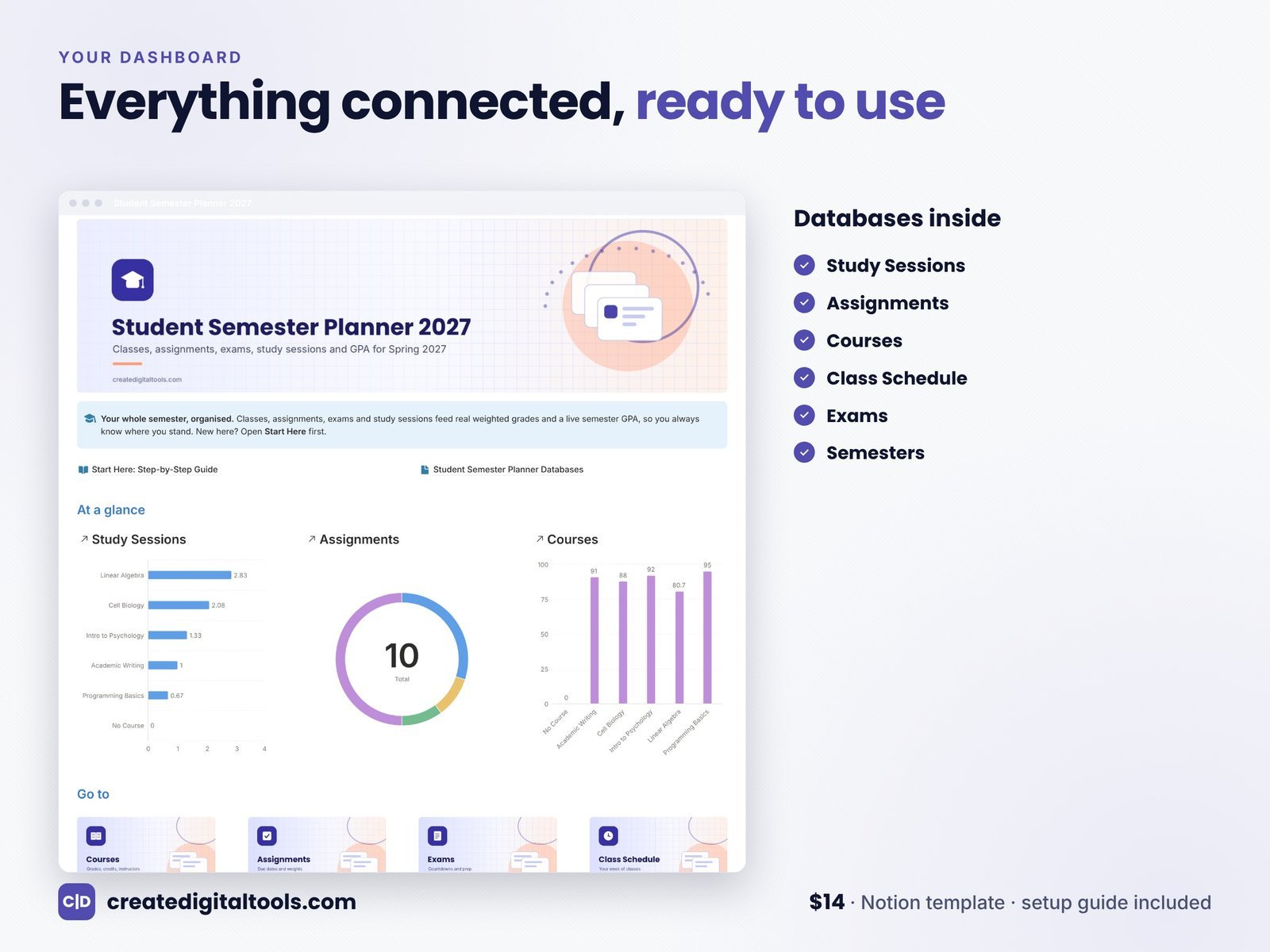
A dashboard with four live tiles
Semester GPA, Due this week, Exams in the next 30 days and Study hours this week. Below them are three charts: study hours by course, assignments by status and grades by course.
This week
Open assignments due in the next seven days, shown next to your class calendar.
Courses gallery
One card per class with instructor, schedule, current grade, letter grade and open assignments. Open a course and its assignments, exams, study sessions and notes are all on the page.
Real weighted-grade maths
Every assignment and exam stores its weight and your score. The template multiplies weight × score and rolls it up into current grade %, a letter grade from A to F, grade points on the 4.0 scale and quality points.
Automatic semester GPA
GPA is calculated from quality points and credits, so you always know where you stand.
Exams with countdowns
Each exam has a daily countdown, topics, weight and a prep board: Not started, Reviewing or Ready.
Study log
Log minutes, technique (Pomodoro, active recall, practice problems or reading) and focus level. The template turns these into hours per course, so you notice when a hard class is getting too little time.
Class schedule and notes library
A calendar for lectures, labs, seminars and office hours, plus a notes and resources library sorted by course and week, with an exam prep list.
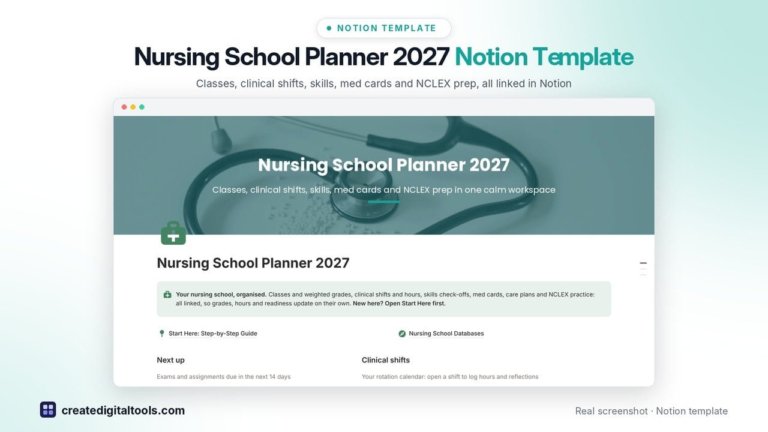 Nursing Student Planner Notion Template Notion template$19.00 →
How weighted grades and GPA are calculated
Current grade = sum of (weight × score) ÷ sum of the weights you have been graded on so far.
Example: in Biology you scored 88% on a lab report worth 15%, 74% on a midterm worth 25% and 92% on quizzes worth 10%. That gives (0.15×88 + 0.25×74 + 0.10×92) ÷ 0.50 = (13.2 + 18.5 + 9.2) ÷ 0.50 = 81.8%, a B-minus on most scales. The final is worth 50%. To finish with a B (83%), you need about 84% on the final. That is a specific, motivating target.
GPA = total quality points ÷ total credits, where quality points = grade points × credits for each course. An A (4.0) in a 4-credit course is 16 quality points. A B (3.0) in a 3-credit course is 9. Together that is 25 ÷ 7 credits = a 3.57 GPA.
Grading scales differ by school, so check your syllabus. You can edit the letter-grade thresholds in the template.
Set up your semester in 30 minutes
- Duplicate the template from your download PDF. The free Notion plan works, and students can often get Notion Plus free with a school email.
- Create the semester and add each course with credits and instructor.
- Copy every graded item from each syllabus into Assignments and Exams, with weights and due dates. This is the most valuable 20 minutes of your semester.
- Add your class schedule to the calendar.
- Log study sessions as you go, even short ones.
- Enter scores as you get them back, and watch your grade update.
 Best value: Notion Mega Bundle$99.00 →
Study techniques that work (and how to log them)
- Active recall: test yourself instead of rereading. Log it as Active recall.
- Spaced repetition: review topics after 1 day, 3 days, a week and two weeks.
- Practice problems: essential for maths, physics, chemistry and economics.
- Pomodoro: 25 minutes of focus and a 5-minute break, which helps you get started.
After a few weeks, compare your study hours and grades by course. It shows clearly where extra time pays off.
Who it is for
- High school, college and university students.
- Students who need to keep a scholarship GPA.
- Pre-med, pre-law and STEM students with heavy, weighted courses.
- Part-time and online students juggling work.
Related templates
- Grad School Application Tracker ($19).
- Thesis Writing PRO for Masters and PhD Students ($12). Read the thesis writing guide.
- Student Planner 2026-2027: an academic digital planner for GoodNotes.
- Job Search HQ ($12): for graduating students. Read the job search guide.
- Free Notion Starter Kit: if you are new to Notion.
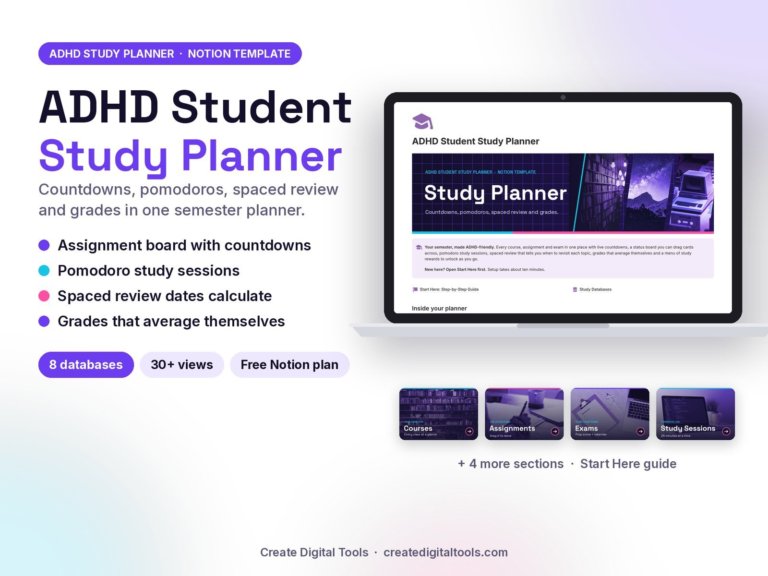
ADHD Student Study Planner: Notion Template
ADHD student planner Notion template: assignment countdowns, exam tracker, pomodoro study log, spaced review dates…
Frequently asked questions
What is the best Notion template for students?
One that calculates your weighted grades and GPA from your syllabus, not just a to-do list. Student Semester Planner 2027 does this automatically.
Is Notion free for students?
Notion’s free plan works for this template. Notion also offers its Plus plan free to many students with an eligible school email.
Can it calculate my GPA?
Yes. It calculates semester GPA on the 4.0 scale from your course grades and credits.
Does it work for weighted categories like “Homework 20%”?
Yes. You can enter a single item for a whole category, or individual items that share the category’s weight.
Notion is a trademark of Notion Labs, Inc.; this is an independent template. Sample data is fictional.
Notion systems, spreadsheets and planners with a setup guide. Instant download.