Simple Printable Weekly Planner for a Fresh Start
Picture someone who has bought three planners in three years and abandoned each one by February. Too many sections, too many prompts, too much guilt about blank pages. This time they want something short: a week, seven days, a few goals, a to-do list. A simple printable weekly planner is the answer for that kind of fresh start, because there is nothing extra to fall behind on and you only print the weeks you will use.
Here is a beginner-friendly way to build a weekly planning habit that sticks, and a look at the Cute Simple Planner in Pastel Tape.
Why so many planners end up half empty
Planners often fail not because people are disorganised, but because the planner asks for too much:
- Daily pages for every day mean dozens of blank pages after one busy week.
- Lots of trackers and prompts look inspiring in January and feel like homework by March.
- Bound, dated books make you start in January and keep every page, even the ones you skipped.
A simple weekly layout keeps the bar low. One spread per week is enough for most people, and printing as you go means no guilt about unused pages.
How to use a simple printable weekly planner so it sticks
1. Pick a planning moment
Choose one fixed time each week, such as Sunday evening or Monday morning. Ten minutes is plenty.
2. Write no more than three weekly goals
Three is enough to give the week direction without overwhelming it. If a goal is big, write just the next step.
3. Fill in the fixed days
Add appointments, classes and deadlines to the day boxes. Then add a couple of tasks to each day, leaving space for the unexpected.
4. Keep one running to-do list
Anything without a day goes on the weekly to-do list. At the next planning moment, move unfinished items forward or cross them out.
5. Use the monthly calendar for the long view
Before planning each week, glance at the month so nothing sneaks up on you.
6. Start whenever you like
If you miss a few weeks, just print the next one and carry on. With an undated version, there is no “wrong” week to start.
What to leave out
A big part of simple planning is choosing what not to track. You do not need a daily page if most days look the same. You do not need a separate meal planner, budget page and reading log all at once. Start with the weekly spread and monthly calendar. After a month, notice what you keep wishing you had, and add only that. The planner should feel lighter than your week, not heavier.
A 10-minute weekly planning session
- Minute 1 to 2: look back at last week. Tick what got done and circle anything to carry forward.
- Minute 3 to 4: check the monthly calendar for anything coming up in the next two weeks.
- Minute 5 to 6: write up to three weekly goals.
- Minute 7 to 8: fill the day boxes with fixed plans, then one or two tasks per day.
- Minute 9 to 10: put everything else on the to-do list and close the binder.
That is it. If you want to add habits later, there is a habit tracker page, but it is fine to leave it out for the first month while the weekly routine settles in.
Inside the Cute Simple Planner · Pastel Tape
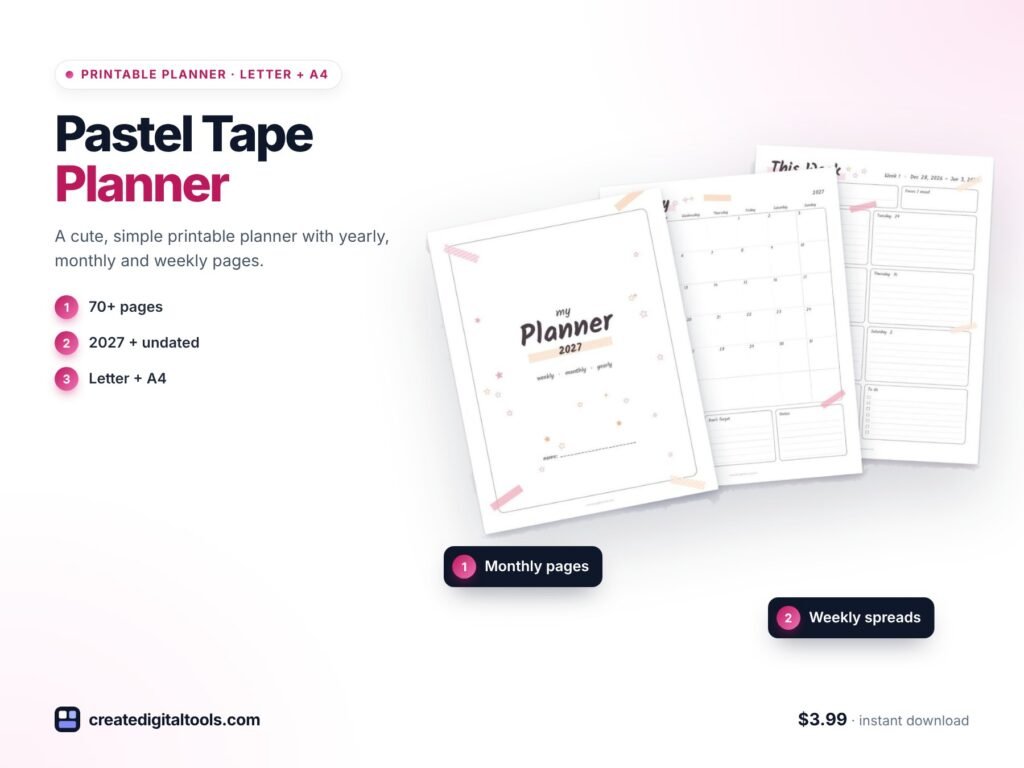
This is a cute, simple printable planner with pastel pink and peach washi tape, small hand-drawn stars and handwritten-style titles on white pages. Yearly, monthly and weekly pages come in a single download, and it keeps the extras light.
The weekly spread
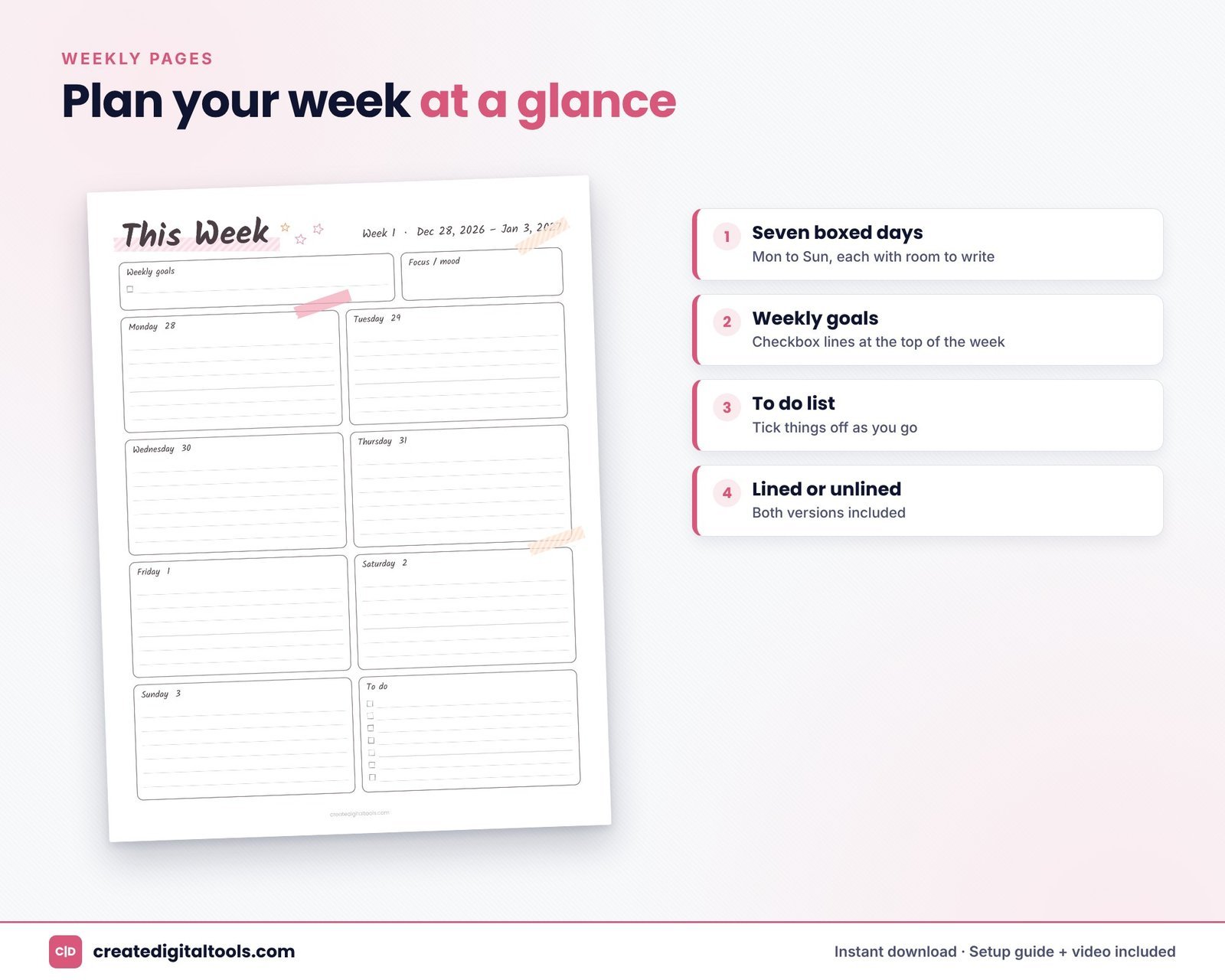
There are 53 weekly pages dated from Dec 28, 2026 to Jan 2, 2028. Each week has a weekly goals box, boxed Monday to Sunday days and a to-do list. You get lined and unlined versions.
Lined or unlined
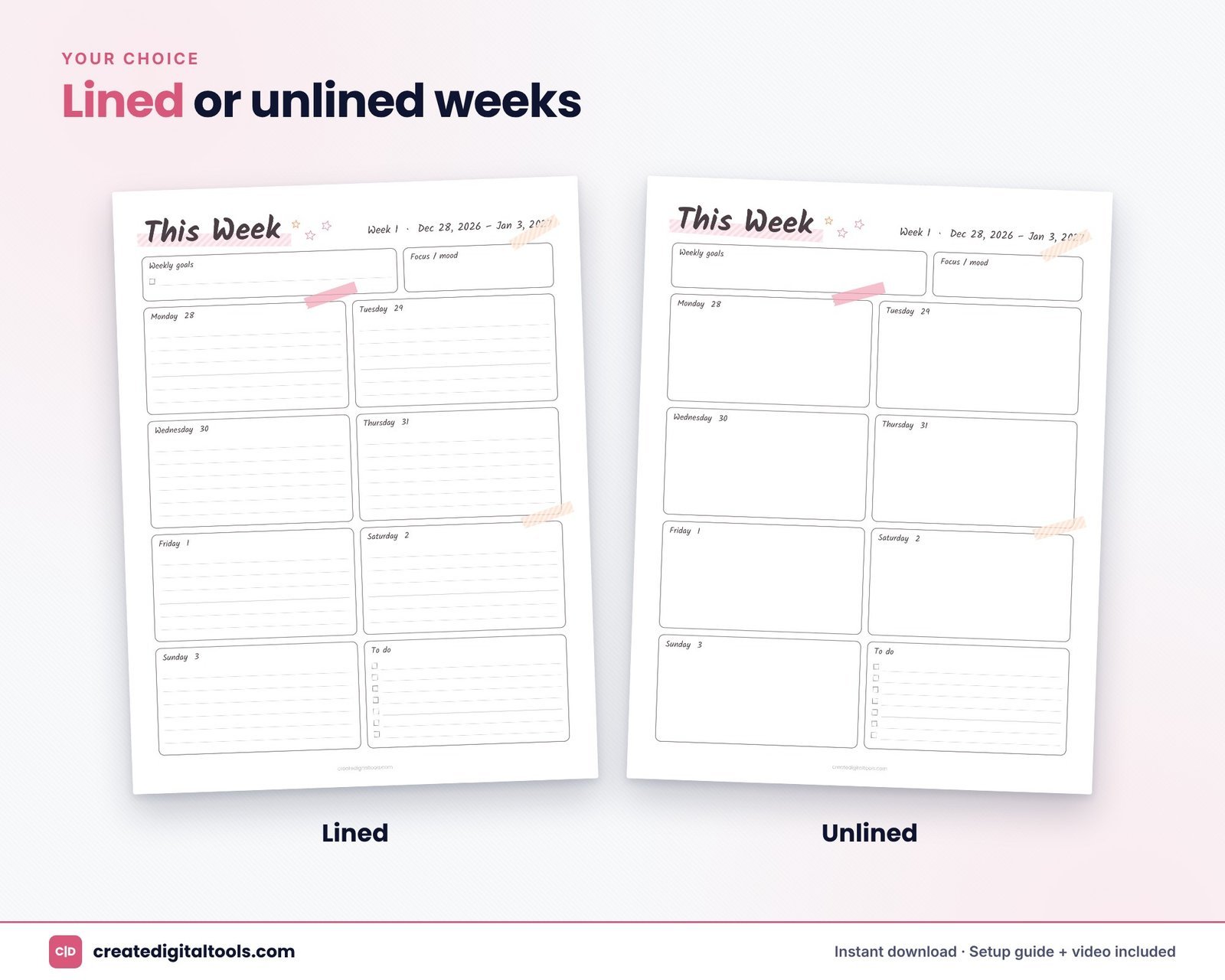
Lined weeks keep handwriting tidy for lists and appointments. Unlined weeks leave room for stickers, doodles or a looser style.
Monthly calendars
Twelve monthly calendars with a Monday start, each with goals and notes boxes.
Yearly pages
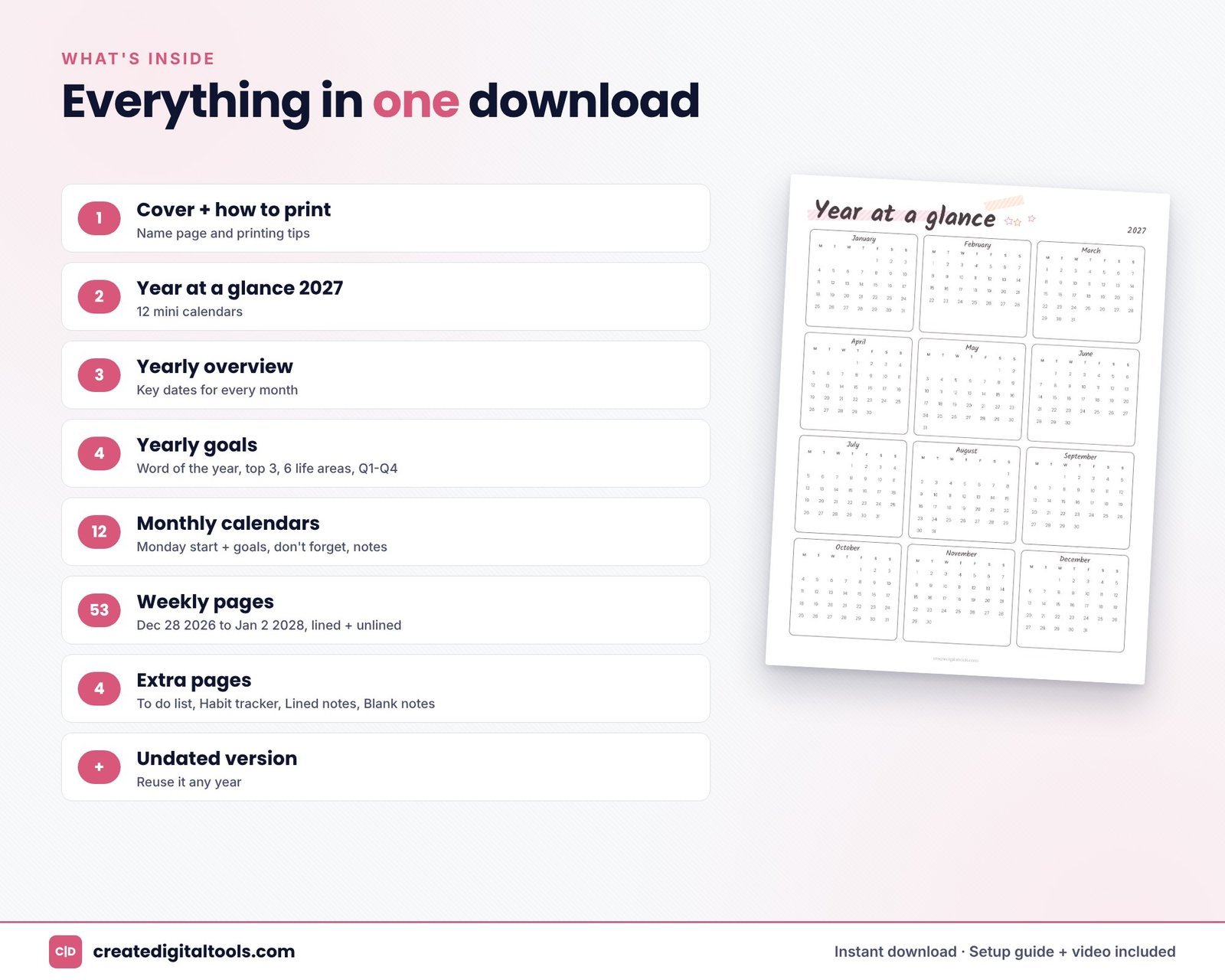
- Year at a glance 2027 with 12 mini calendars.
- Yearly overview for key dates.
- Yearly goals: word of the year, top 3 goals, 6 life areas and Q1 to Q4 check-ins.
Undated version and extras
The undated version lets you reuse the planner any year or start mid-year. Extra pages are kept to the basics: to-do list, habit tracker, lined notes and blank notes.
Formats and printing
- Six PDFs covering US Letter and A4, 2027 dated and undated, lined and unlined.
- Clean vector PDFs with light lines on white pages, easy on printer ink.
- A setup and printing guide (PDF). Weeks start on Monday.
Download the zip, open the PDF for your paper size and print at 100% or “Fit to page”. Hole-punch the pages into a binder or disc planner, or write on them in GoodNotes or Notability. It is a printable PDF, so the pages are not hyperlinked and the text is not editable.
Printing tips for beginners
Print a test page first to check your printer’s scaling. If margins look cut off, choose “Fit to page”. Start with four weeks, one monthly calendar and a to-do page, and add more only when you need them.
Lined or unlined: which should you print?
If you mostly write lists, appointments and short notes, lined weeks keep things neat and help small handwriting stay readable. If you like stickers, washi tape, drawings or writing at an angle, unlined weeks give you more freedom. There is no need to decide for the whole year. Print lined weeks for busy months, unlined for quieter ones, and keep both in the same binder.
Watch the setup guide and full tour of this planner:
Who it is for
A good fit if you:
- Are new to planning or restarting after a break.
- Want a weekly layout without lots of prompts and trackers.
- Like a cute pastel look that still feels tidy.
- Want to print only what you need.
Probably not for you if you:
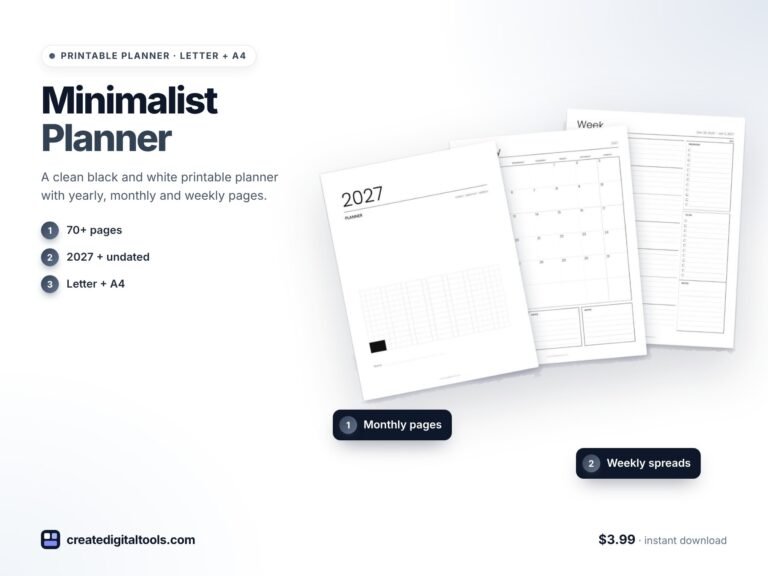
- Want hourly time blocks for a busy work schedule. The Minimalist Black & White Planner includes a time-block week.
- Need a hyperlinked digital planner.
- Want built-in journaling or mood pages.
You can compare every design in our printable planners collection.
FAQ
Is this a physical planner?
No. It is an instant digital download: a zip of six PDFs plus a setup guide that you print at home or at a print shop.
Which sizes are included?
US Letter and A4, each dated 2027 and undated, lined and unlined.
Can I use it in GoodNotes?
Yes, you can import the PDF into GoodNotes or Notability and write on it. The pages are not hyperlinked.
Can I type into the pages?
The text is not editable, and the PDF is designed for handwriting rather than typing.
Do weeks start on Sunday or Monday?
Weeks start on Monday.
Keep planning simple this year
If you want a planner you will actually keep using, the Pastel Tape planner is $3.99 and ready to print in minutes.
GoodNotes and Notability are trademarks of their respective owners. This is an independent printable planner, not affiliated with or endorsed by them.
Notion systems, spreadsheets and planners with a setup guide. Instant download.