Description
Setup Guide & Full Tour (5 min, start here if you are new to Notion)
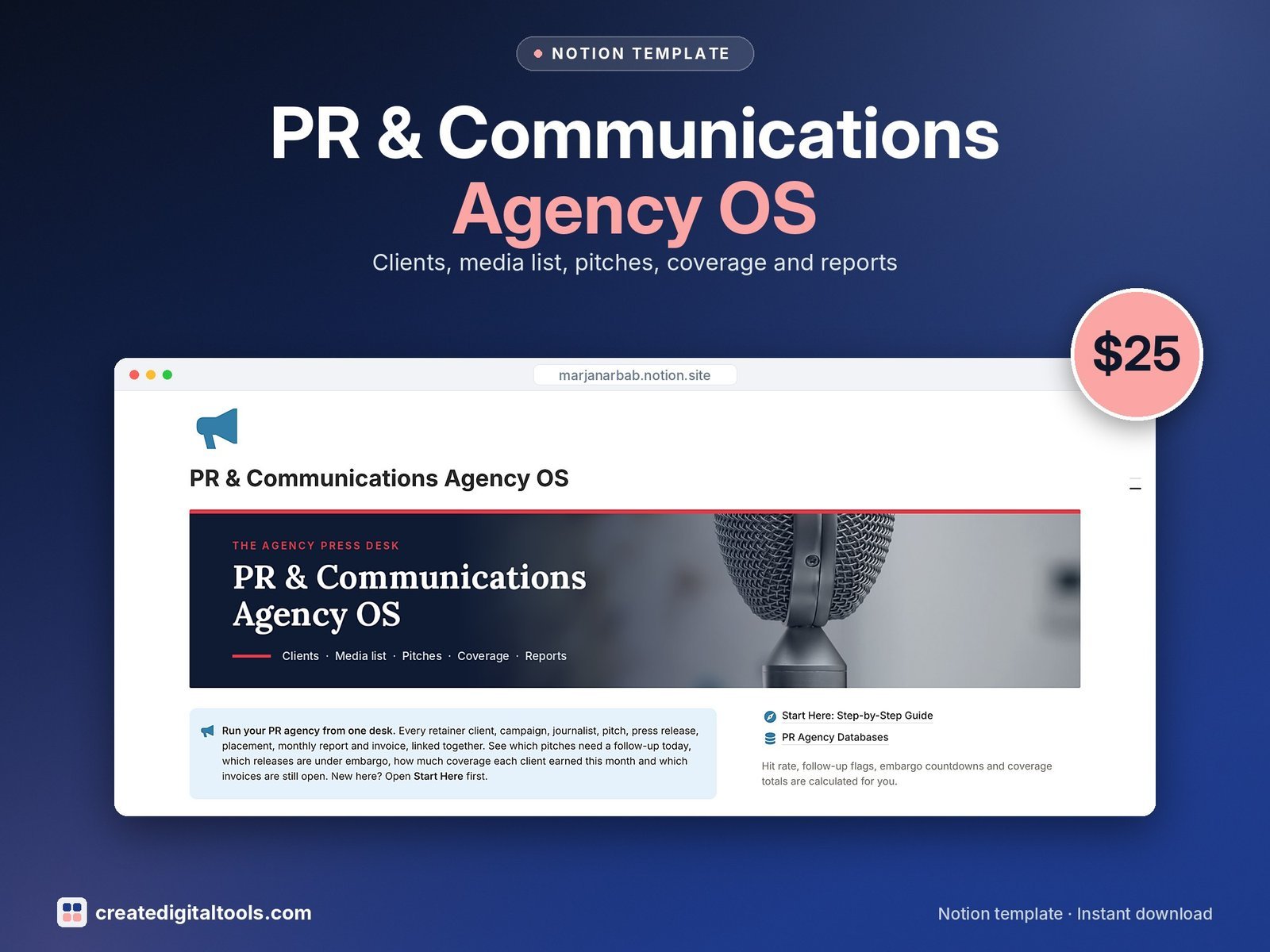
Run your PR or communications agency from a linked Notion dashboard: retainer clients, campaigns, your media list, pitches, press releases, coverage, monthly client reports and invoices. Know which pitches need a follow-up today, which releases are under embargo and how much coverage each client earned this month.
Who it’s for
- PR and communications agencies
- Freelance publicists and PR consultants
- In-house comms teams that pitch media
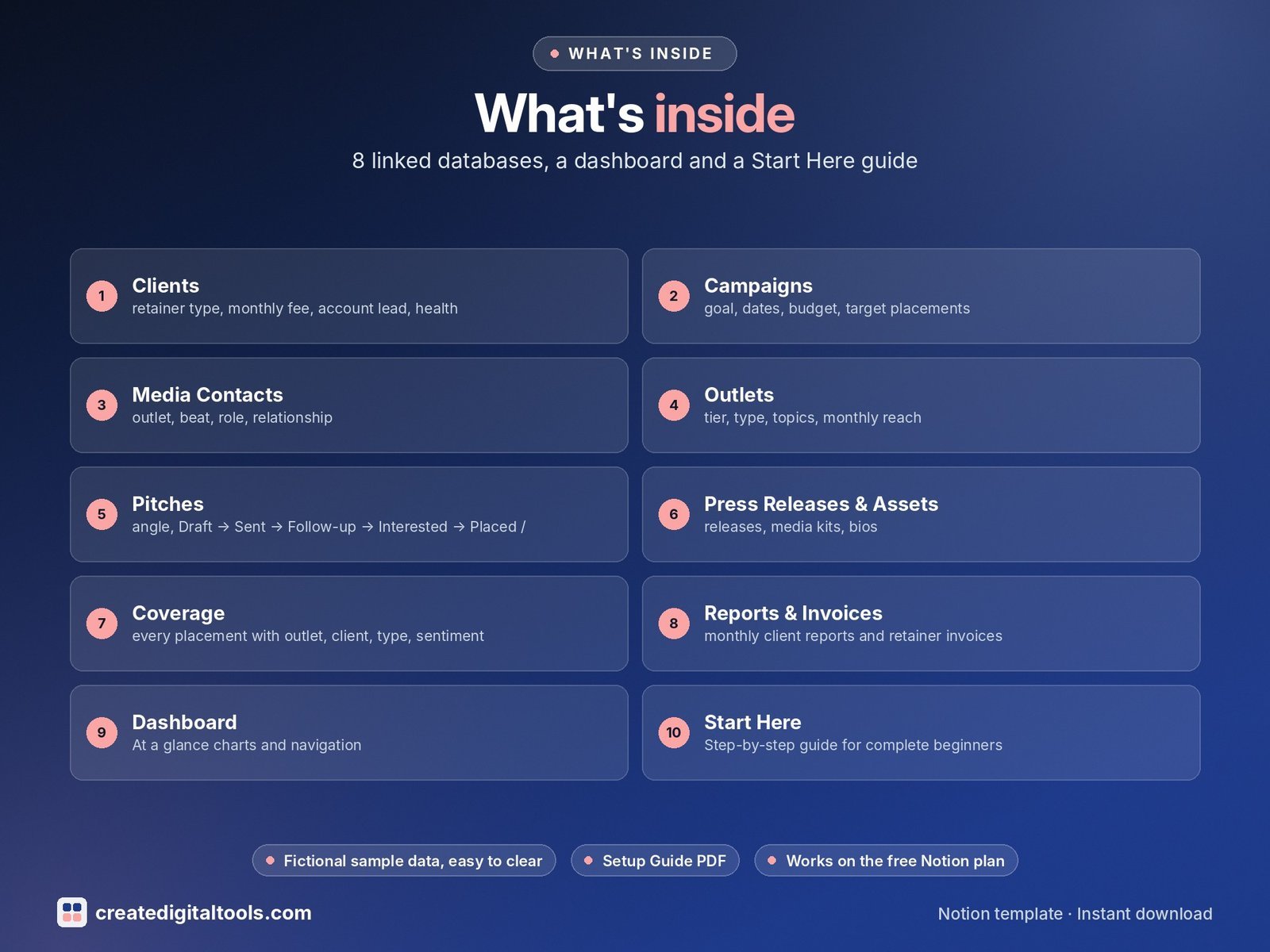
What’s inside
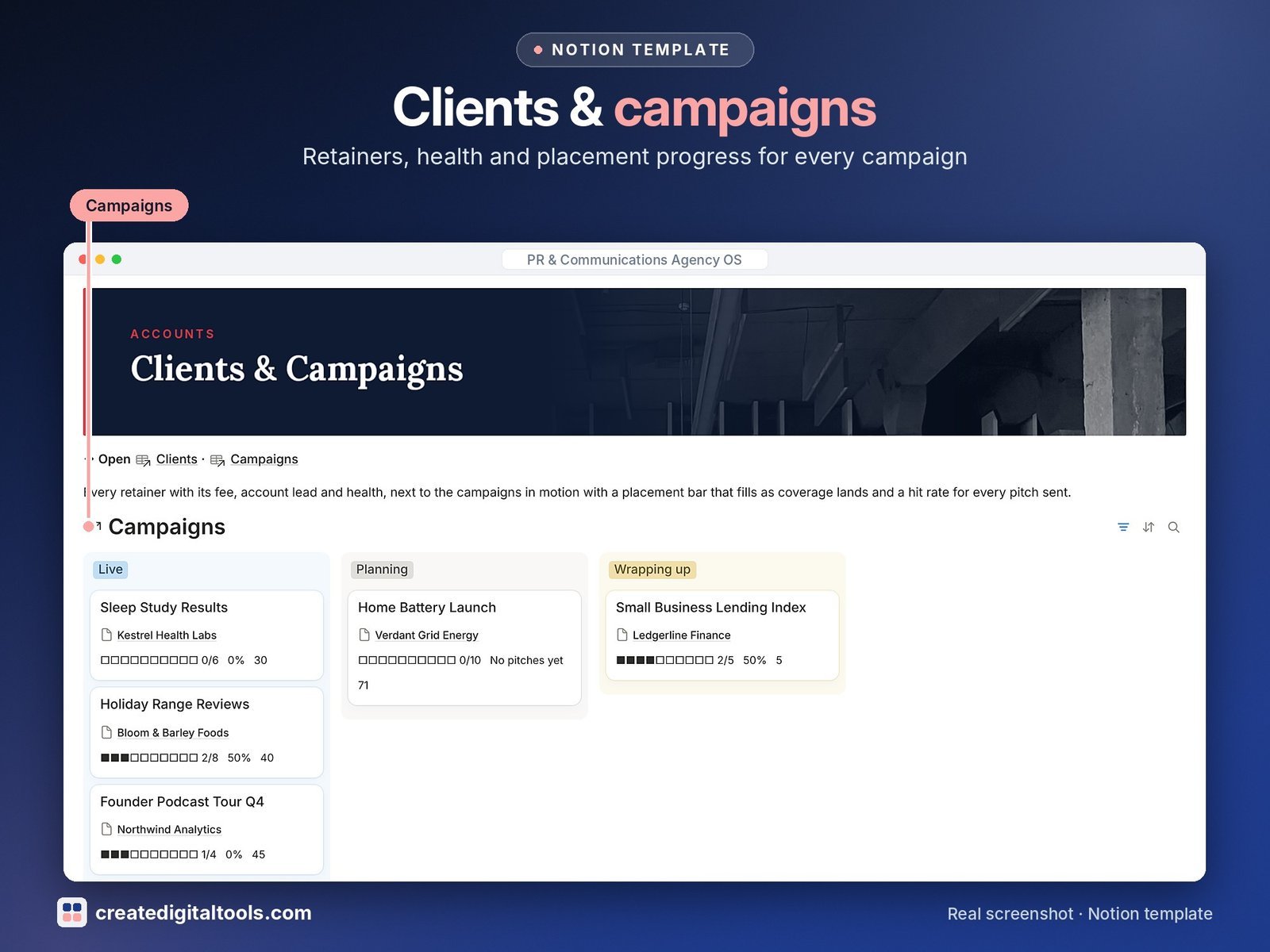
- Clients: retainer type, monthly fee, account lead, health, renewal flag, coverage this month, total reach and unpaid invoices
- Campaigns: goal, dates, budget, target placements, placement progress bar, pitches sent, hit rate and days left
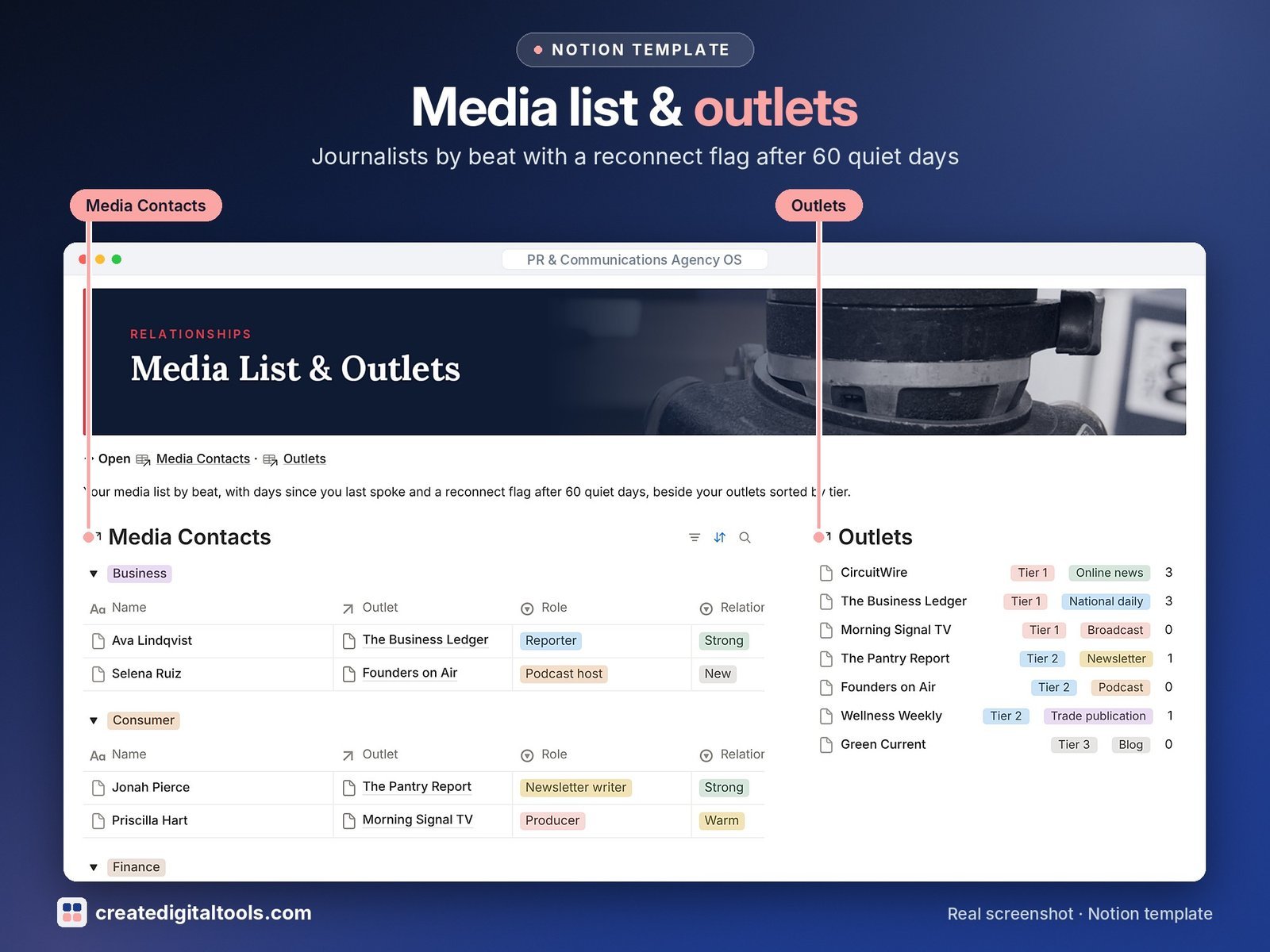
- Media Contacts: outlet, beat, role, relationship, days since last contact and a reconnect flag after 60 quiet days
- Outlets: tier, type, topics, monthly reach, journalists and placements per outlet
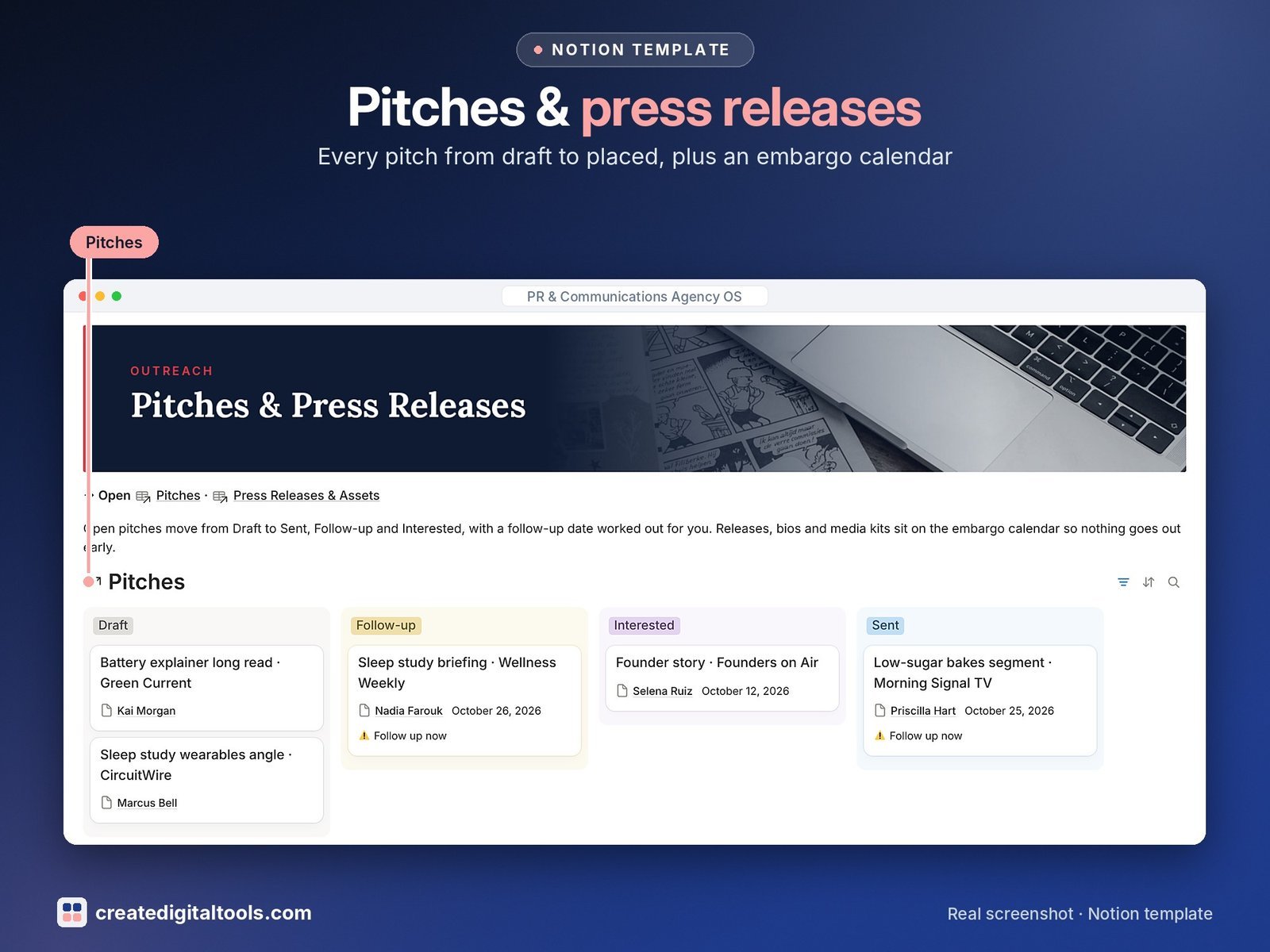
- Pitches: angle, Draft → Sent → Follow-up → Interested → Placed / Declined, follow-up date and a Follow up now flag
- Press Releases & Assets: releases, media kits, bios and fact sheets with an approval board, embargo calendar and countdown
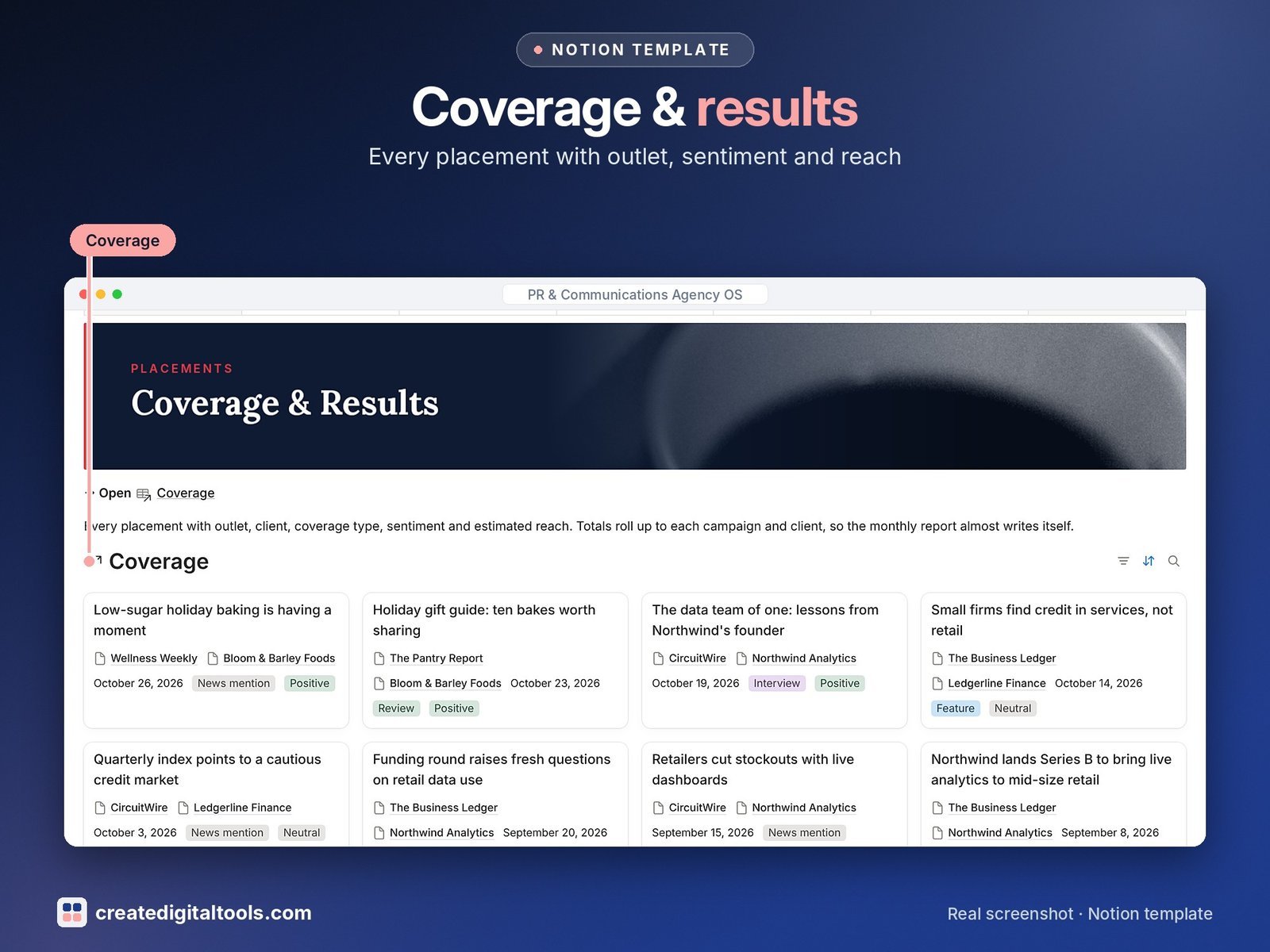
- Coverage: every placement with outlet, client, type, sentiment, estimated reach and link, shown as a coverage wall
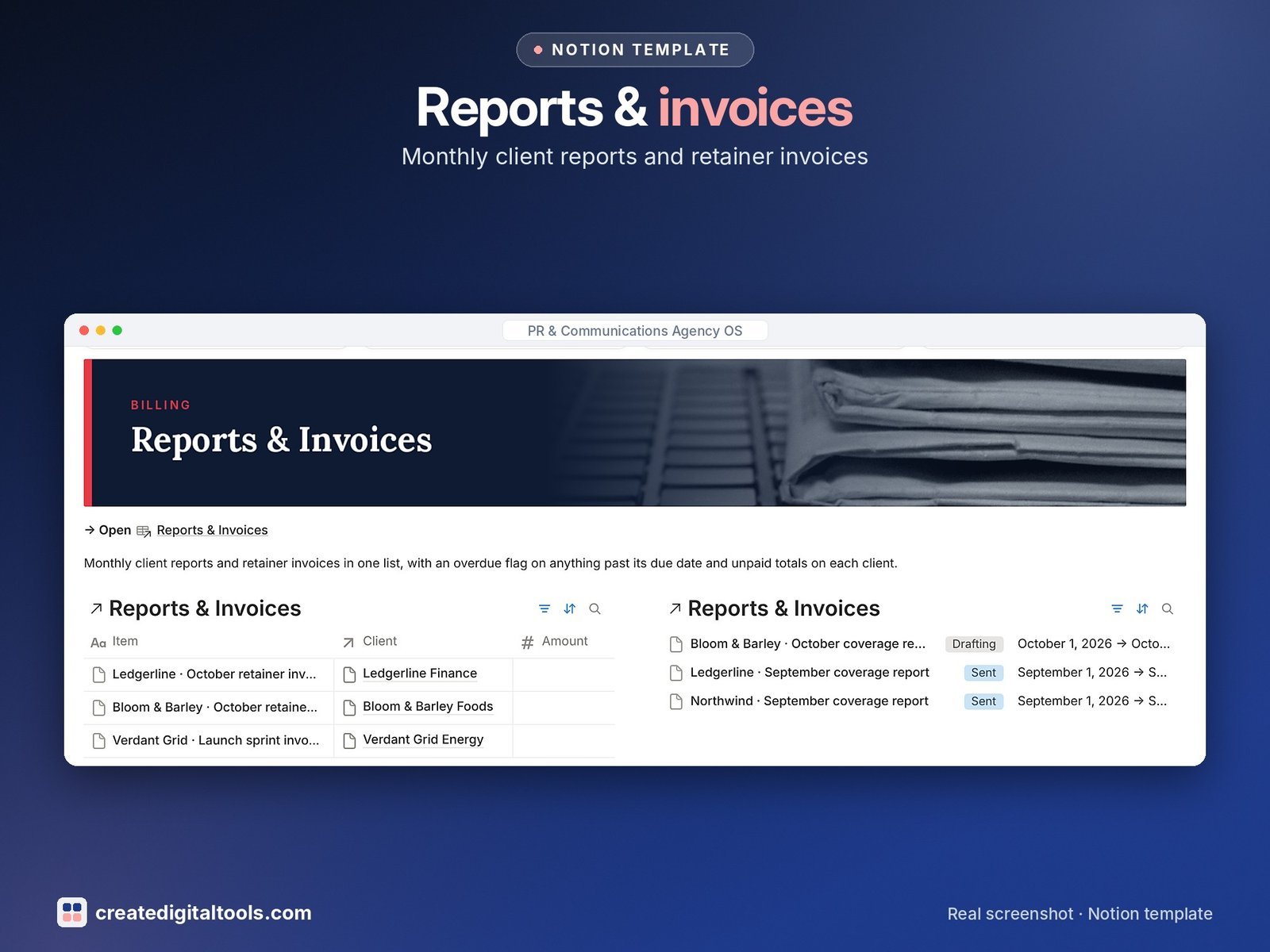
- Reports & Invoices: monthly client reports and retainer invoices with overdue flag and unpaid totals
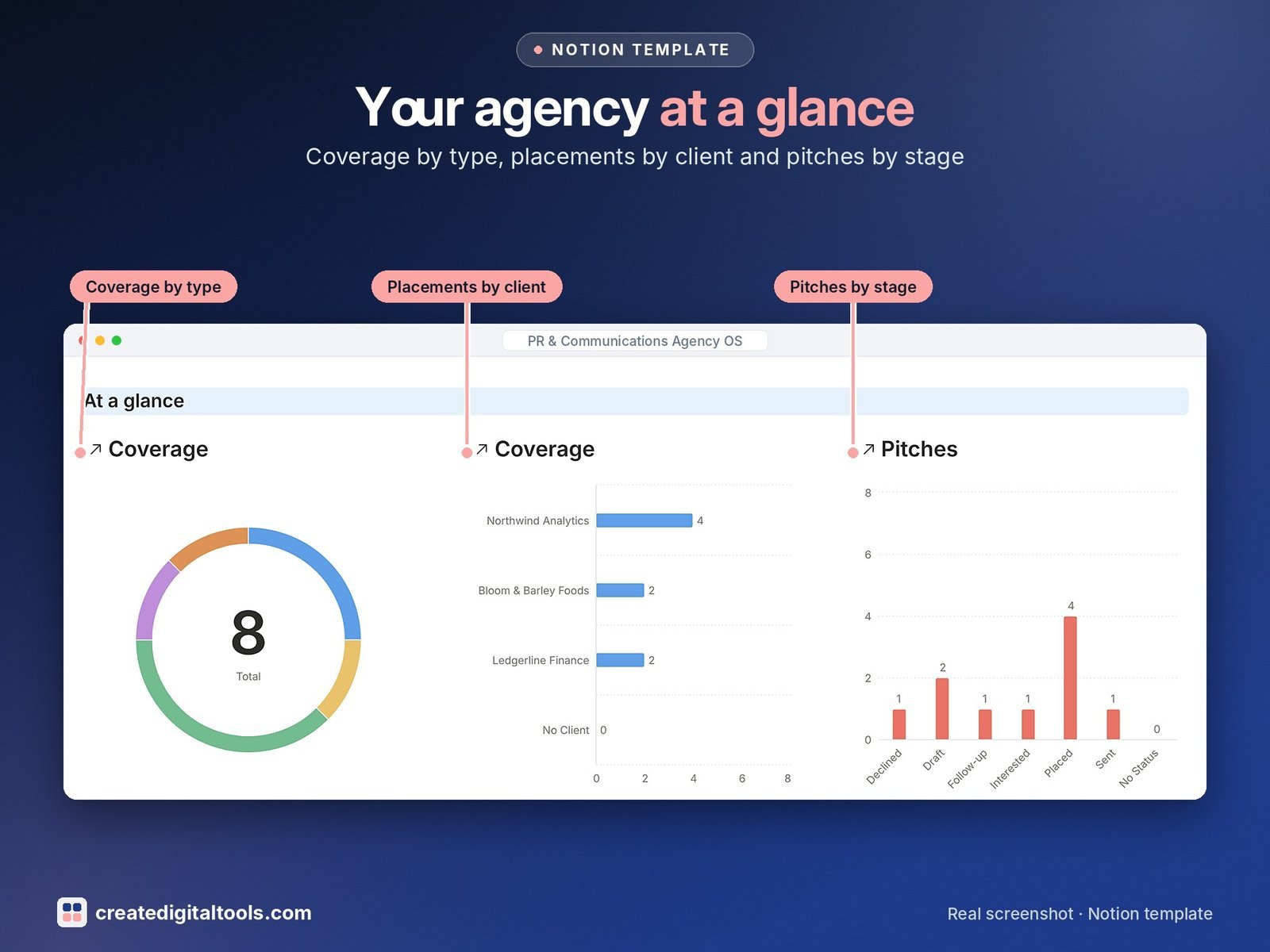
- Dashboard: three charts (coverage by type, placements by client, pitches by stage), photo navigation cards and section views for campaigns, media, pitches and coverage.
- Start Here: Step-by-Step Guide inside the template, written for complete beginners
- Fictional sample data so you can see how everything connects, easy to clear
How it works
Pitches link a journalist, an outlet, a campaign and a client. When a story runs, log it in Coverage and the campaign’s hit rate and the client’s coverage this month update for you.
Built-in automations
Five automations: Sent on, Replied on, Placed on, Approved on and Paid on.
Set up in 3 steps
- Open the template link in your PDF and click Duplicate to copy it into your own Notion workspace.
- Open Start Here and follow the setup: add your own details and clear the sample data when you’re ready.
- Work from the dashboard every day and use the weekly checklist in Start Here to keep everything up to date.
What you get
- The Notion template (duplicate link delivered as a PDF)
- Setup Guide PDF with a step-by-step walkthrough and FAQ
- Start Here guide inside the template
Free plan
Works on the Free Notion plan. The built-in automations are Notion database automations, which run on paid plans (Plus and up). On the Free plan they pause and you fill those dates in by hand; every database, formula and view still works. Desktop, web and the Notion mobile app.
Digital product: nothing physical is shipped. Sample data is fictional.
Notion is a trademark of Notion Labs, Inc.; this is an independent template by Create Digital Tools (createdigitaltools.com).
New to Notion? Try it free here (affiliate link: we may earn a commission at no extra cost to you).
Also on Gumroad: PR & Communications Agency OS: Notion Template
Want your own store like this one? createdigitaltools.com runs on Hostinger WordPress hosting. Start your own shop with Hostinger, or try the no-code Hostinger Website Builder.
Affiliate links: I may earn a commission at no extra cost to you.