Description
Setup Guide & Full Tour (5 min, start here if you are new to Notion)
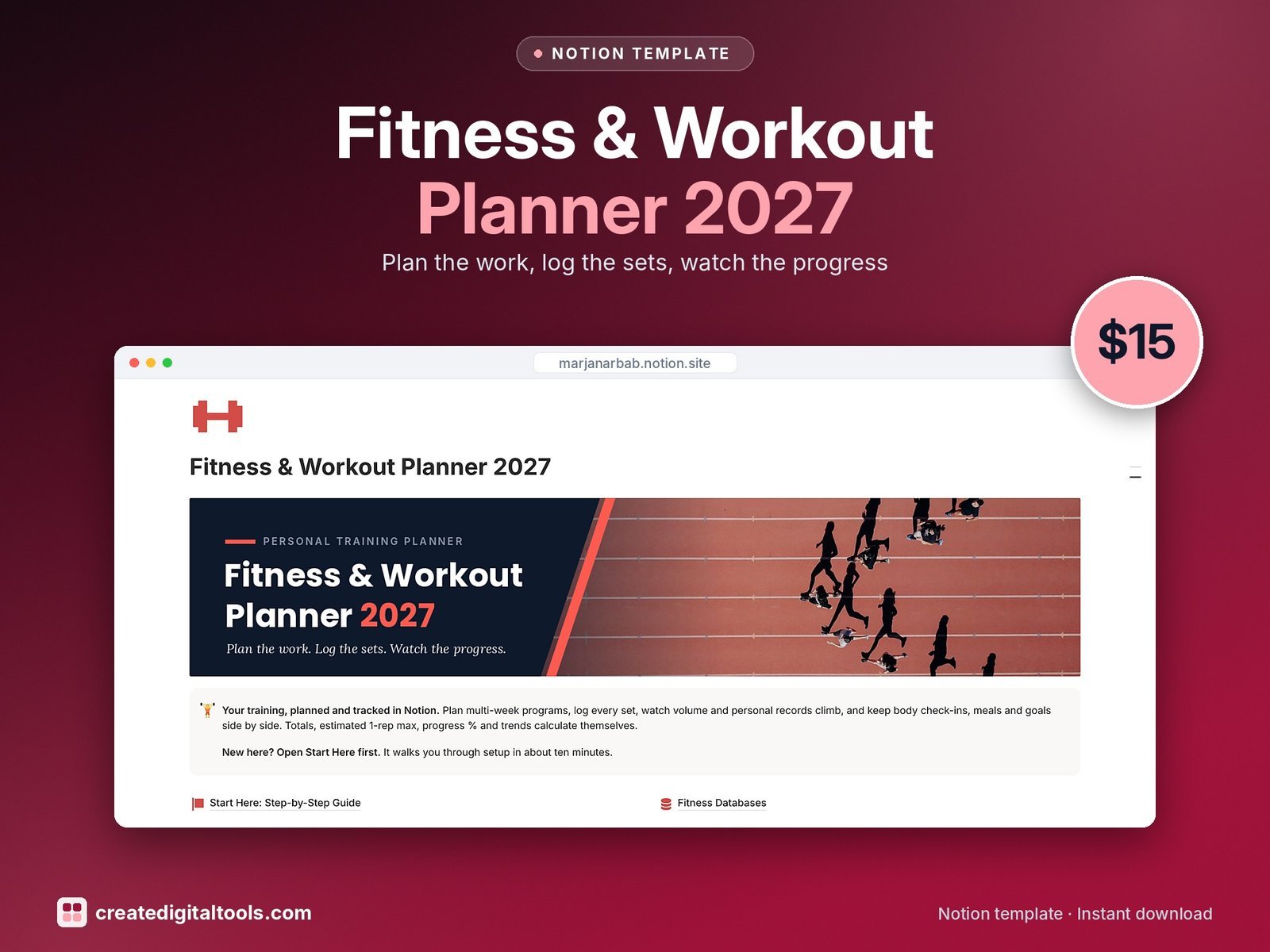
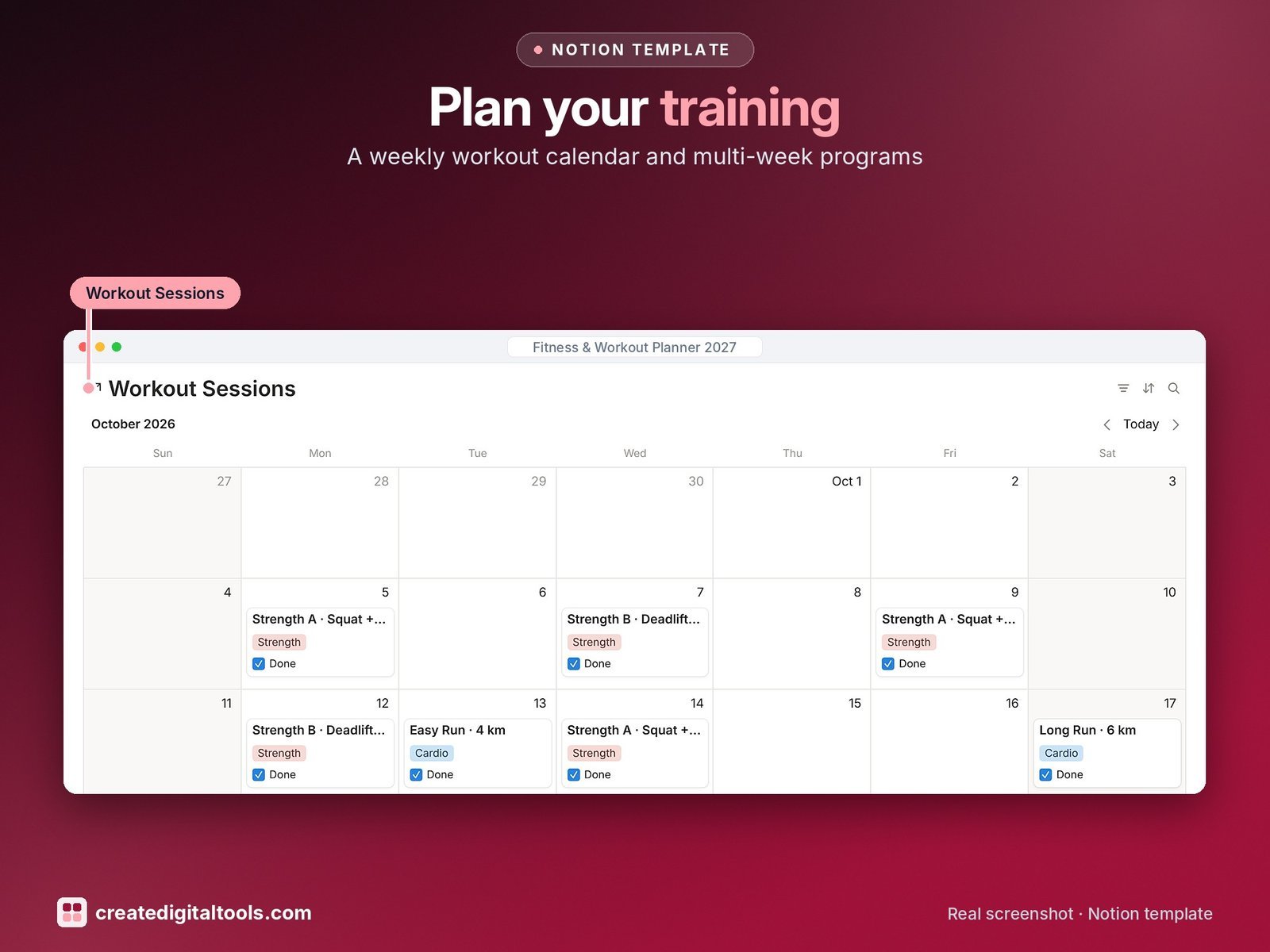
Plan your training, log every set and see your progress in Notion. Plan multi-week programs, put sessions on a calendar, log sets in seconds and let the template work out volume, estimated 1-rep max, program % complete, goal progress and body-measurement changes.
Who it’s for
- Gym-goers and strength trainees
- Runners and home-workout fans who want a training log
- Anyone setting fitness goals for 2027
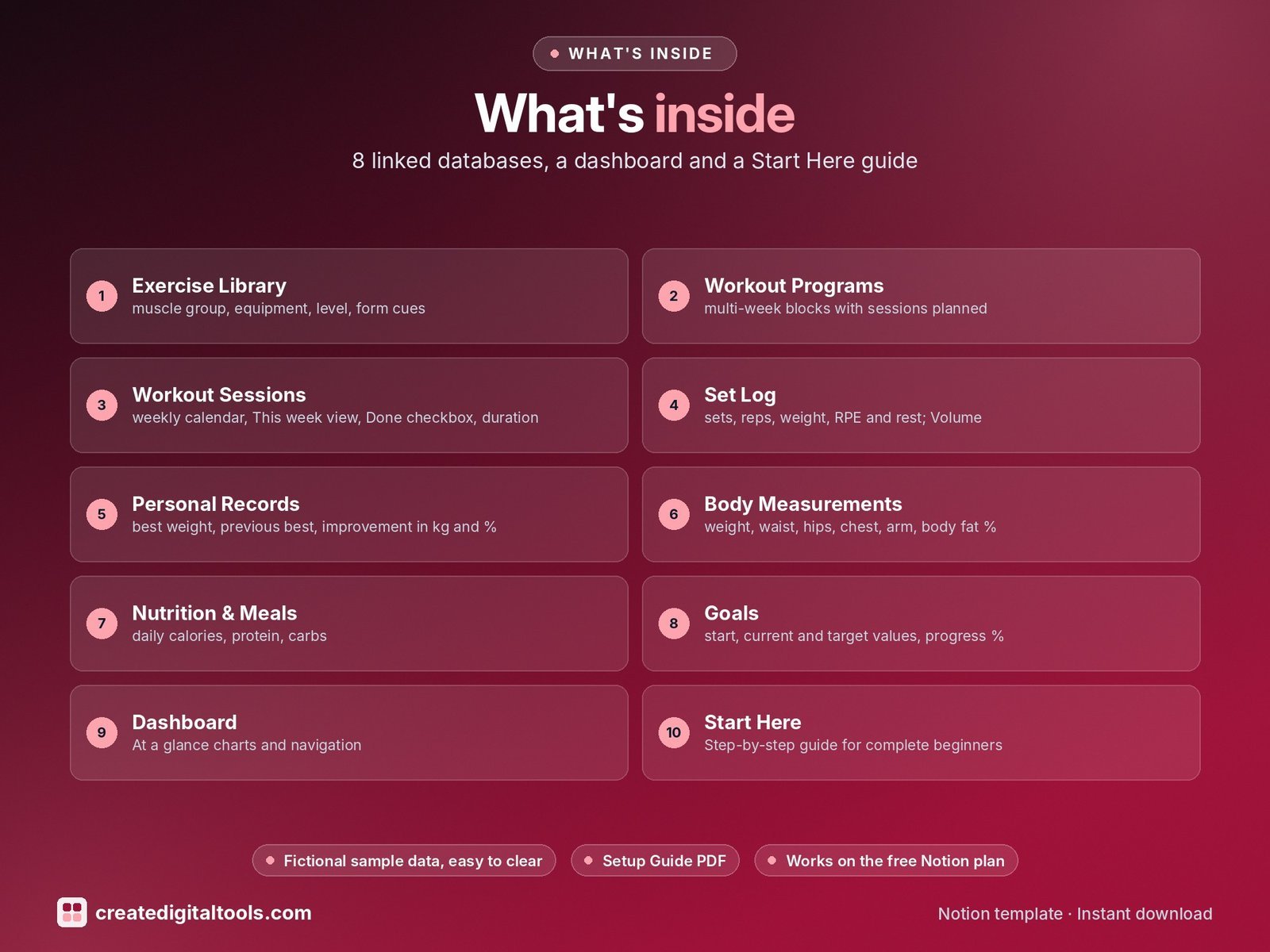
What’s inside
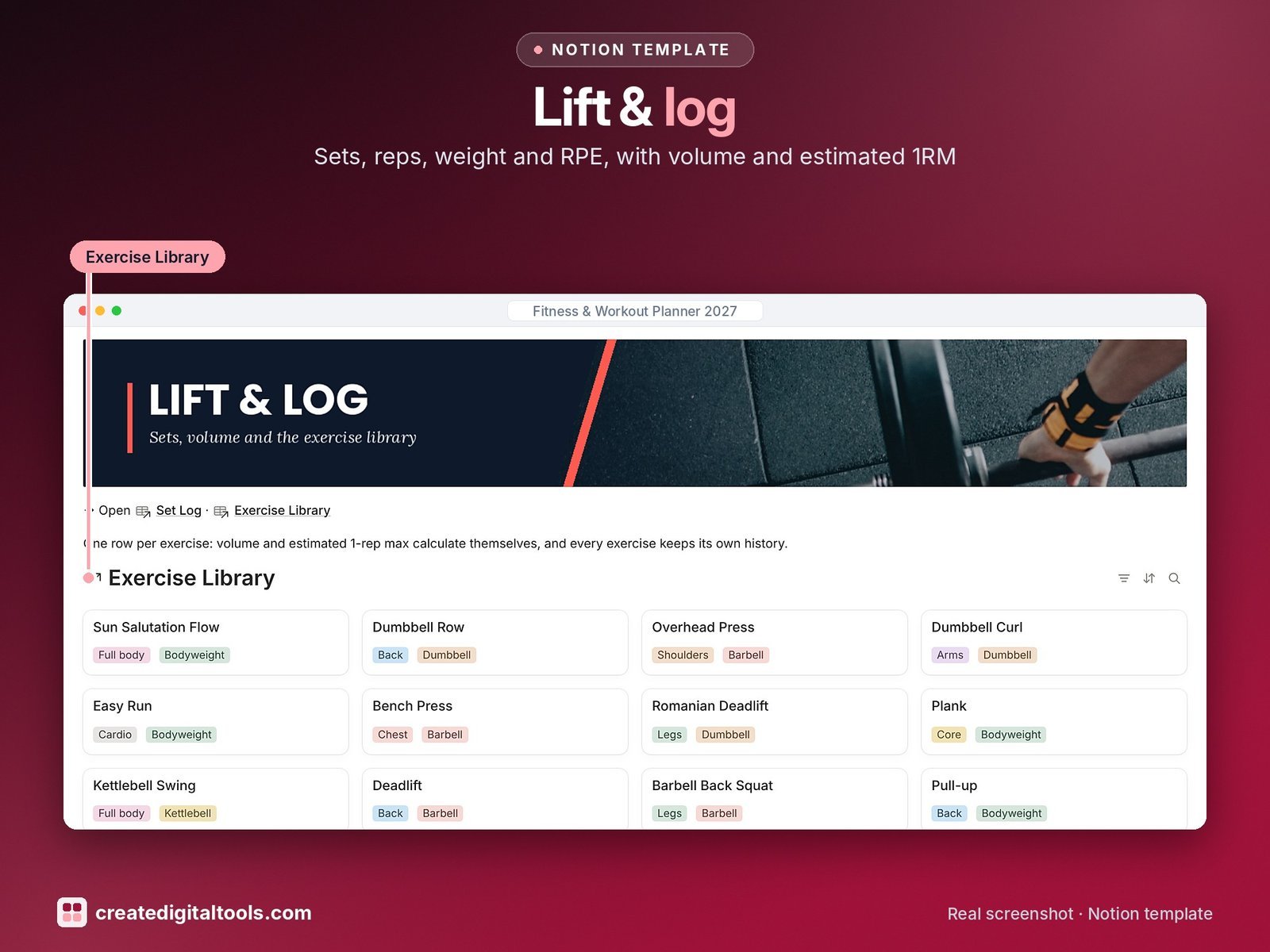
- Exercise Library: muscle group, equipment, level, form cues, video link and photo gallery; times performed, best weight and best PR
- Workout Programs: multi-week blocks with sessions planned, sessions done and % complete; board and timeline
- Workout Sessions: weekly calendar, This week view, Done checkbox, duration, energy and total volume
- Set Log: sets, reps, weight, RPE and rest; Volume and Est. 1RM (Epley) formulas
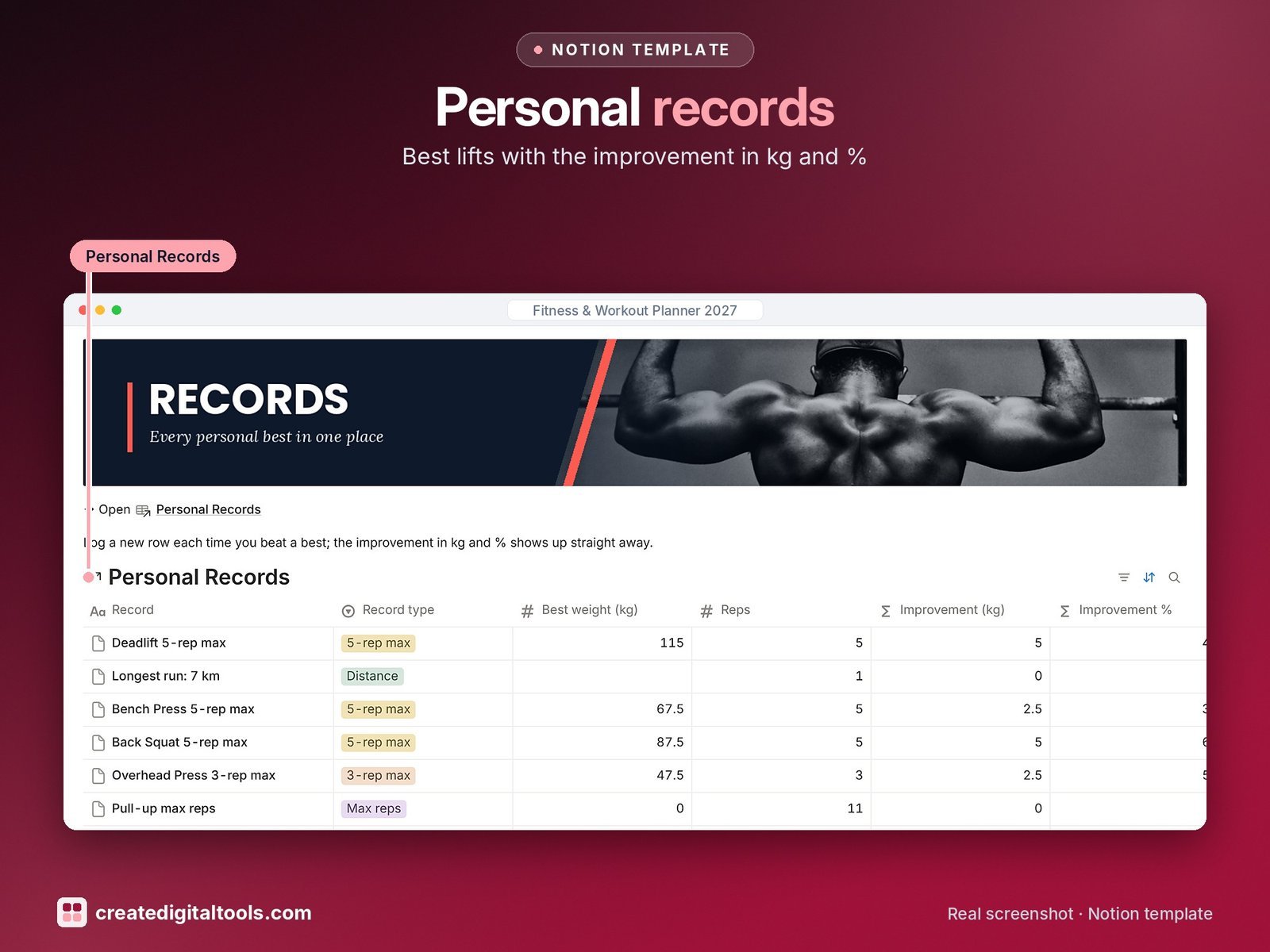
- Personal Records: best weight, previous best, improvement in kg and %, record wall
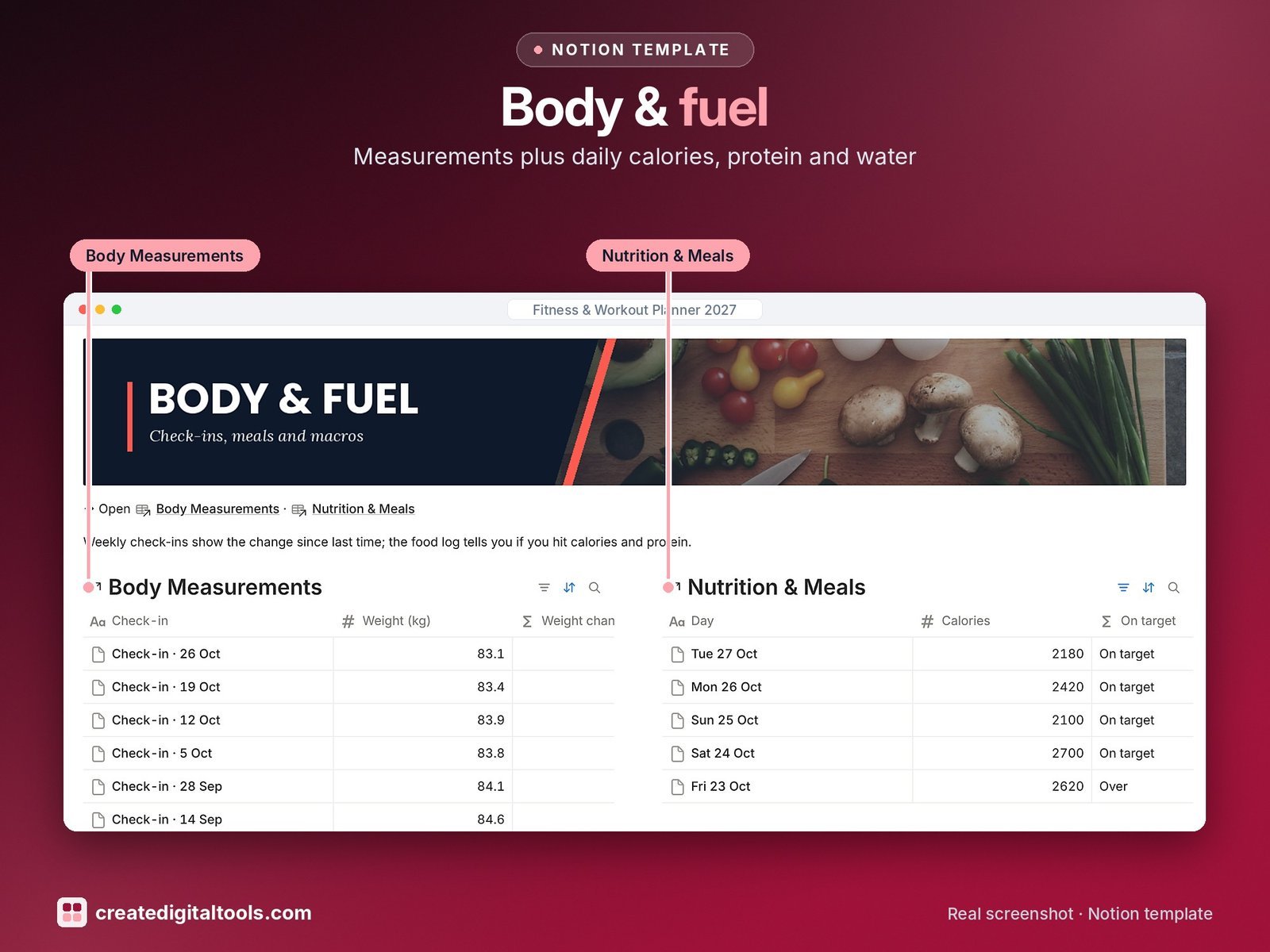
- Body Measurements: weight, waist, hips, chest, arm, body fat %, resting HR and sleep, with change since last check-in
- Nutrition & Meals: daily calories, protein, carbs, fat and water against your targets; On target and Protein hit flags
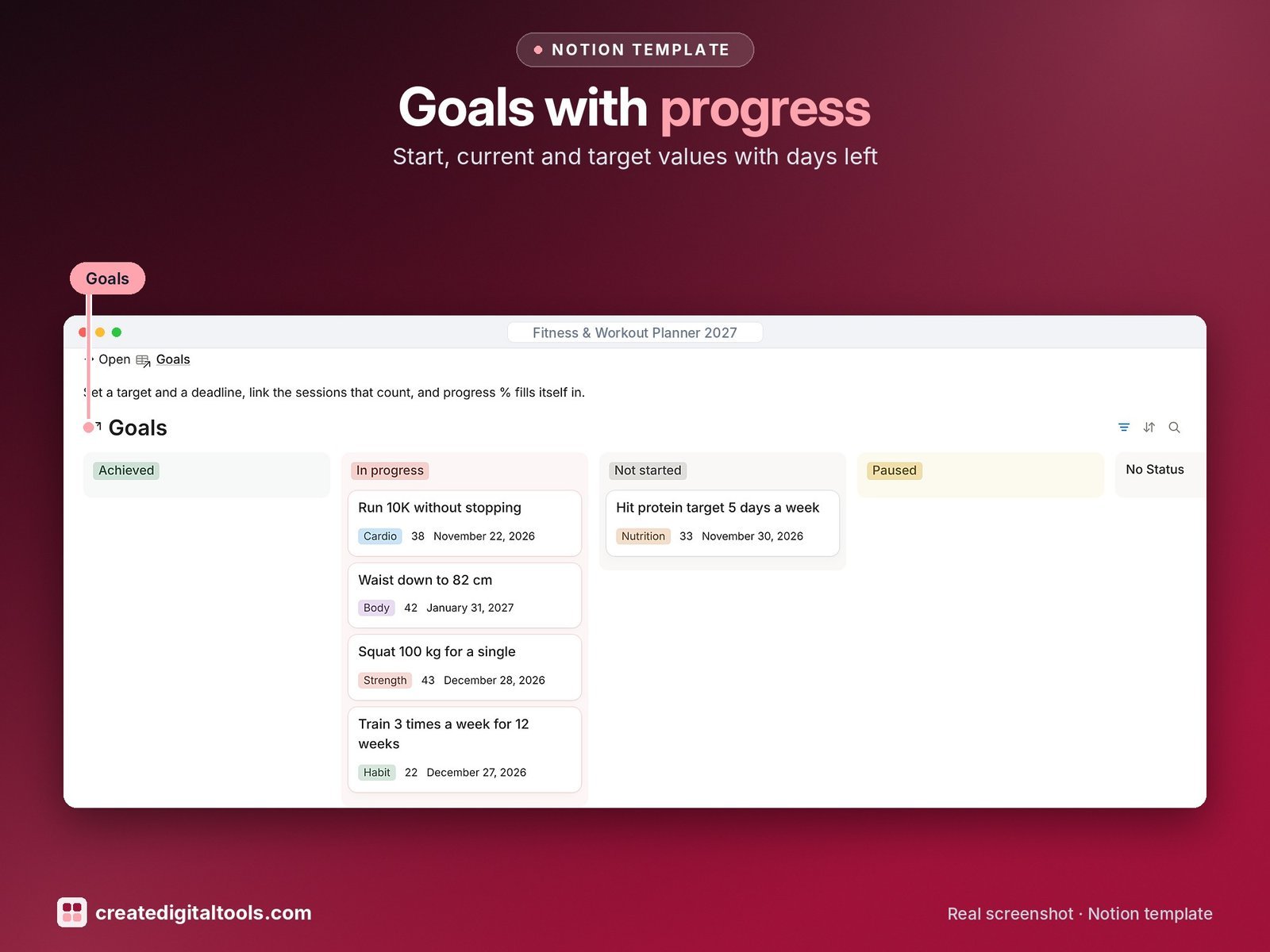
- Goals: start, current and target values, progress %, days left and an Achieved view
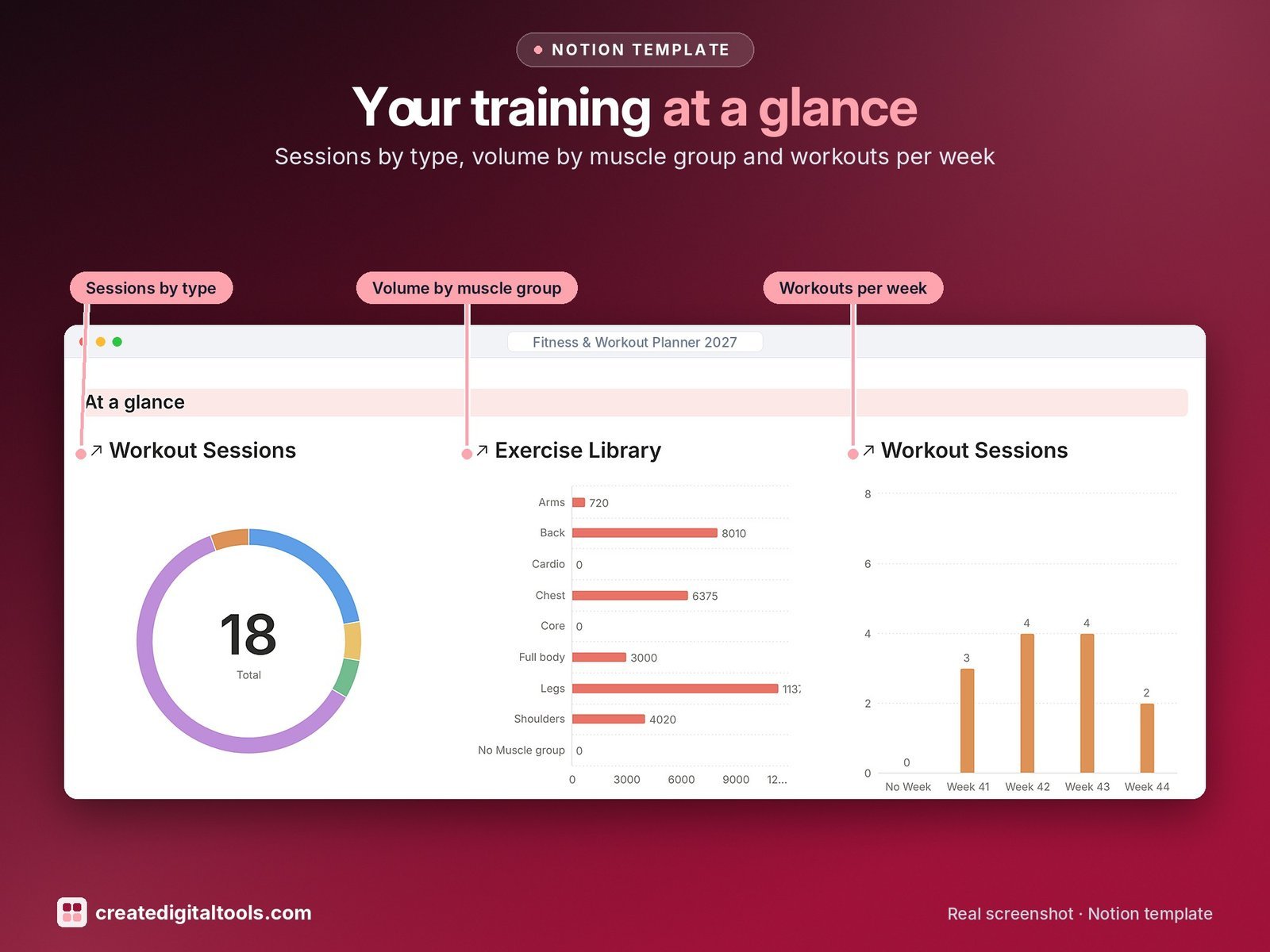
- Dashboard: at a glance charts (sessions by type, volume by muscle group, workouts per week), photo navigation cards, a training calendar and a record wall.
- Start Here: Step-by-Step Guide inside the template, written for complete beginners
- Fictional sample data so you can see how everything connects, easy to clear
How it works
Sets roll up into each session’s volume, sessions into program % complete and goal progress, and each exercise shows how often you did it and your best lift.
Built-in automations
Five automations: Completed on (sessions), PR logged on, Achieved on, Completed on (programs) and a Date set to today for each new food day.
Set up in 3 steps
- Open the template link in your PDF and click Duplicate to copy it into your own Notion workspace.
- Open Start Here and follow the setup: add your own details and clear the sample data when you’re ready.
- Work from the dashboard every day and use the weekly checklist in Start Here to keep everything up to date.
What you get
- The Notion template (duplicate link delivered as a PDF)
- Setup Guide PDF with a step-by-step walkthrough and FAQ
- Start Here guide inside the template
Free plan
Works on the Free Notion plan. The built-in automations are Notion database automations, which run on paid plans (Plus and up). On the Free plan they pause and you fill those dates in by hand; every database, formula and view still works. Desktop, web and the Notion mobile app.
Please note
General fitness organising tool, not medical or fitness advice. Check with a professional before starting a new program.
Digital product: nothing physical is shipped. Sample data is fictional.
Notion is a trademark of Notion Labs, Inc.; this is an independent template by Create Digital Tools (createdigitaltools.com).
New to Notion? Try it free here (affiliate link: we may earn a commission at no extra cost to you).
Also on Gumroad: Fitness & Workout Planner 2027: Notion Template
Want your own store like this one? createdigitaltools.com runs on Hostinger WordPress hosting. Start your own shop with Hostinger, or try the no-code Hostinger Website Builder.
Affiliate links: I may earn a commission at no extra cost to you.