Description
Setup Guide & Full Tour (5 min, start here if you are new to Notion)
Quick demo
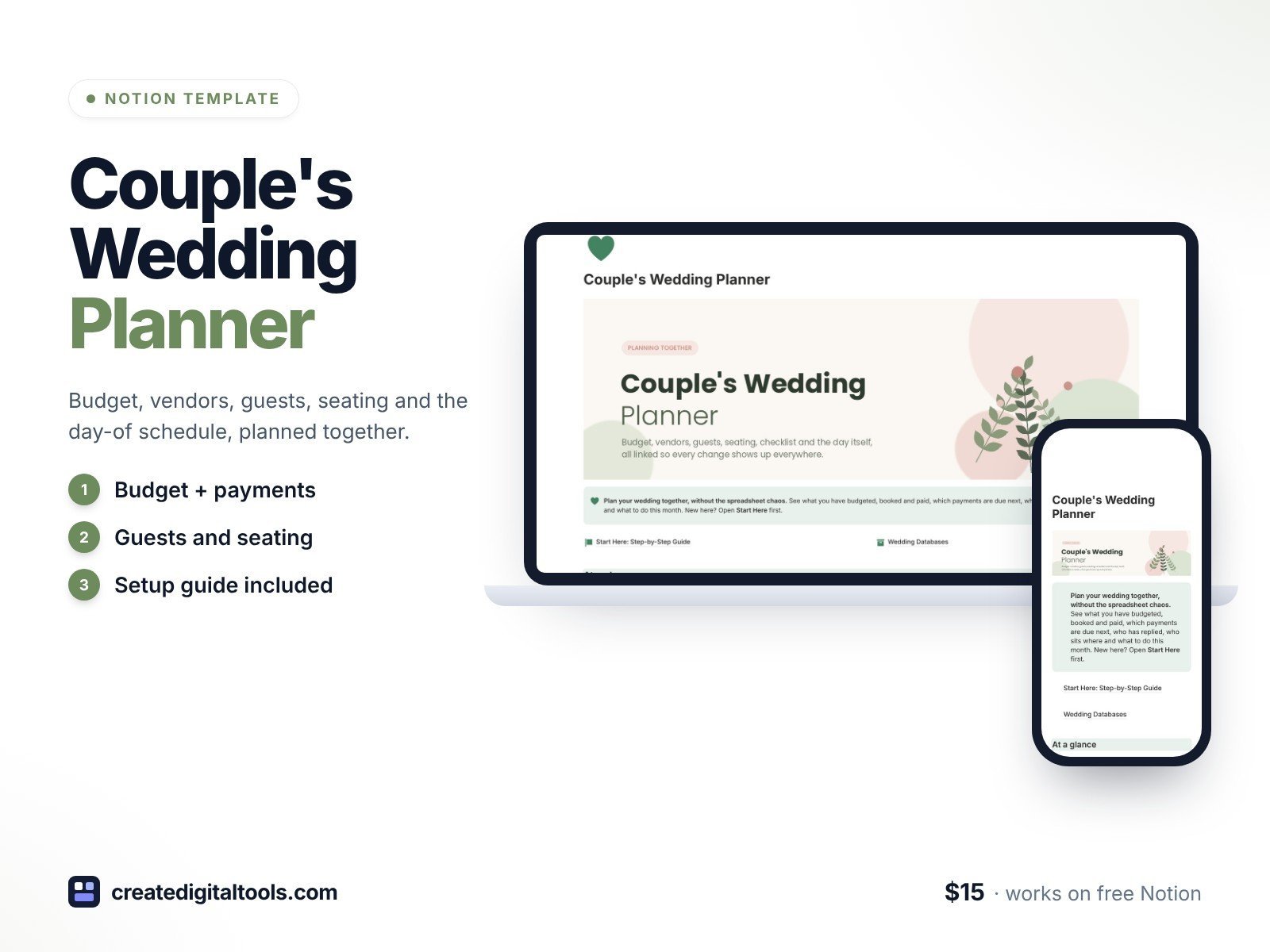
Plan your wedding together in a calm, connected Notion workspace. Your budget, vendors, payments, guests, seating, checklist, day-of schedule and thank-you cards all link up, so a change in one place shows up everywhere else.
What’s inside
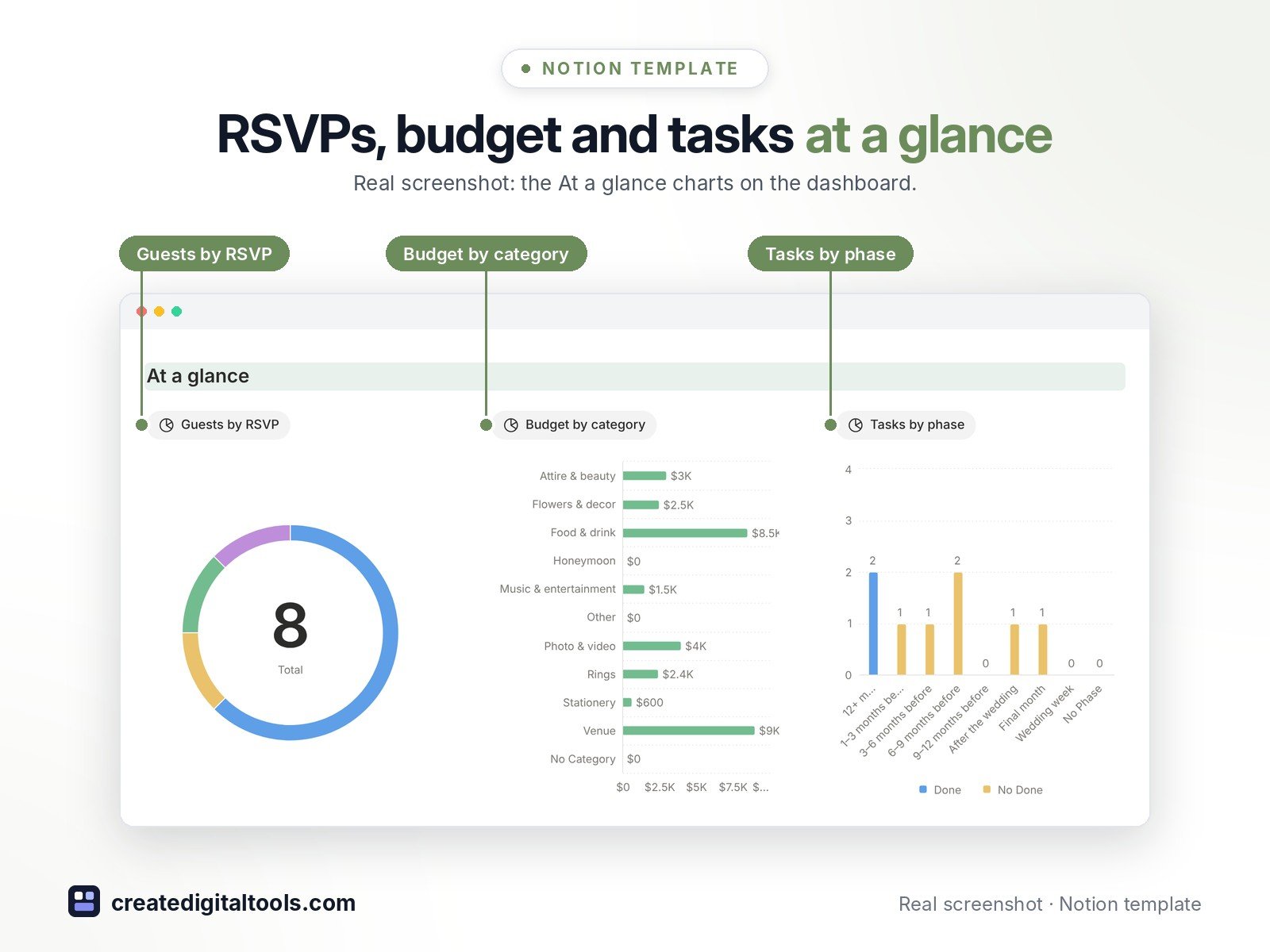
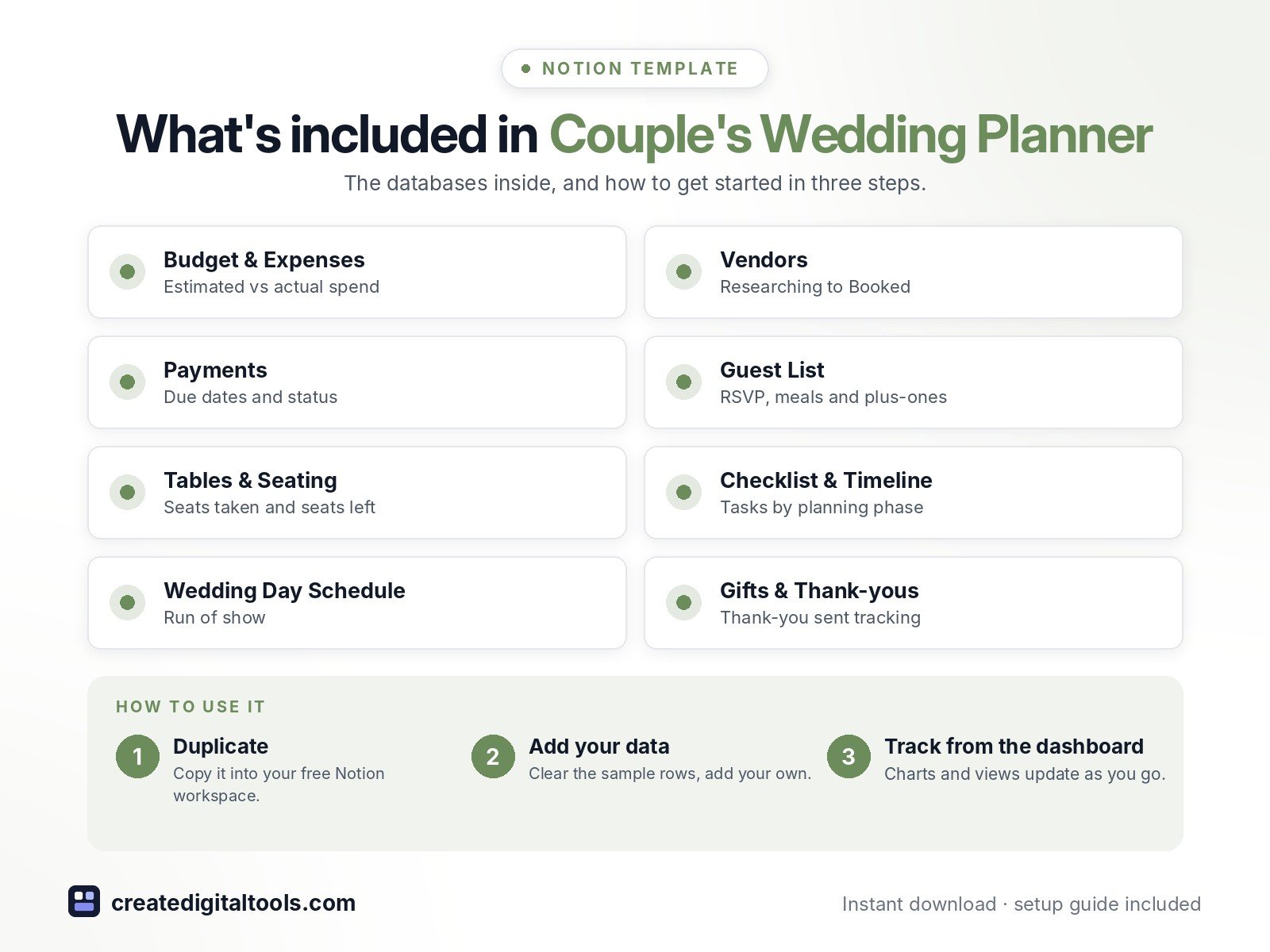
- Dashboard with three charts: guests by RSVP, budget by category, tasks by planning phase
- Budget & Expenses: estimated vs actual, paid, balance due, next payment due and an over/on-budget check
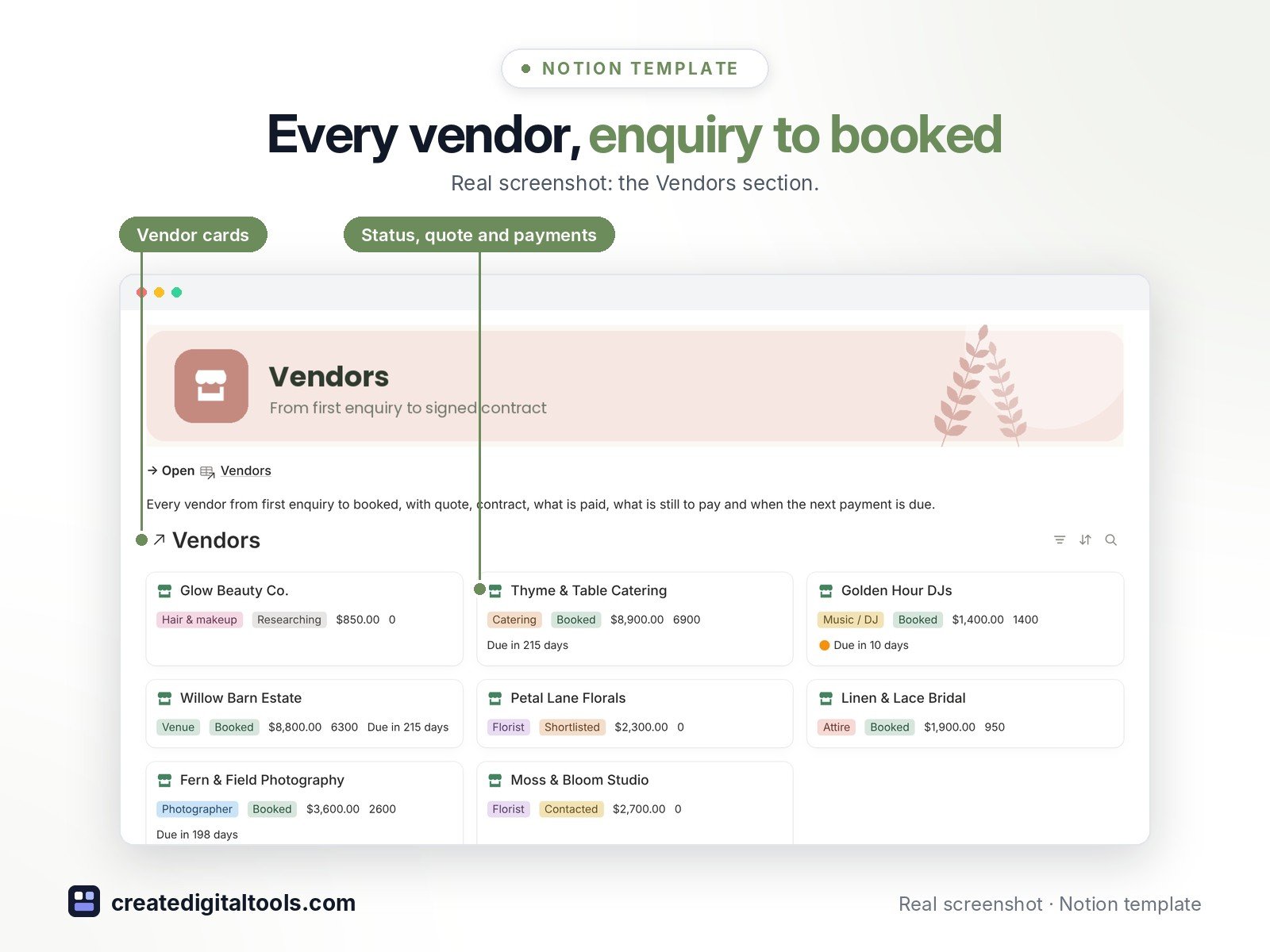
- Vendors: status from Researching to Booked, quote, contract signed, paid so far, still to pay and a payment countdown
- Payments: every deposit, instalment and final payment with due date and due/overdue status
- Guest List: side, group, invite sent, RSVP, meal choice, dietary notes, plus-one and table; anyone attending without a seat is flagged
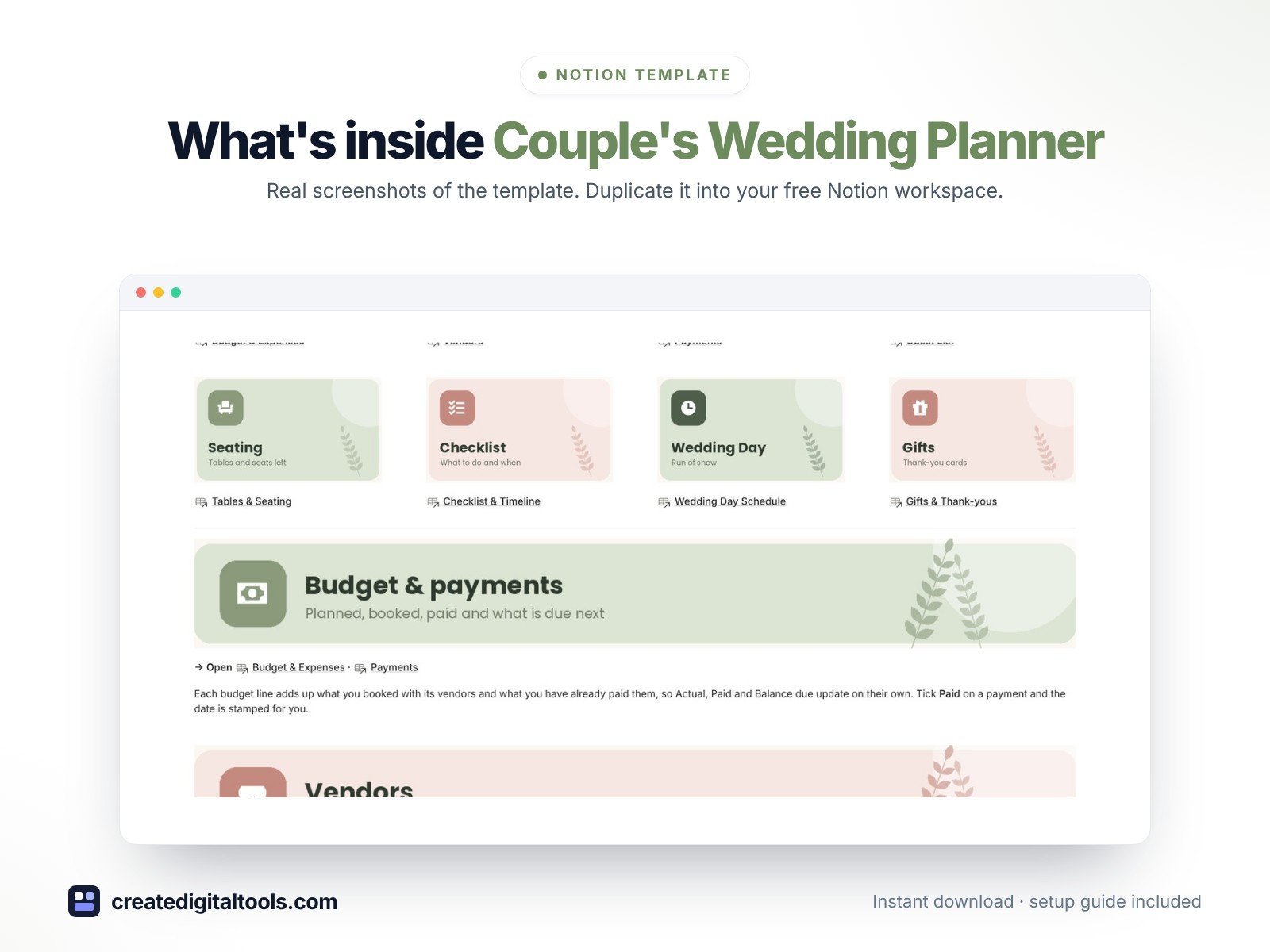
- Tables & Seating: capacity, seats taken (plus-ones counted), seats left and a full check
- Checklist & Timeline, Wedding Day Schedule (run of show) and Gifts & Thank-yous
- 3 built-in automations: Paid, RSVP and Thank-you sent stamp their dates
- 8 linked databases with a ready-made page template in each, sage-and-blush design and a Start Here guide for first-time Notion users
Database automations run on Notion’s paid plans (Plus and up). On the Free plan they pause, and you can make the same changes by hand.
Who it’s for
- Engaged couples planning their own wedding
- Couples who want everything in a shared place on desktop and phone
What you get
- Template link (PDF) to duplicate into your Notion workspace
- Start Here: Step-by-Step Guide inside the template
- Video walkthrough (being added to the Start Here page)
How delivery works
You get a PDF with the Duplicate link. Click Duplicate to copy it into your free Notion workspace.
- Buy and download the PDF with your template link.
- Open the link and click Duplicate (log in to Notion first; the free plan works).
- Open the Start Here page and follow the setup steps.
Good to know
- Digital product: nothing physical is shipped.
- You need a Notion account (the free plan works).
- Sample names, vendors and amounts are fictional.
- Notion is a trademark of Notion Labs, Inc.; this is an independent template.
New to Notion? Create a free account (affiliate link: I may earn a commission at no extra cost to you).
Want your own store like this one? createdigitaltools.com runs on Hostinger WordPress hosting. Start your own shop with Hostinger, or try the no-code Hostinger Website Builder.
Affiliate links: I may earn a commission at no extra cost to you.