Notion Template for Podcasters: Episodes, Guests, Sponsors and Clips
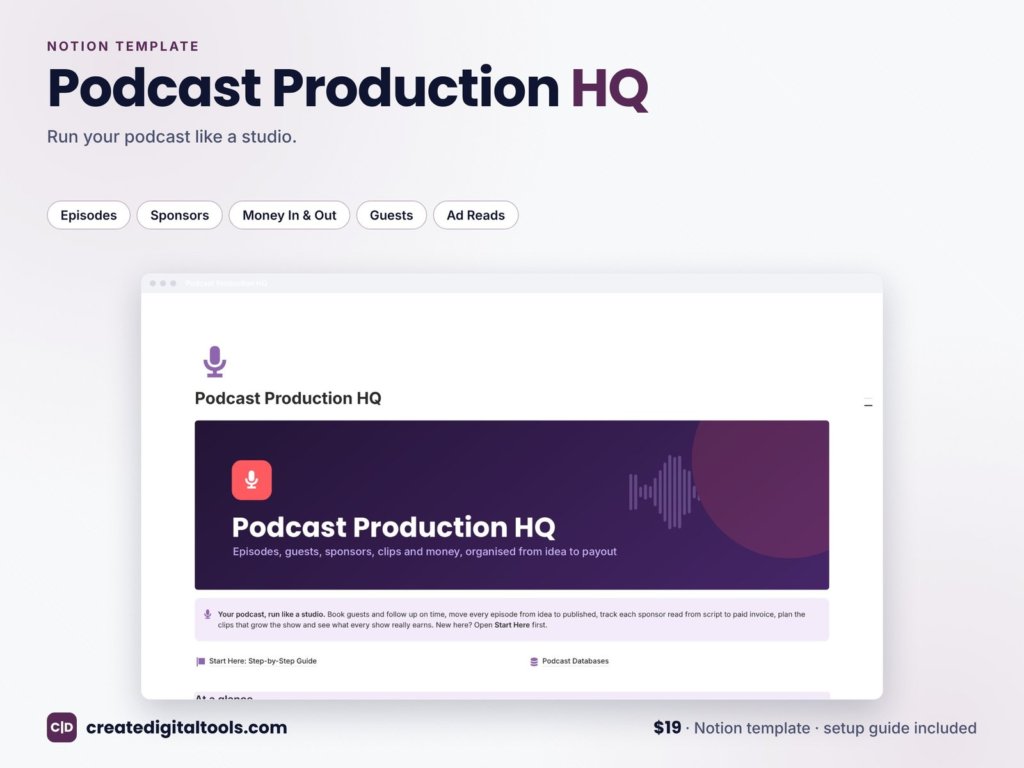
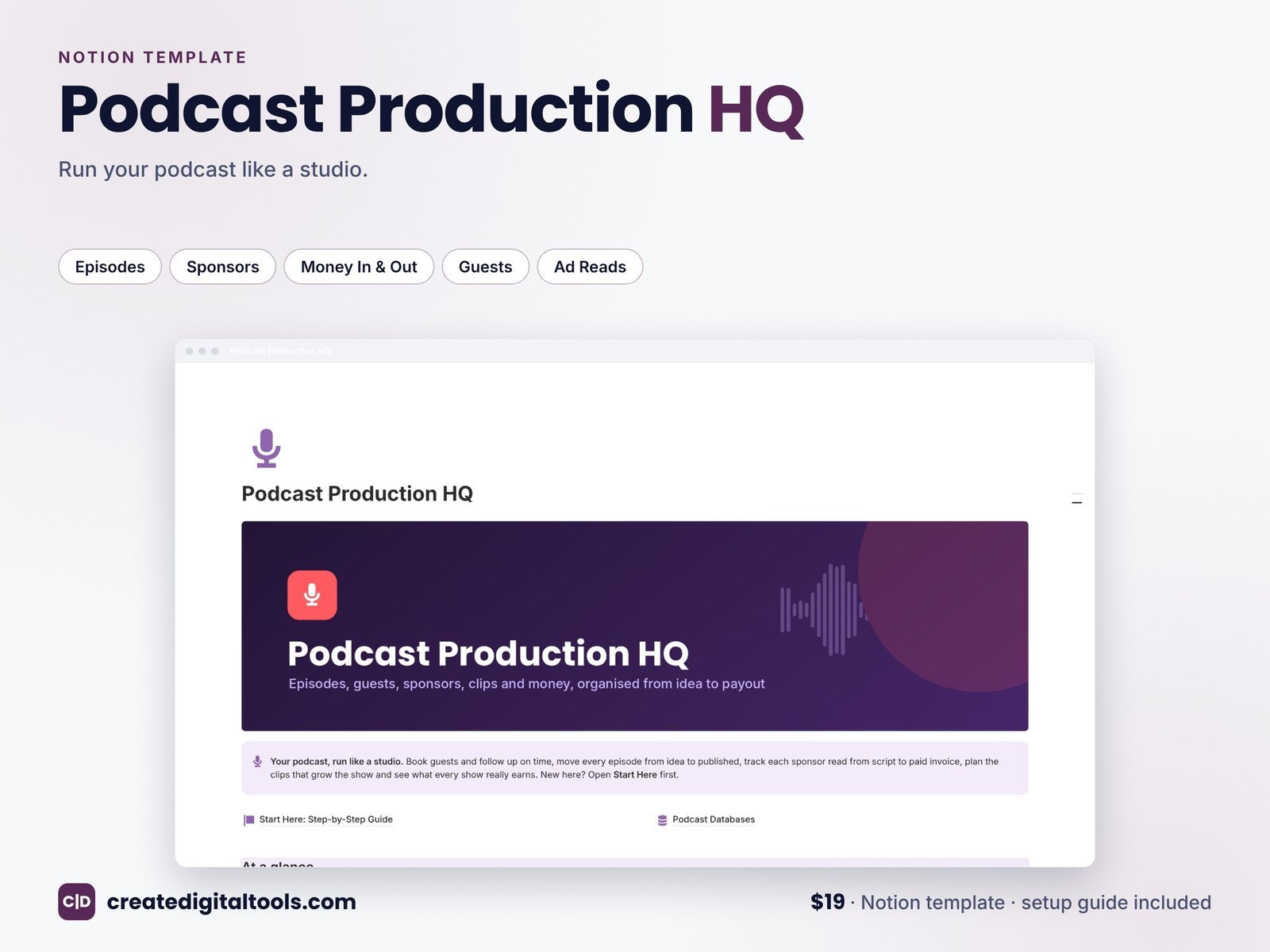
Short answer: the best Notion setup for a podcast connects an episode pipeline (Idea → Booked → Recorded → Editing → Final review → Scheduled → Published) to a guest CRM, sponsors and ad reads, production tasks, a clips and promotion calendar, and a money in and out tracker. Podcast Production HQ ($19) from Create Digital Tools (formerly Notion Market Hub) is a ready-made version for independent podcasters, producers and small teams.
Why podcasts get messy
A weekly interview show has many moving parts: guest outreach, scheduling, prep notes, recording, editing, show notes, publishing, clips for five platforms, sponsor reads to air and invoice, and then getting the guest to share the episode. When those live in DMs, Google Docs and your head, episodes slip and sponsors go unpaid. A single Notion workspace makes the whole process visible.
What’s inside Podcast Production HQ
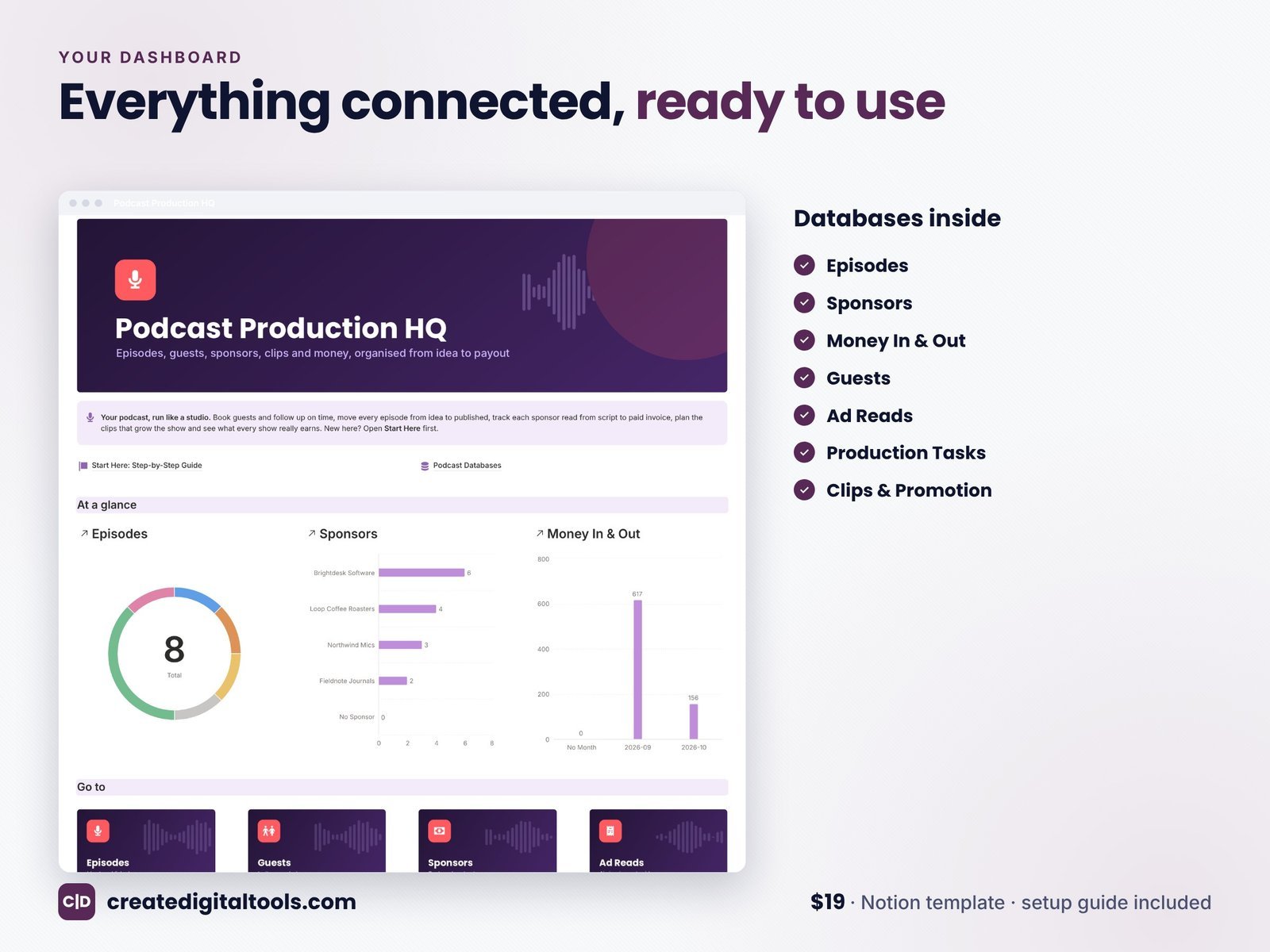
Episode pipeline board
Idea → Booked → Recorded → Editing → Final review → Scheduled → Published, with a release countdown and a prep progress bar on every episode.
Guest booking CRM
Status, topic and follow-up dates with Follow up now alerts, a release kit, and a tick for whether the guest shared the episode. Guest shares are one of the cheapest growth channels for interview shows, so tracking them helps.
Sponsors and ad reads
Sponsors store deal type, rate per read, contract end, reads booked, booked value and paid to date, all calculated automatically. Each ad read links to its sponsor and episode and moves through script → aired → invoiced → paid, with a 30-day payment-due flag.
Production tasks
Editing, publishing and promotion jobs per episode, with owners, due dates and overdue flags. Useful as soon as you work with an editor or VA.
Clips and promotion calendar
Shorts, Reels, TikTok, LinkedIn, X and newsletter posts with timestamps, hooks and views. Over time you learn which hooks and platforms bring listeners.
Money in and out
Sponsorship, listener support and costs per show, with net profit per show and a monthly chart.
Multiple shows
Run more than one podcast from the same workspace.
Automations
Invoice and paid dates stamp themselves, posted clips get a post date and invited guests get a follow-up date. Automations need Notion Plus or above; on the free plan you make the same changes by hand.
A production workflow that works
- Idea: add topics and potential guests as they come up.
- Booked: send the invite and let the follow-up date set itself.
- Prep: research notes, questions and the guest’s release kit.
- Recorded: add the raw file link and timestamps for clips.
- Editing and final review: production tasks assigned to your editor.
- Scheduled: show notes, title and artwork done, release date set.
- Published: clips go out across platforms and the guest gets their share kit.
A worked example: sponsor tracking
A sponsor books 8 mid-roll reads at $350 each, $2,800 of booked value. By week five, 5 reads have aired, 4 are invoiced and 3 are paid. The template shows $1,050 paid to date and flags the read invoiced 32 days ago as payment overdue. You send one polite reminder instead of finding the gap at tax time.
Set it up
- Duplicate from your download PDF. The free Notion plan works.
- Open Start Here: the step-by-step guide with a flow diagram, Notion basics for beginners, first-time setup, a weekly checklist and an FAQ.
- Add your show and your next five episodes.
- Add guests and sponsors.
- Plan clips for your latest episode.
- Remove the sample data when you are ready.
Related templates
- Video Production Project HQ ($19). Read the video production guide.
- Creator Studio OS 2027 ($19).
- Content Planner 2027: a content calendar for Google Sheets and Excel.
- Social Media Agency Kit ($59).
Frequently asked questions
Is Notion good for podcast planning?
Yes. Notion’s boards, calendars and linked databases suit the podcast workflow from idea to published episode, plus guests, sponsors and promotion.
Can I use it with my editor or co-host?
Yes. Share the workspace and assign production tasks with owners and due dates.
Does it host or publish episodes?
No. Keep your podcast host, such as Buzzsprout, Transistor or Spotify for Creators. Notion organises everything around it.
Do I need Notion Plus?
No. It works on the free plan. Only the date automations need Plus.
Notion is a trademark of Notion Labs, Inc.; this is an independent template. Sample data is fictional.
Notion systems, spreadsheets and planners with a setup guide. Instant download.