Content Creator Notion Template: Content, Deals, Income
Picture a creator who posts on YouTube, sends a weekly newsletter and has just signed a second brand deal. Video ideas sit in a notes app, the filming schedule is in a calendar, brand deal emails are in the inbox, and income is in a spreadsheet that was last updated two months ago. Each piece works on its own, but nothing connects. A content creator Notion template brings the content, the week, the money and the clients onto one home dashboard, so you can see what to make, what is due and what it is earning.
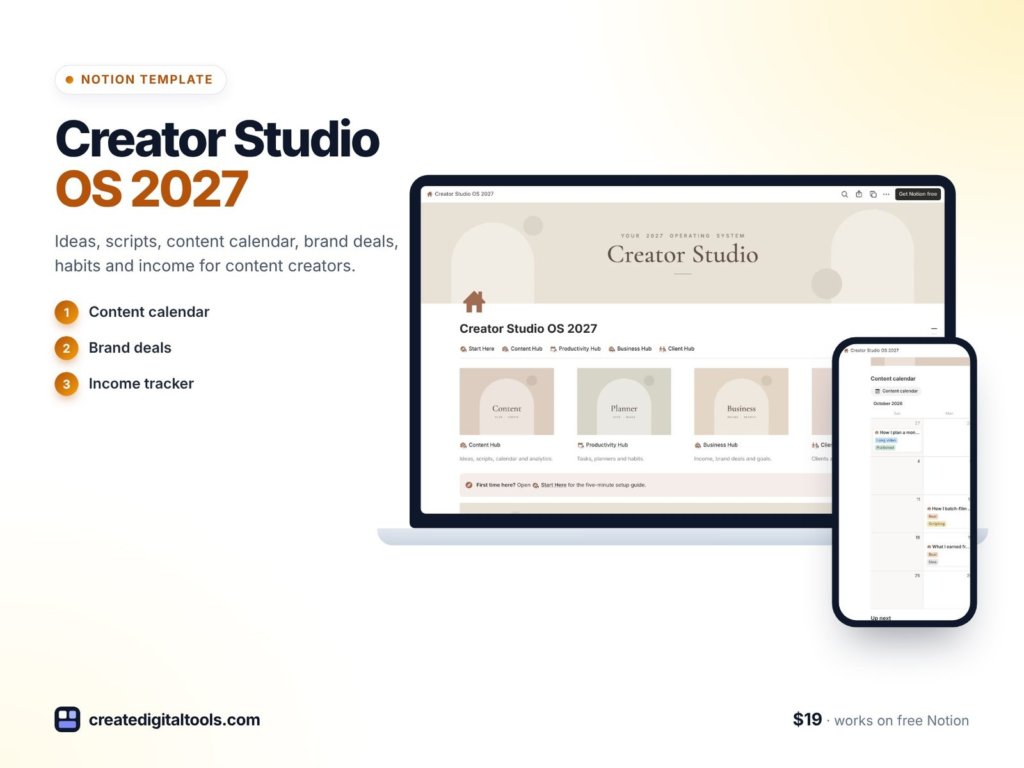
This guide covers how to set up a creator workspace in Notion yourself, then walks through Creator Studio OS 2027, a template built for content creators who also work with brands or take on clients.
Get the Creator Studio OS 2027 →
Why creator work spreads across too many apps
Being a creator means running a small media business. The content is only one part:
- Ideas get lost. Good ideas arrive at random times and end up in five different places.
- Production stalls in the middle. Scripted but not filmed, filmed but not edited. Without a board, half-finished pieces pile up.
- Evergreen content is forgotten. Older pieces that still perform well could be reshared or updated, but nobody keeps a list.
- Brand deals live in email. Pitched, negotiating, contracted, delivered, paid: each stage has dates and fees that are easy to lose track of.
- Income is checked once a quarter. When income and expenses are tracked far from the work, it is hard to tell which offers and platforms are worth the effort.
Generic calendars and to-do apps handle one of these at a time. A connected Notion workspace can hold all of them, with the dashboard pulling the important parts into view.
How to build a content creator Notion template yourself
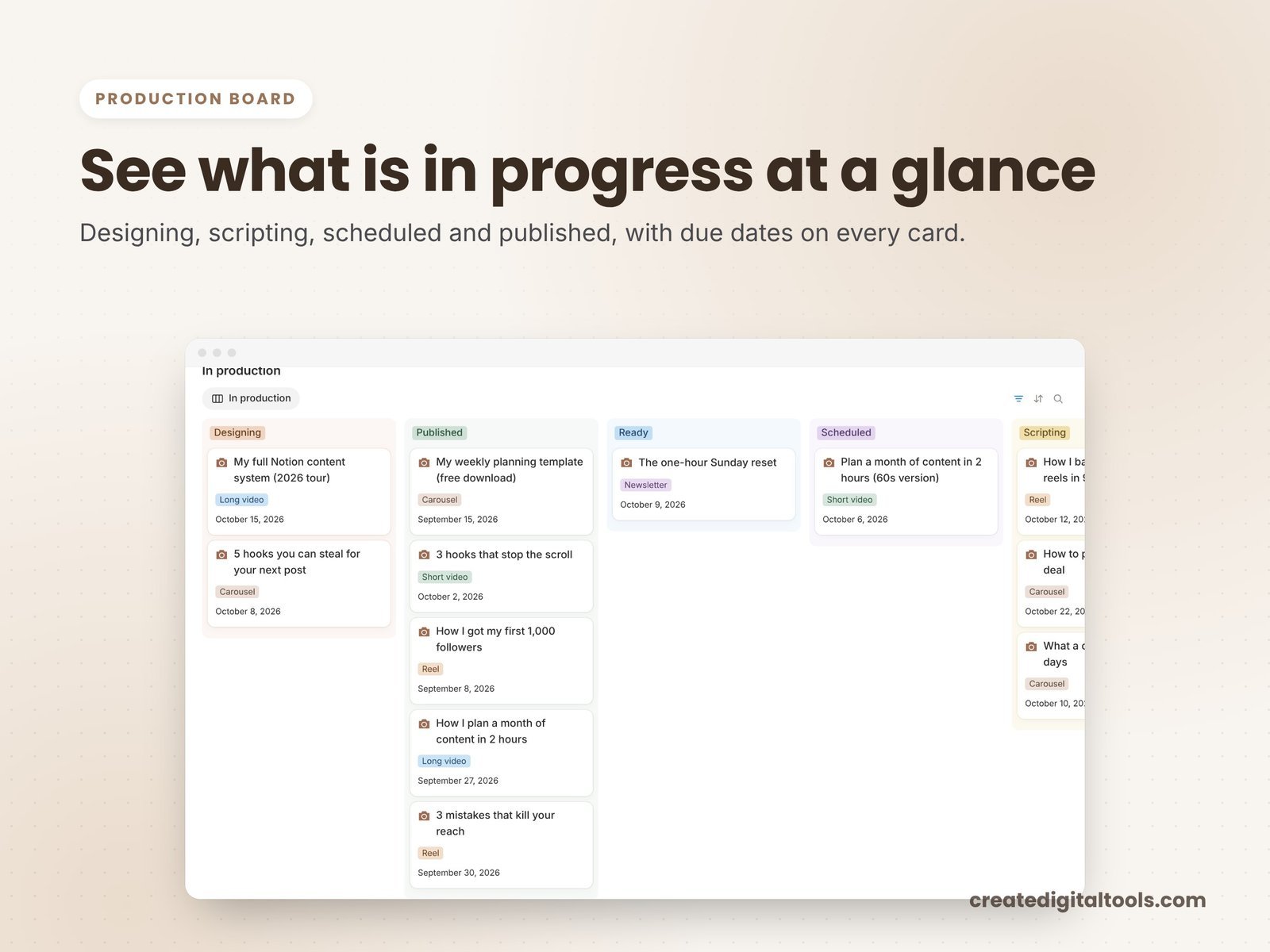
- Build one content database. Every idea, draft and published piece is an entry, with properties for platform, status, publish date and type. Then create views from that same database: a calendar for publish dates, an idea bank filtered to ideas, a production board grouped by status, and an evergreen vault for pieces worth reusing.
- Define production stages. For example: Idea, Scripting, Filming or Writing, Editing, Scheduled, Published. Moving a card across the board is faster than updating a list.
- List your platforms. Record handles and goals per platform, and log follower counts now and then so you can chart audience growth.
- Plan the week and the month. Weekly priorities, a monthly focus and an income target. A short review at the end of each period shows what moved.
- Keep a brain dump. Somewhere to throw tasks quickly, then sort them by priority into today’s focus.
- Track habits that support the work. Filming days, writing sessions or exercise, ticked off daily with weekly progress.
- Set up a brand deals pipeline. Stages from pitched to paid, with the fee and due dates on each deal.
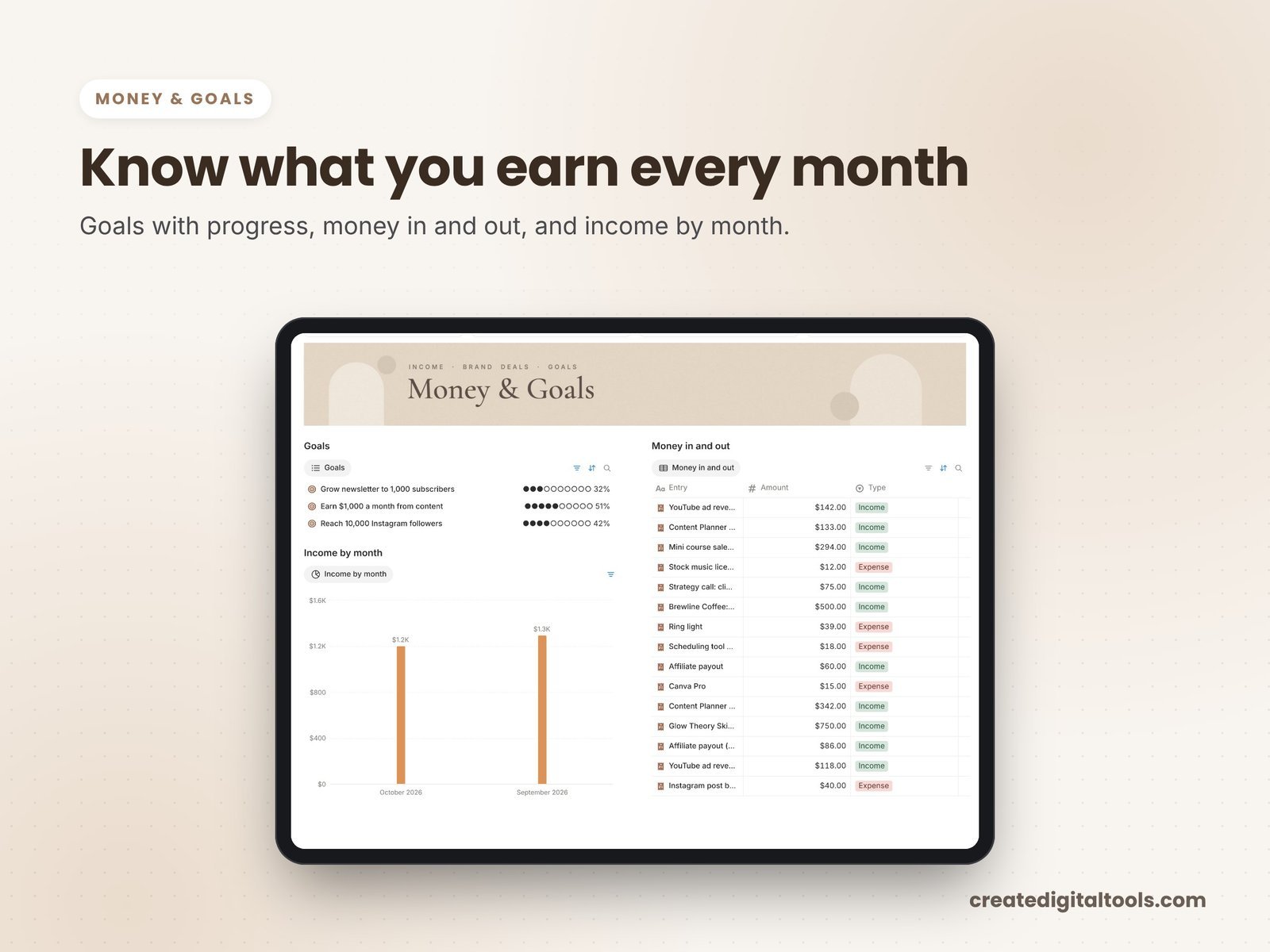
- Track money by month. Income, expenses and profit, so you can see which offers carry the business.
- Prepare a media kit. Keep your brand kit and rate card in Notion so you can send them the moment a brand asks.
A tip that saves time: use relations rather than copying. When a brand deal is linked to the content pieces it covers, you can open the deal and see exactly what still needs to go out.
One more habit worth building: a short weekly review. Look at what was published, what is stuck on the board, which brand deals need an update and how income compares with your monthly target. Ten minutes on a set day keeps the workspace honest and stops it turning into another forgotten app.
Inside Creator Studio OS 2027
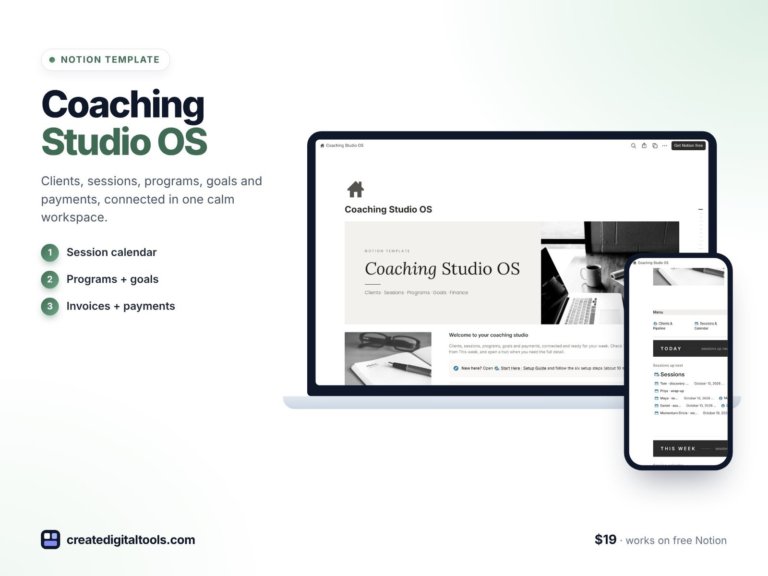
Creator Studio OS 2027 ($19) is a Notion template for content creators and influencers, YouTubers, podcasters and newsletter writers. You get a template link (PDF) to duplicate into your Notion workspace, a Start Here setup guide inside the template, a video walkthrough, and sample data so you can see how everything connects.
Home dashboard and four hubs
The home dashboard shows today, content, planner, money and clients. The workspace is organised into four hubs: Content, Productivity, Business and Client.
Content hub
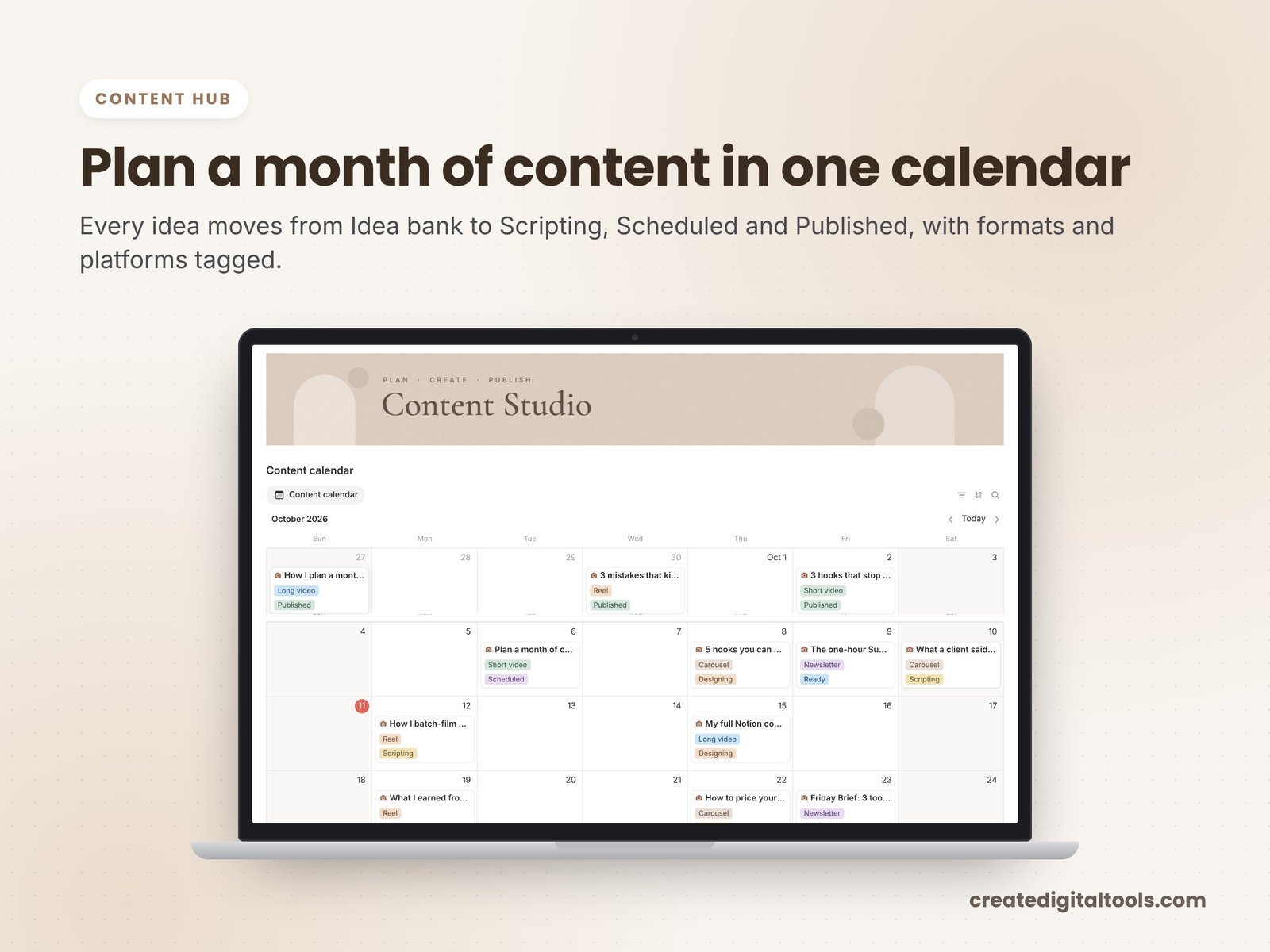
The content database powers a content calendar, an idea bank, an evergreen vault and a production board. Platforms and analytics hold your handles, goals and an audience growth chart.
Productivity hub
Tasks and a brain dump feed today’s focus by priority. The weekly and monthly planner holds priorities, income targets and reviews. A habit tracker lets you tick off days and see weekly progress.
Business hub
Finance and offers track income, expenses and profit by month. The brand deals pipeline runs from pitched to paid, with fees and due dates. Your brand kit and rate card sit together as a media kit ready to send.
Client hub
If you take on clients, Clients and portals cover onboarding, a monthly report and offboarding.
Watch the full walkthrough
This video tour shows setup and each hub:
Getting started in your first week
- Read Start Here and click through the sample data to see how content, deals and money connect.
- Add your platforms with handles and a goal for each, and log today’s audience numbers as a starting point.
- Empty your ideas into the idea bank. Do not sort them yet; just get them all in one place.
- Move work in progress onto the production board at the stage it is really at.
- Add any open brand deals with their fees and due dates, and fill in your rate card.
- Set this week’s priorities in the weekly planner and pick two or three habits to track.
- Log last month’s income and expenses so the finance view has a baseline, then clear the sample entries.
Who it is for (and who it is not for)
A good fit if you:
- Create content on one or more platforms and want ideas, production and publishing connected
- Work with brands and want deals tracked from pitch to payment
- Take on clients alongside your own content
- Want your planning, habits and income next to the work that earns it
Probably not a fit if you:
- Want posts published automatically to social platforms (Notion plans the work; it does not post for you)
- Need live analytics pulled in from each platform
- Run a large team with complex approval workflows
Turning your audience into students? The Online Course Creation Notion Template helps plan a course. Or browse all Notion templates.
FAQ
Do I need a paid Notion plan?
No. You need a Notion account, and the free plan works.
How do I get the template?
After buying, download the PDF with the template link. Log in to Notion, open the link and click Duplicate, then follow the Start Here page.
Can I change the platforms and stages?
Yes. Once duplicated, it is your workspace, so you can rename platforms, production stages, categories and views.
Is the sample data real?
No. The sample data is fictional and shows how everything connects. You can replace it with your own content.
Is it an instant download?
Yes. It is a digital product, and nothing physical is shipped.
This is a planning tool, not financial or tax advice.
Get the Creator Studio OS 2027 →
Notion is a trademark of Notion Labs, Inc. YouTube is a trademark of Google LLC. This is an independent template, not affiliated with or endorsed by Notion or Google.
Notion systems, spreadsheets and planners with a setup guide. Instant download.