Description
Setup Guide & Full Tour
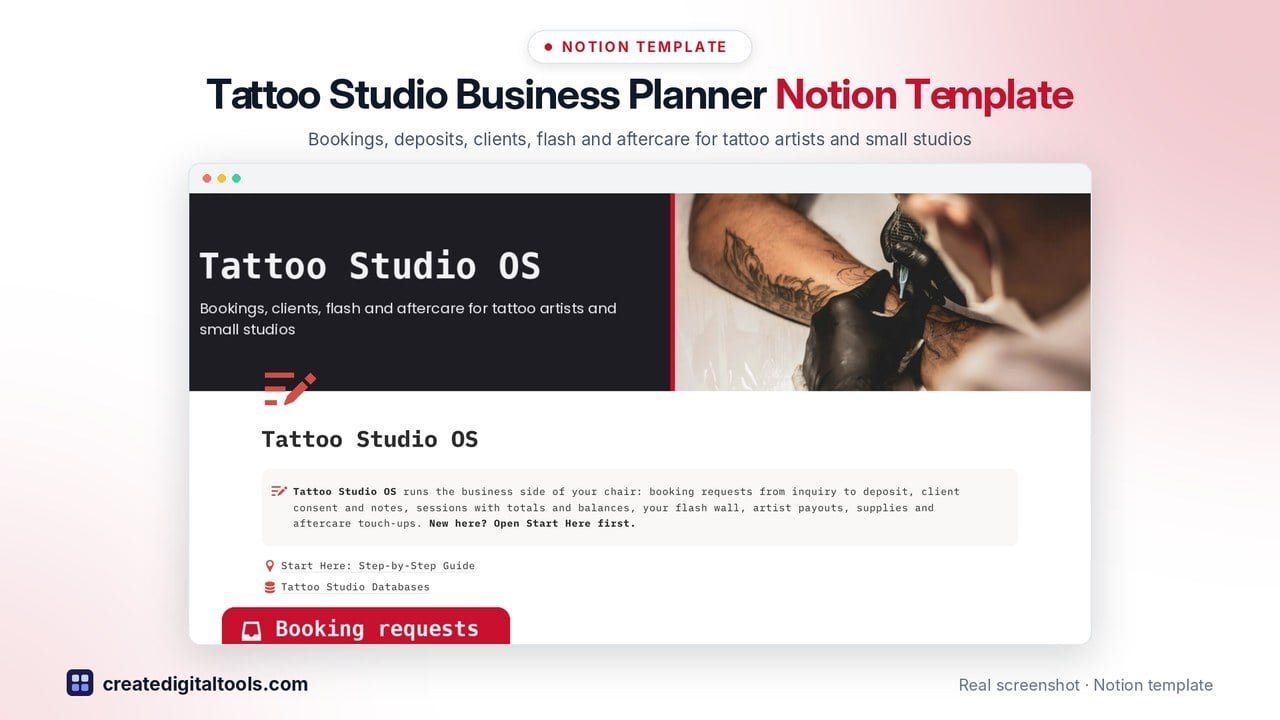
Tattoo artist business planner for Notion: a Notion template for tattoo artists and small tattoo studios who want bookings, deposits, clients and flash in one organised workspace.
Tattoo Studio OS takes every request from the first DM to the healed photo: log the inquiry, hold the consult, take the deposit, book the session and send aftercare, while the maths is done for you.
Who it’s for
- Solo tattoo artists
- Small studios with residents, guest artists and apprentices
- Studios running commission or chair-rent setups
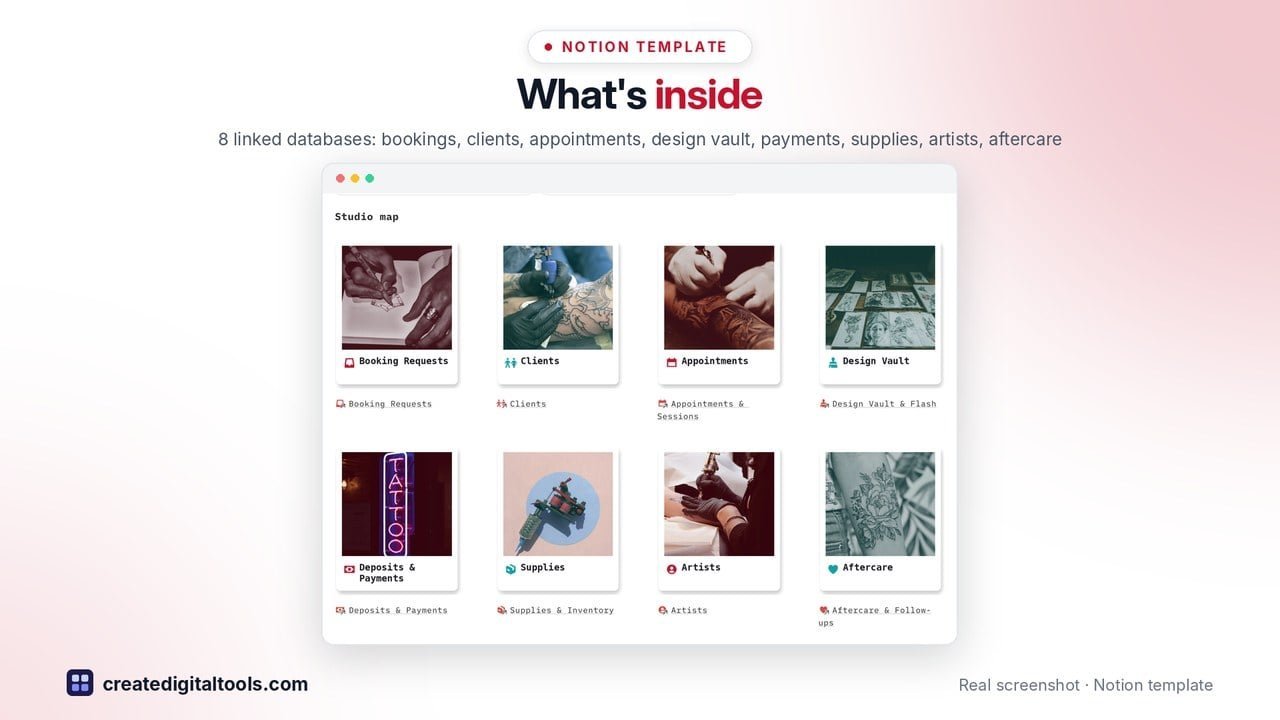
What’s inside
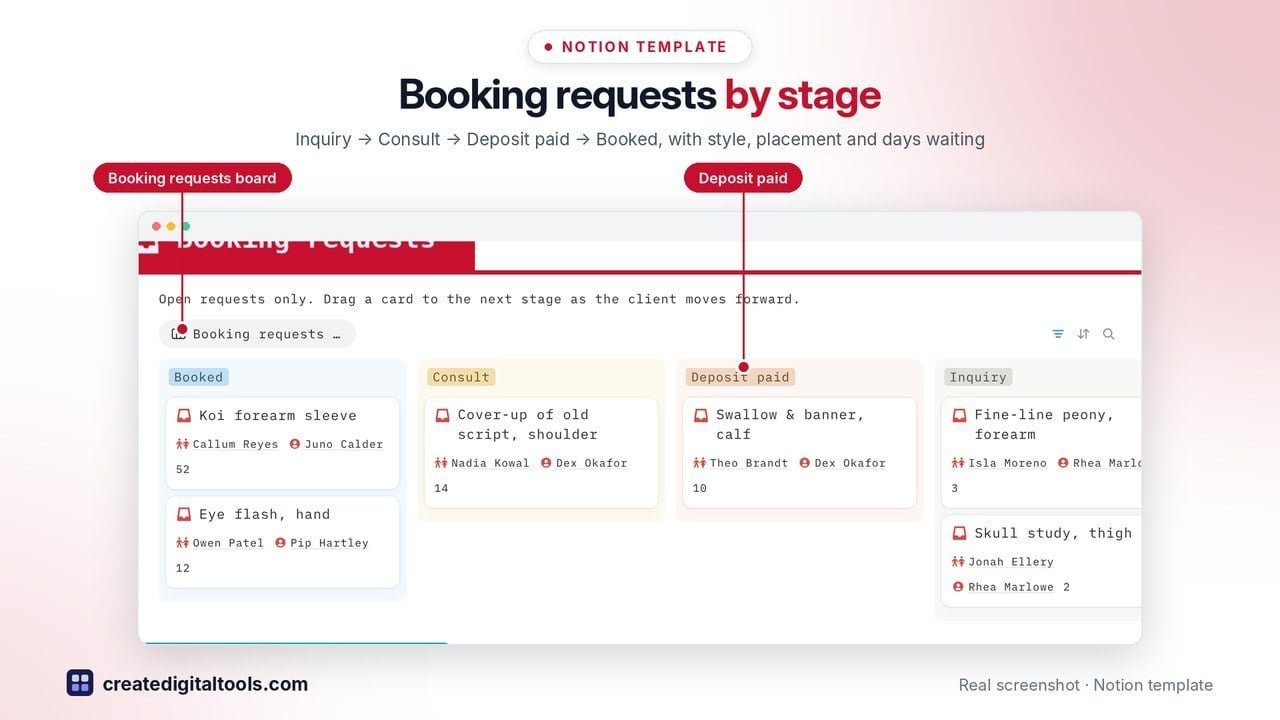
- Front page: open booking requests board by stage, flash available gallery, studio map, upcoming sessions, balances to collect and touch-ups due
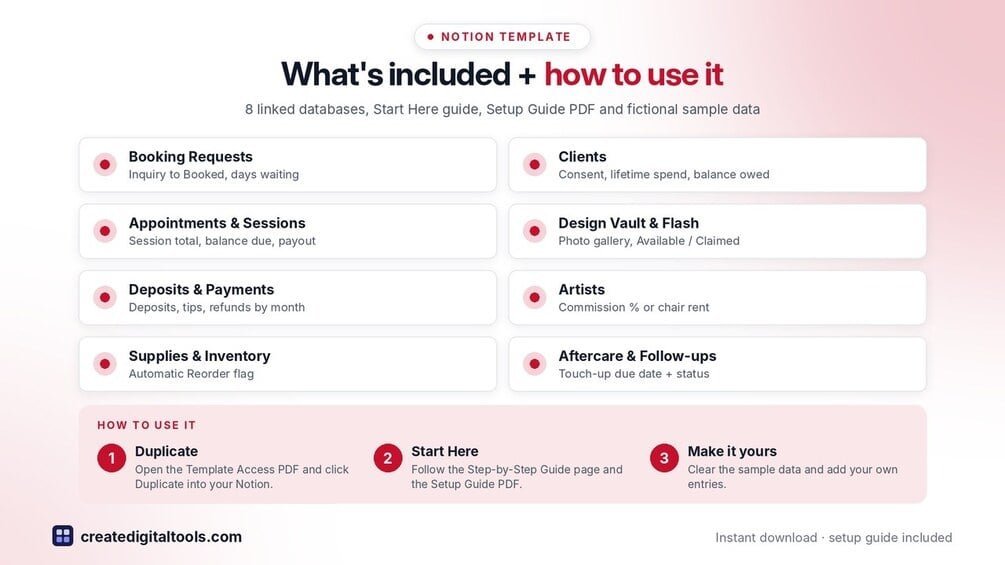
- Booking Requests: Inquiry → Consult → Deposit paid → Booked → Done, with style, placement, size, reference images and days waiting
- Clients: consent / release on file, client-provided notes, aftercare sent, lifetime spend and balance owed
- Appointments & Sessions: hours × rate or flat flash price, session total, deposit applied, balance due, artist payout and studio share
- Design Vault & Flash: photo gallery of flash, custom designs and portfolio pieces, Available / Claimed / Retired, flash price
- Deposits & Payments: deposits, session payments, tips and refunds, non-refundable flag, money in by month
- Artists: commission % or chair rent, sessions, total booked, payout and studio share per artist
- Supplies & Inventory: ink, cartridges, gloves, stencil paper and aftercare stock with an automatic reorder flag
- Aftercare & Follow-ups: aftercare sent, healed photo, review requested, touch-up due date from your own touch-up window
- Start Here: Step-by-Step Guide inside the template, written for complete beginners, with fictional sample data to learn from
Built-in automations
Five date stamps fill in for you: deposit paid, session completed, design claimed, aftercare sent and supplies last ordered.
Set up in 3 steps
- Open the template link in your PDF and click Duplicate to copy it into your own Notion workspace.
- Open Start Here: Step-by-Step Guide and follow the setup: add your own details and clear the sample data when you’re ready.
- Work from the front page every day and use the weekly checklist in Start Here to keep everything up to date.
What you get
- The Notion template (instant download: a PDF with your duplicate link)
- Setup Guide PDF with a step-by-step walkthrough and FAQ
- Start Here guide inside the template
- Video walkthrough: setup guide and full tour (at the top of this page)
Free plan
Works on the Free Notion plan. The built-in automations are Notion database automations, which run on paid plans (Plus and up). On the Free plan they pause and you fill those dates in by hand; every database, formula and view still works. Desktop, web and the Notion mobile app.
Please note
This template is an organising tool, not legal or health advice. Licensing, consent and aftercare rules vary by area, so follow your local rules. Amounts depend on the numbers you enter.
Digital product: nothing physical is shipped. Sample data is fictional.
Notion is a trademark of Notion Labs, Inc.; this is an independent template by Create Digital Tools (createdigitaltools.com).
New to Notion? Try it free here (affiliate link: we may earn a commission at no extra cost to you).
Want your own store like this one? createdigitaltools.com runs on Hostinger WordPress hosting. Start your own shop with Hostinger, or try the no-code Hostinger Website Builder.
Affiliate links: I may earn a commission at no extra cost to you.