

Description
Setup Guide & Full Tour
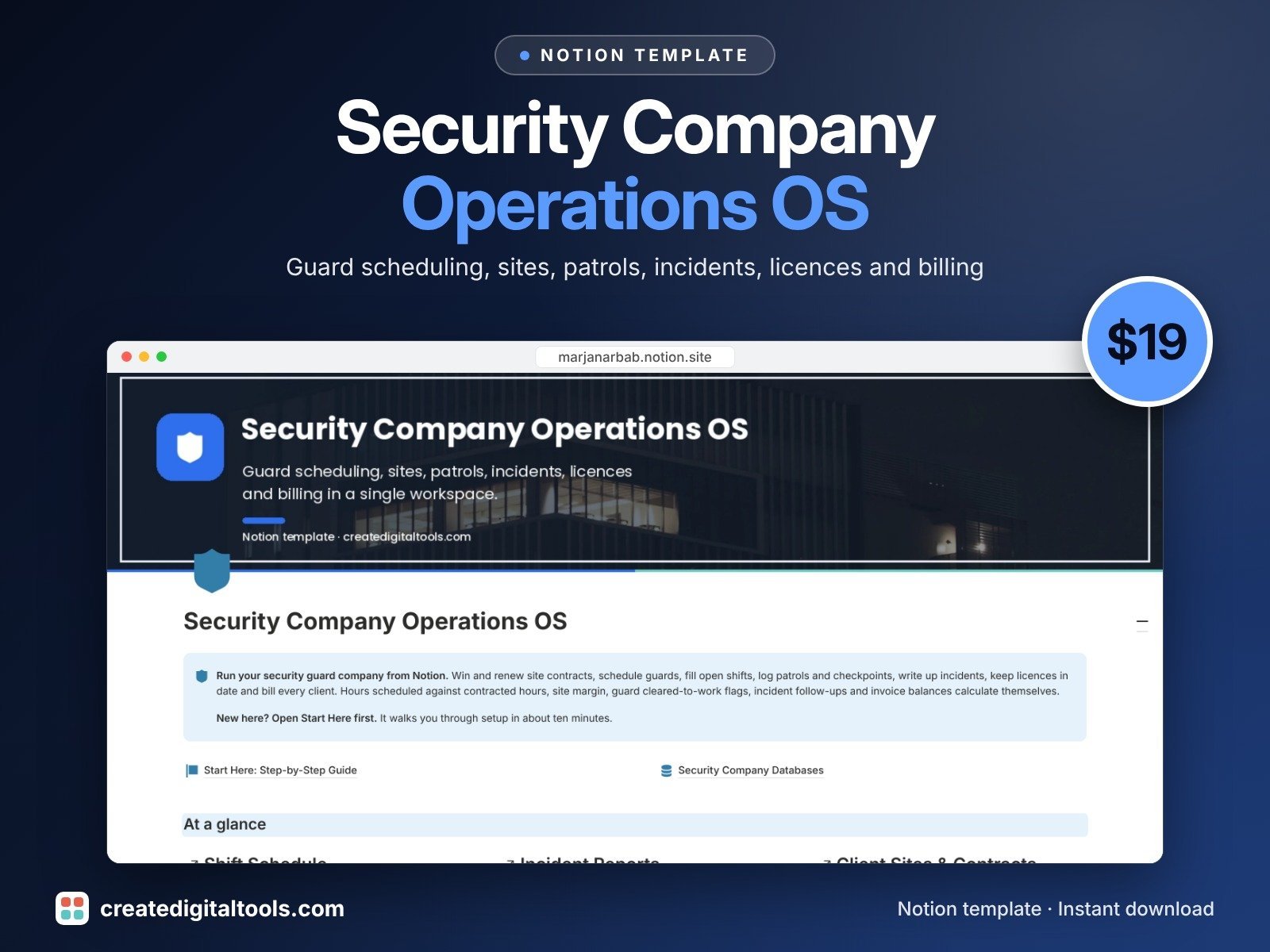
Run your private security guard company from Notion. Security Company Operations OS brings guard scheduling, sites, patrols, incidents, licences and billing into eight linked databases, so a shift you add feeds your hours, your invoice and your site margin without retyping.
Built for owners and managers of small private security guard companies.
What’s inside
- Client Sites & Contracts: contract dates, contracted hours per week, bill rate, post orders, renewal countdown, coverage this week and site margin.
- Guards: roster, pay rate, skills, hours, guard cost and a Cleared to work flag rolled up from certifications.
- Shift Schedule: roster board, calendar, open-shift flag, hours, bill amount, guard cost, shift margin and guard clearance on each shift.
- Patrol Logs: route, checkpoints planned and completed, completion %, missed-checkpoint flag.
- Incident Reports: type, severity, what happened, action taken, client notified, evidence and a follow-up overdue flag.
- Licences & Certifications: licence numbers, certificate files, expiry countdown, renewal tracking.
- Invoices: bill from delivered shifts plus extras, balance, due date and overdue counter.
- Equipment & Uniforms: radios, torches, uniforms, key sets, access cards and vehicles, with return and check alerts.
- Dashboard with three charts, navigation cards and focused views.
Built-in automations
Five date stamps run by themselves: shift completed, incident closed, licence renewal submitted, invoice sent and invoice paid. Database automations run on Notion's paid plans (Plus and up). On the Free plan they pause, and you can make the same changes by hand.
Who it’s for
- Owners of small private security guard companies
- Operations and scheduling managers
- Security firms billing clients by site and hour
What you get
- Template link (PDF) to duplicate into your Notion workspace
- Setup Guide PDF with a step-by-step walkthrough
- Start Here: Step-by-Step Guide inside the template
- Video walkthrough
How delivery works
You get a PDF with the Duplicate link. Click Duplicate to copy it into your free Notion workspace.
- Buy and download the PDF with your template link.
- Open the link and click Duplicate (log in to Notion first; the free plan works).
- Open the Start Here page and follow the setup steps.
Good to know
- Digital product: nothing physical is shipped.
- You need a Notion account (the free plan works).
- This is an organising tool, not legal advice; check your local licensing rules.
- Sample names and numbers are fictional.
- Notion is a trademark of Notion Labs, Inc.; this is an independent template.
New to Notion? Create a free account (affiliate link: I may earn a commission at no extra cost to you).
Want your own store like this one? createdigitaltools.com runs on Hostinger WordPress hosting. Start your own shop with Hostinger, or try the no-code Hostinger Website Builder.
Affiliate links: I may earn a commission at no extra cost to you.