

Description
Setup Guide & Full Tour
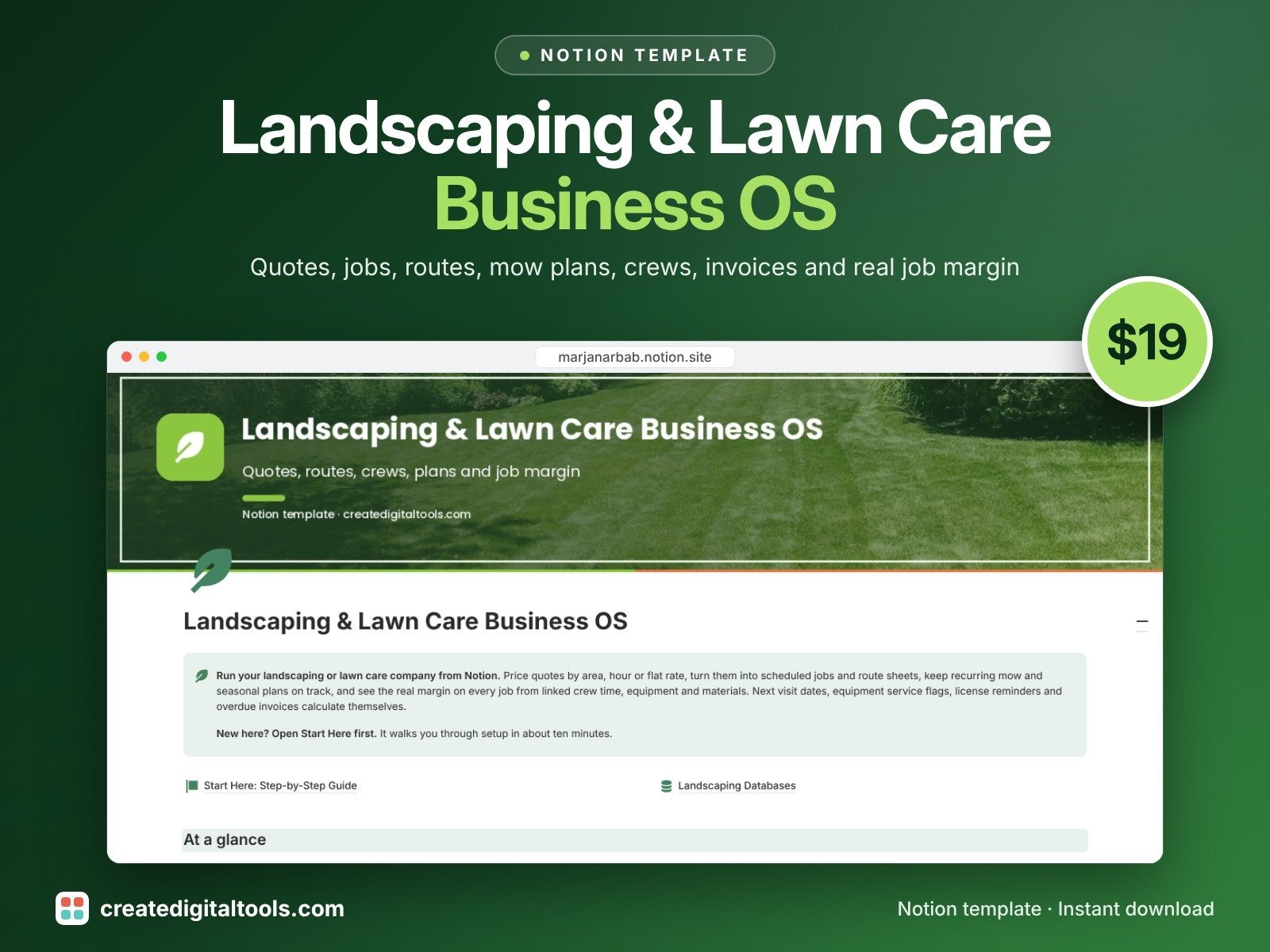
Know what every lawn and landscaping job really earned. Landscaping & Lawn Care Business OS is a Notion template that takes you from first quote to paid invoice, with recurring mow plans, route sheets, crew hours and equipment service in the same workspace.
What’s inside
- Clients: contacts, balance owed, total margin, plan value per month and a rebook nudge
- Properties: lawn and bed area, route, access notes, hazards, site photos, visits and revenue
- Quotes & Estimates: quote calculator priced per 1000 sq ft, per hour or flat, with materials markup, estimated margin, a margin check and follow-up nudges
- Jobs & Schedule: open jobs board, calendar, route sheet with stops and access notes, rain delays and true job margin from linked crew, machines and materials
- Maintenance Plans: weekly, two-week, seasonal and yearly plans with next visit, booked check, off-season state, monthly value and a seasonal calendar
- Crew & Equipment: cost per hour, hours logged, meter hours from jobs, service flags and license renewal reminders
- Invoices & Payments: terms, due date, balance, overdue flags and money to collect
- Materials & Expenses: costs linked to jobs and machines, spend by category, bills to pay
- A main page with charts, navigation and the views you use every day
- Fictional sample data so you can see it working first
Built-in automations
Five automations stamp the dates for you: quote sent, job completed, invoice sent, invoice paid and machine in service. Database automations run on Notion's paid plans (Plus and up). On the Free plan they pause, and you can make the same changes by hand.
Who it’s for
- Lawn care and landscaping company owners
- Solo operators and small crews running recurring mow routes
- Landscapers who want true job margin, not a guess
What you get
- Template link (PDF) to duplicate into your Notion workspace
- Setup Guide PDF with a step-by-step walkthrough
- Start Here: Step-by-Step Guide inside the template
- Video walkthrough: setup guide and full tour (at the top of this page)
How delivery works
You get a PDF with the Duplicate link. Click Duplicate to copy it into your free Notion workspace.
- Buy and download the PDF with your template link.
- Open the link and click Duplicate (log in to Notion first; the free plan works).
- Open the Start Here page and follow the setup steps.
Good to know
- Digital product: nothing physical is shipped.
- You need a Notion account (the free plan works).
- This is an organizing tool, not legal, tax, accounting or licensing advice.
- Notion does not email invoices or create dated jobs from a plan by itself; the template shows you what to book and what to bill.
- Notion is a trademark of Notion Labs, Inc.; this is an independent template.
Prefer a spreadsheet? See the Lawn Care & Landscaping Route, Visit & Profit Tracker (Excel + Google Sheets).
New to Notion? Create a free account (affiliate link: I may earn a commission at no extra cost to you).
Want your own store like this one? createdigitaltools.com runs on Hostinger WordPress hosting. Start your own shop with Hostinger, or try the no-code Hostinger Website Builder.
Affiliate links: I may earn a commission at no extra cost to you.