
Description
Setup Guide & Full Tour (5 min, start here if you are new to Notion)
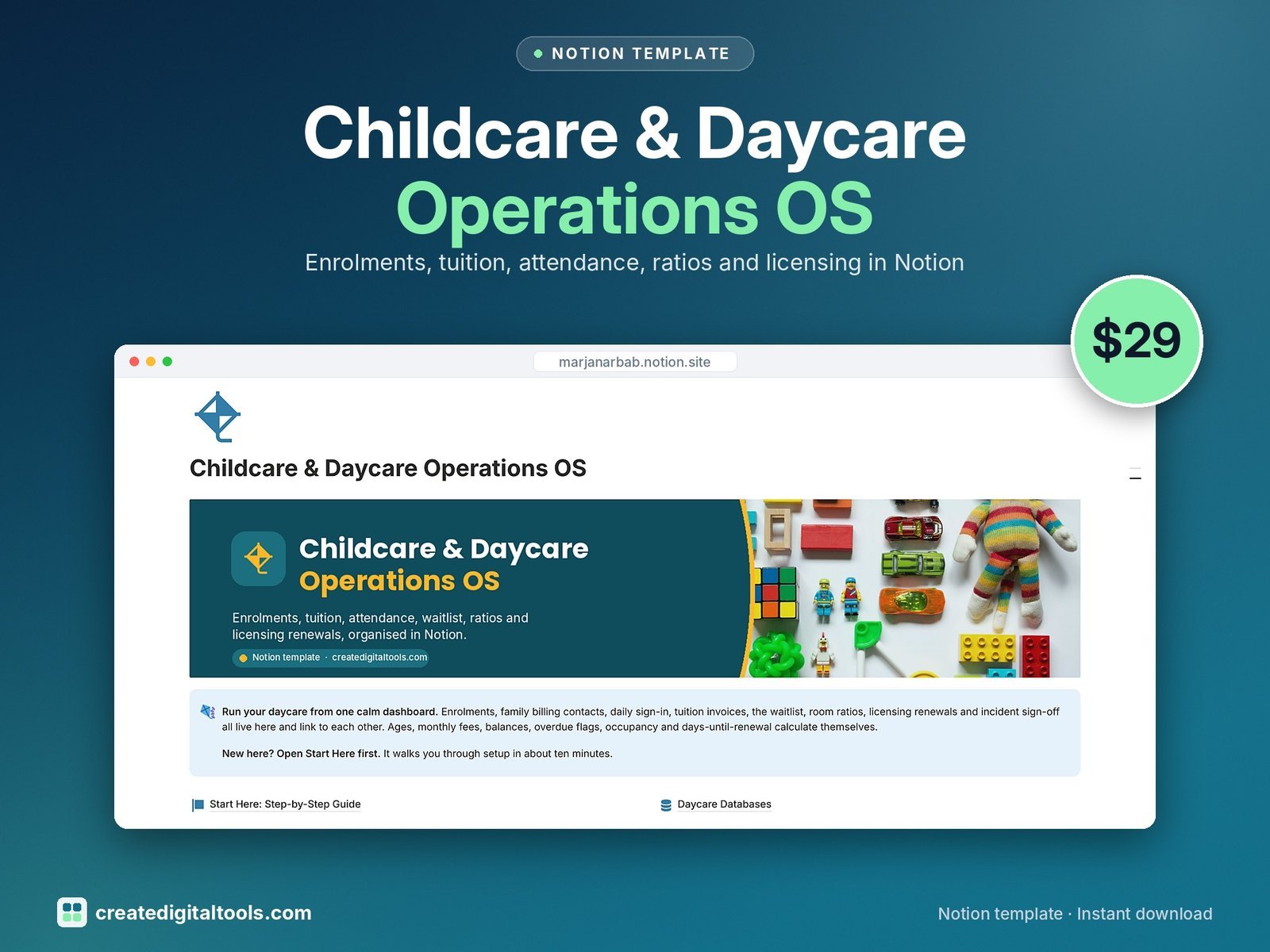
Run your home daycare or childcare centre from a calm Notion dashboard. Instead of hundreds of static forms, you get eight connected databases that do the maths for you: monthly fees, account balances, overdue invoices, room occupancy, staff ratios and days until each licence or certificate renewal.
Who it’s for
- Home daycare owners
- Small childcare centre and preschool directors
- Administrators who handle enrolment, billing and licensing
What’s inside
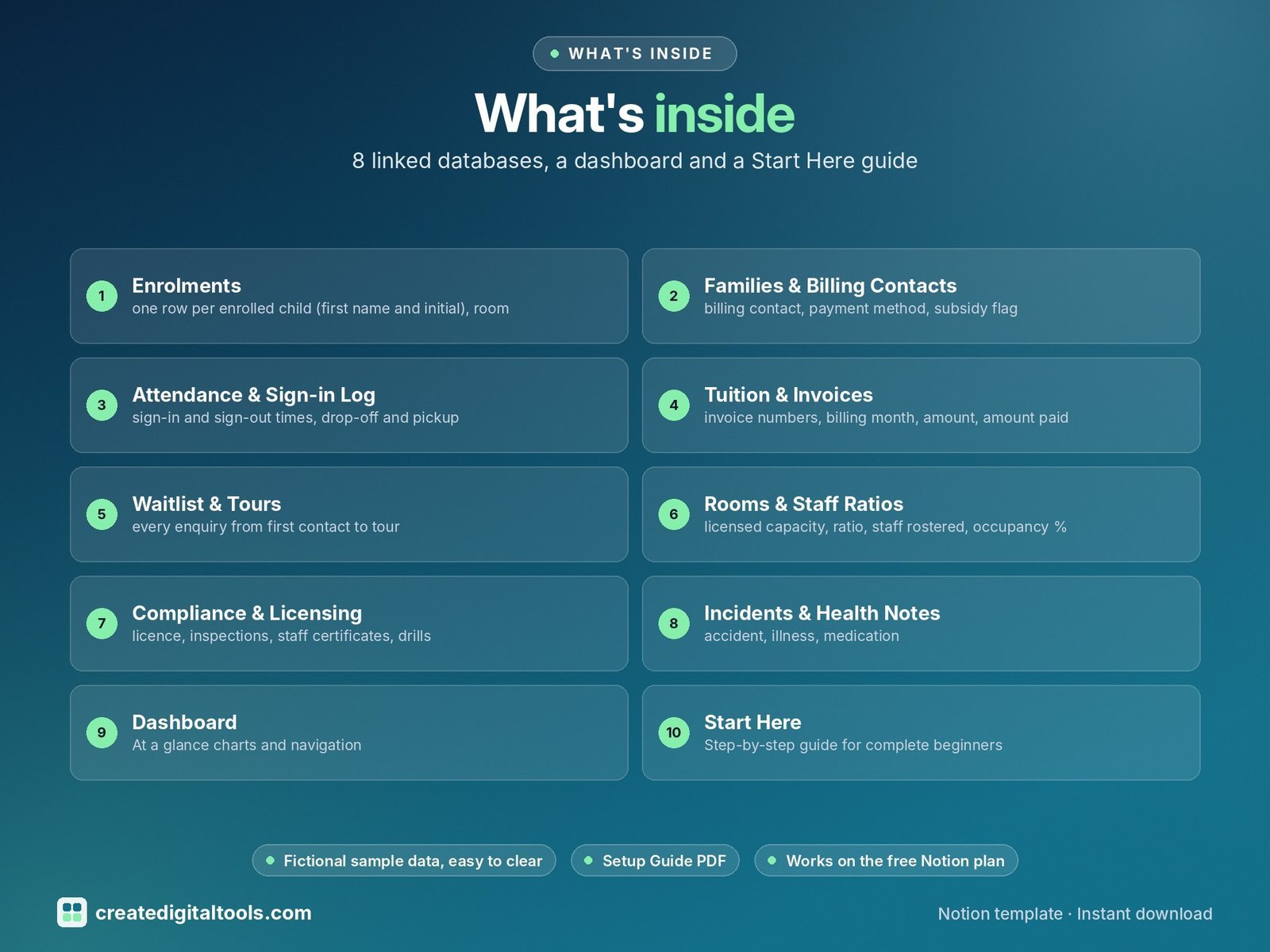
- Enrolments: one row per enrolled child (first name and initial), room, schedule, days, weekly fee, age in months, monthly fee and a paperwork check
- Families & Billing Contacts: billing contact, payment method, subsidy flag, authorised pickups, monthly tuition, total invoiced, total paid, outstanding balance and account status
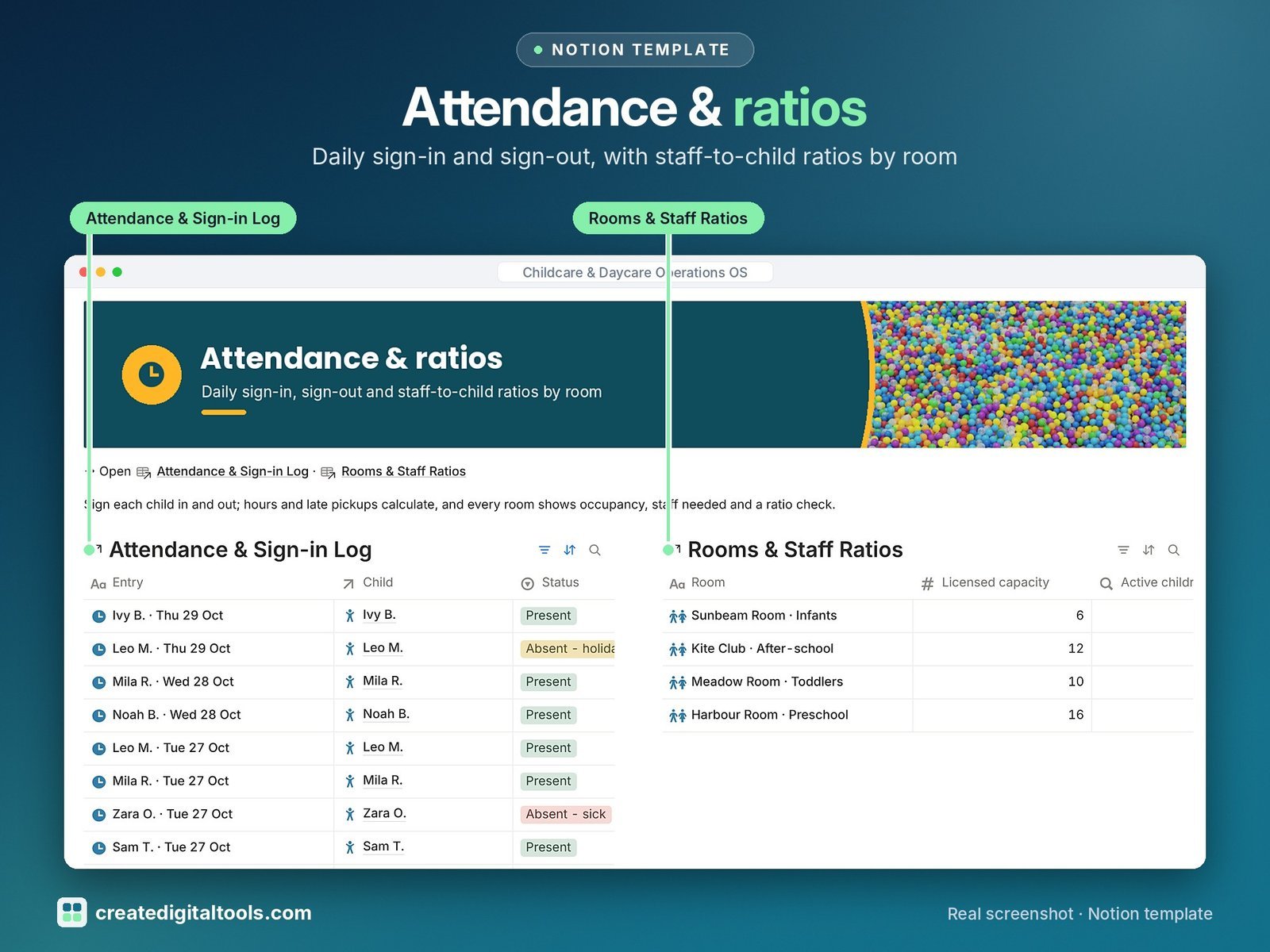
- Attendance & Sign-in Log: sign-in and sign-out times, drop-off and pickup, hours on site, late pickup flag and absences
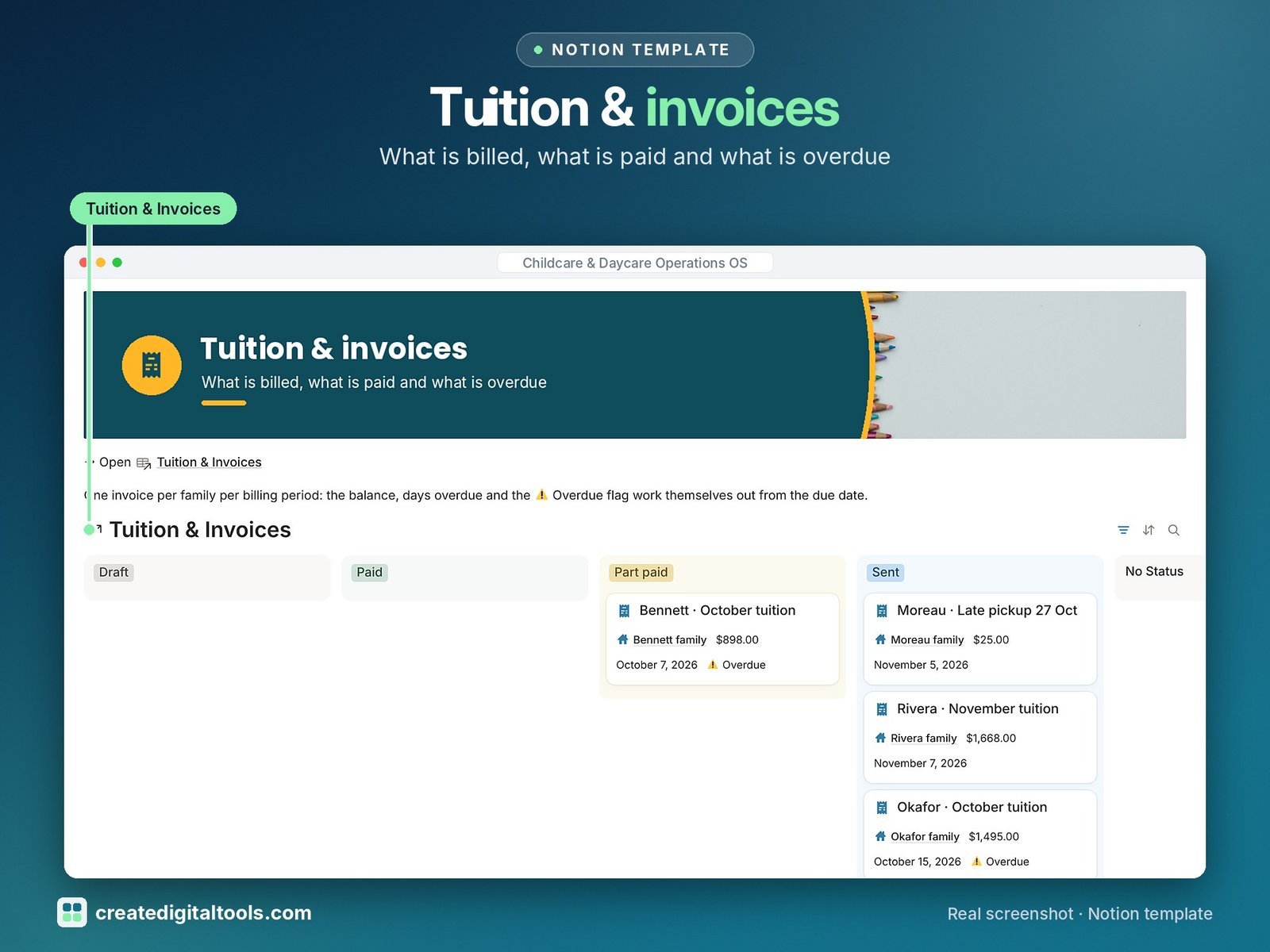
- Tuition & Invoices: invoice numbers, billing month, amount, amount paid, balance, days overdue and an Overdue flag
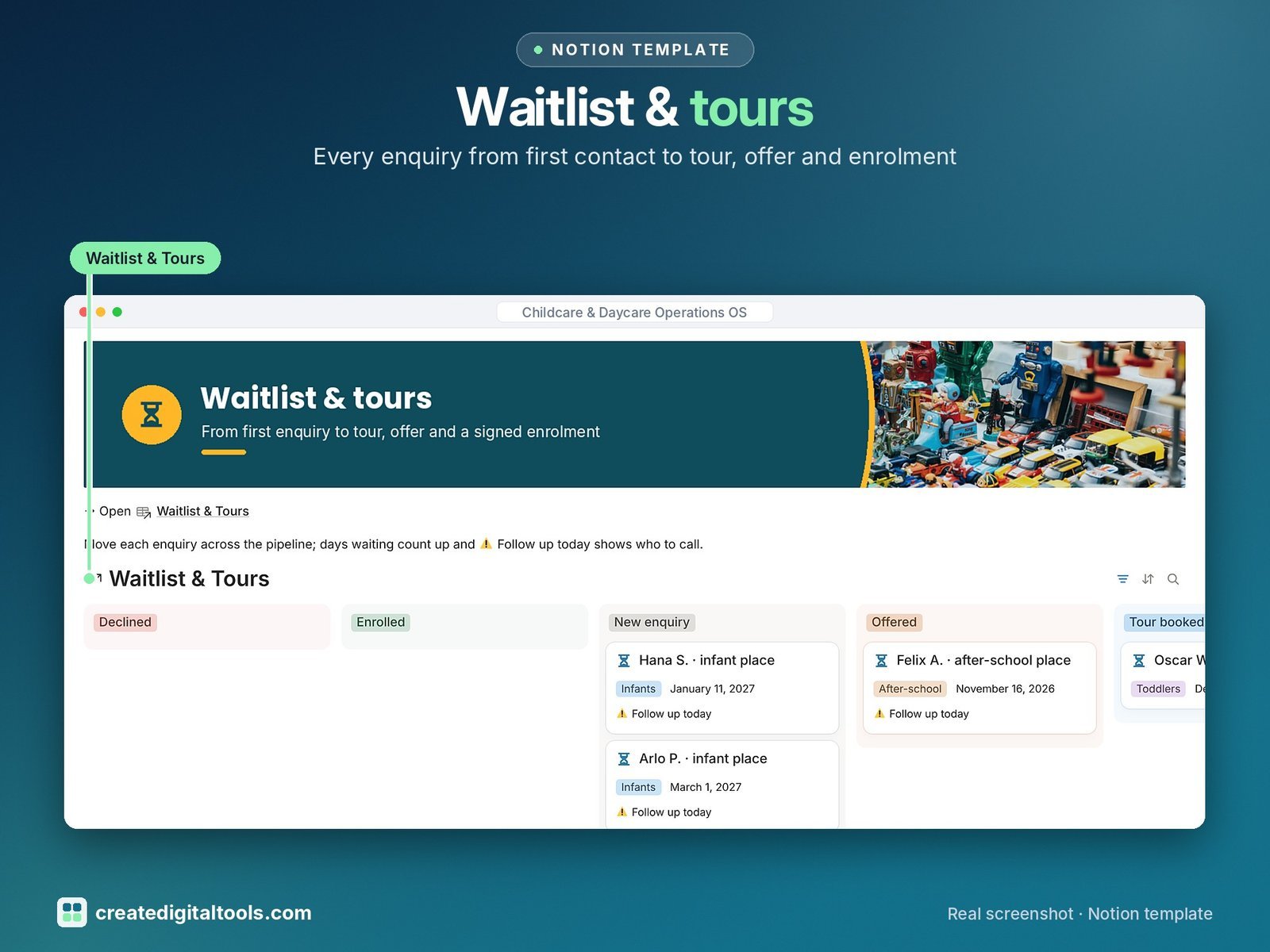
- Waitlist & Tours: every enquiry from first contact to tour, offer and enrolment, with days waiting and a follow-up reminder
- Rooms & Staff Ratios: licensed capacity, ratio, staff rostered, occupancy %, spaces free, staff needed, ratio check and monthly revenue per room
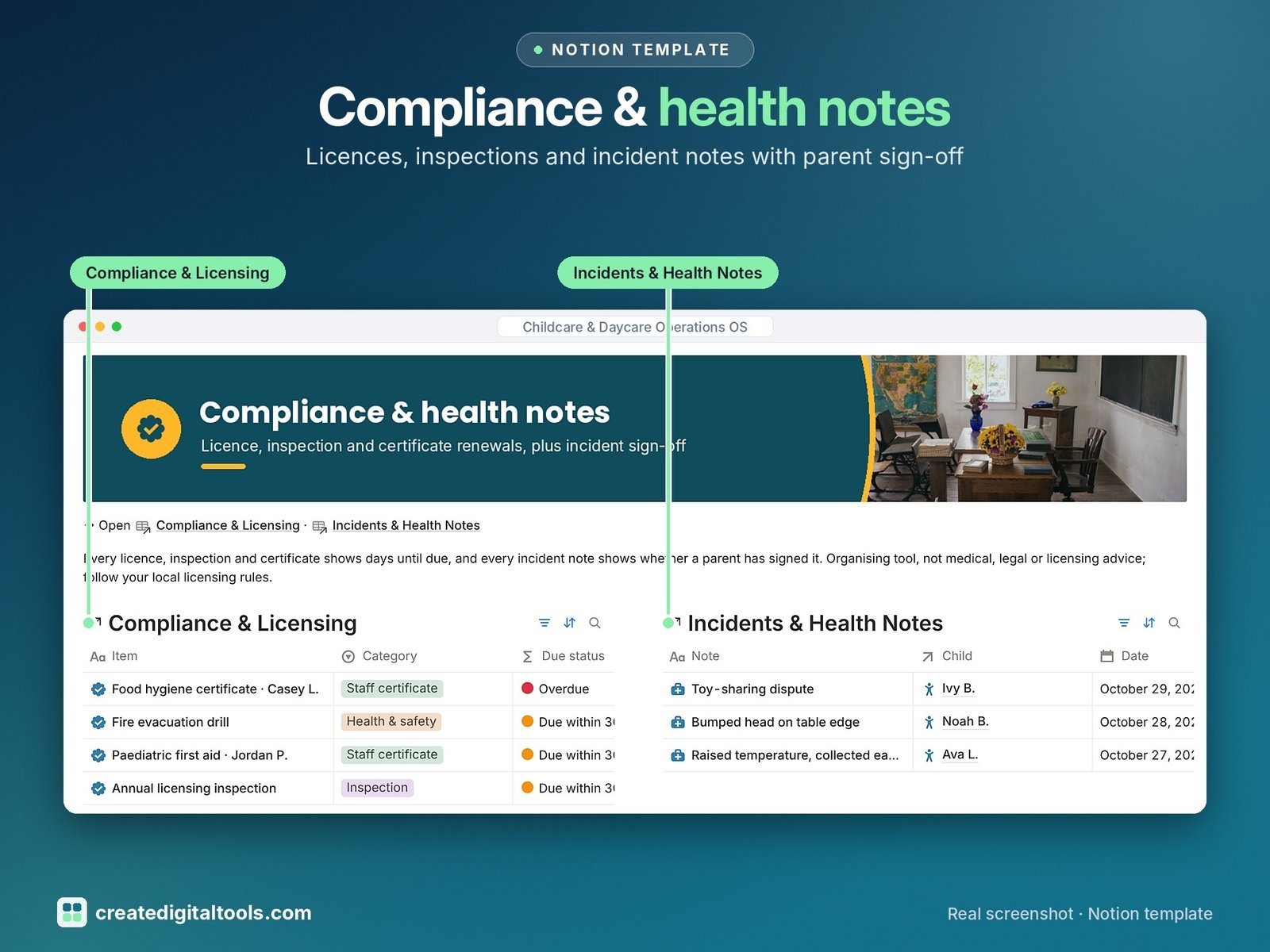
- Compliance & Licensing: licence, inspections, staff certificates, drills, insurance and policy reviews with days until due and a status
- Incidents & Health Notes: accident, illness, medication and allergy notes with parent informed and parent signed tracking
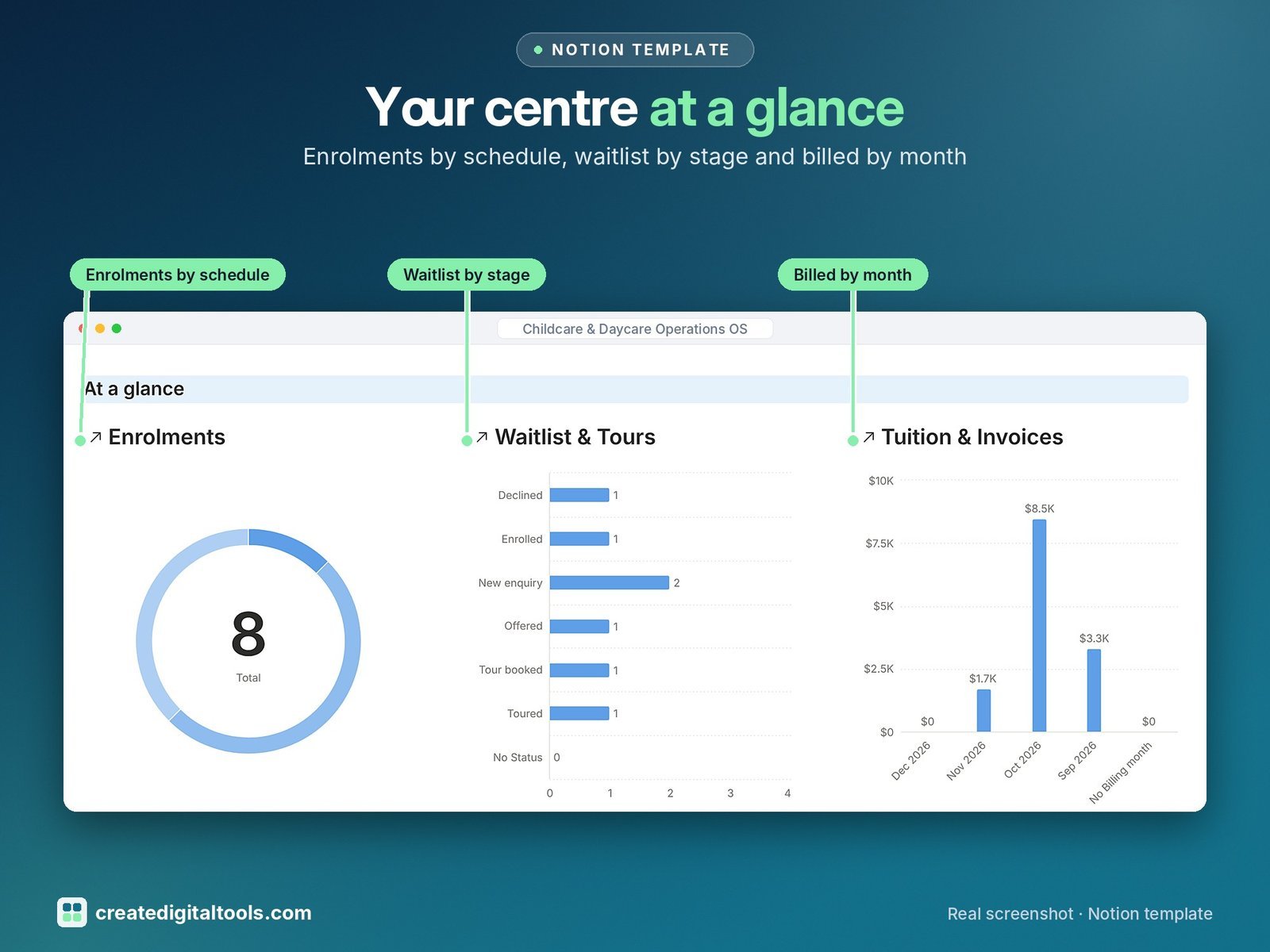
- Dashboard: three charts (enrolments by schedule, waitlist by stage, billed by month), eight photo navigation cards and five sections with live views.
- Start Here: Step-by-Step Guide inside the template, written for complete beginners
- Fictional sample data so you can see how everything connects, easy to clear
How it works
An enquiry moves from Waitlist & Tours to Enrolments; attendance, invoices and incident notes link to the enrolment and its billing contact, so balances and room occupancy update without retyping.
Built-in automations
Five automations: tour booked sets a follow-up date, Enrolled on, Paid on, Renewed on and Logged on for each new note.
Set up in 3 steps
- Open the template link in your PDF and click Duplicate to copy it into your own Notion workspace.
- Open Start Here and follow the setup: add your own details and clear the sample data when you’re ready.
- Work from the dashboard every day and use the weekly checklist in Start Here to keep everything up to date.
What you get
- The Notion template (duplicate link delivered as a PDF)
- Setup Guide PDF with a step-by-step walkthrough and FAQ
- Start Here guide inside the template
Free plan
Works on the Free Notion plan. The built-in automations are Notion database automations, which run on paid plans (Plus and up). On the Free plan they pause and you fill those dates in by hand; every database, formula and view still works. Desktop, web and the Notion mobile app.
Please note
Organising tool, not medical, legal, tax or licensing advice. Ratios, forms and record-keeping rules differ by area: follow your local licensing rules.
Digital product: nothing physical is shipped. Sample data is fictional.
Notion is a trademark of Notion Labs, Inc.; this is an independent template by Create Digital Tools (createdigitaltools.com).
New to Notion? Try it free here (affiliate link: we may earn a commission at no extra cost to you).
Also on Gumroad: Childcare & Daycare Operations OS: Notion Template
Want your own store like this one? createdigitaltools.com runs on Hostinger WordPress hosting. Start your own shop with Hostinger, or try the no-code Hostinger Website Builder.
Affiliate links: I may earn a commission at no extra cost to you.